





GoveeLife is part of Govee that offers joyful and personalized life experiences through smart home appliances and ecosystem innovations.
Since 2017, Govee has been committed to making life smarter, especially in ambient light and home appliances. As our mission expands to create better living environments, we decided to establish GoveeLife focused on smart home lineup. Through GoveeLife you’ll discover products perfect for your better living.
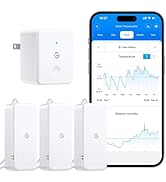
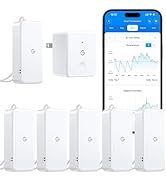
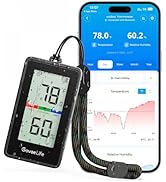
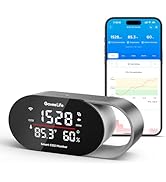
Thermometer and Hygrometer
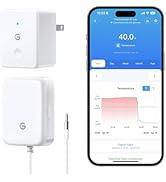
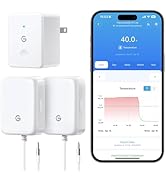
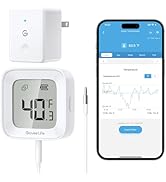
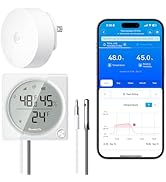
Freezer Thermometer
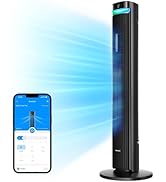
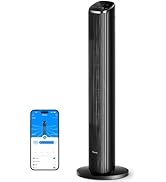
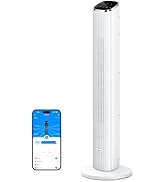
Tower Fan
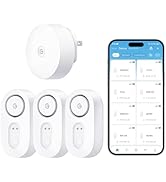
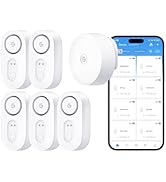
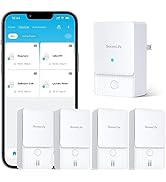
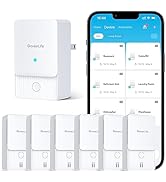
Water Leak Detector
What should I do if the product shows abnormal readings?
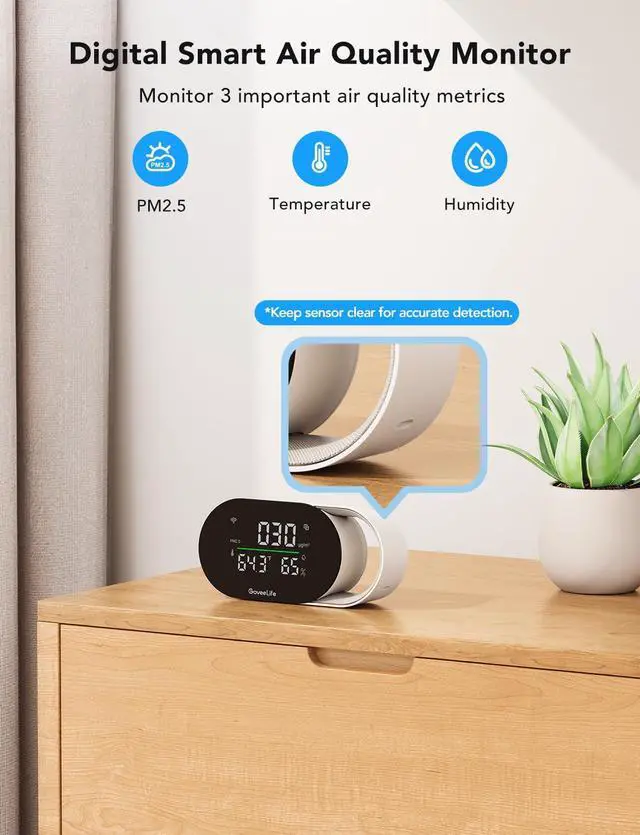
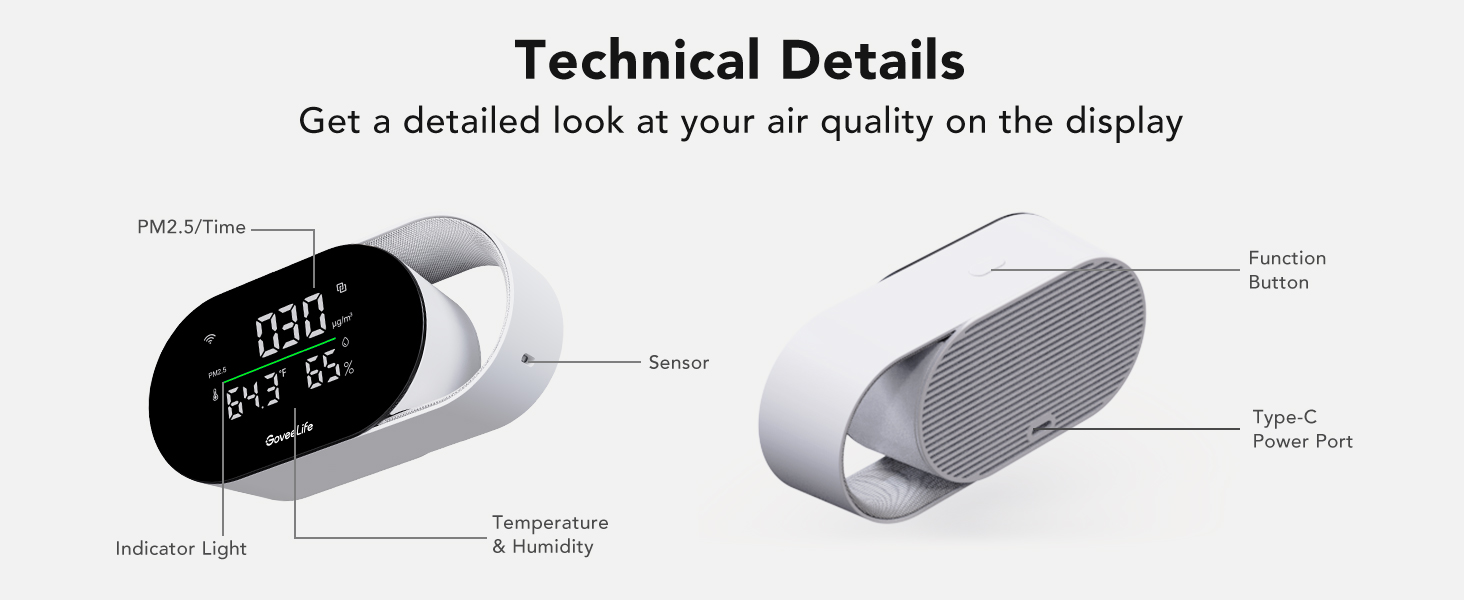
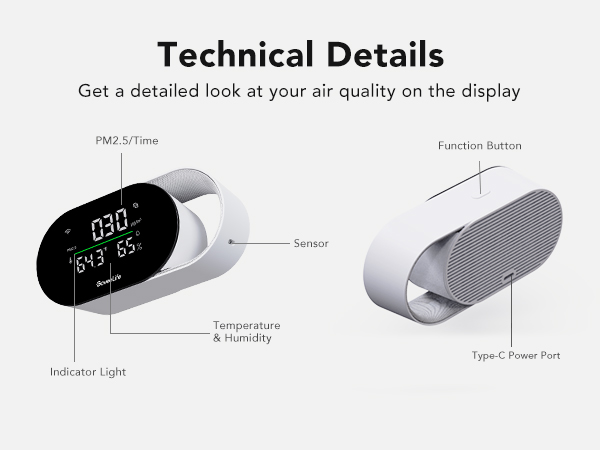
Please check if there is any obstruction (such as hair or debris) blocking the sensor under the handle. Remove any foreign objects and restart the device to restore normal operation.
What should I do if the product cannot connect to WiFi?
First, make sure the APP has been updated to the latest version, and then connect the product to 2.4G WiFiinstead of 5G WiFi.
How do I connect the product to other smart home appliances?
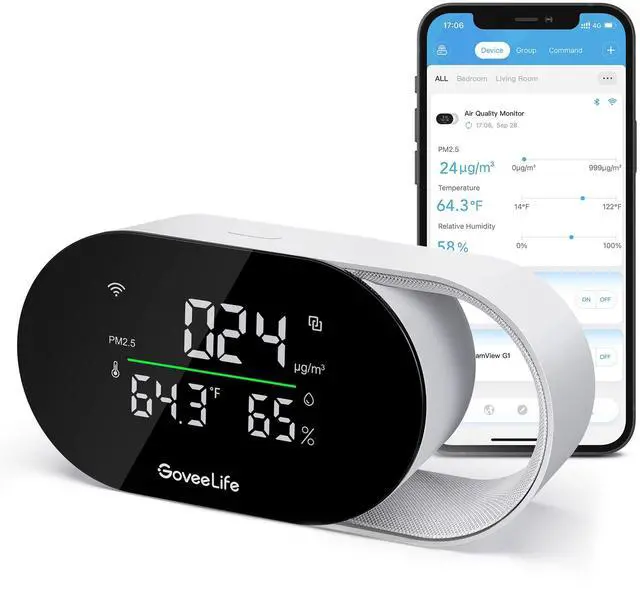
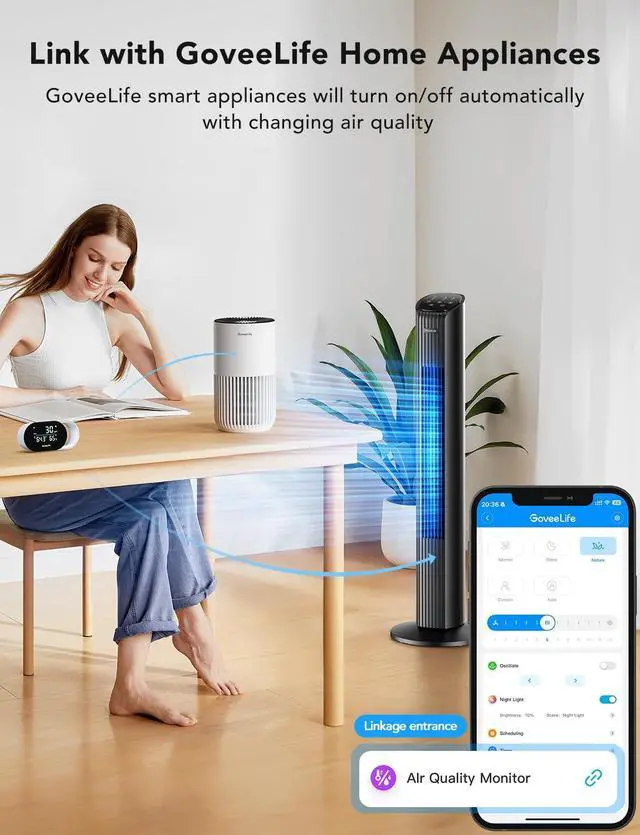
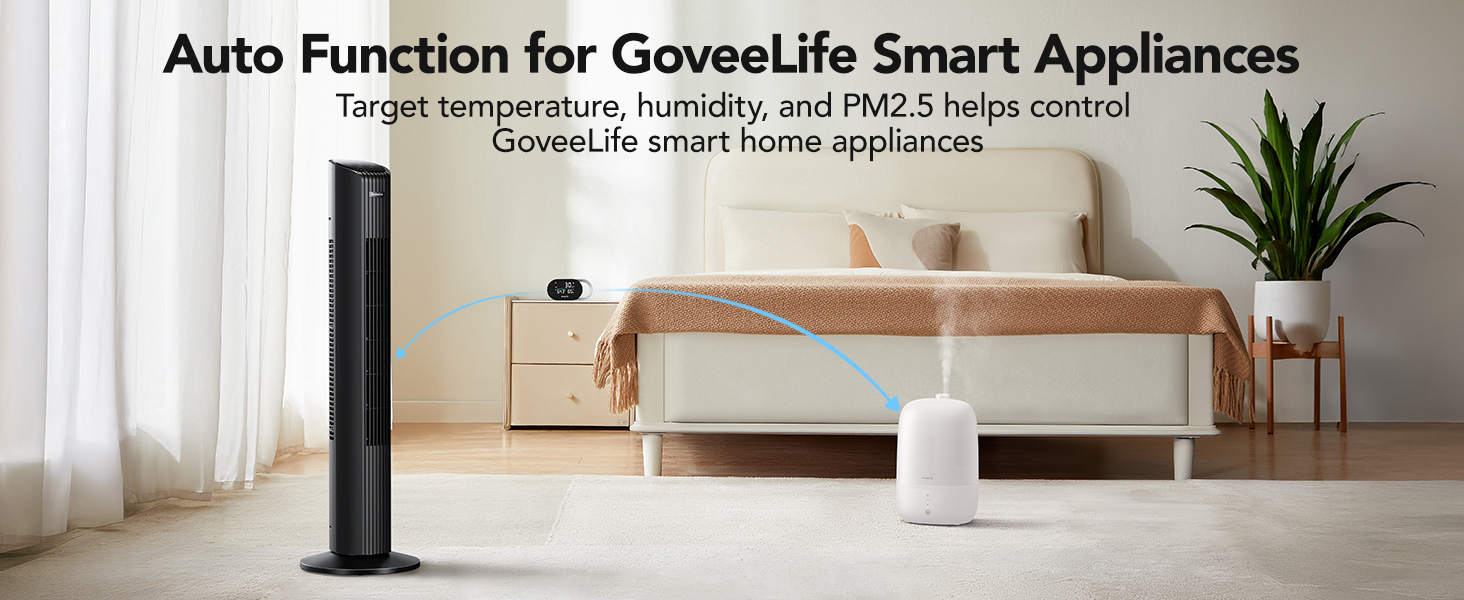
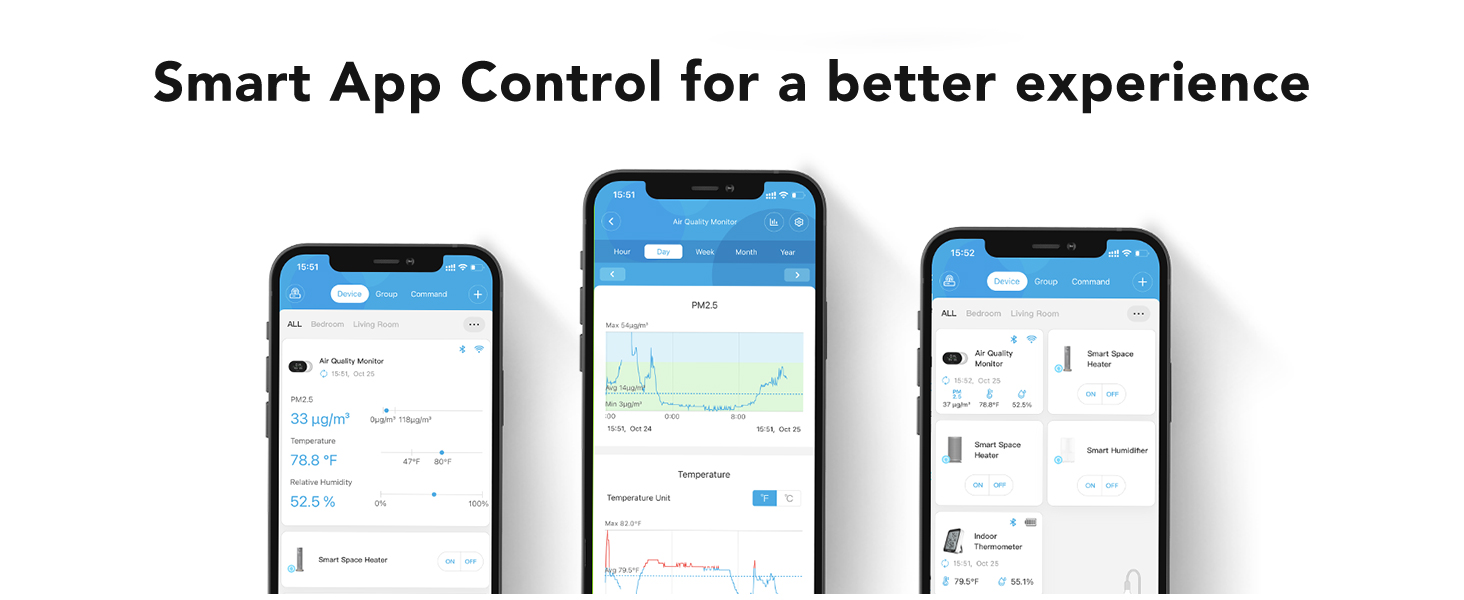
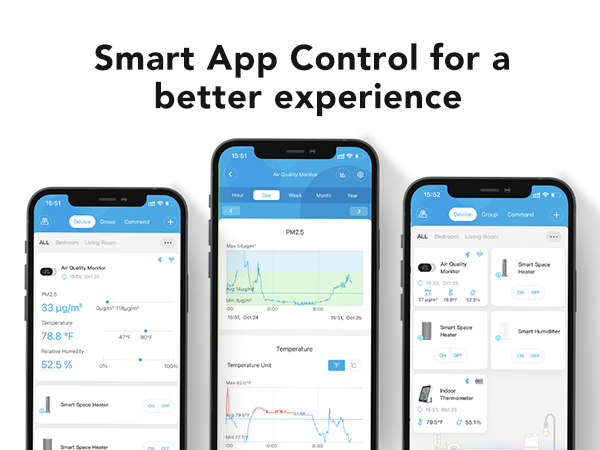
Connect this air quality monitor to other smart home devices via the app. Simply go to the device control section in the app and select "Connect" to pair them.
Why is my received product not working?
This air quality monitor requires a power connection. Please ensure the device is properly plugged into a power source.
GoveeLife is part of Govee that offers joyful and personalized life experiences through smart home appliances and ecosystem innovations.
Since 2017, Govee has been committed to making life smarter, especially in ambient light and home appliances. As our mission expands to create better living environments, we decided to establish GoveeLife focused on smart home lineup. Through GoveeLife you’ll discover products perfect for your better living.
Thermometer and Hygrometer
Freezer Thermometer
Tower Fan
Water Leak Detector
What should I do if the product shows abnormal readings?
Please check if there is any obstruction (such as hair or debris) blocking the sensor under the handle. Remove any foreign objects and restart the device to restore normal operation.
What should I do if the product cannot connect to WiFi?
First, make sure the APP has been updated to the latest version, and then connect the product to 2.4G WiFiinstead of 5G WiFi.
How do I connect the product to other smart home appliances?
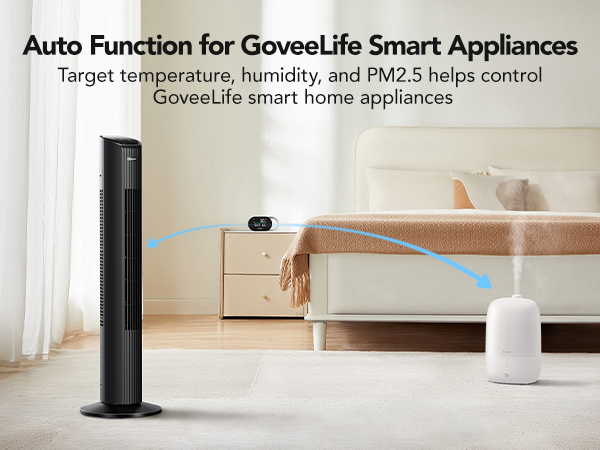
Connect this air quality monitor to other smart home devices via the app. Simply go to the device control section in the app and select "Connect" to pair them.
Why is my received product not working?
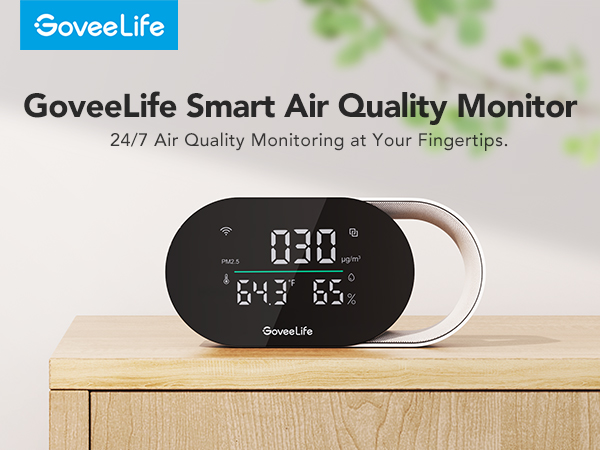
This air quality monitor requires a power connection. Please ensure the device is properly plugged into a power source.