

Your Browsing History
- Free 30-day Returns
$149.99

Meet Your Seller

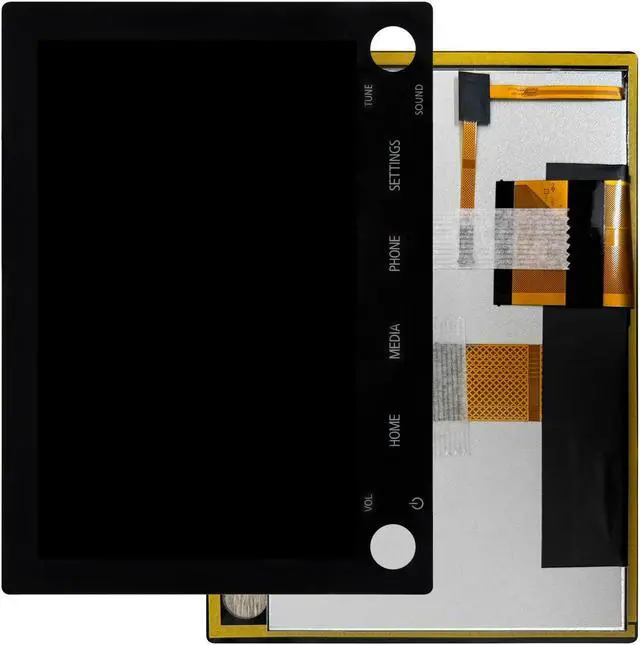
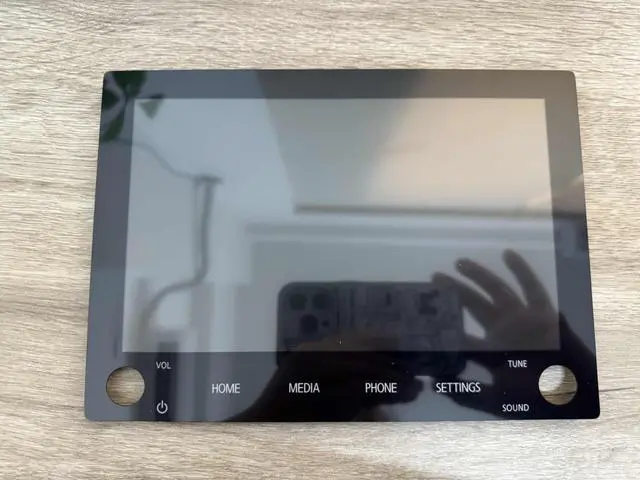
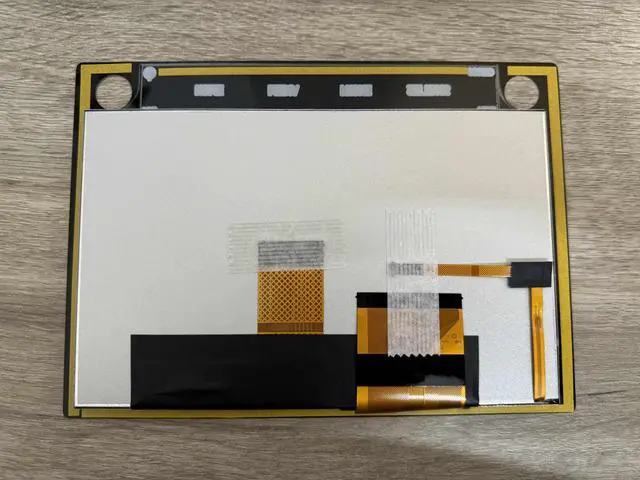
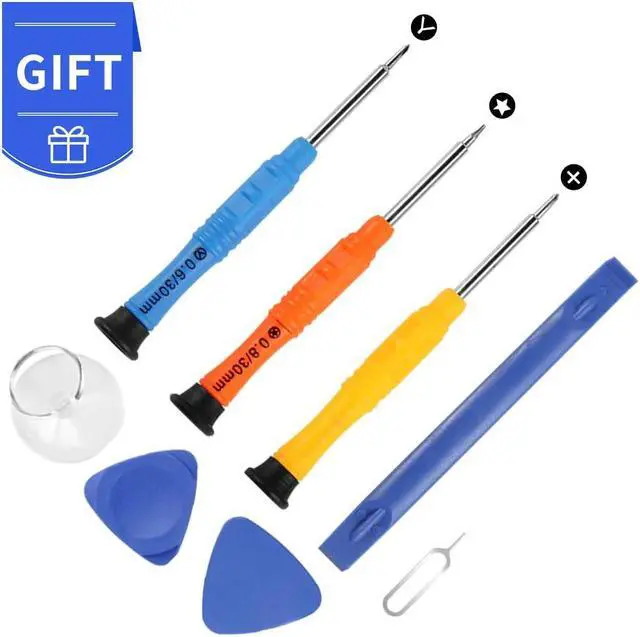


LCD Screen 8740A076 8740A130 8740A040 Display for Mitsubishi Outlander Sport 2019-2022 8" LCD Monitor Touch Screen Digitizer Assembly for 2 Knobs Screen Replacement Kit
- CompatibilityLCD Screen 8740A076 8740A130 8740A040 Display for Mitsubishi Outlander Sport 2019-2022 8" LCD Monitor Touch Screen Digitizer Assembly for 2 KNOBS Screen Replacement Kit. Before purchasing, please ensure to verify your model to prevent unnecessary inconveniences
- Perfect Replacementfor Mitsubishi Outlander Sport 2019 2020 2021 2022 No. 8740A130, 8740A076, 8740A040 lcd screen replacement, This may be an excellent solution for damage to the original parts. Our products can provide you with an experience comparable to the original parts
- Top-Quality Assurance Each for Mitsubishi Outlander Sport 2019 2020 2021 2022 No. 8740A130, 8740A076, 8740A040 lcd touch screen undergoes strict quality control to ensure it is flawless before shipment. We guarantee no scratches, dead zones, or pixel issues, adhering to the A+ quality standard
- Worry-Free GuaranteeAll for Mitsubishi Outlander Sport 2019 2020 2021 2022 No. 8740A130, 8740A076, 8740A040 lcd display replace
+
+
Overview
Specs
Reviews

Any questions? Our AI beta will help you find out quickly.
Try me now
PLEASE NOTE:
LCD Screen 8740A076 8740A130 8740A040 Display for Mitsubishi Outlander Sport 2019-2022 8" LCD Monitor Touch Screen Digitizer Assembly for 2 KNOBS Screen Replacement Kit
Installation:
Here are some tips during installation:
1. Please disconnect the battery flex cable from the device before installing the
new screen. Failure to do will result in the screen not turning on.
2. Do not apply pressure to the corners of the LCD panel.
3. The screws are all different lengths, make sure they are reinstalled back into its original location.
4. Please check the LCD and make sure the flex cable is in good condition and there is no debris on the connector.
5. Be gentle to the flex cable connectors when removing and installing them. DO NOT over-bend or use excessive force which can tear the flex cable.
Problem Solution:
If problems occur after installation,
for example: cannot turn on, no touch, no home button function, flashing, lines on screen etc.
Please make sure flex cable connectors are properly connected to the logicboard and
double check all flex cables is in good condition. Then turn off and on the tablet.
Package Include: 1 x LCD Replacement Kit
LCD Screen 8740A076 8740A130 8740A040 Display for Mitsubishi Outlander Sport 2019-2022 8" LCD Monitor Touch Screen Digitizer Assembly for 2 KNOBS Screen Replacement Kit
Installation:
Here are some tips during installation:
1. Please disconnect the battery flex cable from the device before installing the
new screen. Failure to do will result in the screen not turning on.
2. Do not apply pressure to the corners of the LCD panel.
3. The screws are all different lengths, make sure they are reinstalled back into its original location.
4. Please check the LCD and make sure the flex cable is in good condition and there is no debris on the connector.
5. Be gentle to the flex cable connectors when removing and installing them. DO NOT over-bend or use excessive force which can tear the flex cable.
Problem Solution:
If problems occur after installation,
for example: cannot turn on, no touch, no home button function, flashing, lines on screen etc.
Please make sure flex cable connectors are properly connected to the logicboard and
double check all flex cables is in good condition. Then turn off and on the tablet.
Package Include: 1 x LCD Replacement Kit
Warranty & Returns
Warranty, Returns, And Additional Information
Warranty
- Please contact the Seller directly for warranty information. Warranty information may also be found on the Manufacturer's website.
- CONTACT
Return Policies
- Return for refund within: 30 days
- Return for replacement within: 30 days
- This item is covered by To the Internet media Return Policy
Manufacturer Contact Info
- For a directory of all our manufacturers, please click below.
- Manufacturers Directory
LOADING...