

Your Browsing History

Meet Your Seller




USB-C to Gigabit Ethernet Adapter with 3-Port USB 3.0 Hub, 1000Mbps RJ45 LAN Network Dongle for MacBook Pro/Air, iPad Pro & Windows Laptops
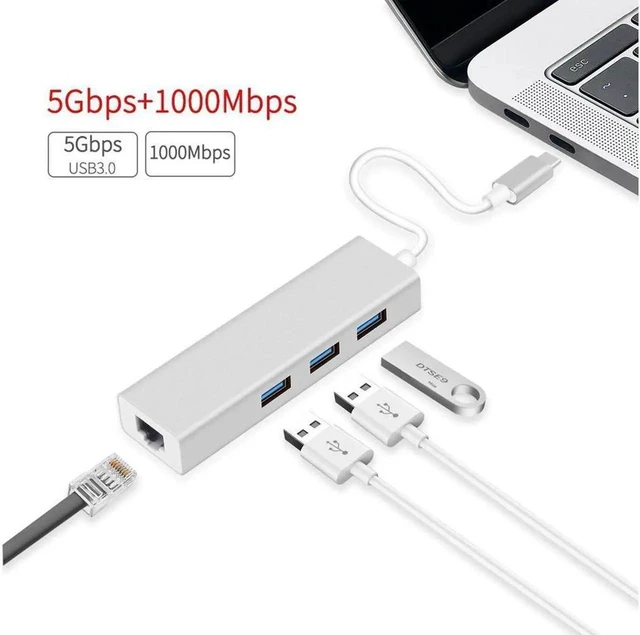
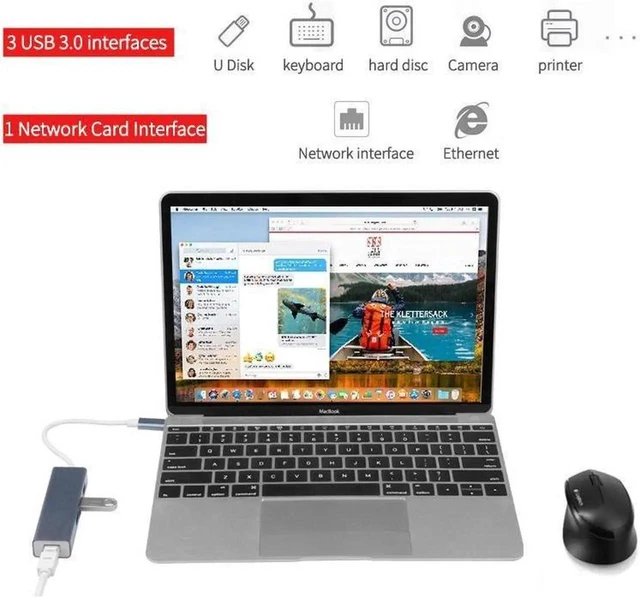
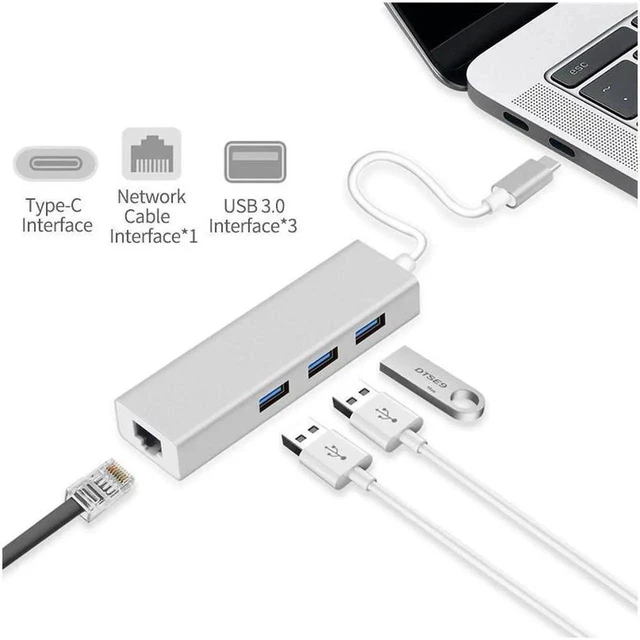
- EXPAND ONE USB-C PORT Add three USB 3.0 ports and one RJ45 Gigabit Ethernet port to a compatible USB-C laptop or tablet, providing convenient wired networking and peripheral connectivity through one compact adapter.
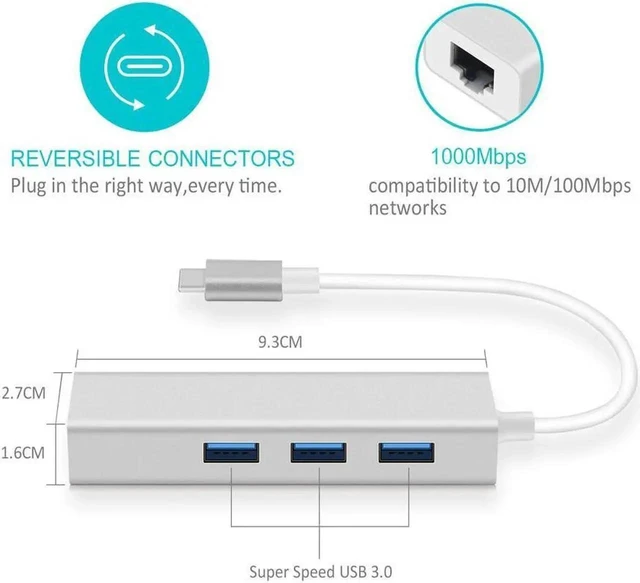
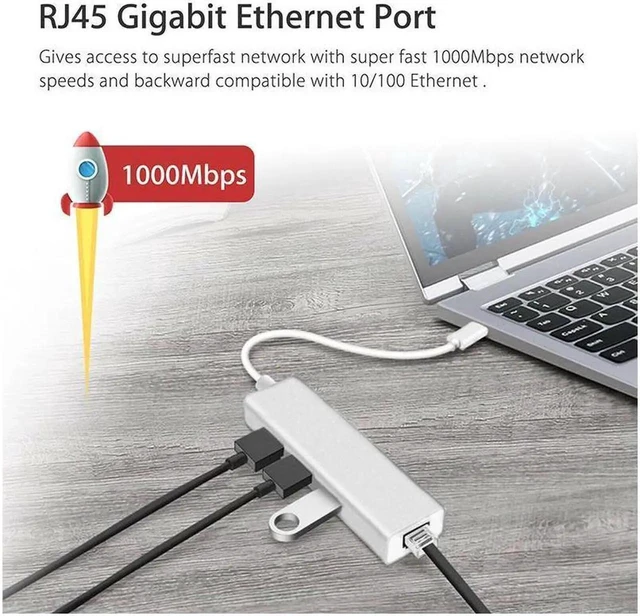
- UP TO 1000MBPS ETHERNET The RJ45 LAN port supports 10/100/1000Mbps network speeds, giving compatible devices a stable wired connection for office work, video calls, downloads and other bandwidth-intensive tasks.
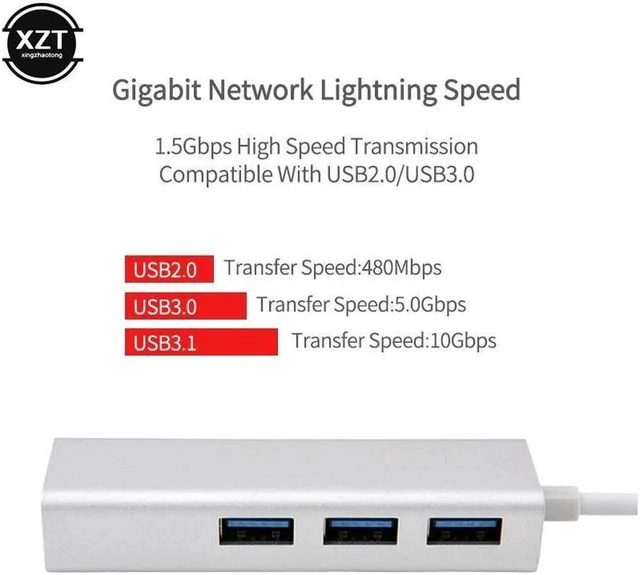
- THREE 5GBPS USB 3.0 PORTS Connect a mouse, keyboard, external hard drive or USB flash drive while transferring compatible data at speeds up to 5Gbps; backward compatible with USB 2.0 devices.
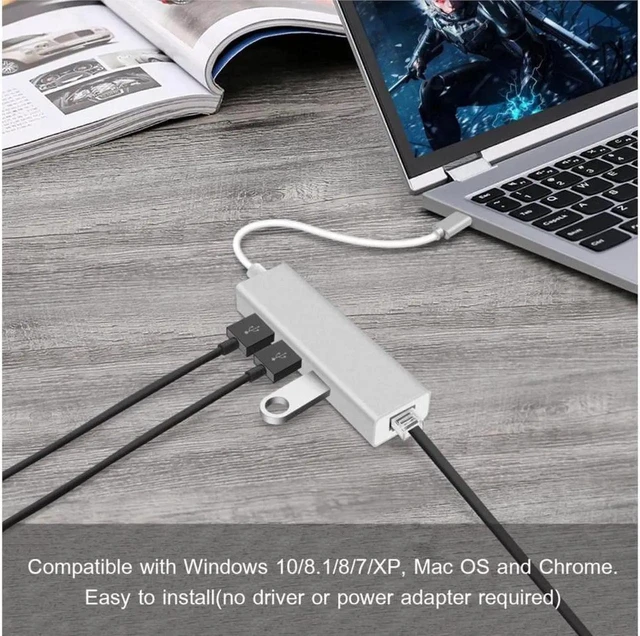
- PLUG-AND-PLAY SETUP Connect the USB-C adapter to your device, insert an Ethernet cable and attach USB peripherals without installing a separate driver under supported operating systems.
- BROAD USB-C DEVICE SUPPORT Compatible with listed MacBook Pro, MacBook Air, iMac, iPad Pro, Surface, Chromebook, Lenovo Yoga, ThinkPad and Dell XPS or Precision models equipped with a compatible USB-C port.
+
+
Overview
Specs
Reviews

Any questions? Our AI mode will help you find out quickly.
Try me now
USB-C Gigabit Ethernet Adapter with 3-Port USB 3.0 Hub
USB-C to Gigabit Ethernet Adapter combines a 1000Mbps RJ45 LAN connection and a 3-port USB 3.0 hub in one compact accessory. It is designed for compatible USB-C laptops and tablets that need reliable wired networking plus additional ports for everyday peripherals.
Wired Gigabit Networking
Connect an Ethernet cable to access 10/100/1000Mbps networks. A wired connection is useful for office work, video conferences, large downloads and environments where Wi-Fi may be unavailable or inconsistent.
Three USB 3.0 Ports
Expand one compatible USB-C port into three USB 3.0 connections. Attach a mouse, keyboard, external hard drive or USB flash drive and transfer compatible data at up to 5Gbps. The hub also supports backward compatibility with USB 2.0 devices.
Simple Connection
Insert the adapter into a compatible USB-C device, connect an RJ45 Ethernet cable and add your USB peripherals. No separate driver installation is required under supported operating systems.
Key Specifications
- Host connector: USB-C
- Network interface: RJ45 Ethernet
- Supported Ethernet rates: 10/100/1000Mbps
- USB expansion: 3 USB 3.0 ports
- USB data-transfer rate: Up to 5Gbps with compatible devices
- USB backward compatibility: USB 2.0
Listed Compatibility
- MacBook Pro models from 2016-2018; MacBook Air 13-inch 2018
- iMac Pro; iMac 2017; Mac mini 2018; MacBook 2015-2017
- iPad Pro 11-inch 2018 and iPad Pro 12.9-inch 2018
- Surface Book 2, Surface Go and Chromebook Pixel
- Lenovo Yoga 900/920, Yoga 720 and ThinkPad P50/P70
- Dell XPS 15 9550/9560, XPS 13 9350/9360/9370, XPS 12 2-in-1 9250 and Precision 5510
Compatibility note: Compatibility depends on the device's USB-C port capabilities and operating-system support. This adapter does not include a video output.
Frequently Asked Questions
Does this USB-C adapter support Gigabit Ethernet?
Yes. Its RJ45 port supports 10/100/1000Mbps Ethernet when connected to compatible equipment and network service.
How many USB devices can I connect?
The integrated hub provides three USB 3.0 ports for compatible peripherals such as a keyboard, mouse, external hard drive or USB flash drive.
What is the maximum USB transfer speed?
The USB 3.0 ports support data-transfer rates up to 5Gbps with compatible devices and cables.
Does the adapter require a driver?
No separate driver installation is required under supported operating systems; connect the USB-C plug, Ethernet cable and desired USB peripherals.
Warranty & Returns
Warranty, Returns, And Additional Information
Warranty
- Please contact the Seller directly for warranty information. Warranty information may also be found on the Manufacturer's website.
- CONTACT
Return Policies
- Return for refund within: 30 days
- Return for replacement within: non-replaceable
- This item is covered by GeekSpace Return Policy
Manufacturer Contact Info
- For a directory of all our manufacturers, please click below.
- Manufacturers Directory
LOADING...