

Your Browsing History


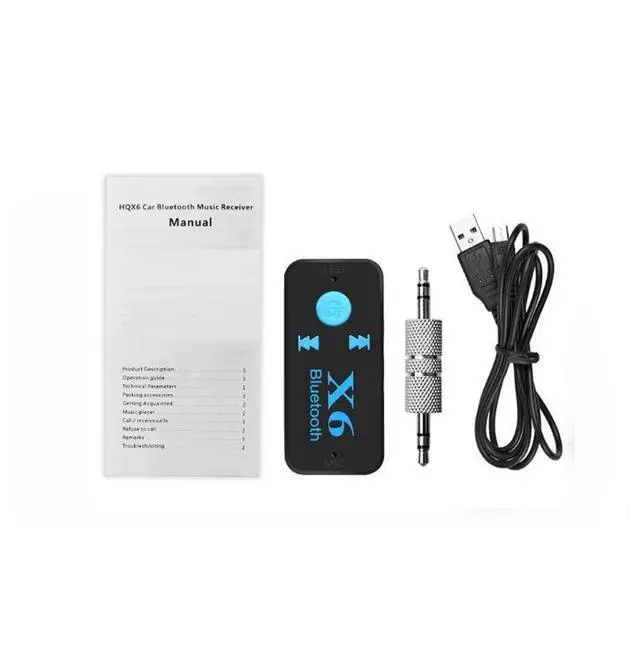


X6 In-car Bluetooth Audio Receiver, Car Bluetooth Transmitter, 3.5mm AUX Converter
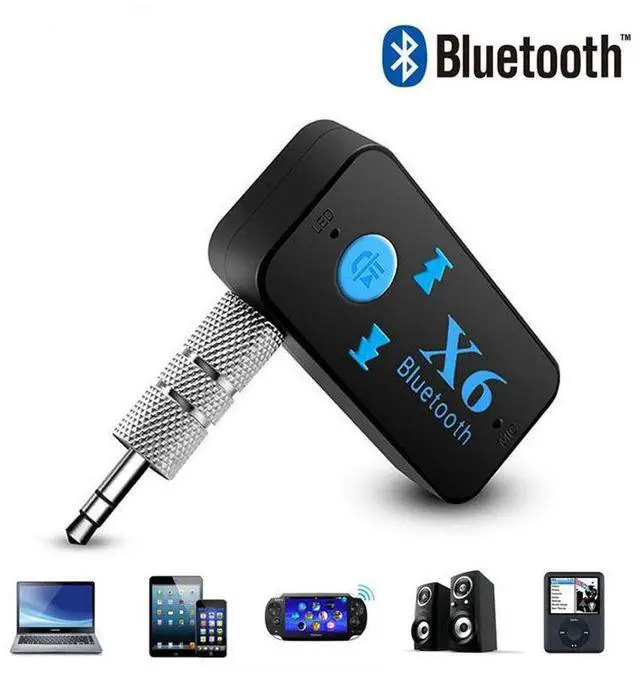
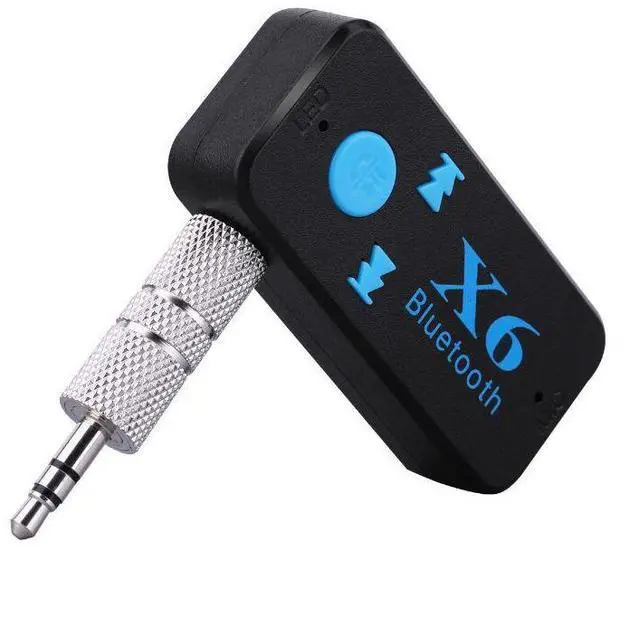
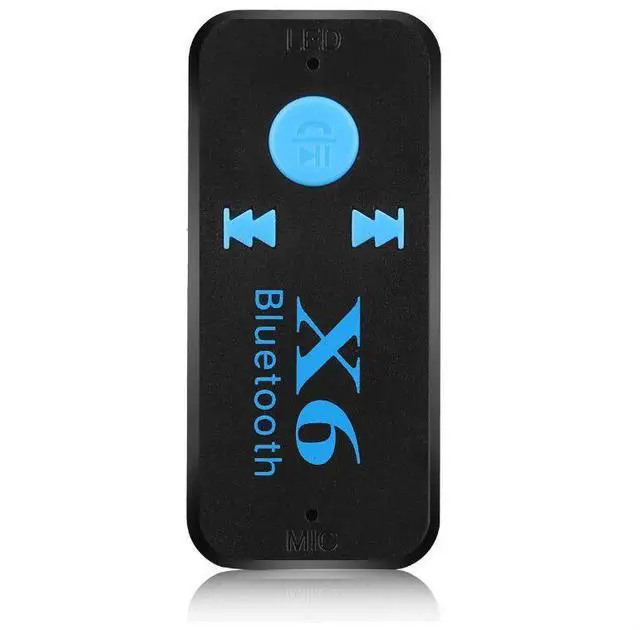
- Thexbin-carbletooth music recewerhands ree isahgh-tech wireles propucthatcan recewe musictrom mobilephones, fcaros ordevices withbluetooth unctonally.his musicreceivercan be used with almost any audio receiverthat has an input plugreceivethemusicfromvoursmartphone and MP3 plaverand enioyitthrough speakersCUCITCCaTCPUIesat homeorinthe car. Enjoythe carmusit and cal solution,usingyoursmartphoneto make cal and enjoymusicthroughthe caraudio system.Mlakehands-fe cals, enjoythe music stored inthe phone,and even play lntemet radio with justa single pres. This productcomeswithan embedded echo cancelation microphone,alowingyou to easly switch between music and cas witjust one button.
- Operation Guide:
- Step 1: Turn on the power switch, The indicator light (blue and red) ofthe Bluetooth receiver flashes, indicatingthat it is ready for pairingStep 2: The Bluetooth receiver is connected to the speaker via a 3.5mm audio cable.Step3: 0pen the Bluetooth setings on yoursmartphone, search for"%6",and cli
+
+
Overview
Specs
Reviews

Any questions? Our AI beta will help you find out quickly.
Try me now
Thexbin-carbletooth music recewerhands ree isahgh-tech wireles propucthatcan recewe musictrom mobilephones, fcaros ordevices withbluetooth unctonally. his musicreceivercan be used with almost any audio receiverthat has an input plugreceivethemusicfromvoursmartphone and MP3 plaverand enioyitthrough speakersCUCITCCaTCPUIesat homeorinthe car. Enjoythe carmusit and cal solution, usingyoursmartphoneto make cal and enjoymusicthroughthe caraudio system. Mlakehands-fe cals, enjoythe music stored inthe phone, and even play lntemet radio with justa single pres. This productcomeswithan embedded echo cancelation microphone, alowingyou to easly switch between music and cas witjust one button.
Operation Guide:
Step 1: Turn on the power switch, The indicator light (blue and red) ofthe Bluetooth receiver flashes, indicatingthat it is ready for pairingStep 2: The Bluetooth receiver is connected to the speaker via a 3.5 mm audio cable. Step 3: 0 pen the Bluetooth setings on yoursmartphone, search for"%6", and clickon "start Paining". 0nce the paining isucesful, the Bluetothindicator lightwilremain on in bluel
Operation Guide:
Step 1: Turn on the power switch, The indicator light (blue and red) ofthe Bluetooth receiver flashes, indicatingthat it is ready for pairingStep 2: The Bluetooth receiver is connected to the speaker via a 3.5 mm audio cable. Step 3: 0 pen the Bluetooth setings on yoursmartphone, search for"%6", and clickon "start Paining". 0nce the paining isucesful, the Bluetothindicator lightwilremain on in bluel
Warranty & Returns
Warranty, Returns, And Additional Information
Warranty
- Please contact the Seller directly for warranty information. Warranty information may also be found on the Manufacturer's website.
- CONTACT
Return Policies
- Return for refund within: 30 days
- Return for replacement within: 30 days
- This item is covered by NovaStar Tech Return Policy
Manufacturer Contact Info
- For a directory of all our manufacturers, please click below.
- Manufacturers Directory
LOADING...