





With innovation, durability, and modern design at our core, Fanttik offers solutions that turn ordinary tasks into fantastic experiences.
Fanttik specializes in car and home improvement tools to make everyday tasks simpler and more efficient. FanttikOutdoor provides outdoor gear for family adventures. Fanttik Solo makes your life more enjoyable with personal style care products. FanttikRide explores fun and engaging ride toys for kids.

Fanttik Screwdriver Series
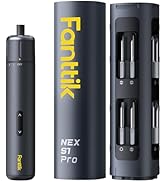
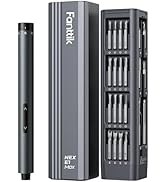
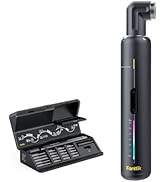
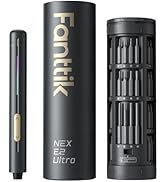
Best Partner Screwdrivers




Compressed Air Dusters


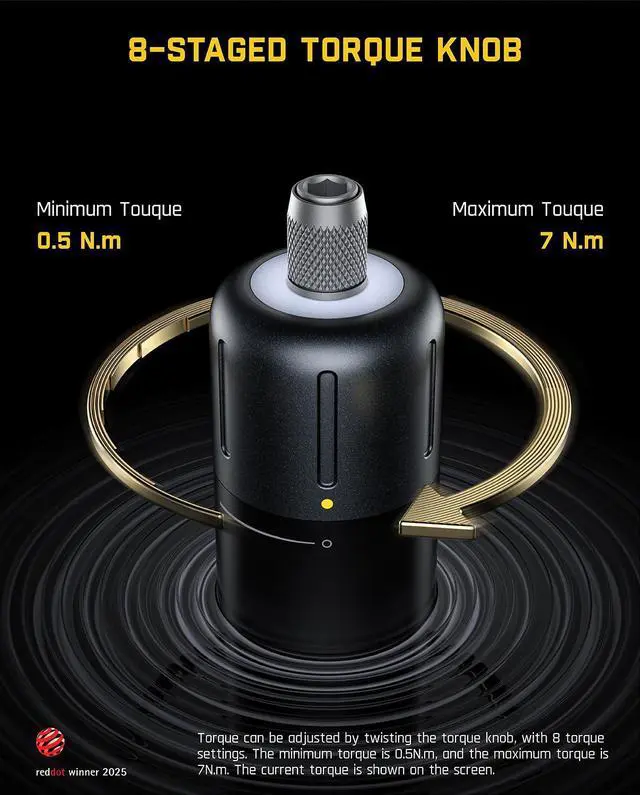
How to adjust torque settings?
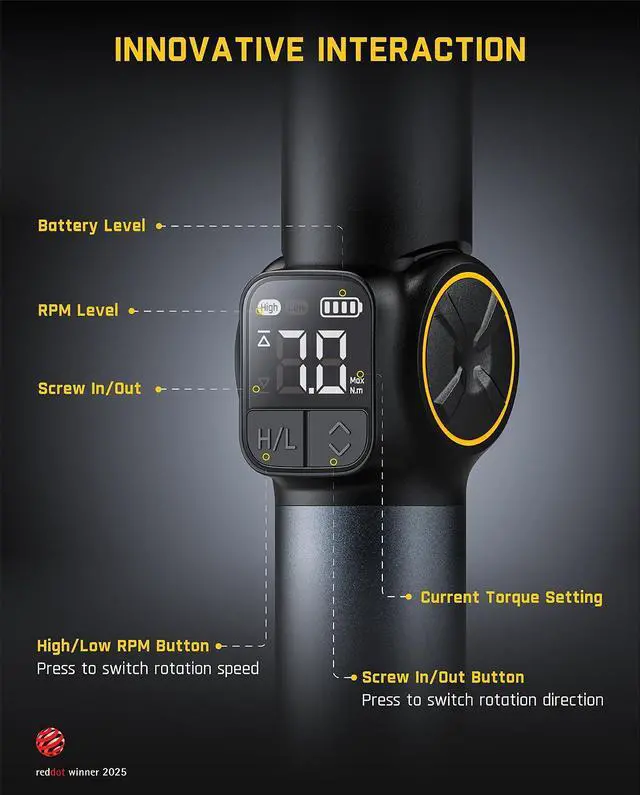
We can increase or decrease the torque of the machine by rotating the Mechanical Rotary Knob on the head to adapt to different usage scenarios. While rotating, the specific torque value will be displayed on the LED screen.
How is the screw direction adjusted and displayed?
The screw direction can be adjusted using physical buttons on the screen. When "screwed in", the arrow on the screen points up; when "screw out", it points down.
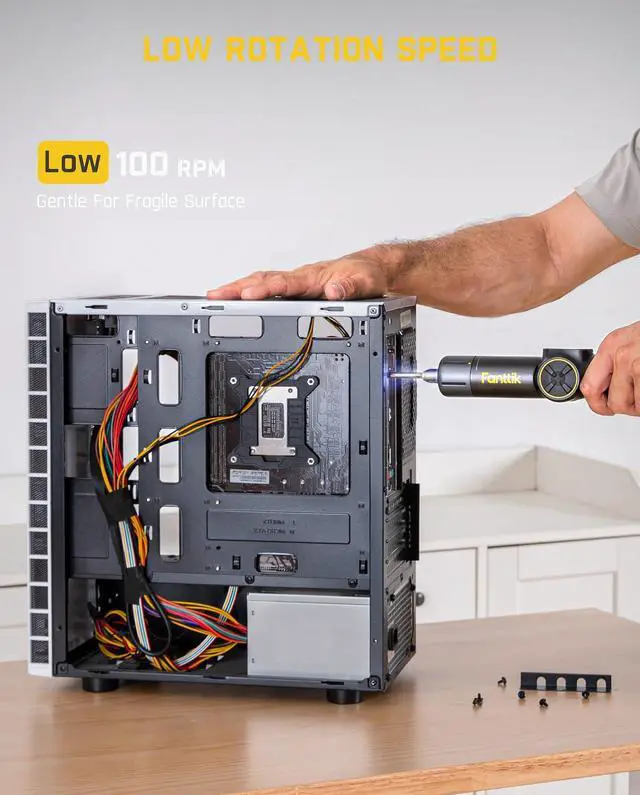
How is the rotation speed adjusted and displayed?
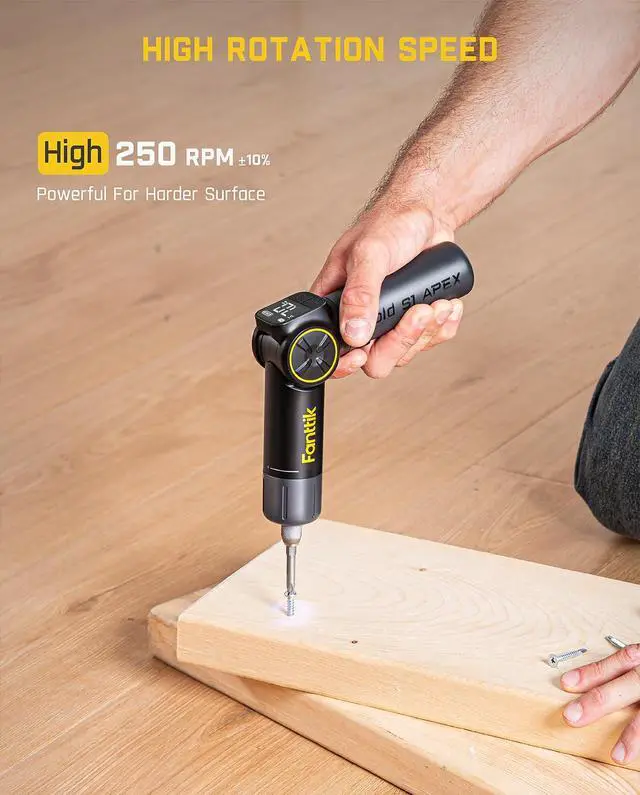
Two speeds can be selected and adjusted via physical buttons integrated into the screen. When the speed is low, the screen displays "Low", when the speed is high, the screen displays "High"
How to adjust the angle of the handle?
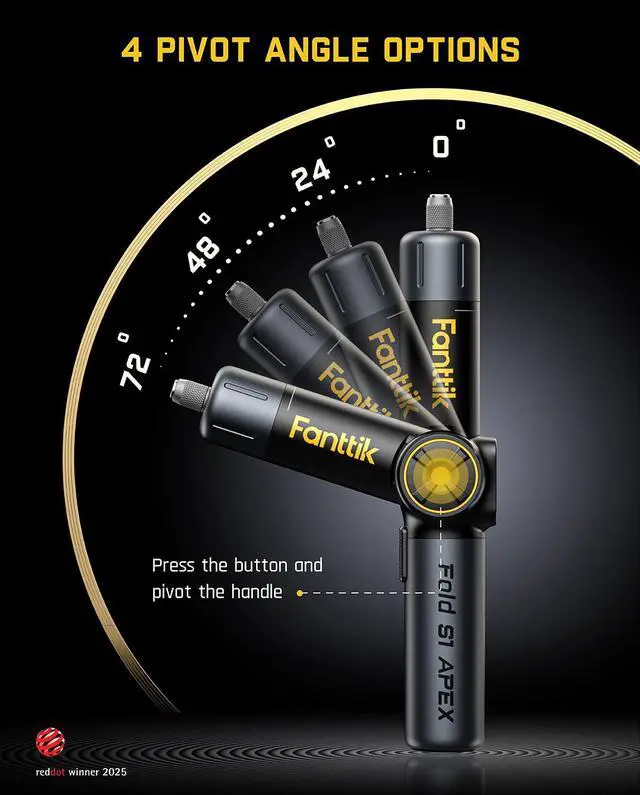
There are four angles (0° / 24° / 48° / 72°) to choose from. Adjust by pressing the button at the middle link and turning the handle.
Fanttik Cordless Screwdriver Comparison
 Fold S1 APEX-Basic Ed. | 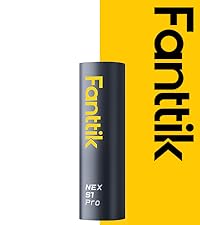 NEX S1 Pro |  NEX S1 Capsule | 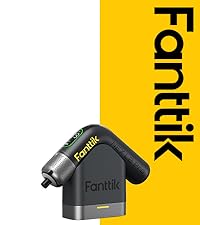 NEX L2 Pro | 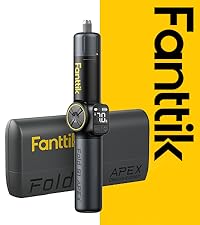 S1 APEX -Deluxe |  NEX S2 Pro |  NEX L1 Pro | |
|---|---|---|---|---|---|---|---|
Customer Reviews | — | — | — | — | — | — | — |
Price | — | — | — | — | — | — | — |
Torque Settings | 8 Settings, Max.7 N.m | 3 Settings, Max. 6 N.m | 1 Setting, Max 5 N.m | 7 Settings, Max 6 N.m | 8 Settings, Max.7 N.m | 7 Settings, Max.6 N.m | 6 Settings, Max. 6 N.m |
Rotation Speed | Low :100 RPM / High: 250 RPM | 220 RPM | 320 RPM | 250 RPM | 250 RPM | 250 RPM | 220 RPM |
Torque Adjustment Method | Mechanical Rotary Knob | Mechanical Rotary Knob | / | Mechanical Rotary Knob | Mechanical Rotary Knob | Mechanical Rotary Knob | Electronic Button |
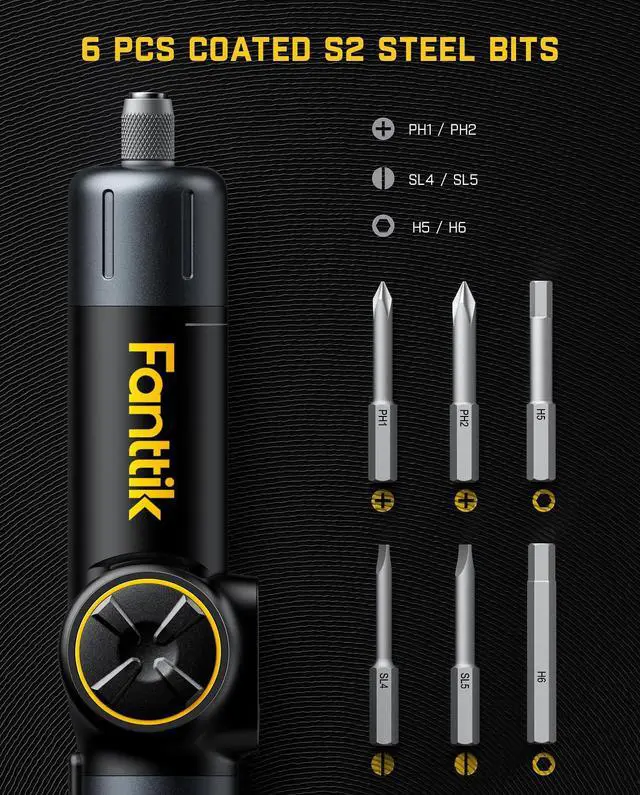
S2 Magnetic Bits (1/4''Hex) | 6 Bits | 16 Bits | 5 Pcs Double-ended Bits | 20 Bits | 20 Bits | 20 Bits | 14 Bits+1 Bit Holder |
Battery Capacity | 2500 mAh | 2000 mAh | 800 mAH | 2000 mAh | 2500 mAh | 2000 mAh | 2000 mAh |
Storage Type | No Storage Box | Aluminum Alloy Magnetic Case | Magnetic Storage Cap | Magnetic Storage Stand | Premium Magnetic Storage Box | Premium Magnetic Storage Box | PC-ABS Storage Box |
Pivotable | ? | ? | ? | ? | ? | ? | ? |
LED Light | ? | ? | ? | ? | ? | ? | ? |
With innovation, durability, and modern design at our core, Fanttik offers solutions that turn ordinary tasks into fantastic experiences.
Fanttik specializes in car and home improvement tools to make everyday tasks simpler and more efficient. FanttikOutdoor provides outdoor gear for family adventures. Fanttik Solo makes your life more enjoyable with personal style care products. FanttikRide explores fun and engaging ride toys for kids.
Fanttik Screwdriver Series
Best Partner Screwdrivers
Compressed Air Dusters


Using Scenarios Presentation


Technical Specifications


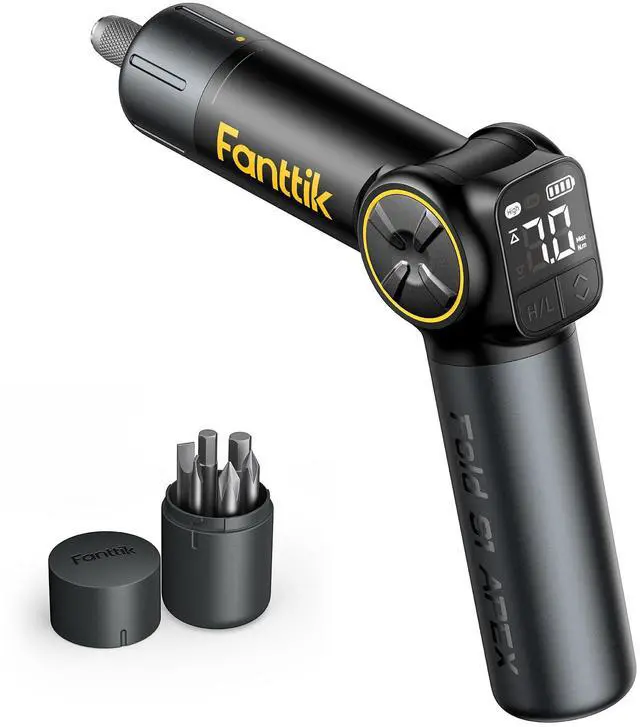
Fold S1 APEX - A New Industrial Design Product From Fanttik Innovation Direct


How to adjust torque settings?
We can increase or decrease the torque of the machine by rotating the Mechanical Rotary Knob on the head to adapt to different usage scenarios. While rotating, the specific torque value will be displayed on the LED screen.
How is the screw direction adjusted and displayed?
The screw direction can be adjusted using physical buttons on the screen. When "screwed in", the arrow on the screen points up; when "screw out", it points down.
How is the rotation speed adjusted and displayed?
Two speeds can be selected and adjusted via physical buttons integrated into the screen. When the speed is low, the screen displays "Low", when the speed is high, the screen displays "High"
How to adjust the angle of the handle?
There are four angles (0° / 24° / 48° / 72°) to choose from. Adjust by pressing the button at the middle link and turning the handle.
Fanttik Cordless Screwdriver Comparison
Fold S1 APEX-Basic Ed. | NEX S1 Pro | NEX S1 Capsule | NEX L2 Pro | S1 APEX -Deluxe | NEX S2 Pro | NEX L1 Pro |
|---|---|---|---|---|---|---|
| Customer Reviews | ||||||
| — | — | — | — | — | — | — |
| Price | ||||||
| — | — | — | — | — | — | — |
| Torque Settings | ||||||
| 8 Settings, Max.7 N.m | 3 Settings, Max. 6 N.m | 1 Setting, Max 5 N.m | 7 Settings, Max 6 N.m | 8 Settings, Max.7 N.m | 7 Settings, Max.6 N.m | 6 Settings, Max. 6 N.m |
| Rotation Speed | ||||||
| Low :100 RPM / High: 250 RPM | 220 RPM | 320 RPM | 250 RPM | 250 RPM | 250 RPM | 220 RPM |
| Torque Adjustment Method | ||||||
| Mechanical Rotary Knob | Mechanical Rotary Knob | / | Mechanical Rotary Knob | Mechanical Rotary Knob | Mechanical Rotary Knob | Electronic Button |
| S2 Magnetic Bits (1/4''Hex) | ||||||
| 6 Bits | 16 Bits | 5 Pcs Double-ended Bits | 20 Bits | 20 Bits | 20 Bits | 14 Bits+1 Bit Holder |
| Battery Capacity | ||||||
| 2500 mAh | 2000 mAh | 800 mAH | 2000 mAh | 2500 mAh | 2000 mAh | 2000 mAh |
| Storage Type | ||||||
| No Storage Box | Aluminum Alloy Magnetic Case | Magnetic Storage Cap | Magnetic Storage Stand | Premium Magnetic Storage Box | Premium Magnetic Storage Box | PC-ABS Storage Box |
| Pivotable | ||||||
| ? | ? | ? | ? | ? | ? | ? |
| LED Light | ||||||
| ? | ? | ? | ? | ? | ? | ? |