Specification:
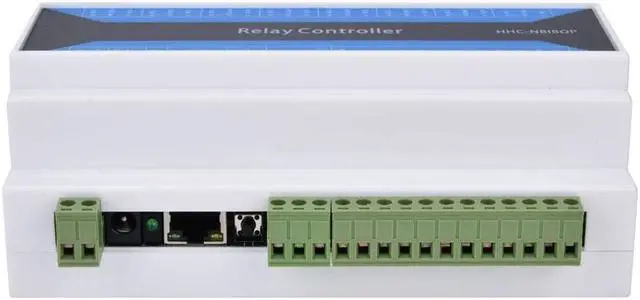
Item Type:Network Relay
Power Supply:DC7~24V(DC socket or wiring terminal can be selected to input power.)
DC Connector Size:5.5 x 2.1mm / 0.22 x 0.08in(Outer Diameter - Inner Diameter)
Working Temperature Range:-40~85
Package List: 1 x Network Relay
Users Manual:
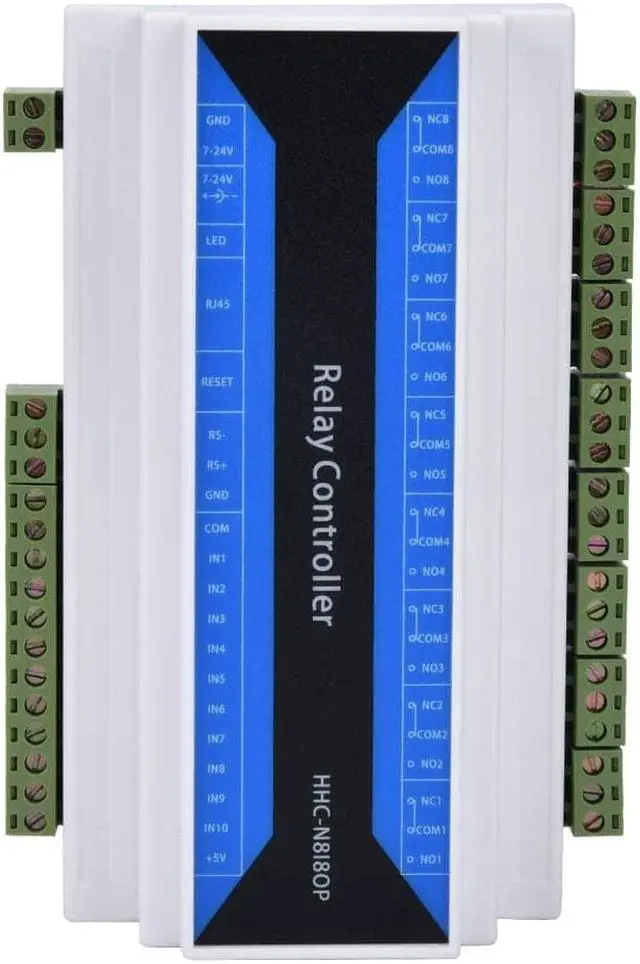
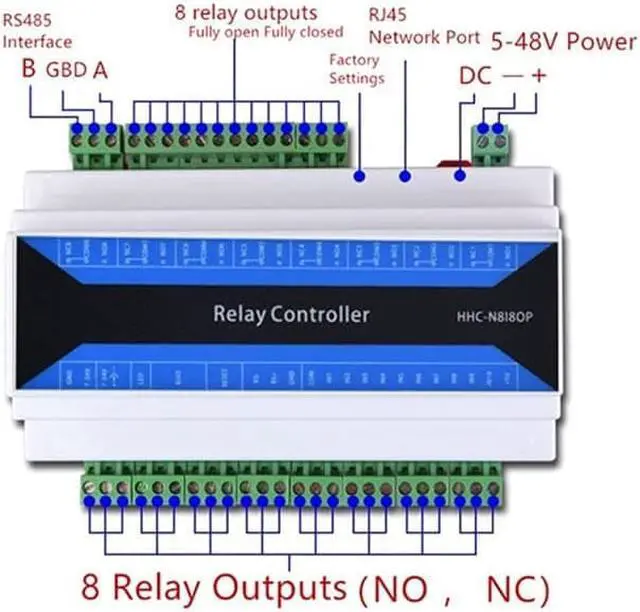
8 independent relay outputs
The output does not have voltage. The single relay has a DC rating of 10A, an AC rated current of 10A, a maximum AC rating of 250V, and a maximum DC rating of 30V.
10 channels of independent input
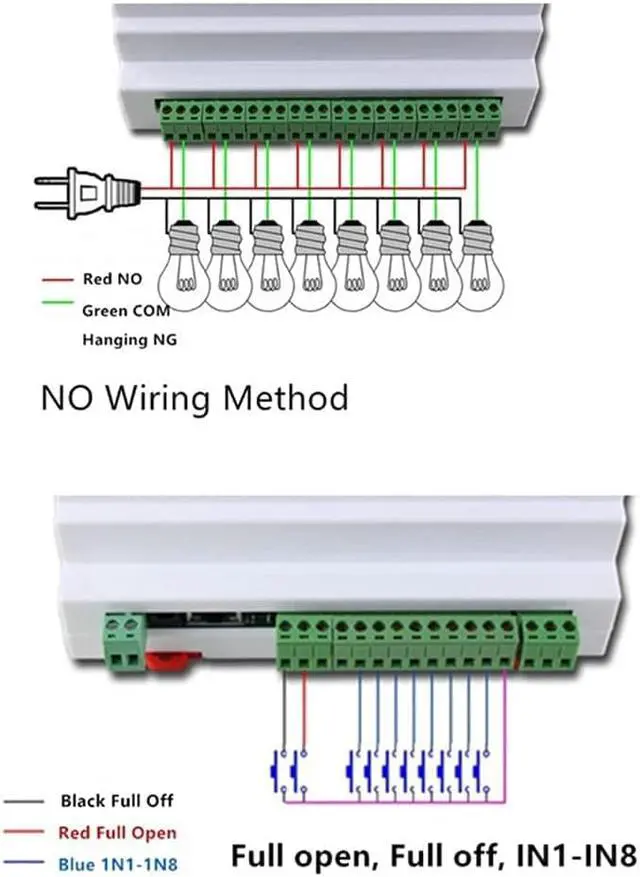
IN9 means full open, after IN9 has digital input, all relays are connected.
IN10 means full off. When IN10 has output, all relays are off.
The 8-input user of IN1-IN8 can be configured into three different working modes through the configuration parameter tool, and is selected under the Input Mode of the configuration tool.
In the "normal input" mode, the ordinary input signal is acquired. To obtain the input status, a command to read the input status is sent to the device.
"Trigger Relay" mode, after this mode has input, the corresponding relay state is reversed, and the IN1-IN8 control corresponds to the 1-8 relay.
Active Upload mode, which actively sends an input status to the network connected to the device when there is a change in the input.
The device has an RS485 interface. It can be controlled by RS485 equipment from other manufacturers. Can realize the transparent transmission of network data to RS485 data, the baud rate 300-115200 can be configured. When using parity, the data bit must be configured to 9 bits, and the serial port parameters are configured through the configuration tool.
The device has a power-down save function that saves the status of the relay and can be configured through the configuration tool.
Reset the configuration. The label RESET position is the factory reset button.
Working mode introduction
The working mode is configured with the provided configuration software.
1, TCP server
In this mode, the device can only be connected through the TCP client and supports the connection of 10 TCP clients.
2, TCP client
In this mode, the device actively connects to the TCP server (remote IP and remote port number are parameters for device connection). Only one server can be connected.
3, UDP server
In this mode, any UDP communication is supported.
4, UDP client
In this mode, only UDP communication is supported for remote IP and remote port number (configuration software settings).
5, DNS domain name
In this mode, the device connects to the TCP server (the port is the remote port) that binds the domain name with a TCP client.