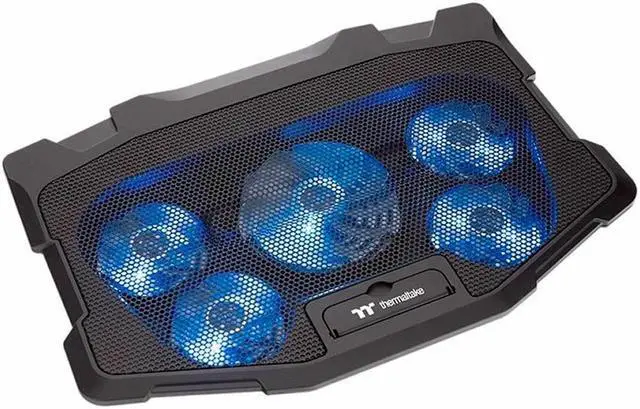
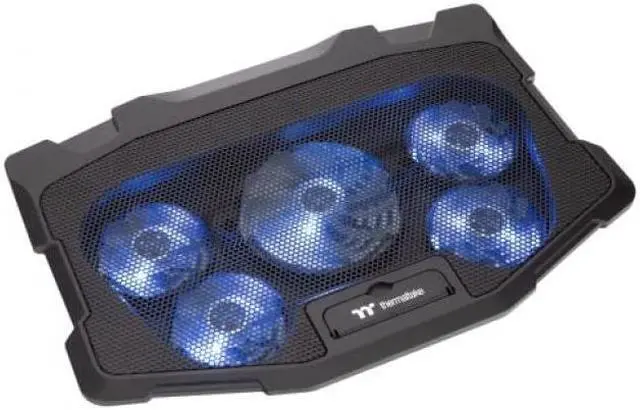
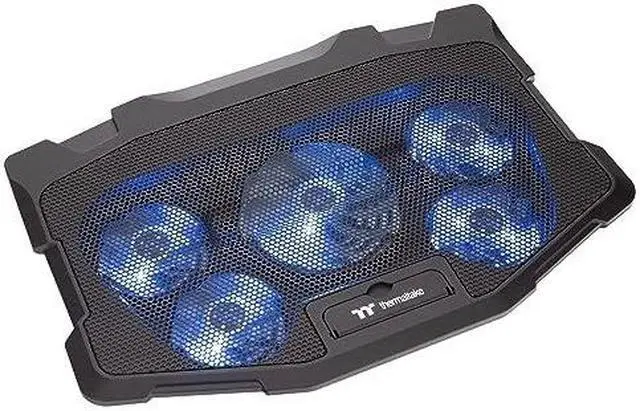
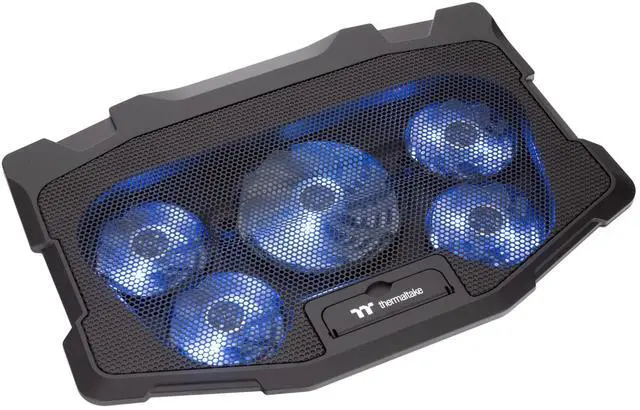
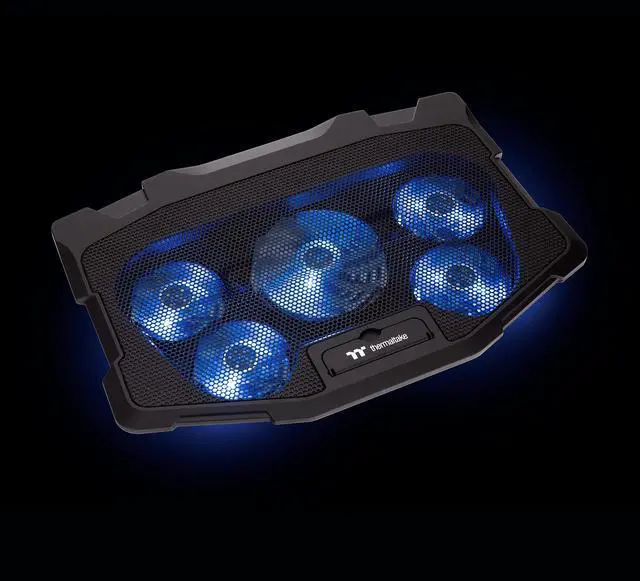
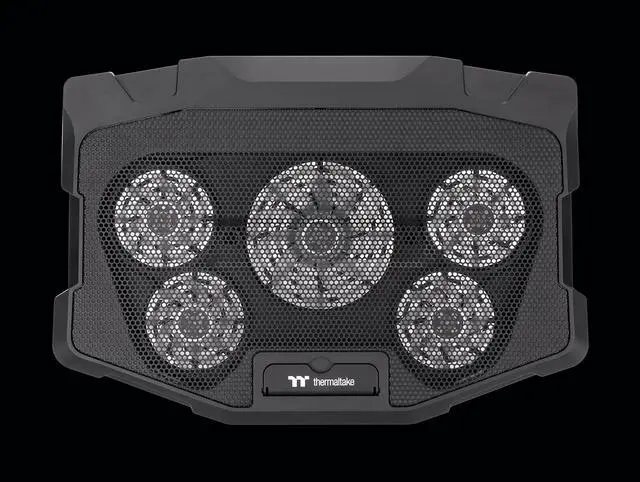
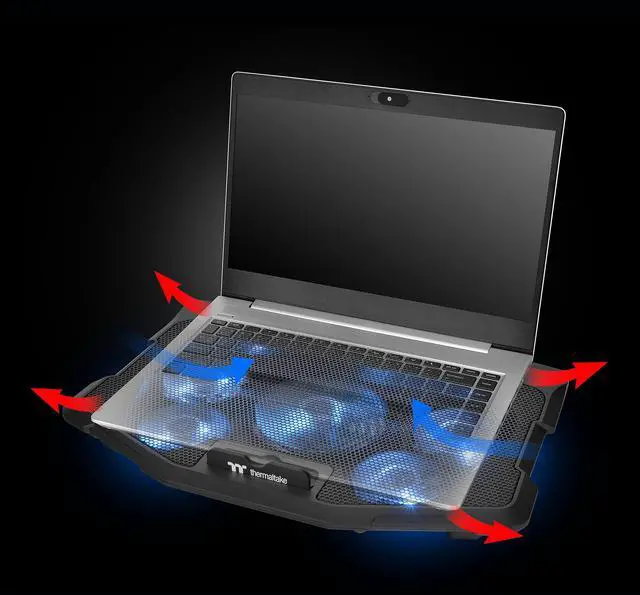
The Thermaltake Massive 12 Max is a multi-fan notebook cooler for users with high cooling needs, featuring one 120 mm fan and four 80 mm LED fans and supporting laptops up to 17 inches.
Recommended For
- Desk-based gamers using a 10–17-inch laptop who want a powered fan pad under the laptop during long gaming sessions; the five-fan layout is positioned for users with higher cooling demands.
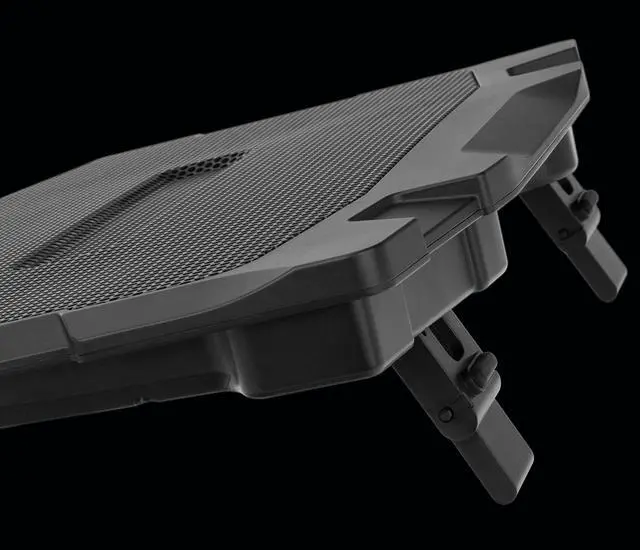
- People who work for long stretches at a fixed desk and want to raise their laptop to a more comfortable typing angle while keeping airflow beneath it; the stand offers three angle settings.
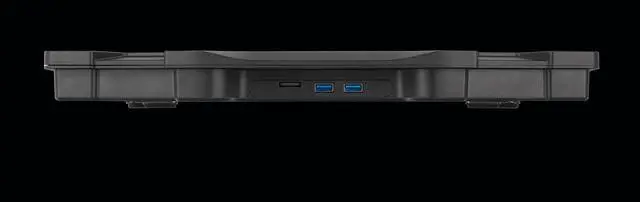
- Users of compatible laptops who want a cooling pad that can also provide USB-A ports for a desk peripheral; the cooler connects over USB and has two USB-A ports.
Real-World Use Scenarios
- During gaming on a 10–17-inch laptop, use the pad at a desk to add airflow beneath the chassis; it may help manage heat when its airflow reaches the laptop’s intake vents, but temperature and performance changes vary by laptop.
- For extended workloads such as video editing or rendering, place the laptop on the cooler during the session; extra under-laptop airflow may help with heat, especially if the laptop draws air through its base, but it is not a guaranteed way to prevent throttling.
- When a laptop’s bottom vents sit close to a desk surface, use the cooler to lift the chassis and open space underneath; the added clearance can support airflow, though the benefit depends on the laptop’s vent layout.
- For long desk sessions involving typing, browsing, or schoolwork, set the laptop on the cooler’s riser to raise its position; the adjustable angle can make the setup more comfortable, but an external keyboard may be preferable for extended typing.
- When using a larger gaming laptop at a fixed workstation, the cooler can serve as a raised base for a compatible laptop up to 17 inches; check that the laptop sits securely and that the pad does not obstruct its vents.




 here!