




What you get
- 1x Piggy Bank
- 1x User Manual
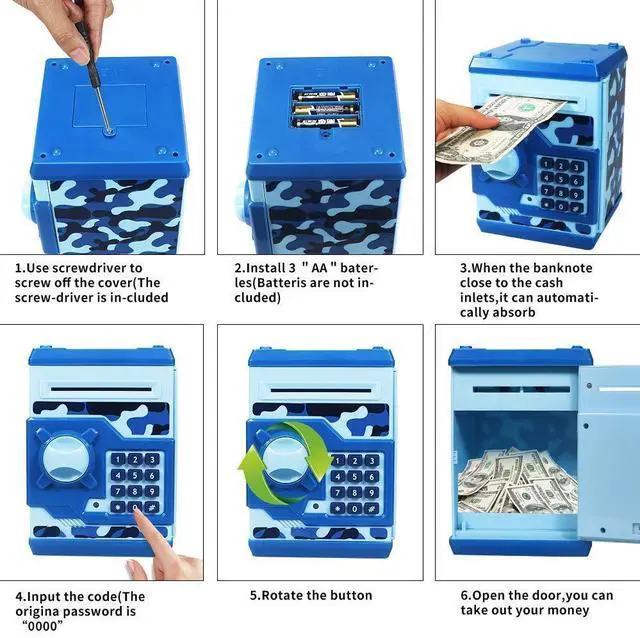
- Need Batteries: 3 *AA batteries (Not Included)

Functional Piggy Bank
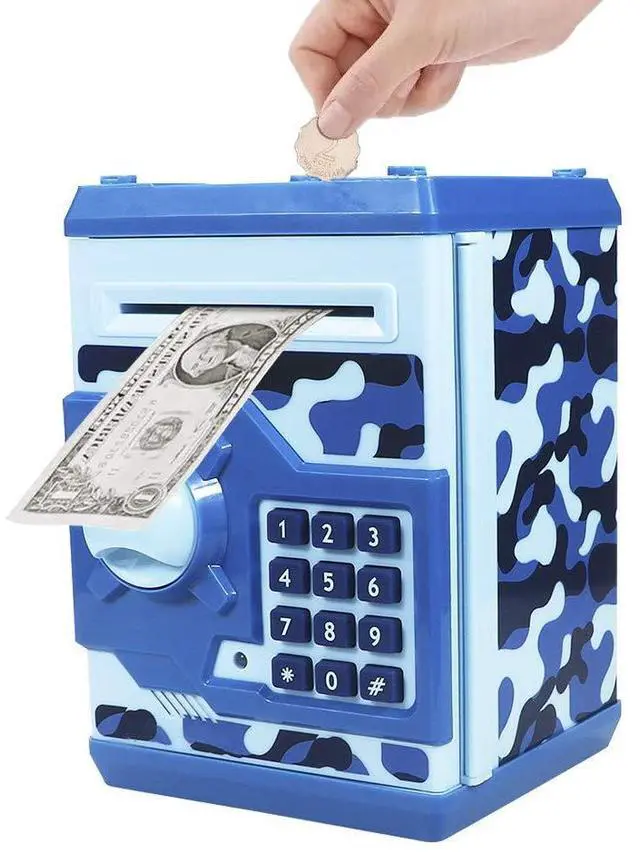
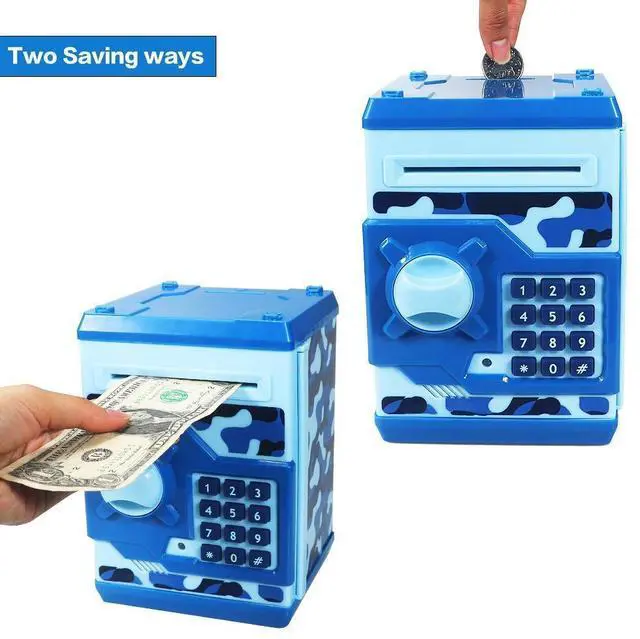
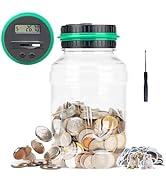
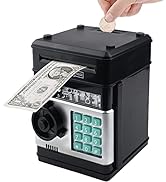
- How amazing this Piggy Bank to Save Paper Money/Coins with Electronic Code.Best early education gift for kids to learn saving money.

Awesome Design as Kids Gift
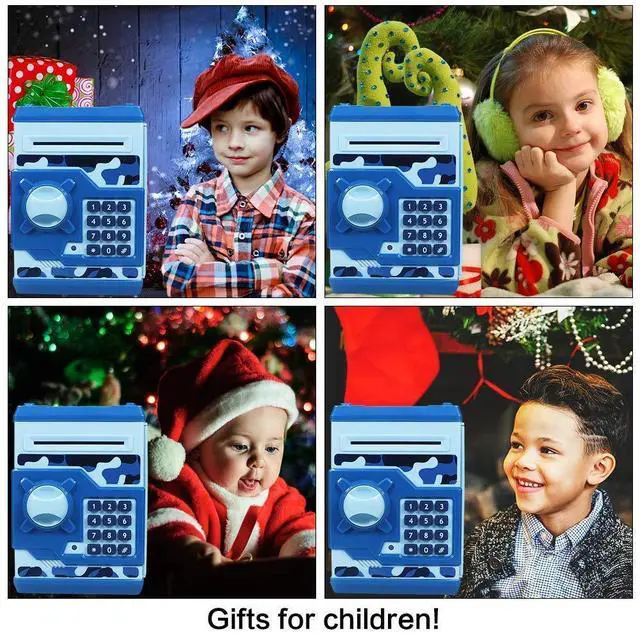
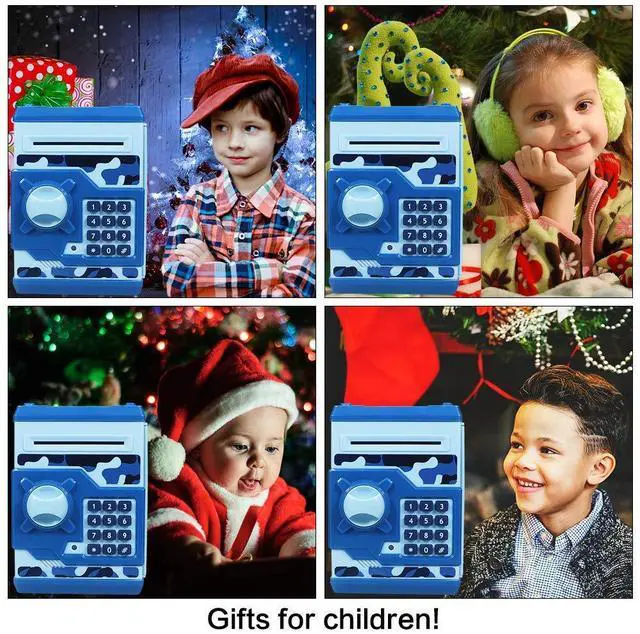
- Christmas
- Birthday
- Thanksgiving Day
- New Year
- Black Friday
- Cyber Monday

Saving Money
- Kids can storage the pocket money for their plan,such as to buy the gift for parents,for friends,for families as surprise!

- How to use
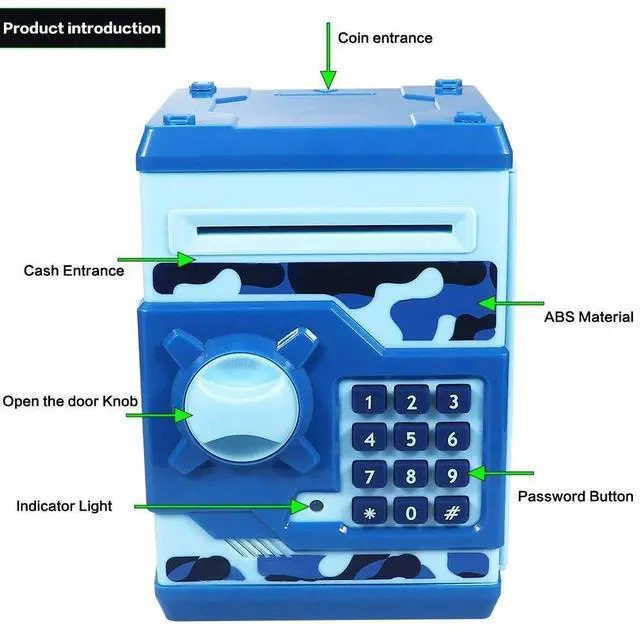
- Enter the four-digit password (default 0000), the green lights. If you enter the wrong password, the red light will be illuminated. Will remind you "please try again".
- Clockwise the button, opened the door. Green light for about 10 seconds, there will creak of the door opening. If the door open for more than 10 seconds, the green light is off, and a beep sounds once every 20 seconds. Closed to stop the beeping.
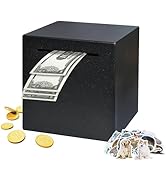
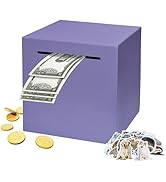
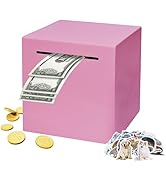
- The banknote paper money into the mouth, directly into the bill.
- How to change passwords
- Using the same password before (default code is "0000") and then open the safe door.
- Press and hold the * button, the red light flashes (Hold the " * " button and Not to loosen).
- Press the new 4-digit code within 15 seconds, then press " # " button and the light stops flashing.(Hold the " * " button and Not to loosen in this process)
- Release the " * " button and close the cabinet intact.
- Use the new password to open the door for the next time.
- Q: Forgot your password?
- A: Remove the battery and re-installed over 30 minutes later, the password is restored to its original state "0000".
- Warm Note
- Please use ordinary 3 AA New batteries,the bank may be not working well with old batteries.
- If you don't use it for a period of time, remove the batteries.

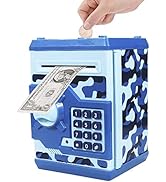
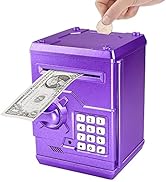
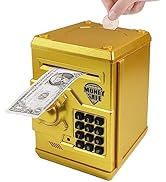
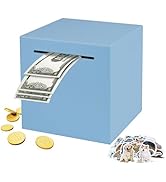
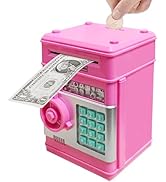
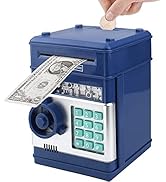
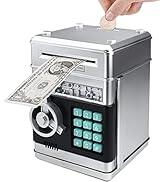
 Camouflage Blue |  Pink |  Red |  Blue |  Gold |  Rose Gold | |
|---|---|---|---|---|---|---|
| Customer Reviews | — | — | — | — | — | — |
| Price | — | — | — | — no data | — | — |
| Coin Entry | ? | ? | ? | ? | ? | ? |
| Paper Money | ? | ? | ? | ? | ? | ? |
| Best Gift | Birthday | Christmas | New Year | Holiday Present | Thanksgiving Day | Black Friday |
| for Kids | son | daughter | grandson | granddaughter | Children | Kids |
| Piggy Bank Electronic Mini ATM | Coin Bank with Password Lock | Digital Savings Box for Children | Money Organizer for Boys and Girls | Educational Money Toy for Kids | Portable Money Bank for Kids | Money Management Tool for Children |



What you get
- 1x Piggy Bank
- 1x User Manual
- Need Batteries: 3 *AA batteries (Not Included)
Functional Piggy Bank
- How amazing this Piggy Bank to Save Paper Money/Coins with Electronic Code.Best early education gift for kids to learn saving money.
Awesome Design as Kids Gift
- Christmas
- Birthday
- Thanksgiving Day
- New Year
- Black Friday
- Cyber Monday
Saving Money
- Kids can storage the pocket money for their plan,such as to buy the gift for parents,for friends,for families as surprise!
- How to use
- Enter the four-digit password (default 0000), the green lights. If you enter the wrong password, the red light will be illuminated. Will remind you "please try again".
- Clockwise the button, opened the door. Green light for about 10 seconds, there will creak of the door opening. If the door open for more than 10 seconds, the green light is off, and a beep sounds once every 20 seconds. Closed to stop the beeping.
- The banknote paper money into the mouth, directly into the bill.
- How to change passwords
- Using the same password before (default code is "0000") and then open the safe door.
- Press and hold the * button, the red light flashes (Hold the " * " button and Not to loosen).
- Press the new 4-digit code within 15 seconds, then press " # " button and the light stops flashing.(Hold the " * " button and Not to loosen in this process)
- Release the " * " button and close the cabinet intact.
- Use the new password to open the door for the next time.
- Q: Forgot your password?
- A: Remove the battery and re-installed over 30 minutes later, the password is restored to its original state "0000".
- Warm Note
- Please use ordinary 3 AA New batteries,the bank may be not working well with old batteries.
- If you don't use it for a period of time, remove the batteries.
Camouflage Blue |  Pink | Red | Blue | Gold | Rose Gold | |
|---|---|---|---|---|---|---|
| Customer Reviews | — | — | — | — | — | — |
| Price | — | — | — | — no data | — | — |
| Coin Entry | ? | ? | ? | ? | ? | ? |
| Paper Money | ? | ? | ? | ? | ? | ? |
| Best Gift | Birthday | Christmas | New Year | Holiday Present | Thanksgiving Day | Black Friday |
| for Kids | son | daughter | grandson | granddaughter | Children | Kids |
| Piggy Bank Electronic Mini ATM | Coin Bank with Password Lock | Digital Savings Box for Children | Money Organizer for Boys and Girls | Educational Money Toy for Kids | Portable Money Bank for Kids | Money Management Tool for Children |
Electronic Piggy Bank for Kids
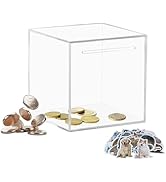
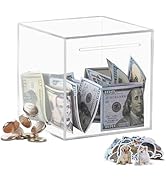
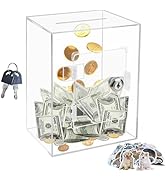
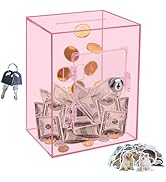
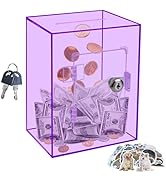
Clear Unopenable Piggy Bank
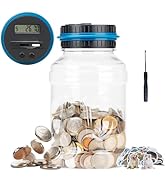
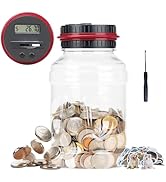
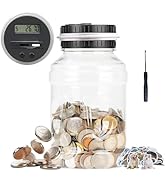
Digital LCD Coin Counting Bank
Stainless Steel Piggy Bank
Saving Money Safe Coin Banks
Large Piggy Bank with key