

Your Browsing History
- Free 45-day Returns
$67.17
Ships from China.
Sold by PeakCircuit Technology
Shipped by PeakCircuit Technology

Meet Your Seller

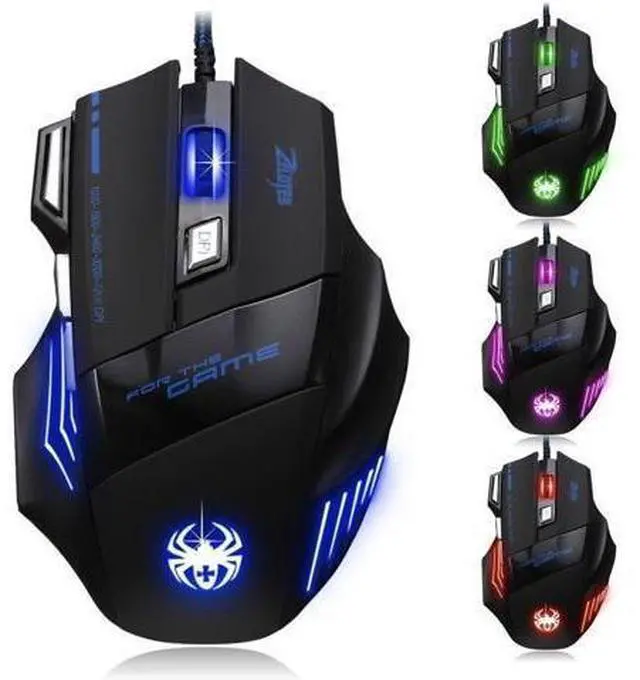
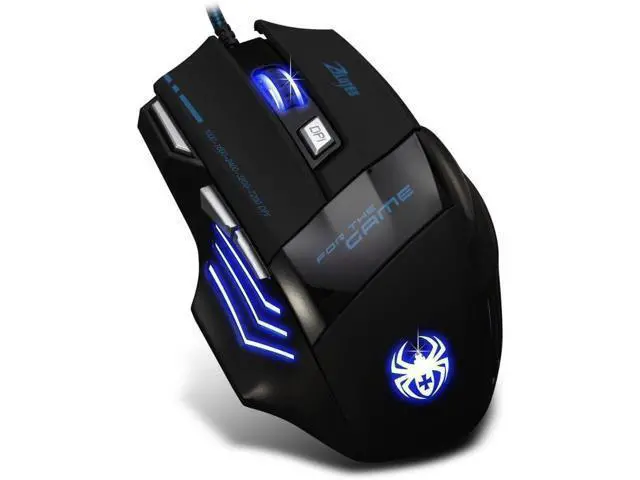
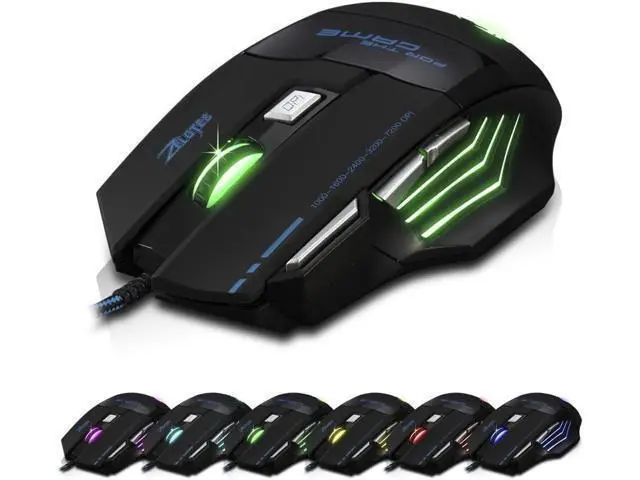
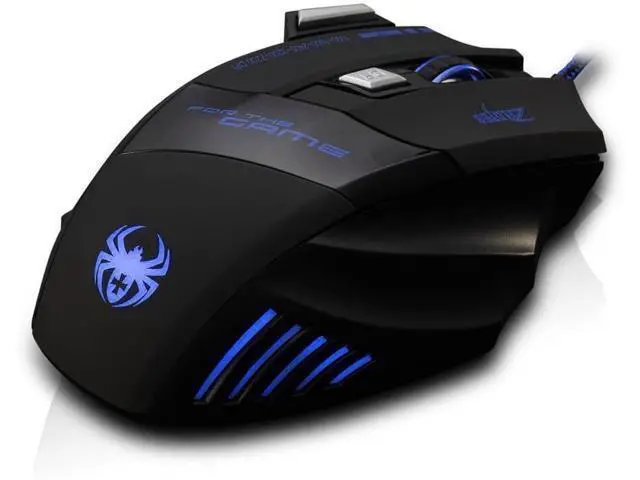


AFUNTA Zelotes Ergonomic 7200 DPI LED Optical Wired Gaming Mouse Mice 7 Buttons Compatible Mac Pro Gamer PC Laptop Desktop Notebook-Black Black(T80)
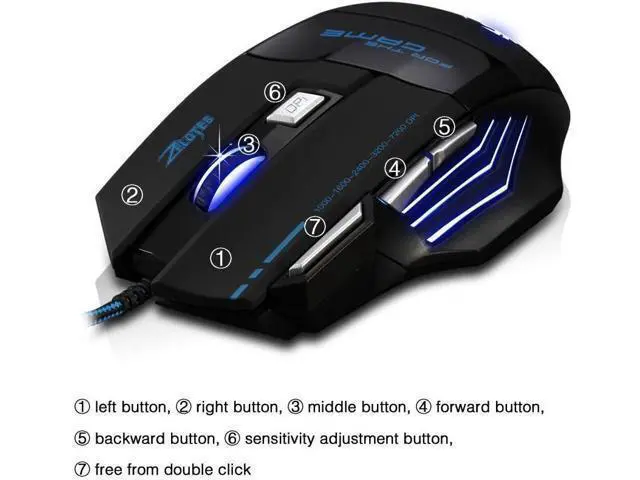
- This mouse is intelligent connectivity, no need to code, plug & play; DPI:1000/1600/2400/3200/7200,Polling Rate:500Hz,DPI and Polling Rate settings are closely related to the game performance,high polling rate can possible to reduce the likelihood of your movements being misinterpreted.; Ergonomic design,internally and externally,to create the ultimate game concept,long-term use without fatigue.; The hot key design: the first button of the left is the free double-click button, and the second, the third button are forward key and back key; more convenient to scan the web-page and files.; Compatible system:Windows XP/ win 7/ win 8/ win 10/ Mac OS and other OS
+
+
Overview
Specs
Reviews

Any questions? Our AI beta will help you find out quickly.
Try me now
Connector: wired usb
Transmission system: laser
Resolution: 1000/ 1600/ 2400/ 3200/ 7200 dpi 7 buttons: 1. Left button 2. Right button 3. Middle button 4. Forward button 5. Back button 6. Sensitivity adjustment button 7. Double click button
Rated voltage: DC 5V
Current: <= 100mA
Size (LxWxH): 21X16X6cm
Weight: 265g?
Package Include: 1 x USB Mouse Explanation For The Button 1. DPI button to change LED colors Press the "DPI" button to change the color. Then the LED flashes rapidly 7 times and then remains constant color. (Was not only a specific color) 2. Fire button (on the top left) This key is the same as double clicking the left button. (Two clicks for left button)
Transmission system: laser
Resolution: 1000/ 1600/ 2400/ 3200/ 7200 dpi 7 buttons: 1. Left button 2. Right button 3. Middle button 4. Forward button 5. Back button 6. Sensitivity adjustment button 7. Double click button
Rated voltage: DC 5V
Current: <= 100mA
Size (LxWxH): 21X16X6cm
Weight: 265g?
Package Include: 1 x USB Mouse Explanation For The Button 1. DPI button to change LED colors Press the "DPI" button to change the color. Then the LED flashes rapidly 7 times and then remains constant color. (Was not only a specific color) 2. Fire button (on the top left) This key is the same as double clicking the left button. (Two clicks for left button)
Warranty & Returns
Warranty, Returns, And Additional Information
Warranty
- Please contact the Seller directly for warranty information. Warranty information may also be found on the Manufacturer's website.
- CONTACT
Return Policies
- Return for refund within: 45 days
- Return for replacement within: 30 days
- This item is covered by PeakCircuit Technology Return Policy
Manufacturer Contact Info
- For a directory of all our manufacturers, please click below.
- Manufacturers Directory
LOADING...