




Wireless Controller Perfectly Compatible With N64 Console/Switch & Switch Lite
- Widely Compatibility
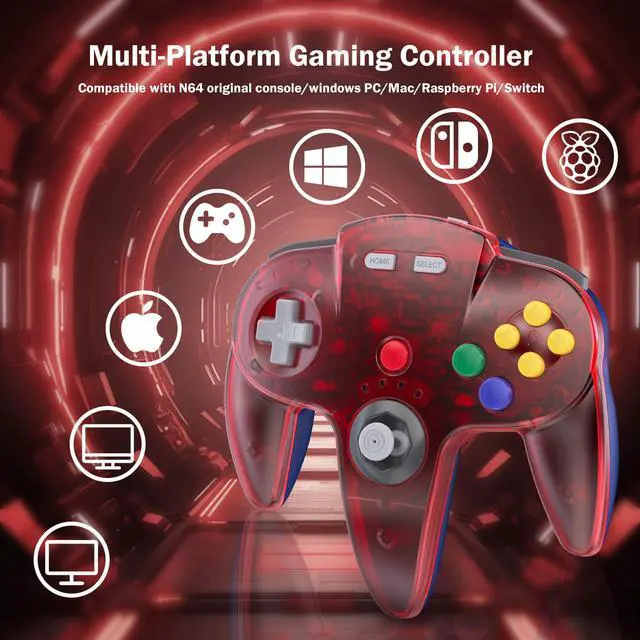
- Use a N64 Original port(included), mainly works with Nintendo 64 Entertainment System Console.
- Use a USB 2.4 GHz receiver(included), it can run Windows PC, Mac and Raspberry PI .
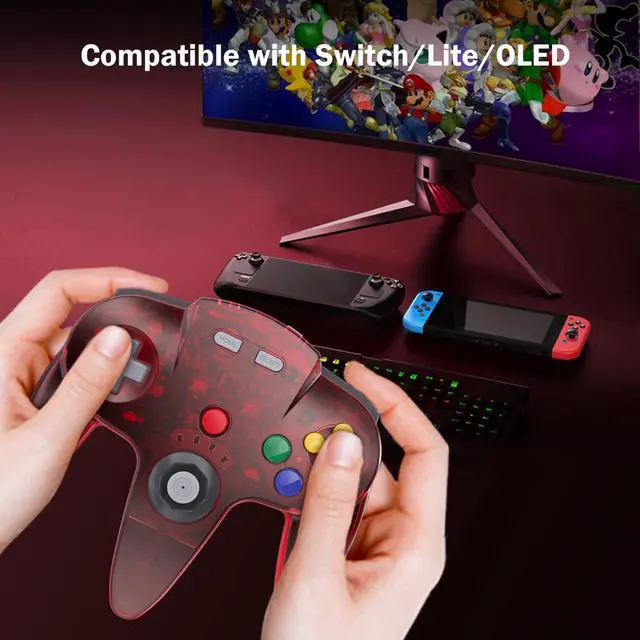
- Compatible with Nintendo Switch and Switch Lite when connected via USB

Quick charge and advanced wireless connection
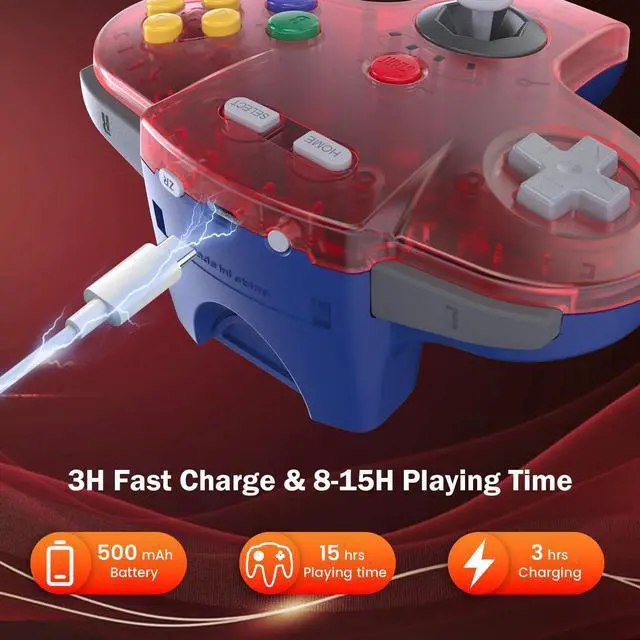
- The 500 mAh built-in lithium battery allows you to enjoy game for 10 to 15 hours without interruption after fully charged
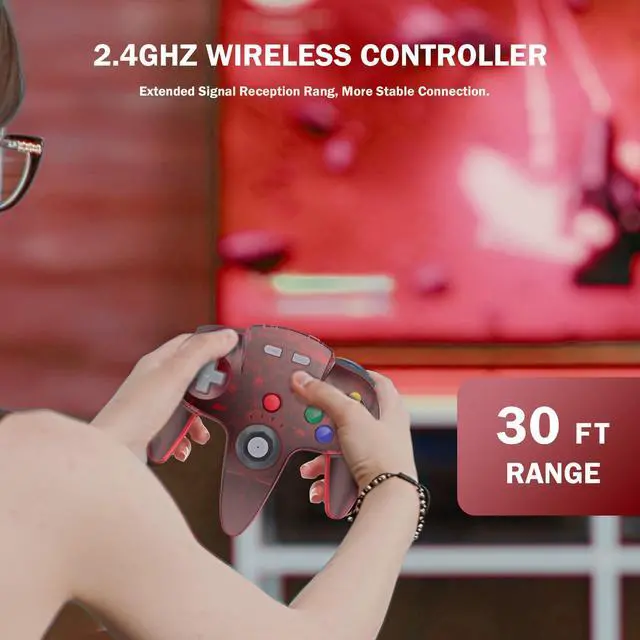
- The wireless connection supports stable connection within 25 feet that is better than having to sit on floor a foot away from the TV

Compatible & Incompatible
- For Nintendo Switch, Nintendo Switch Lite, and Nintendo Switch - OLED Model. Also works for Nintendo Switch 2
- Compatible with Nintendo 64 console, PC/Mac/Linux Windows(98/2000/ ME/XP/Vista/Win7/8/8.1/11) ,Raspberry pi ect
- Not compatible with Xbox 360/ Xbox One/Wii/ Steam

Great battery life
Wireless USB/N64 connection, build in 3.7V/500mA lithium Ion battery which can work continuously for over 15 hours, and charging time only takes 2-3 hours

Ergonomic Design
Classic N64 style with "M" shape, all the buttons and controls make your hand very comfortable for long periods of game play.

2.4GHz Wireless technology
2.4 GHz wireless connection with up to a 25-foot that is better than having to sit on floor a foot away from the TV. Classic N64 style with "M" shape, bring you real old school retro feels

For Switch, "Pro Controller Wired Communication" must be enabled before pairing
Q: When the controller didn’t work and connect the switch?
A: For Switch, please sets the icon" Pro Controller Wired Communication is ON " in the system settings.
Q: Why the rumble feature is not supported the MAC or switch?
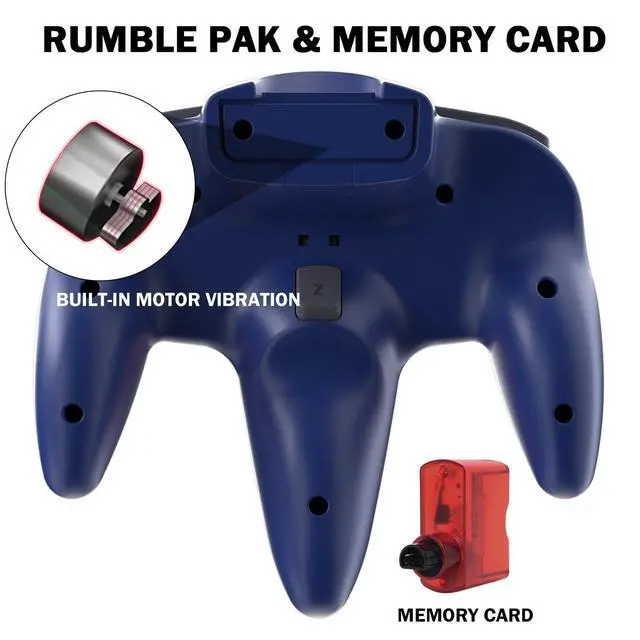
The rumble feature are activate when it is working for the N64 consoles or by selecting X-input mode and configuring additional settings such as “rumble” in the emulator.
Notice: When you switching devices, you have to re-pair the controller, please press the “reset”button, then pair the controller step by step as if it were used at the first time

How to pair on the switch:
1.Click the menu “System settings “by Switch Joypad , find the icon”Controllers and Sensors” and click the button“ Pro Controller Wired Communication" must be ON status.
2.Plug the receiver into your switch and the red led starts flashing, press and hold the "SYNC" button on the receiver until it fast-blinking.
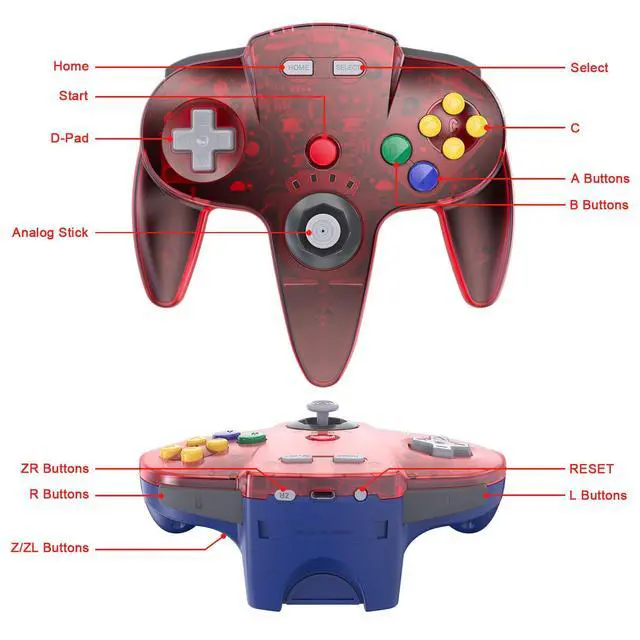
3. Press the"Reset“ button on the top of the controller , the led on the controller starts flashing.
4. Press the" Start” button, the LED1 stays lit and the controller is connected.

Package Contents:
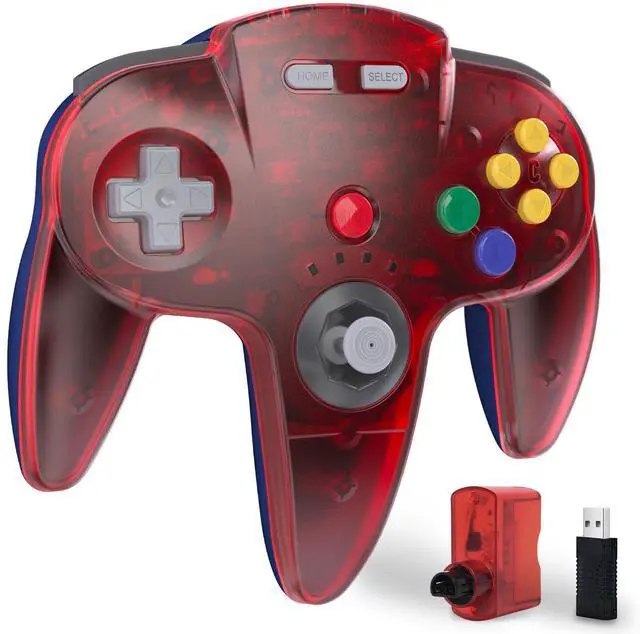
- 1x Wireless Game Controller
- 1x User instructions
- 1x USB type C Charge Cable
- 1x N64 Receiver
- 1x USB dongle
Wireless Controller Perfectly Compatible With N64 Console/Switch & Switch Lite
- Widely Compatibility
- Use a N64 Original port(included), mainly works with Nintendo 64 Entertainment System Console.
- Use a USB 2.4 GHz receiver(included), it can run Windows PC, Mac and Raspberry PI .
- Compatible with Nintendo Switch and Switch Lite when connected via USB
Quick charge and advanced wireless connection
- The 500 mAh built-in lithium battery allows you to enjoy game for 10 to 15 hours without interruption after fully charged
- The wireless connection supports stable connection within 25 feet that is better than having to sit on floor a foot away from the TV
Compatible & Incompatible
- For Nintendo Switch, Nintendo Switch Lite, and Nintendo Switch - OLED Model. Also works for Nintendo Switch 2
- Compatible with Nintendo 64 console, PC/Mac/Linux Windows(98/2000/ ME/XP/Vista/Win7/8/8.1/11) ,Raspberry pi ect
- Not compatible with Xbox 360/ Xbox One/Wii/ Steam
Great battery life
Wireless USB/N64 connection, build in 3.7V/500mA lithium Ion battery which can work continuously for over 15 hours, and charging time only takes 2-3 hours
Ergonomic Design
Classic N64 style with "M" shape, all the buttons and controls make your hand very comfortable for long periods of game play.
2.4GHz Wireless technology
2.4 GHz wireless connection with up to a 25-foot that is better than having to sit on floor a foot away from the TV. Classic N64 style with "M" shape, bring you real old school retro feels
For Switch, "Pro Controller Wired Communication" must be enabled before pairing
Q: When the controller didn’t work and connect the switch?
A: For Switch, please sets the icon" Pro Controller Wired Communication is ON " in the system settings.
Q: Why the rumble feature is not supported the MAC or switch?
The rumble feature are activate when it is working for the N64 consoles or by selecting X-input mode and configuring additional settings such as “rumble” in the emulator.
Notice: When you switching devices, you have to re-pair the controller, please press the “reset”button, then pair the controller step by step as if it were used at the first time
How to pair on the switch:
1.Click the menu “System settings “by Switch Joypad , find the icon”Controllers and Sensors” and click the button“ Pro Controller Wired Communication" must be ON status.
2.Plug the receiver into your switch and the red led starts flashing, press and hold the "SYNC" button on the receiver until it fast-blinking.
3. Press the"Reset“ button on the top of the controller , the led on the controller starts flashing.
4. Press the" Start” button, the LED1 stays lit and the controller is connected.
Package Contents:
- 1x Wireless Game Controller
- 1x User instructions
- 1x USB type C Charge Cable
- 1x N64 Receiver
- 1x USB dongle