




Targeting All Game Lovers
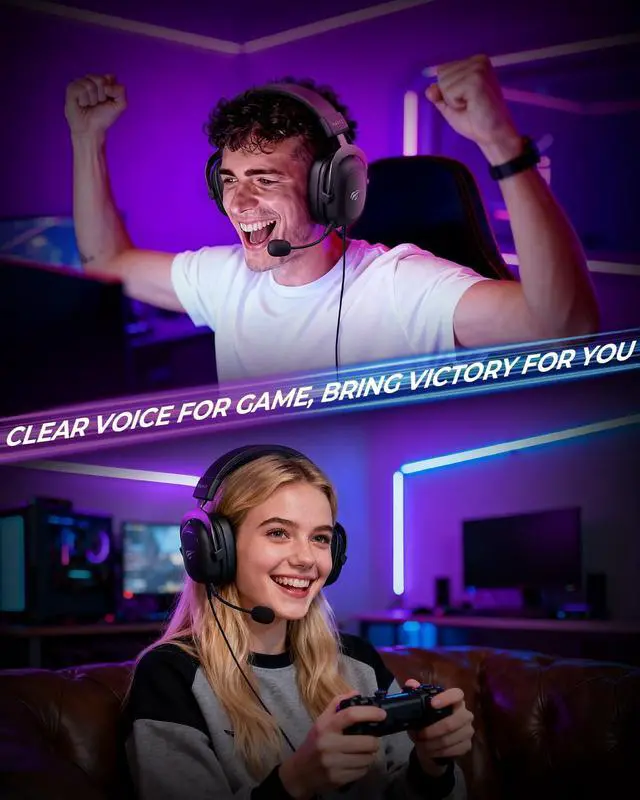
The Clear Edge.
Whether you're climbing ranks, laughing with friends, or exploring new worlds, experience clarity, comfort, and total immersion built for you.
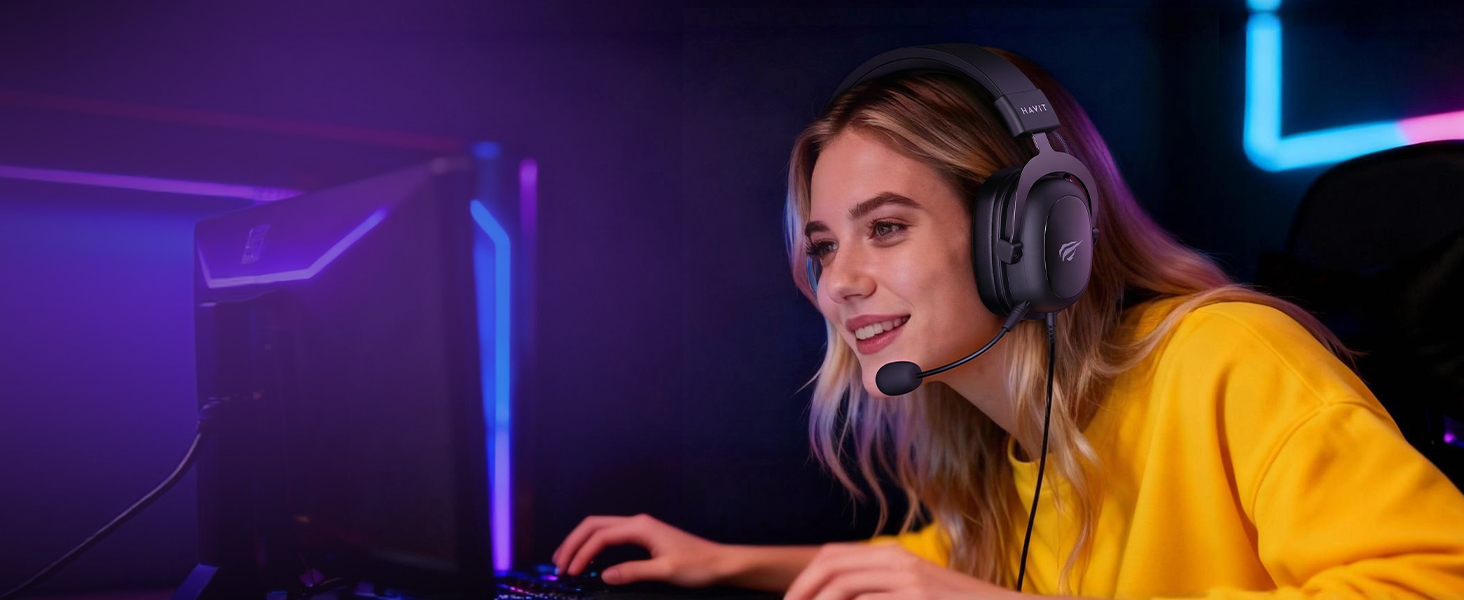
Targeting Female Gamers
Where Style Meets Skill.
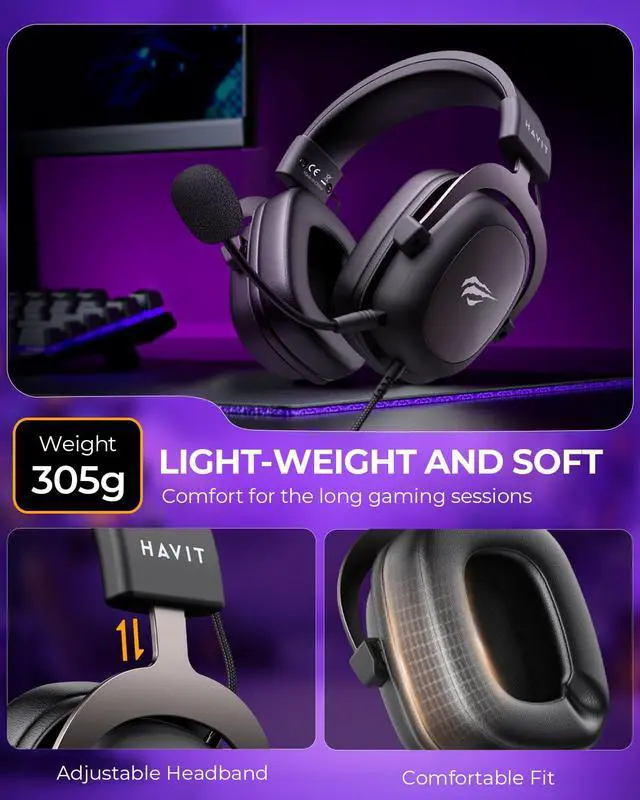
Feather-light for lasting comfort. Sound as iconic as your look.
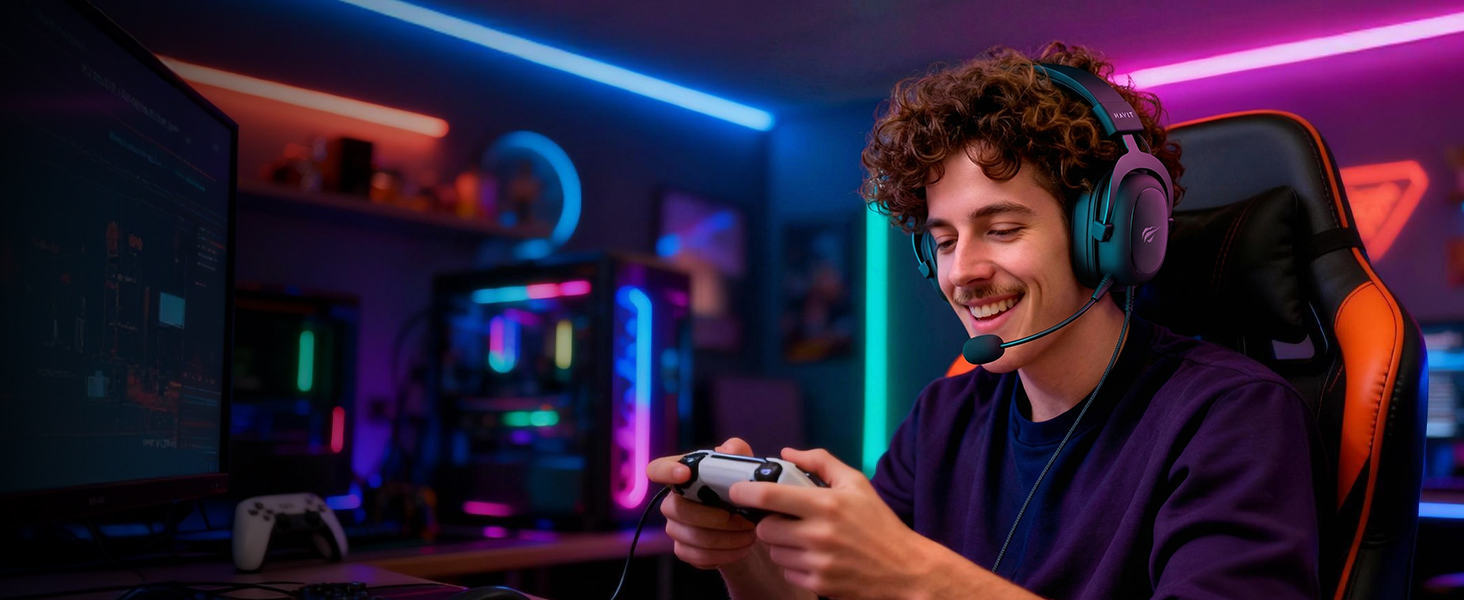
Targeting Male Gamers
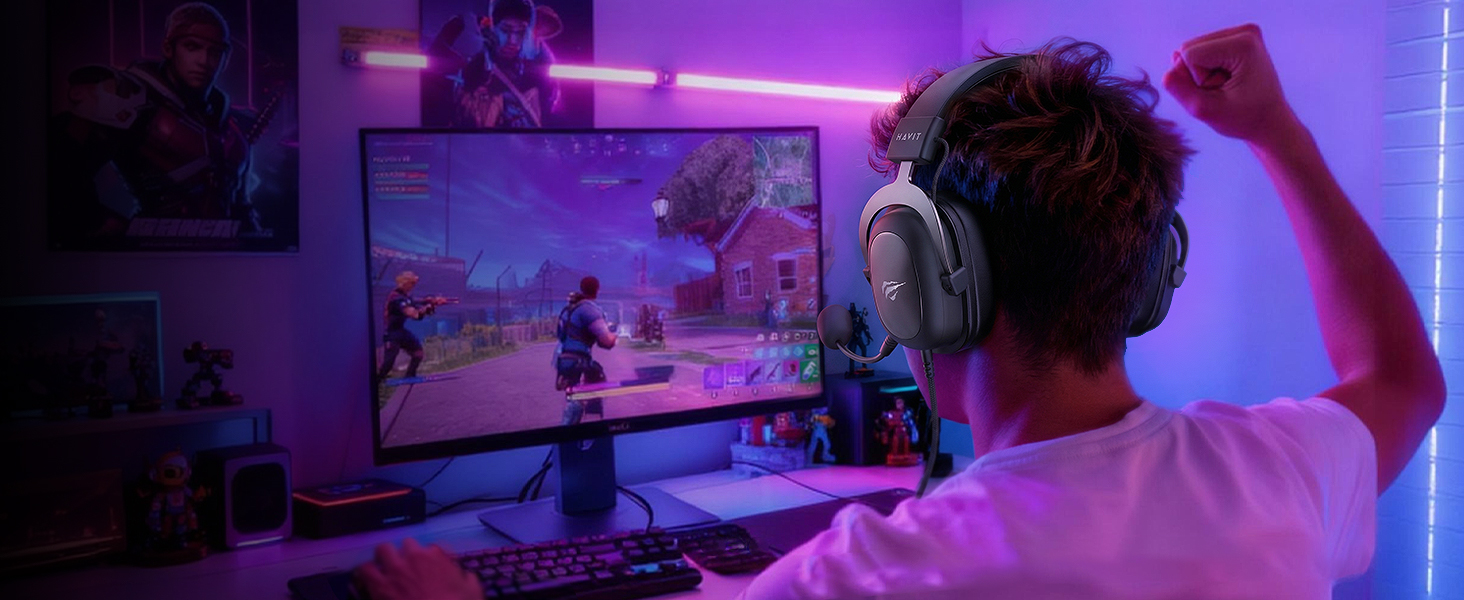
Command the Soundscape.
7.1 Surround Sound pins every enemy footstep. Marathon battery life for endless campaigns.
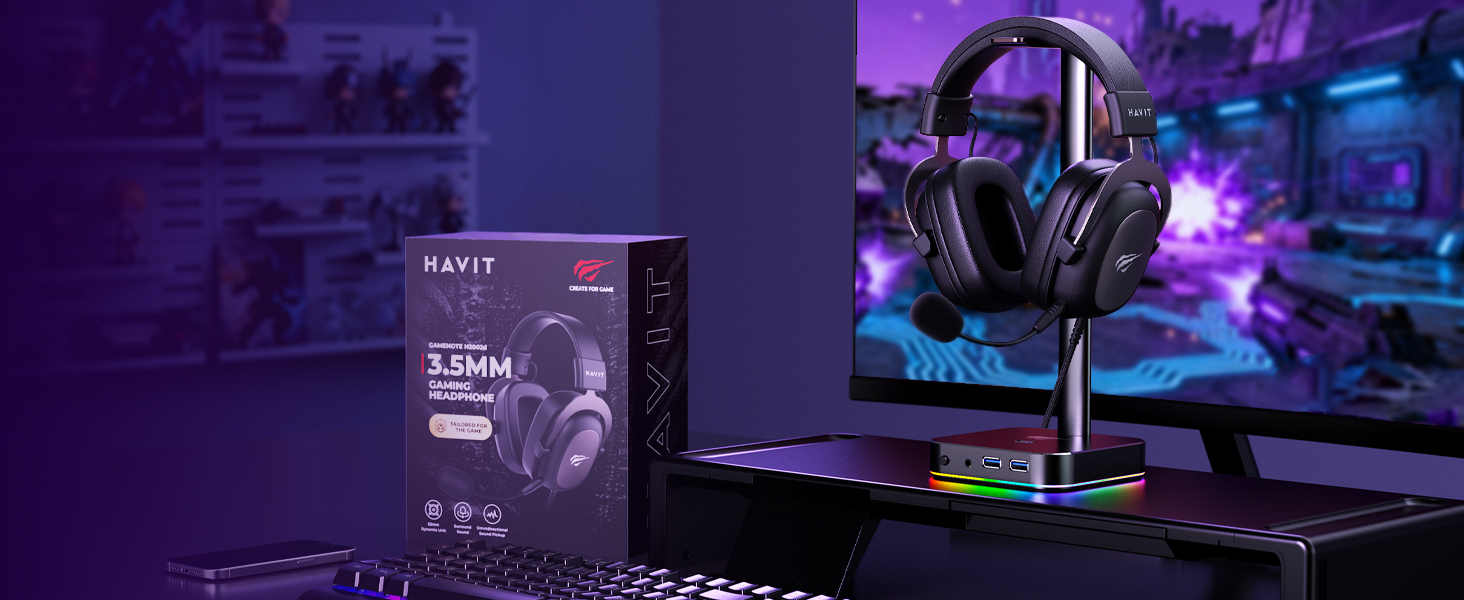
The Foolproof Gift for Gamers!
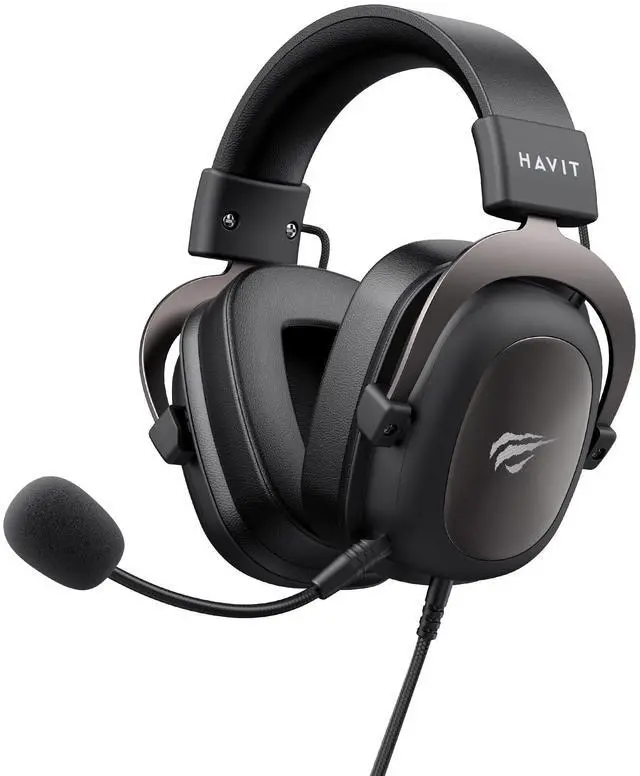
All-Platform Compatible & Ultra-Comfortable Headset.
Immersive Audio Experience.
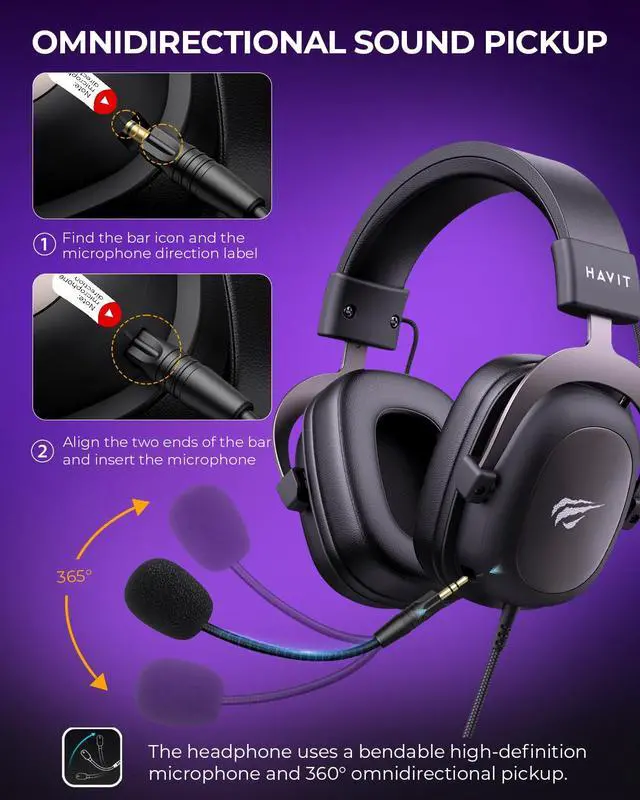
Detachable Clear-Chat Microphone.
Why the microphone doesn't work
1.Plug the mic into the headset jack in the correct direction until it clicks.
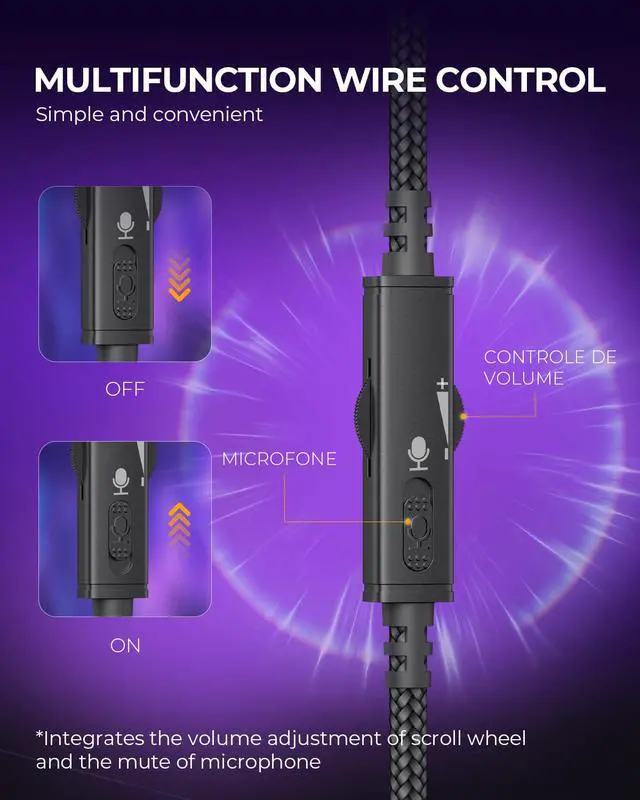
2.Make sure the mute switch is off.
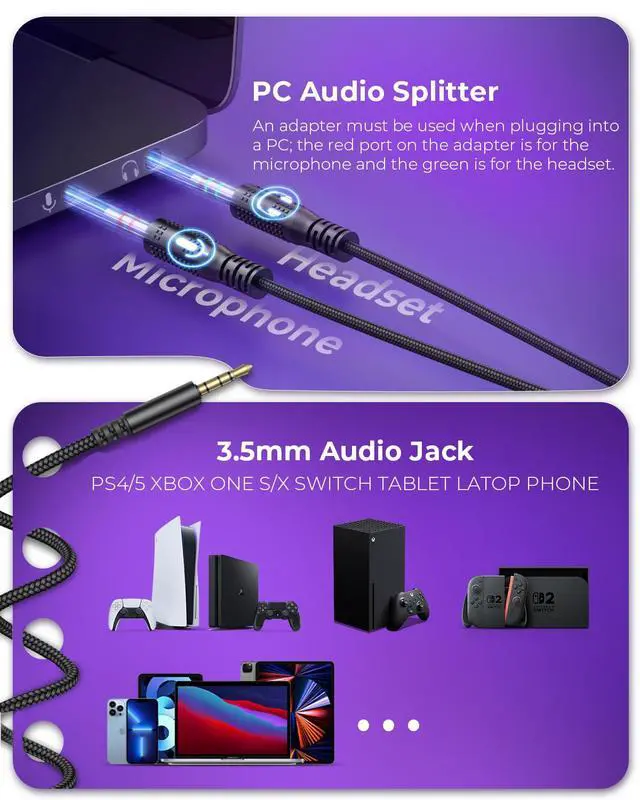
3.For PC use, an adapter is needed since a single 3.5mm jack only supports audio output.
Is the H2002D gaming headsets compatible with other game consoles other than PlayStation4, such as Xbox one?
The H2002d headset has you covered. Just plug its 3.5mm jack into your Xbox controller's headphone port for epic gaming sessions, or connect it directly to your Nintendo Switch for on-the-go fun.
Why is my headphone microphone silent?
1, Check the connection: Ensure the headphone microphone plug is securely connected to the device connector.
2, Device Settings: In the device's audio settings, confirm that the microphone input is correctly configured.
The headphones don't fit the jack on my device?
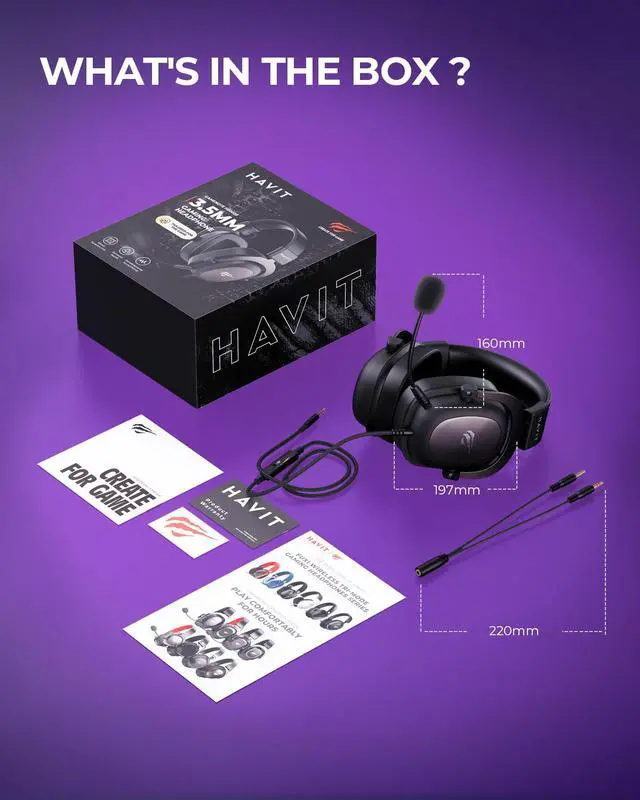
When the headphones are shipped, they come with an adapter attached to the male headphone connector for easy connection to older desktop devices. Unplugging the adapter allows them to connect to laptops, phones, and other 3.5mm electronic devices.

53mm Custom Driver
Pinpoint enemy footsteps and gunfire with immersive audio. Hear them before they hear you.
Flexible High-fidelity Microphone
Crystal-clear communication with your squad. Remove it for a sleek, personal listening experience.


Targeting All Game Lovers
Targeting Female Gamers
Targeting Male Gamers
The Foolproof Gift for Gamers!


The Clear Edge.
Whether you're climbing ranks, laughing with friends, or exploring new worlds, experience clarity, comfort, and total immersion built for you.
Where Style Meets Skill.
Feather-light for lasting comfort. Sound as iconic as your look.
Command the Soundscape.
7.1 Surround Sound pins every enemy footstep. Marathon battery life for endless campaigns.
All-Platform Compatible & Ultra-Comfortable Headset.
Immersive Audio Experience.
Detachable Clear-Chat Microphone.
Why the microphone doesn't work
1.Plug the mic into the headset jack in the correct direction until it clicks.
2.Make sure the mute switch is off.
3.For PC use, an adapter is needed since a single 3.5mm jack only supports audio output.
Is the H2002D gaming headsets compatible with other game consoles other than PlayStation4, such as Xbox one?
The H2002d headset has you covered. Just plug its 3.5mm jack into your Xbox controller's headphone port for epic gaming sessions, or connect it directly to your Nintendo Switch for on-the-go fun.
Why is my headphone microphone silent?
1, Check the connection: Ensure the headphone microphone plug is securely connected to the device connector.
2, Device Settings: In the device's audio settings, confirm that the microphone input is correctly configured.
The headphones don't fit the jack on my device?
When the headphones are shipped, they come with an adapter attached to the male headphone connector for easy connection to older desktop devices. Unplugging the adapter allows them to connect to laptops, phones, and other 3.5mm electronic devices.