




LEXONELEC x ATTACK SHARK
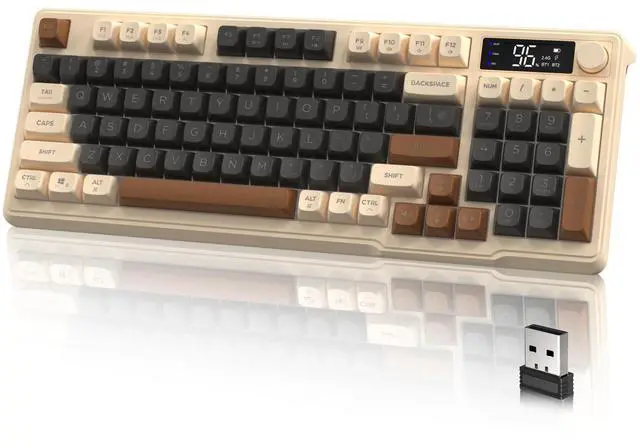
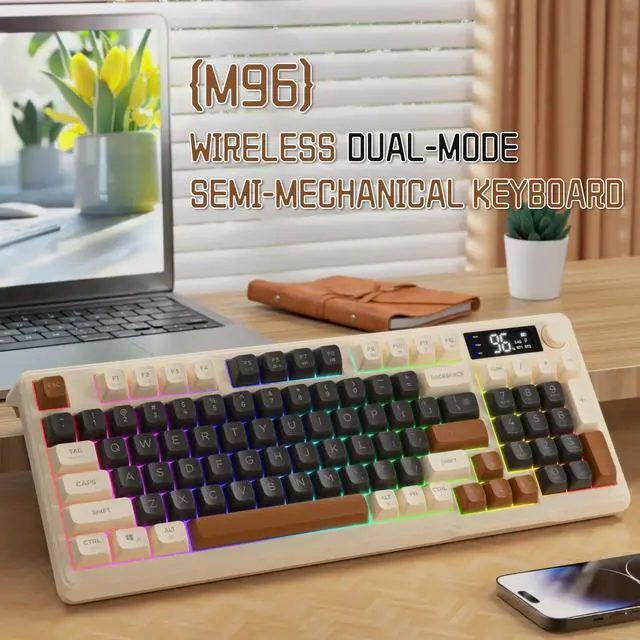
M96 Dual Mode Wireless Gaming Keyboard
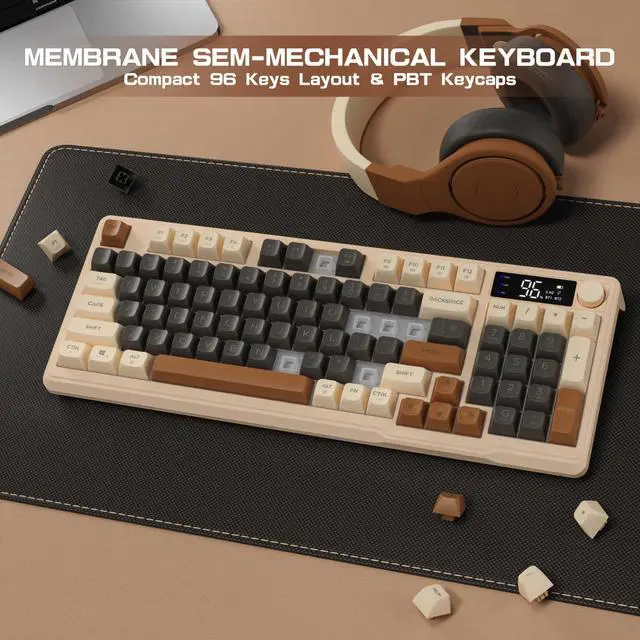
This M96 keyboard adopts a 96-key minimalist layout design and is equipped with a multimedia knob button - Stylish, Comfortable and Simple.


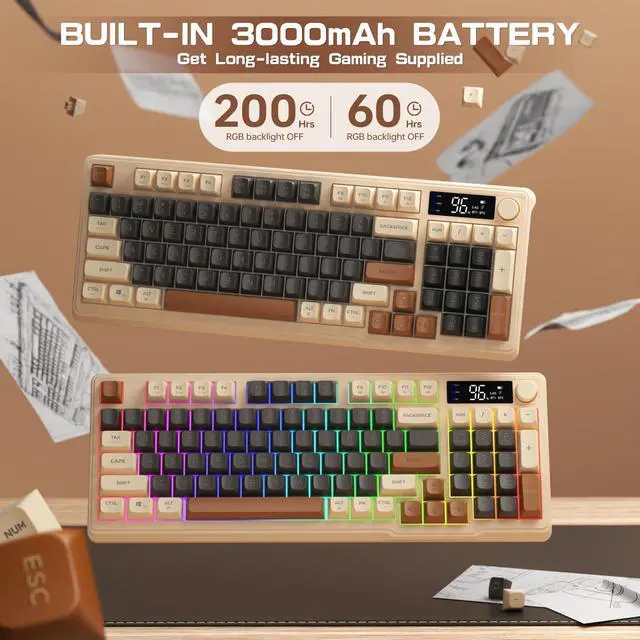
Large Capacity Battery
Turn on the light: For about 60 hours; Turn off the light: For about 200 hours.

LOVE WHAT YOU LOVE
M96 Dual Mode Wireless Gaming Keyboard
Is the keyboard a mechanical keyboard? Is it hot swappable?
This keyboard is a membrane keyboard, using mechanical feeling keycaps, not a mechanical keyboard.
Does the keyboard have RGB backlighting?
This keyboard is rainbow LED backlit, with only 2 backlight effects
What is shown on the display and what is the function of the rotary knob?
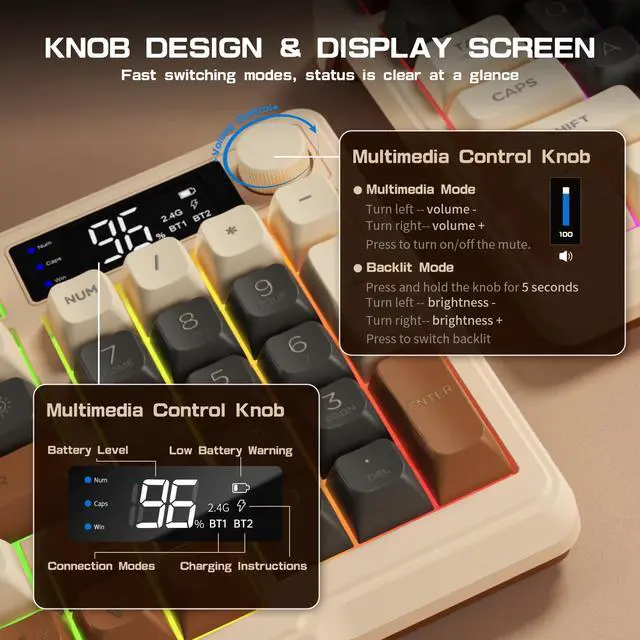
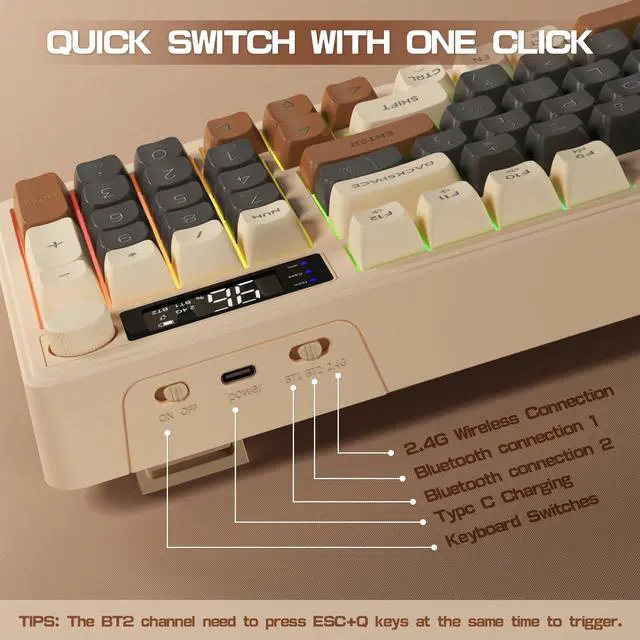
The display content includes battery power, connection mode, and low battery prompt. The default function of the knob button is multimedia function, which can adjust the volume.
How do I use the Bluetooth connection?
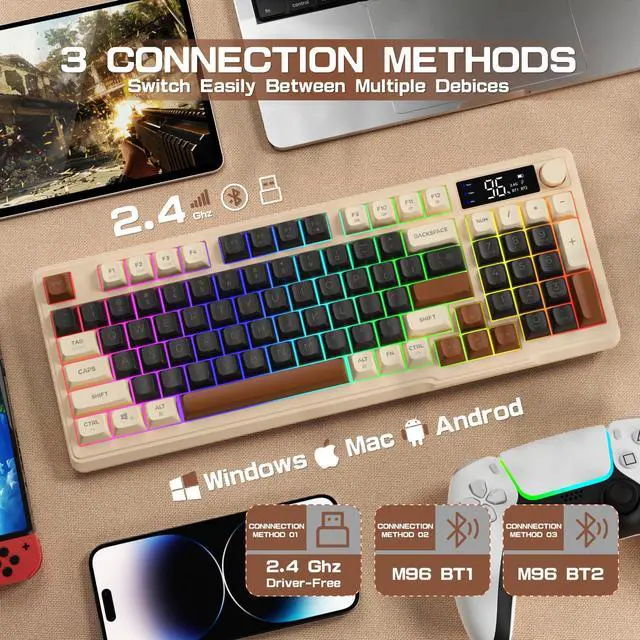
Bluetooth connection has 2 channels: BT1 and BT2--switch the button to BT1, turn on the computer Bluetooth to connect; switch the button to BT2, press ESC+Q keys at the same time, turn on the computer Bluetooth to connect.
What is the layout of this keyboard?
The keyboard is QWERTY layout, compact 94-key design, 26-key anti-ghosting.

PEOPLE-PRIENTED
CUSTOMER FIRST

LexonElec adheres to the concept of "customer experience as the core" and "innovation". We are committed to continuously exploring customer needs; innovating according to customer needs. Use the latest technology to give customers the most advanced experience.
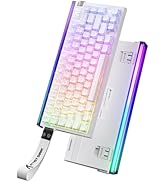
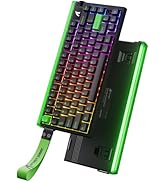
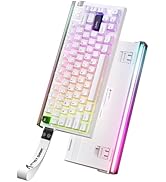
ATTACK SHARK R85 Keyboard
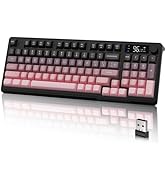
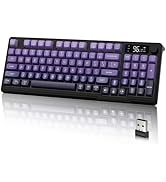
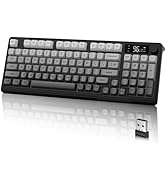
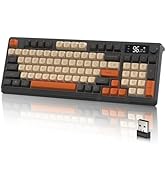
M96 Gaming Keyboard - Gradient
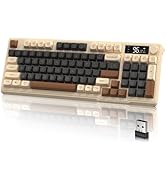
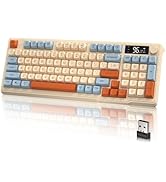
M96 Gaming Keyboard - Matching
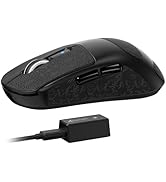
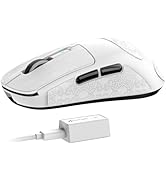
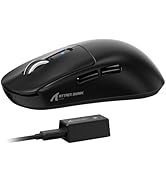
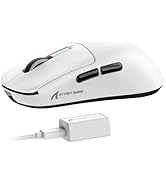
ATTACK SHARK R6 Gaming Mouse
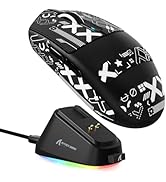
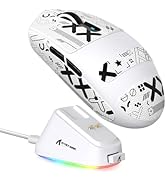
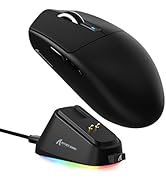
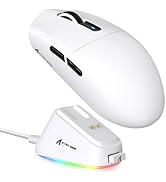
ATTACK SHARK G3PRO Game mouse
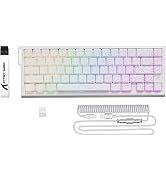
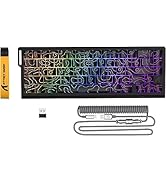
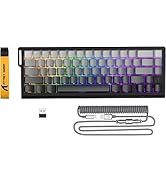
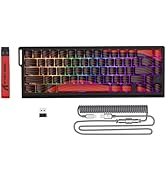
X68PRO HE Gaming Keyboard
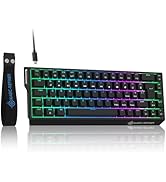
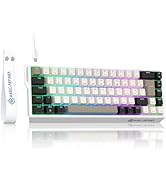
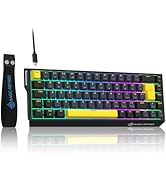
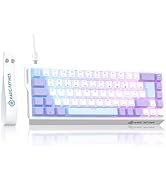
X68 HE Rapid Trigger Keyboard
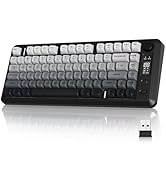
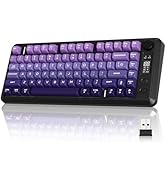
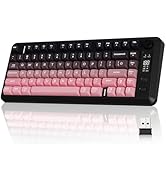
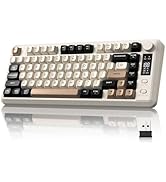
M75 Gaming Keyboard - Gradient
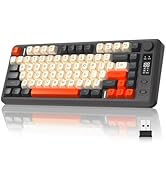
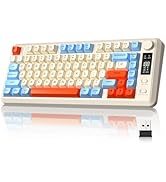
M75 Gaming Keyboard - Matching
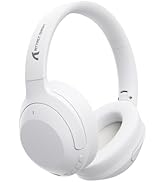
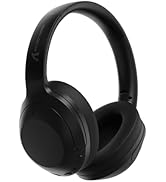
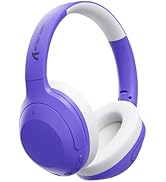
ATTACK SHARK G300 Headset
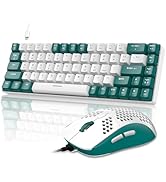
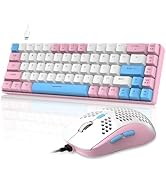
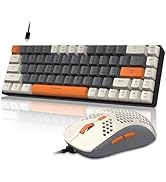
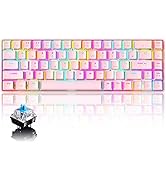
Gaming Keyboard Set - T8 & M1

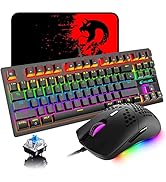
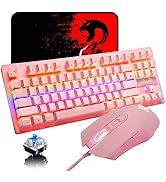
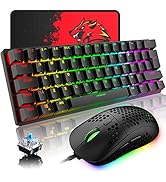
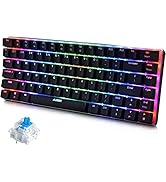
K2 Mechanical Keyboard
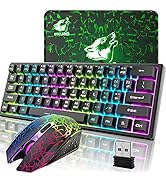
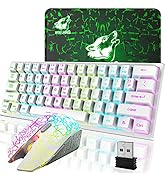
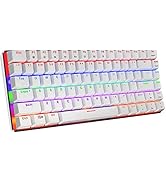
Game Keyboard Set-T61


M96 Dual Mode Wireless Gaming Keyboard
This M96 keyboard adopts a 96-key minimalist layout design and is equipped with a multimedia knob button - Stylish, Comfortable and Simple.


Large Capacity Battery
Turn on the light: For about 60 hours; Turn off the light: For about 200 hours.

M96 Dual Mode Wireless Gaming Keyboard
Is the keyboard a mechanical keyboard? Is it hot swappable?
This keyboard is a membrane keyboard, using mechanical feeling keycaps, not a mechanical keyboard.
Does the keyboard have RGB backlighting?
This keyboard is rainbow LED backlit, with only 2 backlight effects
What is shown on the display and what is the function of the rotary knob?
The display content includes battery power, connection mode, and low battery prompt. The default function of the knob button is multimedia function, which can adjust the volume.
How do I use the Bluetooth connection?
Bluetooth connection has 2 channels: BT1 and BT2--switch the button to BT1, turn on the computer Bluetooth to connect; switch the button to BT2, press ESC+Q keys at the same time, turn on the computer Bluetooth to connect.
What is the layout of this keyboard?
The keyboard is QWERTY layout, compact 94-key design, 26-key anti-ghosting.
PEOPLE-PRIENTED
CUSTOMER FIRST
LexonElec adheres to the concept of "customer experience as the core" and "innovation". We are committed to continuously exploring customer needs; innovating according to customer needs. Use the latest technology to give customers the most advanced experience.
ATTACK SHARK R85 Keyboard
M96 Gaming Keyboard - Gradient
M96 Gaming Keyboard - Matching
ATTACK SHARK R6 Gaming Mouse
ATTACK SHARK G3PRO Game mouse
X68PRO HE Gaming Keyboard
X68 HE Rapid Trigger Keyboard
M75 Gaming Keyboard - Gradient
M75 Gaming Keyboard - Matching
ATTACK SHARK G300 Headset
Gaming Keyboard Set - T8 & M1
K2 Mechanical Keyboard
Game Keyboard Set-T61