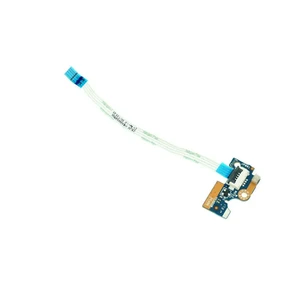
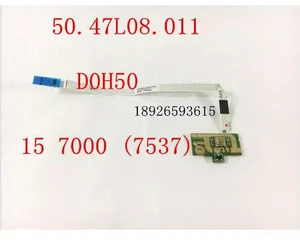
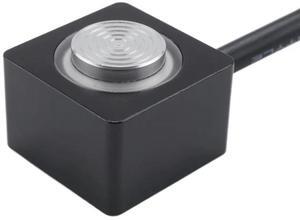
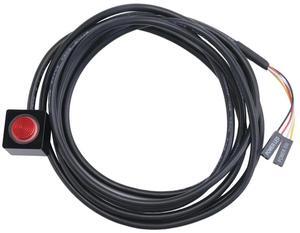
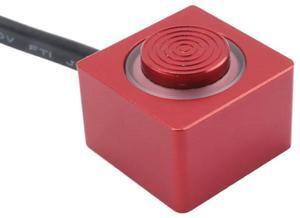
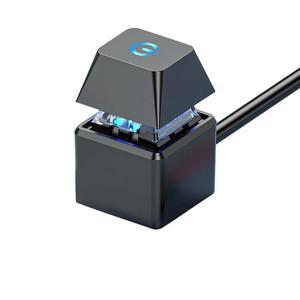
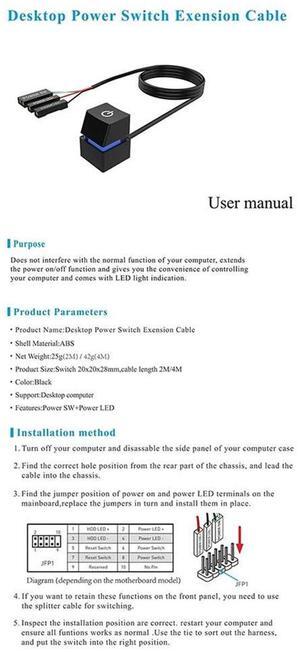
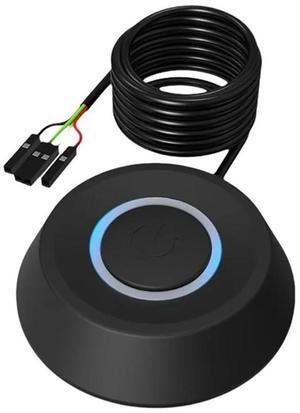
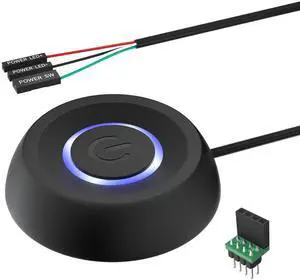
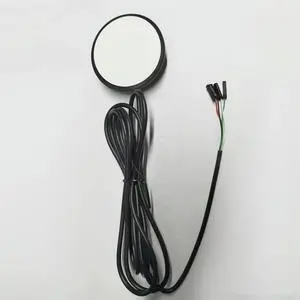
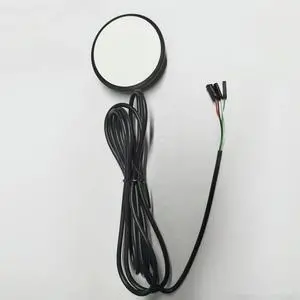
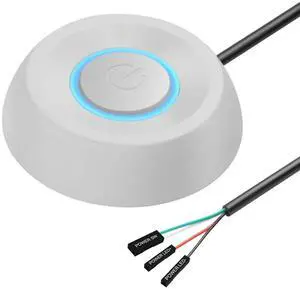
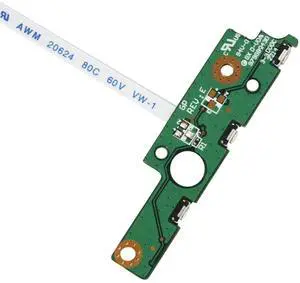
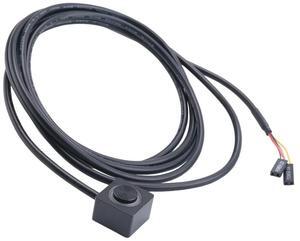
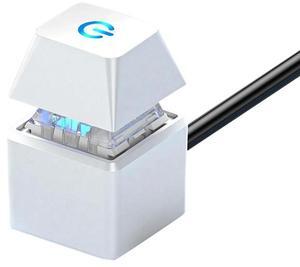
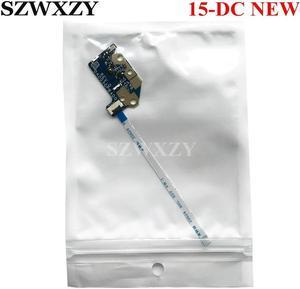
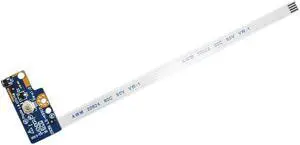
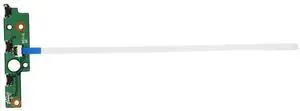
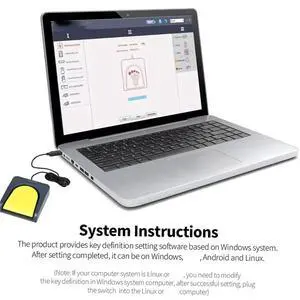
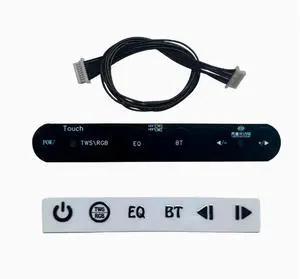
Specifications: Computer power button: Making Power Computer much easier. Located computer in a hard to reach area , this is a convenient switch on the desk and hitting it rather than bend down to turn the computer on Motherboard power switch: There Are Two Buttons on the Switch. One is power button in the center and the other is a reset button. There Is a Metal Sleeve over the cable that sits nicely in the card-slot cover to prevent the cable from being accidentally pulled or disconnected from the main board. HDD LED lights in the switch. They're solid blue when it's on, and flicker pieces of red when your computer is loading or doing something memory intensive. The amount of red even seems to correspond with how much strain your computer is under, so it's easy to tell if your computer is off o...
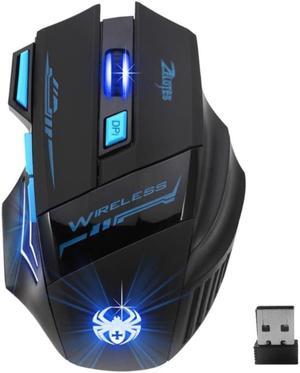
Buttons: 4 (Left/Right-click, Scroll-wheel with middle click, top button)
Top button customizable with Emoji Software
Multi-device: 3 Easy-Switch channels
On/Off Switch with power-saving technology
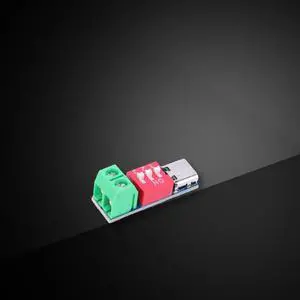
Specifications: Ports:1 x USB-C adapter 2 x SATA1 x DC Power Input PortButton: 1 x Power ON/OFF SwitchLED:1 x Power2 x HDD4 x Clone (25% 50% 75% 100%)Housing Material: ABSShell Color: Flat BlackWorking Standards: USB 3.1 Gen 1 5GbpsLED Indicators
Type: USB C HDMI Displayport KVM Switch 2 Monitors 2 Computers
Computer Connections: 2 Ports
Monitor Connections: 2 Ports
Video Resolution: Our dual-monitor KVM switch support delivers stunning 4K@60Hz visuals, with crystal-clear details on your monitors. It works seamlessly with HDCP 2.2, which allowing watch protected content without interruptions.? It’s flexible for many display needs, supporting 4K@60Hz/30Hz, 2K, 3D, and 1080P. Note: Please use high-quality HDMI 2.1 Displayport 1.4 /USB C cables to achieve 4K@60Hz performance.