
Your Browsing History




Any questions? Our AI beta will help you find out quickly.
Unique all-in-one suite to completely protect, maintain, and manage your PC!
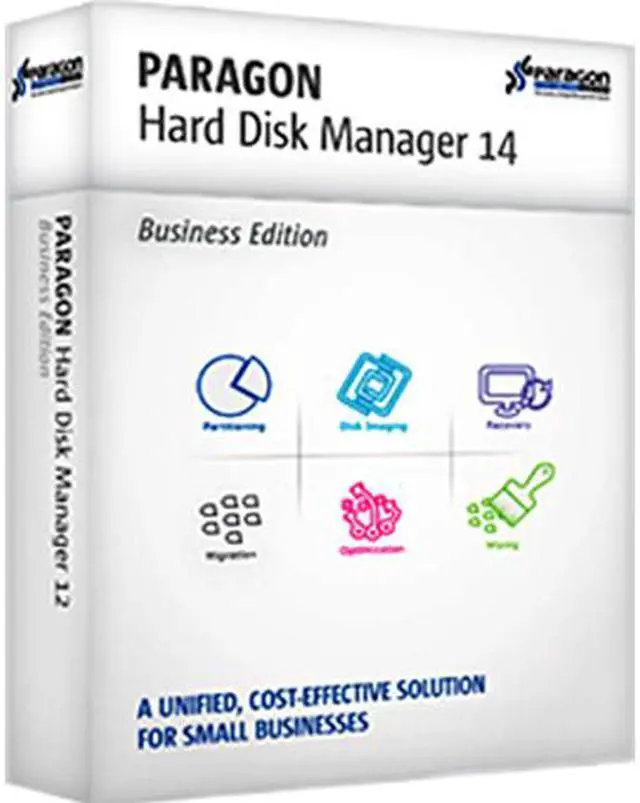
Paragon Hard Disk Manager 14 Suite is an essential solution for home or SOHO users to manage today's hard drives. This suite includes a full range of partitioning, backup, and recovery tools; a migration tool for fast migration to new HDDs, SSDs, and virtual machines; and secure wiping to prevent information leaks. For anyone wanting efficient disk maintenance and optimization, look no further!
 Full Range of Disk ManagementAdvanced partitioning tools promote the maximum performance of your hard drives. Automatic alignment significantly boosts your PC performance. Multiple operating systems (up to 16) can be managed on one hard drive.
 Fastest MigrationPerform everyday migrations with ease: upgrade your hard drive, migrate to new hardware or use your old PC in a virtual environment. Move any Windows OS since XP from a regular hard disk to a faster SSD, even of smaller capacity. Supports all the latest HDD standards.
 Complete BackupProtect your entire PC, including the operating system, applications, your settings, and all data files, with high-level backup tools. Safeguard your system while it is up and running. Automate backup routines by scheduling operations. Restore the entire disk’s contents in minutes – no re-installations required.
 Advanced RecoveryStart the recovery process during the startup of your computer, even if your operating system has failed. Create a safe, bootable backup capsule for disaster recovery. Start up your system on a different hardware platform.
 Easy VirtualizationMake a virtual clone of your old system before migrating to a new computer. Restore a previous virtual environment after unsuccessful virtualization of your system. Supports major virtual machines, including Oracle VirtualBox 4.
 Secure WipingWipe exactly what you need – whether it’s a separate partition or an entire hard disk. Two wiping algorithms destroy all on-disk data, providing the maximum level of security.