







Is pet monitoring compatible with WiFi networks?
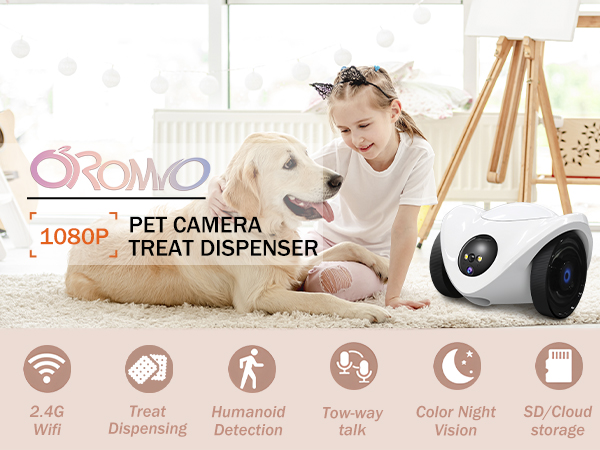
Pet camera only supports 2.4GHz WiFi (this frequency band provides longer coverage but may have slight latency).
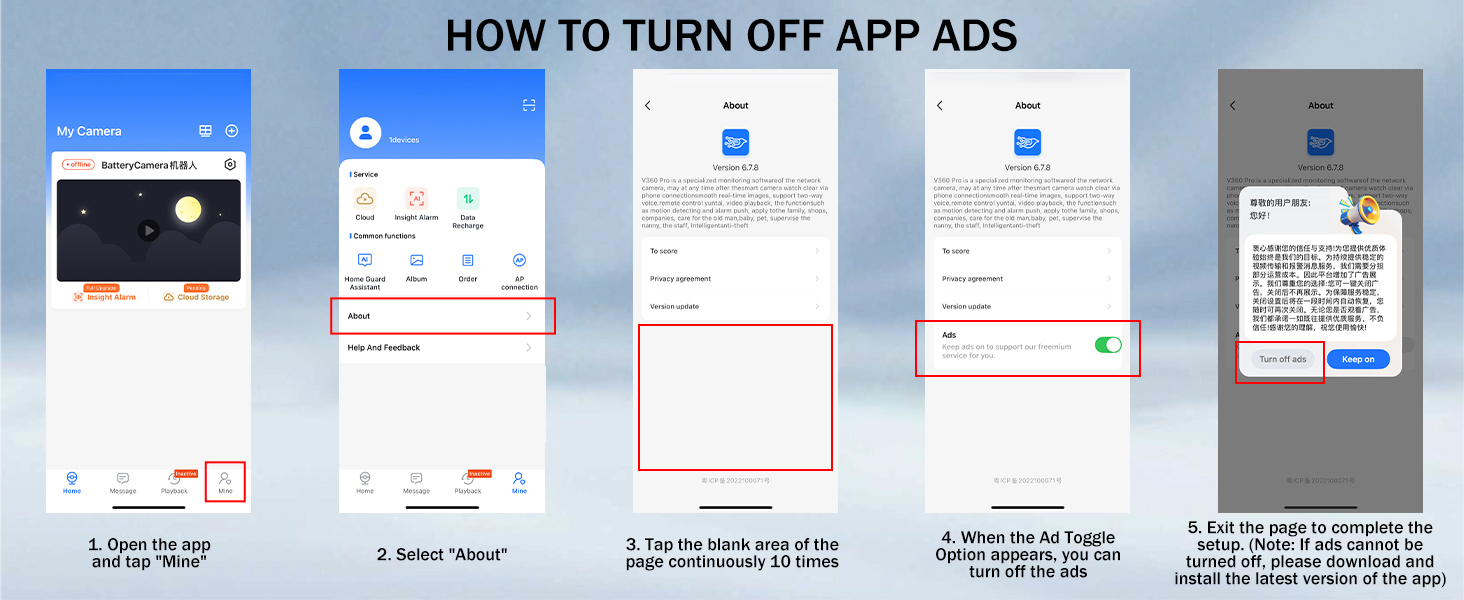
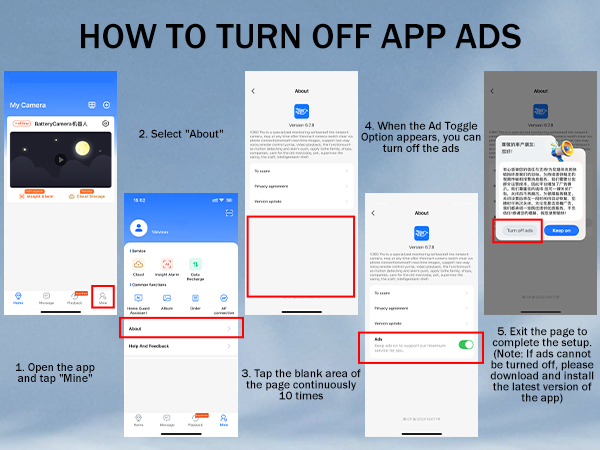
Is it possible to cancel ads on the app?
Generally, ads do not interfere with the use of the app. If you need to turn off the ads on your app, please provide us with the ID number of your app and we will turn it off for you!
Regarding the issue of not being able to connect to the mobile app.
Make sure your phone is connected to 2.4GHz WIFI, not 5GHz WIFI. Connecting to 5GHz WiFi may cause connection failure.
Does this pet cam support local storage?
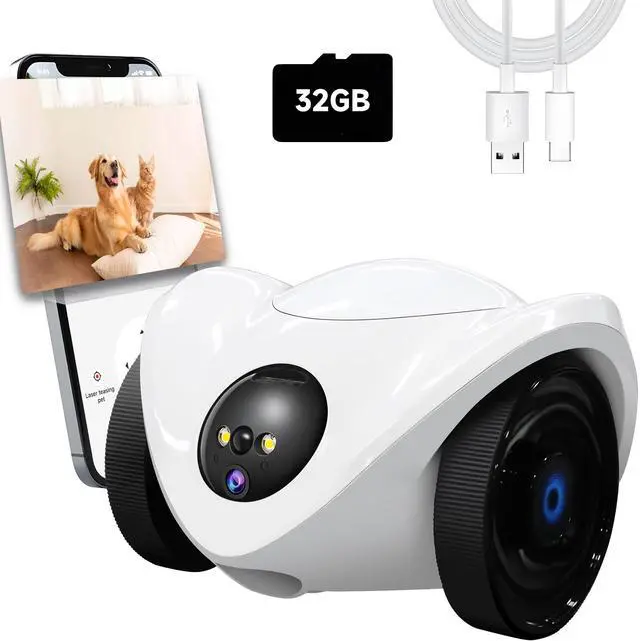
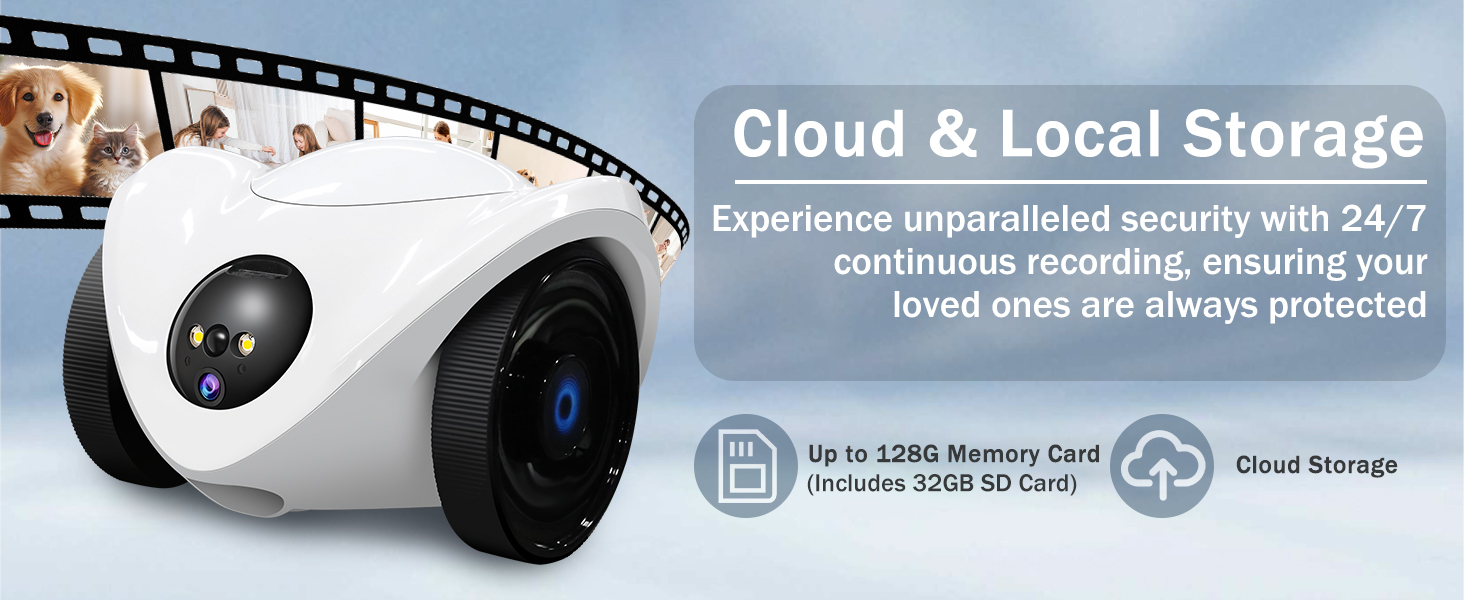
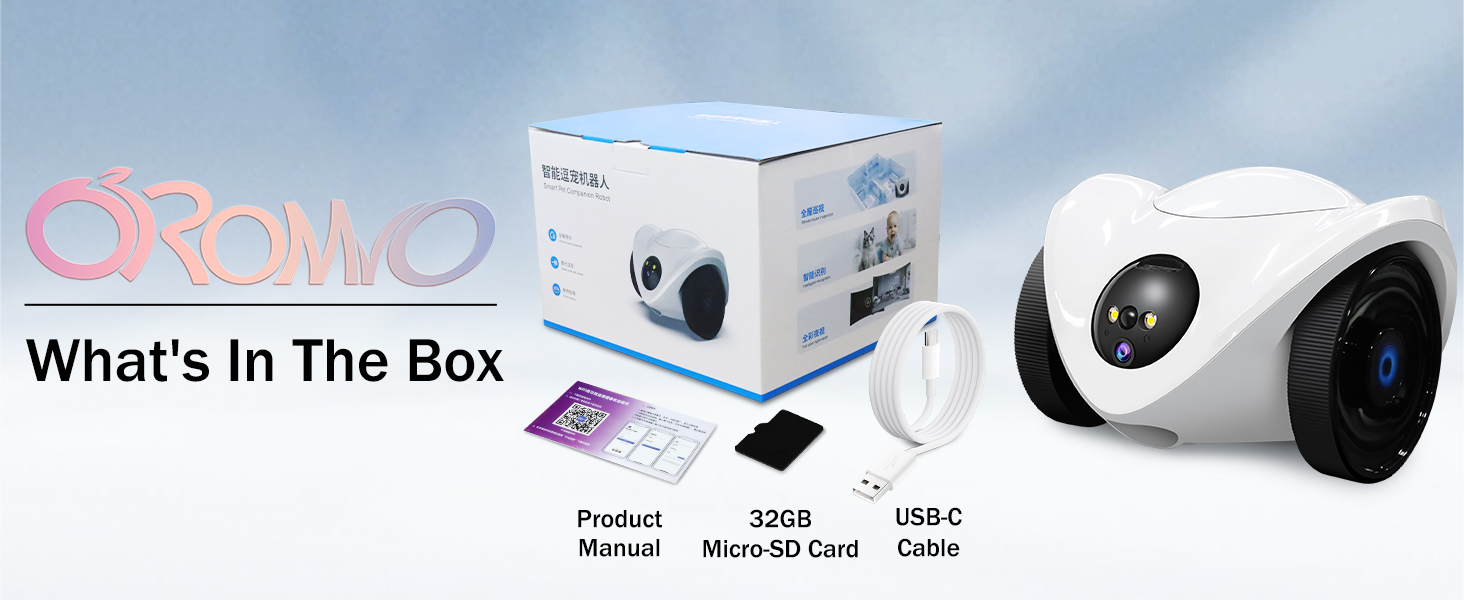
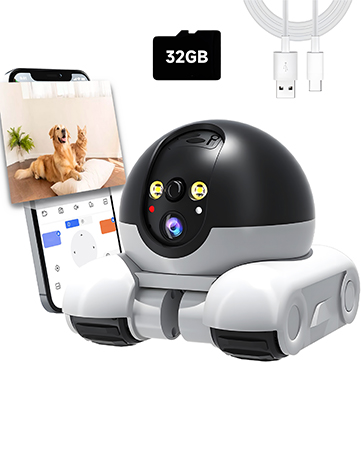
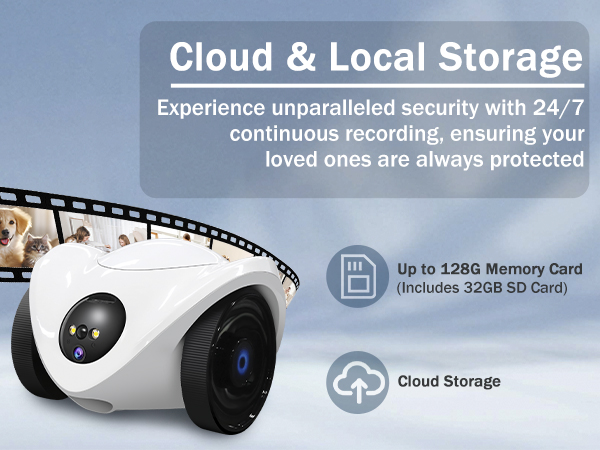
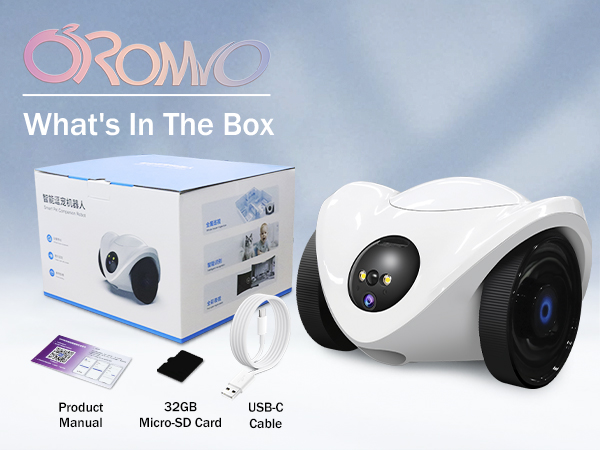
Our indoor camera supports both local storage and cloud storage modes. Local storage supports up to 128G memory card (one 32G SD card is included with the product) and can be used without subscription!
Can the device volume be adjusted?
It can be adjusted via the mobile app. Specific steps: Open the app, find the corresponding device, tap "Settings" at its top-right corner to enter the settings page, then locate the volume adjustment option to adjust it.

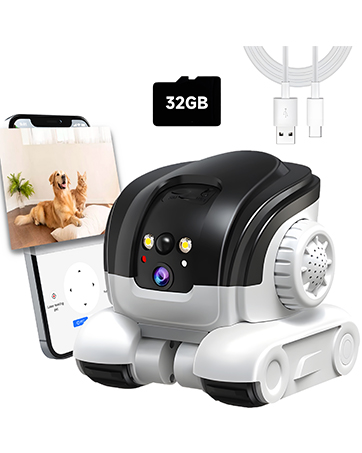
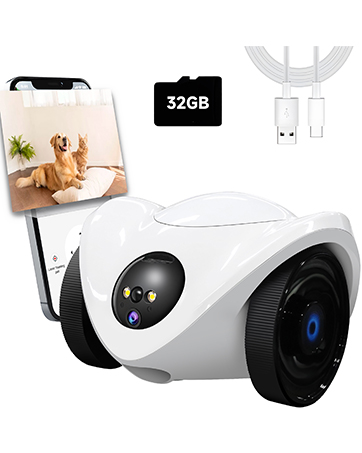
Robot Pet Camera
Pet Camera Treat Dispenser
Pet Camera

OROMVO
- OROMVO redefines modern living through innovative smart solutions.
- Every OROMVO device is crafted with precision, prioritizing user-friendly experiences and peace of mind. Discover how our commitment to quality and innovation transforms ordinary moments into extraordinary living.
- Experience smarter homes, happier pets, and effortless control with OROMVO.

Quality Services
Is pet monitoring compatible with WiFi networks?
Pet camera only supports 2.4GHz WiFi (this frequency band provides longer coverage but may have slight latency).
Is it possible to cancel ads on the app?
Generally, ads do not interfere with the use of the app. If you need to turn off the ads on your app, please provide us with the ID number of your app and we will turn it off for you!
Regarding the issue of not being able to connect to the mobile app.
Make sure your phone is connected to 2.4GHz WIFI, not 5GHz WIFI. Connecting to 5GHz WiFi may cause connection failure.
Does this pet cam support local storage?
Our indoor camera supports both local storage and cloud storage modes. Local storage supports up to 128G memory card (one 32G SD card is included with the product) and can be used without subscription!
Can the device volume be adjusted?
It can be adjusted via the mobile app. Specific steps: Open the app, find the corresponding device, tap "Settings" at its top-right corner to enter the settings page, then locate the volume adjustment option to adjust it.
Robot Pet Camera
Pet Camera Treat Dispenser
Pet Camera
OROMVO
- OROMVO redefines modern living through innovative smart solutions.
- Every OROMVO device is crafted with precision, prioritizing user-friendly experiences and peace of mind. Discover how our commitment to quality and innovation transforms ordinary moments into extraordinary living.
- Experience smarter homes, happier pets, and effortless control with OROMVO.
Quality Services