here!
here!
I’m your shopping assistant for PC builds, upgrades, and everything tech.
Got questions? Ask away!
Start a conversation
here!
I’m your shopping assistant for PC builds, upgrades, and everything tech.
Got questions? Ask away!
Start a conversation



Any questions? Ask CelesteSM will help you find out quickly.
From quiet evenings indoors to a colorful welcome outside, find lighting for the spaces you call home.
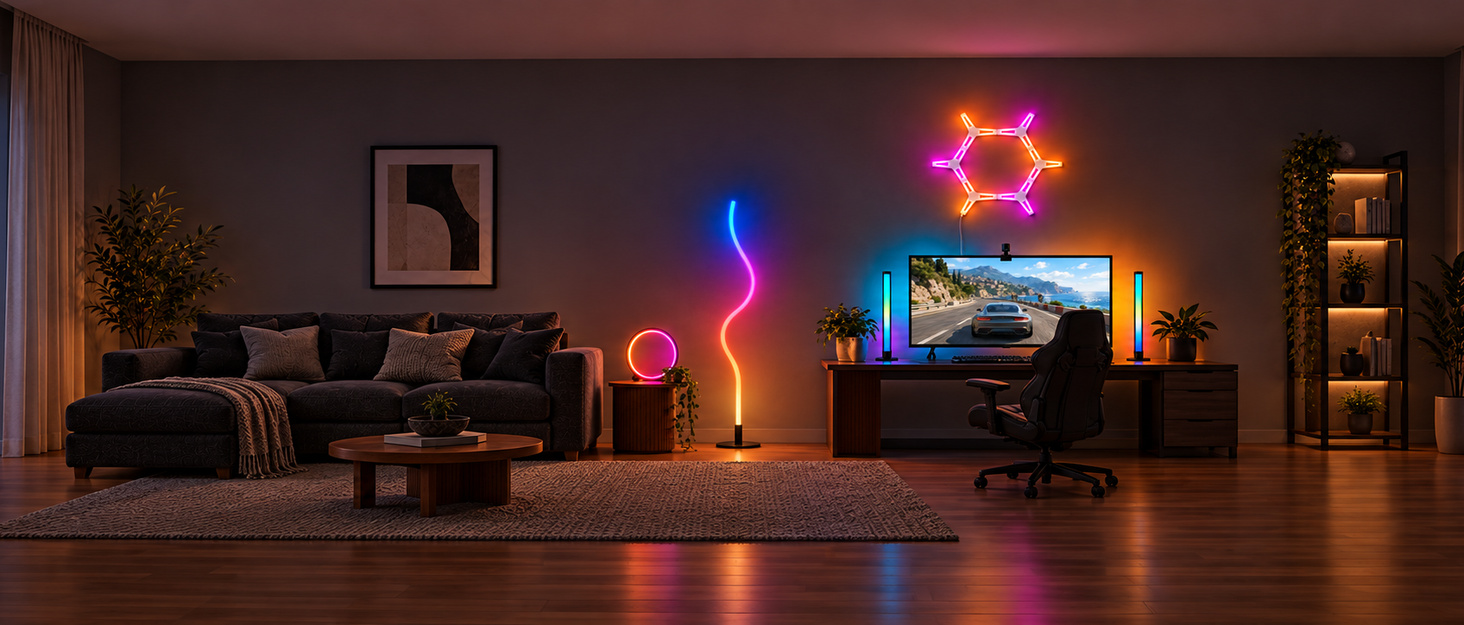
Explore PEYPLAY lighting for your eaves, living room and gaming space. Find a style that feels at home with you.
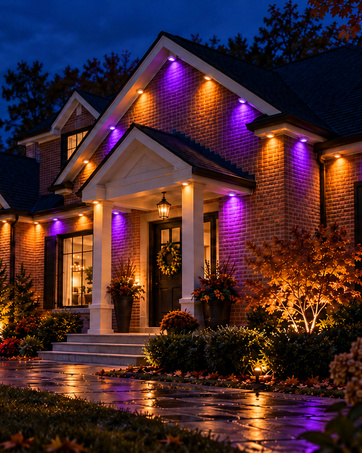
Bring color to your eaves and a warm welcome to everyday evenings.
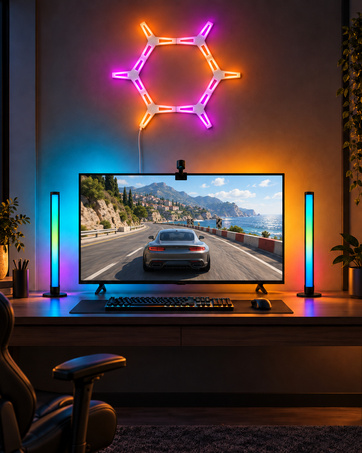
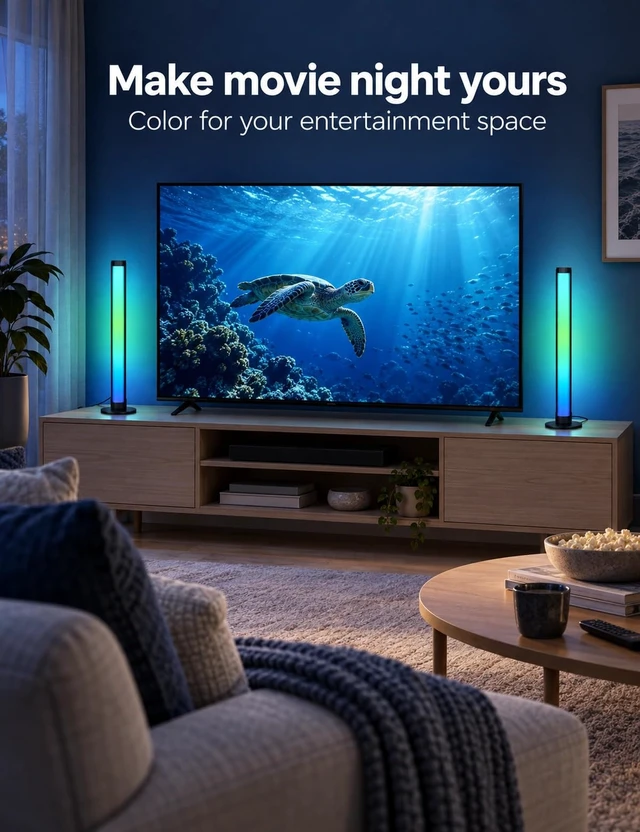
Explore wall lights and light bars that add color around your gaming space.
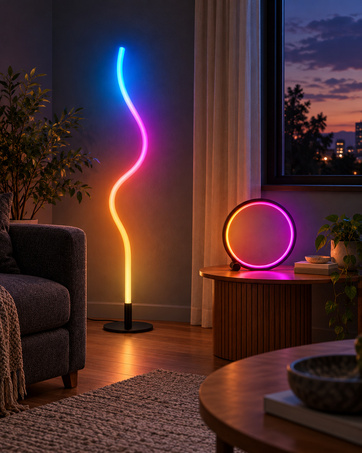
Give a favorite corner a new look with floor lamps and table lamps.
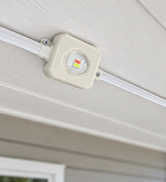
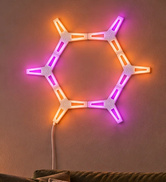
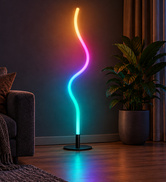
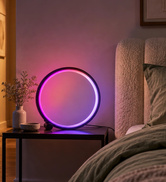
Explore outdoor eave lights, wall lights, TV lighting, light bars, floor lamps and table lamps.
Start with the space you want to light. Check each product page for its size, controls and installation details.
Visit the PEYPLAY Store to explore the collection and find lighting for your space.
Watch the original PEYPLAY product demo, then explore room ideas, control options and setup details.
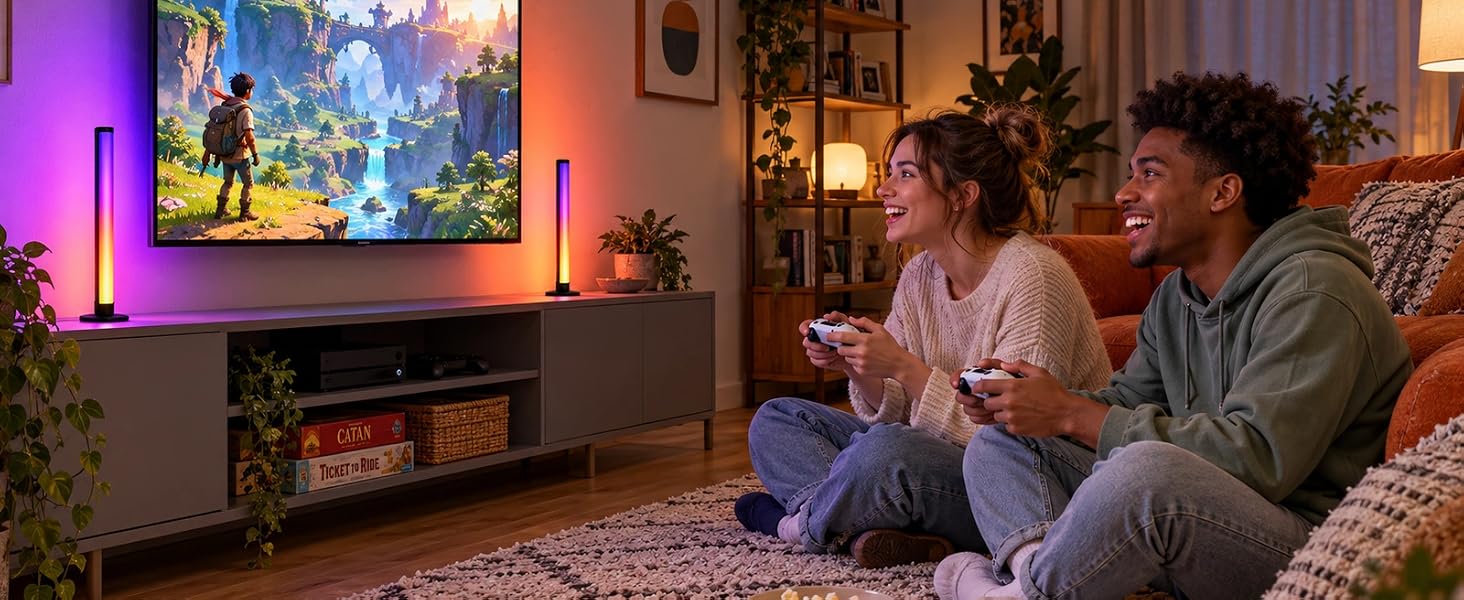
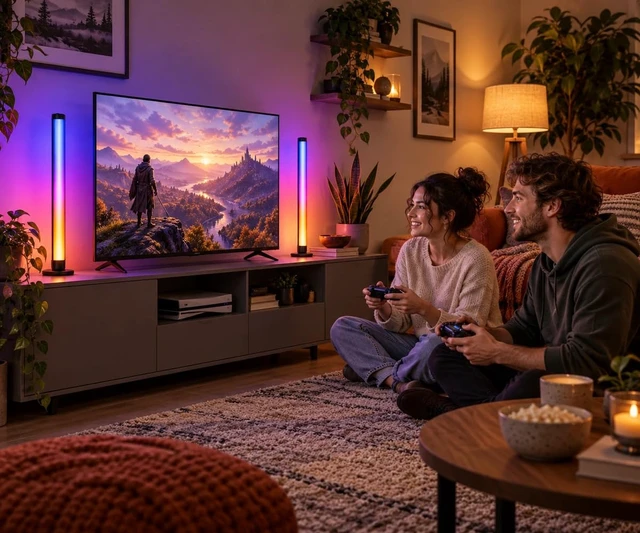
Choose a color scene to complement an evening of games.
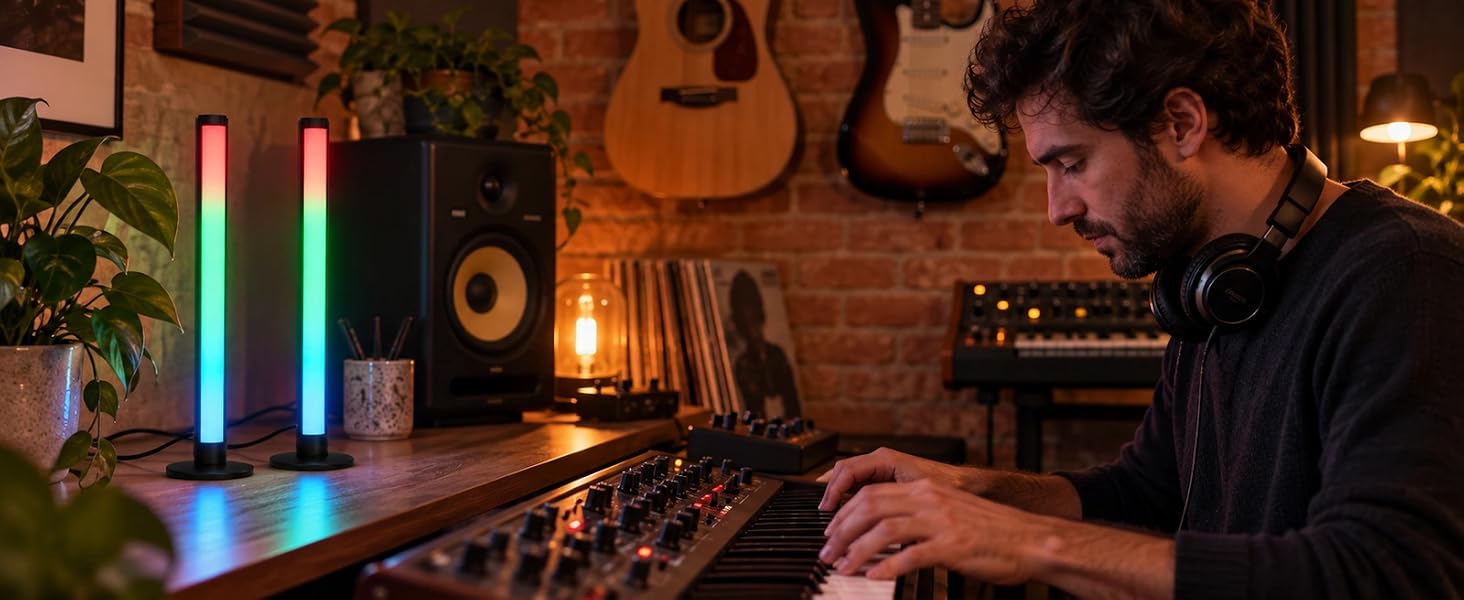
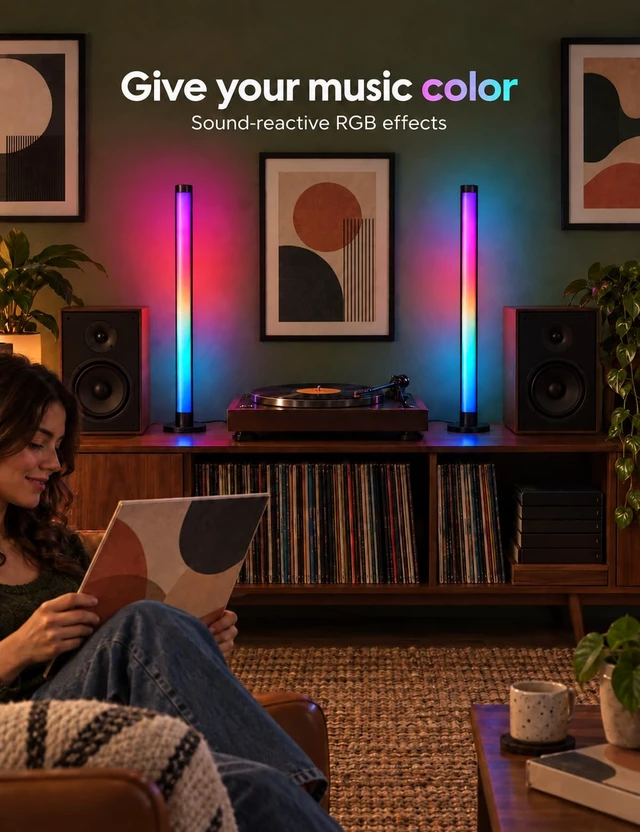
Use music mode to let the bars react to nearby sound.
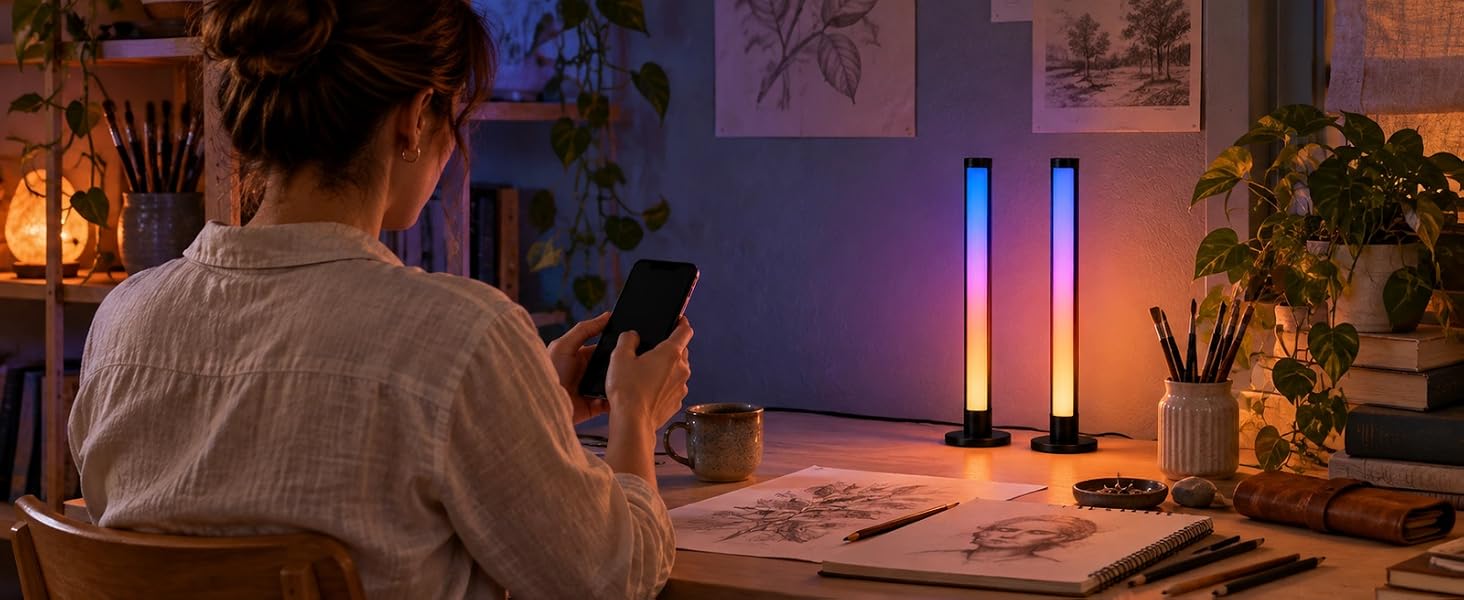
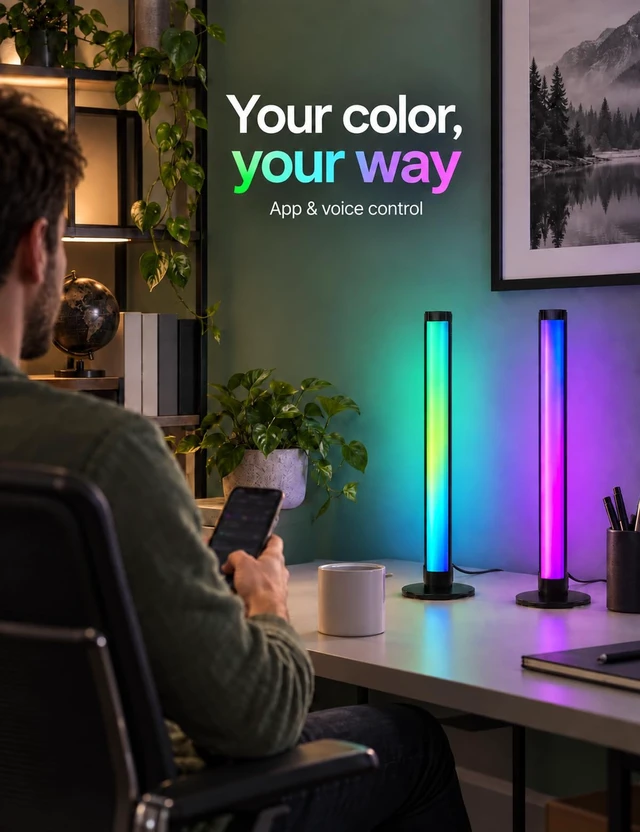
Select colors, scenes and brightness with the app.
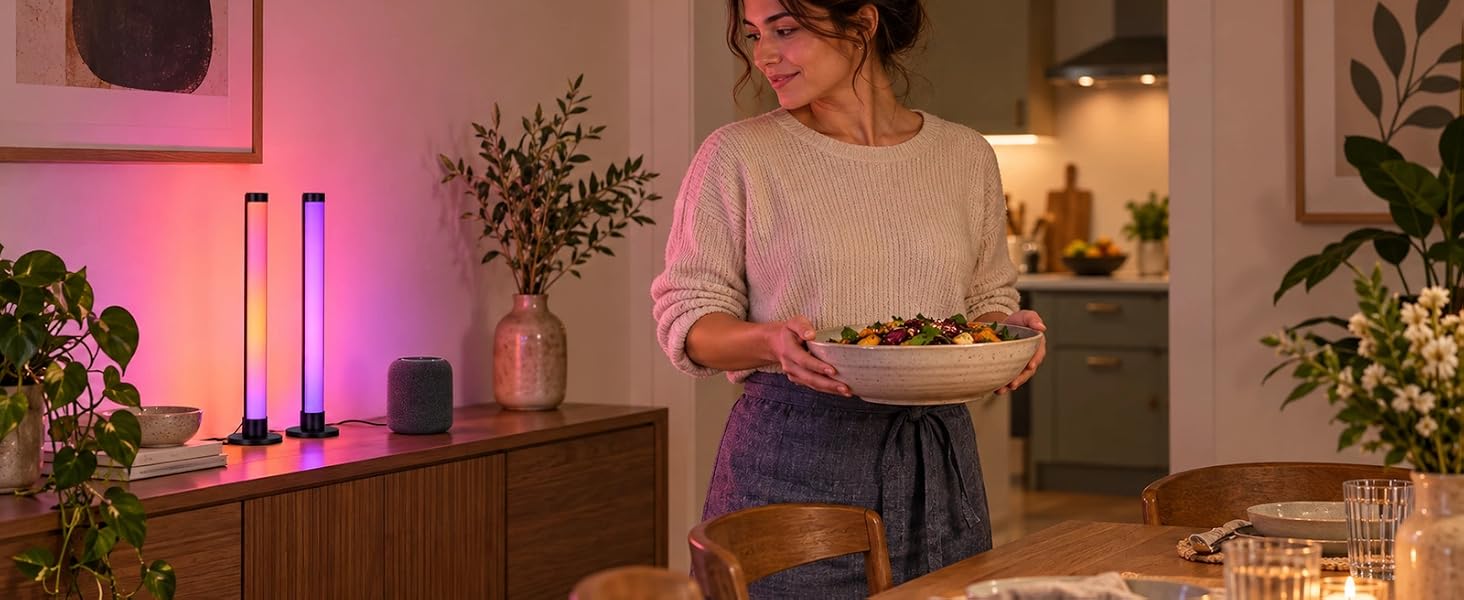
Use voice control through a compatible smart speaker.
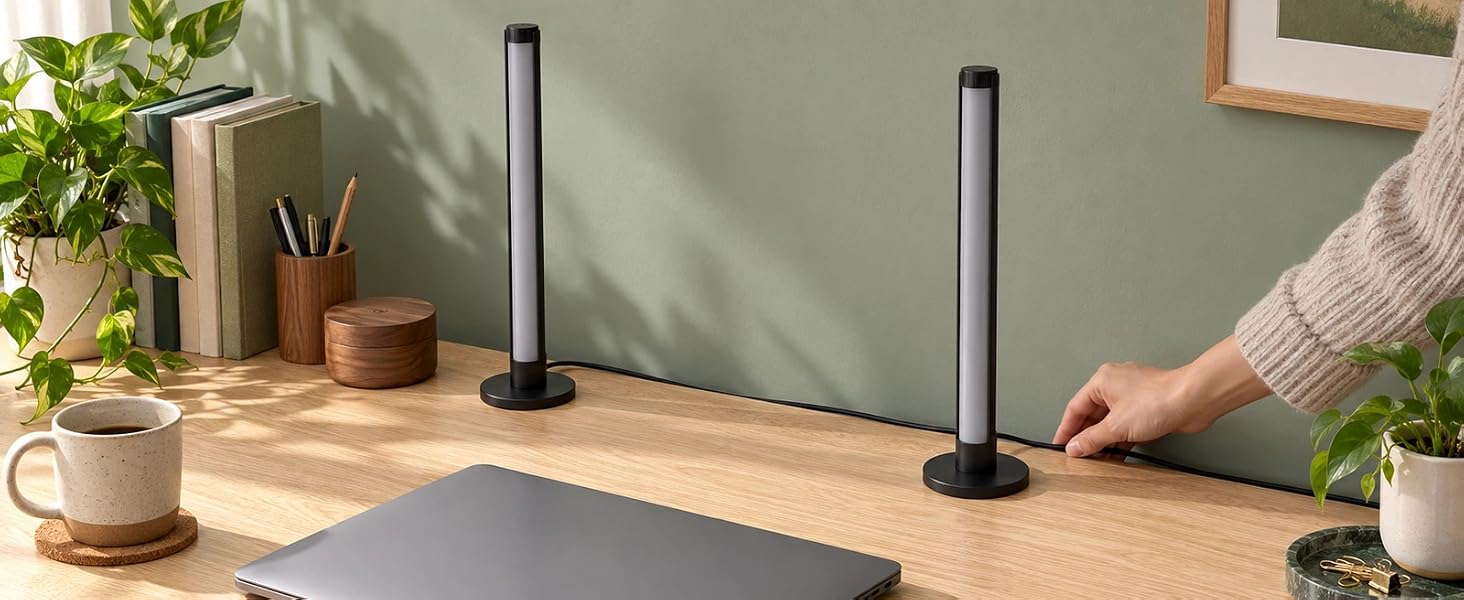
Position the two bars around your setup and connect USB power.
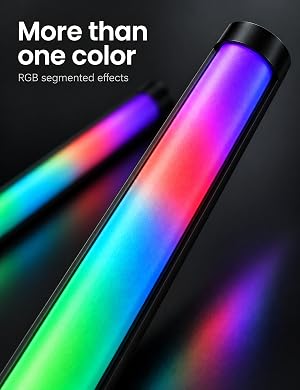
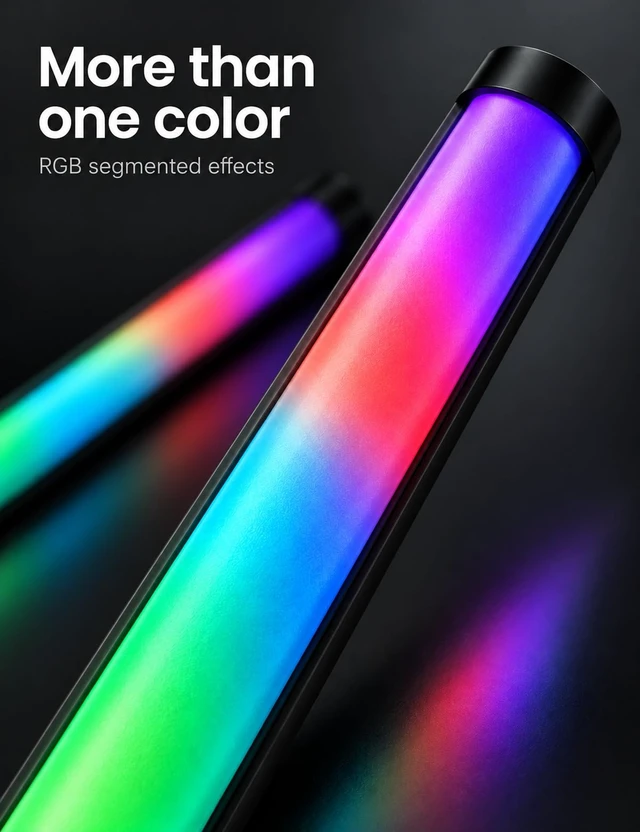
Choose static colors or segmented multicolor effects for your setup.
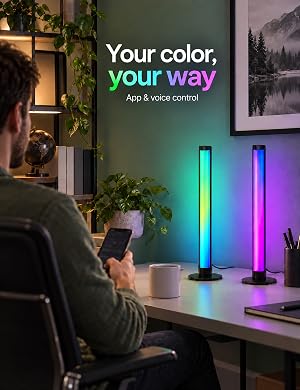
Use the app for colors and brightness, or voice control through a compatible smart speaker.
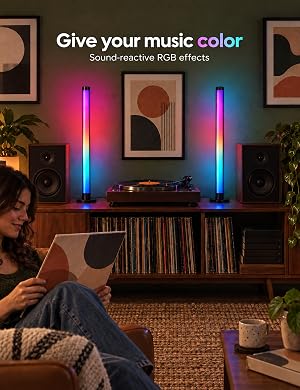
The built-in microphone lets music mode respond to sound near the bars.
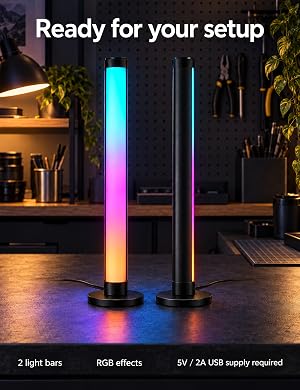
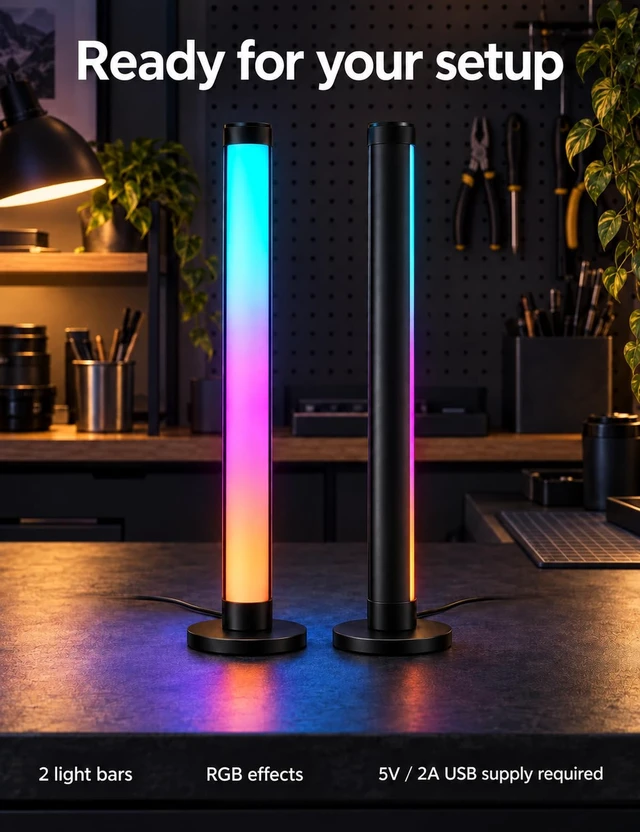
Place the two bars around a desk or entertainment setup. Supply 5 V / 2 A USB power.
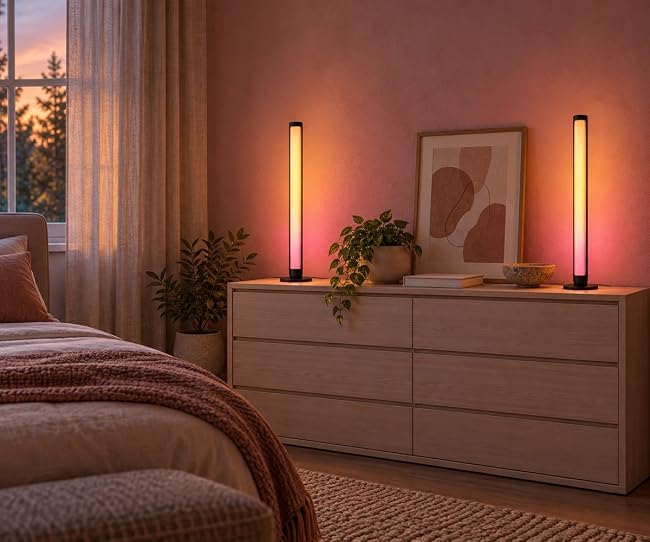
Use the app timer to plan when the bars switch on or off.
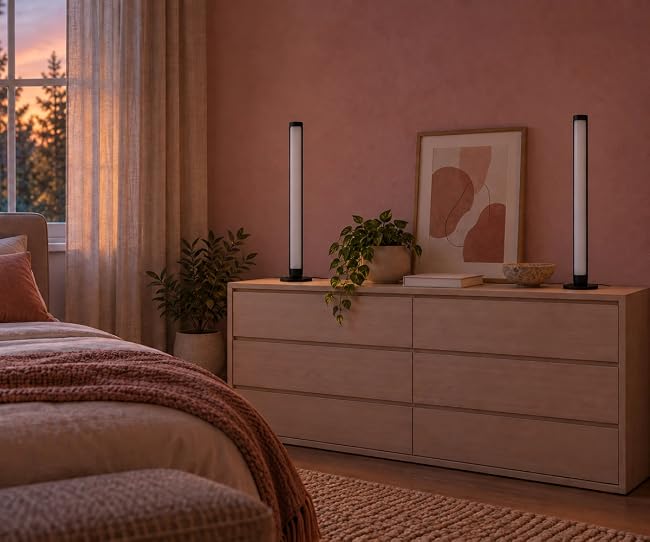
The companion illustration shows the bars off as part of an evening routine.
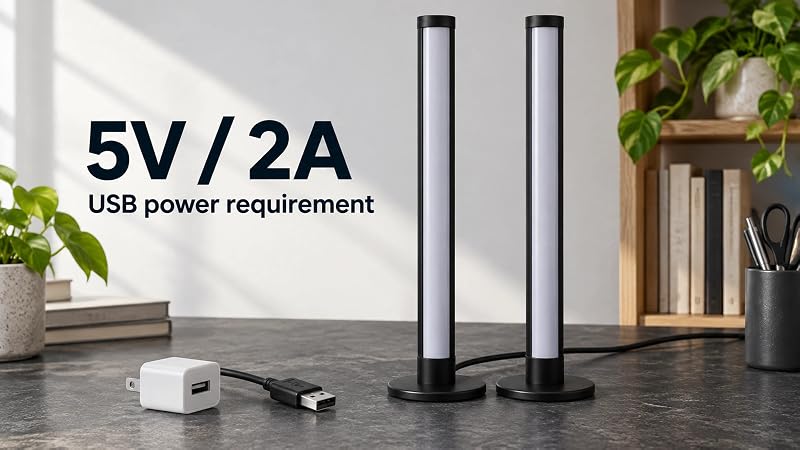
The two light bars require a 5 V / 2 A USB power supply. Check the power rating before connecting the bars and follow the supplied setup instructions.
How many light bars are included?
The set contains two light bars. Position them around your desk or entertainment setup.
Can I choose more than one color?
Yes. Choose static colors or segmented multicolor effects, and adjust brightness, scenes or DIY settings in the app.
Do the bars synchronize with my screen?
The bars provide decorative ambient lighting. Music mode uses a built-in microphone to react to nearby sound; it does not read screen content.
Can I set a timer or use voice control?
Use the app timer for on/off times. Voice control works through compatible smart speakers.
What power supply is required?
A 5 V / 2 A USB power supply is required. Check its rating before use and follow the supplied instructions.
Watch the original PEYPLAY product demo, then explore room ideas, control options and setup details.
Choose a color scene to complement an evening of games.
Use music mode to let the bars react to nearby sound.
Select colors, scenes and brightness with the app.
Use voice control through a compatible smart speaker.
Position the two bars around your setup and connect USB power.
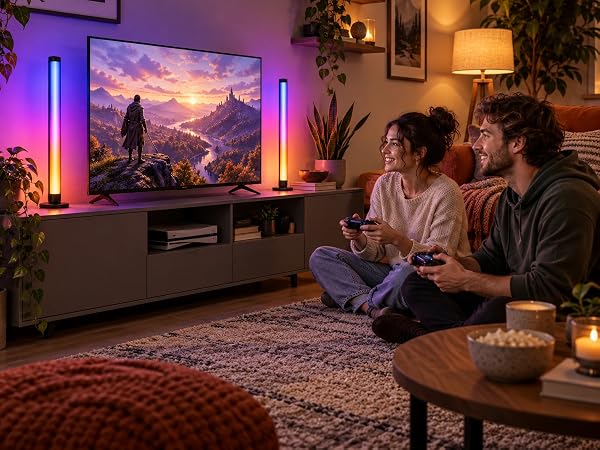
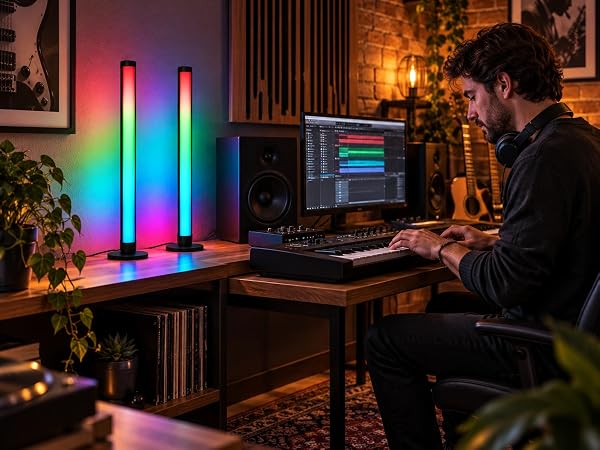
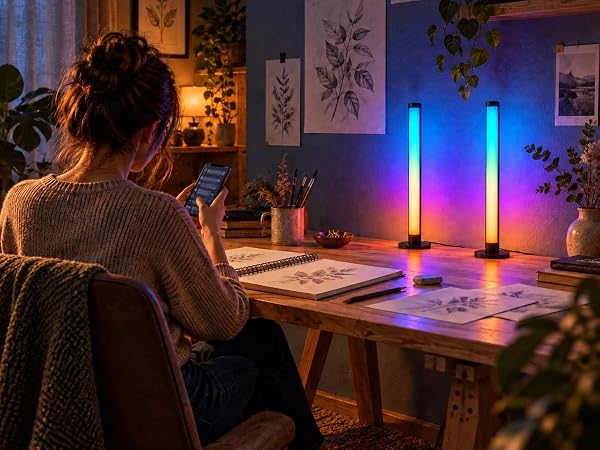
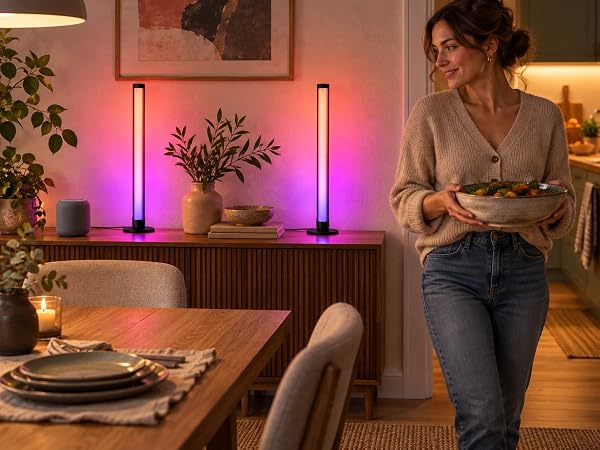
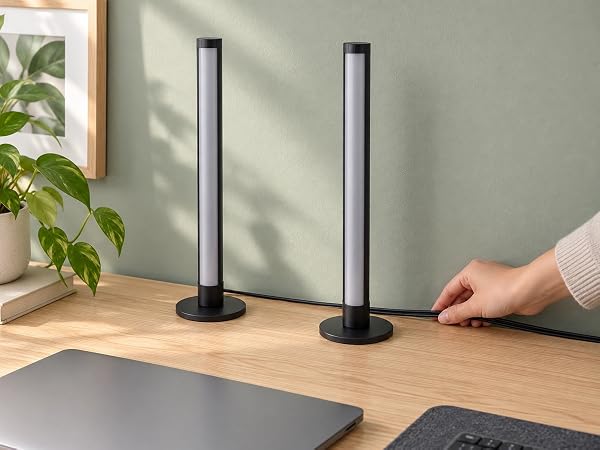
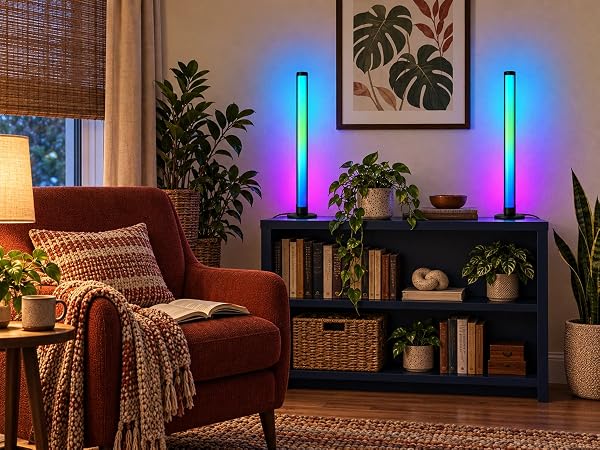
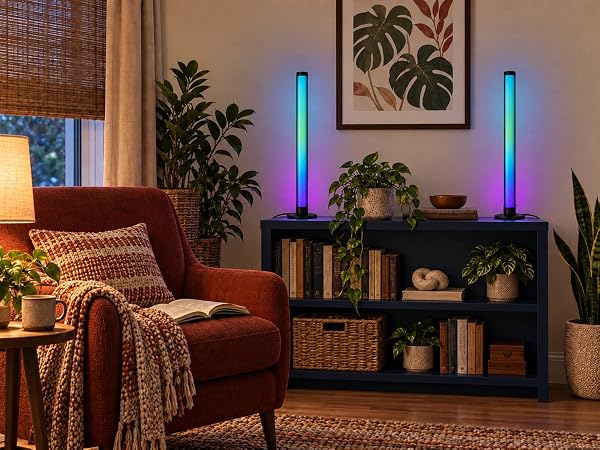
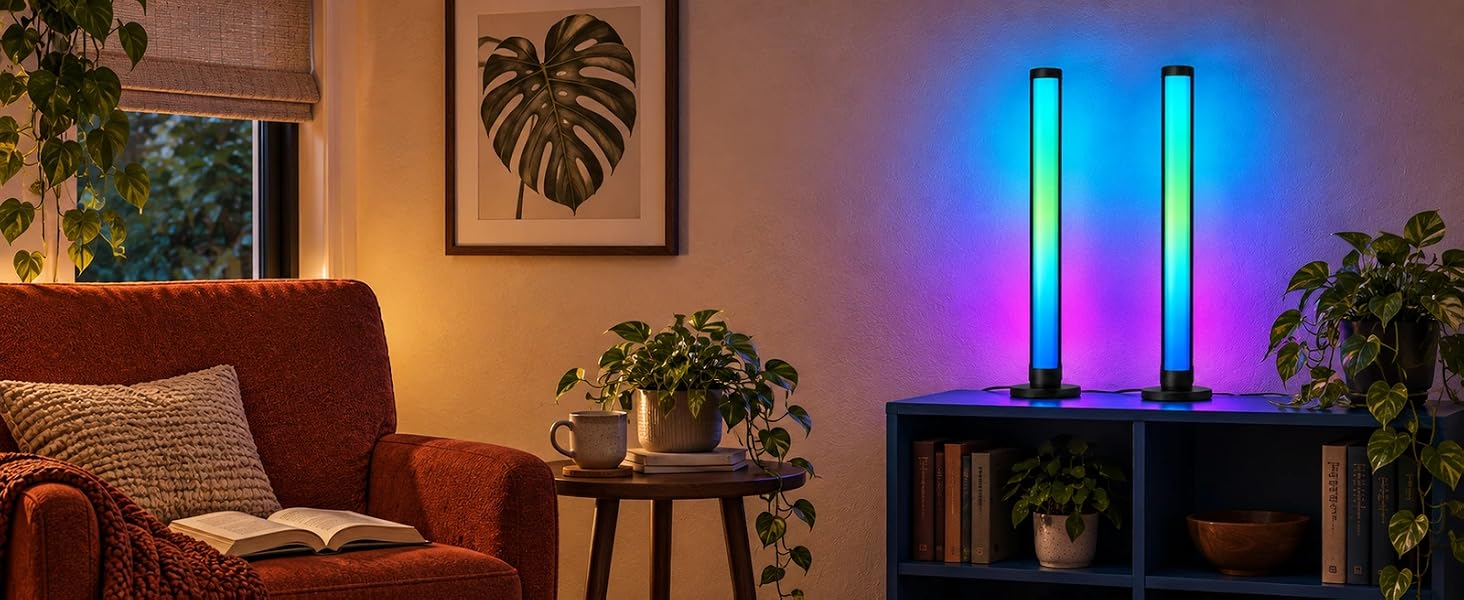
Illustrative view of the bars at a brighter setting.
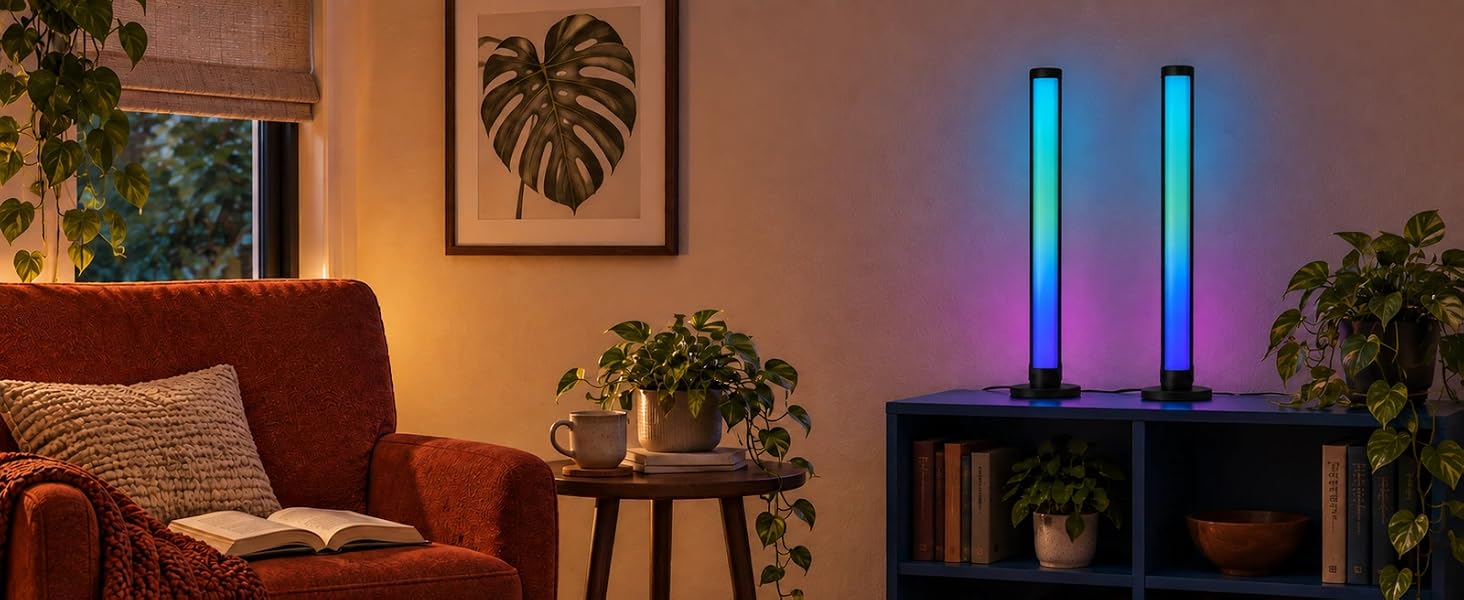
Illustrative view of the same room with a dimmer color setting.
Illustrative views compare brighter and dimmer settings in the same room.
Choose static colors or segmented multicolor effects for your setup.
Use the app for colors and brightness, or voice control through a compatible smart speaker.
The built-in microphone lets music mode respond to sound near the bars.
Place the two bars around a desk or entertainment setup. Supply 5 V / 2 A USB power.
Use the app timer to plan when the bars switch on or off.
The companion illustration shows the bars off as part of an evening routine.
5 V / 2 A USB Power Required
The two light bars require a 5 V / 2 A USB power supply. Check the power rating before connecting the bars and follow the supplied setup instructions.
How many light bars are included?
The set contains two light bars. Position them around your desk or entertainment setup.
Can I choose more than one color?
Yes. Choose static colors or segmented multicolor effects, and adjust brightness, scenes or DIY settings in the app.
Do the bars synchronize with my screen?
The bars provide decorative ambient lighting. Music mode uses a built-in microphone to react to nearby sound; it does not read screen content.
Can I set a timer or use voice control?
Use the app timer for on/off times. Voice control works through compatible smart speakers.
What power supply is required?
A 5 V / 2 A USB power supply is required. Check its rating before use and follow the supplied instructions.
From quiet evenings indoors to a colorful welcome outside, find lighting for the spaces you call home.
Explore PEYPLAY lighting for your eaves, living room and gaming space. Find a style that feels at home with you.
Bring color to your eaves and a warm welcome to everyday evenings.
Explore wall lights and light bars that add color around your gaming space.
Give a favorite corner a new look with floor lamps and table lamps.
Explore outdoor eave lights, wall lights, TV lighting, light bars, floor lamps and table lamps.
Start with the space you want to light. Check each product page for its size, controls and installation details.
Visit the PEYPLAY Store to explore the collection and find lighting for your space.
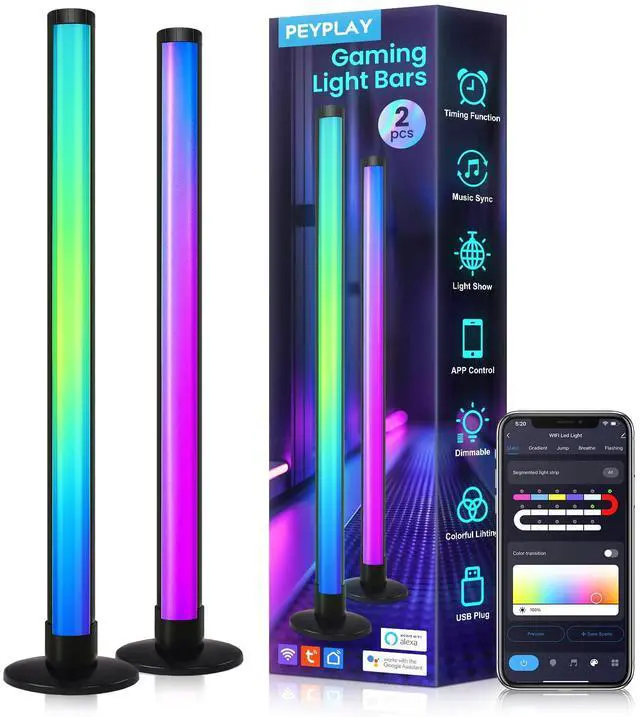
A Space That Responds to You Not Just a Light Bar. Imagine sitting at your desk as your game loads, the room still quiet. Then a soft glow rises behind your monitor, a wave of colors shifting and breathing. With multi-segment RGB illumination, each section lights independently to create smooth gradients, flowing waves and dynamic color transitions. A built-in microphone lets the lights react to nearby music or game audio. Place the two bars beside your monitor, behind your screen or in your bedroom for a calm nighttime atmosphere. Soft-diffusion optics remove harsh hotspots, and USB power (5 V / 2 A) keeps your desk tidy. Control them with the app or by voice with Alexa and Google Assistant, adjust brightness and create DIY modes.