






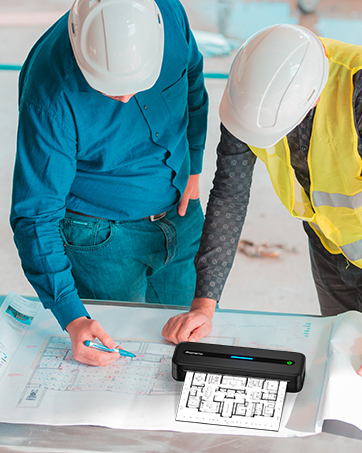


M832
Merchant VideoHow to Print Via Bluetooth with Phone & Tablet
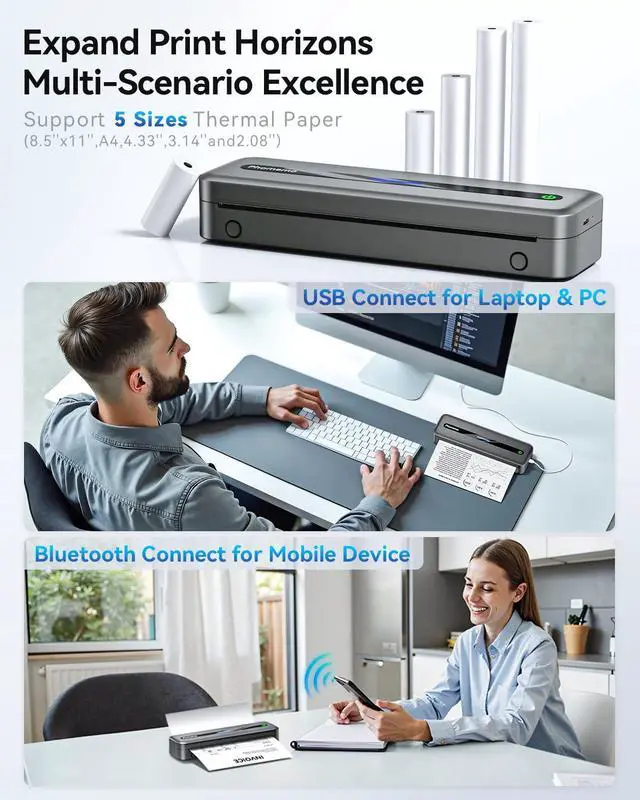
Download the App "Phomemo" from App store or Google play
Turn on the portable printer and App
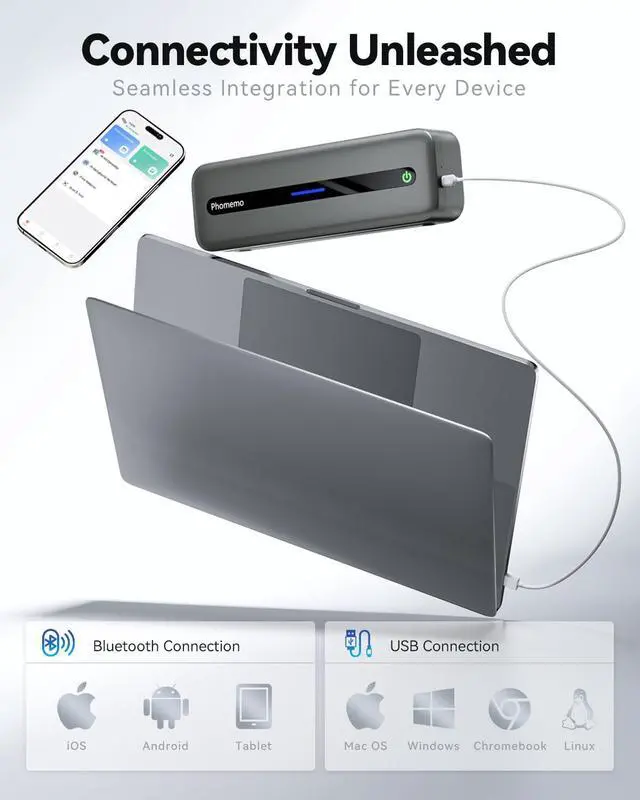
Click the "printer" icon on the App's uper right to search the Bluetooth printer and connect,Then start your Phomemo M832 portable printer printing travel
Attention: M832 inkless printer Bluetooth can't support pair with Phone or tablet directly now,must be pair on the App"Phomemo".
How to Print on Windows PC
Download the driver from Phomemo official website (Please check your laptop or computer's operation system before download the printer driver to maker sure the driver is correct)
After install the driver well, turn on the m832 portable printer and using the data cable come with the printer to connect Phomemo m832 thermal printer and your laptop, and start your m832 printer printing travel.
Attention: Phomemo M832 portable printer compatible with Windows7 and above operation syetem
How to Print on macOS Laptop
Download the driver from Phomemo official website (Please check your laptop or computer's operation system before download the printer driver to maker sure the driver is correct)
After install the driver well, turn on the m832 portable printer and using the data cable come with the printer to connect Phomemo m832 thermal printer and your laptop, and start your m832 printer printing travel.
Attention: Phomemo M832 portable printer compatible with macOS10 and above operation syetem


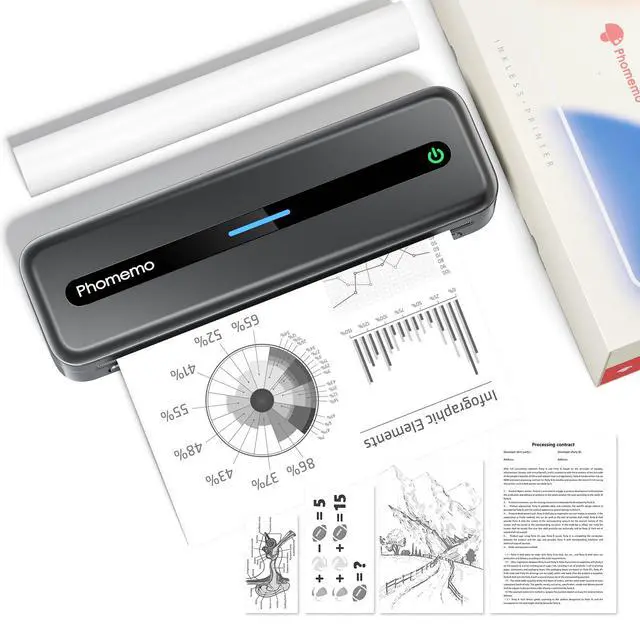
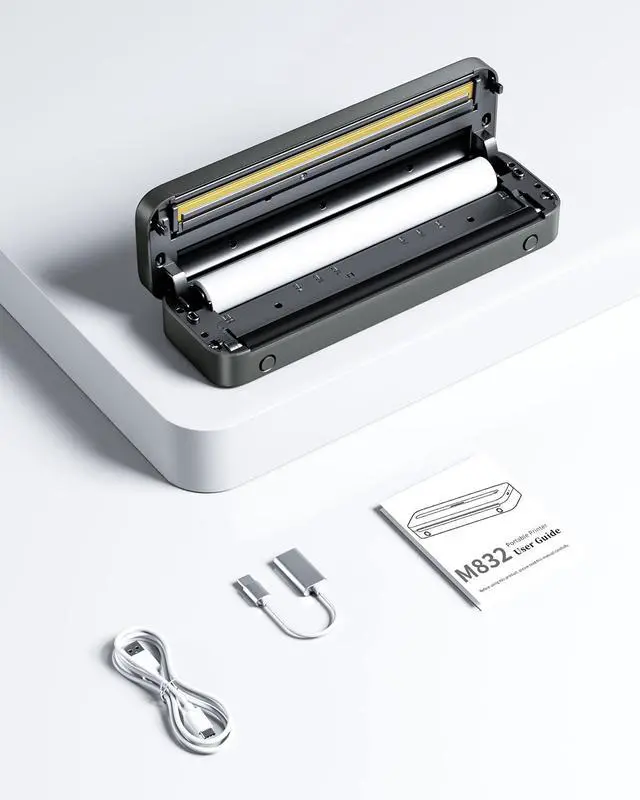
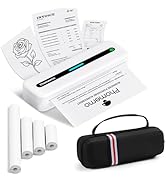
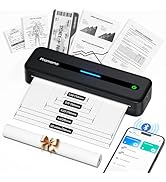
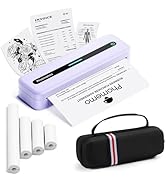
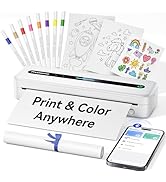
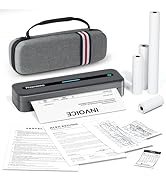
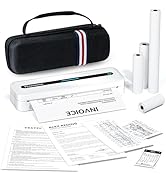
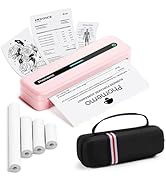
Phomemo M832 Portable Printer
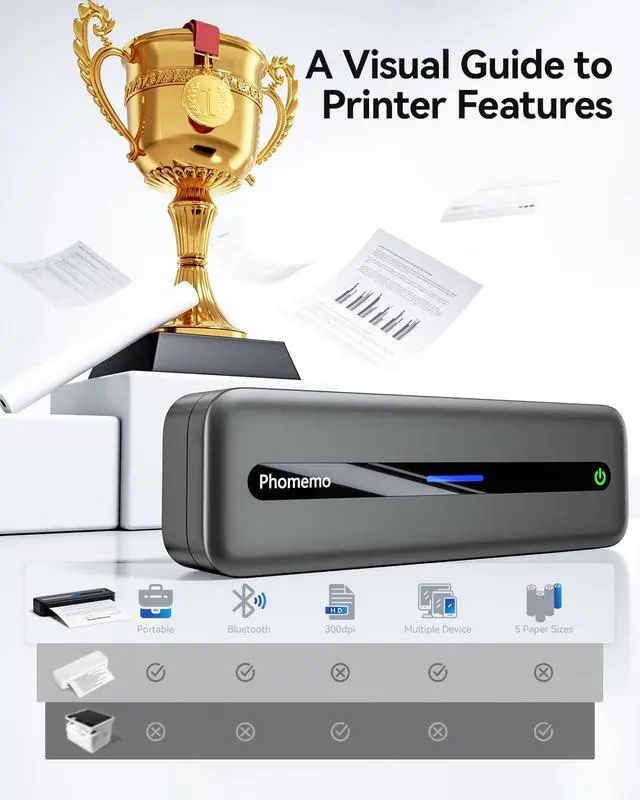
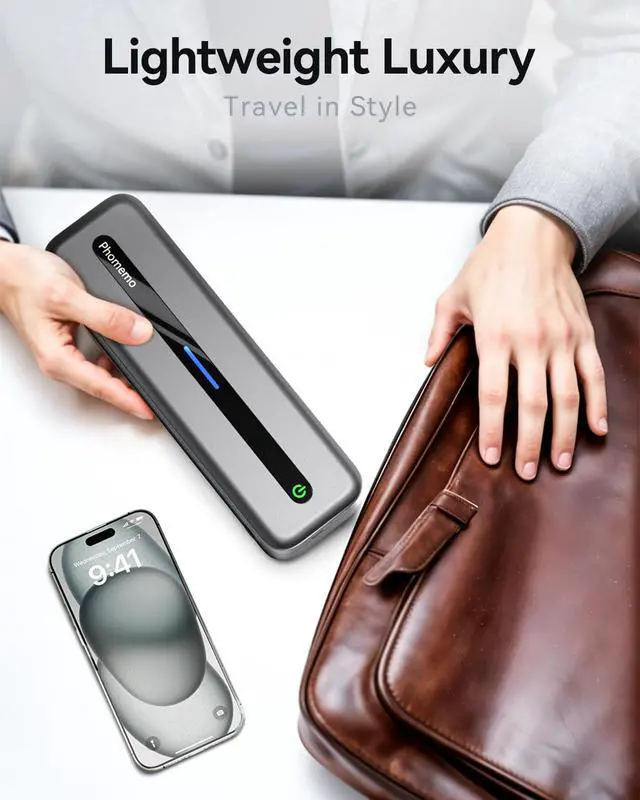
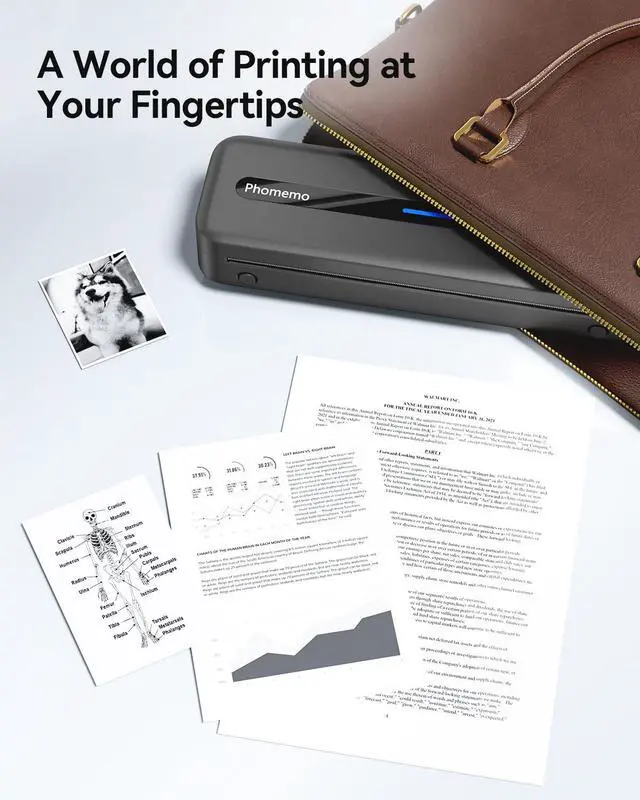
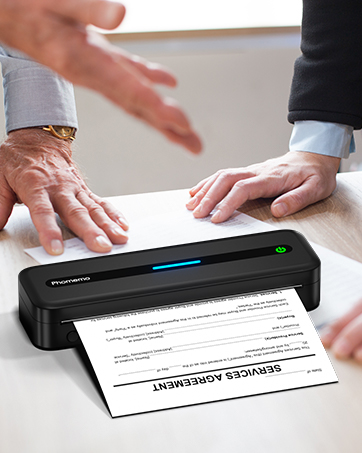
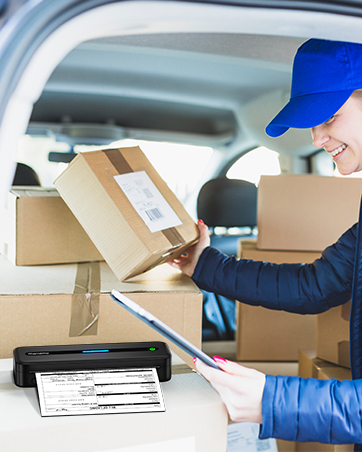
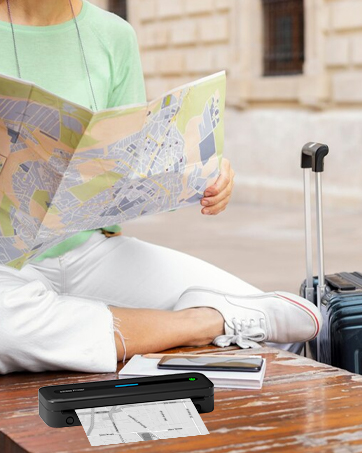
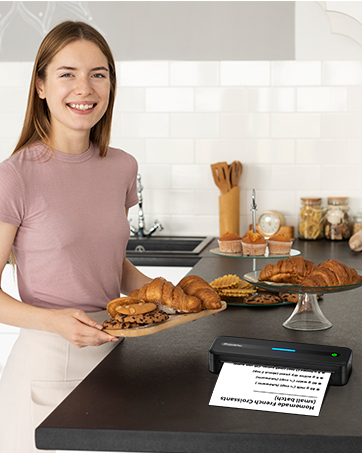
Portable Printers for Car/Travel/Office/Home/School
Phomemo M832 Portable Printer
Phomemo M832 Portable Printer
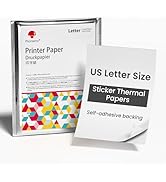
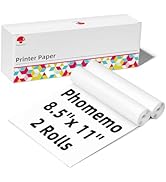
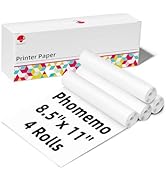
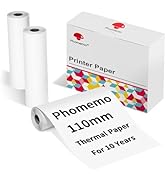
M832 Thermal Printer Paper
