






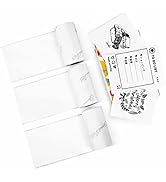
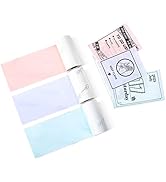
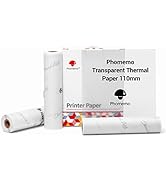
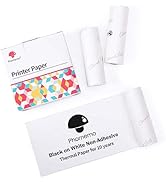
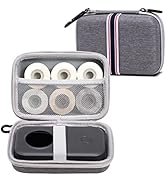
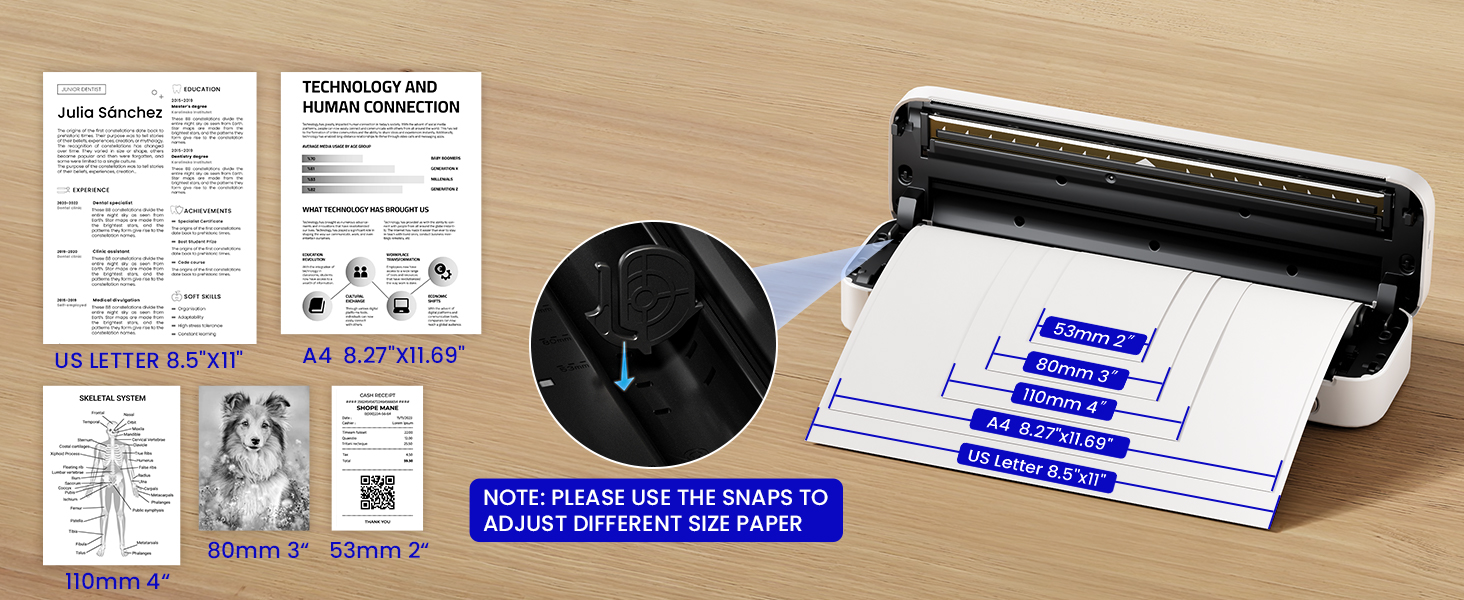
Thermal Paper
 US Letter Thermal Paper |  A4 Thermal Paper | 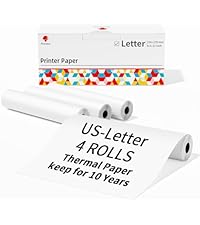 US Letter Thermal Paper | 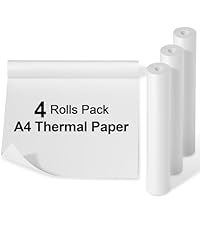 A4 Thermal Paper |  A4 Thermal Pape |  A4 Thermal Paper | |
|---|---|---|---|---|---|---|
Customer Reviews | — | — | — | — | — | — |
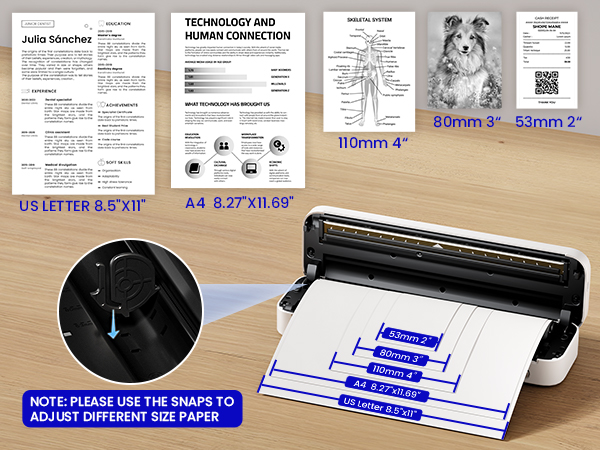
Size | 8.5"x11" | 8.27"×11.69” | 8.5"x11" | 8.27"x275 3/5" | 8.27"x11.69" | 8.27"x11.69" |
Style | Roll Paper | Roll Paper | Roll Paper | Roll Paper | Single Paper | Single Paper |
Quantity | 2 Rolls | 2 Rolls | 4 Rolls | 4 Rolls | 200 Sheets | 100 Sheets |
BPA Free | v | v | v | v | v | v |
Compatible with | Most US Letter thermal Printer | Most US Letter thermal Printer | Most US Letter thermal Printer | Most US Letter thermal Printer | Most US Letter thermal Printer | Most US Letter thermal Printer |
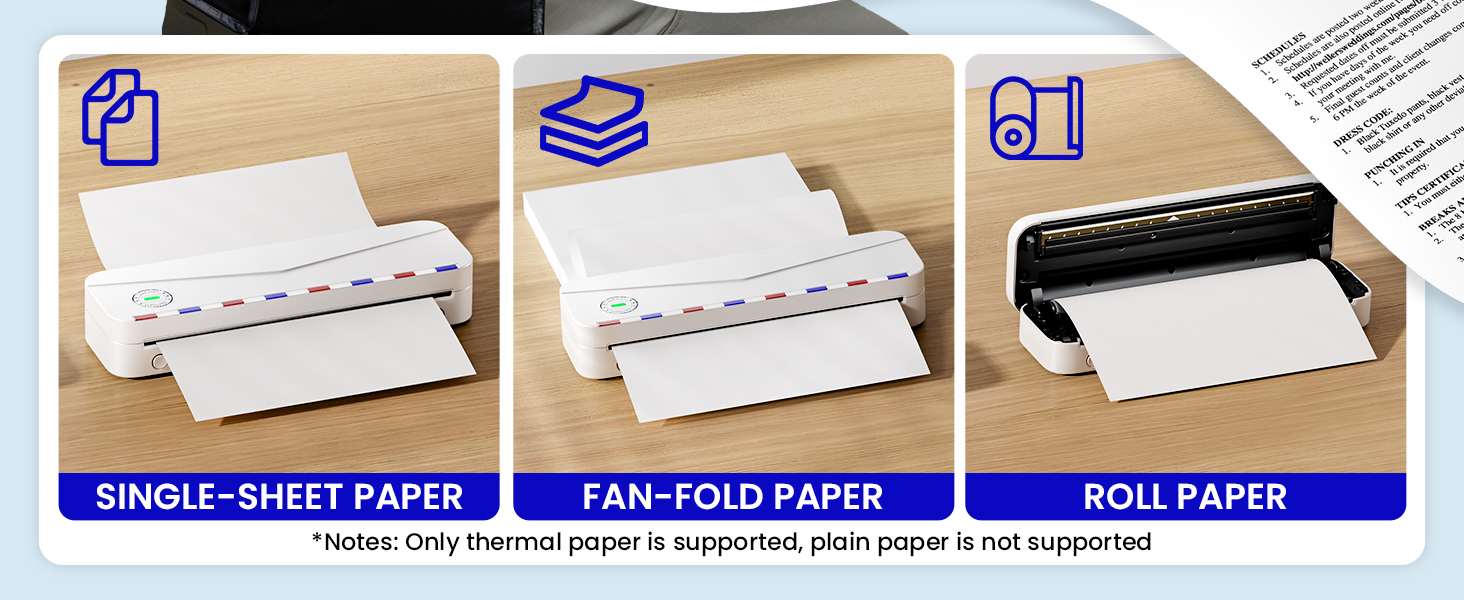
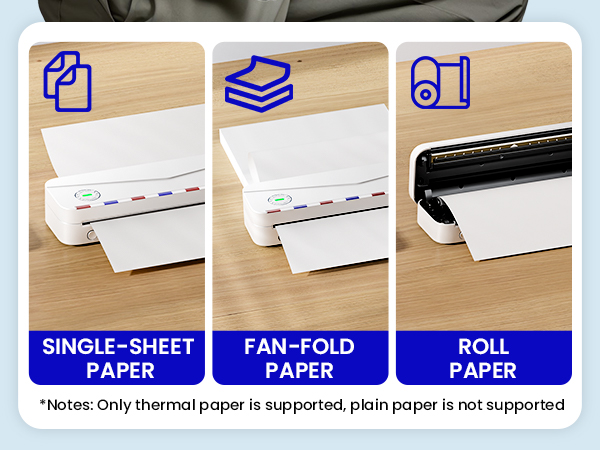
Can I use regular copy paper?
No. Only thermal paper can be used.
Can it be printed in color?
NO, M836 printer supports printing in black only.
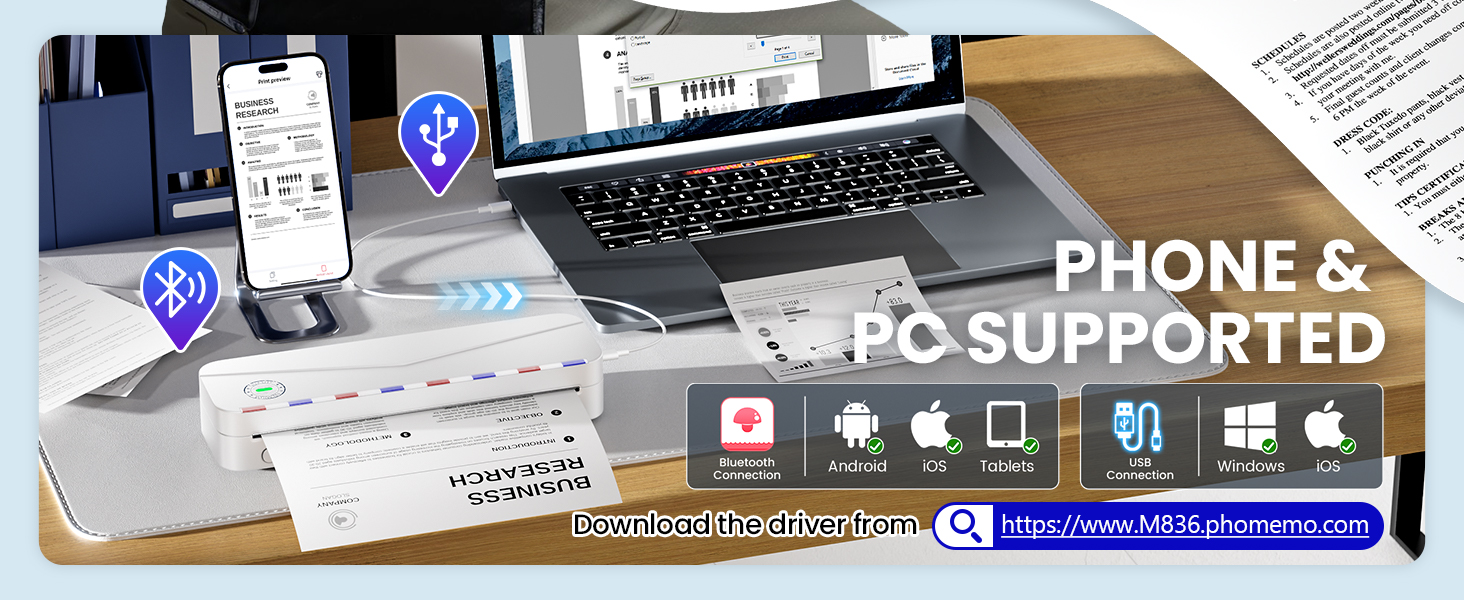
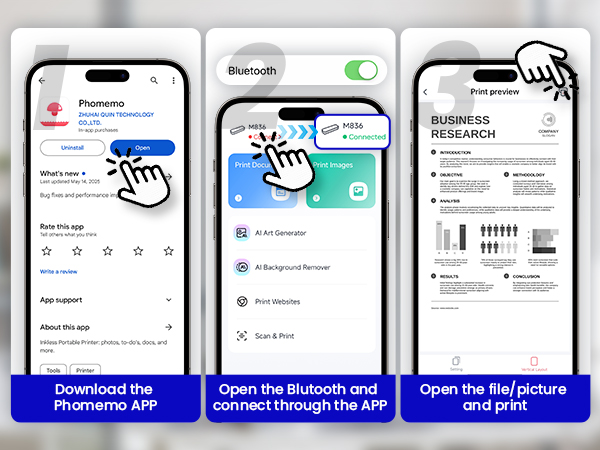
Can I connect my computer to the printer by Bluetooth?
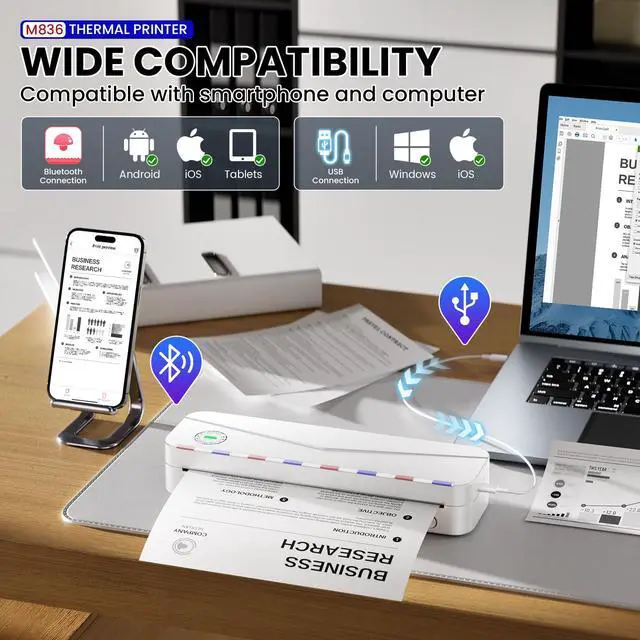
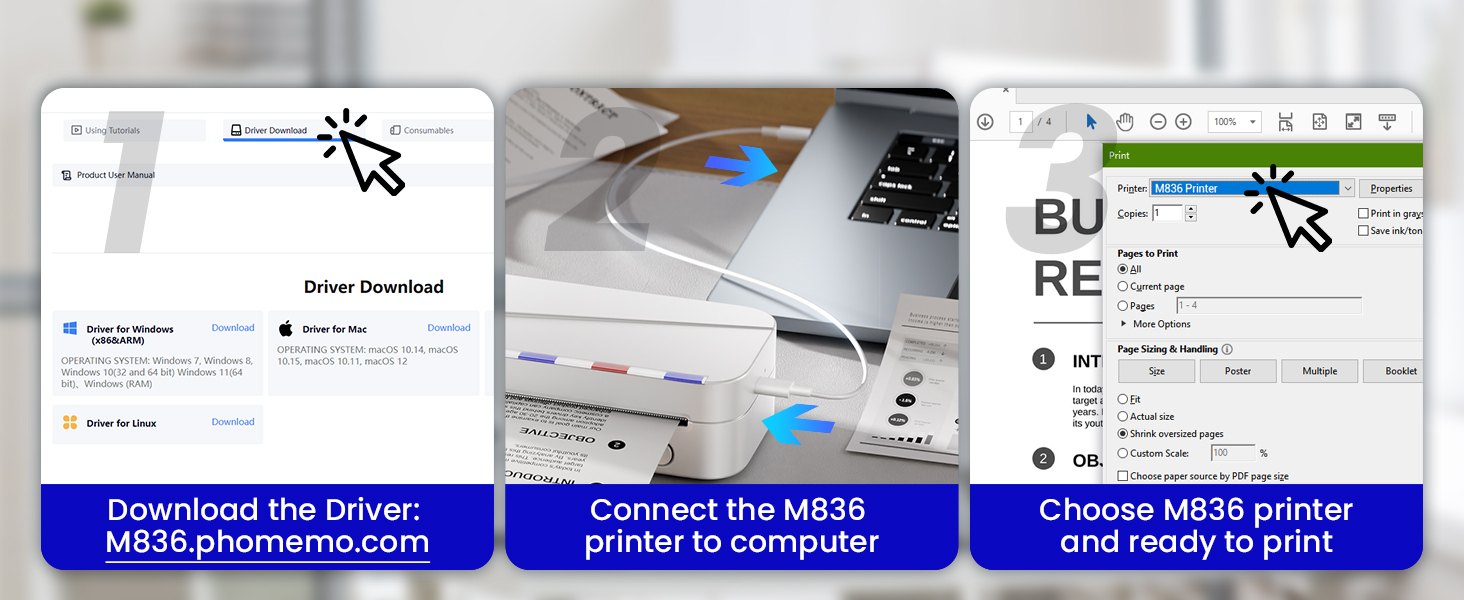
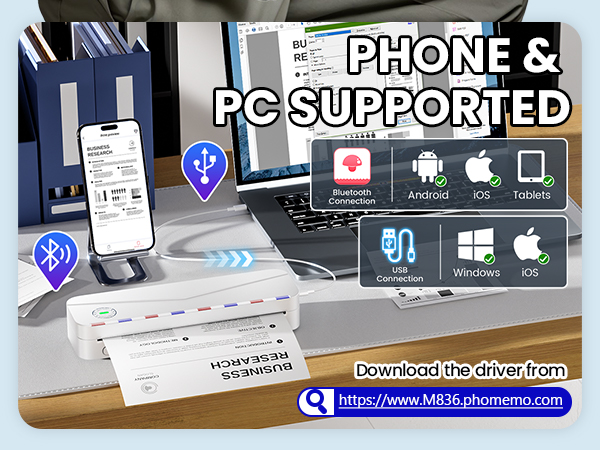
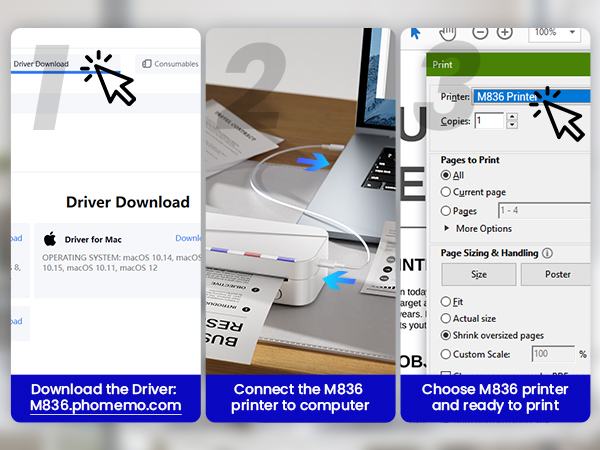
NO, Bluetooth connection for computer printing is not supported. Only supports USB data connection for computer printing.
Why Computer does not display printer after installing driver?
1.After installing the driver, you need to connect the machine to the computer with the supplied data cable.
2. The printer needs to be installed thermal paper.
3. Close the computer Bluetooth connection.
4. Refresh the printer interface.
What to do when prompted that the printer is bound?
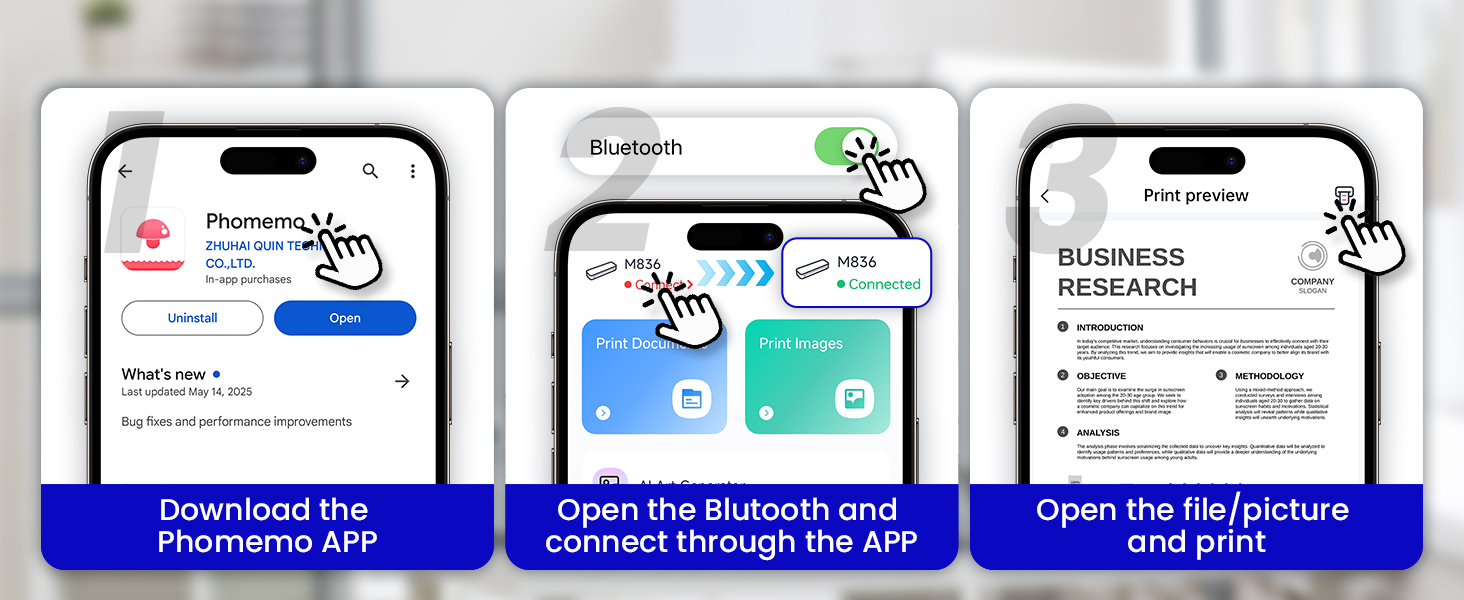
Use the [Phomemo] App to unbind the printer after connecting it.
If the printer is already bound when connecting, contact the user to unbind it as prompted by the APP.
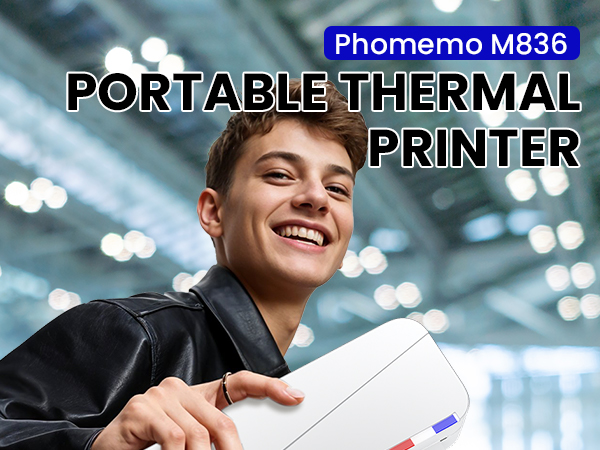
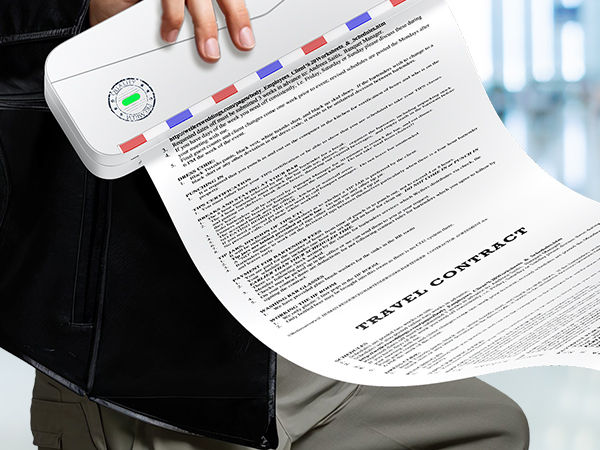
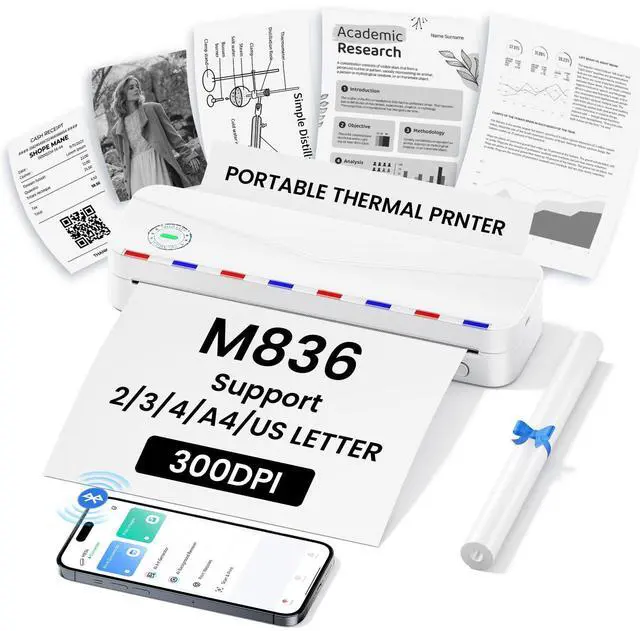
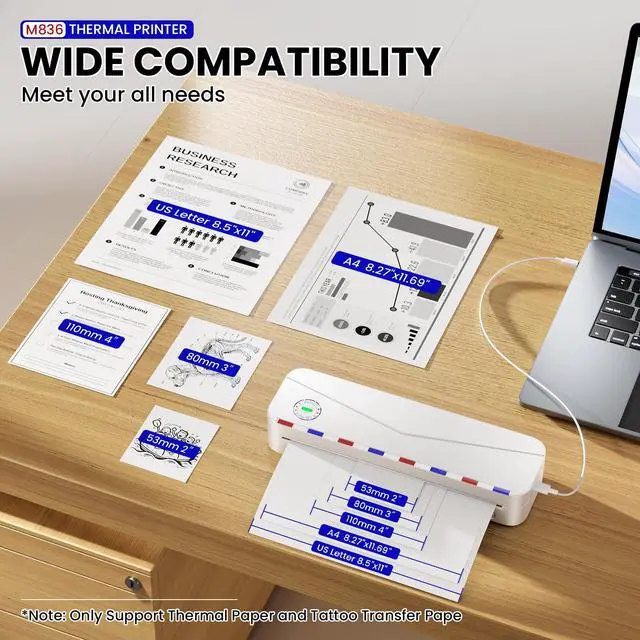
Multiple Paper Style
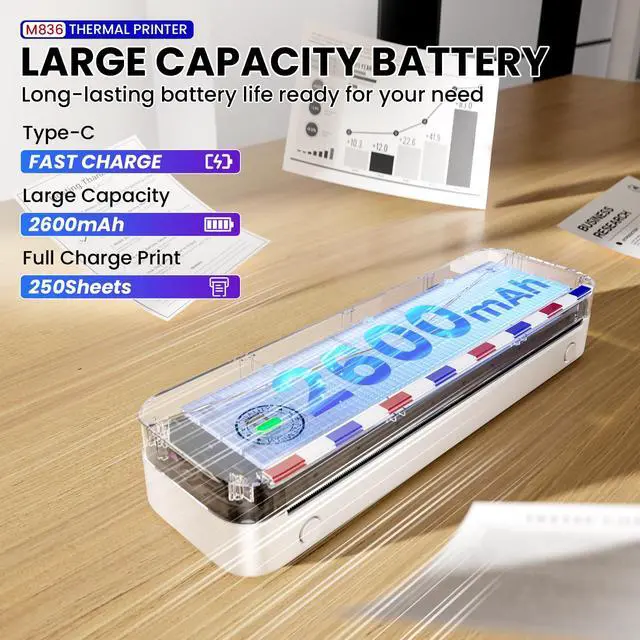
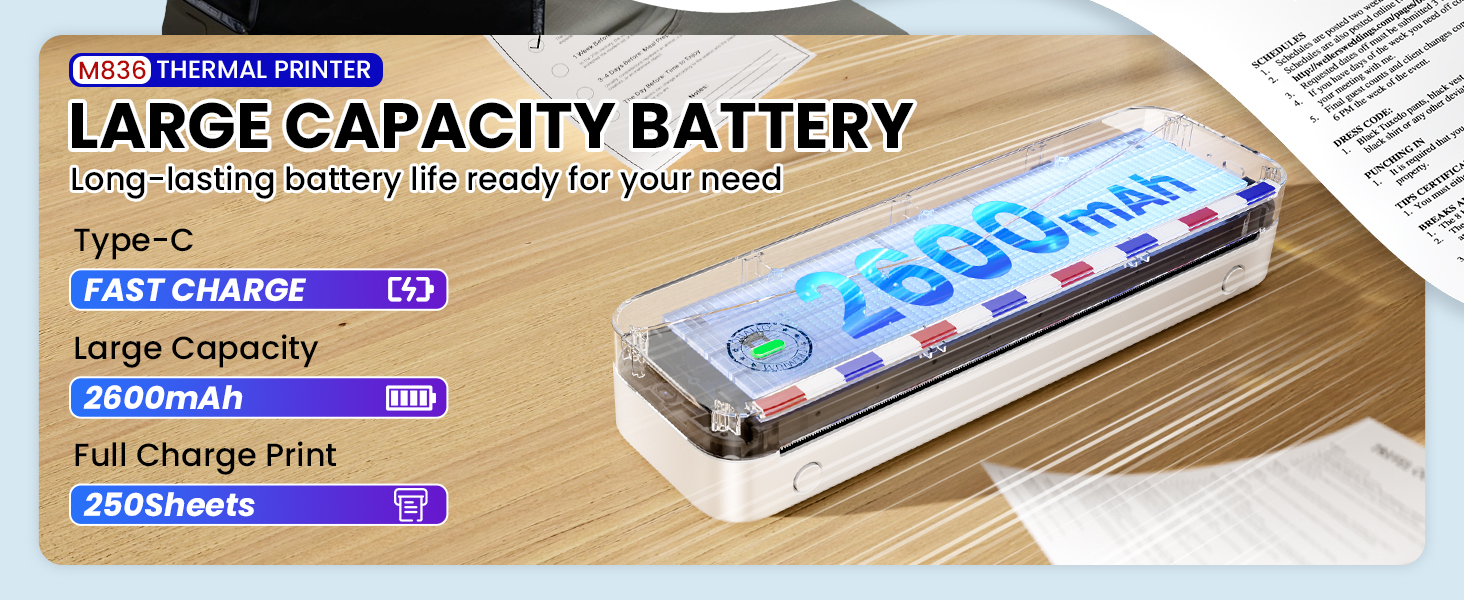
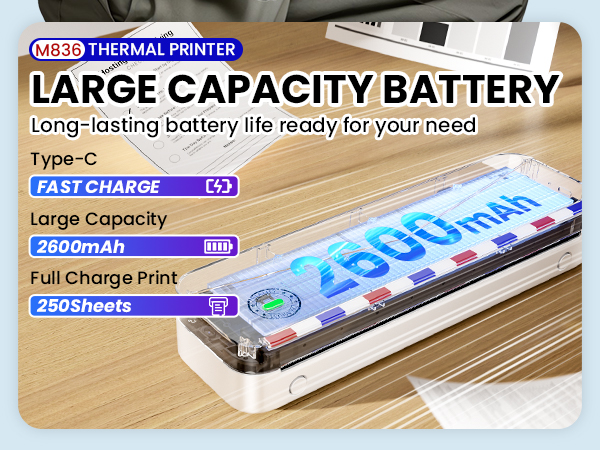
Large Capacity Battery
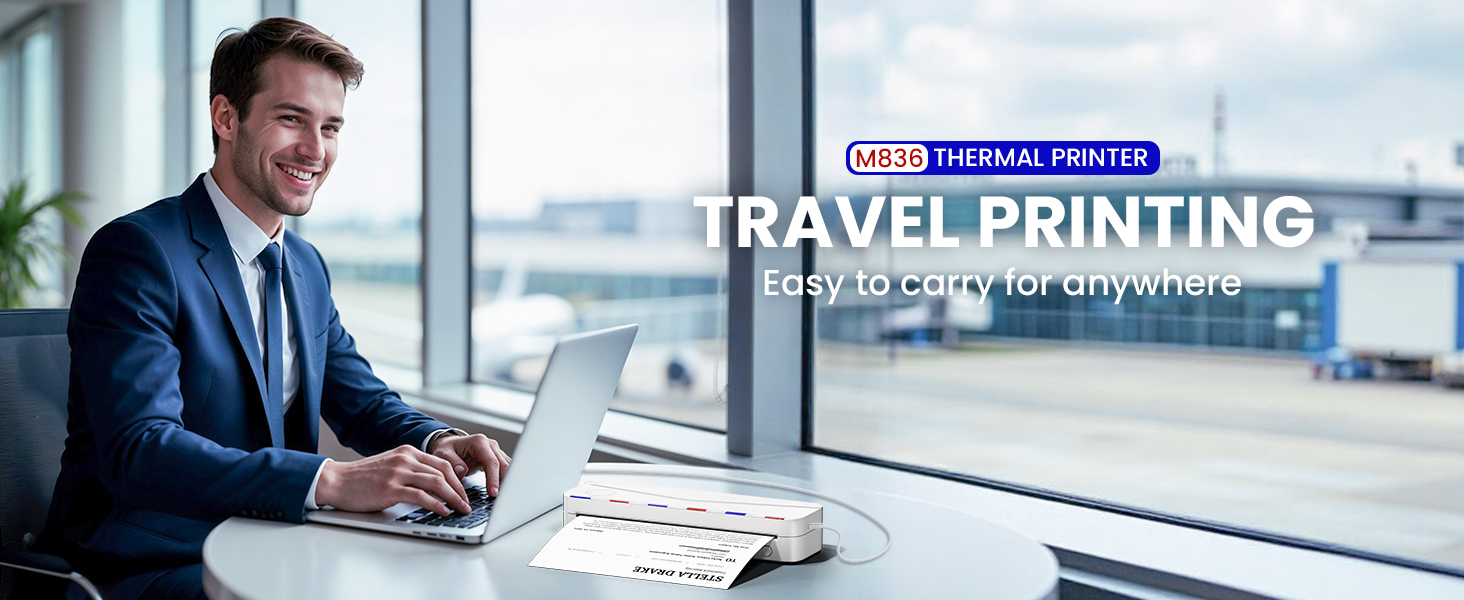
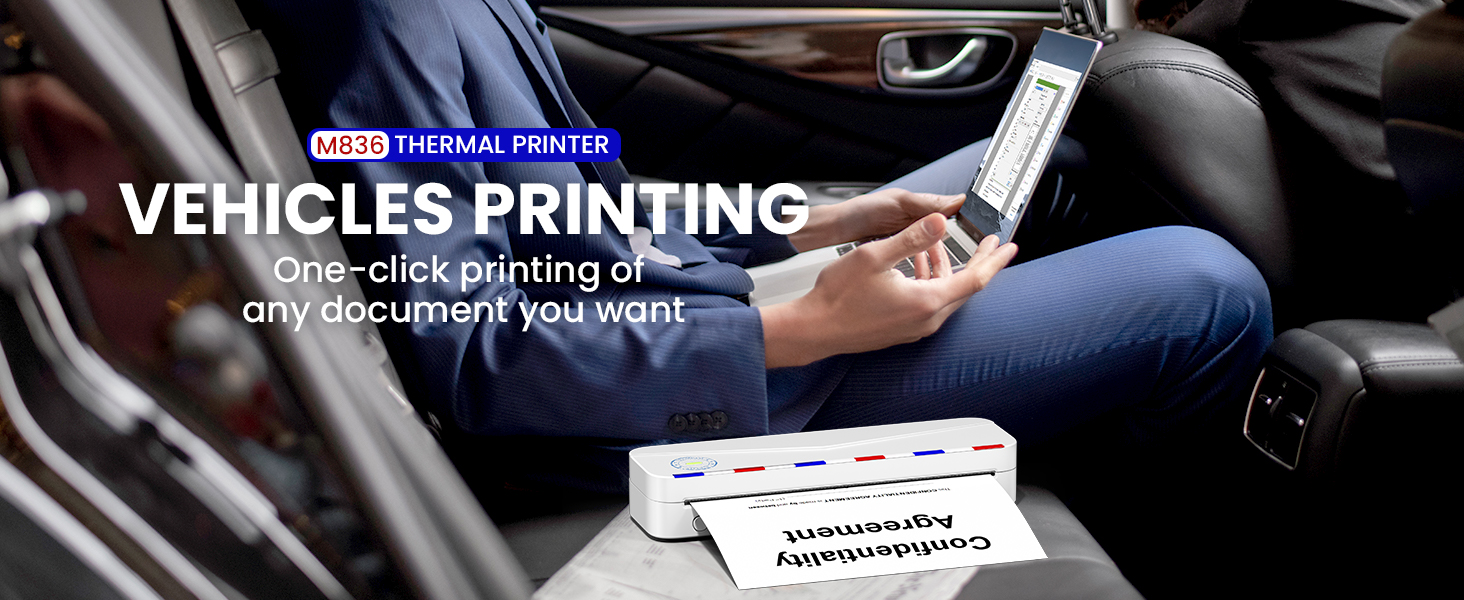
Support PC&Phone
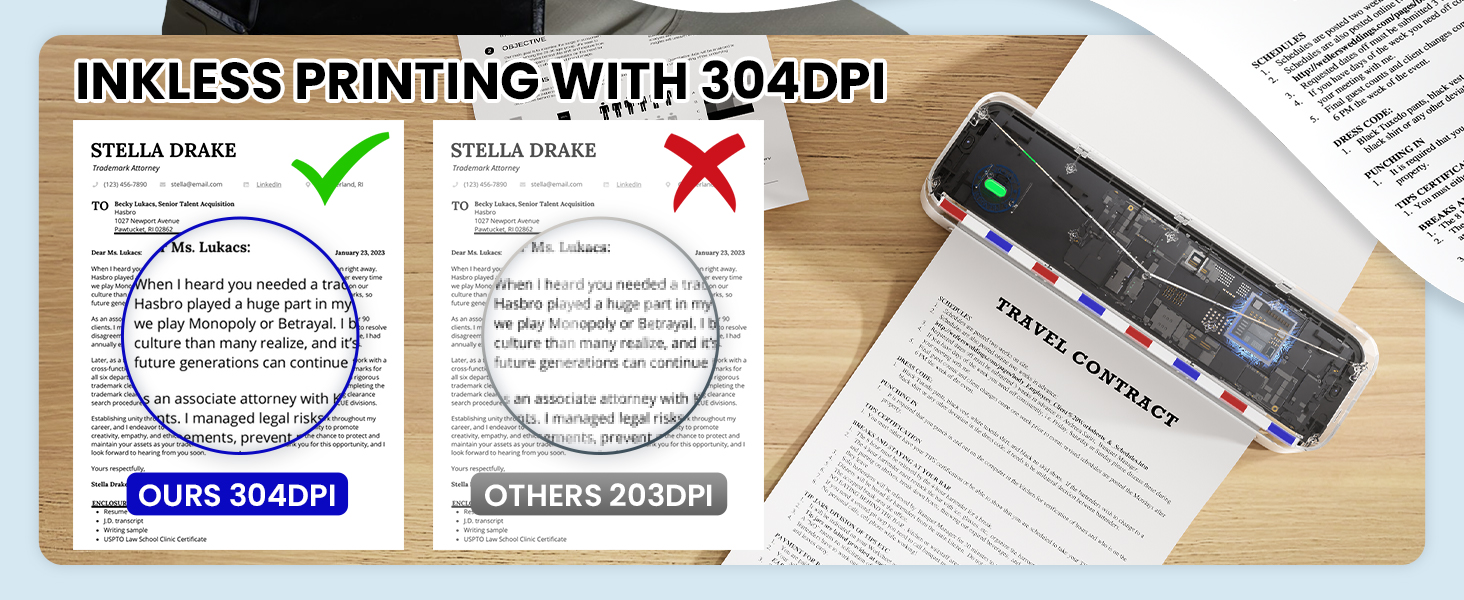
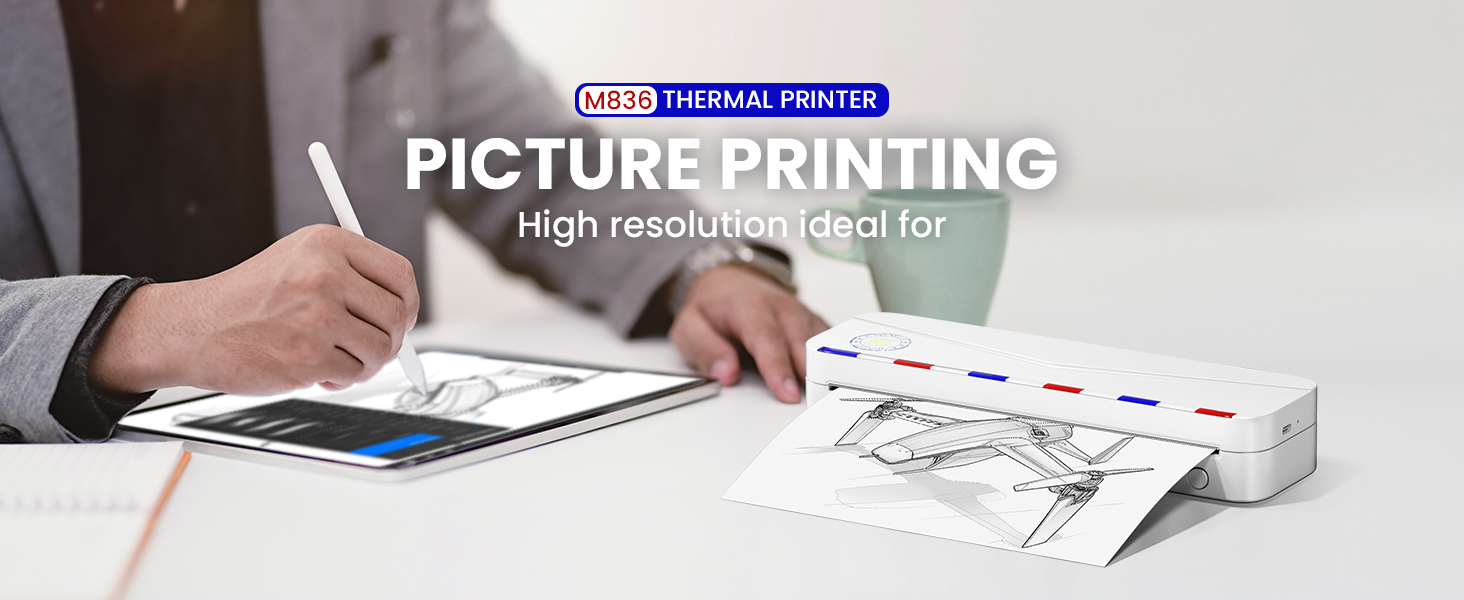
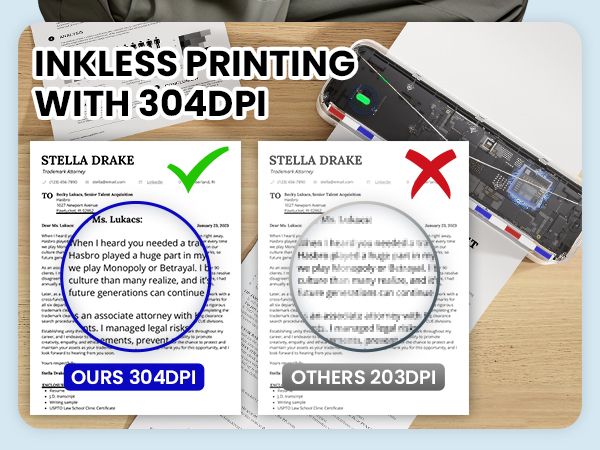
High Resolution 300dpi
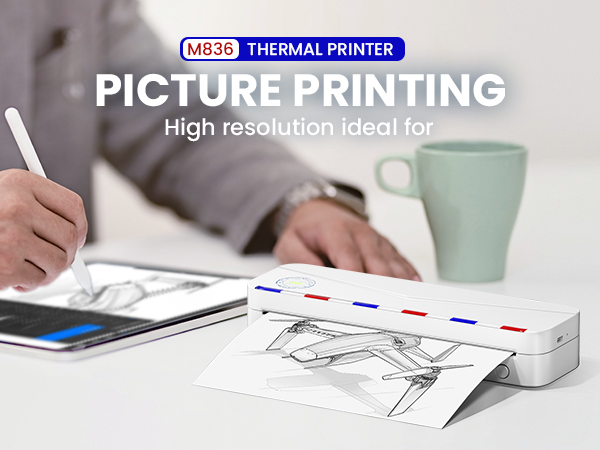
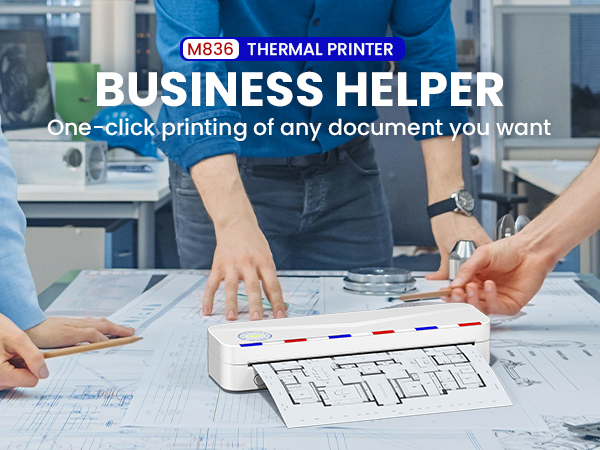
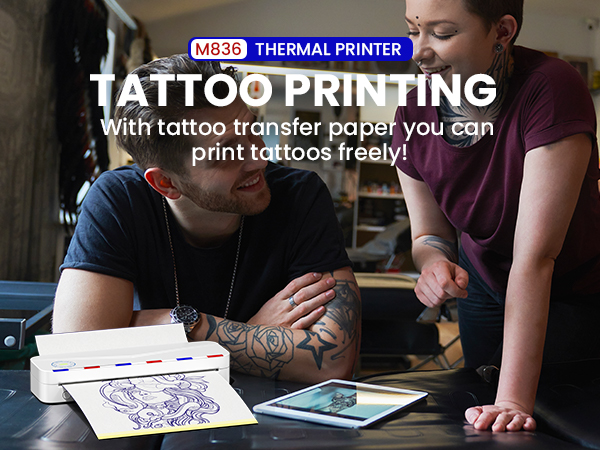
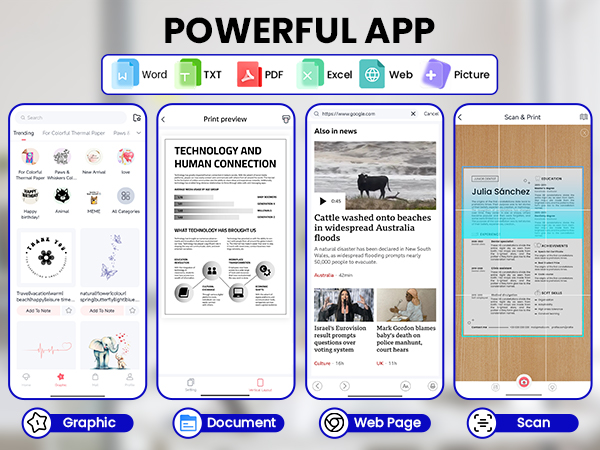

Thermal Paper
US Letter Thermal Paper | A4 Thermal Paper | US Letter Thermal Paper | A4 Thermal Paper | A4 Thermal Pape | A4 Thermal Paper |
|---|---|---|---|---|---|
| Customer Reviews | |||||
| — | — | — | — | — | — |
| Size | |||||
| 8.5"x11" | 8.27"×11.69” | 8.5"x11" | 8.27"x275 3/5" | 8.27"x11.69" | 8.27"x11.69" |
| Style | |||||
| Roll Paper | Roll Paper | Roll Paper | Roll Paper | Single Paper | Single Paper |
| Quantity | |||||
| 2 Rolls | 2 Rolls | 4 Rolls | 4 Rolls | 200 Sheets | 100 Sheets |
| BPA Free | |||||
| v | v | v | v | v | v |
| Compatible with | |||||
| Most US Letter thermal Printer | Most US Letter thermal Printer | Most US Letter thermal Printer | Most US Letter thermal Printer | Most US Letter thermal Printer | Most US Letter thermal Printer |
Can I use regular copy paper?
No. Only thermal paper can be used.
Can it be printed in color?
NO, M836 printer supports printing in black only.
Can I connect my computer to the printer by Bluetooth?
NO, Bluetooth connection for computer printing is not supported. Only supports USB data connection for computer printing.
Why Computer does not display printer after installing driver?
1.After installing the driver, you need to connect the machine to the computer with the supplied data cable.
2. The printer needs to be installed thermal paper.
3. Close the computer Bluetooth connection.
4. Refresh the printer interface.
What to do when prompted that the printer is bound?
Use the [Phomemo] App to unbind the printer after connecting it.
If the printer is already bound when connecting, contact the user to unbind it as prompted by the APP.
Phomemo Thermal Printer
A4&tattoo thermal printer
Phomemo Thermal Printer
Phomemo Printer Case