


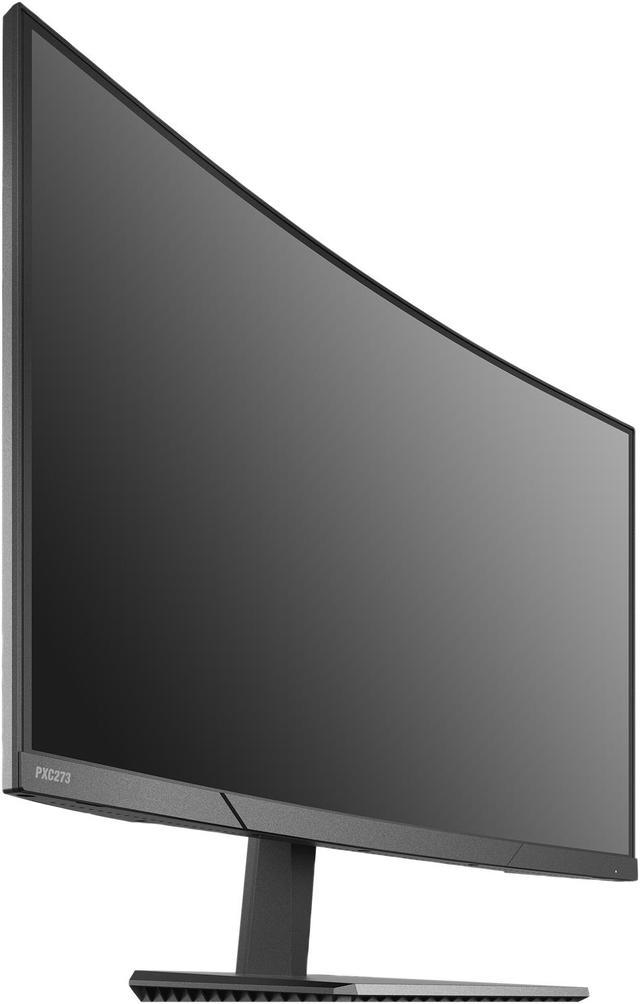
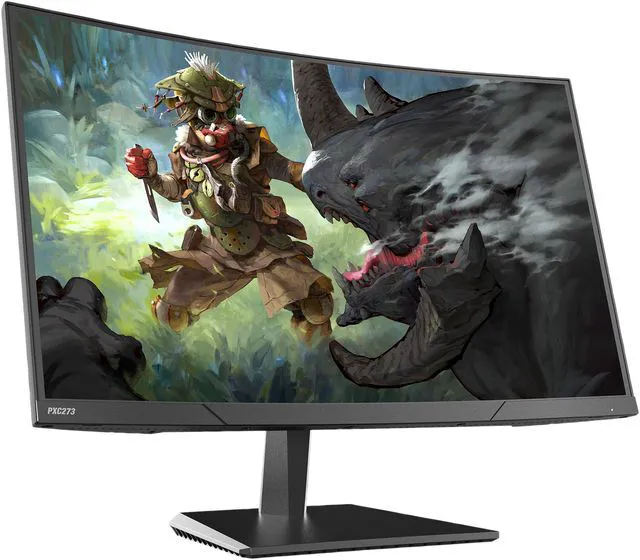
Alienware - AW2525HM 25" LCD FHD 320Hz 0.5-ms FreeSync and G-SYNC Gaming Monitor (HDMI, DisplayPort) - Black
  •  
  • $229.99 
  • Save: 8%
  • $179.99
  • Free 30-day Returns
  • Sold by Pixio
    Top Rated
    4.5 (226 seller ratings)

    Shipped by Pixio

    Price alert
    Add to wish list(Found on 1 wish list)
    Shop it at NeweggBusiness.

    Meet Your Seller

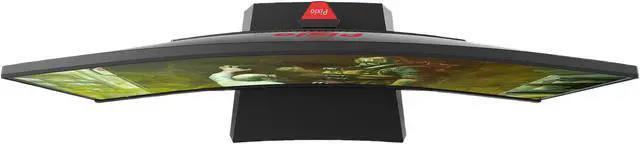
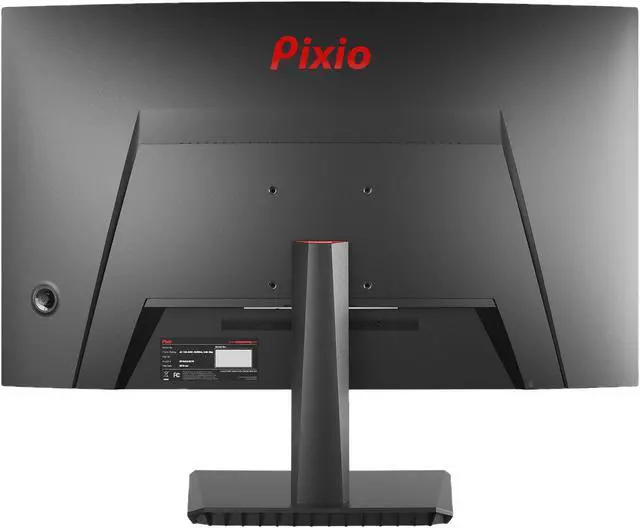
    Pixio PXC325 32" (31.5" Viewable) FHD 1920 x 1080 DCI P3 97%, 165Hz 1ms FreeSync Premium and G-Sync Compatible HDR, 1500R Curved Gaming Monitor

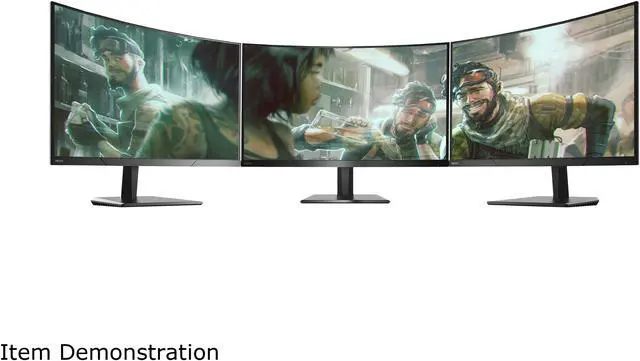
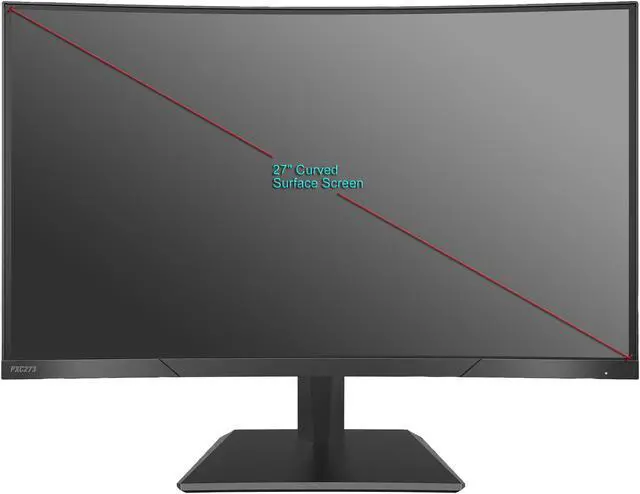
    • 32 inch 1500R Curved Gaming Monitor
    • 1920 x 1080 FHD Resolution
    • 165Hz Refresh Rate
    • Contrast Ratio: 4000:1
    • 1ms (MPRT) Response Time
    • AMD Radeon FreeSync Premium Technology (48-165Hz) & G-Sync Compatible Technology
    • VA Panel w/ 122% sRGB w/ DCI-P3 97%
    • HDR Ready w/ 400nit (MAX) Brightness
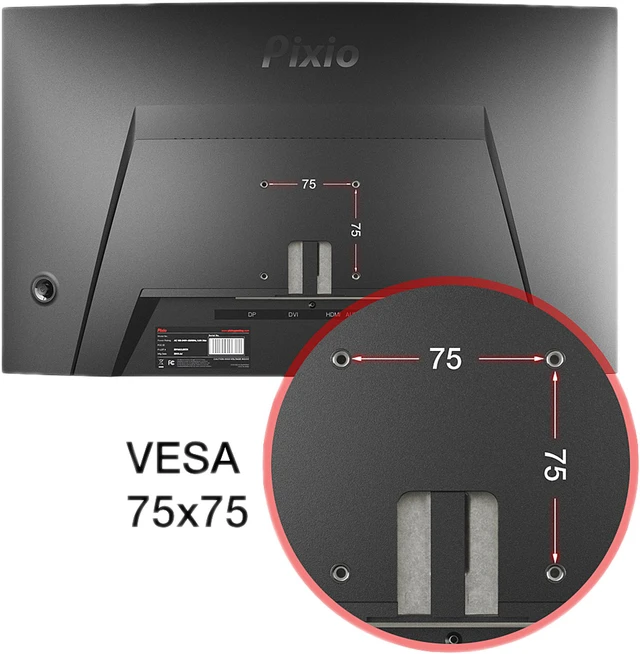
    • VESA Compatible 100x100mm
    • Console: 1080p, 120Hz, VRR, HDR
    +
    +
    Overview
    Specs
    Reviews (103)
    avatar

    Any questions? Our AI beta will help you find out quickly.

    pxc325
    pxc325

    Technical Specifications

    Screen Size 32"
    Panel Type VA Curved
    Resolution 1920x1080p
    Frequency 165Hz
    Brightness 350nits (Max)
    Aspect Ratio 16:9
    Viewing Angle H:178º,V:178º (CR>10)
    Response Time 1ms (GTG)
    Contrast Ratio 4000:1
    Color Gamut 132.38% sRGB | 97.58% DCI-P3 | 93.76% NTSC
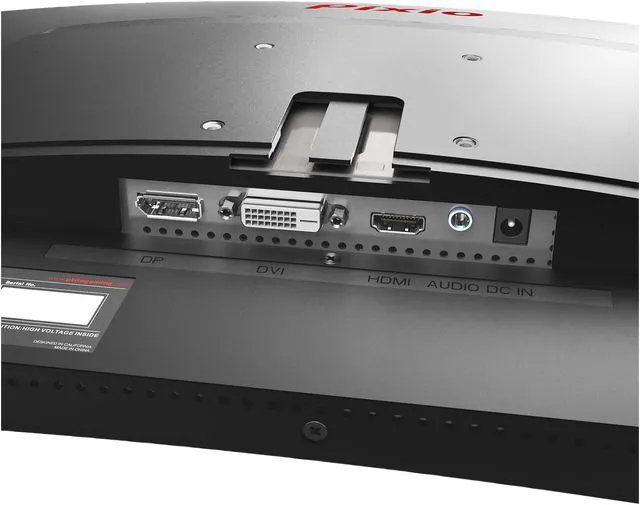
    Connectivity DP1.4(165Hz) x2 | HDMI2.0(165Hz) x1 | Earphone Jack x1
    Mount Pattern 100mmx100mm
    Mount Screw Size M4*15mm
    Speakers No
    Dimensions (W x H x D) 27.99'' x 20.70'' x 9.90'' (With Stand)
    Dimensions (W x H x D) 27.99'' x 16.64'' x 3.85'' (Without Stand)
    • There is a shortcut key that allows you to enter the input selection menu, even when the monitor is in Power Saving mode. The key is different for each model, so please consult the manual to find the input selection shortcut key for your monitor.

    • There is usually a jog button behind the monitor or a power button along the bottom-bezel of the monitor. While it is off, pressing the button once will turn on the monitor. To turn it off, press and hold the button for about 3-5 seconds.

    • Check our website for monitor firmware updates. If not found, contact customer support. Do not use another model's firmware to avoid issues we cannot assist with.

    • Every device you connect the monitor to should have some sort of Display Settings where you can change the refresh rate or resolution to what the monitor supports. Please contact customer support if you need further assistance.

    • Swap display cables and try different ports on your computer. Test the monitor on various devices. If the issue persists, contact our customer support for assistance.

    pxc325
    pxc325

    Technical Specifications

    Screen Size 32"
    Panel Type VA Curved
    Resolution 1920x1080p
    Frequency 165Hz
    Brightness 350nits (Max)
    Aspect Ratio 16:9
    Viewing Angle H:178º,V:178º (CR>10)
    Response Time 1ms (GTG)
    Contrast Ratio 4000:1
    Color Gamut 132.38% sRGB | 97.58% DCI-P3 | 93.76% NTSC
    Connectivity DP1.4(165Hz) x2 | HDMI2.0(165Hz) x1 | Earphone Jack x1
    Mount Pattern 100mmx100mm
    Mount Screw Size M4*15mm
    Speakers No
    Dimensions (W x H x D) 27.99'' x 20.70'' x 9.90'' (With Stand)
    Dimensions (W x H x D) 27.99'' x 16.64'' x 3.85'' (Without Stand)
    • There is a shortcut key that allows you to enter the input selection menu, even when the monitor is in Power Saving mode. The key is different for each model, so please consult the manual to find the input selection shortcut key for your monitor.

    • There is usually a jog button behind the monitor or a power button along the bottom-bezel of the monitor. While it is off, pressing the button once will turn on the monitor. To turn it off, press and hold the button for about 3-5 seconds.

    • Check our website for monitor firmware updates. If not found, contact customer support. Do not use another model's firmware to avoid issues we cannot assist with.

    • Every device you connect the monitor to should have some sort of Display Settings where you can change the refresh rate or resolution to what the monitor supports. Please contact customer support if you need further assistance.

    • Swap display cables and try different ports on your computer. Test the monitor on various devices. If the issue persists, contact our customer support for assistance.

    Warranty & Returns

    Warranty, Returns, And Additional Information

    Warranty

    • Please contact the Seller directly for warranty information. Warranty information may also be found on the Manufacturer's website.
    • Read full details
    • CONTACT

    Return Policies

    • Return for refund within: 30 days
    • Return for replacement within: 30 days
    • This item is covered by Pixio Return Policy

    Manufacturer Contact Info

    LOADING...