




 here!
I’m your shopping assistant for PC builds, upgrades, and everything tech.
Got questions? Ask away!
Start a conversation
here!
I’m your shopping assistant for PC builds, upgrades, and everything tech.
Got questions? Ask away!
Start a conversationShipped by Newegg
 Hot Seller

Make informed decisions with expert advice. Learn More
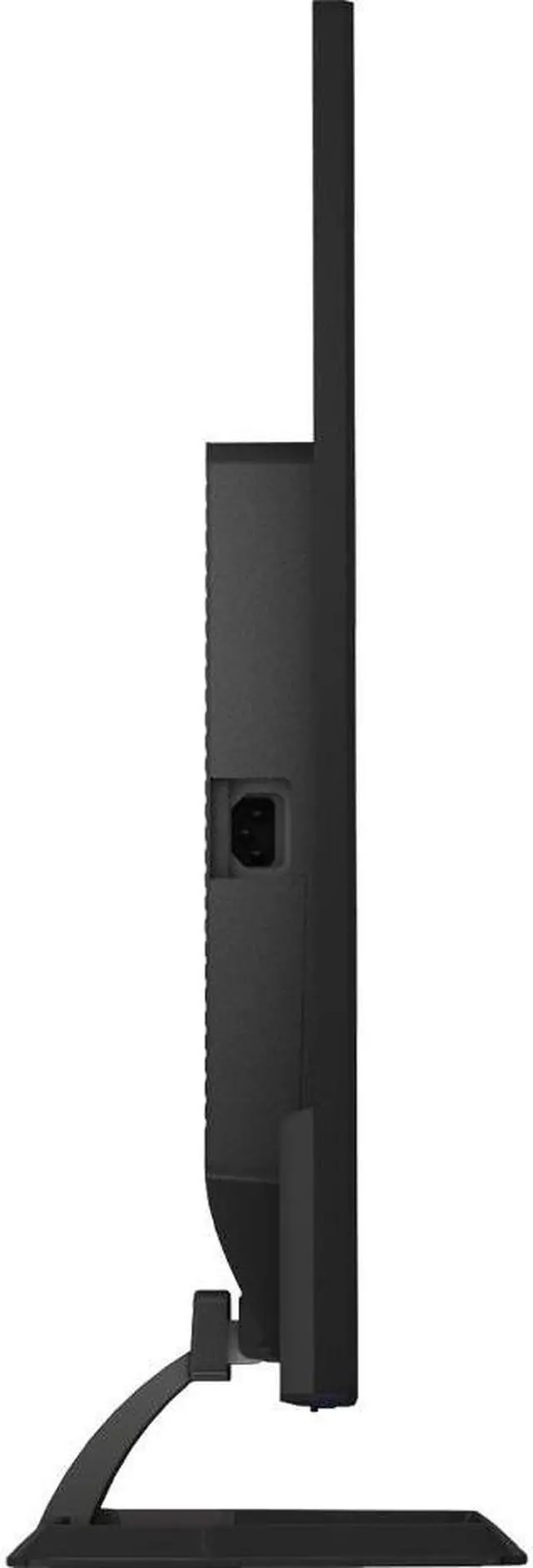
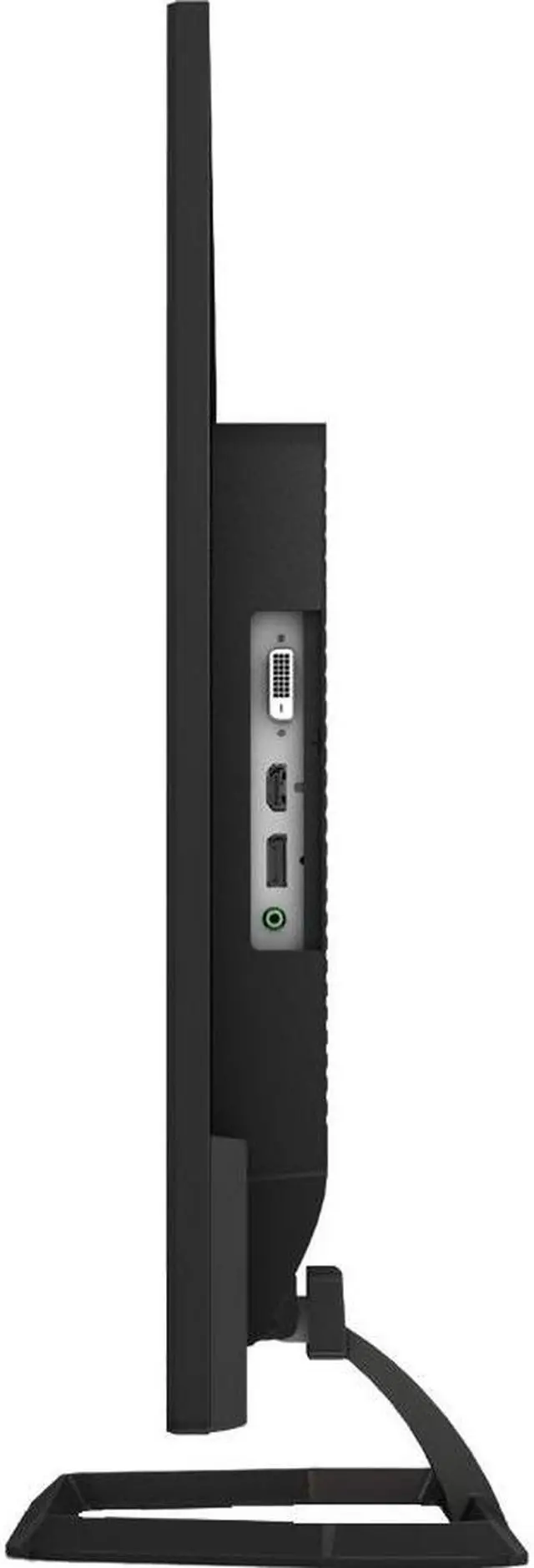
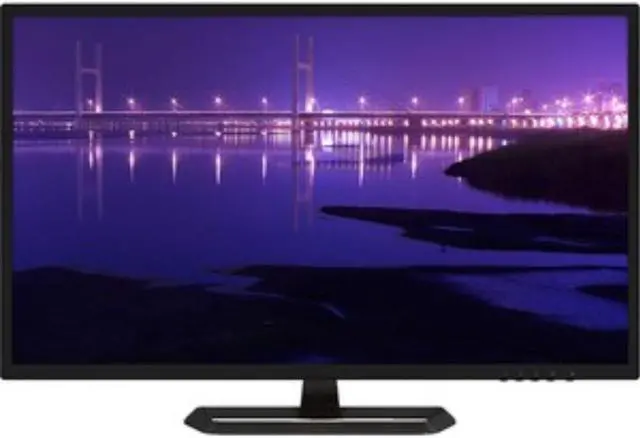



Any questions? Ask CelesteSM will help you find out quickly.
We want to ensure your holiday shopping this year is hassle-free. That’s why we’re automatically extending our return policies on almost every product! For purchases placed between November 1st, 2026 and December 31, 2026 you will have until January 31, 2027 to return your product.
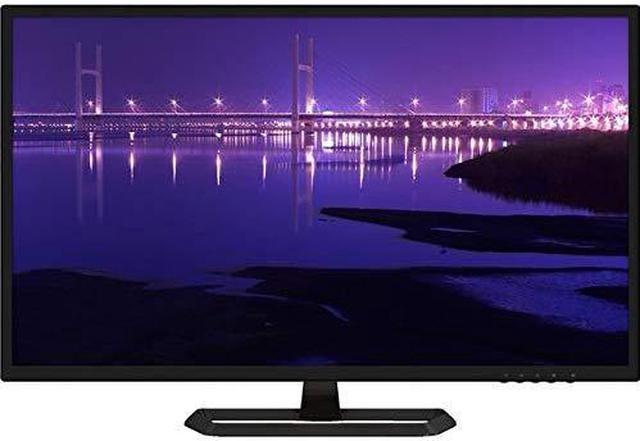
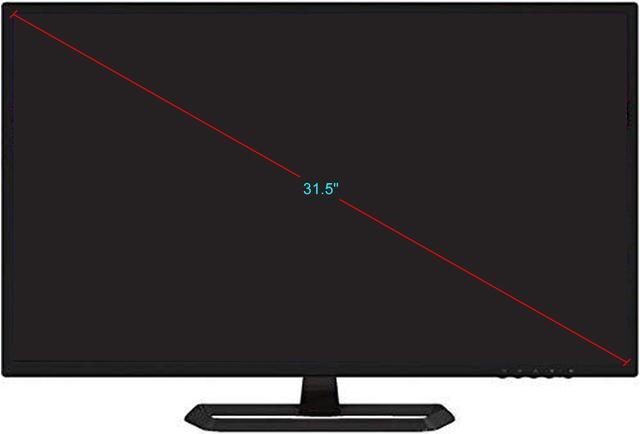
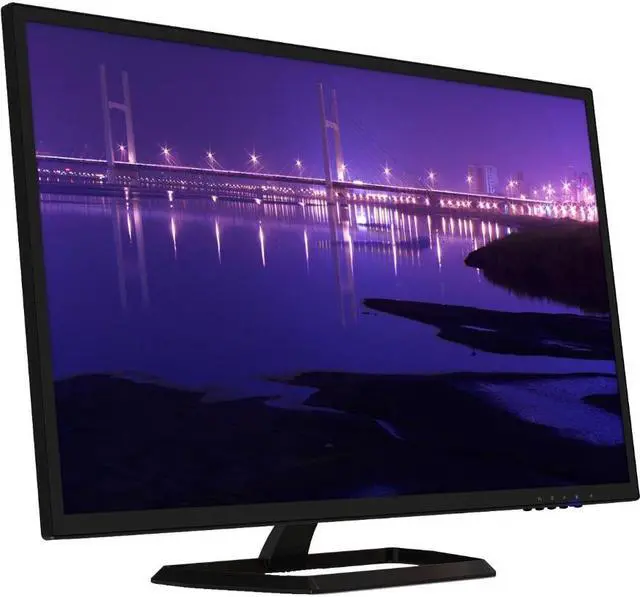
The Planar PXL3280W is a 31.5-inch flat IPS monitor with 2560 × 1440 WQHD resolution, suited to office users and multitaskers who want a large desktop workspace, wide viewing angles, and a standard 60Hz refresh rate.
| Attribute | Value |
|---|---|
| Best For | Desktop setups and use with a desktop, laptop, or gaming console |
| Panel And Resolution | 31.5-inch flat IPS LCD with LED backlighting, 2560 × 1440 WQHD resolution, 16:9 aspect ratio, 1.07 billion colors, 300 cd/m² brightness, 1,200:1 contrast ratio, and 178° horizontal and vertical viewing angles |
| Refresh Rate And Response | 60Hz refresh rate and 8ms GTG response time; FreeSync adaptive sync |
| Ports And Connectivity | DVI-Dual Link, HDMI, and DisplayPort inputs, with one port of each type |
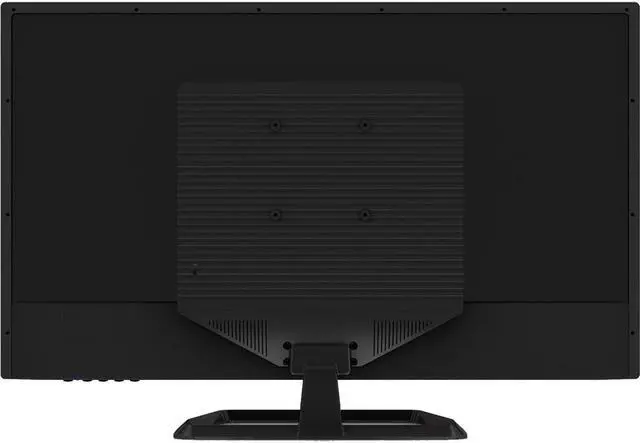
| Stand And Ergonomics | Tilt adjustment from -5° to +10°; supports 100 × 100mm VESA mounting |
| Power | 100–240 VAC, 50/60Hz; 50W typical consumption and less than 0.5W in standby |
| Physical Specifications | 28.6 inches wide; 18.9 inches high and 7.1 inches deep with stand, or 16.7 inches high and 1.95 inches deep without stand; weighs 15.2 lb with stand and 13.9 lb without stand |
| Model Identifiers | Planar PXL3280W, part number 997-8425-01; black cabinet |
| Included Accessories | Power cord, HDMI cable, DisplayPort cable, and user’s guide |
Q: Planar PXL3280W vs. PXN2710Q: which gives me more screen space for QHD work?
A: Choose the PXL3280W if you want a larger QHD workspace: it has a 31.5-inch 2560 × 1440 IPS screen, compared with the PXN2710Q’s 27-inch 2560 × 1440 screen. The PXN2710Q is the more compact option while retaining the same resolution.
Q: Planar PXL3280W vs. PXN2700: which is better for a larger, higher-resolution desktop display?
A: The PXL3280W is the choice for a larger screen and more workspace: it pairs a 31.5-inch display with 2560 × 1440 resolution. The 27-inch PXN2700 is a Full HD 1920 × 1080 monitor, making it the simpler choice if you prefer that screen size and resolution.
Q: Should I choose the Planar PXL3280W or the 24-inch PXN2490MW for QHD?
A: Choose the PXL3280W for a larger 31.5-inch QHD workspace and support for 1.07 billion colors. Choose the PXN2490MW if you want the same 2560 × 1440 resolution in a more compact 23.8-inch display; it also includes integrated speakers.
Q: Is this monitor suitable for office work and studying?
A: Yes. Its 31.5-inch IPS screen, 2560 × 1440 resolution, and 178° viewing angles suit everyday office work, studying, and multitasking. It has a 60Hz refresh rate and tilt adjustment only, so it is a basic productivity display rather than a high-refresh or height-adjustable monitor.
Q: Can I mount this monitor on a wall or monitor arm?
A: Yes. It supports a 100 × 100 mm VESA mount. Check that your chosen mount supports the monitor’s size and weight; the display weighs 13.9 lb without its stand.
Q: What cables are included, and what connections does it support?
A: The listed package contents include a power cord, HDMI cable, and DisplayPort cable. The monitor has one HDMI, one DisplayPort, and one dual-link DVI input; confirm your computer has a compatible output or use an appropriate adapter.
Q: Is it a good choice for fast-paced gaming?
A: It can display games at 2560 × 1440, but its 60Hz refresh rate and 8ms gray-to-gray response time make it better suited to casual gaming than fast-paced play where higher refresh rates and quicker response are priorities.
Q: Is the PXL3280W suitable for office work with large documents or multiple windows?
A: It appears well suited to desk-based work that benefits from screen space. A Reddit owner described using it for project planning and flowcharts and said the 31.5-inch display provided useful screen real estate. Its 2560 × 1440 resolution gives room for desktop work, though the comment is a single user’s experience.
Q: Is the PXL3280W worth considering as a budget 32-inch monitor?
A: It may be worth considering if a large QHD screen for desktop work is the priority and the price is right. One Reddit commenter said they chose it while looking for a larger monitor without spending too much, then bought a second. That is an individual account, not enough to establish its value at any particular price.
Q: Is the PXL3280W a good choice for gaming?
A: It is not a high-refresh gaming monitor: the supplied specifications list a 60Hz refresh rate and 8ms GTG response time. A Reddit owner mentioned they do not play games, so that comment does not provide a gaming assessment. Consider it mainly for general desktop use rather than competitive gaming where higher refresh rates matter.


