


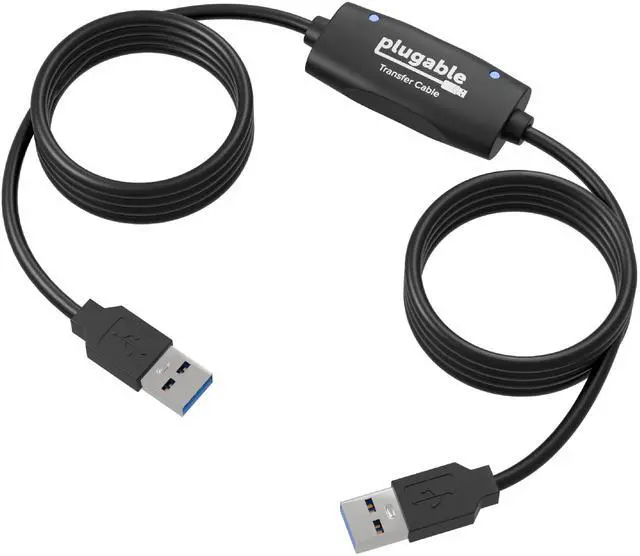
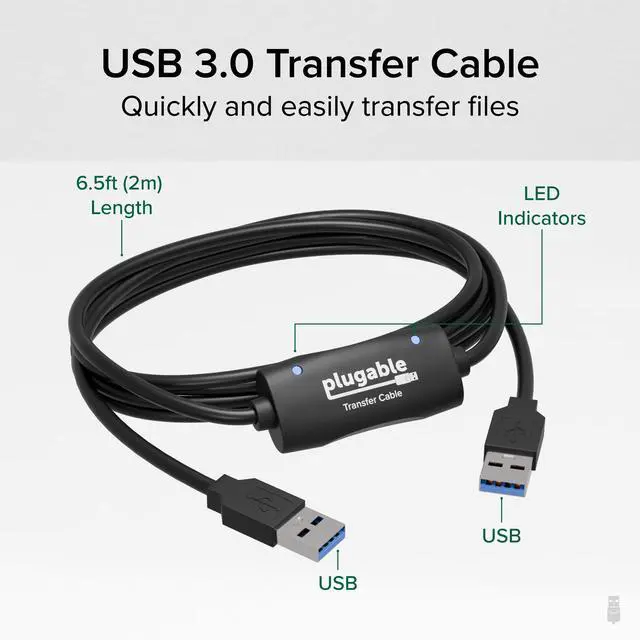
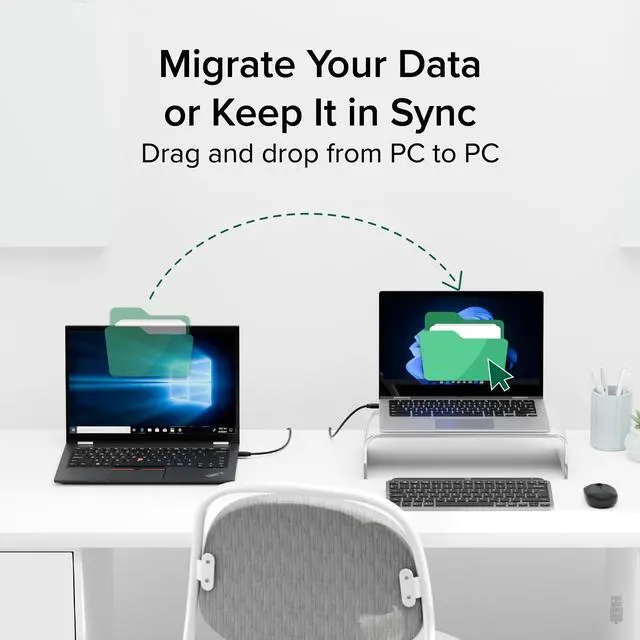
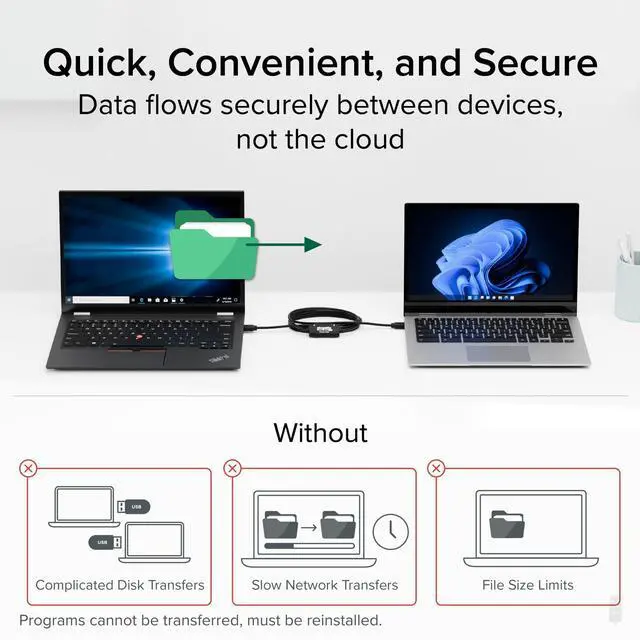
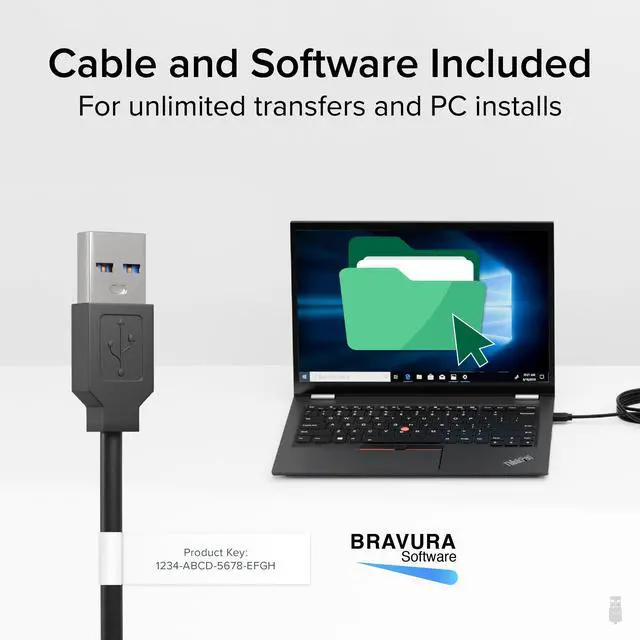


Our USB 3.0 Transfer Cables (USB-EASY-TRAN) give you the power to transfer your important files and data between two Windows PCs at a time. With convenient data transfer over USB 3.0, plug-and-play ease, and point-to-point simplicity and security, you can transfer your important files and data with confidence.
Featuring USB 3.0 High Speed “Type A” on both ends, and a Prolific PL-27A1 chipset, our Transfer Cables provide transferring without the storage limitations you’d find by using discs or drives.
A great solution for transferring files and folders when upgrading from an older Windows computer to a newer one, or for regular transfers. Provides unlimited use to transfer what you need, when you need.
Important: This cable is designed for transferring files and folders only. Installed programs and applications cannot be transferred and must be reinstalled from their original discs or installation files.

The Bravura Easy Computer Sync software is asking me for a Product Key. Where do I find my Product Key?
Product Key is a 16-character code unique to each order. Since 12/01/2017, keys are on a tag attached to the Transfer Cable. For earlier purchases, check your email or contact with your order number for assistance.
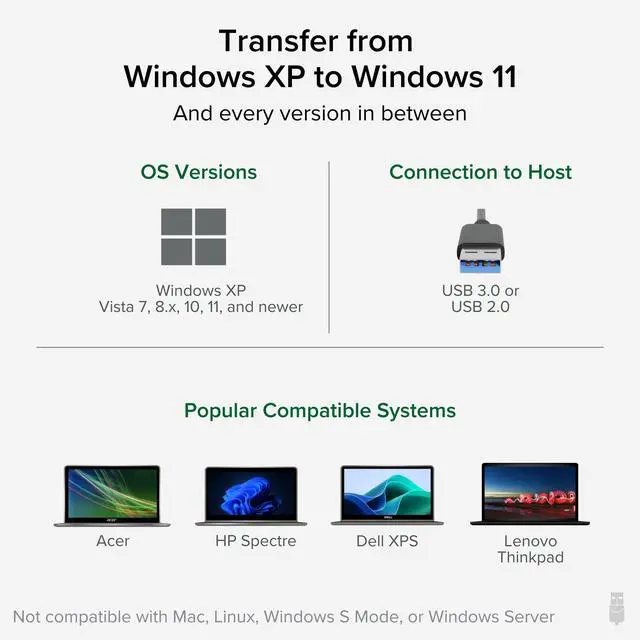
Is this cable compatible with Windows 11?
Yes. Although packaging may list compatibility up to Windows 10, the Plugable Transfer Cable has been tested and verified to work with Windows 11. Packaging updates are in progress to reflect this.
What should I do if my transfer cable isn’t connecting or won’t transfer files?
Ensure the latest software is installed on both PCs. Restart, try different USB ports, run as admin, and temporarily disable antivirus/firewall. Contact Plugable support if issues persist.
Is the Plugable USB 3.0 Transfer Cable compatible with macOS?
No. Our Transfer Cables are not compatible with any macOS version.
How long will it take to complete the transfer?
Transfer time varies with the speed of the old “source” system (and hard drive in particular). The amount of data to be transferred will also affect transfer times, so some systems will transfer in minutes while others will take hours.
Does each computer need a monitor, keyboard, and mouse attached?
Yes, each PC will need a monitor, keyboard, and mouse so that you can launch and operate the transfer program.
Should I install the software before plugging in the cable, or the other way around?
We recommend installing the transfer software first because it will copy the necessary driver files to your PC so they are ready to load when the cable is attached.
My old computer won't function properly. Can I use this to transfer content to my new computer?
No. Computers must be in full working order to install and run the Bravura Easy Computer Sync software to perform transfers. We would suggest finding a local and trusted technician to help.
What’s included with the USB-EASY-TRAN cable?
You’ll receive the USB 3.0 transfer cable, a quick start guide, and a 16-character product key attached to the cable for software activation.
Does each computer need a monitor, keyboard, and mouse attached?
Yes, each PC will need a monitor, keyboard, and mouse so that you can launch and operate the transfer program.











Our USB 3.0 Transfer Cables (USB-EASY-TRAN) give you the power to transfer your important files and data between two Windows PCs at a time. With convenient data transfer over USB 3.0, plug-and-play ease, and point-to-point simplicity and security, you can transfer your important files and data with confidence.
Featuring USB 3.0 High Speed “Type A” on both ends, and a Prolific PL-27A1 chipset, our Transfer Cables provide transferring without the storage limitations you’d find by using discs or drives.
A great solution for transferring files and folders when upgrading from an older Windows computer to a newer one, or for regular transfers. Provides unlimited use to transfer what you need, when you need.
Important: This cable is designed for transferring files and folders only. Installed programs and applications cannot be transferred and must be reinstalled from their original discs or installation files.

The Bravura Easy Computer Sync software is asking me for a Product Key. Where do I find my Product Key?
Product Key is a 16-character code unique to each order. Since 12/01/2017, keys are on a tag attached to the Transfer Cable. For earlier purchases, check your email or contact with your order number for assistance.
Is this cable compatible with Windows 11?
Yes. Although packaging may list compatibility up to Windows 10, the Plugable Transfer Cable has been tested and verified to work with Windows 11. Packaging updates are in progress to reflect this.
What should I do if my transfer cable isn’t connecting or won’t transfer files?
Ensure the latest software is installed on both PCs. Restart, try different USB ports, run as admin, and temporarily disable antivirus/firewall. Contact Plugable support if issues persist.
Is the Plugable USB 3.0 Transfer Cable compatible with macOS?
No. Our Transfer Cables are not compatible with any macOS version.
How long will it take to complete the transfer?
Transfer time varies with the speed of the old “source” system (and hard drive in particular). The amount of data to be transferred will also affect transfer times, so some systems will transfer in minutes while others will take hours.
Does each computer need a monitor, keyboard, and mouse attached?
Yes, each PC will need a monitor, keyboard, and mouse so that you can launch and operate the transfer program.
Should I install the software before plugging in the cable, or the other way around?
We recommend installing the transfer software first because it will copy the necessary driver files to your PC so they are ready to load when the cable is attached.
My old computer won't function properly. Can I use this to transfer content to my new computer?
No. Computers must be in full working order to install and run the Bravura Easy Computer Sync software to perform transfers. We would suggest finding a local and trusted technician to help.
What’s included with the USB-EASY-TRAN cable?
You’ll receive the USB 3.0 transfer cable, a quick start guide, and a 16-character product key attached to the cable for software activation.
Does each computer need a monitor, keyboard, and mouse attached?
Yes, each PC will need a monitor, keyboard, and mouse so that you can launch and operate the transfer program.


Find Your Docking Station

Shop for Mac

Shop for Windows


Shop Universal Compatability


Shop for Business