here!
I’m your shopping assistant for PC builds, upgrades, and everything tech.
Got questions? Ask away!
Start a conversation
here!
I’m your shopping assistant for PC builds, upgrades, and everything tech.
Got questions? Ask away!
Start a conversation




Any questions? Ask CelesteSM will help you find out quickly.
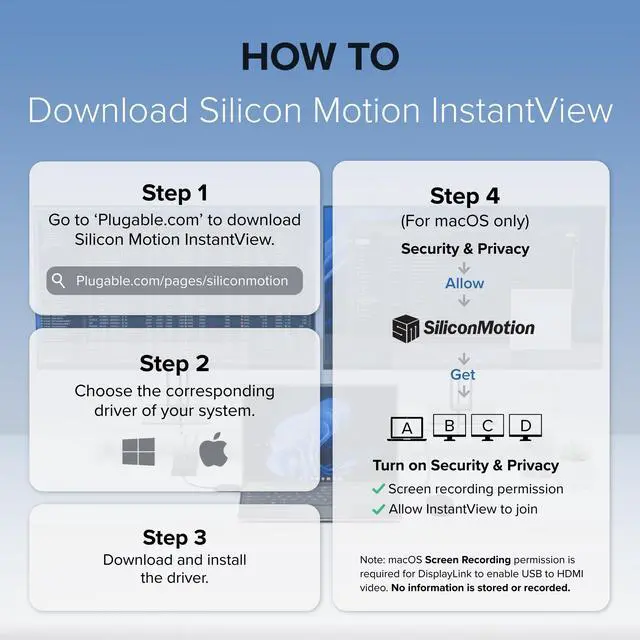
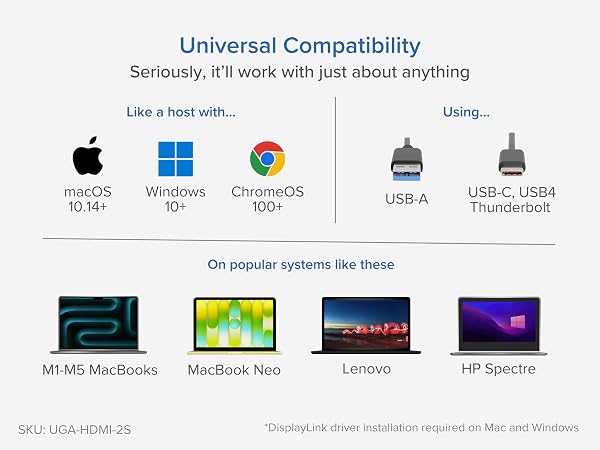
Software Download Required: macOS users must install the InstantView driver before use. Uses Silicon Motion technology and is not compatible with DisplayLink software.
Note - macOS requires ‘Screen Recording’ permission for the SMI software to work. Granting this permission enables sending data from your computer over USB to the HDMI outputs. No data, images, or pixels are being stored or recorded.
Do I need to install drivers to use this adapter on Windows or macOS?
Yes. The UGA-HDMI-2S requires the installation of Silicon Motion (SMI) graphics drivers to function. This driver can be found on our website.
Can I use this graphics adapter on macOS?
Yes! The Silicon Motion InstantView app must be installed for functionality on macOS. Installation steps are shown in the “How to Install Silicon Motion for macOS” video above or in the gallery videos.
Does this adapter use DisplayLink technology to function?
No, this adapter is powered by Silicon Motion (SMI) graphics technology. DisplayLink software is not compatible with this device and should not be installed.
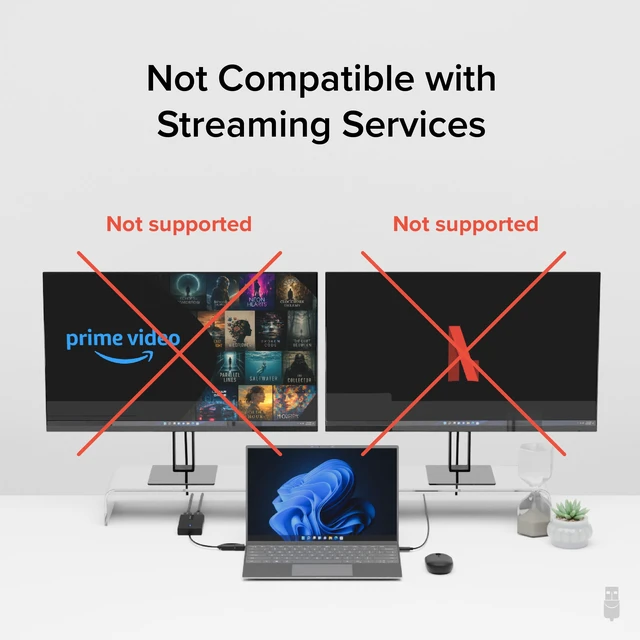
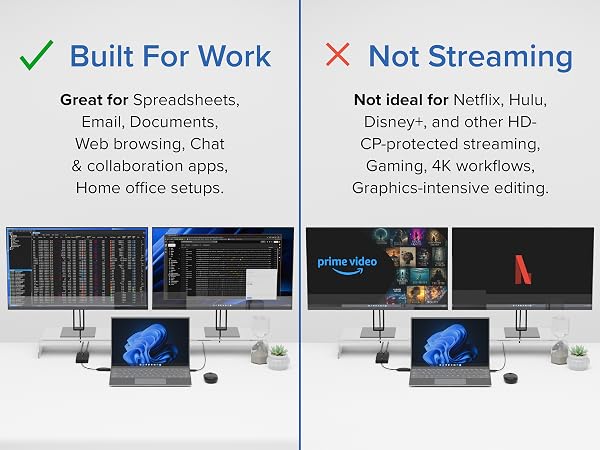
Does this adapter support streaming video from Netflix/Hulu/Etc.?
No, copyright protected content that uses HDCP will not work. This includes popular video streaming services such as Netflix, Hulu, etc.
I’m not getting any video out of the HDMI ports. What could be wrong?
Please make sure that you have installed the Silicon Motion driver on your system, which can be found on our website.
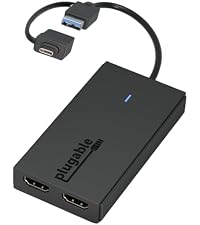 UGA-HDMI-2S | 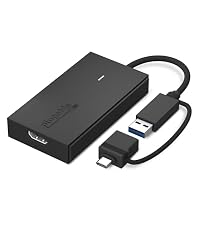 UGA-HDMI-S | 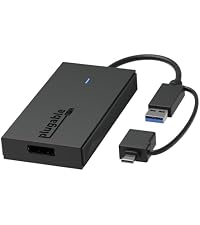 UGA-DP-S |  USBC-6950M | |
|---|---|---|---|---|
Customer Reviews | — | — | — | — |
Price | — | — | — | — |
# of Displays | 2 | 1 | 1 | 2 |
Video Ports | 2x HDMI | 1x HDMI | 1x DisplayPort | 2x HDMI |
Resolution Supported | 1920x1080 @ 60Hz | 2560x1440p @ 60Hz | 2560x1440p @ 60hz | 2x 4K @ 60Hz |
Software | Silicon Motion | Silicon Motion | Silicon Motion | DisplayLink |
Laptop Connection | USB 3.0, USB-C, TB3/4, USB4 | USB 3.0, USB-C, TB3/4, USB4 | USB 3.0, USB-C, TB3/4, USB4 | USB-C, TB3/4, USB4 |
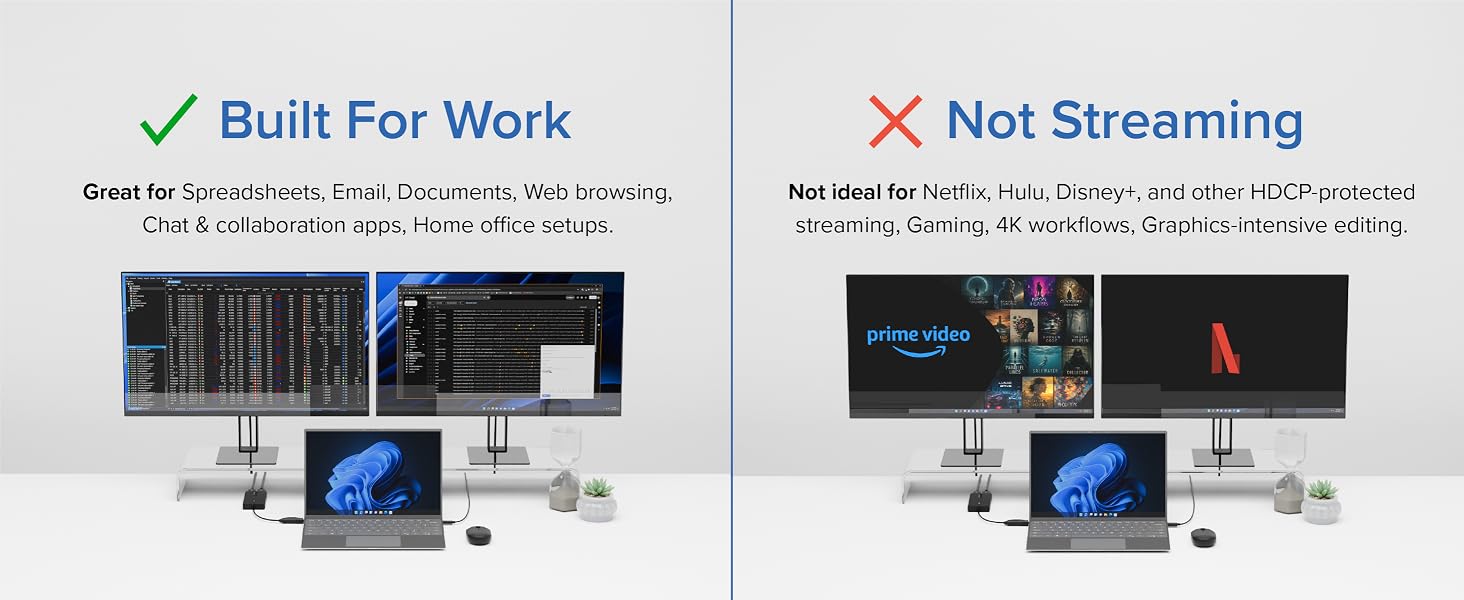
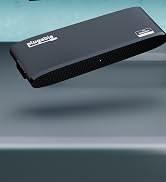
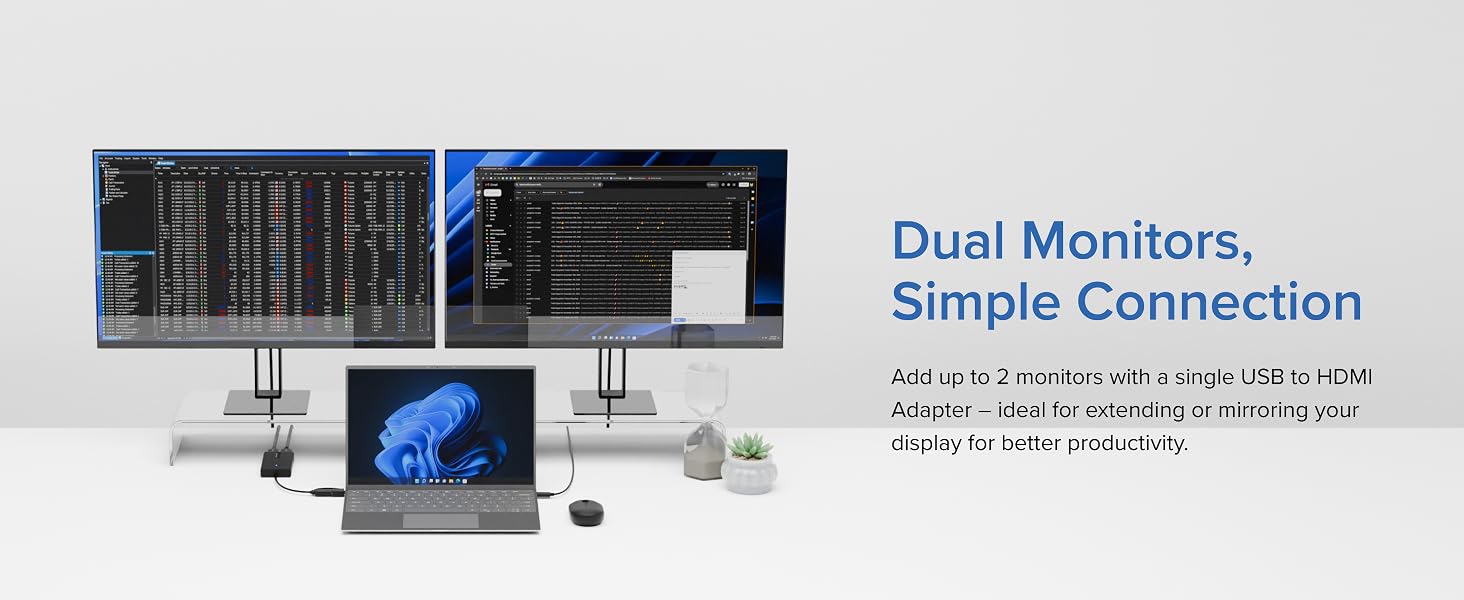
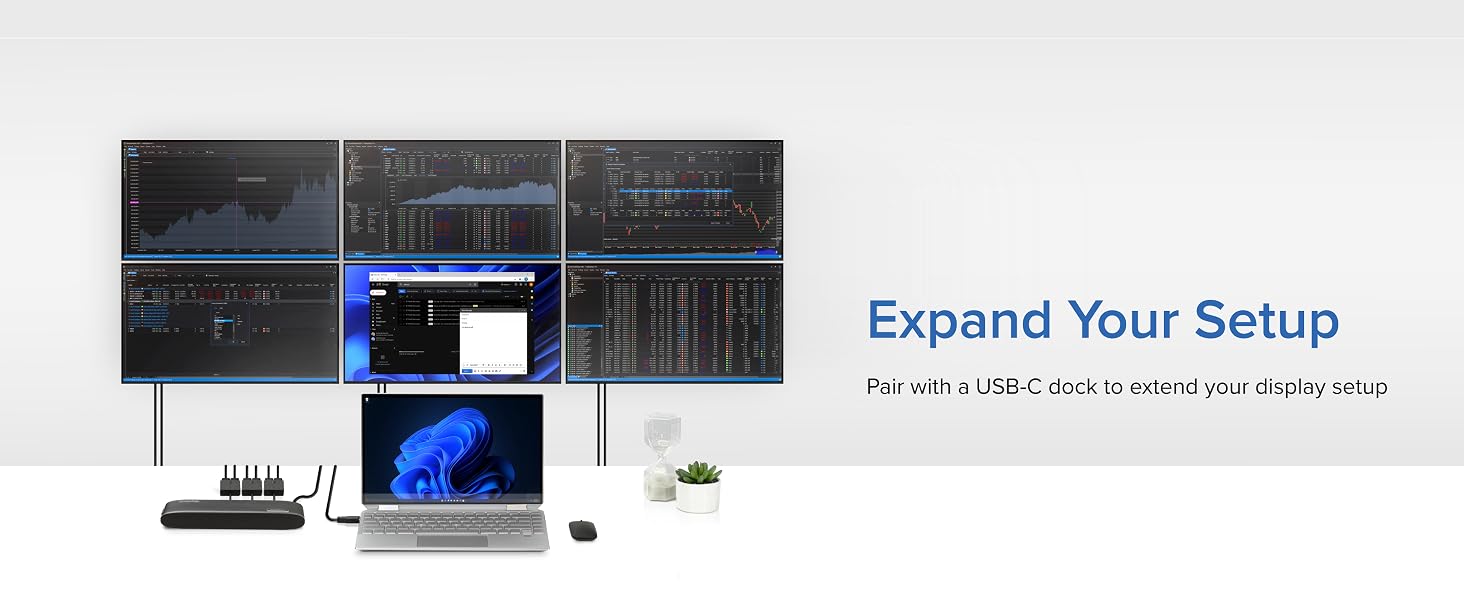
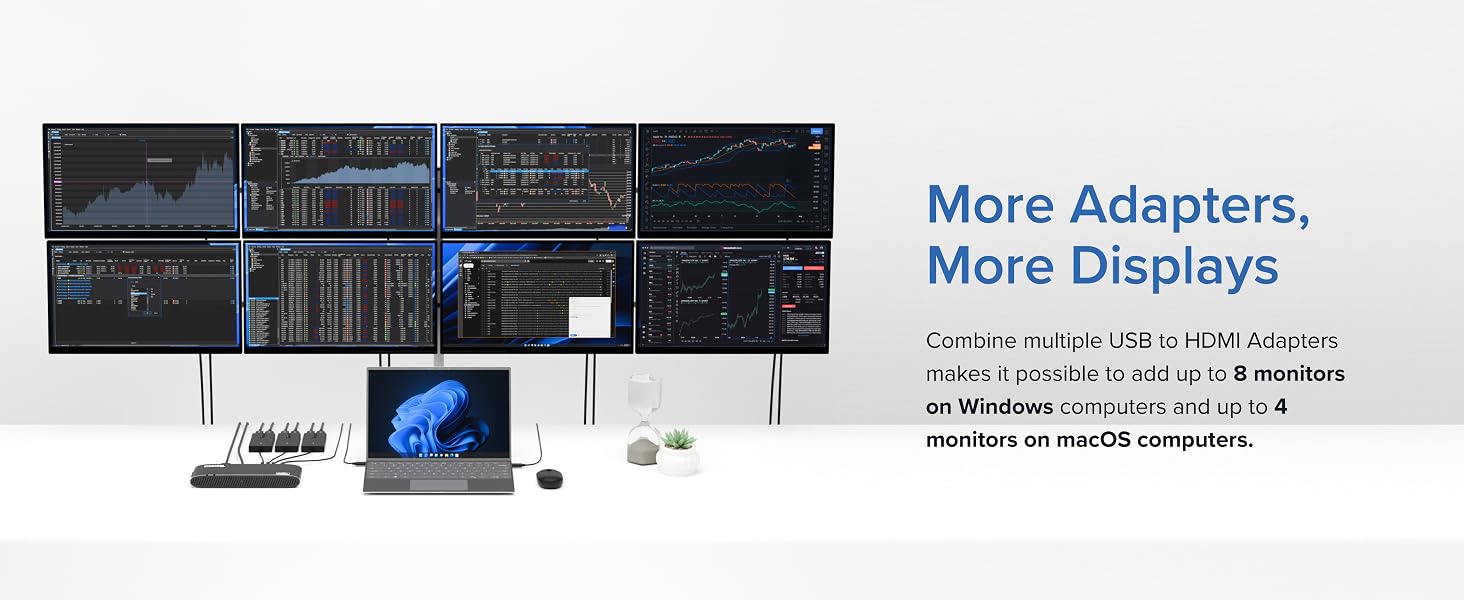
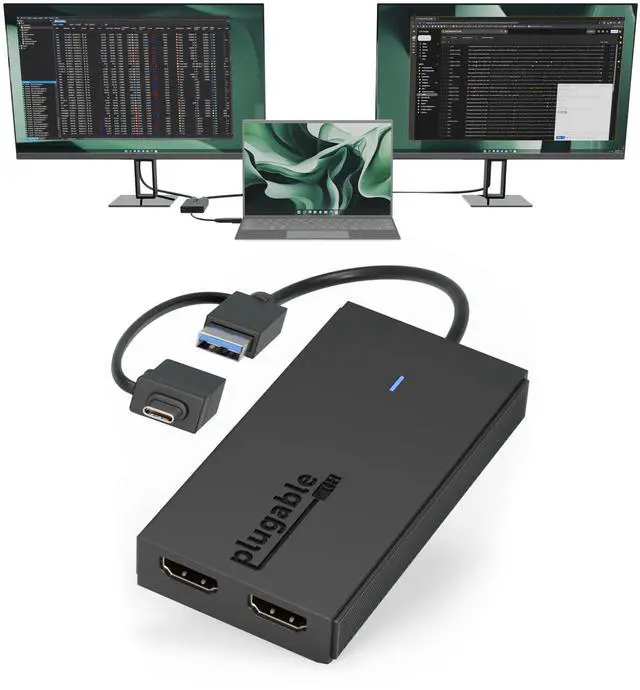
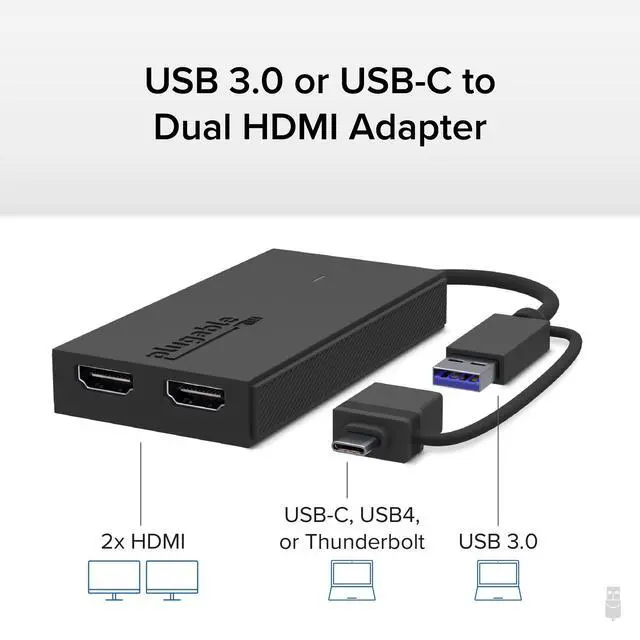
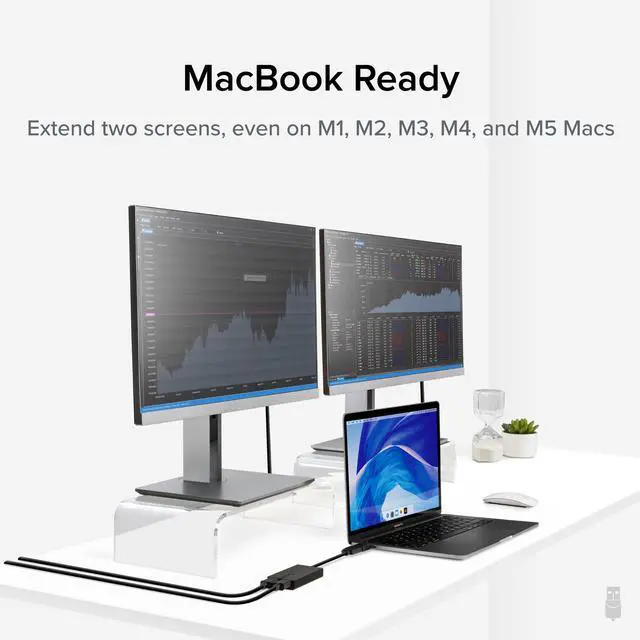
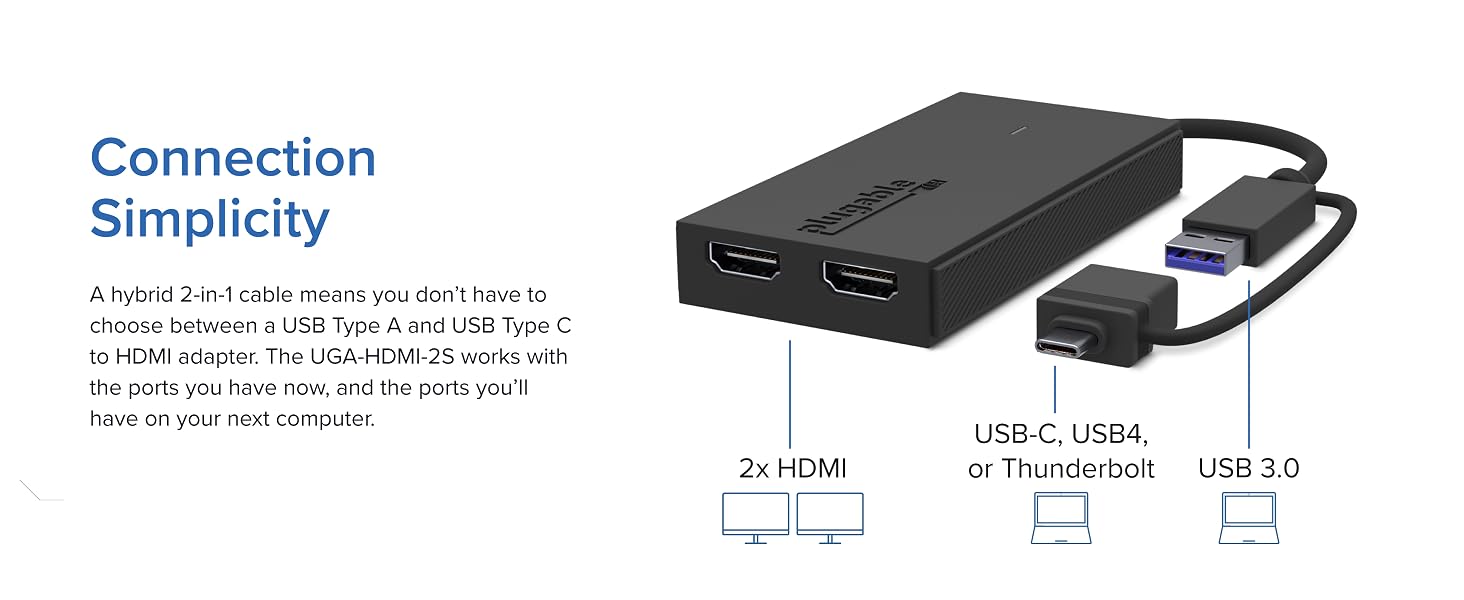
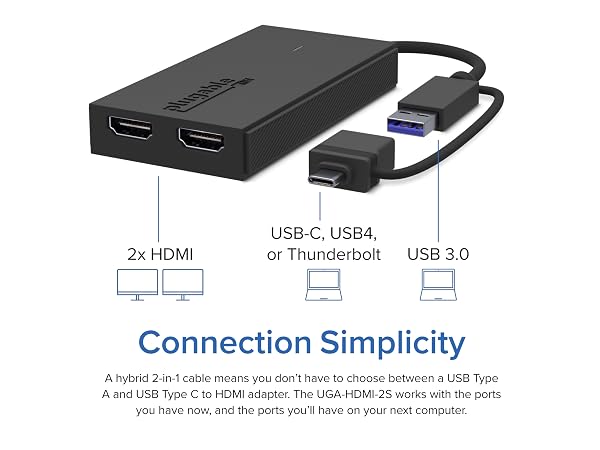
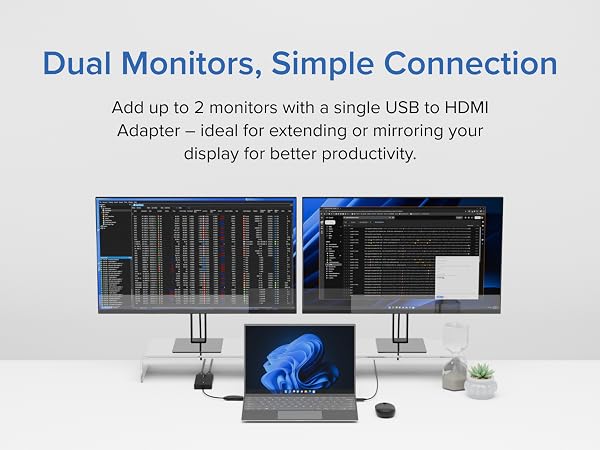
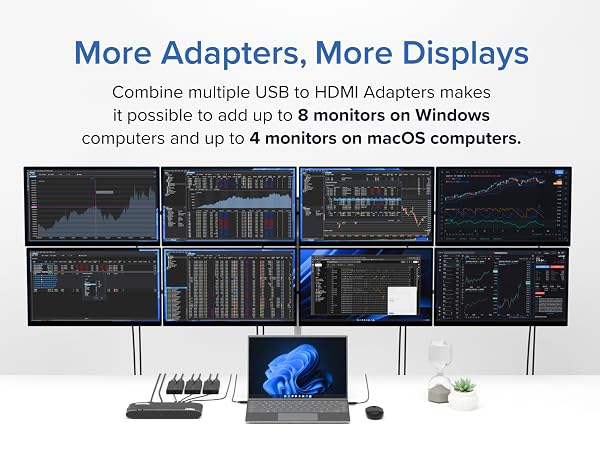
Expand your setup with two HDMI displays through one USB port. Ideal for base M1/M2/M3/Neo Macs with limited display support, this compact adapter is an affordable dock alternative. Windows and ChromeOS can support up to eight HD displays; macOS supports up to four.
Software Download Required: macOS users must install the InstantView driver before use. Uses Silicon Motion technology and is not compatible with DisplayLink software.

Note - macOS requires ‘Screen Recording’ permission for the SMI software to work. Granting this permission enables sending data from your computer over USB to the HDMI outputs. No data, images, or pixels are being stored or recorded.
Do I need to install drivers to use this adapter on Windows or macOS?
Yes. The UGA-HDMI-2S requires the installation of Silicon Motion (SMI) graphics drivers to function. This driver can be found on our website.
Can I use this graphics adapter on macOS?
Yes! The Silicon Motion InstantView app must be installed for functionality on macOS. Installation steps are shown in the “How to Install Silicon Motion for macOS” video above or in the gallery videos.
Does this adapter use DisplayLink technology to function?
No, this adapter is powered by Silicon Motion (SMI) graphics technology. DisplayLink software is not compatible with this device and should not be installed.
Does this adapter support streaming video from Netflix/Hulu/Etc.?
No, copyright protected content that uses HDCP will not work. This includes popular video streaming services such as Netflix, Hulu, etc.
I’m not getting any video out of the HDMI ports. What could be wrong?
Please make sure that you have installed the Silicon Motion driver on your system, which can be found on our website.
 UGA-HDMI-2S |  UGA-HDMI-S | UGA-DP-S |  USBC-6950M |
|---|---|---|---|
| Customer Reviews | |||
| — | — | — | — |
| Price | |||
| — | — | — | — |
| # of Displays | |||
| 2 | 1 | 1 | 2 |
| Video Ports | |||
| 2x HDMI | 1x HDMI | 1x DisplayPort | 2x HDMI |
| Resolution Supported | |||
| 1920x1080 @ 60Hz | 2560x1440p @ 60Hz | 2560x1440p @ 60hz | 2x 4K @ 60Hz |
| Software | |||
| Silicon Motion | Silicon Motion | Silicon Motion | DisplayLink |
| Laptop Connection | |||
| USB 3.0, USB-C, TB3/4, USB4 | USB 3.0, USB-C, TB3/4, USB4 | USB 3.0, USB-C, TB3/4, USB4 | USB-C, TB3/4, USB4 |
Expand your setup with two HDMI displays through one USB port. Ideal for base M1/M2/M3/Neo Macs with limited display support, this compact adapter is an affordable dock alternative. Windows and ChromeOS can support up to eight HD displays; macOS supports up to four.














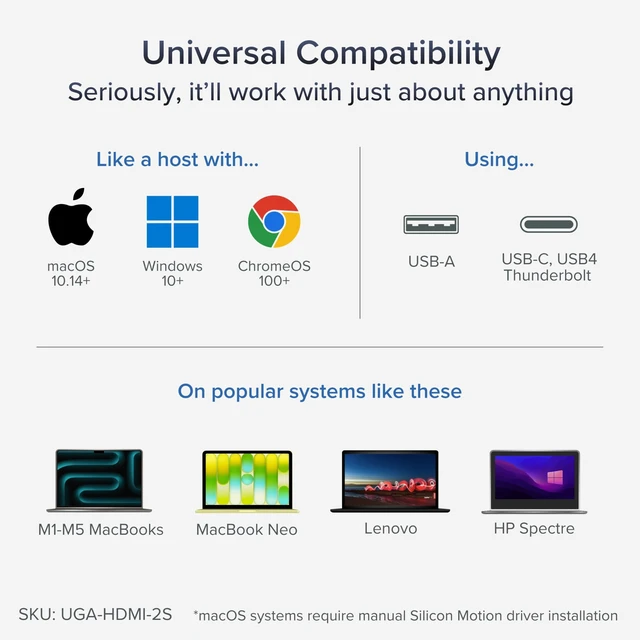
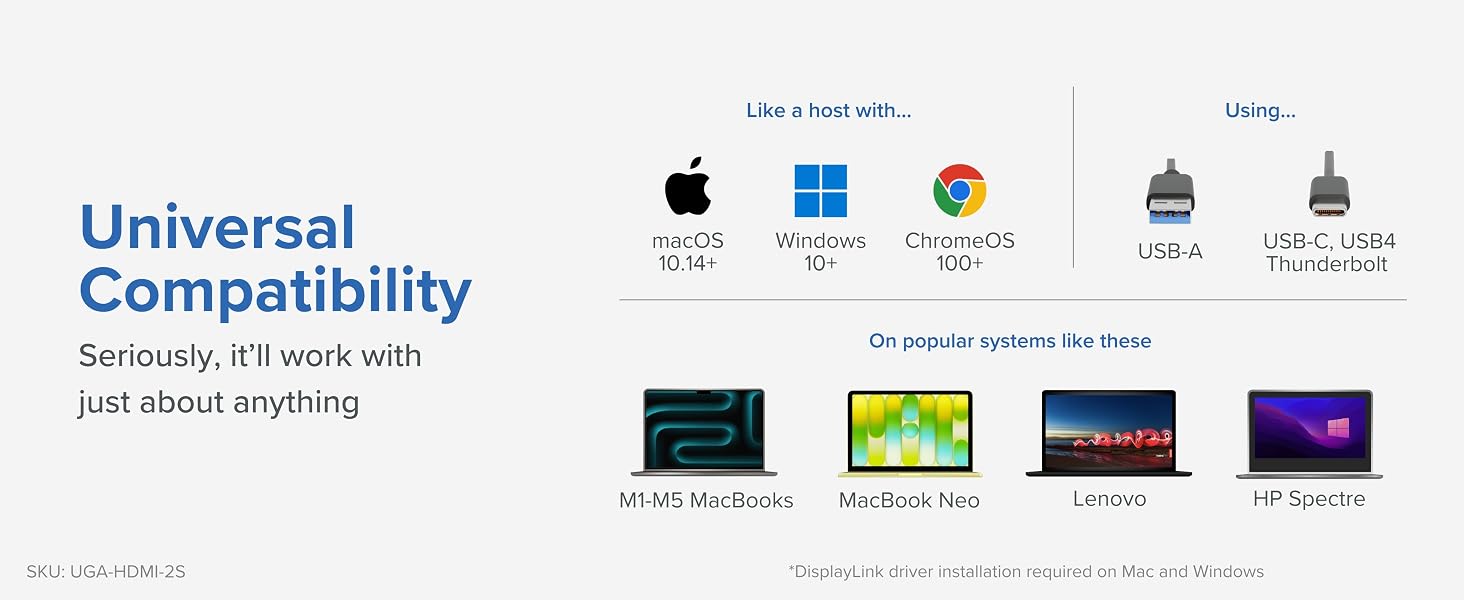
| Compatible Devices | Macbook Pro 13" / 14" / 15", 16", MacBook Air, MacBook Retina, MacBook M1 / M2 / M3 / M4 / M5 / Neo, HP Spectre x360 / Pavilion / Envy, Dell Pro / Plus / Pro Max / XPS / Latitude / Inspiron series, Lenovo ThinkPad / IdeaPad / Yoga / Flex, Surface Pro 7 / 7+ / 8 / 9, Surface Laptop 3 / 4 / 5 / Go / Go 2 / Studio / SE, LG Gram, Acer Aspire / Swift / Spin, ASUS Zenbook / Vivobook, Most Windows systems with Windows 10 or newer, Most Chromebooks running ChromeOS 100 or newer |
| Specific Uses For Product | Laptop, Monitor |
| Connector Type | HDMI |
| Color | Black |
| Item dimensions L x W x H | 5.39 x 3.94 x 0.79 inches |
| Number of Ports | 2 |
| Current Rating | 3 A |
| Power Plug Type | No Plug |
| Finish | Matte |
| Warranty Type | Limited |
| Item Dimensions | 5.39 x 3.94 x 0.79 inches |
| Item Weight | 1.6 ounces |
| Package Quantity | 1 |
| Unit Count | 1 Count |
| Number of Items | 1 |
| Brand | Plugable |
| Model Number | UGA-HDMI-2S |
| UPC | 819927012634 |
| Global Trade Identification Number | 00819927012634 |
| Manufacturer | Plugable |
| Mfr Part Number | UGA-HDMI-2S |
| Warranty Description | 2 Year Limited Parts and Labor |