















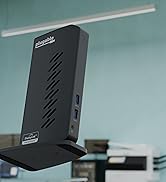
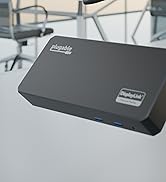


Extend Your Display the Fast and Simple Way
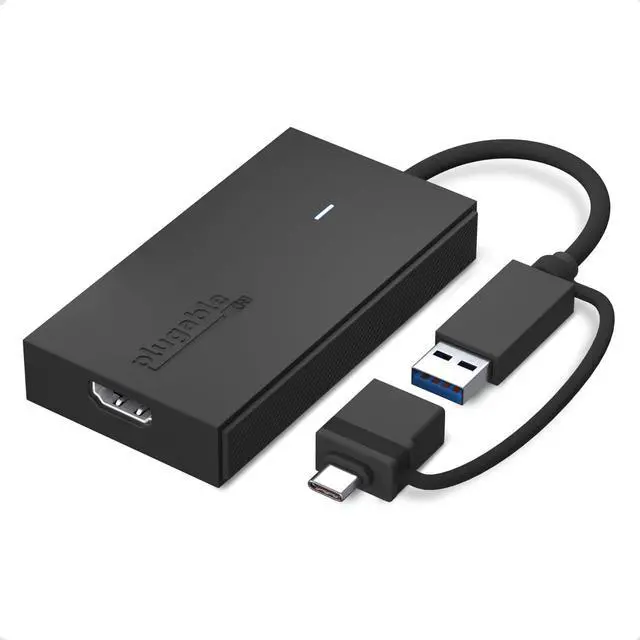
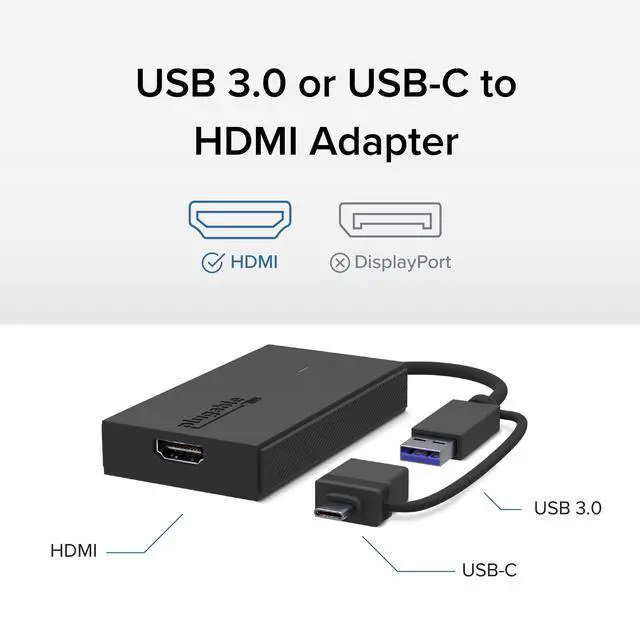
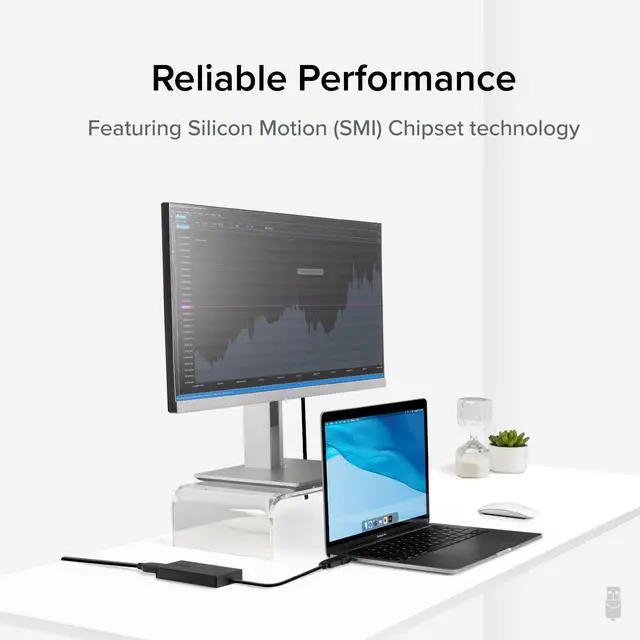
There’s no shortage of options when it comes to adding screens to your laptop, and that’s where things can get complicated (and expensive). The Plugable USB 3.0 and USB-C to HDMI monitor adapter (UGA-HDMI-S) keeps things simple.
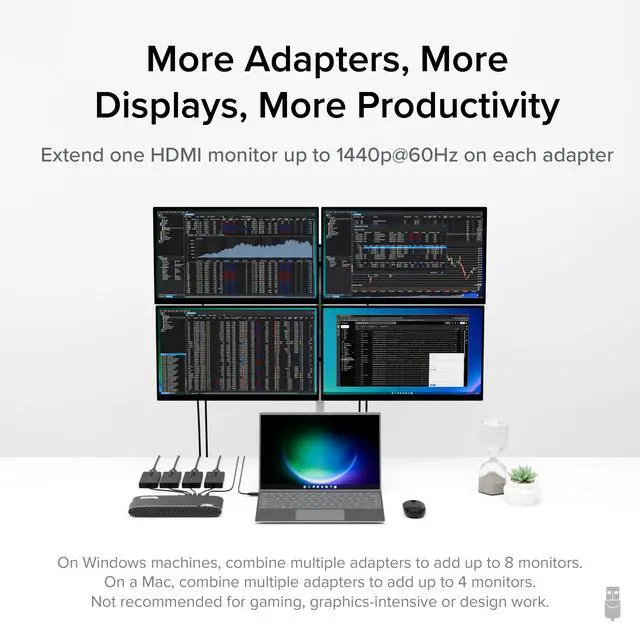
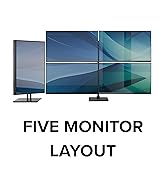
Additionally, you can build your own dual display setup by combining the USB video adapter with a single USB-C dock. Windows and ChromeOS users can expand even further by integrating the adapter with an existing docking station, expanding their setup to support up to eight 2560x1440 (HD) displays when using multiple adapters (one 1440p display per adapter, up to 4 on macOS). Whether you’re adding additional displays to the dock you already have or just need a straightforward way to expand your screen real estate, this one plug solution adds one HDMI port to your computer while leaving your other ports open for peripherals.
Moreover, the compact and portable design of the USB to HDMI adapter allows users to extend their displays from anywhere—whether at home, in the office, or on the go
Note: Actual performance and the number of supported displays can vary based on system specifications and the specific Silicon Motion hardware in use


For Best Compatibility
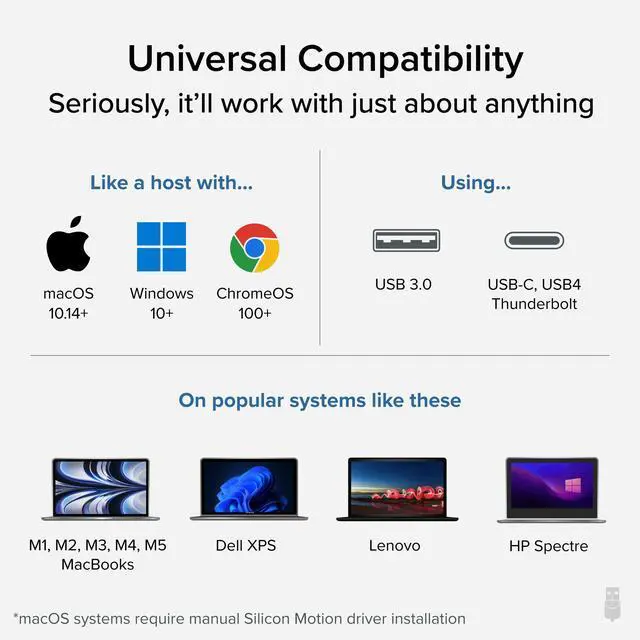
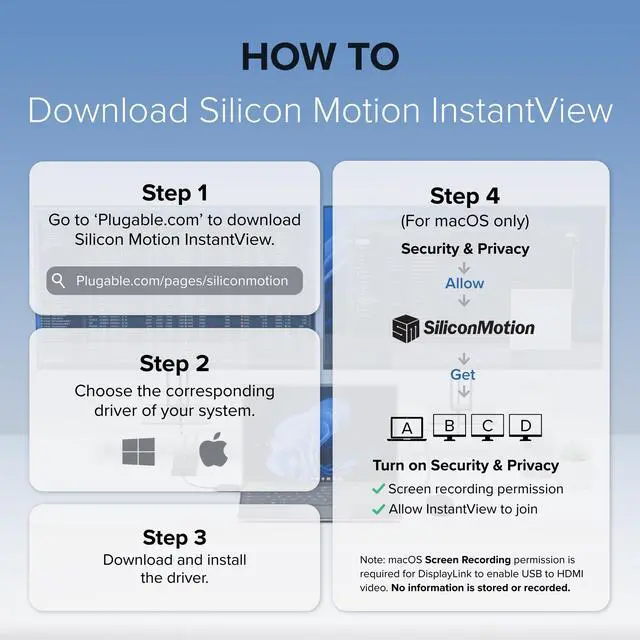
Silicon Motion is a versatile software that enables you to be more productive by adding additional displays through USB 3.0, USB-C, or Thunderbolt ports on your computer. SMI drivers on Windows will automatically install through Windows Updates. SMI macOS InstantView driver download and installation is required for Mac. This USB to Video Adapter for Monitor is the perfect solution for extending your display setup with ease and affordability.
Note: Permission levels on corporate-issued laptops may restrict driver installation. Additionally, this product is not compatible with DisplayLink drivers
Plugable Adapter's
 UGA-HDMI-S |  UGA-DP-S |  UGA-HDMI-2S |  USBC-768H4 |  USBC-6950M | |
|---|---|---|---|---|---|
Customer Reviews | — | — | — | — | — |
Price | — | — | — | — | — |
# of Displays | 1 | 1 | 2 | 4 | 2 |
Video Ports | 1x HDMI | 1x DisplayPort | 2x HDMI | 4x HDMI | 2x HDMI |
Resolution Supported | 2560x1440p @ 60Hz | 2560x1440p @ 60hz | 1920x1080 @ 60Hz | 1920x1080 @ 60Hz | 2x 4K @ 60Hz |
Software | Silicon Motion | Silicon Motion | Silicon Motion | Silicon Motion | DisplayLink |
Laptop Connection | USB 3.0, USB-C, TB3/4, USB4 | USB 3.0, USB-C, TB3/4, USB4 | USB 3.0, USB-C, TB3/4, USB4 | USB 3.0, USB-C, TB3/4, USB4 | USB-C, TB3/4, USB4 |

Extend Your Display the Fast and Simple Way
There’s no shortage of options when it comes to adding screens to your laptop, and that’s where things can get complicated (and expensive). The Plugable USB 3.0 and USB-C to HDMI monitor adapter (UGA-HDMI-S) keeps things simple.
Additionally, you can build your own dual display setup by combining the USB video adapter with a single USB-C dock. Windows and ChromeOS users can expand even further by integrating the adapter with an existing docking station, expanding their setup to support up to eight 2560x1440 (HD) displays when using multiple adapters (one 1440p display per adapter, up to 4 on macOS). Whether you’re adding additional displays to the dock you already have or just need a straightforward way to expand your screen real estate, this one plug solution adds one HDMI port to your computer while leaving your other ports open for peripherals.
Moreover, the compact and portable design of the USB to HDMI adapter allows users to extend their displays from anywhere—whether at home, in the office, or on the go
Note: Actual performance and the number of supported displays can vary based on system specifications and the specific Silicon Motion hardware in use


For Best Compatibility
Silicon Motion is a versatile software that enables you to be more productive by adding additional displays through USB 3.0, USB-C, or Thunderbolt ports on your computer. SMI drivers on Windows will automatically install through Windows Updates. SMI macOS InstantView driver download and installation is required for Mac. This USB to Video Adapter for Monitor is the perfect solution for extending your display setup with ease and affordability.
Note: Permission levels on corporate-issued laptops may restrict driver installation. Additionally, this product is not compatible with DisplayLink drivers
Plugable Adapter's
UGA-HDMI-S | UGA-DP-S | UGA-HDMI-2S | USBC-768H4 | USBC-6950M |
|---|---|---|---|---|
| Customer Reviews | ||||
| — | — | — | — | — |
| Price | ||||
| — | — | — | — | — |
| # of Displays | ||||
| 1 | 1 | 2 | 4 | 2 |
| Video Ports | ||||
| 1x HDMI | 1x DisplayPort | 2x HDMI | 4x HDMI | 2x HDMI |
| Resolution Supported | ||||
| 2560x1440p @ 60Hz | 2560x1440p @ 60hz | 1920x1080 @ 60Hz | 1920x1080 @ 60Hz | 2x 4K @ 60Hz |
| Software | ||||
| Silicon Motion | Silicon Motion | Silicon Motion | Silicon Motion | DisplayLink |
| Laptop Connection | ||||
| USB 3.0, USB-C, TB3/4, USB4 | USB 3.0, USB-C, TB3/4, USB4 | USB 3.0, USB-C, TB3/4, USB4 | USB 3.0, USB-C, TB3/4, USB4 | USB-C, TB3/4, USB4 |


Find Your Docking Station

Shop for Mac

Shop for Windows


Shop Universal Compatability


Shop for Business