





USBC-MSTH2 video overview
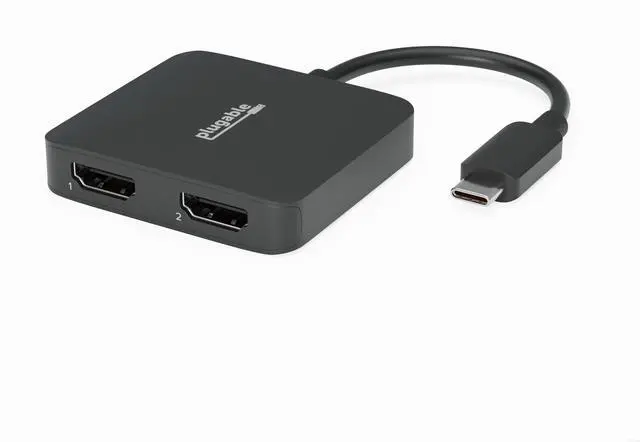
Merchant VideoYou have two 4K HDMI screens and one USB-C port. It’d be nice to find an easy way to combine them. Now the Plugable USB-C Dual 4K HDMI MST Display Adapter (USBC-MSTH2) has you covered.
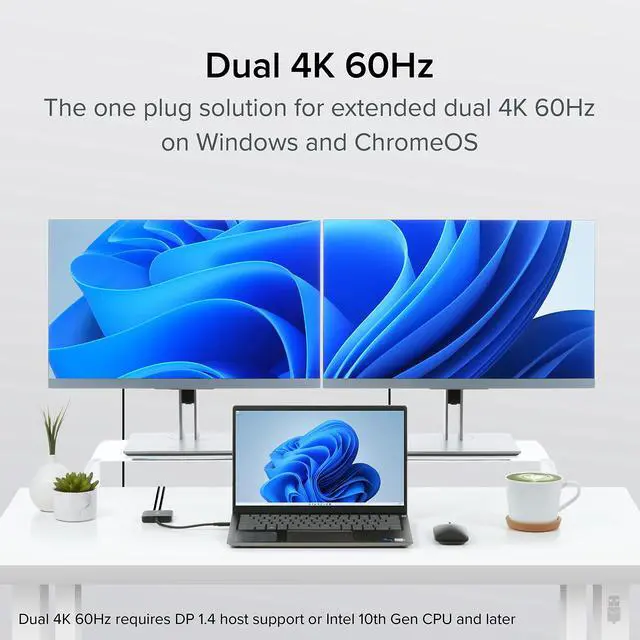
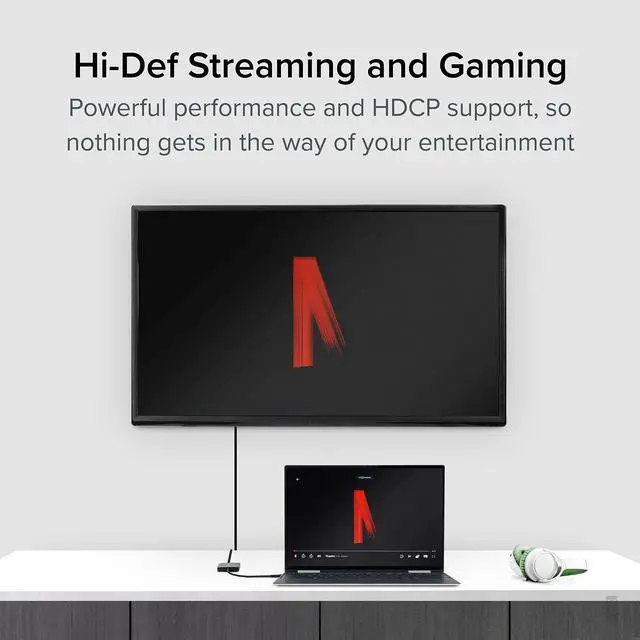
Compatible with Windows and Chrome computers with USB-C DP 1.4 support—so most modern laptops—a single USB-C port can be used to extend your display across two 4K screens at 60Hz. Designed around Multi-Stream Transport (MST), the display uses Alt Mode graphics and an MST chip to drive two independent displays natively from the host laptop—no driver installation required. And with HDCP support—something a lot of video adapters don’t have—you can play copy-protected media through streaming services like Netflix and Hulu.
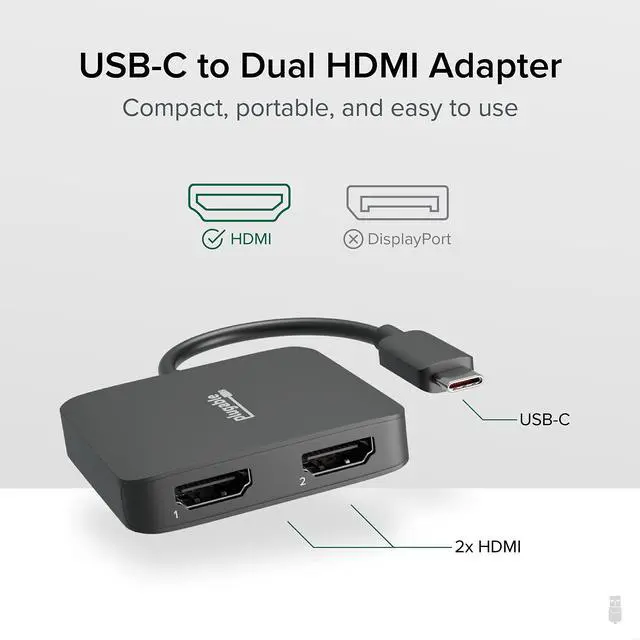
With a form factor smaller than a full docking station, you can easily slip this adapter in your bag for use in between your home, office, or other workspace.
A couple of things to note about this USB C HDMI adapter. If your computer only supports DP 1.2, you can enjoy all the same benefits, but at a resolution of 1080p 60Hz across both displays.
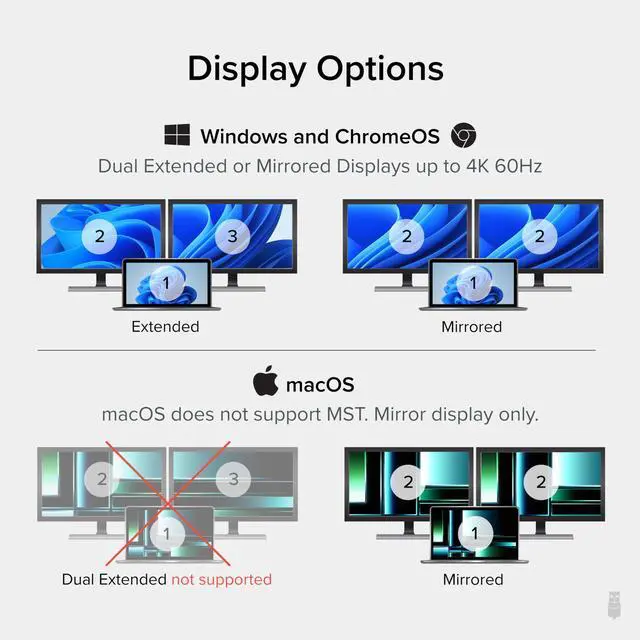
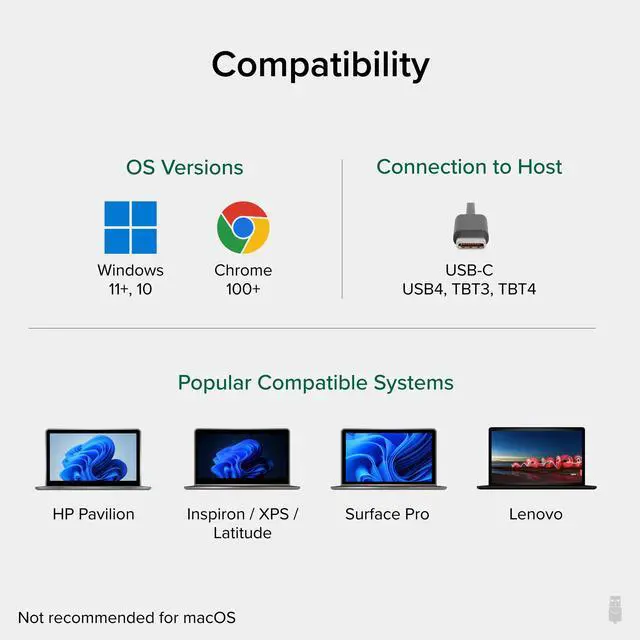
macOS doesn’t support MST—the underlying technology driving the dual HDMI adapter for 2 monitors, so while the dual hdmi adapter is technically compatible with Apple USB-C devices, you can only extend to one 4k monitor, the second external monitor will be mirrored.


Dual 4K 60Hz
Extend to two displays at up to 4K 60Hz through a single USB-C port with this Type C to HDMI adapter.

Plug and Play
This USB-C to HDMI adapter taps into your host computer’s native graphics capabilities — no drivers or software to download.

Travel Ready
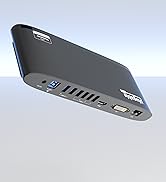
Small and sturdy with an integrated 6.75” (17cm) cable, this USBC to HDMI adapter is ready to travel to and from the hybrid office.

Compatibility
Windows 10, 11+, ChromeOS 100+ hosts with USB-C, Thunderbolt or USB4 and DisplayPort Alt Mode support. Not recommended for macOS.
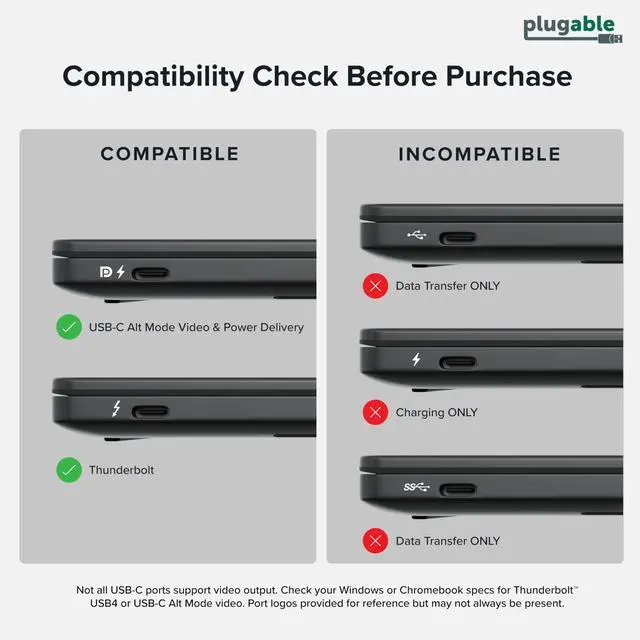
Check your ports to see if it is compatbile
Compare to Similar Products
 USBC-MSTH2 | 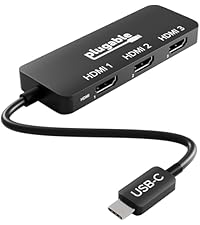 USBC-MSTH3 |  USBC-6950M | 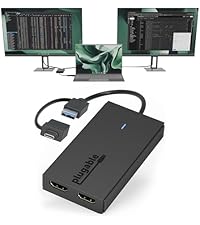 UGA-HDMI-2S | |
|---|---|---|---|---|
Customer Reviews | — | — | — | — |
Price | — | — | — | — |
# of Displays | 2 | 3 | 2 | 2 |
Video Ports | 2x HDMI | 3x HDMI | 2x HDMI | 2x HDMI |
Max Resolution Supported | 2x 4K 60Hz | 1x 8K 60Hz | 2x 4K 60hz | 2x 1080p 60Hz |
Laptop Connection | USB-C | USB-C | USB-C | USB 3.0 or USB-C |
Driver Required | No | No | yes | Yes |
Chipset | MST | MST | DisplayLink | SMI |










USBC-MSTH2 video overview
Merchant VideoYou have two 4K HDMI screens and one USB-C port. It’d be nice to find an easy way to combine them. Now the Plugable USB-C Dual 4K HDMI MST Display Adapter (USBC-MSTH2) has you covered.
Compatible with Windows and Chrome computers with USB-C DP 1.4 support—so most modern laptops—a single USB-C port can be used to extend your display across two 4K screens at 60Hz. Designed around Multi-Stream Transport (MST), the display uses Alt Mode graphics and an MST chip to drive two independent displays natively from the host laptop—no driver installation required. And with HDCP support—something a lot of video adapters don’t have—you can play copy-protected media through streaming services like Netflix and Hulu.
With a form factor smaller than a full docking station, you can easily slip this adapter in your bag for use in between your home, office, or other workspace.
A couple of things to note about this USB C HDMI adapter. If your computer only supports DP 1.2, you can enjoy all the same benefits, but at a resolution of 1080p 60Hz across both displays.
macOS doesn’t support MST—the underlying technology driving the dual HDMI adapter for 2 monitors, so while the dual hdmi adapter is technically compatible with Apple USB-C devices, you can only extend to one 4k monitor, the second external monitor will be mirrored.

Dual 4K 60Hz
Extend to two displays at up to 4K 60Hz through a single USB-C port with this Type C to HDMI adapter.
Plug and Play
This USB-C to HDMI adapter taps into your host computer’s native graphics capabilities — no drivers or software to download.
Travel Ready
Small and sturdy with an integrated 6.75” (17cm) cable, this USBC to HDMI adapter is ready to travel to and from the hybrid office.
Compatibility
Windows 10, 11+, ChromeOS 100+ hosts with USB-C, Thunderbolt or USB4 and DisplayPort Alt Mode support. Not recommended for macOS.
Check your ports to see if it is compatbile
Compare to Similar Products
USBC-MSTH2 | USBC-MSTH3 | USBC-6950M | UGA-HDMI-2S |
|---|---|---|---|
| Customer Reviews | |||
| — | — | — | — |
| Price | |||
| — | — | — | — |
| # of Displays | |||
| 2 | 3 | 2 | 2 |
| Video Ports | |||
| 2x HDMI | 3x HDMI | 2x HDMI | 2x HDMI |
| Max Resolution Supported | |||
| 2x 4K 60Hz | 1x 8K 60Hz | 2x 4K 60hz | 2x 1080p 60Hz |
| Laptop Connection | |||
| USB-C | USB-C | USB-C | USB 3.0 or USB-C |
| Driver Required | |||
| No | No | yes | Yes |
| Chipset | |||
| MST | MST | DisplayLink | SMI |


Universally Compatible Docks


Find Your Docking Station

Windows Compatible Docks

Mac Compatible Docks


Shop for Business
