





Find the Right Plyee Audio Speaker for You
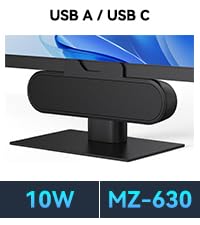 MZ-630 supports USB A / C | 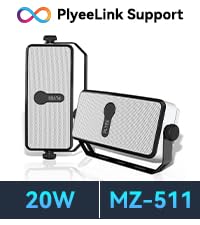 MZ-511 supports Plyeelink | 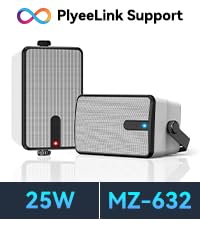 MZ-632 supports Plyeelink | 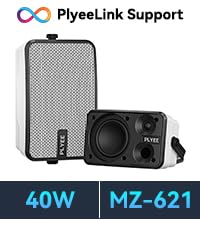 MZ-621 supports Plyeelink | |
|---|---|---|---|---|
Customer Reviews | — | — | — | — |
Price | — | — | — | — |
RMS | 10W | 20W | 25W | 40W |
Remote Control | ?? | ?? | ?? | ?? |
Stereo | ?? | ?? | ?? | ?? |
Connection | USB A / USB C | Bluetooth | Bluetooth | Bluetooth |
Sync Quantity | None | 100+ Sync Speakers | 100+ Sync Speakers | 100+ Sync Speakers |
Speaker | 1" Woofer + 1"Tweeter | 2" Woofer + 2"Tweeter | 3" Woofer + 1"Tweeter | 4" Woofer + 1"Tweeter |
Product Size | 7.8 x 1.2 x 2.6 inches | 7.7 x 3.8 x 2.1inches | 7.1 x 4.7 x 3.7 inches | 9.4 x 6.5 x 4.6 inches |
Compatible with Most Brands of Monitors
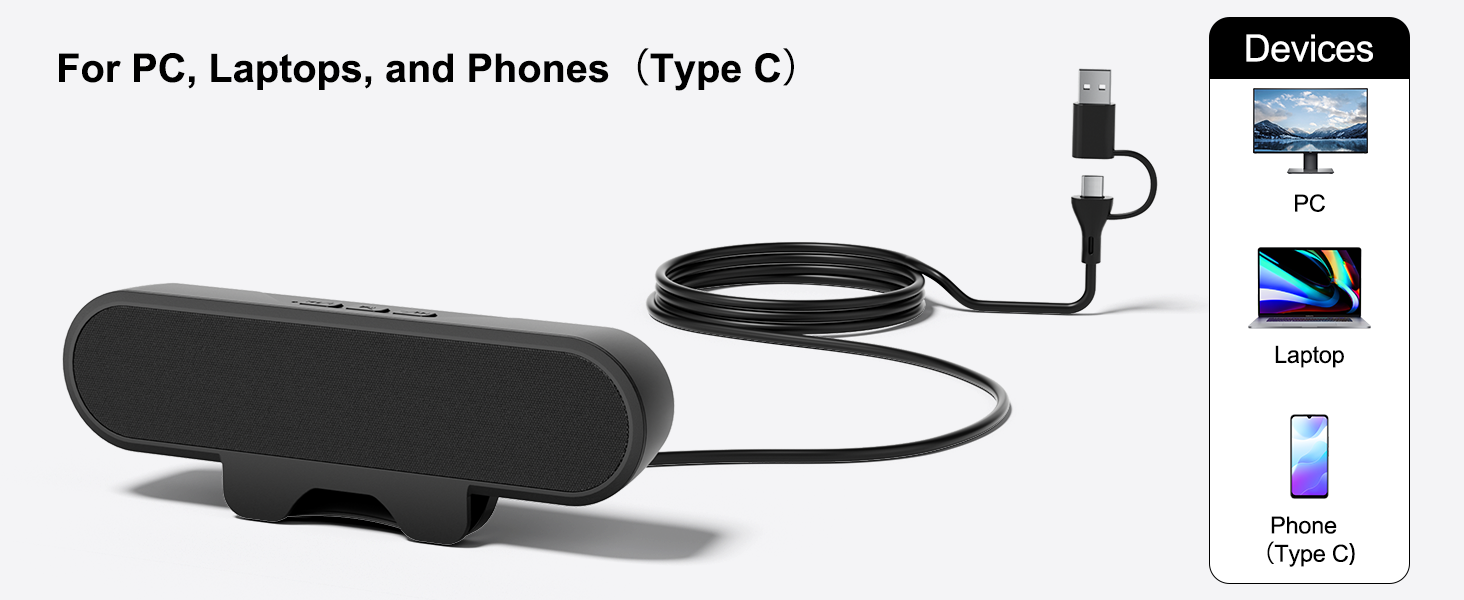
Plyee Audio 10W Powerful Computer Speaker for PC, Laptops & Phones
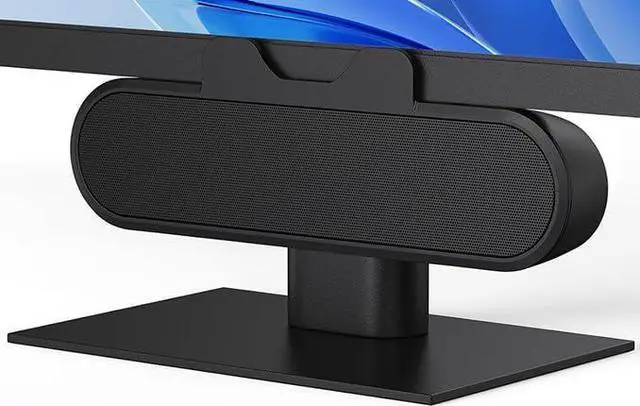
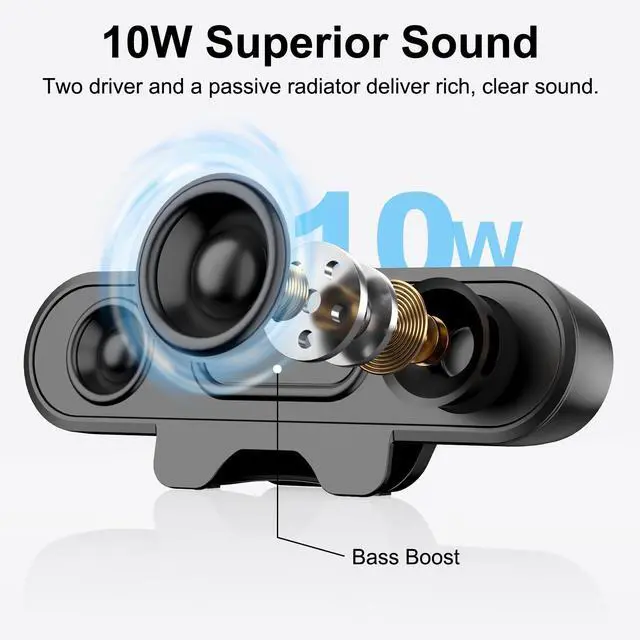
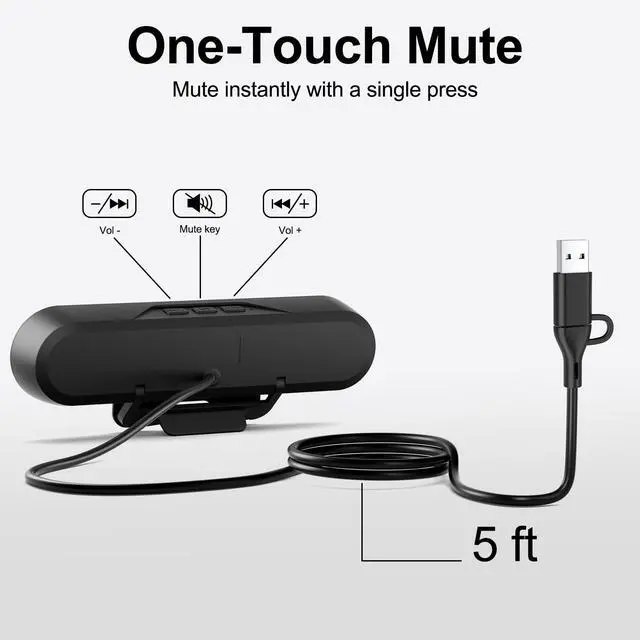
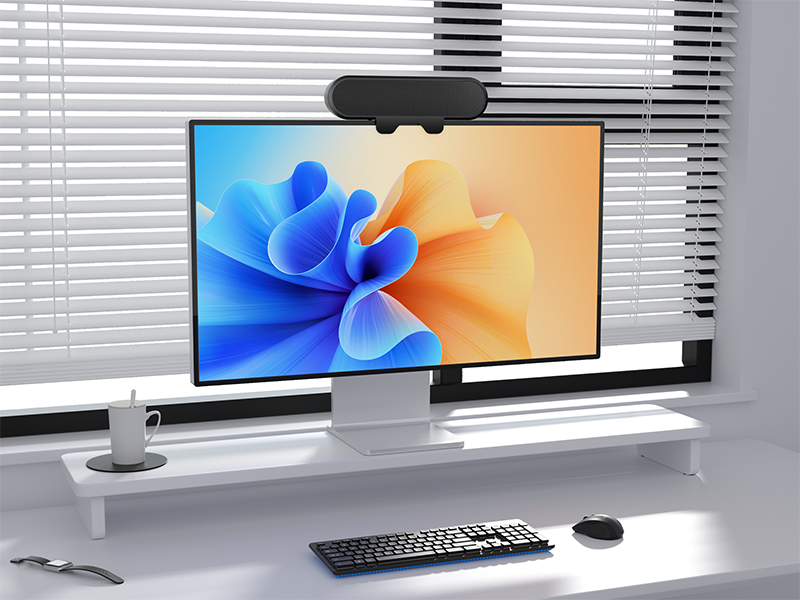
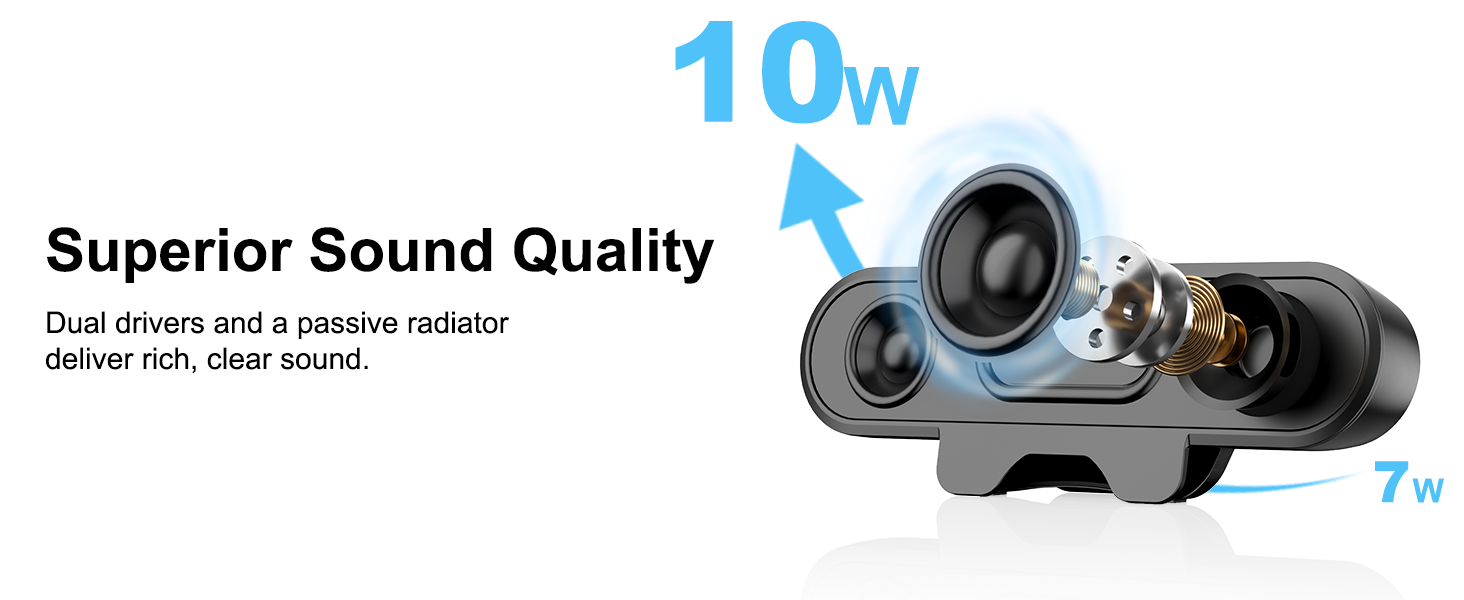
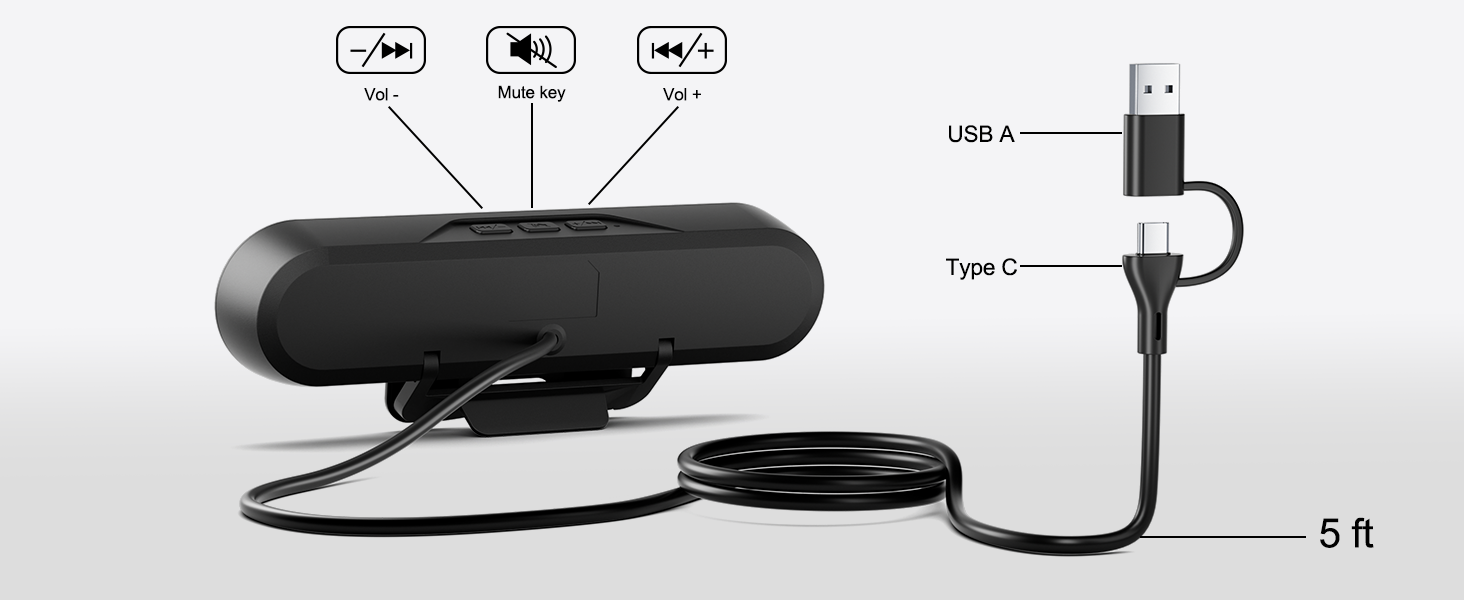
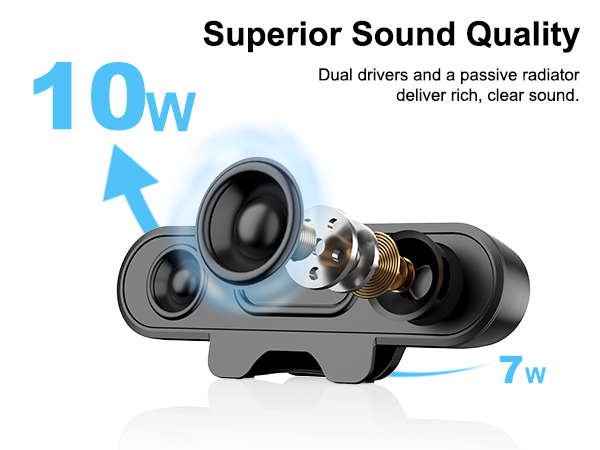
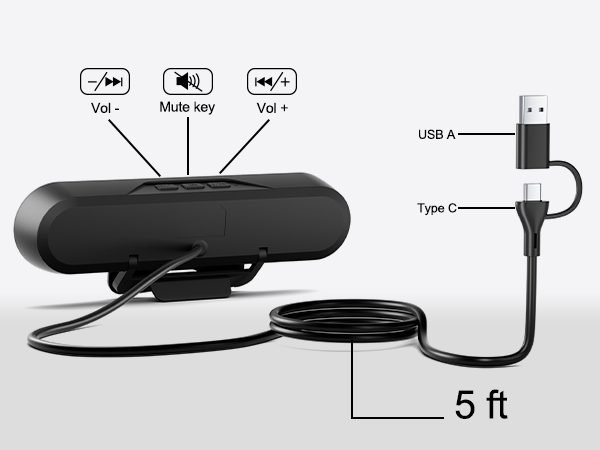
This compact speaker features two large internal drivers and a passive radiator, delivering impressively loud and high-quality sound. Durable sound cables ensure stable, lag-free audio output for clear, immersive listening. Its versatile clip design easily attaches to most monitors, while the speaker can also stand alone on a desk, offering dual placement options for convenience and adaptability.
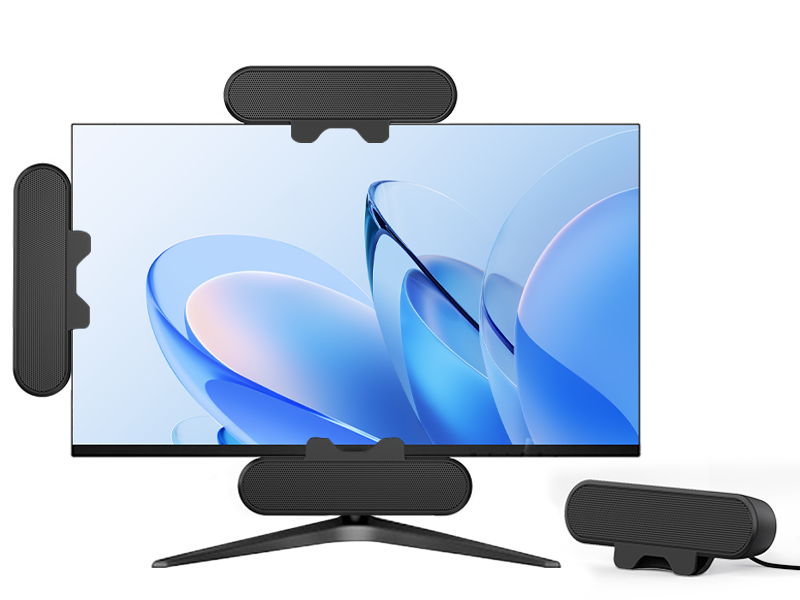
Clip or Stand-Two Options
Keep Your Workspace Tidy—Clip to Your Monitor or Stand on Your Desk
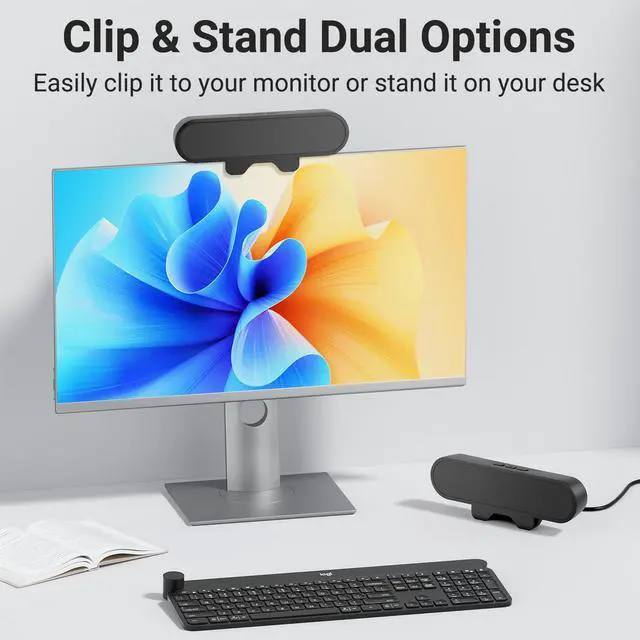
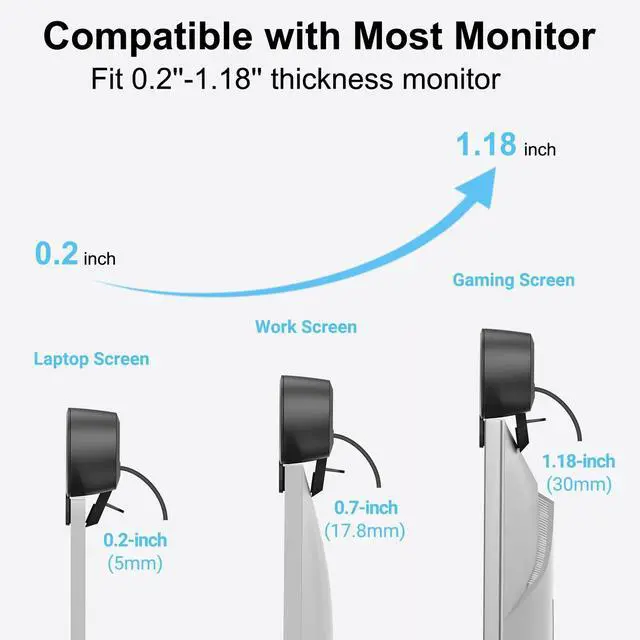
The upgraded clip design of the Plyee Audio speaker accommodates a wider range of monitor thicknesses—from slim 0.2-inch PC monitors to robust 1.18-inch gaming screens. Additionally, the speaker can stand independently on your desk, giving you more flexibility in setup.
Compatible with More Monitor Brands
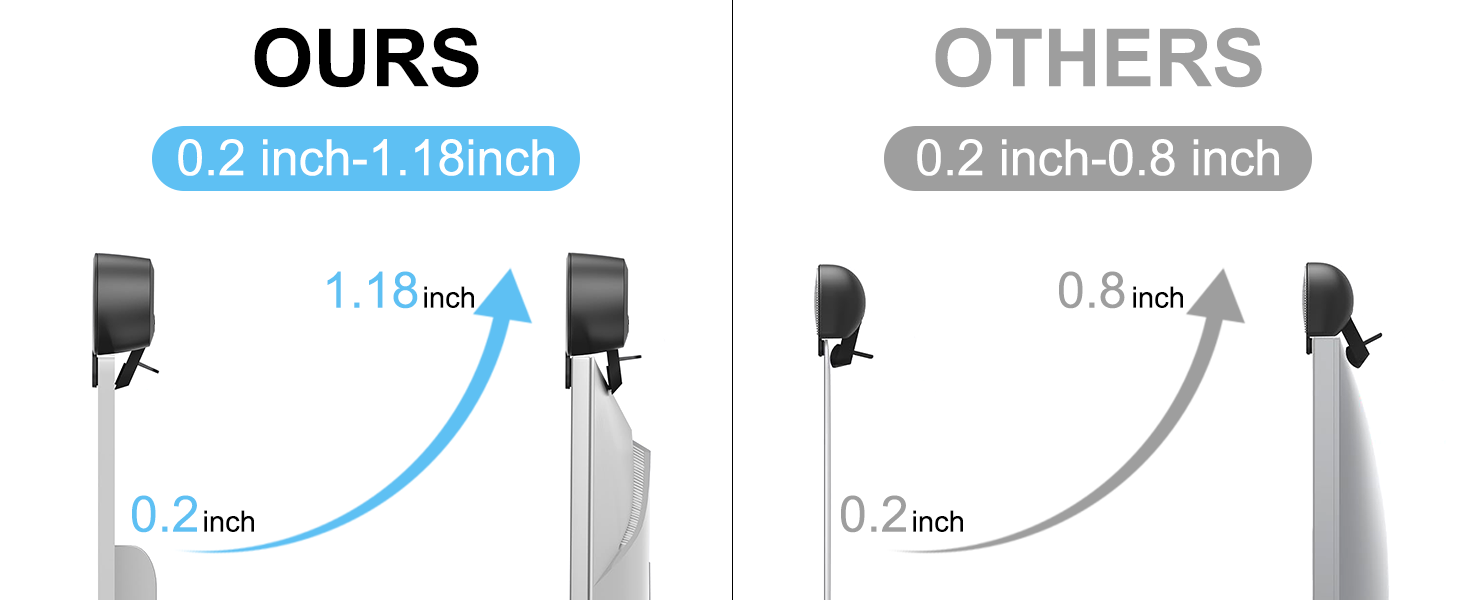
Although our upgraded clip design accommodates a wider range of monitor thicknesses, please note that if your monitor has an excessively curved back, the speaker may not securely attach. In such cases, we’ll try our best to ensure the issue is resolved promptly.
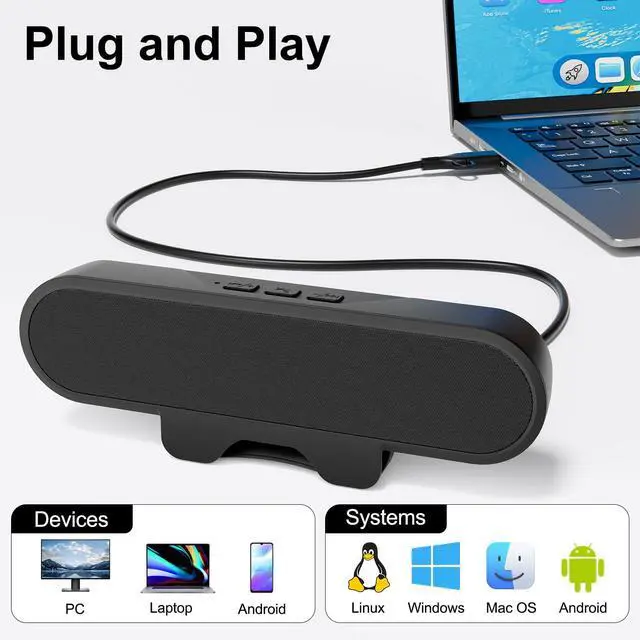
Is the speaker plug-and-play, or does it require additional setup?
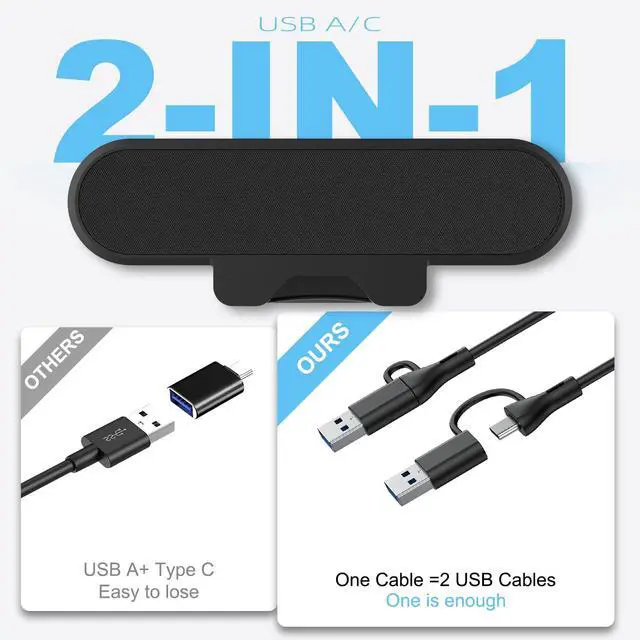
The speaker is plug-and-play. If unrecognized, try another USB port or connect directly to your computer, avoiding USB hubs.
Why does the speaker feel lacking in power after being plugged into the computer?
We recommend plugging the speaker into a USB 3.0 or higher port for better power support. USB 2.0 provides a maximum current of 500 mA, while USB 3.0 and above can provide up to 900 mA.
Why is there no sound from the speaker after plugging it into the computer?
In rare cases, after plugging the speaker into the computer, the computer may not set the speaker as the default playback device, resulting in no sound. In such cases, you will need to manually set the speaker as the default device.

Great Sound, Made Simple
Say goodbye to bulky amps and tangled wires. Our Bluetooth wall speakers deliver easy setup and rich sound in any space.

No amplifiers. No mess.
Plyee Audio was created to make great sound easier. We were tired of bulky amplifiers and messy cables. So we designed compact Bluetooth wall speakers that connect instantly and look great in any space. No extra gear, no stress—just simple setup and rich sound.
Have a question or need help? You can find the support team’s contact information in our Brand Store.
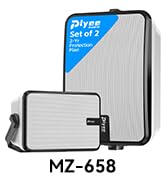
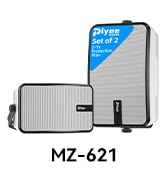
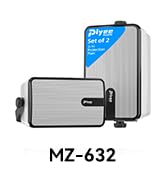
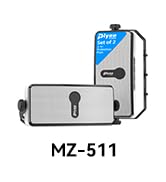
Find your favorite speaker.
Find the Right Plyee Audio Speaker for You
MZ-630 supports USB A / C | MZ-511 supports Plyeelink | MZ-632 supports Plyeelink | MZ-621 supports Plyeelink |
|---|---|---|---|
| Customer Reviews | |||
| — | — | — | — |
| Price | |||
| — | — | — | — |
| RMS | |||
| 10W | 20W | 25W | 40W |
| Remote Control | |||
| ?? | ?? | ?? | ?? |
| Stereo | |||
| ?? | ?? | ?? | ?? |
| Connection | |||
| USB A / USB C | Bluetooth | Bluetooth | Bluetooth |
| Sync Quantity | |||
| None | 100+ Sync Speakers | 100+ Sync Speakers | 100+ Sync Speakers |
| Speaker | |||
| 1" Woofer + 1"Tweeter | 2" Woofer + 2"Tweeter | 3" Woofer + 1"Tweeter | 4" Woofer + 1"Tweeter |
| Product Size | |||
| 7.8 x 1.2 x 2.6 inches | 7.7 x 3.8 x 2.1inches | 7.1 x 4.7 x 3.7 inches | 9.4 x 6.5 x 4.6 inches |
Compatible with Most Brands of Monitors
Plyee Audio 10W Powerful Computer Speaker for PC, Laptops & Phones
This compact speaker features two large internal drivers and a passive radiator, delivering impressively loud and high-quality sound. Durable sound cables ensure stable, lag-free audio output for clear, immersive listening. Its versatile clip design easily attaches to most monitors, while the speaker can also stand alone on a desk, offering dual placement options for convenience and adaptability.
Clip or Stand-Two Options
Keep Your Workspace Tidy—Clip to Your Monitor or Stand on Your Desk
The upgraded clip design of the Plyee Audio speaker accommodates a wider range of monitor thicknesses—from slim 0.2-inch PC monitors to robust 1.18-inch gaming screens. Additionally, the speaker can stand independently on your desk, giving you more flexibility in setup.

Compatible with More Monitor Brands
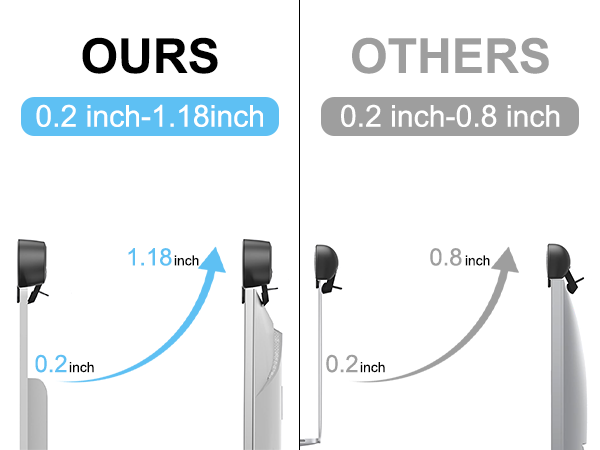
Although our upgraded clip design accommodates a wider range of monitor thicknesses, please note that if your monitor has an excessively curved back, the speaker may not securely attach. In such cases, we’ll try our best to ensure the issue is resolved promptly.
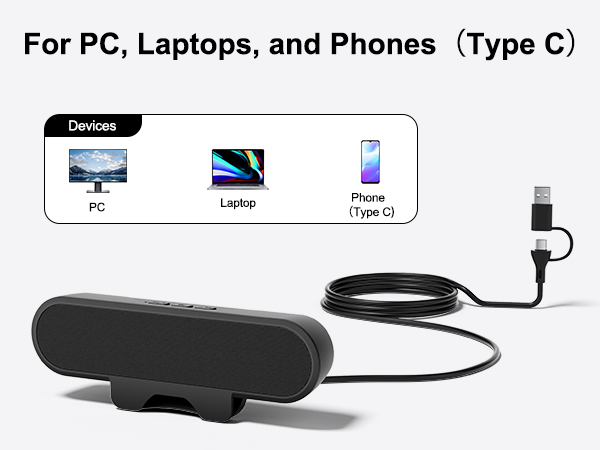
Is the speaker plug-and-play, or does it require additional setup?
The speaker is plug-and-play. If unrecognized, try another USB port or connect directly to your computer, avoiding USB hubs.
Why does the speaker feel lacking in power after being plugged into the computer?
We recommend plugging the speaker into a USB 3.0 or higher port for better power support. USB 2.0 provides a maximum current of 500 mA, while USB 3.0 and above can provide up to 900 mA.
Why is there no sound from the speaker after plugging it into the computer?
In rare cases, after plugging the speaker into the computer, the computer may not set the speaker as the default playback device, resulting in no sound. In such cases, you will need to manually set the speaker as the default device.
Great Sound, Made Simple
Say goodbye to bulky amps and tangled wires. Our Bluetooth wall speakers deliver easy setup and rich sound in any space.
No amplifiers. No mess.
Plyee Audio was created to make great sound easier. We were tired of bulky amplifiers and messy cables. So we designed compact Bluetooth wall speakers that connect instantly and look great in any space. No extra gear, no stress—just simple setup and rich sound.
Have a question or need help? You can find the support team’s contact information in our Brand Store.
Find your favorite speaker.