




The first step to upgrading your space
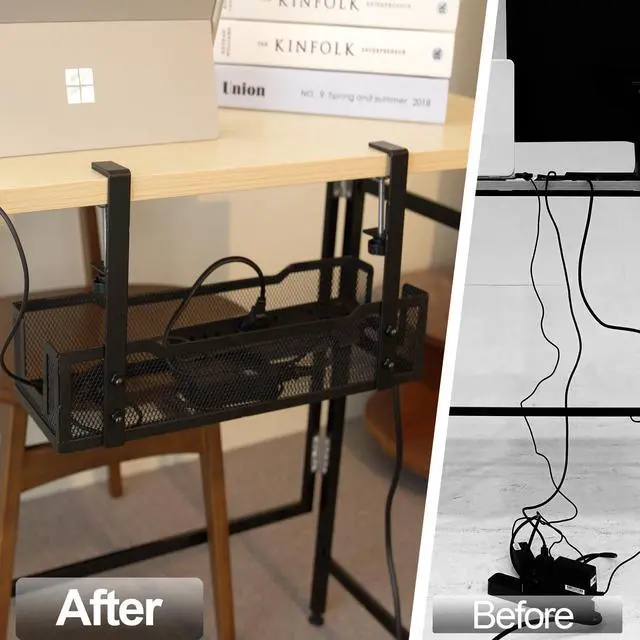
Is your workspace cluttered with a lot of cables?
A vital yet often overlooked step is having a suitable cable tray. Imagine being confused about where and how to organize a mess of cables. The right cable management tray can make the difference between a bad experience and an upgraded workspace experience.
Ample storage space
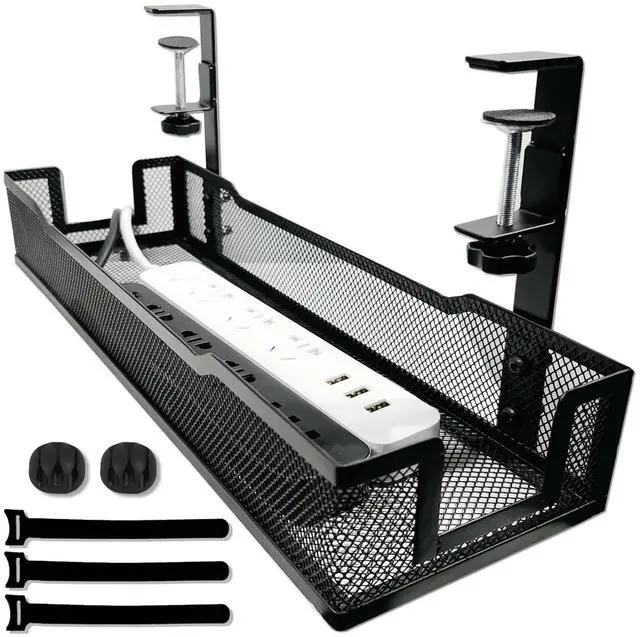
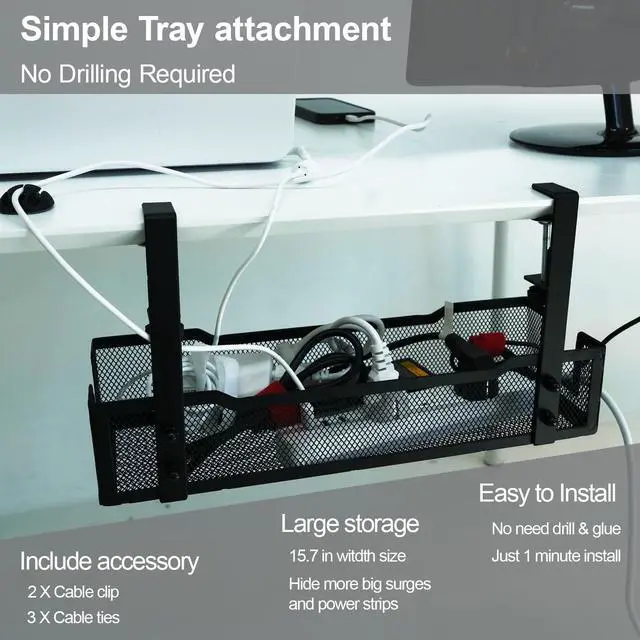
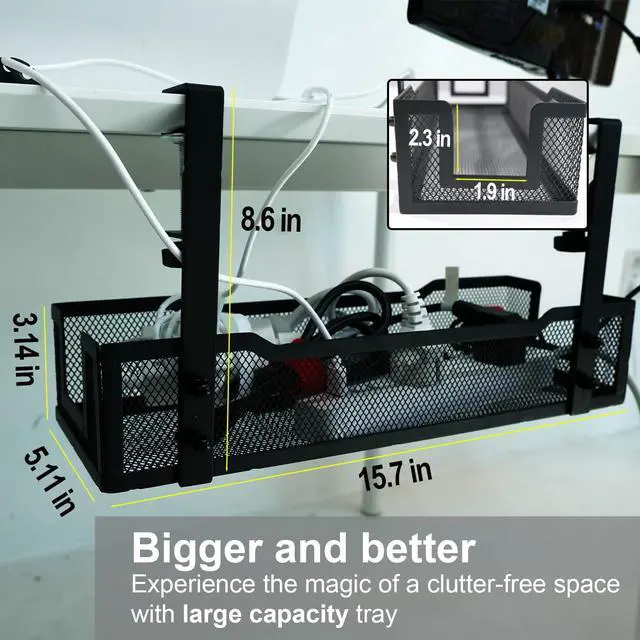
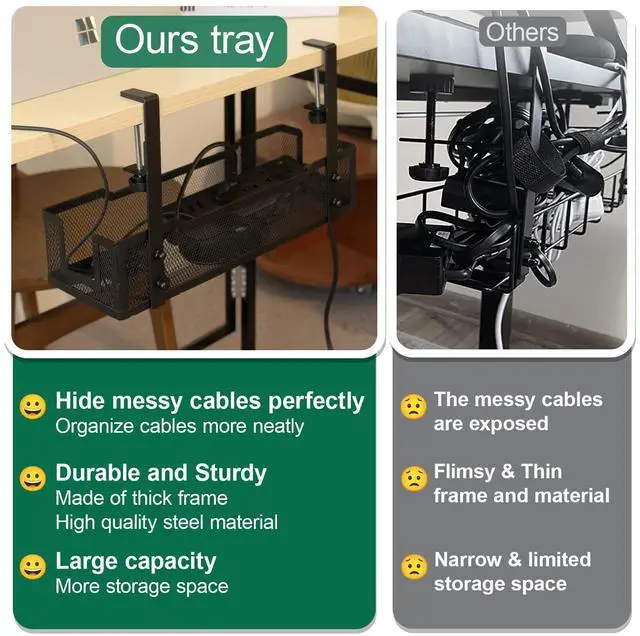
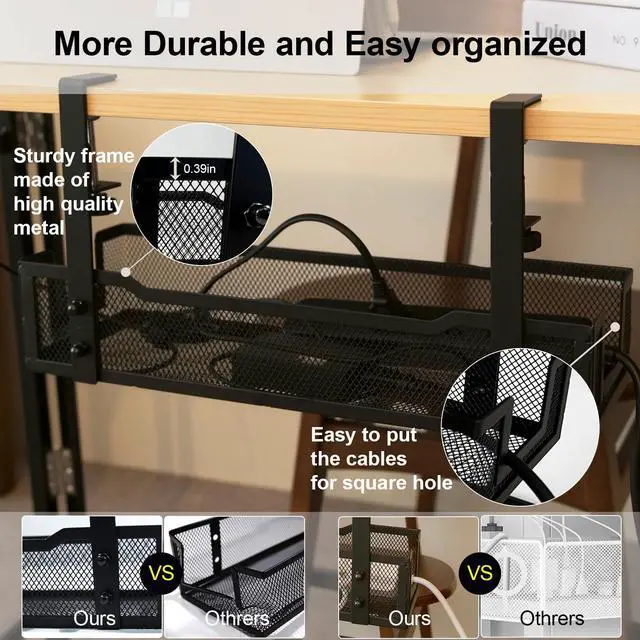
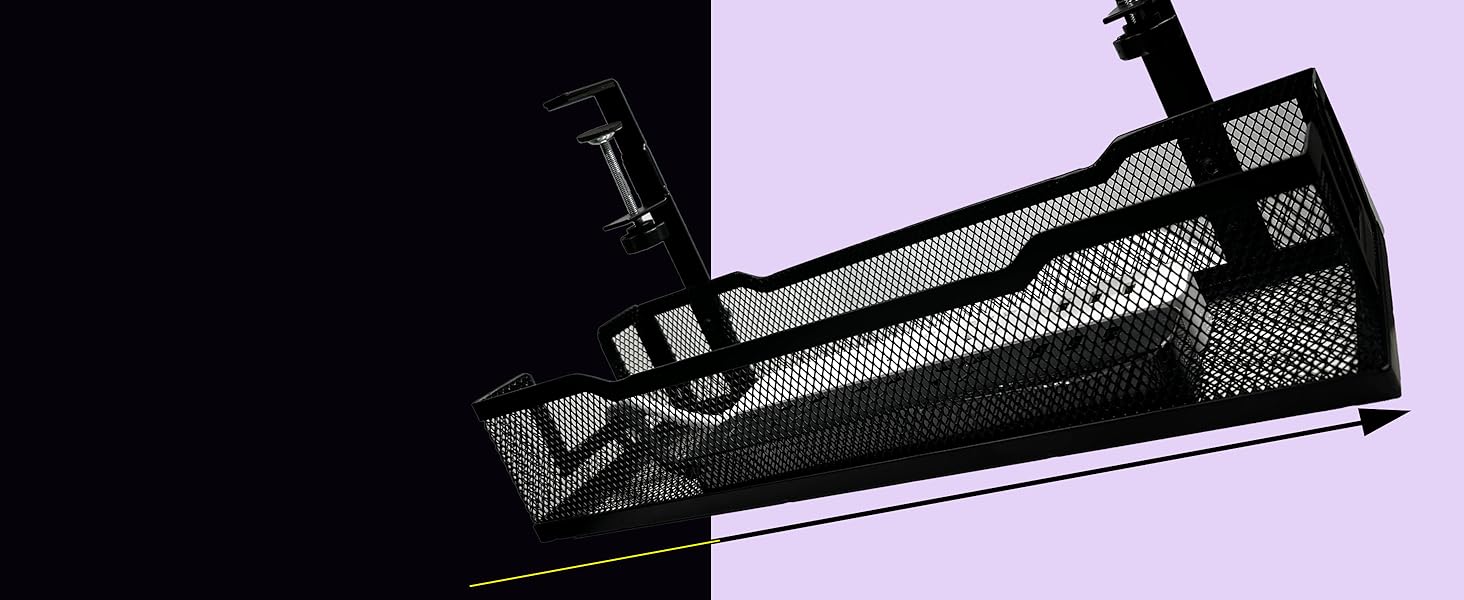
Its more extended size than other trays allows it to hide many cords and cables
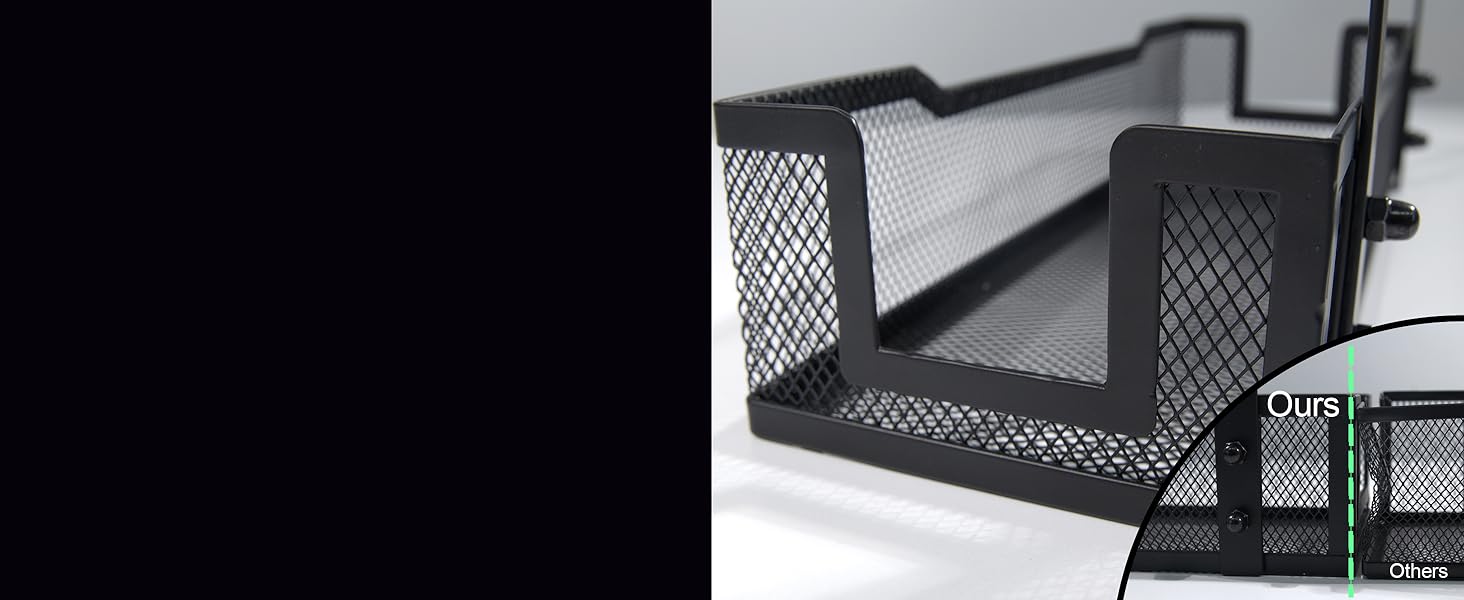
Made with a strong frame
The 0.39-inch wide frame is resistant to heavy cords or external shocks
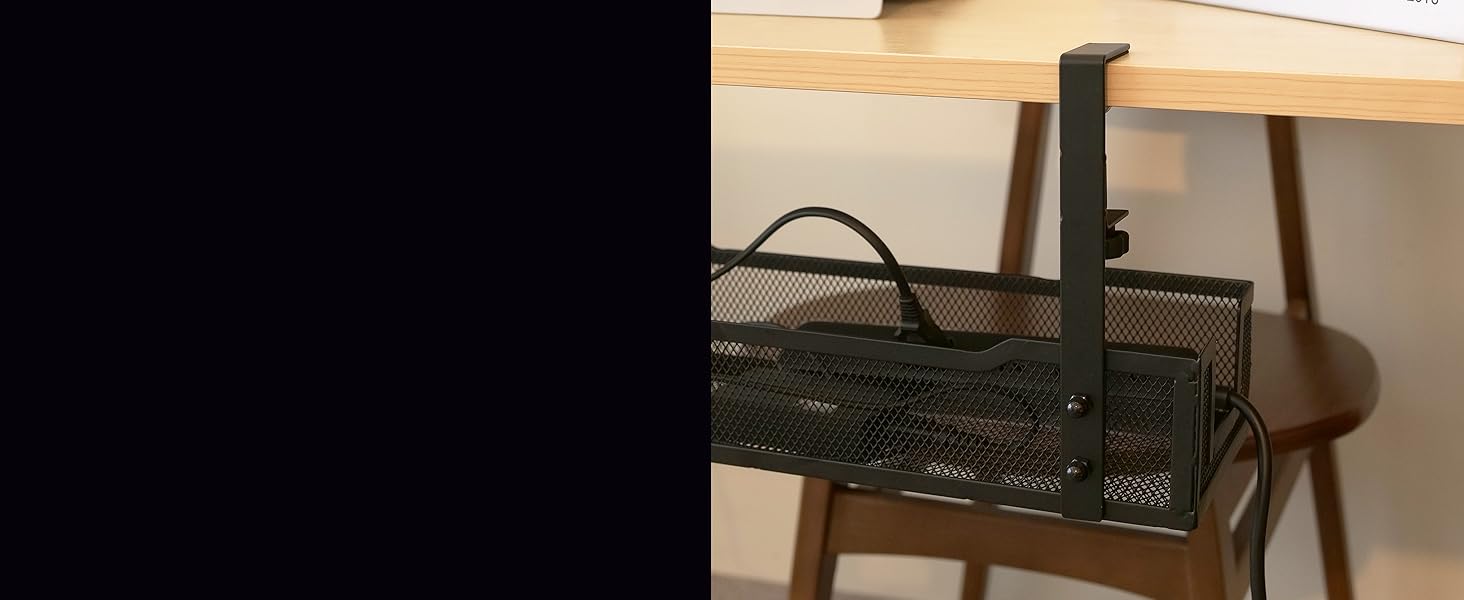
Designed for easy installation
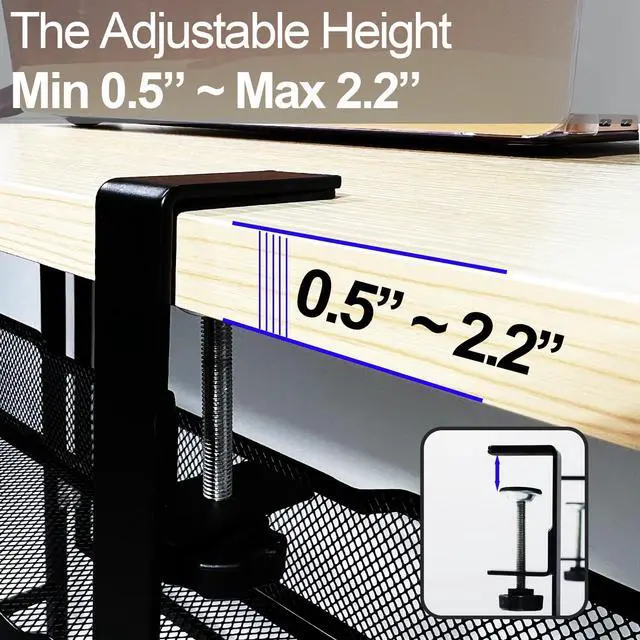
The clamp design can be installed perfectly under your desk in 3 minutes

High Quality Craftmanship
Built for professionals want maximum work efficiency
Perfectly hide all cables and cords that get in your way, whether on or under desk,
with the Bounaspace mesh tray
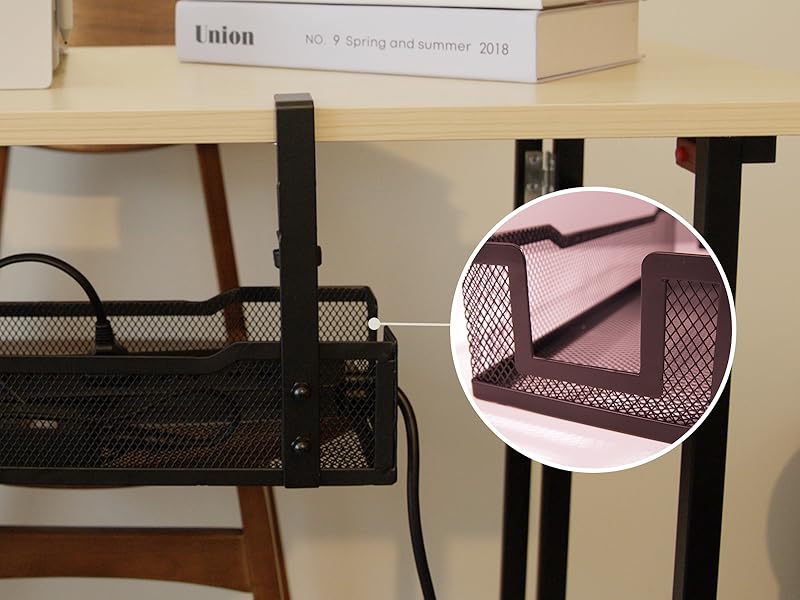
Useful functions to organize
You can easily organize cables and cords by just passing many wires through the square holes on both sides of the tray
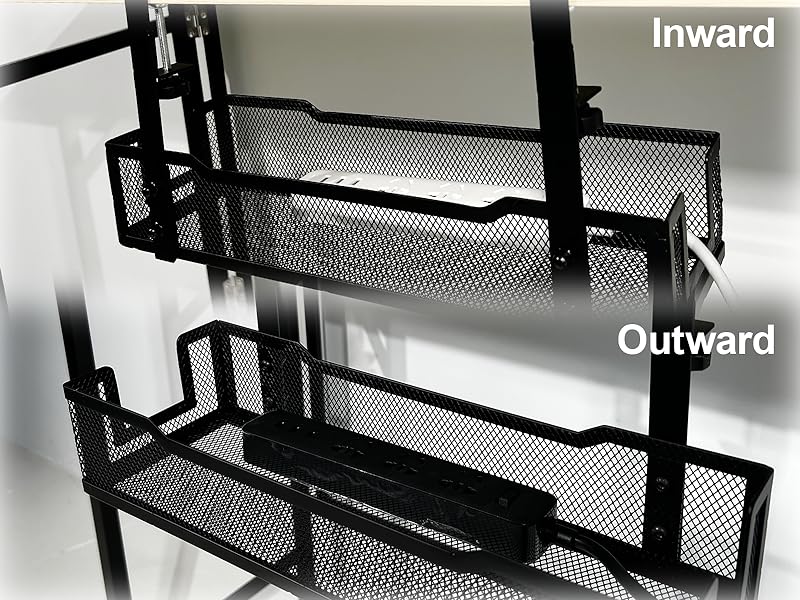
2 way installation position
It can be installed in any direction, inside or outside, under the desk
We recommend installing it inward to hide cables and cords and outward to attach it to the side of the desk to store desk supplies
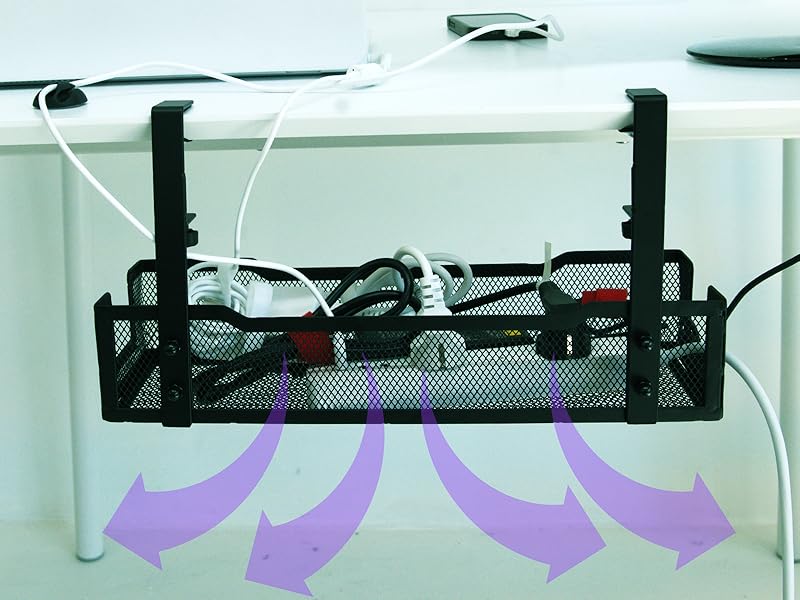
Maximum Airflow
The mesh tray allows a lot of air to pass through, preventing accidents due to overheating of the charger

Install Step

Step1
Align the screw holes of the fixing clamp and the holes of the tray exactly.

Step2
Tighten the screws and nuts.

Step3
More tighten screws using a wrench and hex key wrench.

Step4
Tighten the clamp screw by hand.
!!Caution: If tightened too firmly, the clamp may bend. Tighten with a moderate force.
Hot Sale
 Black Mesh Cable tray |  Black tray with clamp |  White tray |  Black tray | |
|---|---|---|---|---|
Customer Reviews | — | — | — | — |
Price | — | — | — | — |
Color | Black | Black | White | Black |
Material | Mesh solid steel | Solid steel | Solid steel | Solid steel |
Isntall type | Self Clamp mount | Self Clamp mount | Screw, Double sided tape | Screw, Double sided tape |
Durable | ? | ? | ? | ? |
Easy to Use | ? | ? | ? | ? |


Our brand was born from our desire to help people all over the world organize their homes and enjoy a more comfortable environment.
Our team focuses on developing advanced solutions that are easy to implement and provide long-lasting results for your home and office.
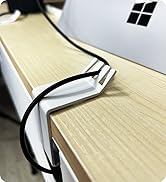
Enjoy Making Space at Its Best
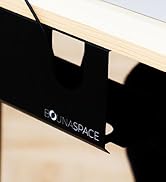
Black cable management tray
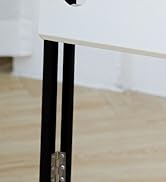
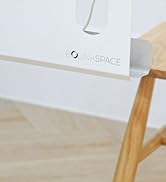
White cable management tray
What is our mission?
We are on a mission to make life better for you and everyone else in your home or office. We inspire you to efficiently organize and decorate the space in your space. We help make your office and home have inner peace.
What makes our products unique?
We craft by balancing creative freedom and utilitarian excellence. Here at Bounaspace, we discover and create using the idea that your home or office should look elegant while also offering the utmost convenience.

Is your workspace cluttered with a lot of cables?
A vital yet often overlooked step is having a suitable cable tray. Imagine being confused about where and how to organize a mess of cables. The right cable management tray can make the difference between a bad experience and an upgraded workspace experience.
Ample storage space
Its more extended size than other trays allows it to hide many cords and cables
Made with a strong frame
The 0.39-inch wide frame is resistant to heavy cords or external shocks
Designed for easy installation
The clamp design can be installed perfectly under your desk in 3 minutes


Built for professionals want maximum work efficiency
Perfectly hide all cables and cords that get in your way, whether on or under desk,
with the Bounaspace mesh tray


Useful functions to organize
You can easily organize cables and cords by just passing many wires through the square holes on both sides of the tray
2 way installation position
It can be installed in any direction, inside or outside, under the desk
We recommend installing it inward to hide cables and cords and outward to attach it to the side of the desk to store desk supplies
Maximum Airflow
The mesh tray allows a lot of air to pass through, preventing accidents due to overheating of the charger
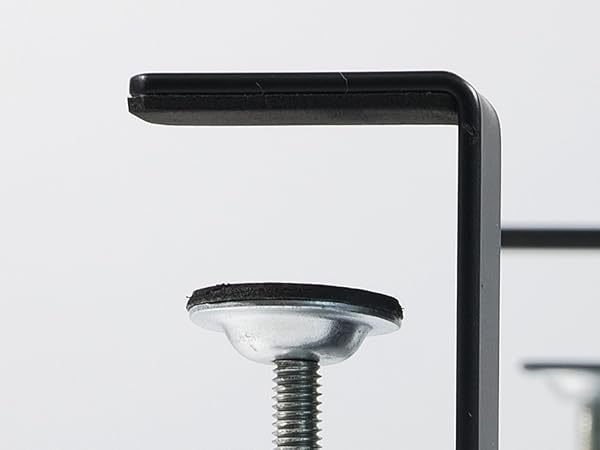
Foam padding
From leaving any marks on your desk
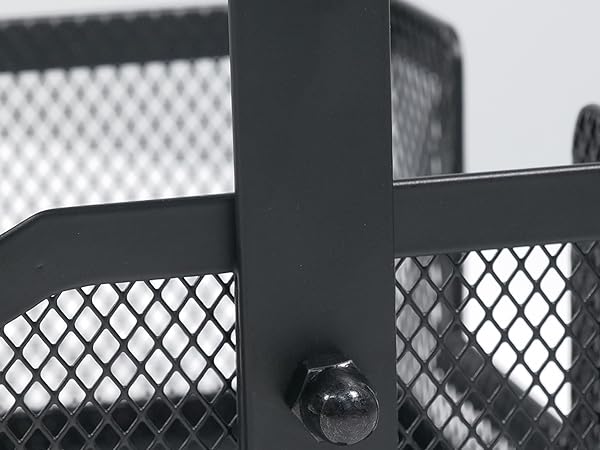
Strong Frame and powder coating
Heavy-duty metal frame and powder coating mean it can withstand external solid impacts and scratches
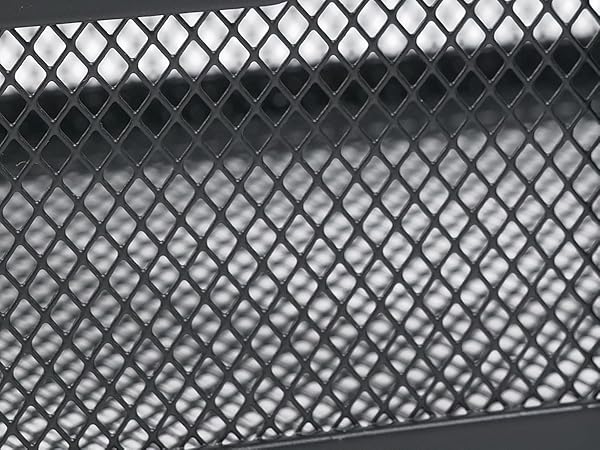
Harmony of safety and design
The mesh-type design prevents overheating from power surges while hiding many cables to create an orderly environment.
Install Step
Step1
Align the screw holes of the fixing clamp and the holes of the tray exactly.
Step2
Tighten the screws and nuts.
Step3
More tighten screws using a wrench and hex key wrench.
Step4
Tighten the clamp screw by hand.
!!Caution: If tightened too firmly, the clamp may bend. Tighten with a moderate force.
Hot Sale
Black Mesh Cable tray | Black tray with clamp | White tray | Black tray |
|---|---|---|---|
| Customer Reviews | |||
| — | — | — | — |
| Price | |||
| — | — | — | — |
| Color | |||
| Black | Black | White | Black |
| Material | |||
| Mesh solid steel | Solid steel | Solid steel | Solid steel |
| Isntall type | |||
| Self Clamp mount | Self Clamp mount | Screw, Double sided tape | Screw, Double sided tape |
| Durable | |||
| ? | ? | ? | ? |
| Easy to Use | |||
| ? | ? | ? | ? |
Our brand was born from our desire to help people all over the world organize their homes and enjoy a more comfortable environment.
Our team focuses on developing advanced solutions that are easy to implement and provide long-lasting results for your home and office.
Enjoy Making Space at Its Best
Black cable management tray
White cable management tray
What is our mission?
We are on a mission to make life better for you and everyone else in your home or office. We inspire you to efficiently organize and decorate the space in your space. We help make your office and home have inner peace.
What makes our products unique?
We craft by balancing creative freedom and utilitarian excellence. Here at Bounaspace, we discover and create using the idea that your home or office should look elegant while also offering the utmost convenience.