here!
here!
I’m your shopping assistant for PC builds, upgrades, and everything tech.
Got questions? Ask away!
Start a conversation
here!
I’m your shopping assistant for PC builds, upgrades, and everything tech.
Got questions? Ask away!
Start a conversation



Any questions? Ask CelesteSM will help you find out quickly.
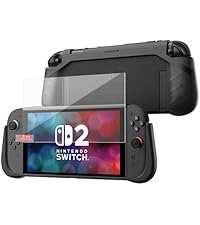 KIWIHOME P2 Shield Case | 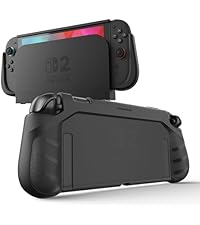 KIWIHOME P2 Dockable Case | 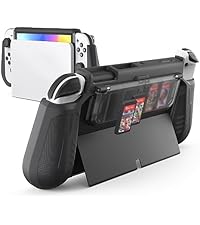 KIWIHOME Switch OLED Case | 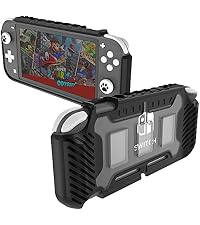 KIWHOME Switch Lite Cove | 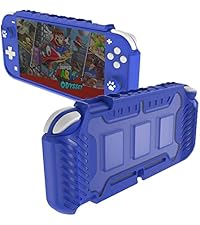 KIWIHOME Switch Lite Case | |
|---|---|---|---|---|---|
Customer Reviews | — | — | — | — | — |
Price | — | — | — | — | — |
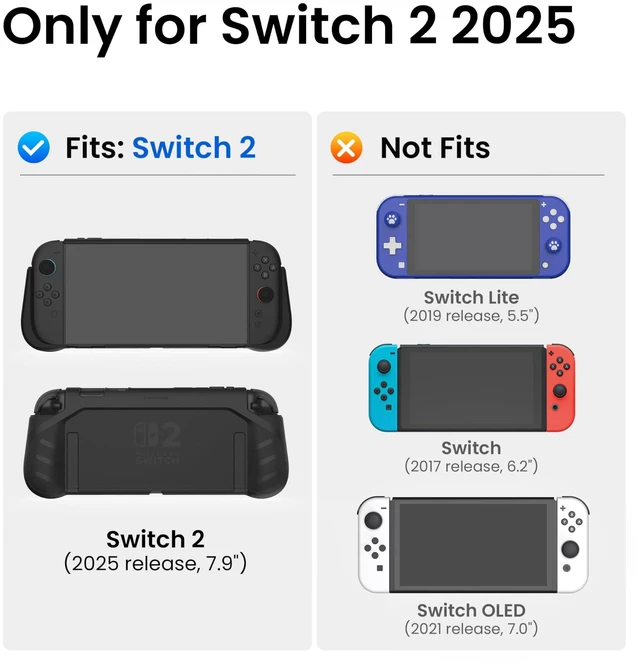
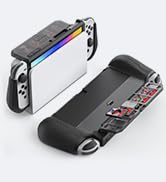
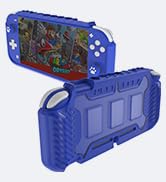
Compatibility | Switch 2 | Switch 2 | Switch Oled | Switch Lite | Switch Lite |
Screen protector | ? | ? | ? | ? | ? |
Design | Ergonomic Design | Ergonomic Design | Ergonomic Design | Ergonomic Design | Ergonomic Design |
Game Storage | ? | ? | ? | ? | ? |
Keep Kickstand Available | ? | ? | ? | ? | ? |
Is the included screen protector easy to install?
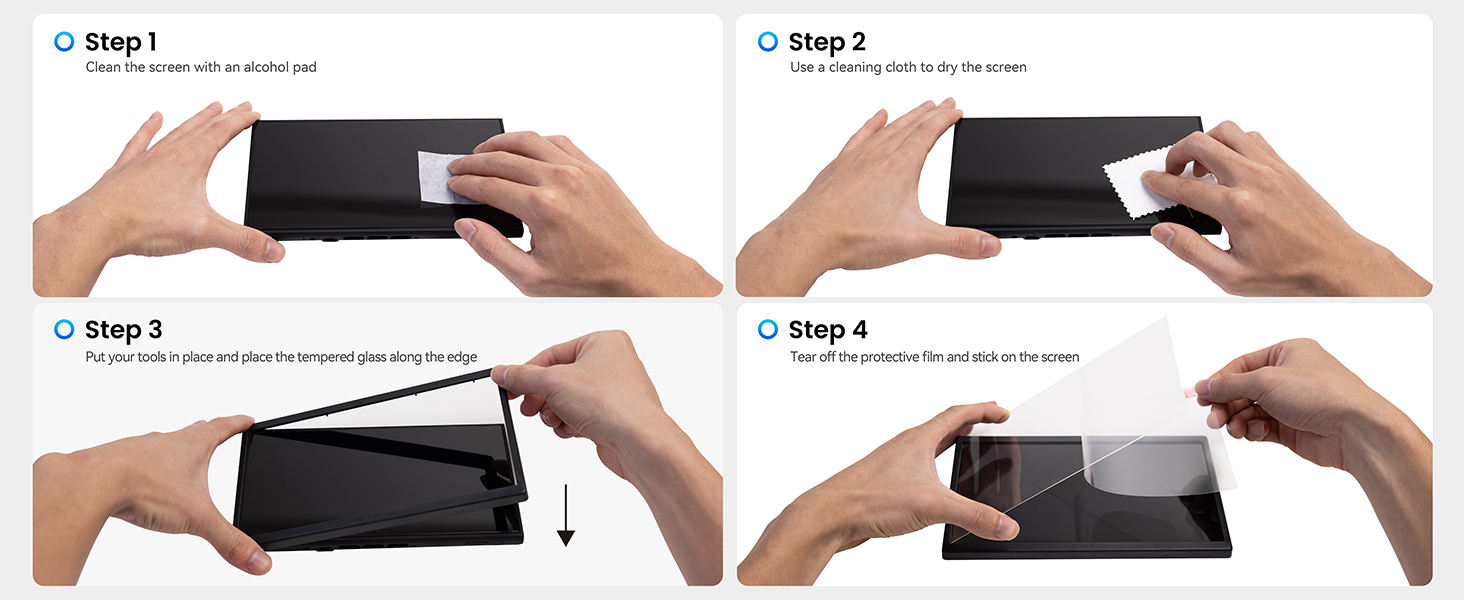
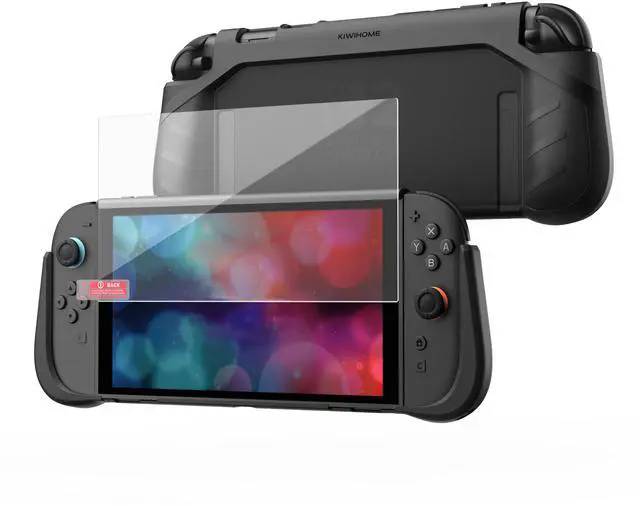
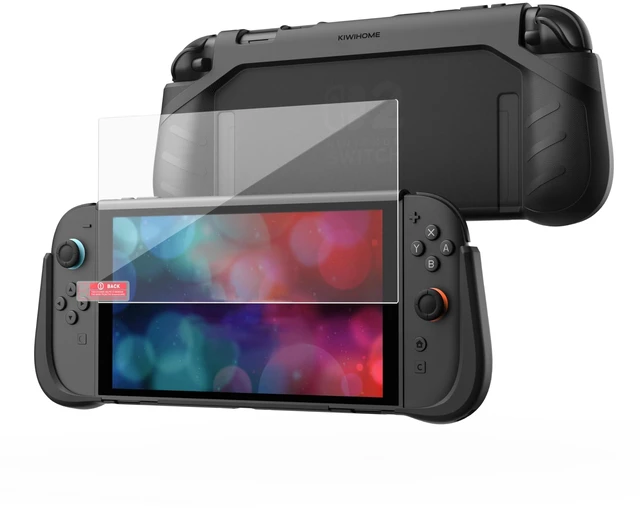
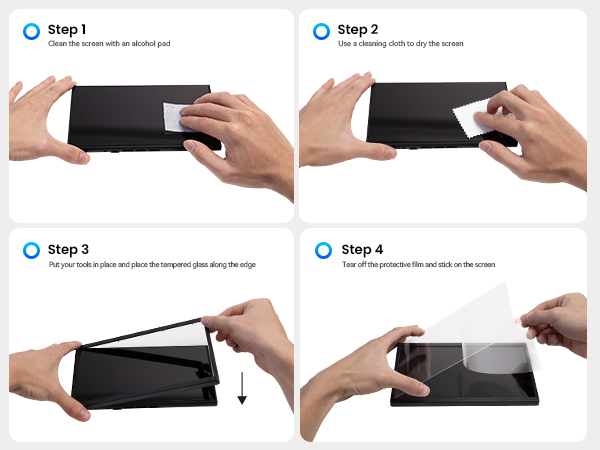
Yes. The bundle also includes an alignment tool and a step-by-step guide to help position the protector correctly. This makes installation easier and helps reduce bubbles or misalignment. A video tutorial is also available for reference.
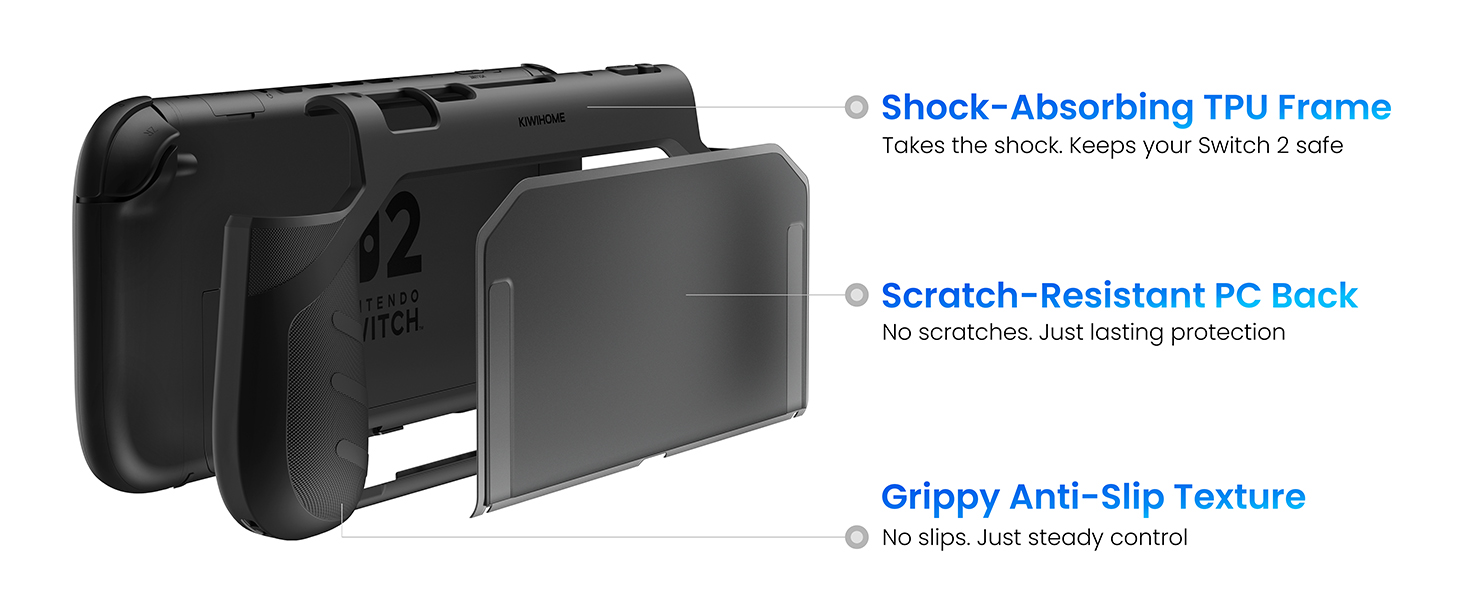
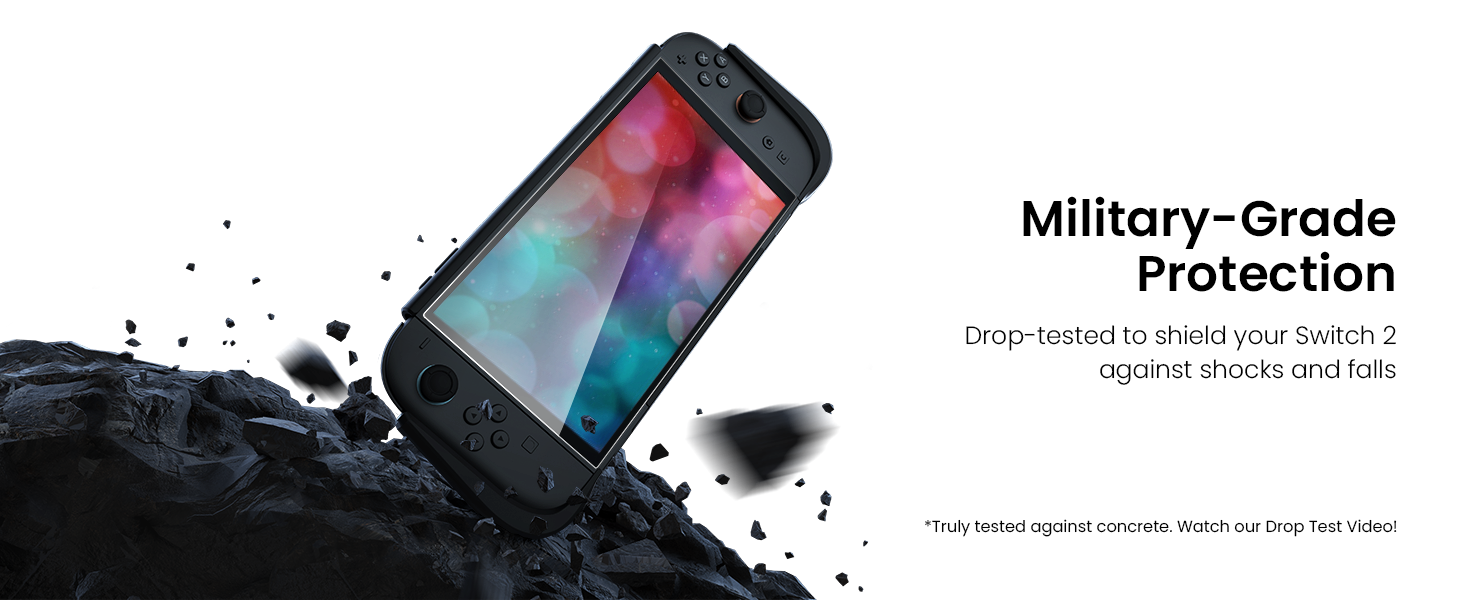
Will this case actually protect the console from drops and scratches?
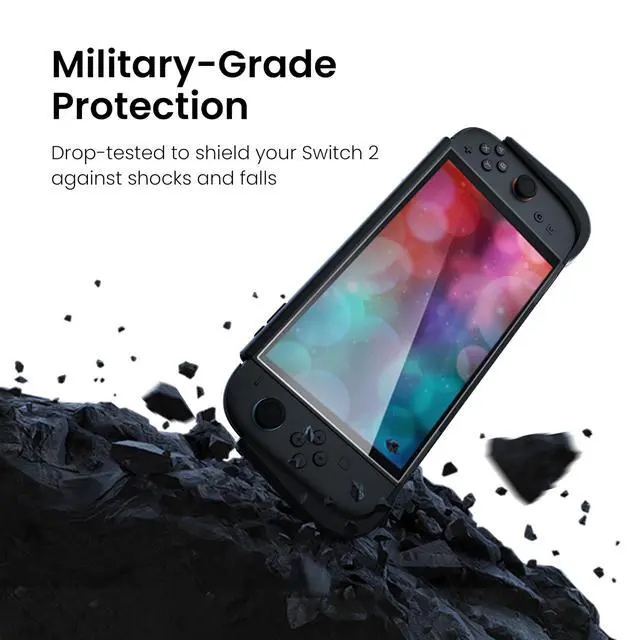
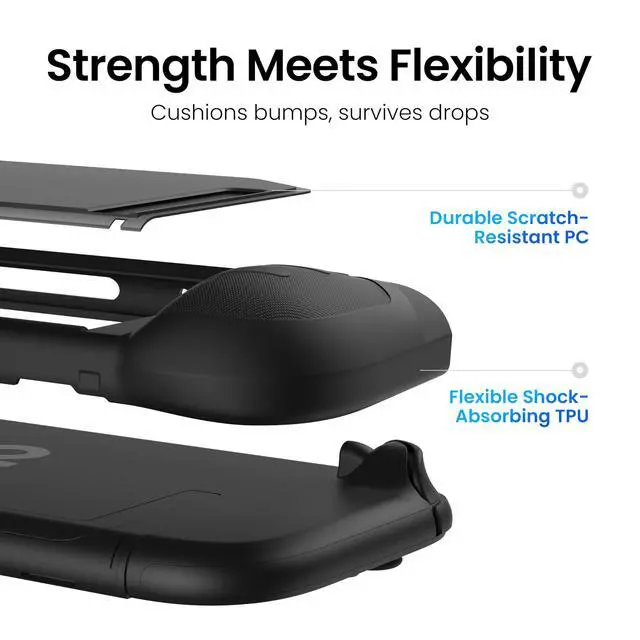
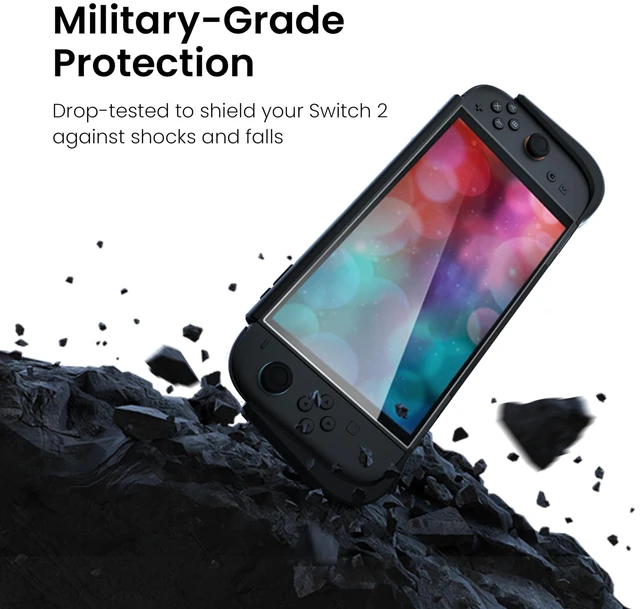
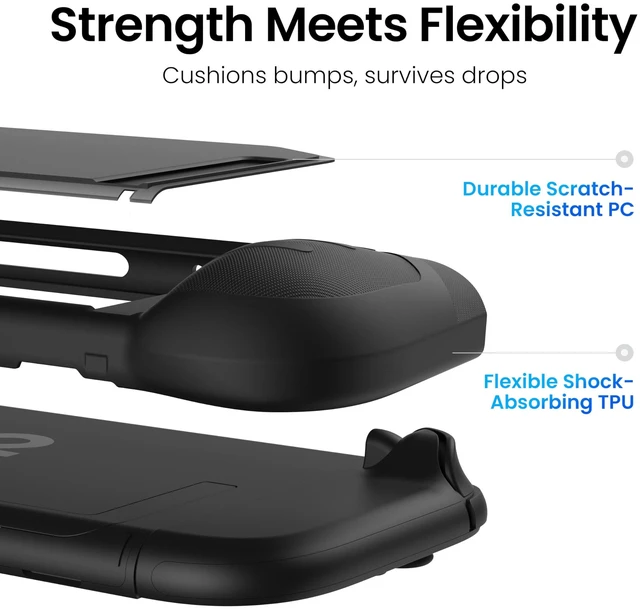
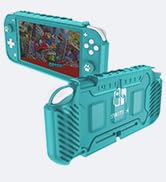
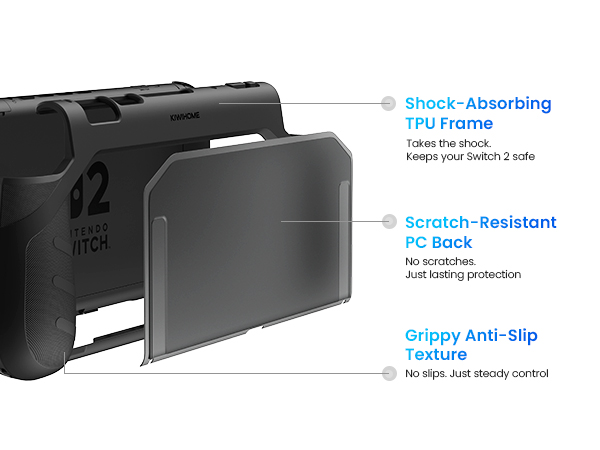
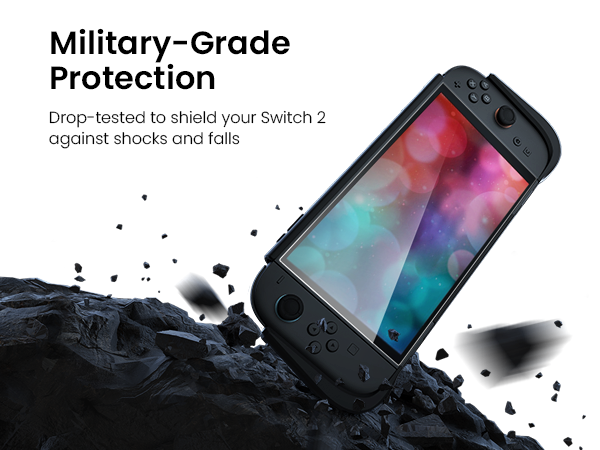
Yes. The case combines a shock-absorbing TPU bumper with a rigid PC backplate. The TPU layer cushions accidental drops, while the PC shell helps protect the console from everyday scratches.
Does the case fit tightly, or does it feel loose once installed?
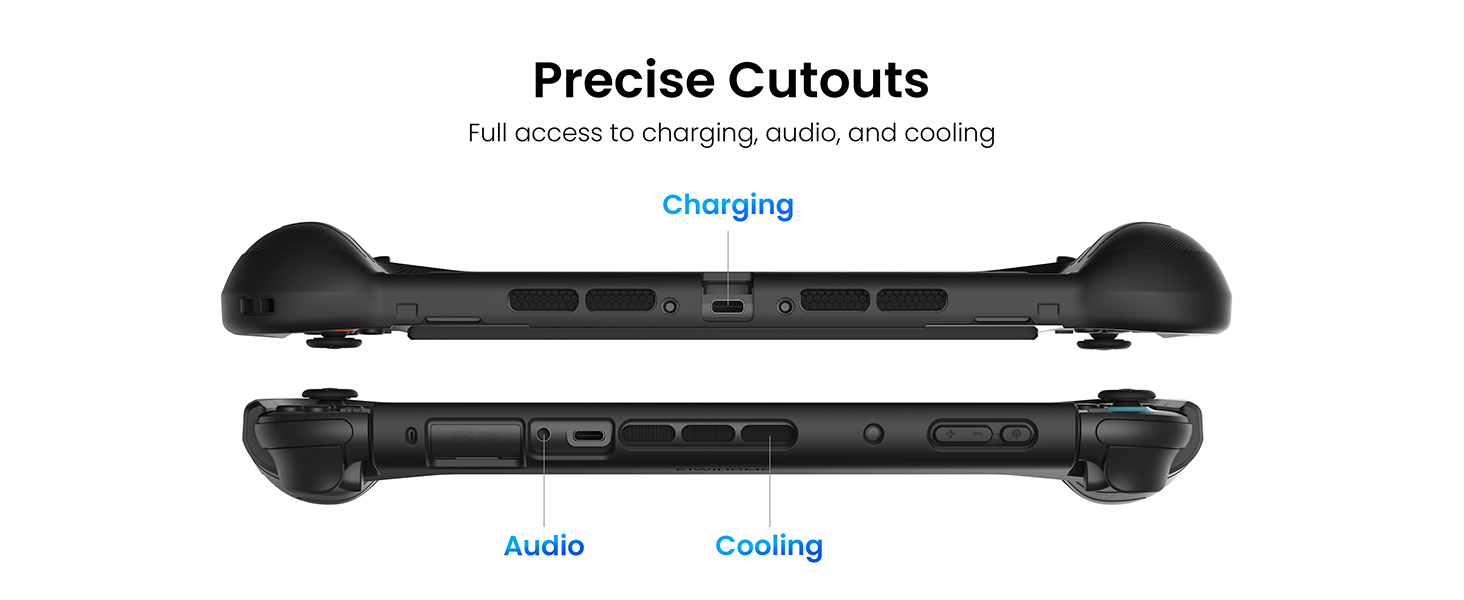
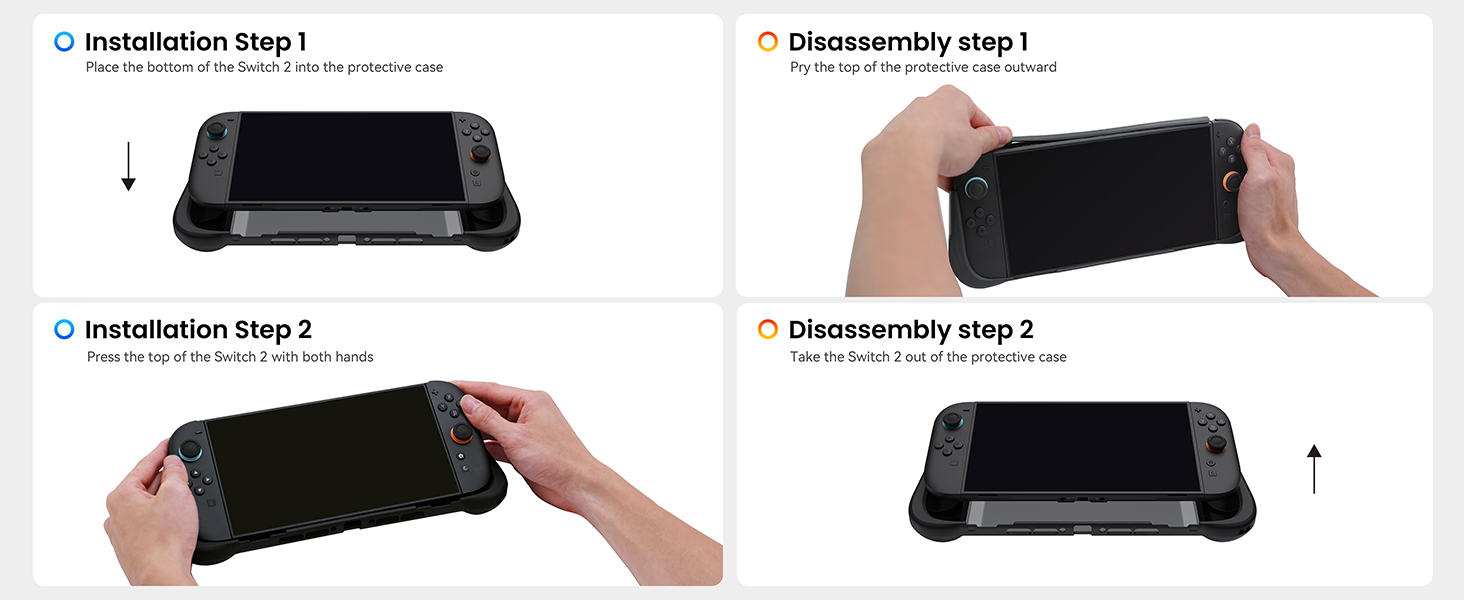
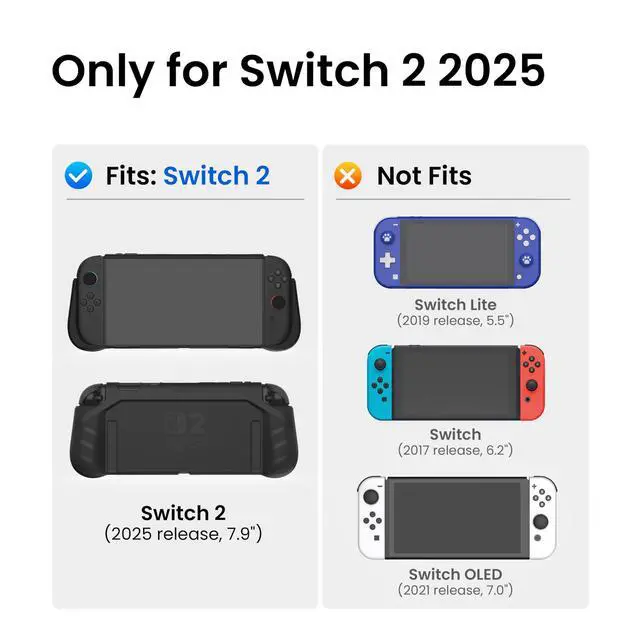
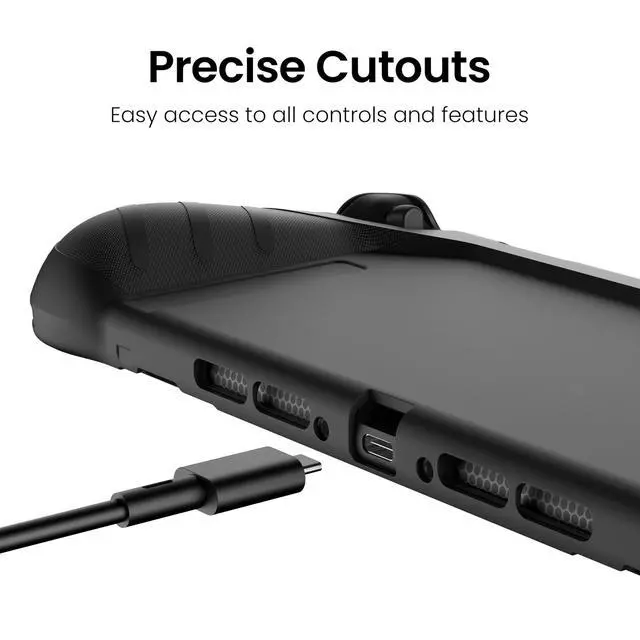
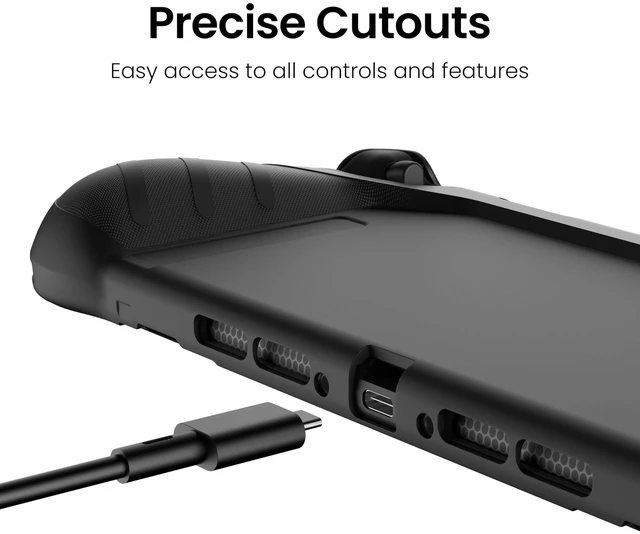
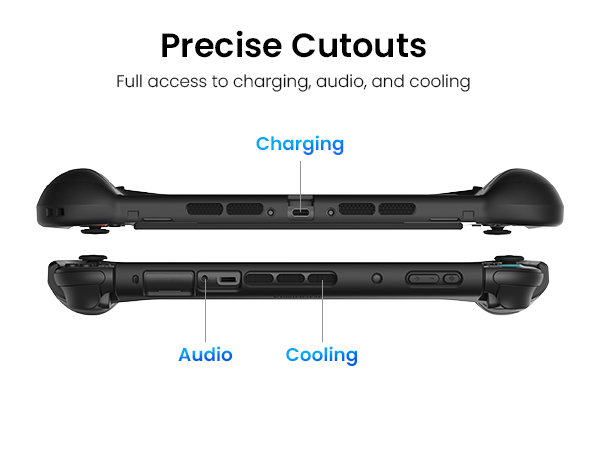
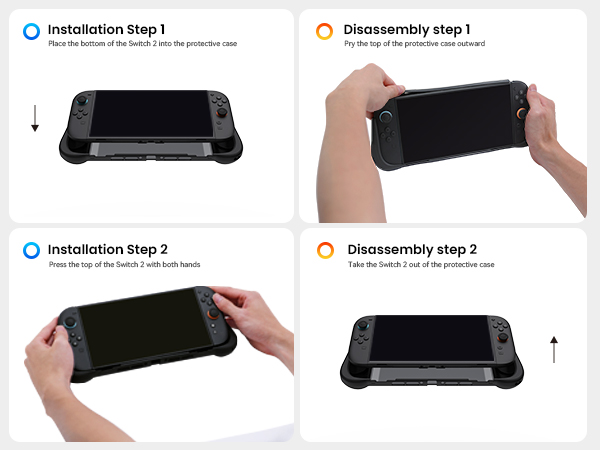
The case is precisely molded for Switch 2; snug, stable fit without affecting buttons, vents, or gameplay. After installation, press along top edge to fully snap case into place, eliminating small gaps and ensuring proper alignment of openings.
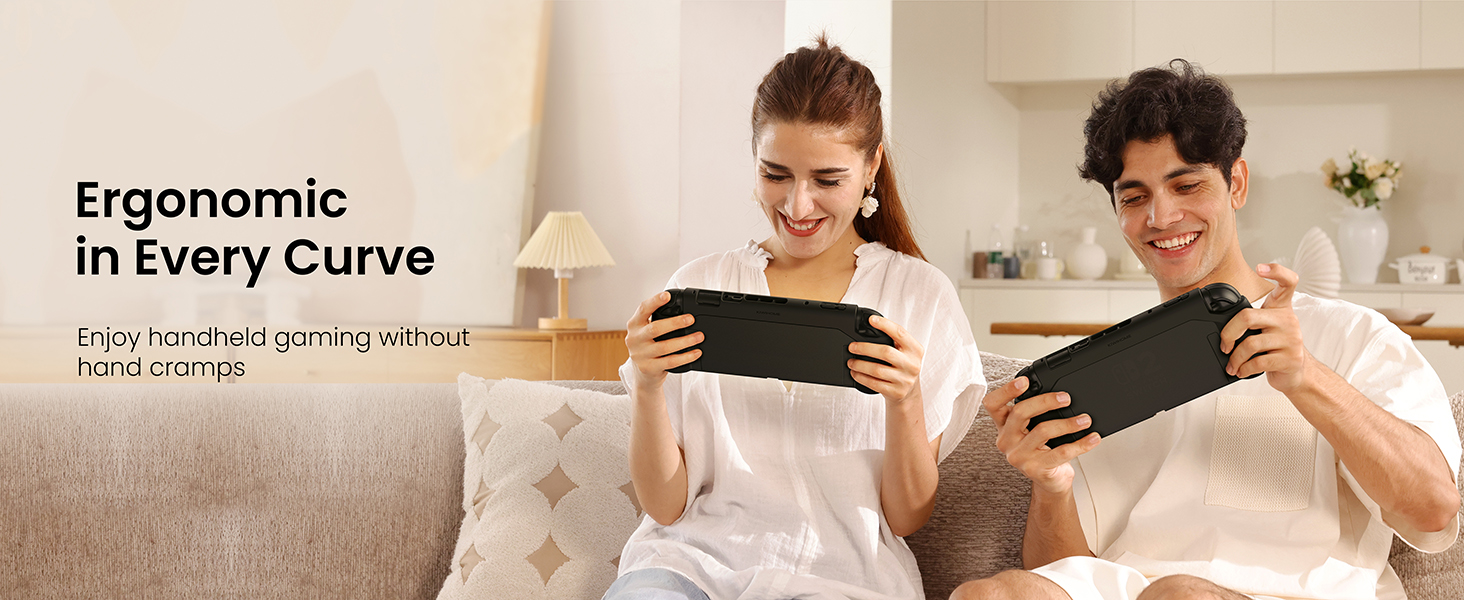
Is the grip actually comfortable for long handheld gaming sessions?
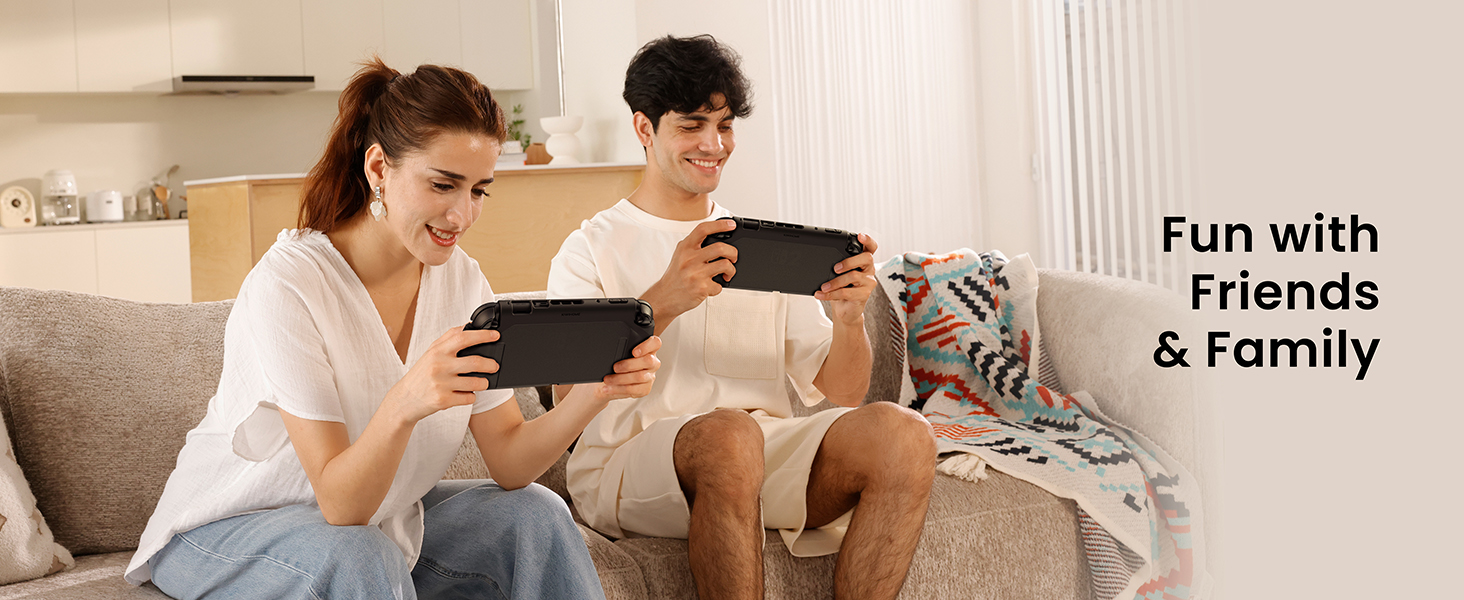
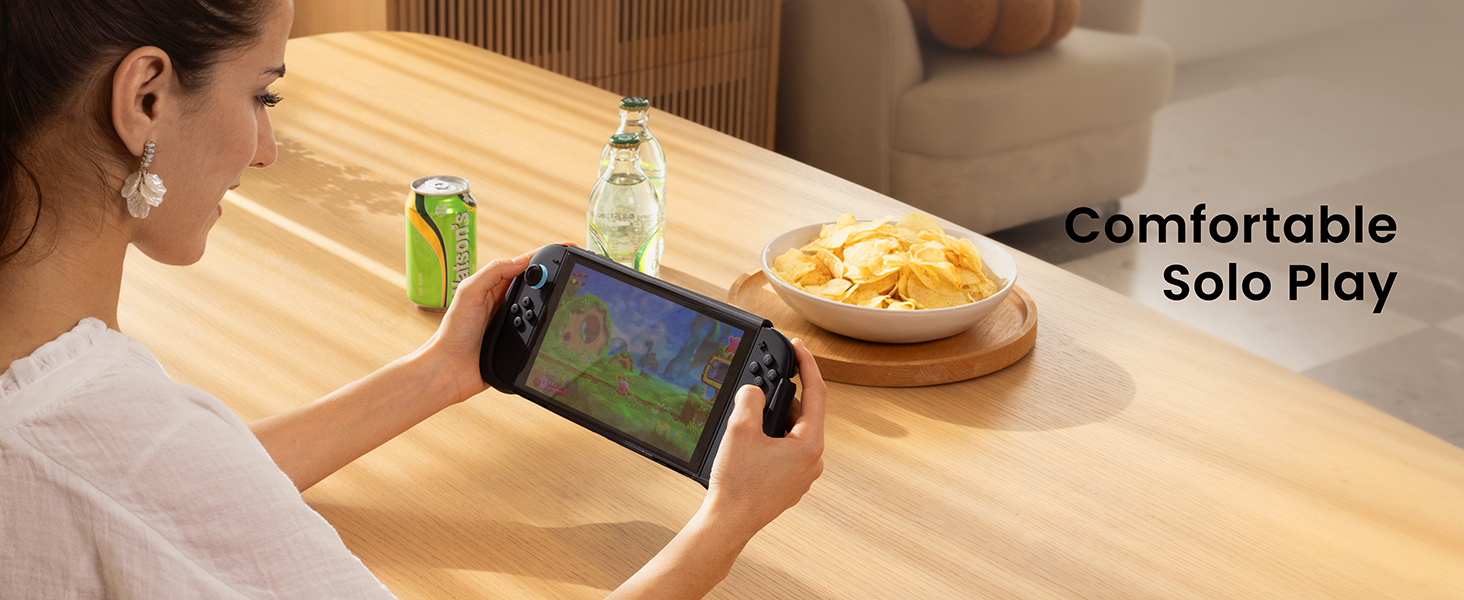
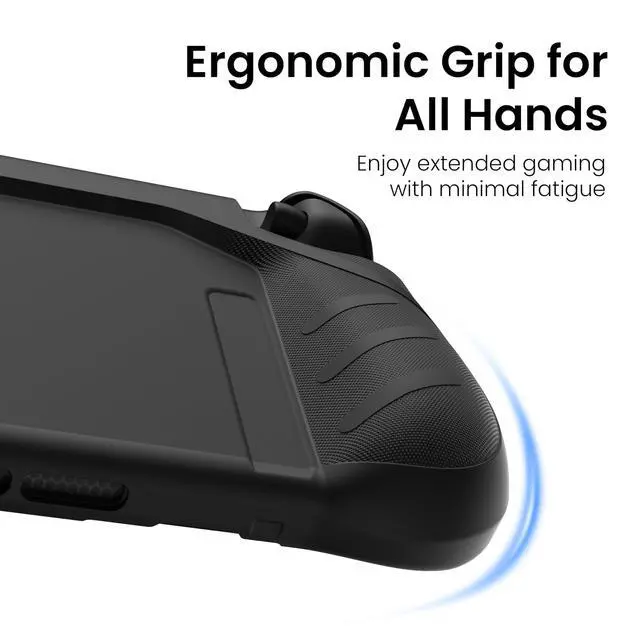
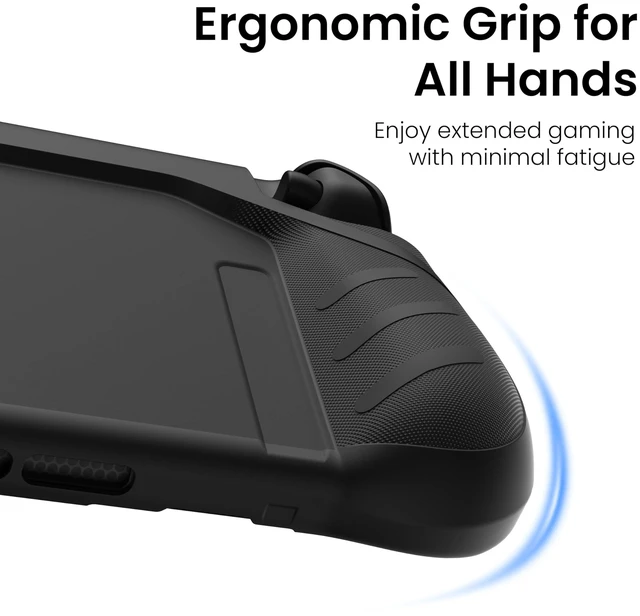
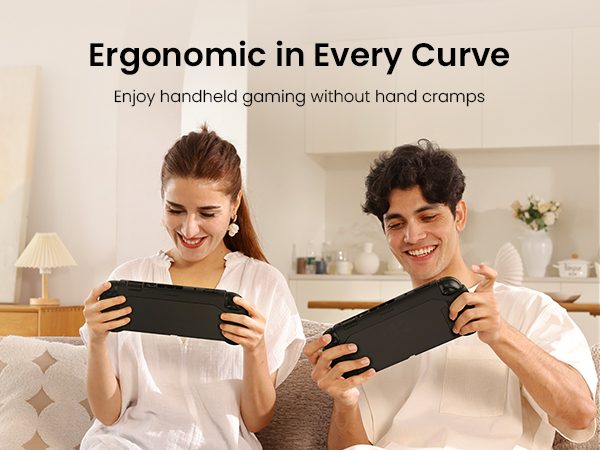
Yes. The case weighs only 112g and features ergonomic curves with anti-slip textures that naturally fit your palms. The balanced structure helps reduce pressure on your wrists and fingers, making long handheld gaming sessions more comfortable.
Can I detach the Joy-Cons or use the kickstand while the case is on?
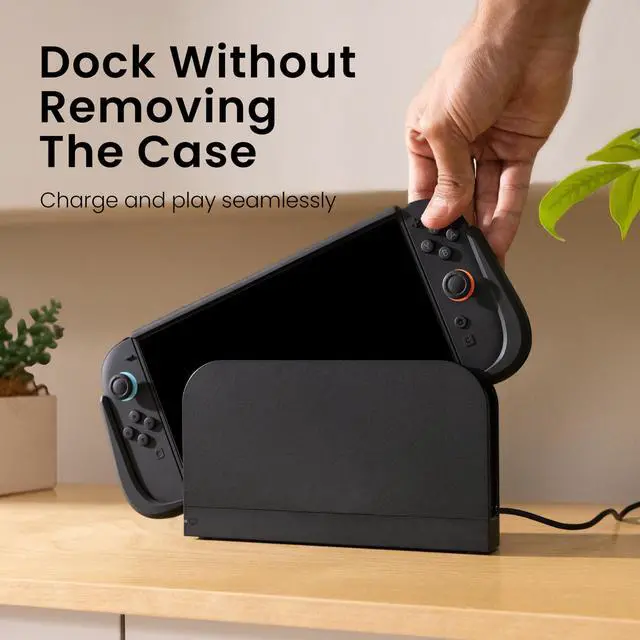
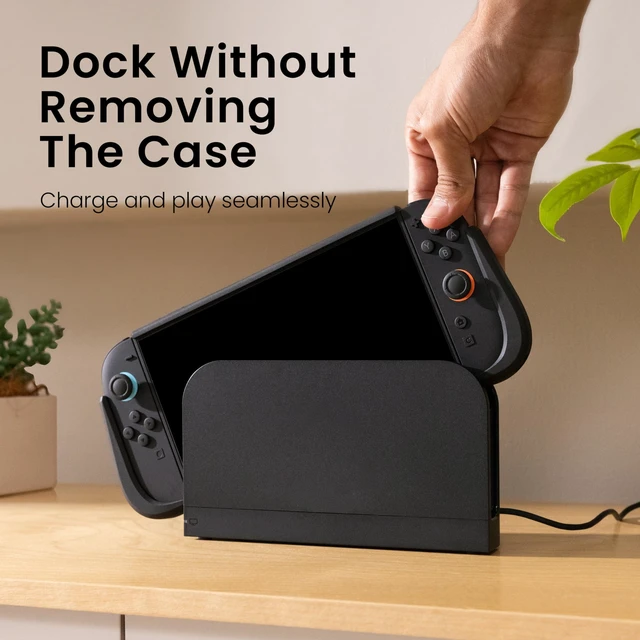
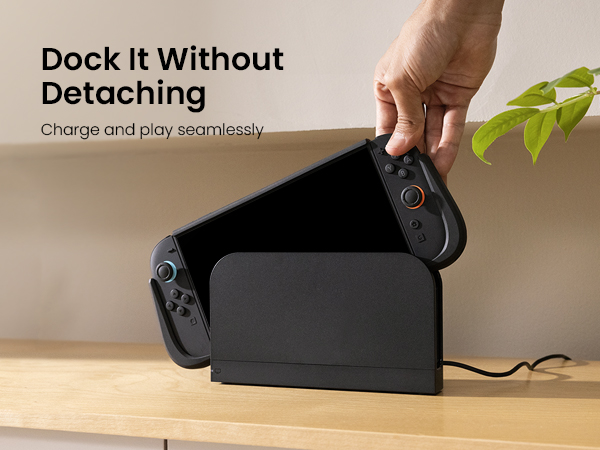
For secure grip & full protection, Joy-Cons cannot be detached & original kickstand is covered while case is installed. Case can be easily removed/re-engaged when these features are needed.


Founded in 2019, KIWIHOME creates thoughtfully refined products for the tech people use every day.
We focus on enhancing structure, usability, and form — so products feel more intuitive, efficient, and comfortable in everyday use.
Some refinements are protected by patents, combining thoughtful design and functional detailing to improve real-world use.
Make Life Easier.
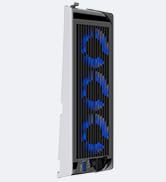
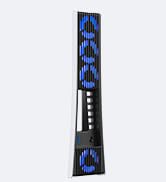
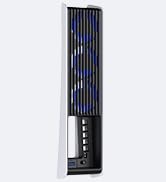
We began by noticing something simple: many products worked — but could work better.
Small inefficiencies. Minor discomforts. Overlooked details.
So we started refining them, step by step — improving what matters and removing what doesn’t.
We focus on reducing friction in everyday use by improving fit, airflow, stability, portability, and interaction,make products easier to live with!
Through continuous structural improvement, material optimization, and thoughtful design adjustments.
Practical. Intentional. Refined.
Founded in 2019, KIWIHOME creates thoughtfully refined products for the tech people use every day.
We focus on enhancing structure, usability, and form — so products feel more intuitive, efficient, and comfortable in everyday use.
Some refinements are protected by patents, combining thoughtful design and functional detailing to improve real-world use.
Make Life Easier.
We began by noticing something simple: many products worked — but could work better.
Small inefficiencies. Minor discomforts. Overlooked details.
So we started refining them, step by step — improving what matters and removing what doesn’t.
We focus on reducing friction in everyday use by improving fit, airflow, stability, portability, and interaction,make products easier to live with!
Through continuous structural improvement, material optimization, and thoughtful design adjustments.
Practical. Intentional. Refined.
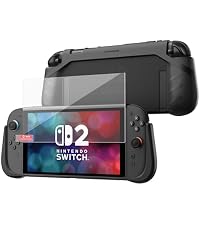 KIWIHOME P2 Shield Case | KIWIHOME P2 Dockable Case | KIWIHOME Switch OLED Case | 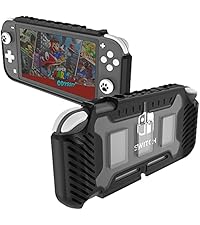 KIWHOME Switch Lite Cove | KIWIHOME Switch Lite Case |
|---|---|---|---|---|
| Customer Reviews | ||||
| — | — | — | — | — |
| Price | ||||
| — | — | — | — | — |
| Compatibility | ||||
| Switch 2 | Switch 2 | Switch Oled | Switch Lite | Switch Lite |
| Screen protector | ||||
| ? | ? | ? | ? | ? |
| Design | ||||
| Ergonomic Design | Ergonomic Design | Ergonomic Design | Ergonomic Design | Ergonomic Design |
| Game Storage | ||||
| ? | ? | ? | ? | ? |
| Keep Kickstand Available | ||||
| ? | ? | ? | ? | ? |
Is the included screen protector easy to install?
Yes. The bundle also includes an alignment tool and a step-by-step guide to help position the protector correctly. This makes installation easier and helps reduce bubbles or misalignment. A video tutorial is also available for reference.
Will this case actually protect the console from drops and scratches?
Yes. The case combines a shock-absorbing TPU bumper with a rigid PC backplate. The TPU layer cushions accidental drops, while the PC shell helps protect the console from everyday scratches.
Does the case fit tightly, or does it feel loose once installed?
The case is precisely molded for Switch 2; snug, stable fit without affecting buttons, vents, or gameplay. After installation, press along top edge to fully snap case into place, eliminating small gaps and ensuring proper alignment of openings.
Is the grip actually comfortable for long handheld gaming sessions?
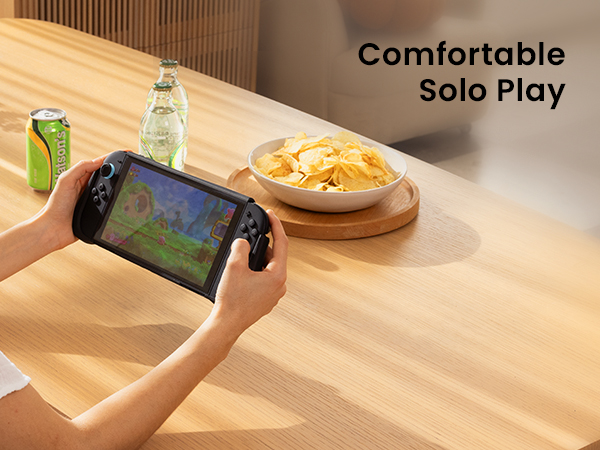
Yes. The case weighs only 112g and features ergonomic curves with anti-slip textures that naturally fit your palms. The balanced structure helps reduce pressure on your wrists and fingers, making long handheld gaming sessions more comfortable.
Can I detach the Joy-Cons or use the kickstand while the case is on?
For secure grip & full protection, Joy-Cons cannot be detached & original kickstand is covered while case is installed. Case can be easily removed/re-engaged when these features are needed.