

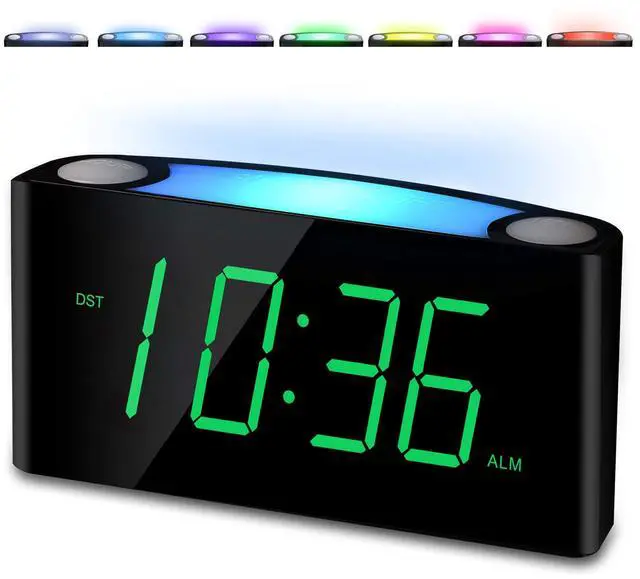
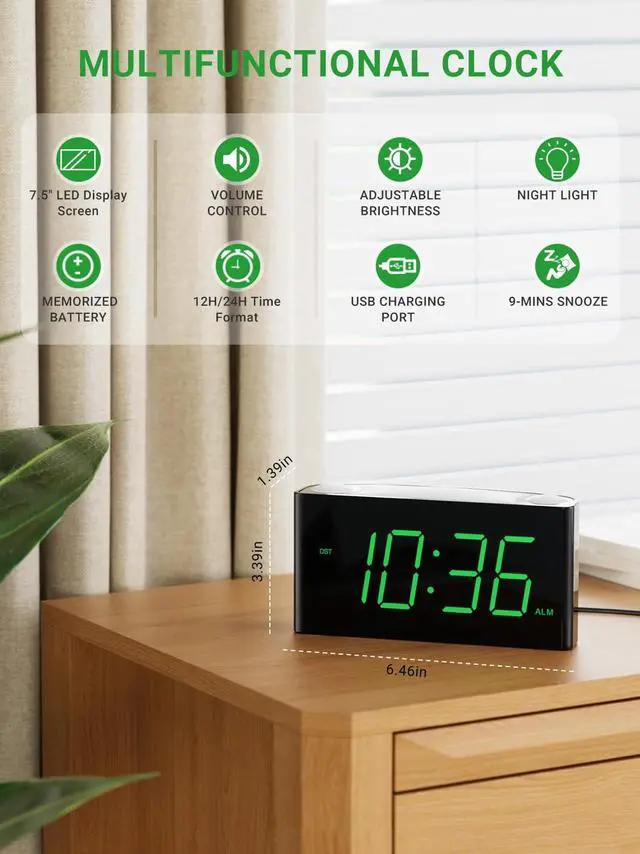


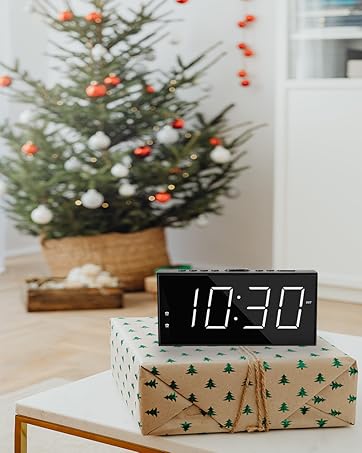
PPLEE Alarm Clock has all the features you need: a large display of clearly visible numbers, adjustable display brightness, 7 Colored Night Light, a loud alarm with snooze and volume control, 2 USB chargers, and battery backup, all for jobs, school, and other responsibilities, waking up timely.
Nighlight Large Display Digital Clock Alarm Clock
Merchant VideoLarge Display Digital Clock Alarm Clock For Bedrooms: Alarm clock with large display / 7 colored night light / big snooze / adjustable dimmer & volume / USB phone charger, easy to set loud digital clock.
7 NIGHT LIGHT ATMOSPHERE LIGHT BESIDE ALARM CLOCK

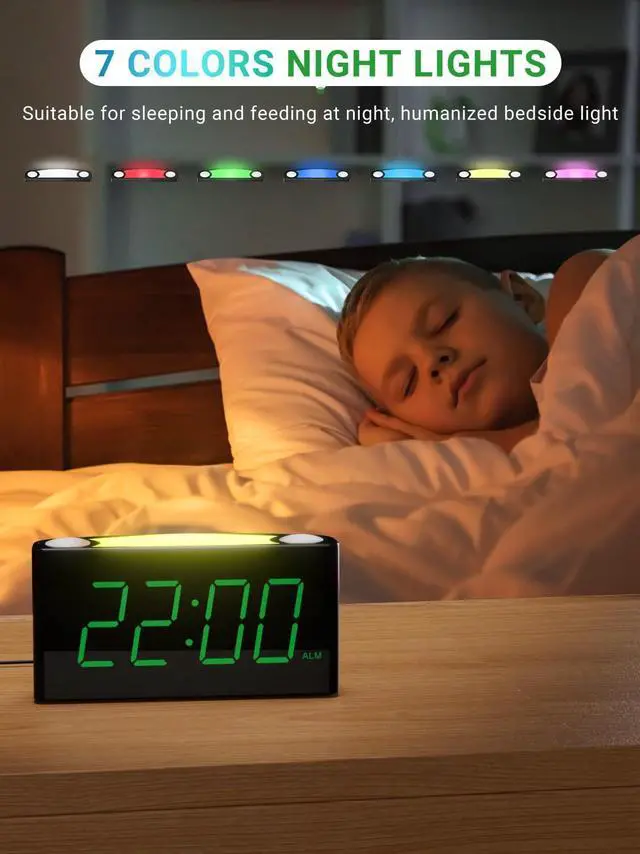
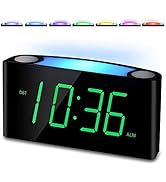
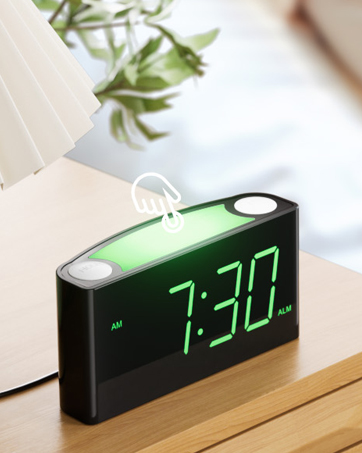
7 Night Light Atmosphere Light Beside Alarm Clock: 7 different colors of a night light to light your bedroom - Oyster White, Cobalt Blue, Sky Blue, Green, Beige, Shocking Pink, and Violet. It’s a considerate feature for you may need to turn on your room lighting during the night.

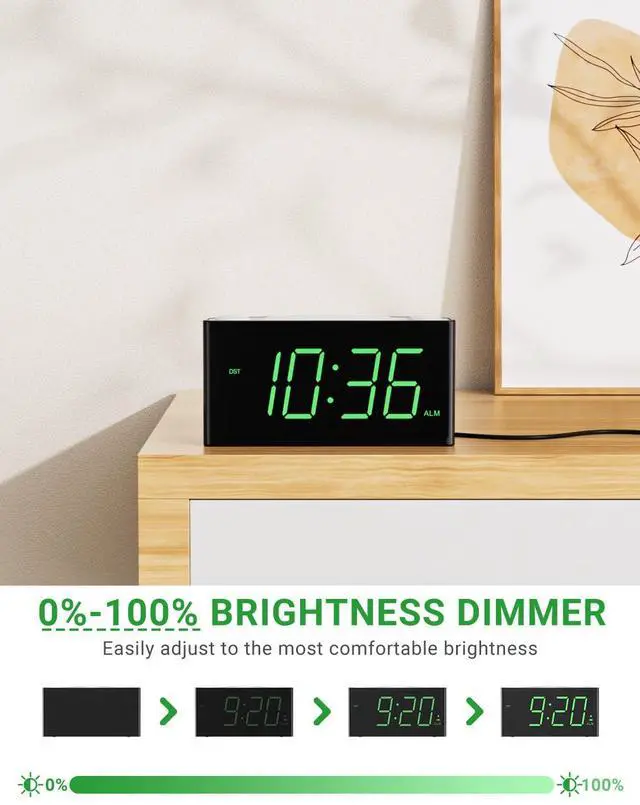
0%-100% BRIGHTNESS DIMMER
Slide the “DIMMER” Button to Adjust the Brightness of the Digits:
At the back of this electronic bedroom clock is a “DIMMER” button, which you can switch to precisely adjust the display brightness from 0% to 100% whenever you feel it is not convenient to read the time.

LOUD ALARM CLOCK FOR HEAVY SLEEPERS
Slide the “ALARM VOLUME” Button to Adjust the Volume of the Alarm:
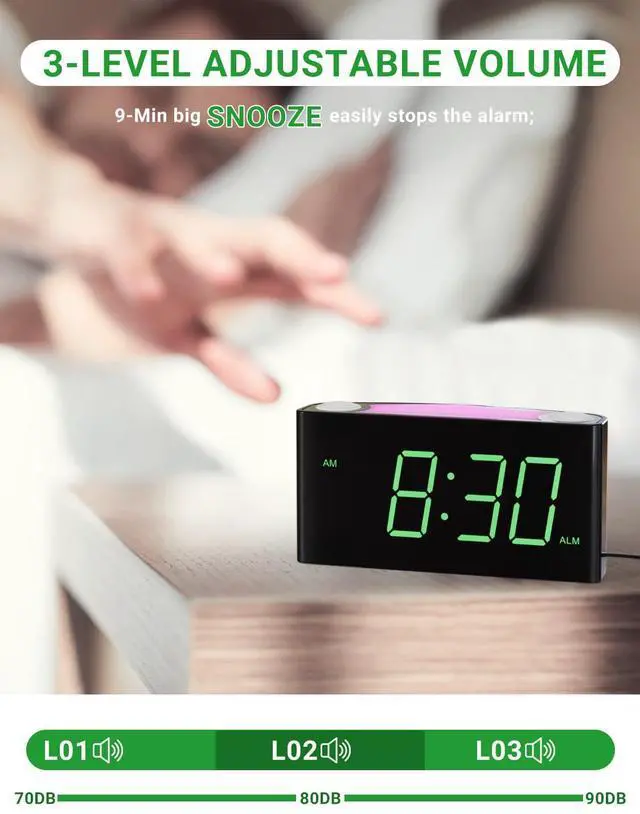
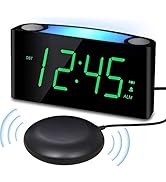
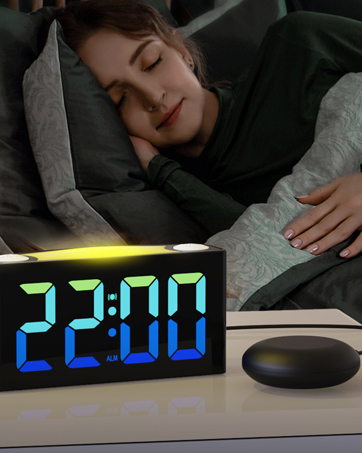
This loud alarm clock for heavy sleepers can adjust the volume of alarm by switching the “ALARM VOLUME” button on the back, suitable for both heavy sleepers and light sleepers.


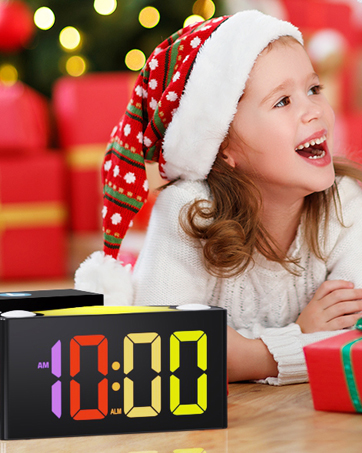
GIFTS FOR CHILDREN AND THE ELDERLY FOR CHRISTMAS OR BIRTHDAY

EASY TO SET - SIMPLE TO TURN OFF

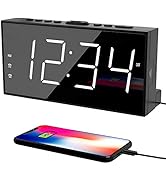
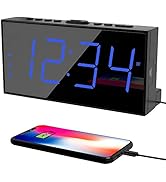
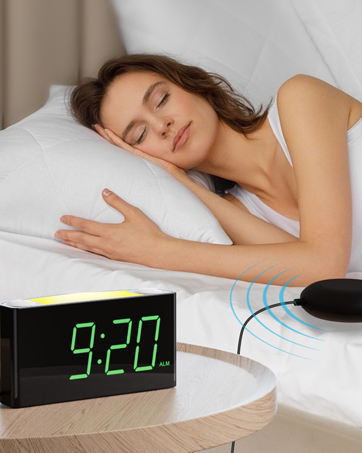
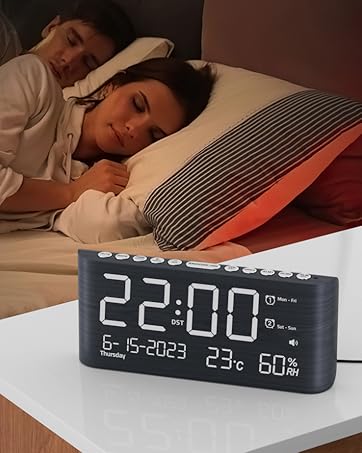
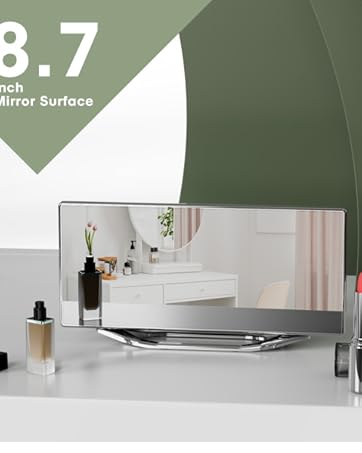
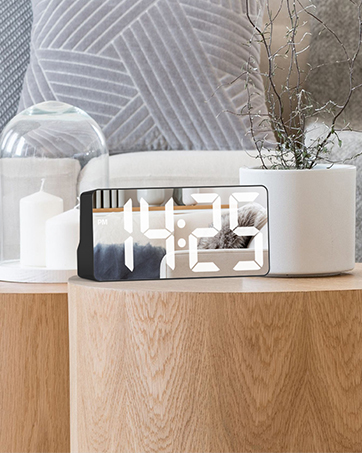

PPLEE Alarm Clock has all the features you need: a large display of clearly visible numbers, adjustable display brightness, 7 Colored Night Light, a loud alarm with snooze and volume control, 2 USB chargers, and battery backup, all for jobs, school, and other responsibilities, waking up timely.
Nighlight Large Display Digital Clock Alarm Clock
Merchant VideoLarge Display Digital Clock Alarm Clock For Bedrooms: Alarm clock with large display / 7 colored night light / big snooze / adjustable dimmer & volume / USB phone charger, easy to set loud digital clock.
7 NIGHT LIGHT ATMOSPHERE LIGHT BESIDE ALARM CLOCK

7 Night Light Atmosphere Light Beside Alarm Clock: 7 different colors of a night light to light your bedroom - Oyster White, Cobalt Blue, Sky Blue, Green, Beige, Shocking Pink, and Violet. It’s a considerate feature for you may need to turn on your room lighting during the night.
0%-100% BRIGHTNESS DIMMER
Slide the “DIMMER” Button to Adjust the Brightness of the Digits:
At the back of this electronic bedroom clock is a “DIMMER” button, which you can switch to precisely adjust the display brightness from 0% to 100% whenever you feel it is not convenient to read the time.
LOUD ALARM CLOCK FOR HEAVY SLEEPERS
Slide the “ALARM VOLUME” Button to Adjust the Volume of the Alarm:
This loud alarm clock for heavy sleepers can adjust the volume of alarm by switching the “ALARM VOLUME” button on the back, suitable for both heavy sleepers and light sleepers.


GIFTS FOR CHILDREN AND THE ELDERLY FOR CHRISTMAS OR BIRTHDAY

EASY TO SET - SIMPLE TO TURN OFF
Easy-to-set Alarm Clock
How to Set Time
- 1. Press the button "SET TIME" once, display starts flashing.
- 2. Press the button "HOUR" to set the hour, and press the button "MIN" to set the minute.
- 3. Press the button "SET TIME" to save time or wait for another 5 seconds to confirm automatically.
Easy-to-set Alarm Clock
How to Set Alarm
- 1. Make sure the slide switch the button "ON..OF" is towards the left “ON”.
- 2. Press the button "SET ALARM", the alarm indicator "ALM" will light up, and the display will start flickering.
- 3. Press the button "HOUR" to set the hour, and press the button "MIN" to set the minute.
- 4. Press the button "SET ALARM" to save time or just wait for another 5 seconds to confirm automatically.
Easy-to-set Alarm Clock
How to Control Volume & Brightness
- Slide “ALARM VOLUME” Button to Adjust the Volume of Alarm
- Slide “DIMMER” Button to Adjust the Brightness of Digits
Easy-to-set Alarm Clock
How to Change Nightlight
- Press "LIGHT" button to turn on the night light.
- Press "LIGHT" button repeatedly to switch colors of the night light.
- Hold press "LIGHT" button to turn off the night light.
Easy-to-set Alarm Clock
How to Set Snooze & Time Format & DST
- At the back of this teens alarm clock, you can see a “12H/24H” button which you can switch to change the12 hours or 24 hours time formatfor your preference.
- Hold press "SET TIME" button to active the DST, and hold press again to turn off it.
- Press “SNOOZE” button to turn off alarm for 9 minutes, this means the alarm will ring every next 9 minutes.
Easy-to-set Alarm Clock
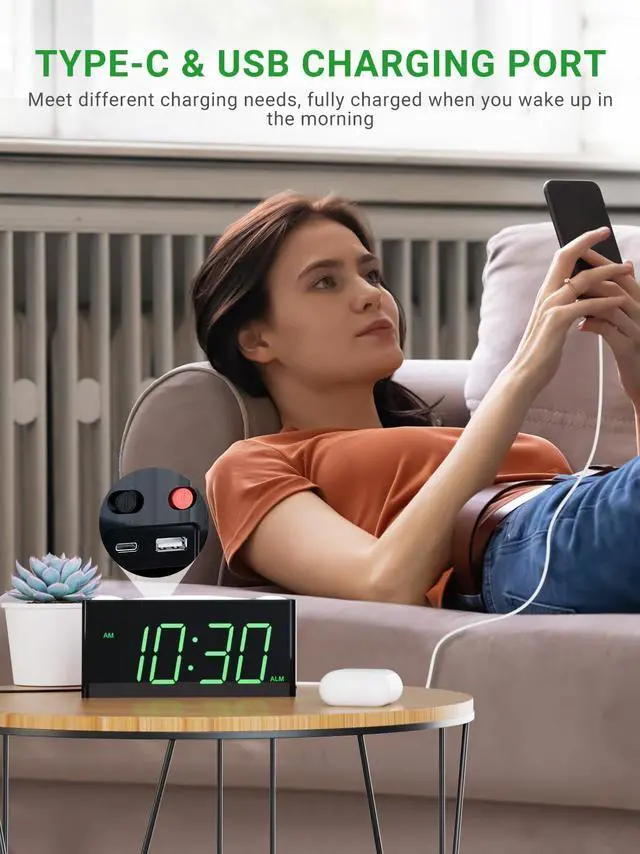
How to Charge Your Phone
- Plug charging cable into device such as phone or tablet.
- Device can charge both your phone or tablet at the same time. The maximum charge current is 1 Ampere.
PPLEE ALARM CLOCK
DUAL ALARMS CLOCK BEDROOM
ALARM CLOCK WITH NIGHT LIGHT
RGB NUMBERS BEDROOM CLOCK
BED SHAKER ALARM CLOCK
LOUD VIBRATING ALARM CLOCK
WOODEN ALARM CLOCK WITH T&H
DUAL DIGITAL LED MIRROR CLOCK
BIG NUMBER LED MIRROR CLOCK