


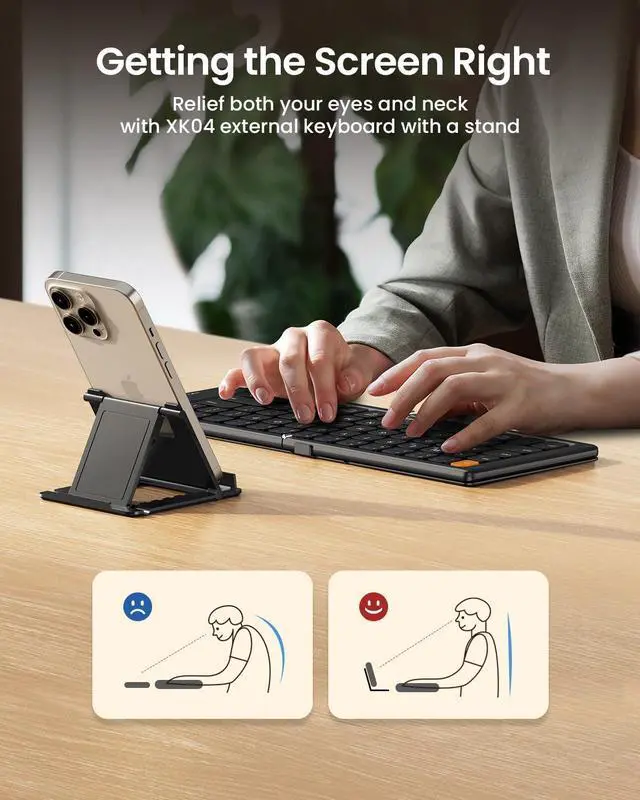


XK04 Compact bluetooth keyboard
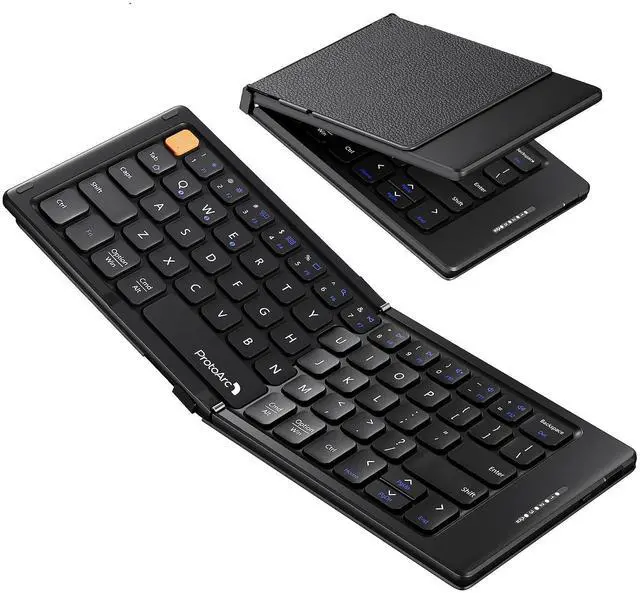
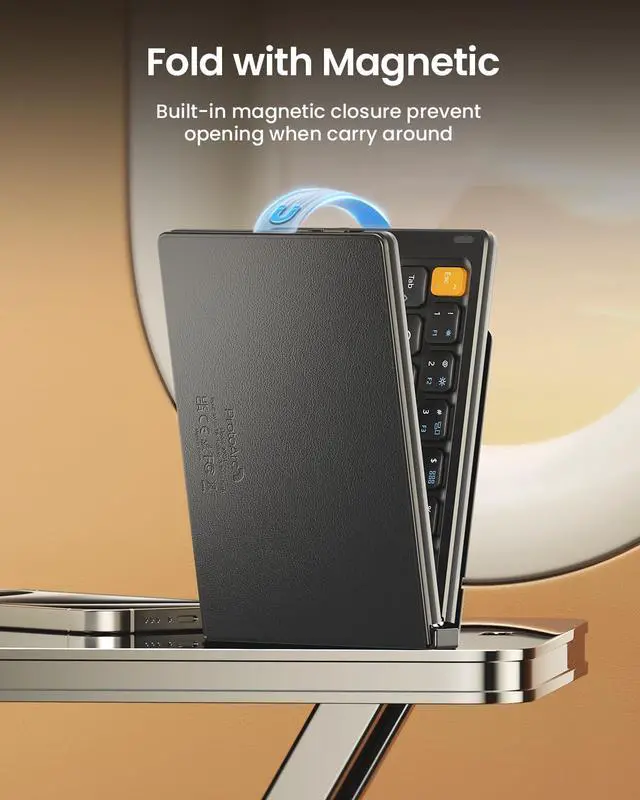
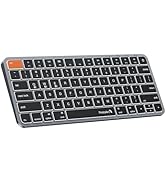
Merchant VideoXK04 Foldable Bluetooth Keyboard offers unparalleled portability, versatility, and convenience for your digital endeavors. It is a must-have accessory for anyone seeking portable productivity on the go


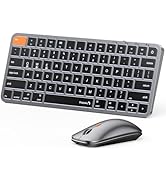
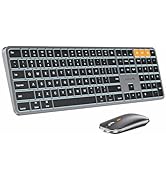
ProtoArc Foldable Keyboard and Mouse Series
 XK04 Foldable Keyboard |  XK01 TP Touchpad Keyboard |  XK01 Plus Folded Keyboard |  XK01 Foldable Keyboard |  CS100 Portable Stand |  XKM01 Travel Combo | |
|---|---|---|---|---|---|---|
Customer Reviews | — | — | — | — | — | — |
Price | — | — | — | — | — | — |
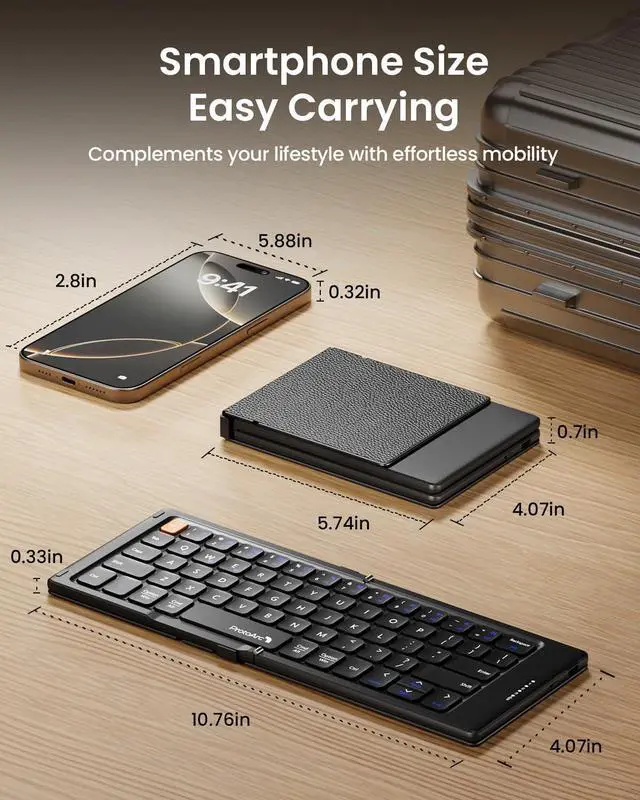
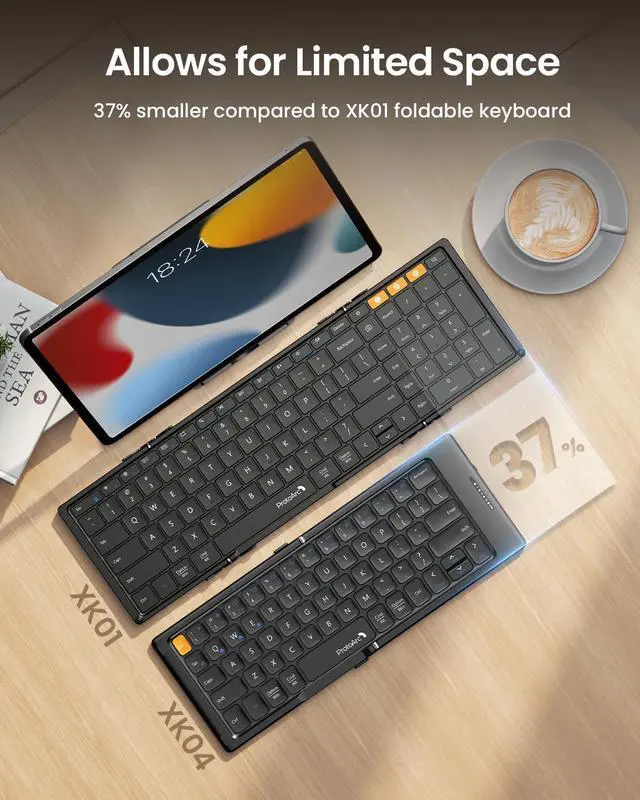
Keyboard Folded Size | 5.74 x 4.0 x 0.7 in | 8.46 x 4.68 x 0.78 in | 8.46 x 4.68 x 0.78 in | 8.46 x 4.68 x 0.78 in | 10.1 x 2.2 x 0.3 in | 8.46 x 4.68 x 0.78 in |
Keyboard Open Size | 10.75 x 4.0 in | 15.2 x 4.68 x 0.48 in | 15.2 x 4.68 x 0.48 in | 15.2 x 4.68 x 0.48 in | 8.2 x 6.5 x 6.5 in | 15.2 x 4.68 x 0.48 in |
Keycap Dimension | 0.55in / 14mm | 0.63in / 16mm | 0.63in / 16mm | 0.63in / 16mm | — | 0.63in / 16mm |
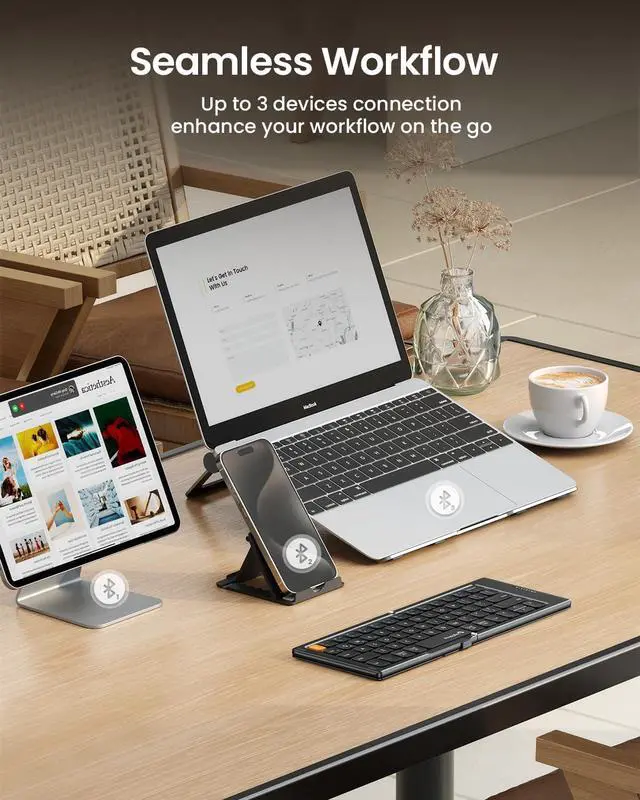
Connection Type | 3 * Bluetooth | 3 * Bluetooth | 3 * Bluetooth | 3 * Bluetooth | — | 2.4G + Dual Bluetooth |
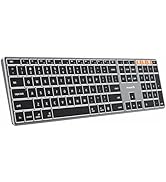
Keyboard Layout | Compact size | Full size keys with trackpad | Full size with numpad | Full size with numpad | — | Full size with numpad |
Color | Black & Gray | Black | Black & Gray | Black | Black | Black & Gray |
Backlight | ? | ? | ? | ? | ? | ? |
Is the XK04 Too Small for Comfortable Typing?
XK04 is designed for ultimate portability with phones and tablets, featuring a compact layout. For extended typing or full-size keys, we recommend our XK01 model with standard 16.5mm keycaps and number pad.
How to Connect and Switch Between Devices?
1. Unfold and Turn on the power switch.
2. Choose Bluetooth Channel: Press Fn+Q/W/E
3. Enter Pairing Mode: Long press Fn + Q/W/E
4. Connect via your device's Bluetooth menu to "ProtoArc XK04"
Simply short press Fn + Q, W, or E to switch devices.
How Do I Know When My Keyboard Is Fully Charged?
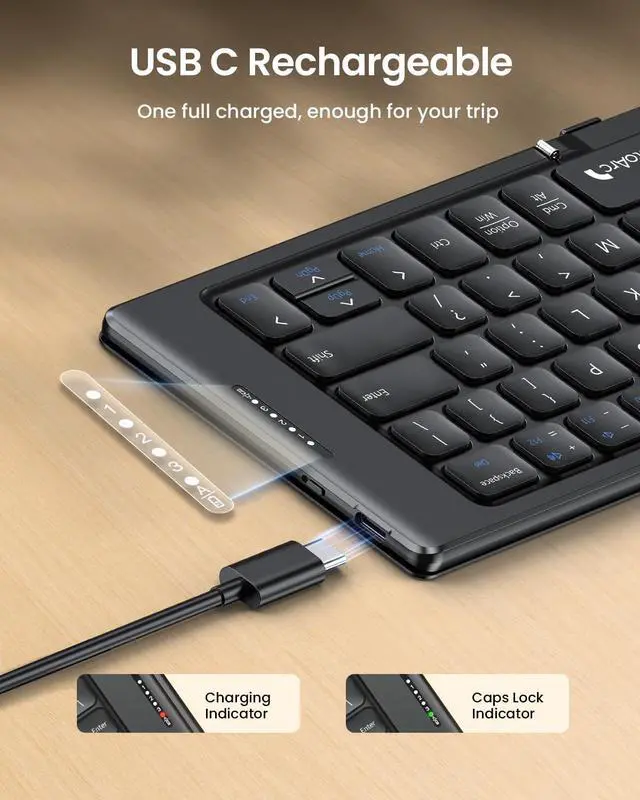
A full charge typically takes about 2 hours.
The charging indicator is often red while charging and will switch to a solid green light once the battery is completely full.


Mission
At ProtoArc, our mission is to deliver innovative workspace solutions that enhance comfort, boost productivity, and foster overall wellness.
Vision
We believe that everyone deserves a workspace that not only meets their functional needs but also empowers them to thrive. Our vision is a world where work environments promote health, happiness, and high performance.
Foldable Keyboard Series
Mac Keyboard and Mouse
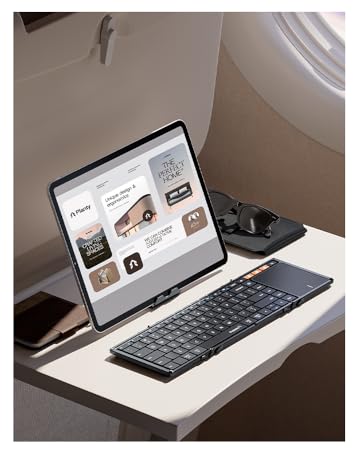



XK04 Compact bluetooth keyboard
Merchant VideoXK04 Foldable Bluetooth Keyboard offers unparalleled portability, versatility, and convenience for your digital endeavors. It is a must-have accessory for anyone seeking portable productivity on the go


ProtoArc Foldable Keyboard and Mouse Series
XK04 Foldable Keyboard | XK01 TP Touchpad Keyboard | XK01 Plus Folded Keyboard | XK01 Foldable Keyboard | CS100 Portable Stand | XKM01 Travel Combo |
|---|---|---|---|---|---|
| Customer Reviews | |||||
| — | — | — | — | — | — |
| Price | |||||
| — | — | — | — | — | — |
| Keyboard Folded Size | |||||
| 5.74 x 4.0 x 0.7 in | 8.46 x 4.68 x 0.78 in | 8.46 x 4.68 x 0.78 in | 8.46 x 4.68 x 0.78 in | 10.1 x 2.2 x 0.3 in | 8.46 x 4.68 x 0.78 in |
| Keyboard Open Size | |||||
| 10.75 x 4.0 in | 15.2 x 4.68 x 0.48 in | 15.2 x 4.68 x 0.48 in | 15.2 x 4.68 x 0.48 in | 8.2 x 6.5 x 6.5 in | 15.2 x 4.68 x 0.48 in |
| Keycap Dimension | |||||
| 0.55in / 14mm | 0.63in / 16mm | 0.63in / 16mm | 0.63in / 16mm | — | 0.63in / 16mm |
| Connection Type | |||||
| 3 * Bluetooth | 3 * Bluetooth | 3 * Bluetooth | 3 * Bluetooth | — | 2.4G + Dual Bluetooth |
| Keyboard Layout | |||||
| Compact size | Full size keys with trackpad | Full size with numpad | Full size with numpad | — | Full size with numpad |
| Color | |||||
| Black & Gray | Black | Black & Gray | Black | Black | Black & Gray |
| Backlight | |||||
| ? | ? | ? | ? | ? | ? |
Is the XK04 Too Small for Comfortable Typing?
XK04 is designed for ultimate portability with phones and tablets, featuring a compact layout. For extended typing or full-size keys, we recommend our XK01 model with standard 16.5mm keycaps and number pad.
How to Connect and Switch Between Devices?
1. Unfold and Turn on the power switch.
2. Choose Bluetooth Channel: Press Fn+Q/W/E
3. Enter Pairing Mode: Long press Fn + Q/W/E
4. Connect via your device's Bluetooth menu to "ProtoArc XK04"
Simply short press Fn + Q, W, or E to switch devices.
How Do I Know When My Keyboard Is Fully Charged?
A full charge typically takes about 2 hours.
The charging indicator is often red while charging and will switch to a solid green light once the battery is completely full.
Mission
At ProtoArc, our mission is to deliver innovative workspace solutions that enhance comfort, boost productivity, and foster overall wellness.
Vision
We believe that everyone deserves a workspace that not only meets their functional needs but also empowers them to thrive. Our vision is a world where work environments promote health, happiness, and high performance.
Foldable Keyboard Series
Mac Keyboard and Mouse