




 here!
here!
I’m your shopping assistant for PC builds, upgrades, and everything tech.
Got questions? Ask away!
Start a conversation
here!
I’m your shopping assistant for PC builds, upgrades, and everything tech.
Got questions? Ask away!
Start a conversation



Any questions? Ask CelesteSM will help you find out quickly.
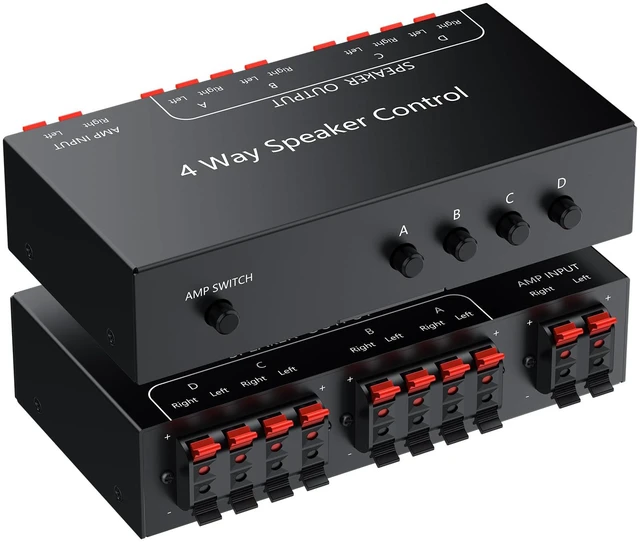
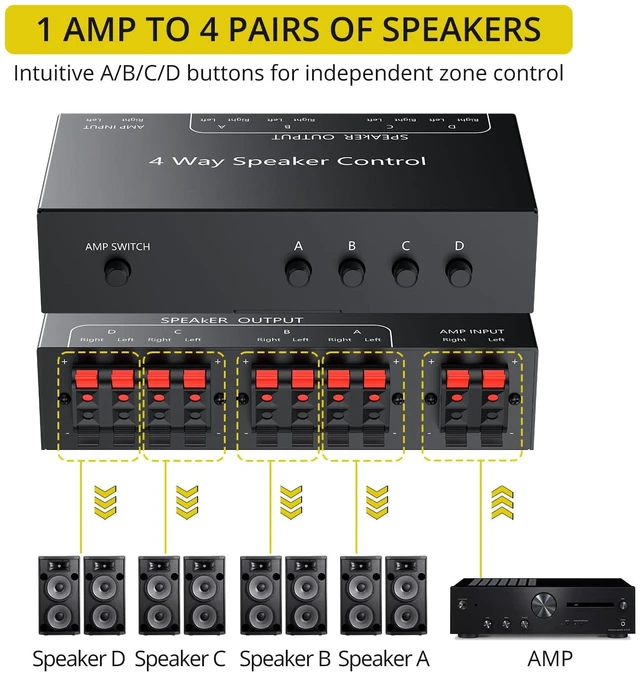
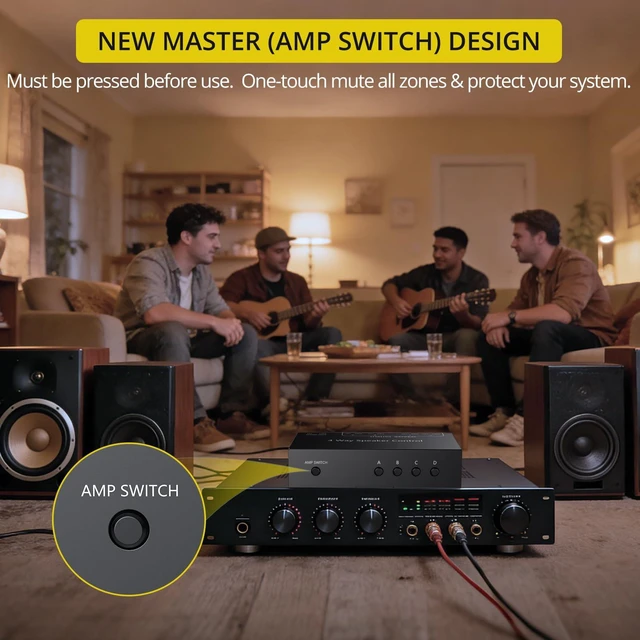
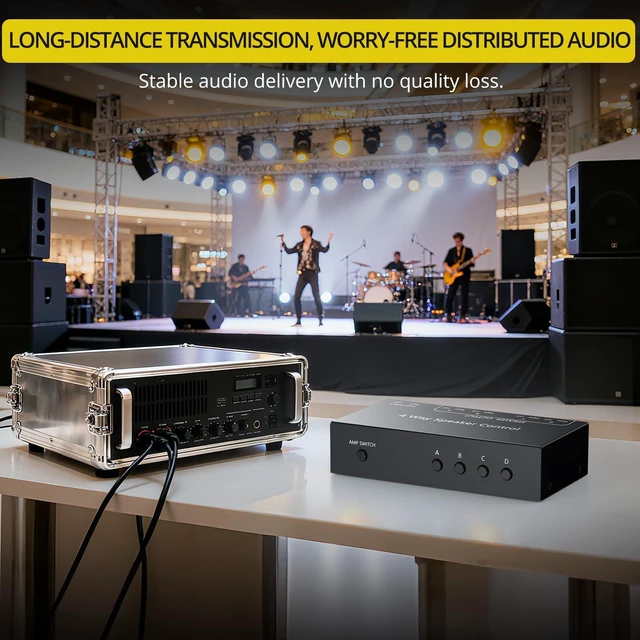
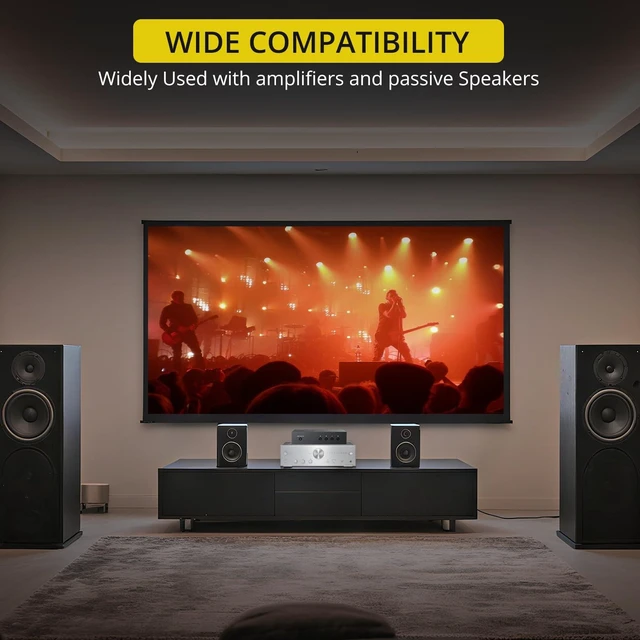
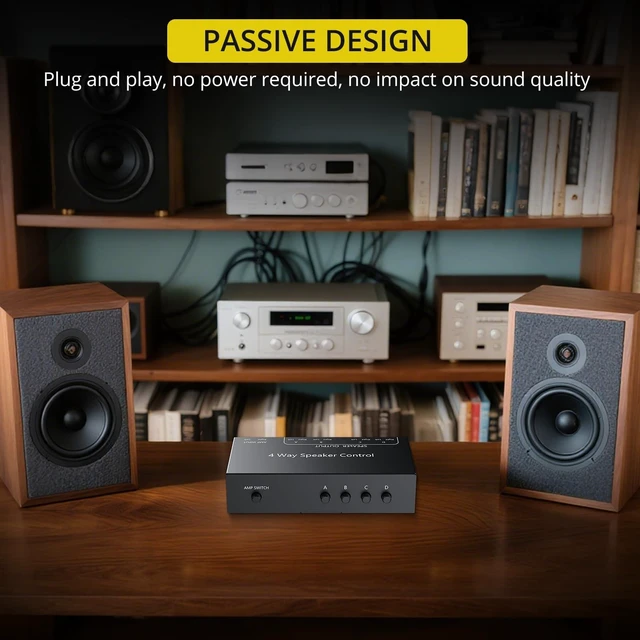
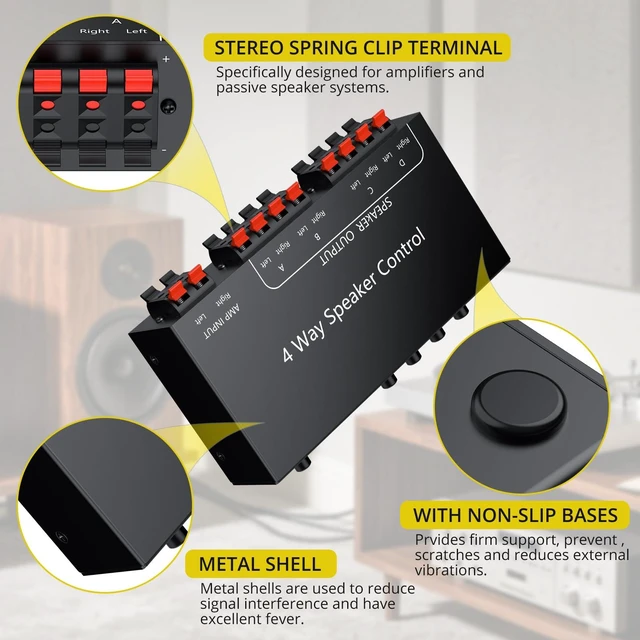
Expand One Amplifier Into a Simple 4-Zone Audio System The PROZOR 4-Zone Speaker Selector Switch Box is a practical solution for anyone who wants to play music through multiple pairs of passive speakers from a single amplifier or receiver. Designed for home audio, patio speakers, shops, studios, offices, and other background music setups, it allows you to connect up to four speaker zones and control them with clear, independent buttons. Instead of dealing with complicated multi-room audio equipment or expensive zone amplifiers, this speaker selector gives you a much simpler way to manage audio in different areas. With dedicated A/B/C/D zone buttons, you can turn each connected speaker pair on or off as needed. Whether you want music only in the living room, in both the kitchen and patio, or across several areas at the same time, operation stays straightforward and convenient. Built for Everyday Multi-Room Use This speaker selector switch is ideal for users who already have an amplifier or receiver and want to expand their system without replacing existing equipment. It works well in a wide range of setups, such as: playing background music in different rooms of the home sending audio to patio, bedroom, kitchen, or garage speakers managing speaker zones in cafés, retail stores, offices, or studios sharing one amplifier with multiple passive speaker pairs in a cost-effective way The built-in AMP master switch adds an extra level of convenience for daily use. Before operation, simply turn on the AMP switch, then choose which speaker zones you want active. When needed, you can switch off the AMP button to mute all zones at once. This simple control layout makes the unit easy to use even for customers who are not audio experts. Passive Design for a Cleaner, Simpler Setup Because this is a passive speaker selector, it does not require an external power supply. There is no adapter to plug in, no software to install, and no complicated setup procedure. Just connect your amplifier output and speaker wires through the rear spring clip terminals, and the system is ready to use. This passive design also makes the unit especially suitable for customers who want a neat and efficient audio setup without adding unnecessary devices.


