




 here!
I’m your shopping assistant for PC builds, upgrades, and everything tech.
Got questions? Ask away!
Start a conversation
here!
I’m your shopping assistant for PC builds, upgrades, and everything tech.
Got questions? Ask away!
Start a conversation



Any questions? Ask CelesteSM will help you find out quickly.
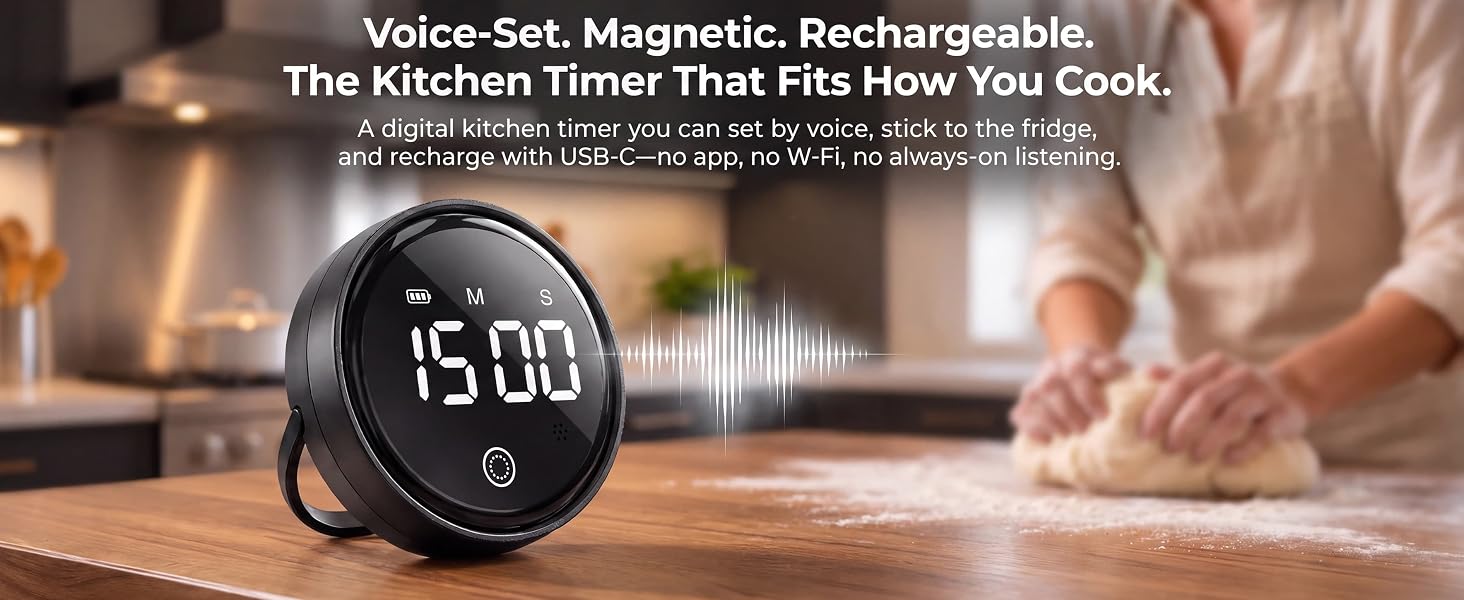
Tap to wake, then say “Smart Timer, time for 15 minutes.” Voice sets minutes; twist dial for seconds. No WiFi, no app. Magnetic back, USB-C rechargeable, large LED display. Perfect for cooking, baking, study, and classroom.
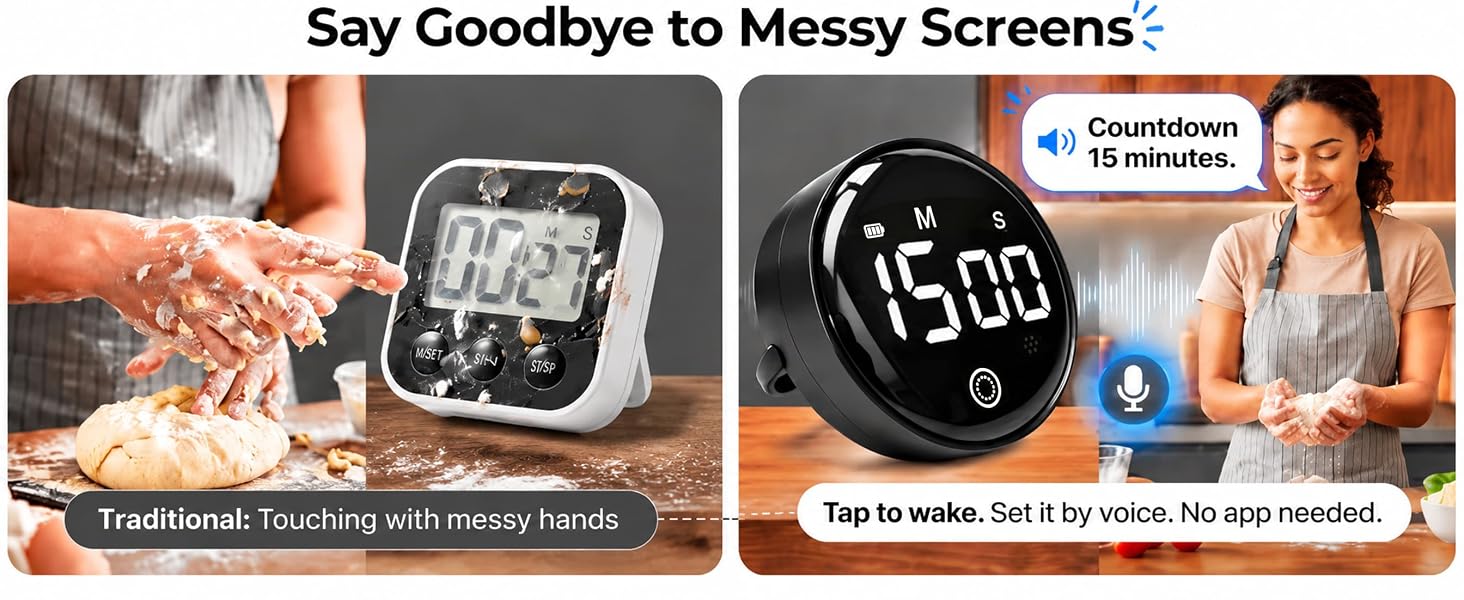
Voice control vs. buttons. USB-C rechargeable vs. disposable batteries. Magnetic back vs. no mount. Large LED display vs. small screen. No WiFi or app needed. Privacy-first design. A versatile kitchen timer for cooking, study, and gym.
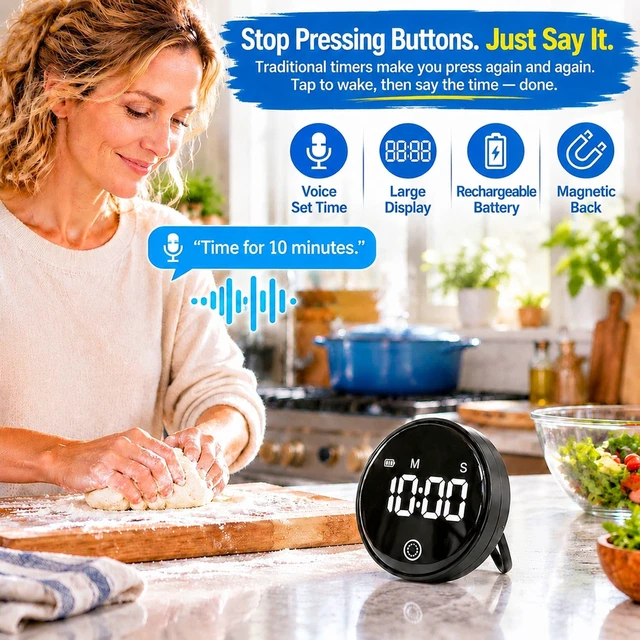
Hands messy? Tap to wake, then say “Smart Timer, time for 10 minutes.” Voice sets whole minutes. For seconds, twist the dial. No menus, no pairing. Ideal for kitchen timers for cooking and busy kitchens.
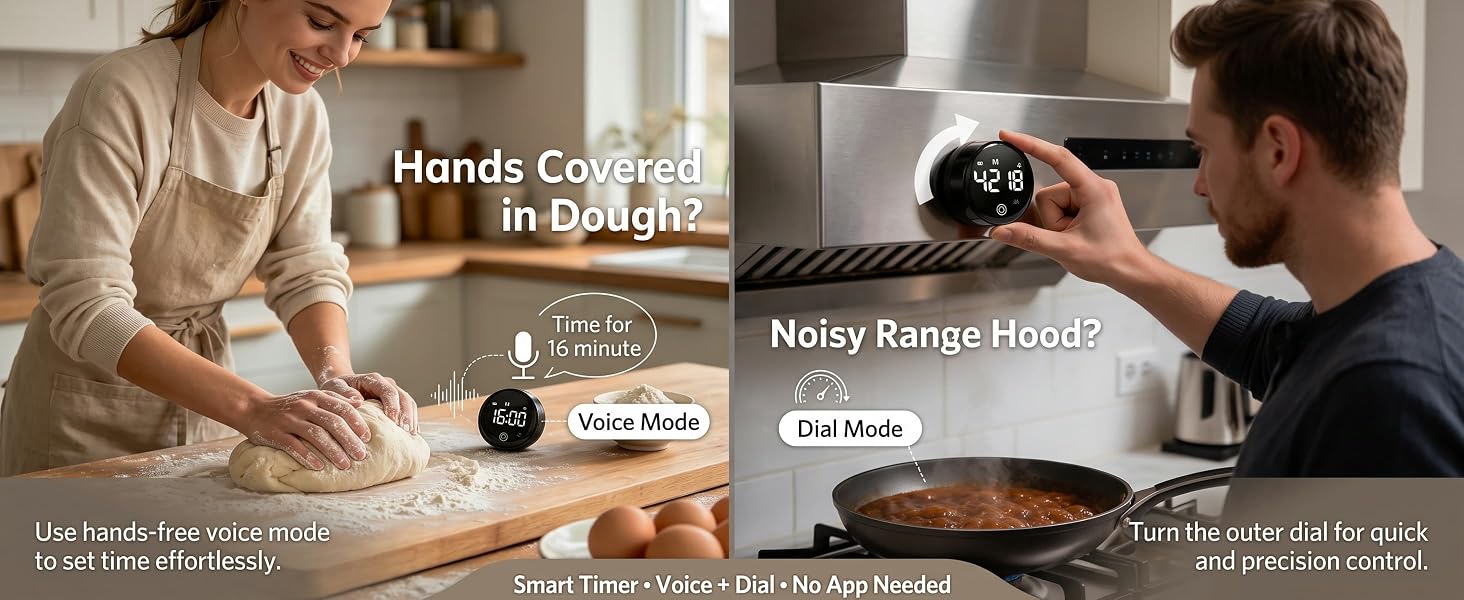
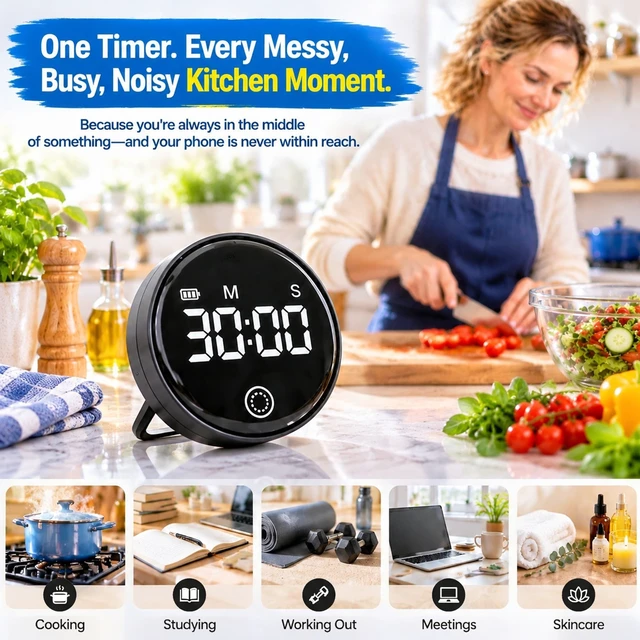
Use it as a kitchen timer for cooking, baking timer, Pomodoro study timer, HIIT workout timer, skincare timer, or classroom timer. Magnetic back sticks anywhere. USB-C rechargeable. Voice sets minutes, dial sets seconds. No WiFi, no app.
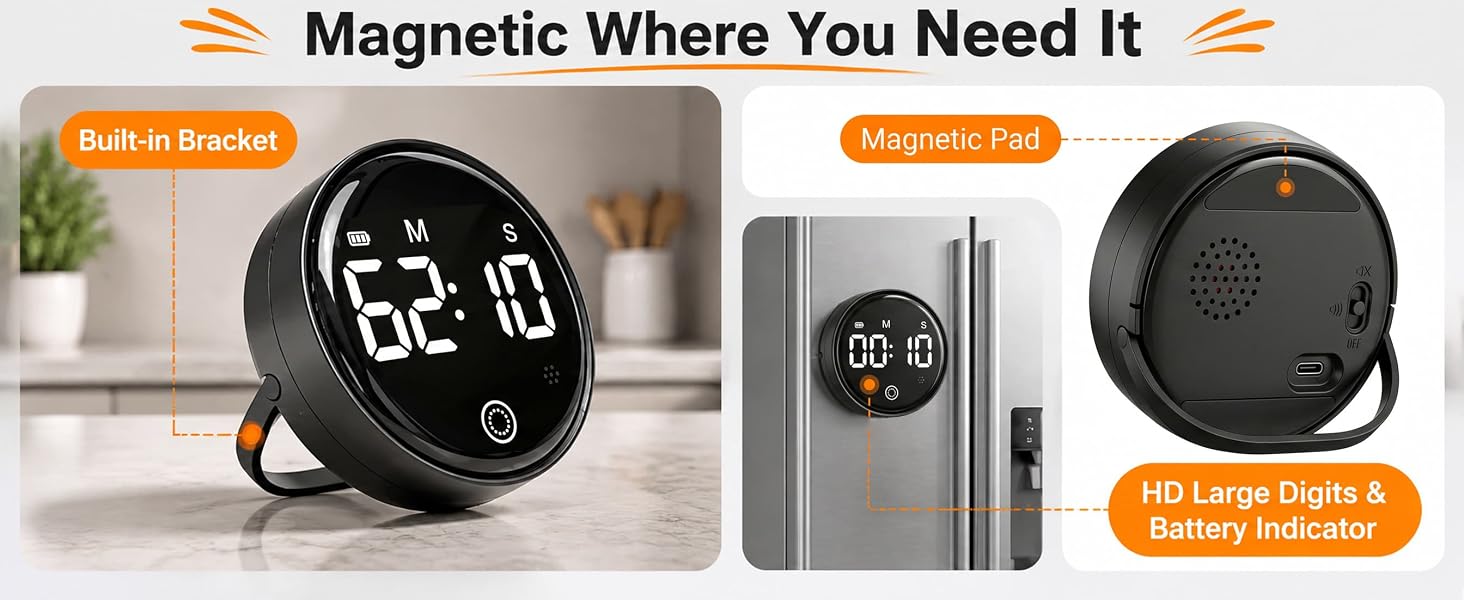
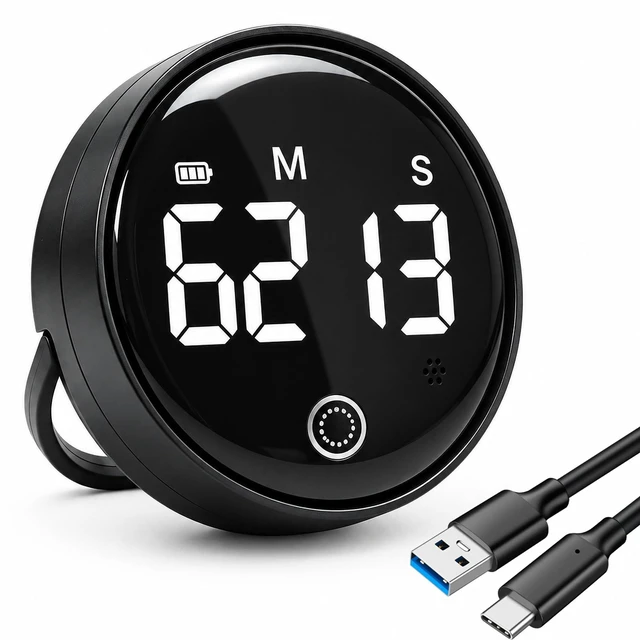
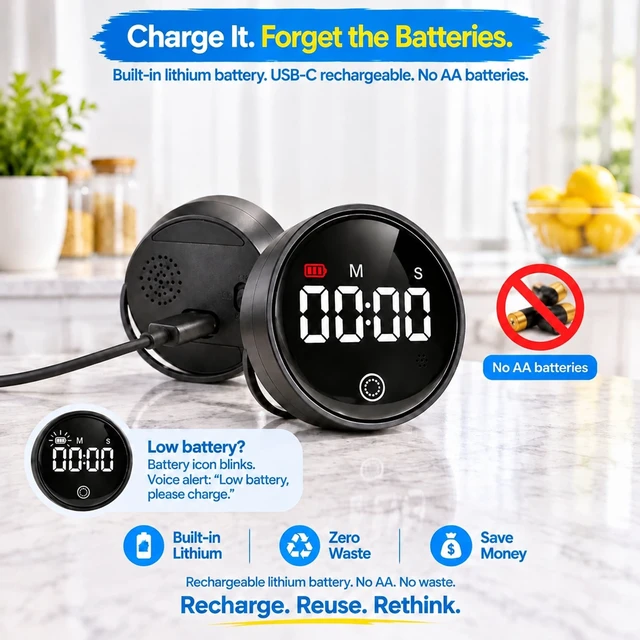
Strong magnetic back attaches to fridge, oven, or gym rack. 50g palm-sized design. USB-C rechargeable with built-in lithium battery. Use as a digital kitchen timer, study timer, or classroom timer.
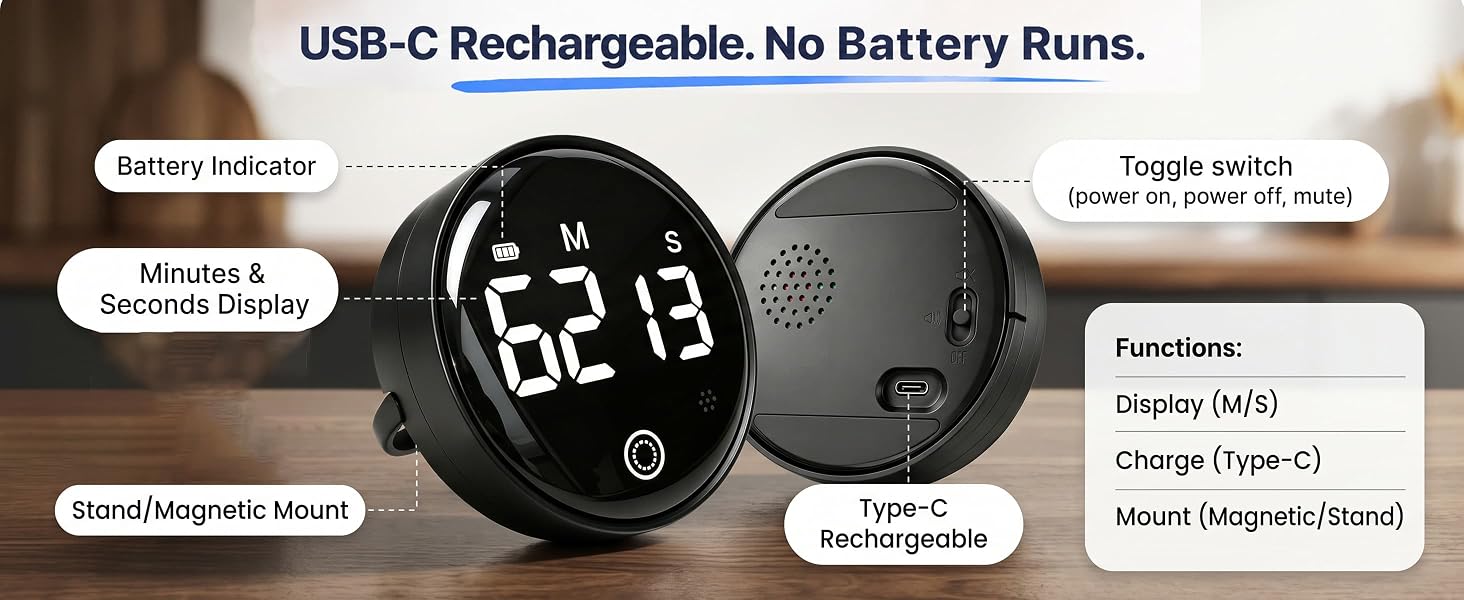
Privacy-first voice timer. No always-on listening. No WiFi, no app, no account. Tap to wake, then talk. USB-C rechargeable. Magnetic back. Large LED display. Includes USB-C cable and user manual.
How does the voice control work? Do I need WiFi or an app?
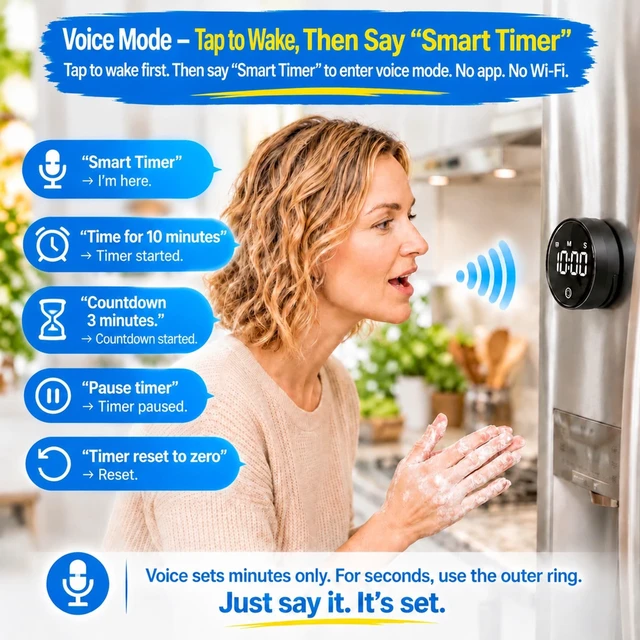
No WiFi, no app, no account. Tap or twist to wake it, then say “Smart Timer","time for 15 minutes.” Voice sets minutes only. For seconds, twist the dial. Works offline. Privacy-first — it only listens after you wake it.
Can I set seconds by voice? What if I need 2 minutes 30 seconds?
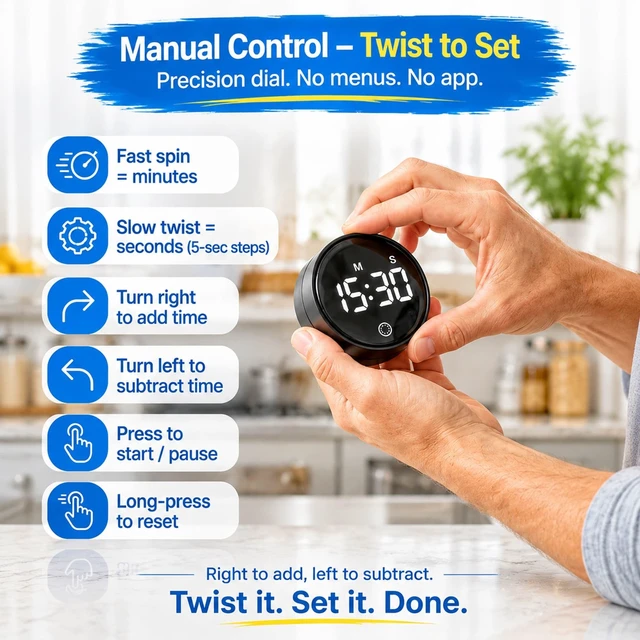
Voice sets whole minutes only (up to 99 min). For seconds, use the dial — slow twist adjusts in 5-second steps. So for 2:30, say “Time for 2 minutes,” then twist dial to add 30 seconds. Or just use the dial alone.
Does it stay hands-free? Can I wake it or stop the alarm by voice?
Tap-to-wake only. Sleep mode disables voice wake — tap or twist to wake first. Alarm must be stopped by tapping the front button. Not fully hands-free. Designed for quick voice setting when hands are messy, then tap to stop.
Is the alarm loud? Can I adjust the volume?
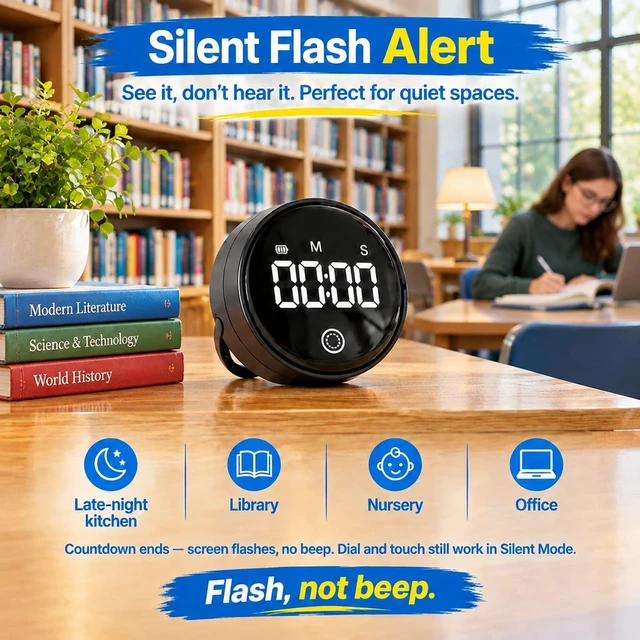
Two modes only: loud alarm or silent flash. No volume control. Flip the rear switch to mute — screen flashes and blinks when time’s up. Silent mode mutes the alarm too. Great for nurseries, libraries, and late nights.
Can kids use it? Is it good for classroom or study?
Yes. Tap to wake, then say “Smart Timer, time for 10 minutes.” Large LED display readable from across the room. Magnetic back sticks to fridge or whiteboard. Great for classroom timer, study timer, Pomodoro, and kids’ tasks. No WiFi needed.
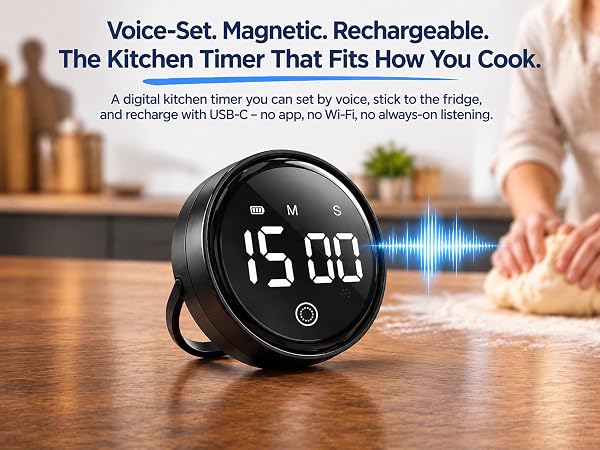
Tap to wake, then say “Smart Timer, time for 15 minutes.” Voice sets minutes; twist dial for seconds. No WiFi, no app. Magnetic back, USB-C rechargeable, large LED display. Perfect for cooking, baking, study, and classroom.
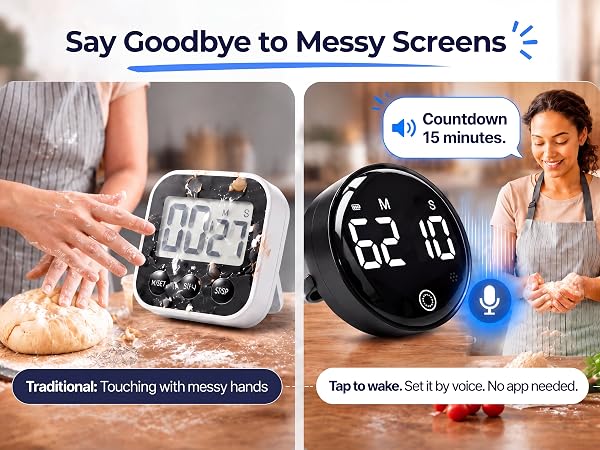
Voice control vs. buttons. USB-C rechargeable vs. disposable batteries. Magnetic back vs. no mount. Large LED display vs. small screen. No WiFi or app needed. Privacy-first design. A versatile kitchen timer for cooking, study, and gym.
Hands messy? Tap to wake, then say “Smart Timer, time for 10 minutes.” Voice sets whole minutes. For seconds, twist the dial. No menus, no pairing. Ideal for kitchen timers for cooking and busy kitchens.
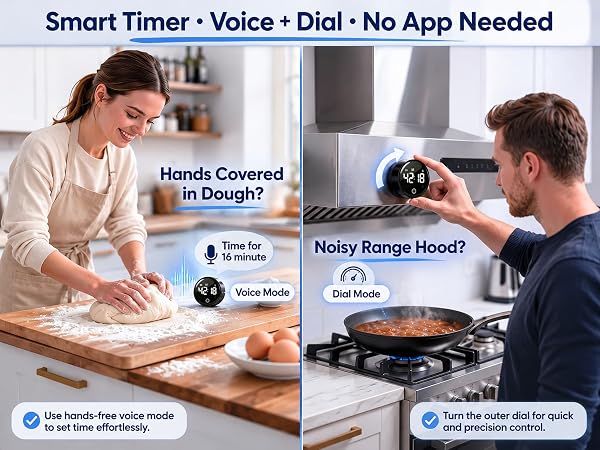
Use it as a kitchen timer for cooking, baking timer, Pomodoro study timer, HIIT workout timer, skincare timer, or classroom timer. Magnetic back sticks anywhere. USB-C rechargeable. Voice sets minutes, dial sets seconds. No WiFi, no app.
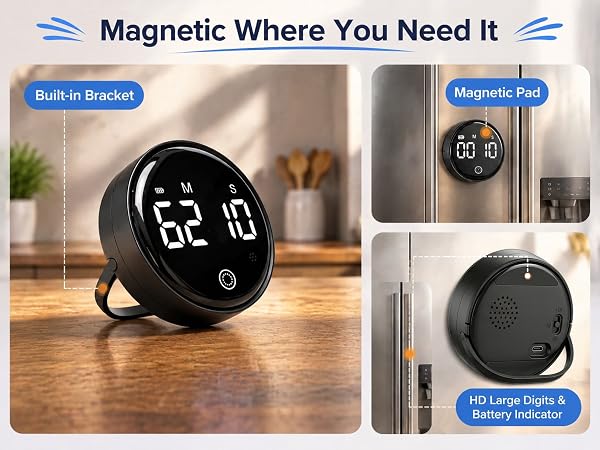
Strong magnetic back attaches to fridge, oven, or gym rack. 50g palm-sized design. USB-C rechargeable with built-in lithium battery. Use as a digital kitchen timer, study timer, or classroom timer.
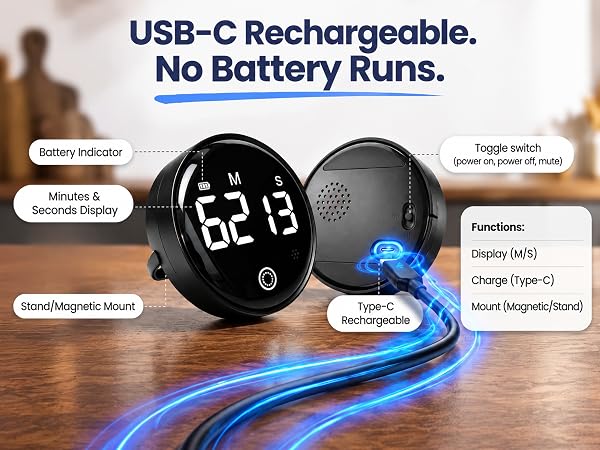
Privacy-first voice timer. No always-on listening. No WiFi, no app, no account. Tap to wake, then talk. USB-C rechargeable. Magnetic back. Large LED display. Includes USB-C cable and user manual.
How does the voice control work? Do I need WiFi or an app?
No WiFi, no app, no account. Tap or twist to wake it, then say “Smart Timer","time for 15 minutes.” Voice sets minutes only. For seconds, twist the dial. Works offline. Privacy-first — it only listens after you wake it.
Can I set seconds by voice? What if I need 2 minutes 30 seconds?
Voice sets whole minutes only (up to 99 min). For seconds, use the dial — slow twist adjusts in 5-second steps. So for 2:30, say “Time for 2 minutes,” then twist dial to add 30 seconds. Or just use the dial alone.
Does it stay hands-free? Can I wake it or stop the alarm by voice?
Tap-to-wake only. Sleep mode disables voice wake — tap or twist to wake first. Alarm must be stopped by tapping the front button. Not fully hands-free. Designed for quick voice setting when hands are messy, then tap to stop.
Is the alarm loud? Can I adjust the volume?
Two modes only: loud alarm or silent flash. No volume control. Flip the rear switch to mute — screen flashes and blinks when time’s up. Silent mode mutes the alarm too. Great for nurseries, libraries, and late nights.
Can kids use it? Is it good for classroom or study?
Yes. Tap to wake, then say “Smart Timer, time for 10 minutes.” Large LED display readable from across the room. Magnetic back sticks to fridge or whiteboard. Great for classroom timer, study timer, Pomodoro, and kids’ tasks. No WiFi needed.


