here!
here!
I’m your shopping assistant for PC builds, upgrades, and everything tech.
Got questions? Ask away!
Start a conversation
here!
I’m your shopping assistant for PC builds, upgrades, and everything tech.
Got questions? Ask away!
Start a conversation
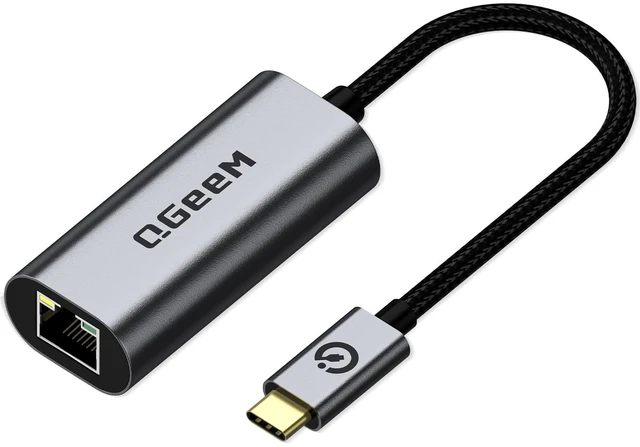
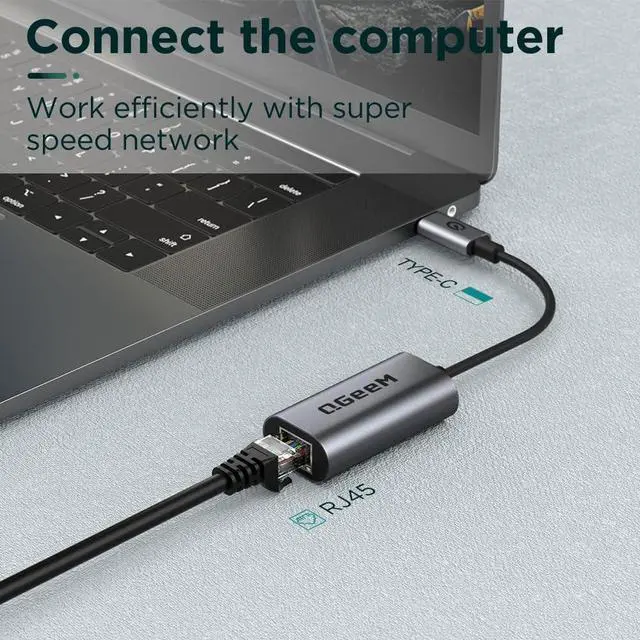
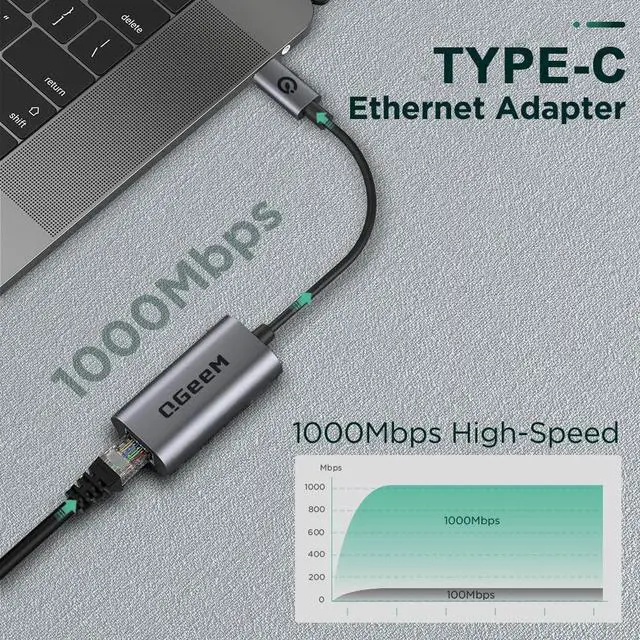
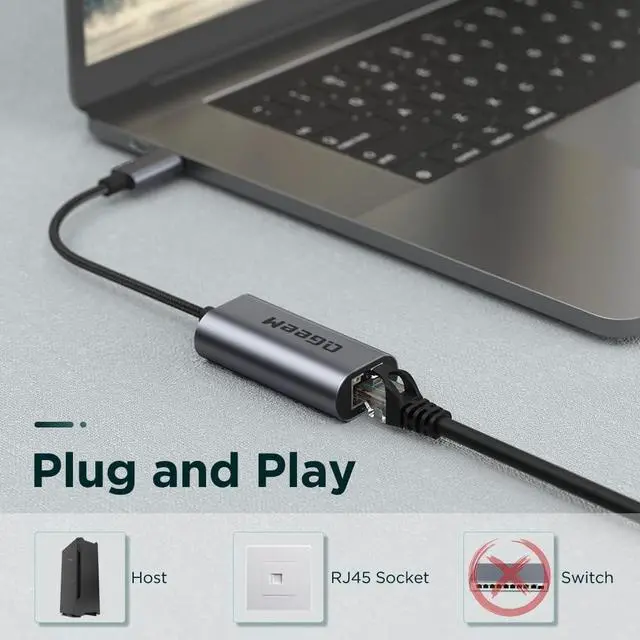



Any questions? Ask CelesteSM will help you find out quickly.

In 2012, we founded QGeeM because we want innovate high-quality computer accessories in the world,such as:usb c adapter, usb c hub,docking station,wireless charger, video cable ect
To make your work easier,and create connections for you at anytime,anywhere,Our QGeeM continually updated to be refined and durable. Each product strives for quality
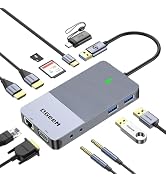
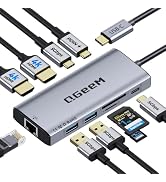
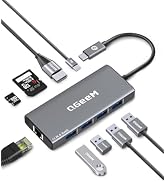
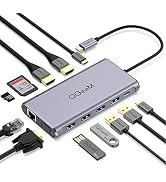
![QGeeM USB C to HDMI Adapter 4K Cable, USB Type-C to HDMI Adapter [Thunderbolt 3/4] HDMI for Lapto...](http://c1.neweggimages.com/sellingpilot/modules/product/a-plus/0360705d3f032cc75811782293a8b1f1eebff32c181c24abf31a3b56989a0898.jpg)
![QGeeM USB C to HDMI Adapter 4K Cable, USB Type-C to HDMI Adapter [Thunderbolt 3/4] HDMI for Lapto...](http://c1.neweggimages.com/sellingpilot/modules/product/a-plus/641a1fbcf913c546398899ed854900ede1fca44040bb0d143f20074a7bac6687.jpg)
![QGeeM USB C to HDMI Adapter 4K Cable, USB Type-C to HDMI Adapter [Thunderbolt 3/4] HDMI for Lapto...](http://c1.neweggimages.com/sellingpilot/modules/product/a-plus/b1d083539b325152454185cc44446e6ac64e6d5adf753b02cf1db5e5d2e16773.jpg)
![QGeeM USB C to HDMI Adapter 4K Cable, USB Type-C to HDMI Adapter [Thunderbolt 3/4 Compatible] for...](http://c1.neweggimages.com/sellingpilot/modules/product/a-plus/83731e875a45d995bd2daba0a7ee17bed56f2a57fadc29a671e7e11dc11ac445.jpg)
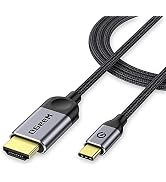
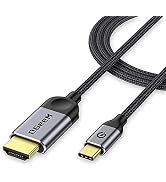
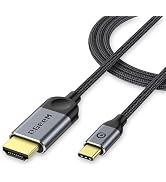
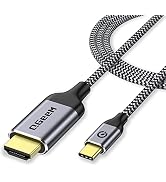
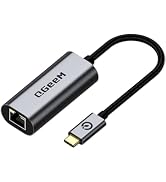
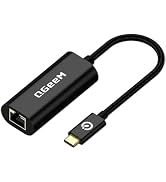
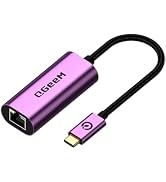
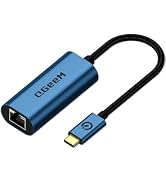
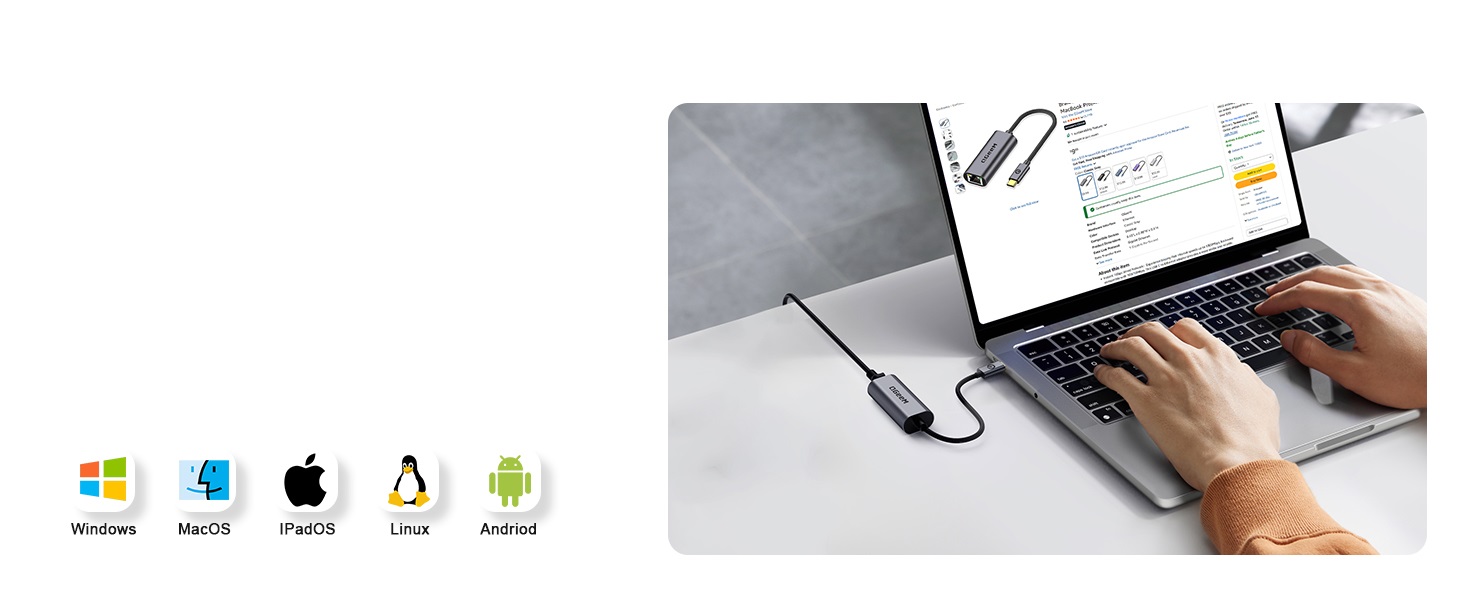
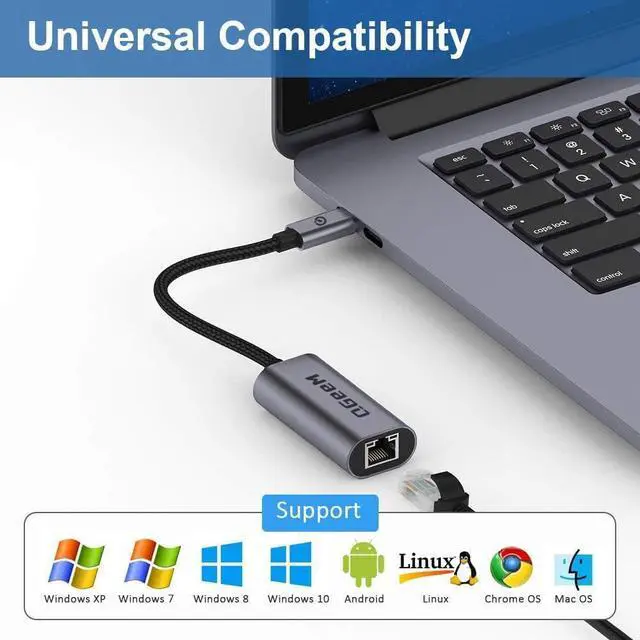
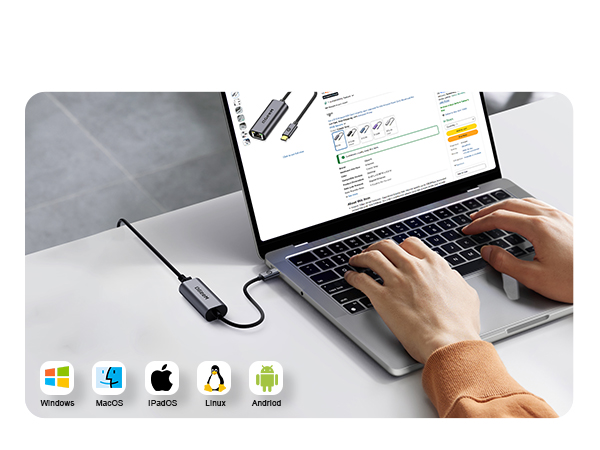
Broad compatibility
No drivers, software, or adapters re-
quired - simply connect and enjoy
full-speed internet
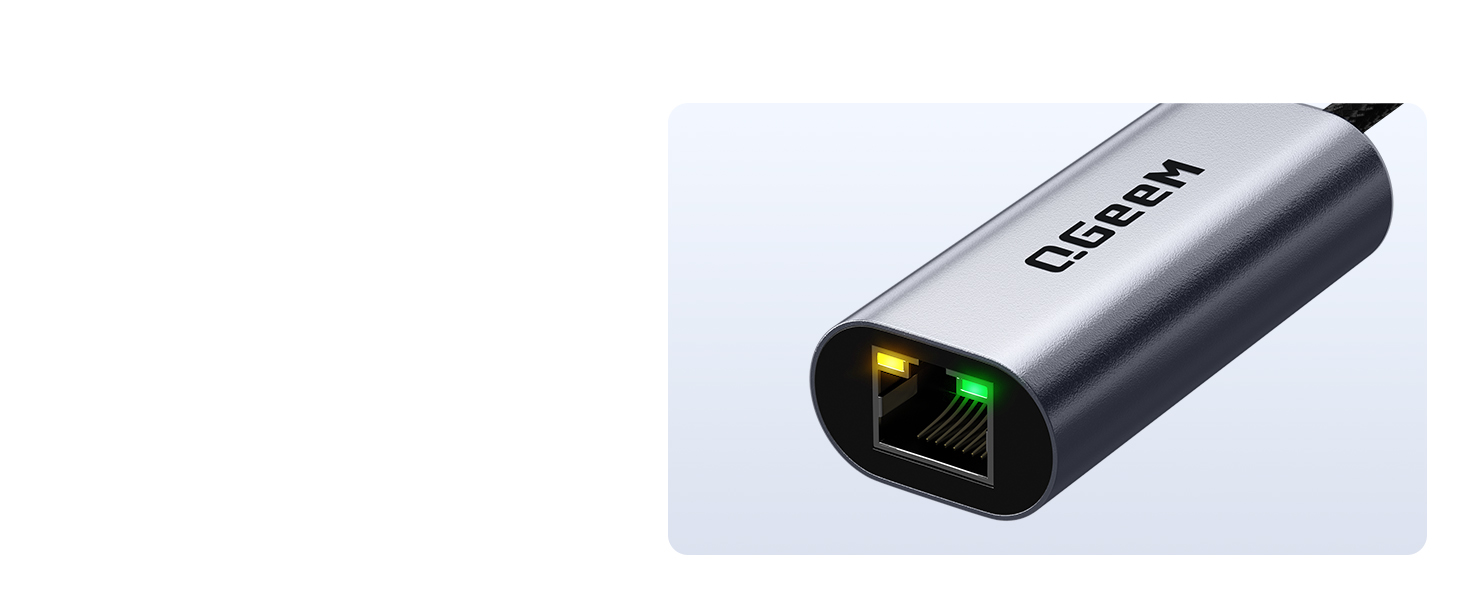
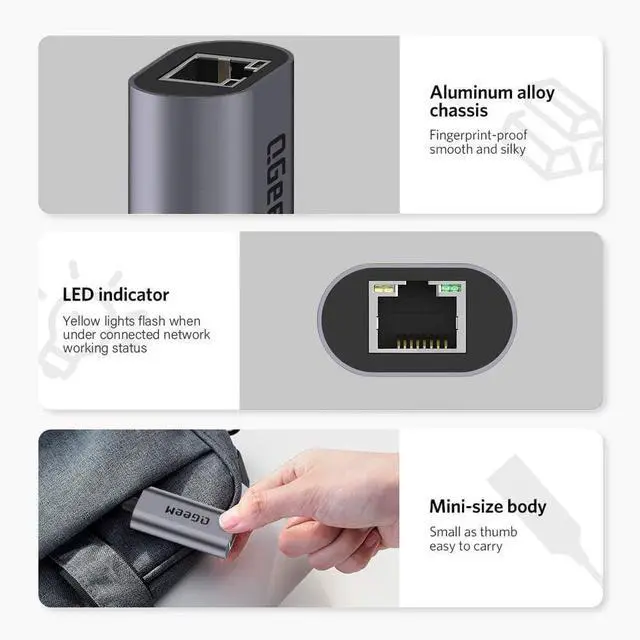
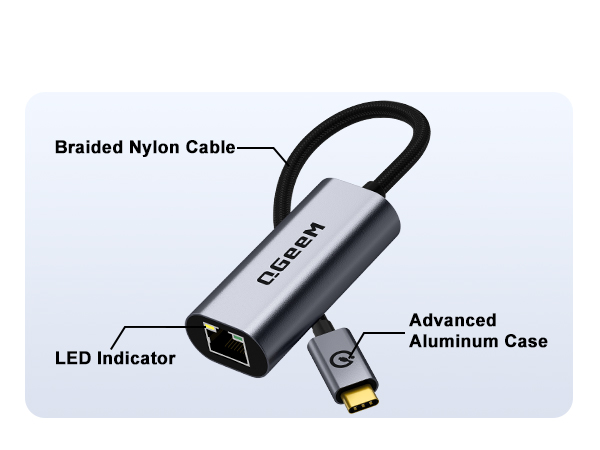
Yellow: USB-C to Ethernet
is transmitting Ethernet
Green: USB-C to RJ45
is connected to your device
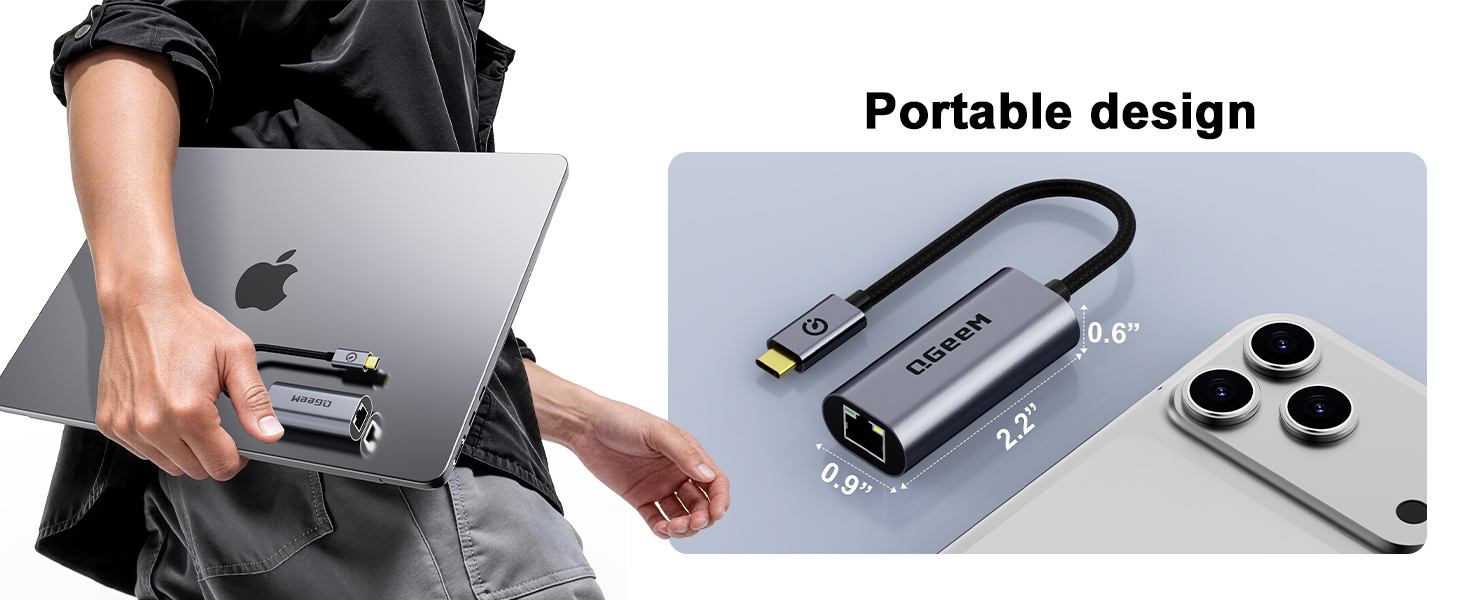
Makes it easier to carry while traveling.
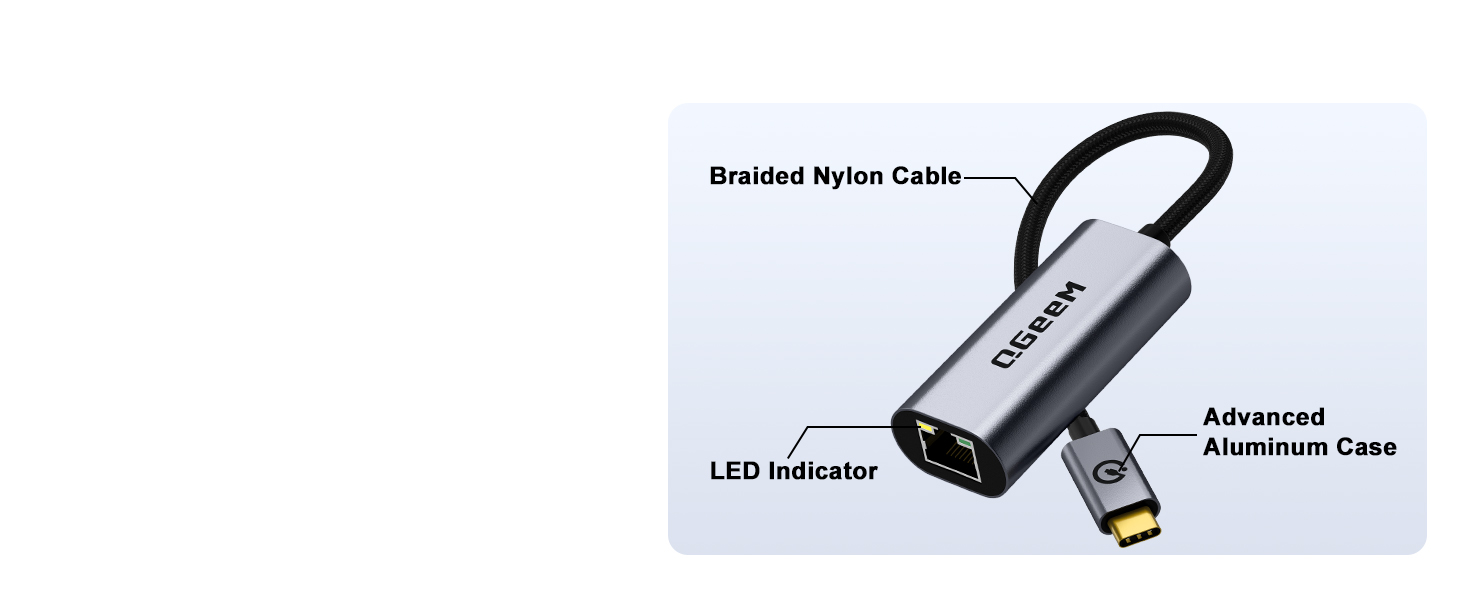
Braided Nylon
Cable & Advanced
Aluminum Case
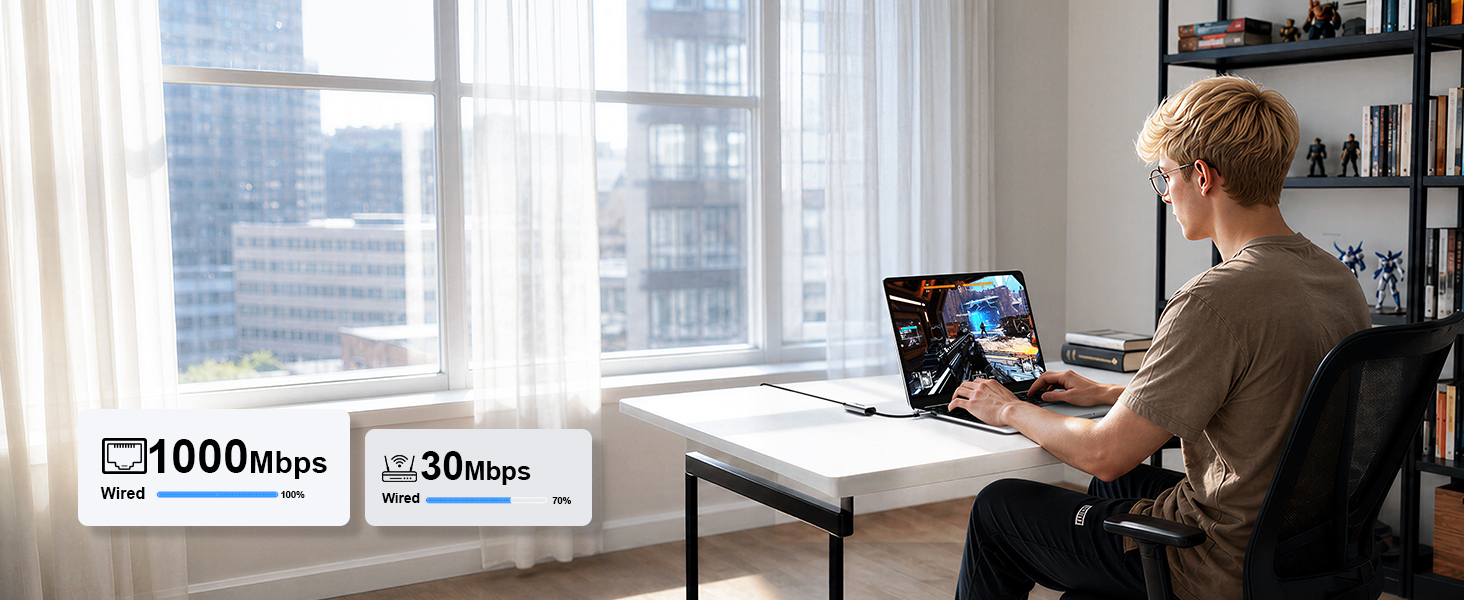
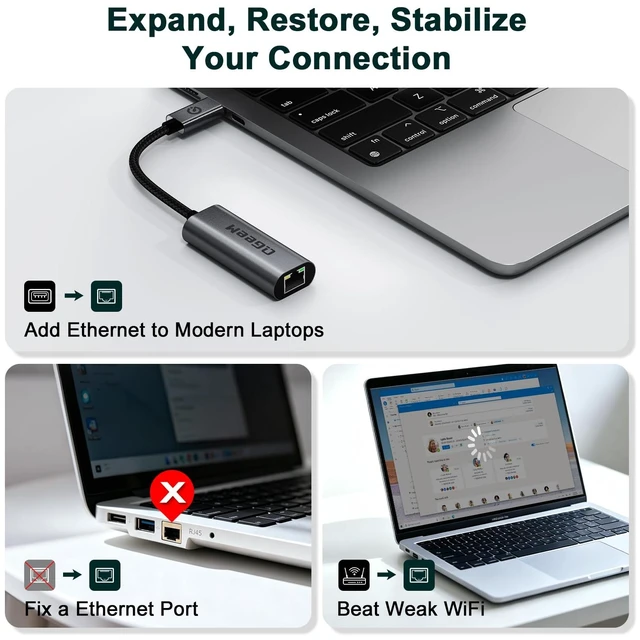
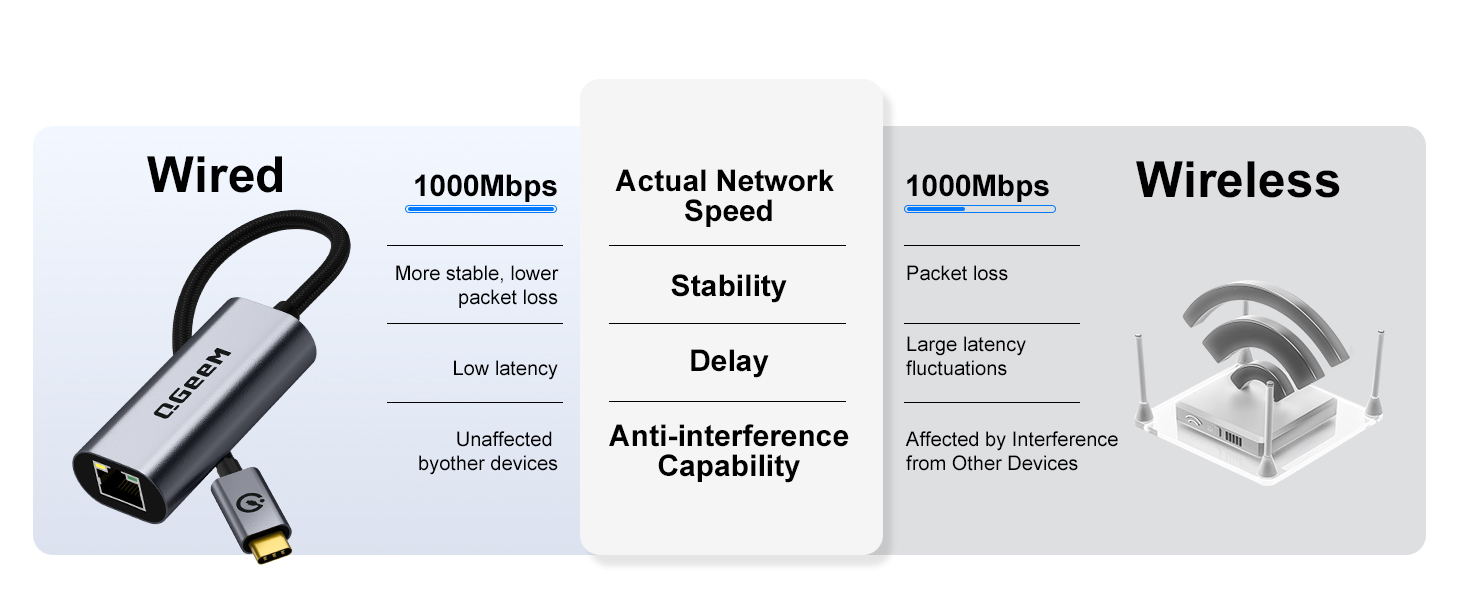
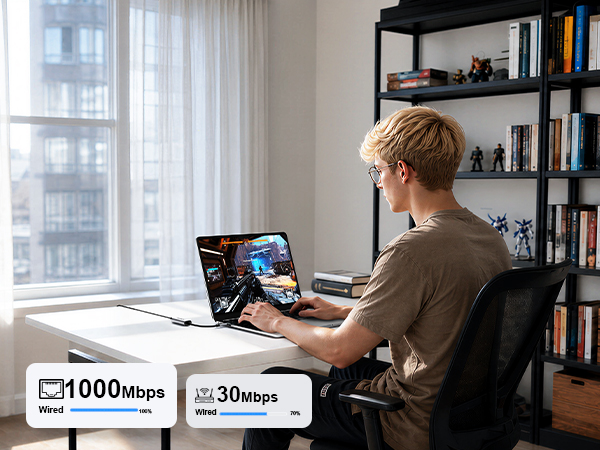
Stay connected to wired networks with
the speed and reliability of Gigabit
Ethernet.
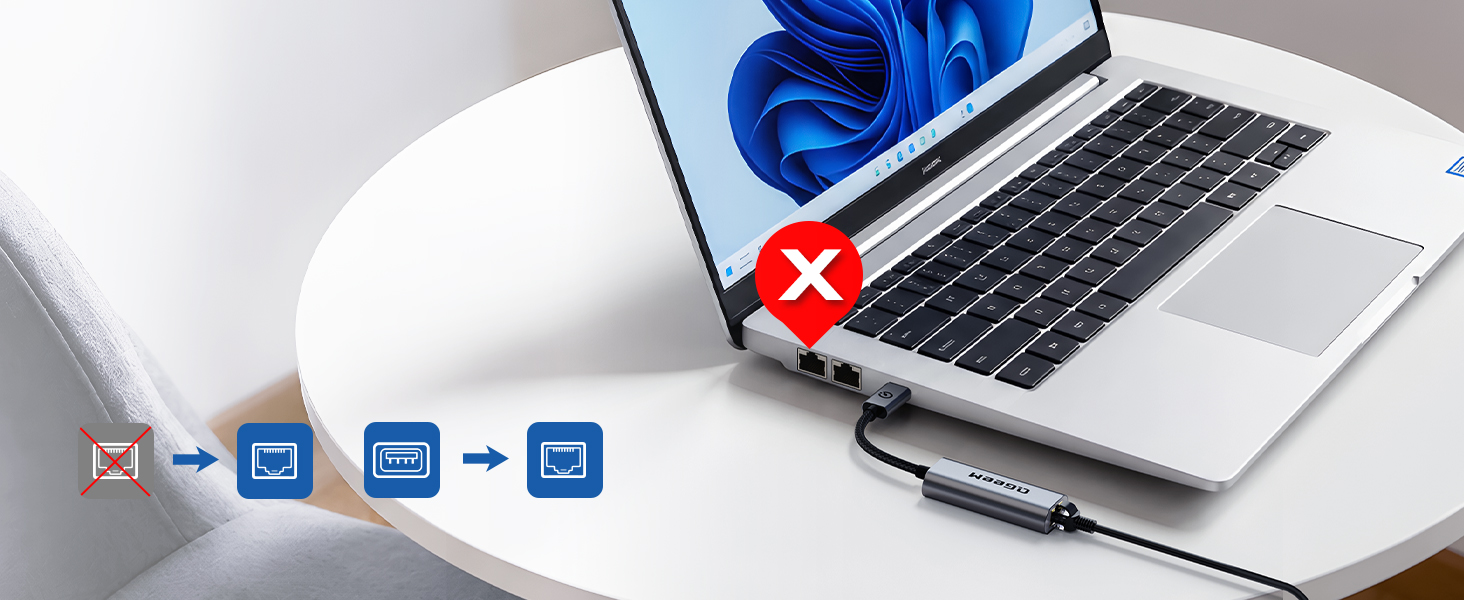
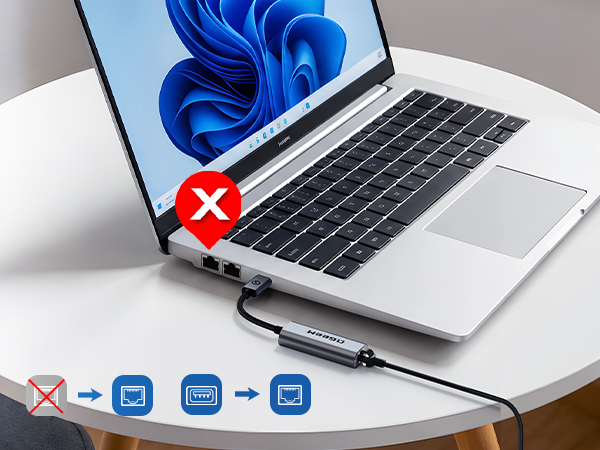
Network interface is not
working properly
Qgeem Ethernet adapter can
help you connect to the network

QgeeM USB-C to RJ45 adapter
provides you with a secure and
stable network connection.
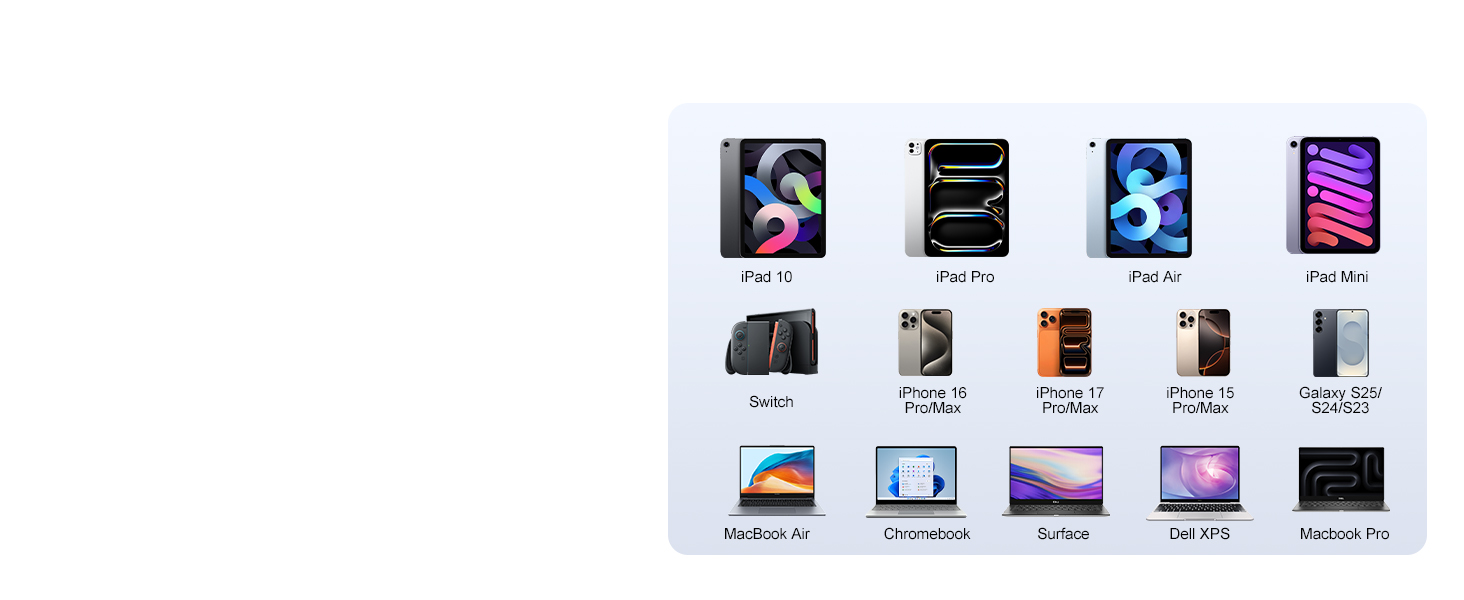
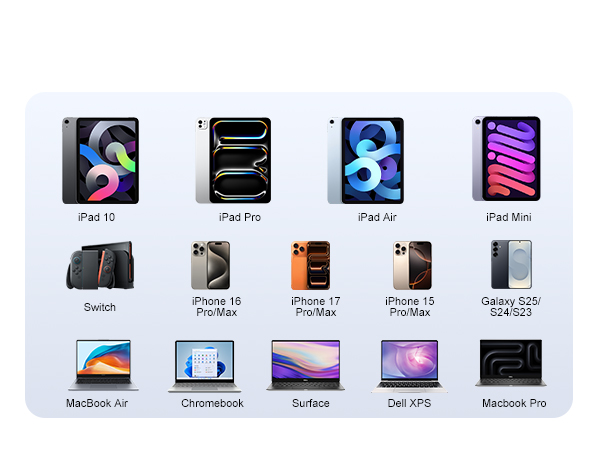
Suitable for a wide range of
USB-C devices
 QGeeM USB3.0Docking 11in1 |  QGeeM USBC HUB 10in1 |  QGeeM USB C Hub,12-in-1 |  QGeeM 12 in 1 USB C Hub | 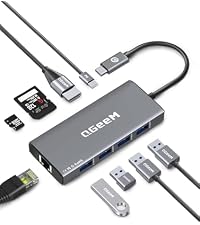 QGeeM USB C Hub Ethernet | 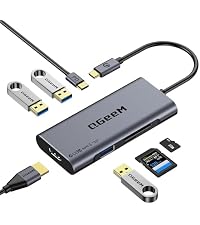 QGeeM 7 in 1 USB C Hub | 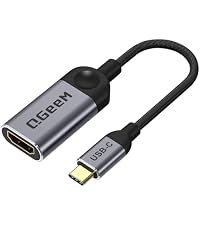 QGeeM USBC to HDMI | |
|---|---|---|---|---|---|---|---|
Customer Reviews | — | — | — | — | — | — | — |
Price | — | — | — | — | — | — | — |
Highlights | 1 Gbps High-Speed Internet | 1 Gbps High-Speed Internet | 1 Gbps High-Speed Internet | 1 Gbps High-Speed Internet | 1 Gbps High-Speed Internet | ? | ? |
Source Interface | USB 3.0 / USB-C OTG Adapter | USB Type-C Male | USB Type-C Male | USB Type-C Male | USB Type-C Male | USB Type-C Male | USB Type-C Male |
Interface | Ethernet Female | Ethernet Female | Ethernet Female | Ethernet Female | Ethernet Female | ? | ? |
HDMI Resolution | 2k@60hz | 4k@60hz | 4k@60hz | 4K@30hz | 4k@30HZ | 4K@30hz | 4K@30hz |
Plug & Play | DisplayLink driver | ? | ? | ? | ? | ? | ? |
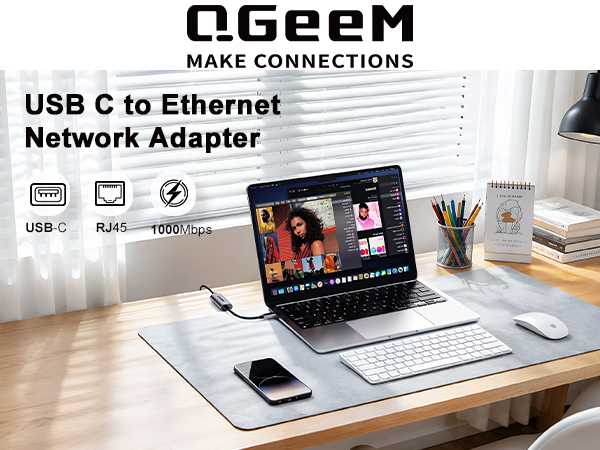
No drivers, software, or adapters re-
quired - simply connect and enjoy
full-speed internet
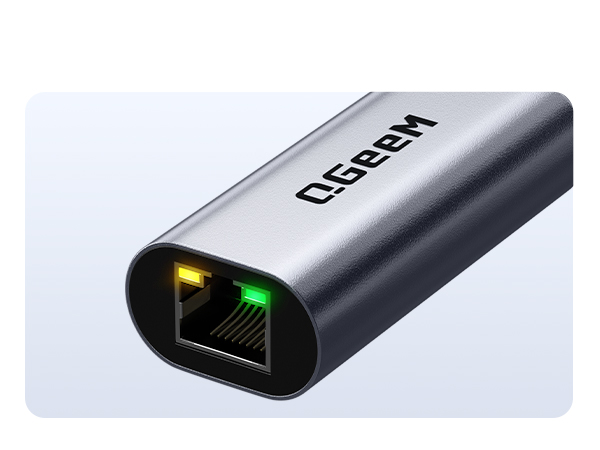
Yellow: USB-C to Ethernet
is transmitting Ethernet
Green: USB-C to RJ45
is connected to your device
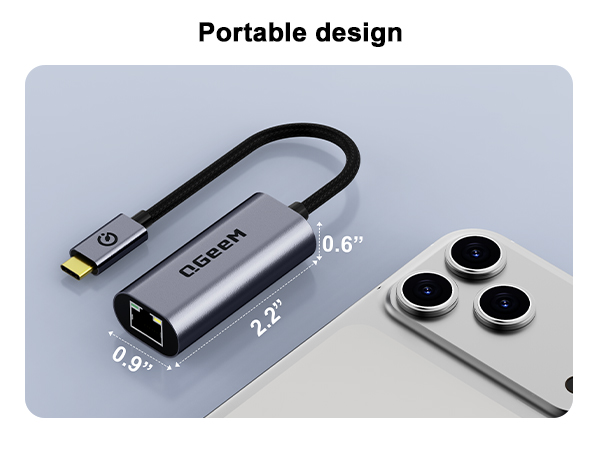
Makes it easier to carry while traveling.
Braided Nylon
Cable & Advanced
Aluminum Case
Stay connected to wired networks with
the speed and reliability of Gigabit
Ethernet.
Network interface is not
working properly
Qgeem Ethernet adapter can
help you connect to the network
QgeeM USB-C to RJ45 adapter
provides you with a secure and
stable network connection.
Suitable for a wide range of
USB-C devices

| FAQ | Q:Does this adapter work with the Nintendo Switch? A:QGEEM USB-C to Ethernet Adapter for Nintendo Switch |
|---|---|
| FAQ | Q: Is it compatible with the latest MacBook Pro/Air (M1/M2/M3 chips) and iPad Pro? A: Yes, absolutely. The USB-C Ethernet adapters are fully compatible with All Thunderbolt 3/4 and USB-C MacBooks (including M1, M2, and M3 series), iPad Pro/Air with USB-C ports, and Chromebooks. It is 100% plug-and-play with no drivers needed for macOS and Chrome OS. |
| FAQ | Q: Can I use this with my Smart TV, Xiaomi Mi Box, or Roku/Fire TV Stick? A: Most standard Gigabit Ethernet adapters DO NOT support Smart TVs (like Samsung, LG) because TVs lack built-in drivers for general USB network cards. For TV sticks (like Fire Stick), you usually need a specific adapter with an OTG power splitter cable and 100Mbps speed limitation. We do not recommend using this standard adapter directly on a TV |
| FAQ | Q: Do I need to install any drivers to use this adapter? A: For modern operating systems including Windows 11/10/8.1, macOS, Chrome OS, and Linux, it is completely Plug and Play. No driver installation is required. However, for older operating systems like Windows 7, Windows XP, or older Linux kernels, you may need to download and install the driver from the manufacturer's official website. |
| FAQ | Q: Why is the adapter not recognized on my Windows 7 laptop? A: Windows 7 does not have built-in drivers for newer Gigabit Ethernet chipsets (like Realtek or ASIX). You just need to visit the brand's official website (or the chipset manufacturer's site), download the corresponding Windows 7 Ethernet driver, install it, and restart your computer to make it work. |
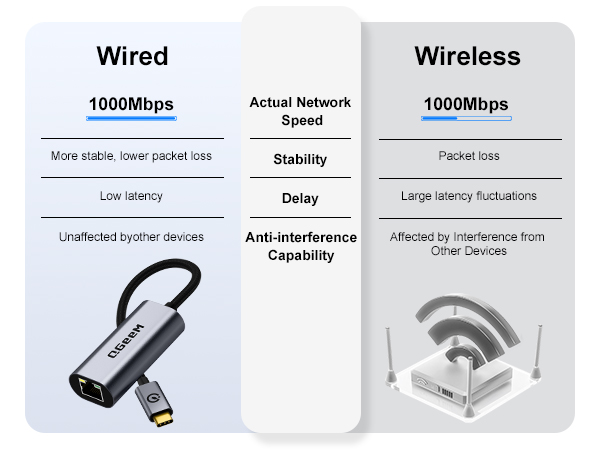
| FAQ | Q: Can this adapter really reach 1000Mbps (Gigabit) internet speed? A: Yes, it supports 10/100/1000 Mbps bandwidth. However, to achieve true Gigabit speed, your network environment must meet these conditions: 1) Your internet plan is over 100Mbps; 2) The router/modem port is a Gigabit port; 3) You are using a Cat5e or Cat6 (or above) Ethernet cable; 4) For USB-A models, you must plug it into a USB 3.0 port (usually blue inside). |
| FAQ | Q: Why am I only getting 100Mbps or less when testing the speed? A: This is usually limited by external factors. Please double-check if your Ethernet cable is an old 4-wire cable (which caps at 100Mbps), or if you accidentally plugged the adapter into an old USB 2.0 port (which limits speed). Also, verify if the specific LAN port on your router supports Gigabit speeds. |
| FAQ | Q: Does this adapter have LED indicator lights? What do they mean? A: Yes, it features built-in LED indicators. The Green/Yellow light stays solid to indicate a proper hardware connection and power supply. The Amber/Orange light flashes to indicate active data transmission. If no lights are on, please try a different USB port or replace the network cable. |
| FAQ | Q: The adapter gets warm/hot during use. Is this normal? A: Yes, it is completely normal. When processing high-speed Gigabit data, the internal chip generates heat. Aluminum casing models are designed to conduct heat away from the internal chip to the outside environment to ensure stable performance. It will not damage your devices. |
| FAQ | Q: Why does the internet disconnect after my computer wakes up from sleep mode? A: This is related to your computer's power saving settings. On Windows, go to Device Manager -> Network Adapters -> Right-click the adapter -> Properties -> Power Management, and uncheck "Allow the computer to turn off this device to save power." This will prevent the adapter from disabling during sleep. |
QGeeM USB3.0Docking 11in1 | QGeeM USBC HUB 10in1 | QGeeM USB C Hub,12-in-1 | QGeeM 12 in 1 USB C Hub | QGeeM USB C Hub Ethernet | QGeeM 7 in 1 USB C Hub | QGeeM USBC to HDMI |
|---|---|---|---|---|---|---|
| Customer Reviews | ||||||
| — | — | — | — | — | — | — |
| Price | ||||||
| — | — | — | — | — | — | — |
| Highlights | ||||||
| 1 Gbps High-Speed Internet | 1 Gbps High-Speed Internet | 1 Gbps High-Speed Internet | 1 Gbps High-Speed Internet | 1 Gbps High-Speed Internet | ? | ? |
| Source Interface | ||||||
| USB 3.0 / USB-C OTG Adapter | USB Type-C Male | USB Type-C Male | USB Type-C Male | USB Type-C Male | USB Type-C Male | USB Type-C Male |
| Interface | ||||||
| Ethernet Female | Ethernet Female | Ethernet Female | Ethernet Female | Ethernet Female | ? | ? |
| HDMI Resolution | ||||||
| 2k@60hz | 4k@60hz | 4k@60hz | 4K@30hz | 4k@30HZ | 4K@30hz | 4K@30hz |
| Plug & Play | ||||||
| DisplayLink driver | ? | ? | ? | ? | ? | ? |
In 2012, we founded QGeeM because we want innovate high-quality computer accessories in the world,such as:usb c adapter, usb c hub,docking station,wireless charger, video cable ect
To make your work easier,and create connections for you at anytime,anywhere,Our QGeeM continually updated to be refined and durable. Each product strives for quality
| Brand | QGeeM |
| Hardware Interface | Ethernet |
| Color | Classic Gray |
| Compatible Devices | Desktop |
| Product Dimensions | 8.43"L x 0.98"W x 0.6"H |
| Data Link Protocol | Gigabit Ethernet |
| Data Transfer Rate | 1 gigabits_per_second |
| Number of Packs | 1 |
| UPC | 798044877343 |
| Compatible Operating System Family | Windows |
| Item Highlight | LAN Converter for Thunderbolt 5/4/3 MacBook Air/Neo,iPad,iMac,iPhone 17/16/15 Pro Max,Galaxy Dex,Surface Book,Dell,Hp Laptop |
| Number of Items | 1 |
| Manufacturer | SHENZHEN QIANJIMI INDUSTRIAL CO., LTD |
| Built-In Media | USB Type-c, ethernet |
| Model Number | UCR01 |
| Mfr Part Number | UCR01 |
| Warranty Description | 1 |
| Minimum Required Operating System Version | Windows 10 |
| Item Dimensions L x W x H | 8.43"L x 0.98"W x 0.6"H |