














Why am I not getting a signal?
(1) Check if the nearby router's WiFi function works properly when connected directly to the cell phone.
(2) Try reducing the distance between the USB WiFi adapter and the router, and avoid obstacles such as thick walls and metal.
I have successfully established a connection, but the internet speed is slow. Is there a way to improve it?
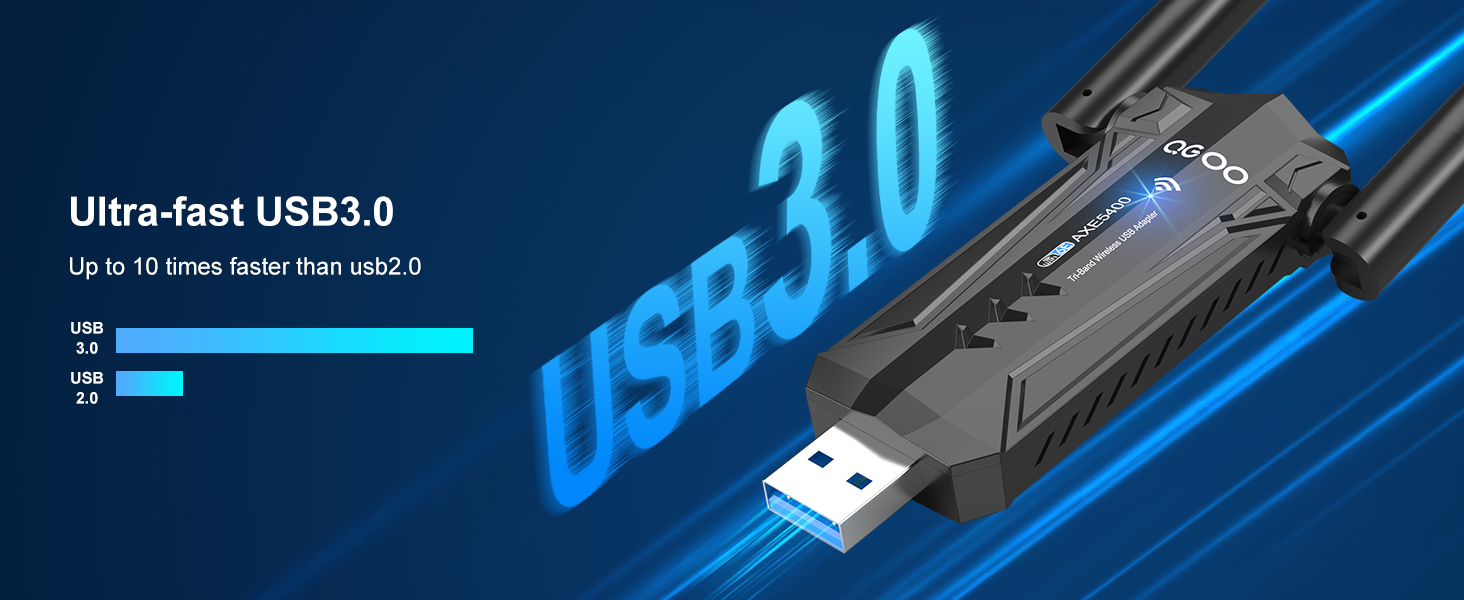
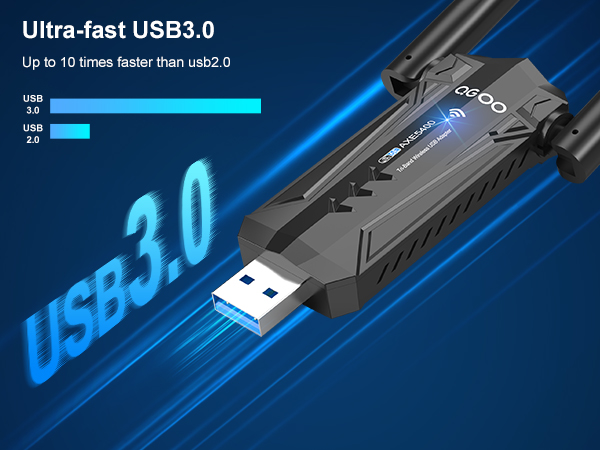
(1) Connect the WiFi adapter to the USB 3.0 port of your computer.
(2) Try using the adapter in an area with a stronger signal.
(3) Please switch the router to 6G and try again.
I can detect the WiFi signal, but can't connect, what should I do?
(1) Please ensure that you have entered the correct password.
(2) Check if you have set the binding of your Mac address and the router.
(3) Check if the driver is correct, uninstall the driver and reinstall it.
Connected, but no 6G signal. How to adjust?
(1) Ensure that your router supports 6G.
(2) Turn off the "Combine 2.4 GHz and 5 GHz WiFi Network" setting in the WiFi and then you can manually choose 6G.
The internet disconnects when the computer wakes up after a period of inactivity.
To avoid any delay in reconnecting to the router after inactivity, we suggest you turn off the power-saving mode of the computer,otherwise it will take about a minute to reconnect to the router when the computer awakens after inactivity



Why am I not getting a signal?
(1) Check if the nearby router's WiFi function works properly when connected directly to the cell phone.
(2) Try reducing the distance between the USB WiFi adapter and the router, and avoid obstacles such as thick walls and metal.
I have successfully established a connection, but the internet speed is slow. Is there a way to improve it?
(1) Connect the WiFi adapter to the USB 3.0 port of your computer.
(2) Try using the adapter in an area with a stronger signal.
(3) Please switch the router to 6G and try again.
I can detect the WiFi signal, but can't connect, what should I do?
(1) Please ensure that you have entered the correct password.
(2) Check if you have set the binding of your Mac address and the router.
(3) Check if the driver is correct, uninstall the driver and reinstall it.
Connected, but no 6G signal. How to adjust?
(1) Ensure that your router supports 6G.
(2) Turn off the "Combine 2.4 GHz and 5 GHz WiFi Network" setting in the WiFi and then you can manually choose 6G.
The internet disconnects when the computer wakes up after a period of inactivity.
To avoid any delay in reconnecting to the router after inactivity, we suggest you turn off the power-saving mode of the computer,otherwise it will take about a minute to reconnect to the router when the computer awakens after inactivity