




 here!
here!
I’m your shopping assistant for PC builds, upgrades, and everything tech.
Got questions? Ask away!
Start a conversation
here!
I’m your shopping assistant for PC builds, upgrades, and everything tech.
Got questions? Ask away!
Start a conversation




Any questions? Ask CelesteSM will help you find out quickly.

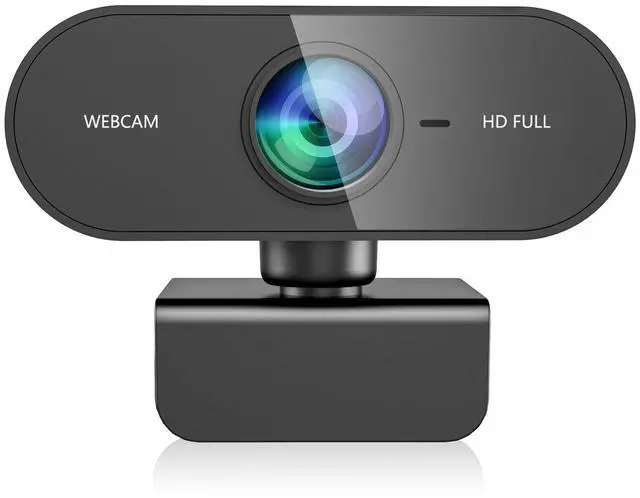
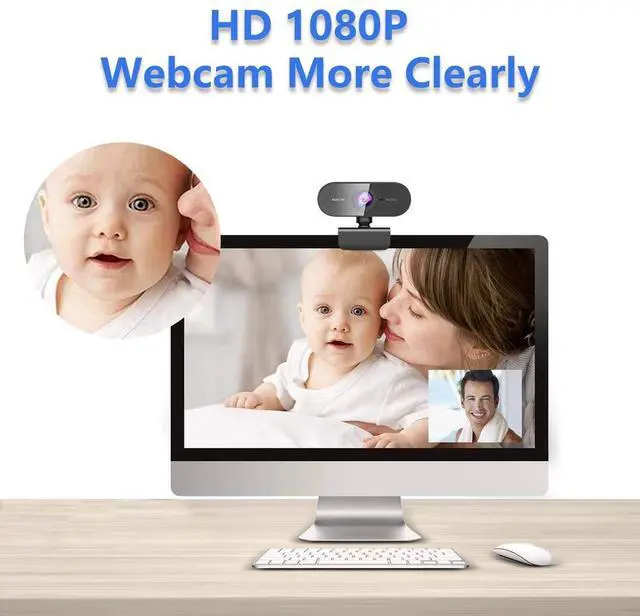
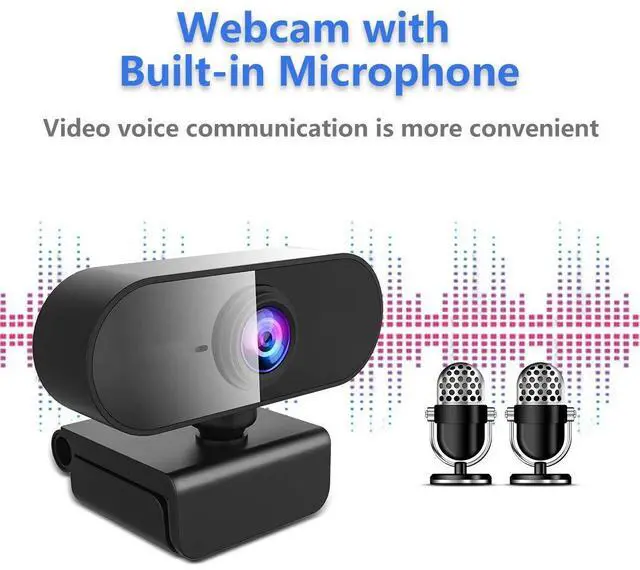
This 1080P HD webcam for PC features a built-in high-definition color camera. Its sleek, all-in-one design is compact, durable, and super easy to set up—just plug and play! Experience stunning true-to-life Full HD 1080p video—crystal-clear and ultra-smooth for Skype calls, video chats, and YouTube streaming. Plus, with its built-in dual stereo mics, you get crisp, noise-free audio so you sound your best, even in busy environments.

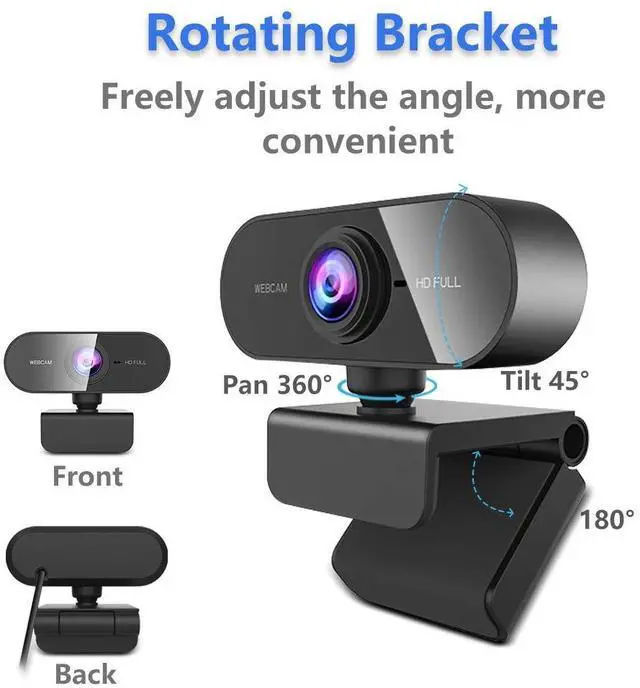
webcam for mac with a mounting clip, you can attach this webcam to almost anything—your laptop, monitor, tripod, you name it! Plus, with 180° tilt and 360° swivel, you can easily adjust it to the perfect angle for any setup.

This high-quality 1080p HD webcam for laptop features a built-in full HD color camera that delivers crisp, With true-to-life color reproduction,it's perfect for video calls, online classes, streaming

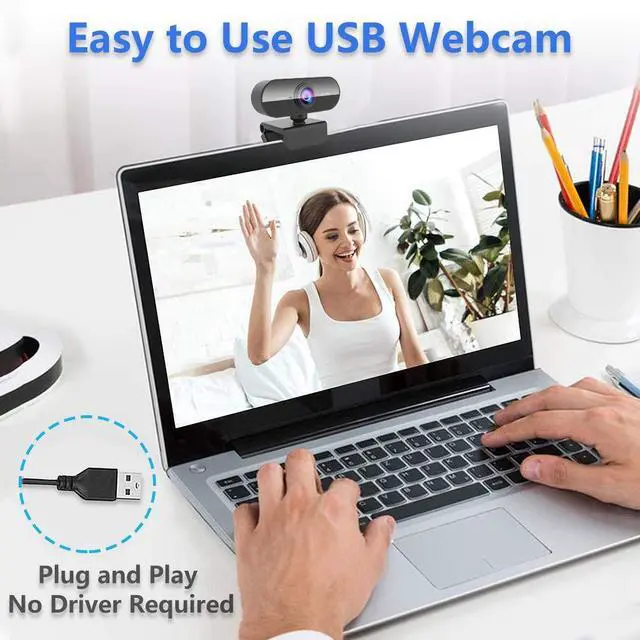
Works instantly—no drivers needed! This plug-and-play usb webcam is universally compatible with popular apps like Zoom, Skype, YouTube, and more. Just connect and start streaming or video calling right away.

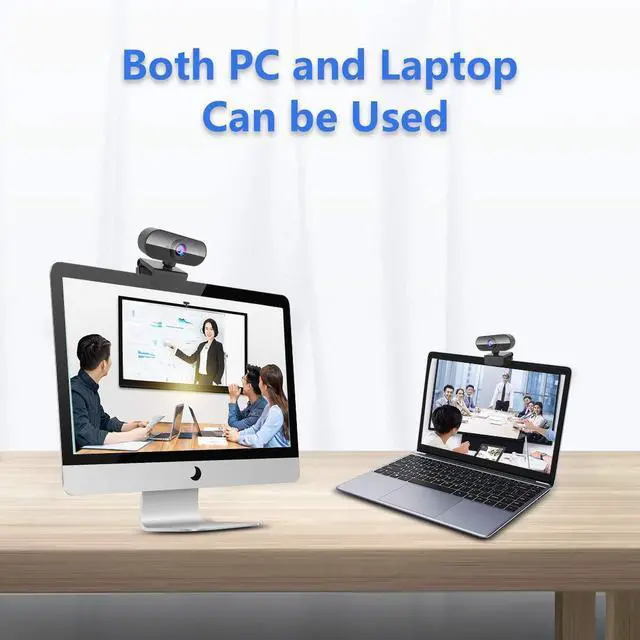
Works seamlessly with computers, laptops, desktops, LCD monitors, Smart TVs, streaming devices, and more—plug it in and you're ready to go!

HOW TO USE WEBCAM?
1. Attach the webcam to your computer. Plug the webcam's USB cable into one of the rectangular USB ports on the side or back of your computer.
USB plugs can only be inserted one way. If the plug won't fit into the port, rotate the plug 180 degrees and try again.
If you're on a Mac, you'll most likely need to buy a USB to USB-C adapter in order to fit a normal webcam.
Make sure that you plug the webcam directly into your computer, not a USB hub. USB hubs are often too underpowered to operate a webcam.
2. It's a plug&play type so it won't come with a CD. Plug the webcam into your computer will start the setup process. The setup process will involve clicking through a series of preference windows before clicking an Install button.
3. Follow any on-screen instructions. Pay attention to the windows' information here. You'll most likely need to select certain preferences that will help the webcam work later.
4. Adjust the webcam as needed.
5. Start a video call with you Skype or something else. Test the webcam's sound. While speaking into the webcam, look for spikes in activity next to the "Audio" (or similarly titled) section in the webcam's window. If you don't see any activity here, your webcam's microphone isn't working and might need to be enabled from the webcam's or computer's settings.
6. Change your webcam's settings as needed if necessary.

Love streaming? This 1080p webcam is perfect for you! Enjoy sharp 1080p HD video that brings your games and videos to life—making every moment look amazing.

Every student needs a pc webcam for online learning. Study from home without wasting time traveling—smooth 30fps video keeps your video calls clear and lag-free!

Just plug in the USB and you're ready to go! This computer webcam makes group video calls easy—perfect for online classes, meetings, or interviews. No setup needed!

This laptop webcam delivers smooth, crystal-clear video at 30fps – perfect for Skype calls, Zoom meetings, gaming streams, and more. Works instantly with PCs, Macs, tablets
This 1080P HD webcam for PC features a built-in high-definition color camera. Its sleek, all-in-one design is compact, durable, and super easy to set up—just plug and play! Experience stunning true-to-life Full HD 1080p video—crystal-clear and ultra-smooth for Skype calls, video chats, and YouTube streaming. Plus, with its built-in dual stereo mics, you get crisp, noise-free audio so you sound your best, even in busy environments.
webcam for mac with a mounting clip, you can attach this webcam to almost anything—your laptop, monitor, tripod, you name it! Plus, with 180° tilt and 360° swivel, you can easily adjust it to the perfect angle for any setup.
This high-quality 1080p HD webcam for laptop features a built-in full HD color camera that delivers crisp, With true-to-life color reproduction,it's perfect for video calls, online classes, streaming
Works instantly—no drivers needed! This plug-and-play usb webcam is universally compatible with popular apps like Zoom, Skype, YouTube, and more. Just connect and start streaming or video calling right away.
Works seamlessly with computers, laptops, desktops, LCD monitors, Smart TVs, streaming devices, and more—plug it in and you're ready to go!
HOW TO USE WEBCAM?
1. Attach the webcam to your computer. Plug the webcam's USB cable into one of the rectangular USB ports on the side or back of your computer.
USB plugs can only be inserted one way. If the plug won't fit into the port, rotate the plug 180 degrees and try again.
If you're on a Mac, you'll most likely need to buy a USB to USB-C adapter in order to fit a normal webcam.
Make sure that you plug the webcam directly into your computer, not a USB hub. USB hubs are often too underpowered to operate a webcam.
2. It's a plug&play type so it won't come with a CD. Plug the webcam into your computer will start the setup process. The setup process will involve clicking through a series of preference windows before clicking an Install button.
3. Follow any on-screen instructions. Pay attention to the windows' information here. You'll most likely need to select certain preferences that will help the webcam work later.
4. Adjust the webcam as needed.
5. Start a video call with you Skype or something else. Test the webcam's sound. While speaking into the webcam, look for spikes in activity next to the "Audio" (or similarly titled) section in the webcam's window. If you don't see any activity here, your webcam's microphone isn't working and might need to be enabled from the webcam's or computer's settings.
6. Change your webcam's settings as needed if necessary.
Love streaming? This 1080p webcam is perfect for you! Enjoy sharp 1080p HD video that brings your games and videos to life—making every moment look amazing.
Every student needs a pc webcam for online learning. Study from home without wasting time traveling—smooth 30fps video keeps your video calls clear and lag-free!
Just plug in the USB and you're ready to go! This computer webcam makes group video calls easy—perfect for online classes, meetings, or interviews. No setup needed!
This laptop webcam delivers smooth, crystal-clear video at 30fps – perfect for Skype calls, Zoom meetings, gaming streams, and more. Works instantly with PCs, Macs, tablets
webcam
| Brand | QMKKX |
| Photo Sensor Technology | Other |
| Video Capture Resolution | 1080p |
| Maximum Focal Length | 1080 Millimeters |
| Flash Memory Type | CompactFlash |
| Video Capture Format | MP4 |
| Supported Audio Format | AAC, MP3 |
| Screen Size | 2.7 Inches |
| Connectivity Technology | USB |
| Color | Black |
| Brand Name | QMKKX |
| Item Weight | 2.39 ounces |
| Package Dimensions | 3.58 x 2.32 x 2.24 inches |
| Item model number | 1080P |
| Color Name | Black |
| Special Features | usb |
| Date First Available | July 29, 2025 |


