






Optical Drive Troubleshooting
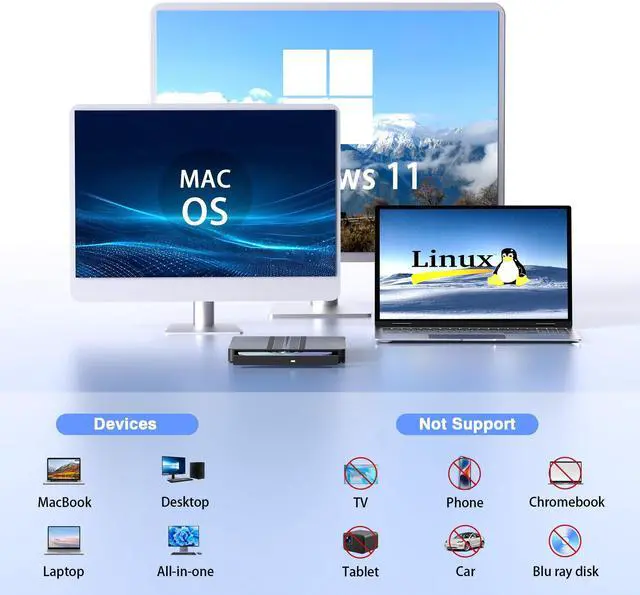
Check if your computer detects the optical drive. • For Windows: Look for "DVD RW Drive" in "This PC". For Mac: Icon appears only after disc inserted & read.
If the drive is not recognized, try these solutions:
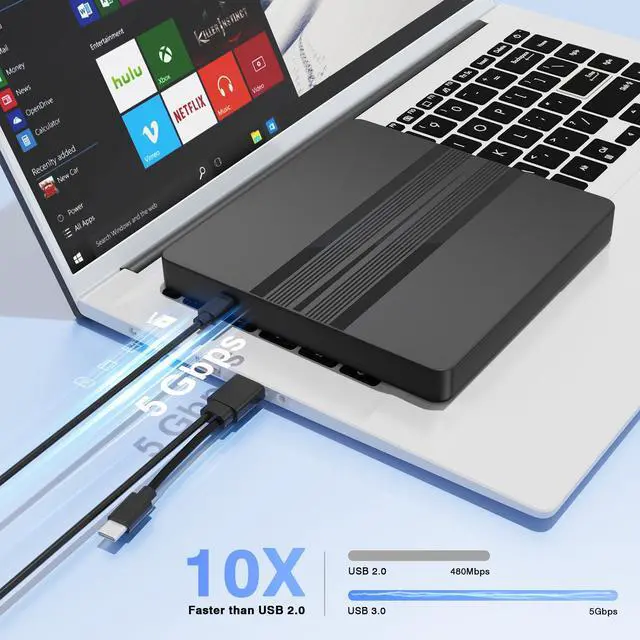
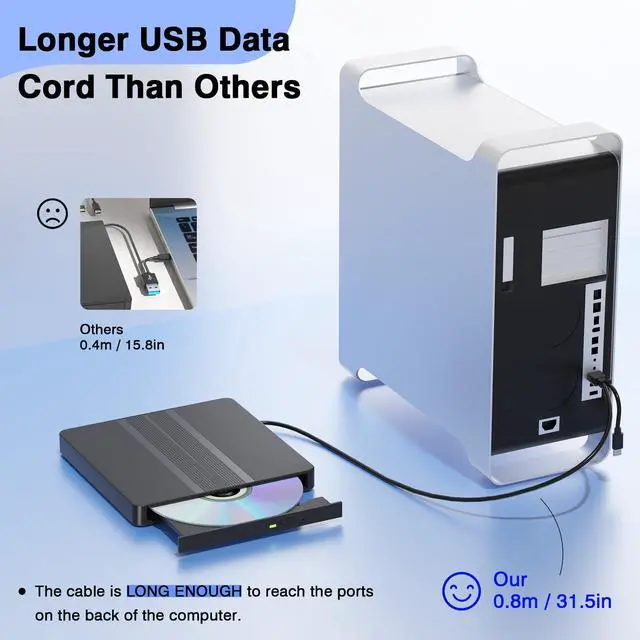
Method 1: Ensure sufficient power supply. Use a data-capable USB-C/A cable. For Laptops, ensure laptops are on power; For desktops, use the back USB port; Do not use a USB hub.
Method 2: Reinstall the Device Driver (Windows). The driver for the optical drive is built into Windows, please refresh it. Uninstall drive in Device Manager > Reboot PC (driver auto-reinstalls) ,which can resolve many detection issues.
Method 3: Use the Windows Hardware Troubleshooter (Windows 7, 8, 8.1, 10,11). Run the built-in "Hardware and Devices" troubleshooter to automatically find and fix common problems.
If the drive is recognized but isn't working correctly, the issue may be:
1. Set the region code to number 1 to play US or Canadian DVDs (CDs do not have region code).The DVD drive and disc must match to play. Change steps: See manual last page.
2. If your device system is Windows 10/11, please install a VLC media player to play DVDs or CDs when they cannot play properly.
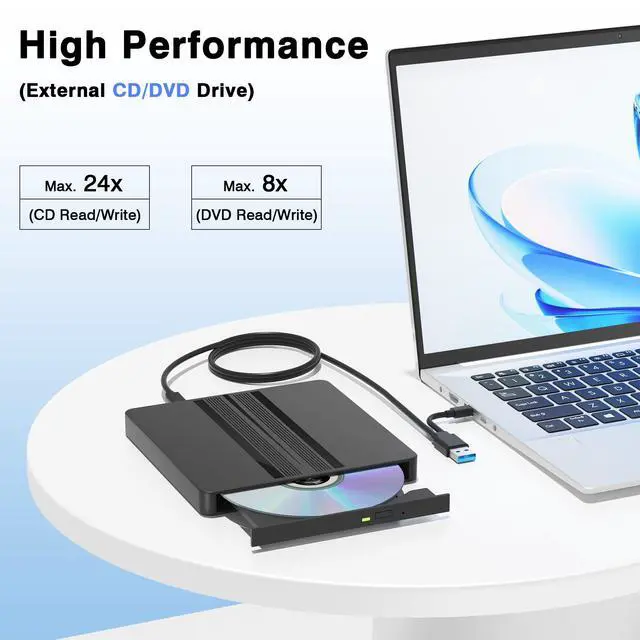
3. Ensure cd is placed well and not scratched. The maximum read capacity is 8.5GB, so portable CD/DVD recorders cannot play discs exceeding 8.5GB.
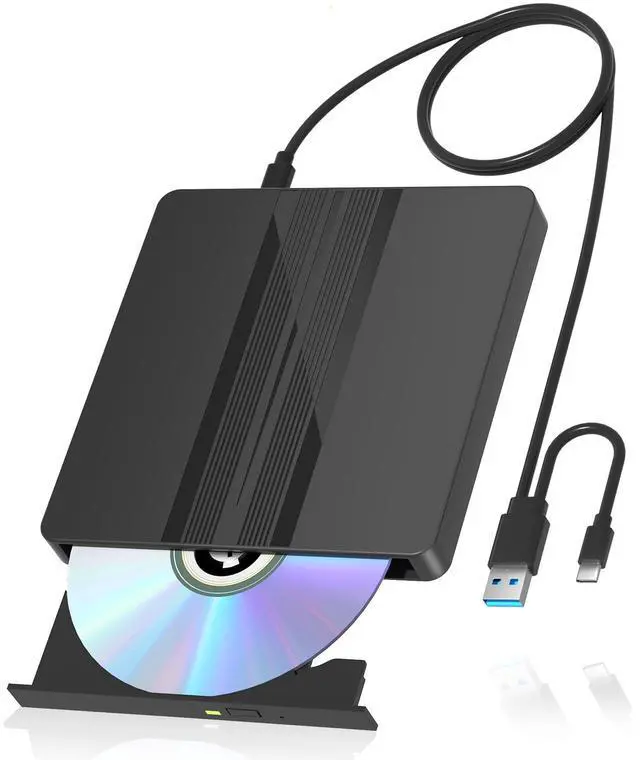
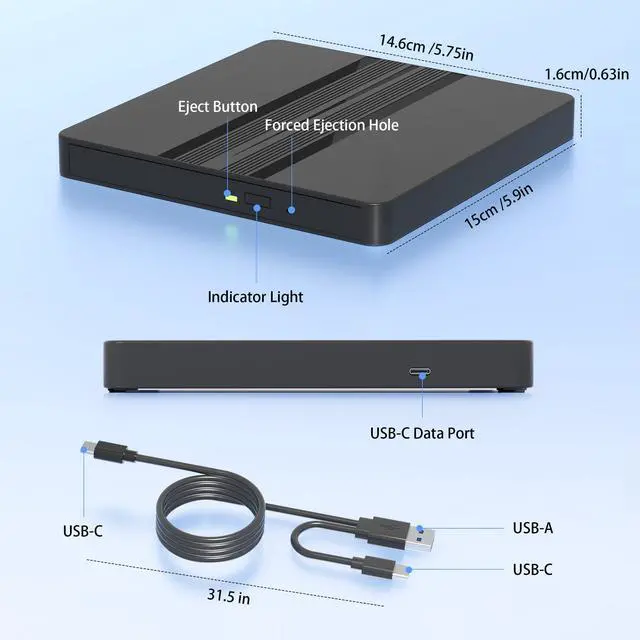
Note: There is a reset hole next to the pop-up button. If the tray of the external optical drive cannot be ejected correctly, a pin can be used to eject the tray through the reset hole.


Optical Drive Troubleshooting
Check if your computer detects the optical drive. • For Windows: Look for "DVD RW Drive" in "This PC". For Mac: Icon appears only after disc inserted & read.
If the drive is not recognized, try these solutions:
Method 1: Ensure sufficient power supply. Use a data-capable USB-C/A cable. For Laptops, ensure laptops are on power; For desktops, use the back USB port; Do not use a USB hub.
Method 2: Reinstall the Device Driver (Windows). The driver for the optical drive is built into Windows, please refresh it. Uninstall drive in Device Manager > Reboot PC (driver auto-reinstalls) ,which can resolve many detection issues.
Method 3: Use the Windows Hardware Troubleshooter (Windows 7, 8, 8.1, 10,11). Run the built-in "Hardware and Devices" troubleshooter to automatically find and fix common problems.
If the drive is recognized but isn't working correctly, the issue may be:
1. Set the region code to number 1 to play US or Canadian DVDs (CDs do not have region code).The DVD drive and disc must match to play. Change steps: See manual last page.
2. If your device system is Windows 10/11, please install a VLC media player to play DVDs or CDs when they cannot play properly.
3. Ensure cd is placed well and not scratched. The maximum read capacity is 8.5GB, so portable CD/DVD recorders cannot play discs exceeding 8.5GB.
Note: There is a reset hole next to the pop-up button. If the tray of the external optical drive cannot be ejected correctly, a pin can be used to eject the tray through the reset hole.