


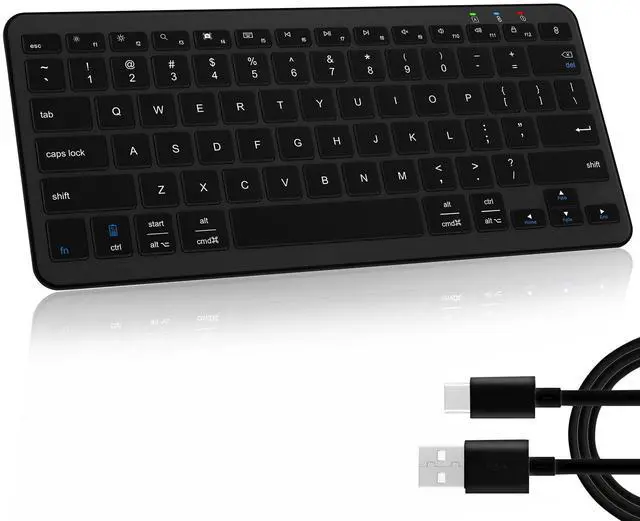


Qulose Wireless Bluetooth Keyboard

Note:
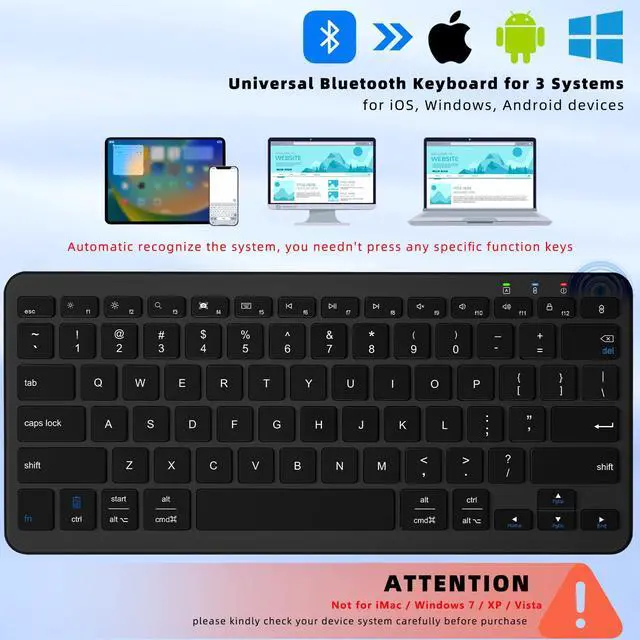
1. This Bluetooth Mini Keyboard could automatic recognize the system, you needn't press any specific function keys.
2. The wireless keyboard enabled to support up to 1 devices at the same time.

This mini Bluetooth keyboard not for iMac / Windows 7 / XP / Vista.
How to Pair the Qulose Keyboard

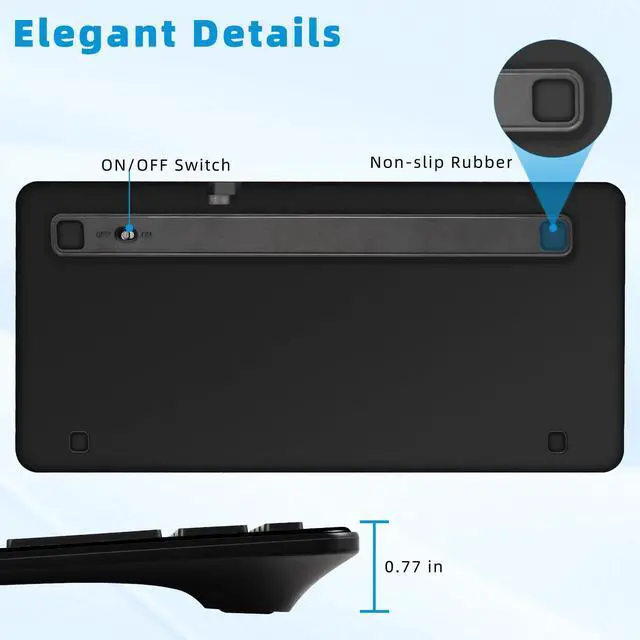
Step 1: On the keyboard, slide the power switch to the ON position.
Step 2: Long press “Bluetooth Pair" Key for 3 seconds to active Bluetooth of keyboard.
Step 3: Turn Bluetooth ON in settings on your device.
Step 4: Select “Qulose Keyboard" and click to connect it.


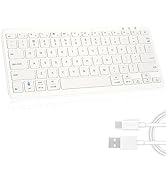
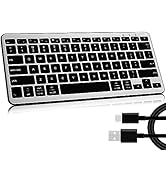
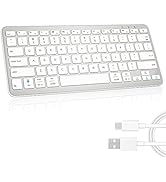
4 Colors to Choose , find your own color to brighten up the workspace
 Black Bluetooth Keyboard |  White Silver Keyboard |  Black Silver Keyboard |  White Bluetooth Keyboard | |
|---|---|---|---|---|
Customer Reviews | — | — | — | — |
Price | — | — | — | — |
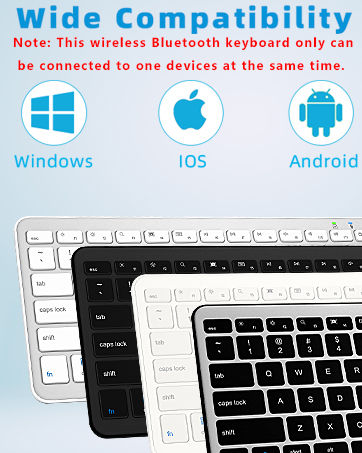
Compatibility | iOS, Windows, Android | iOS, Windows, Android | iOS, Windows, Android | iOS, Windows, Android |
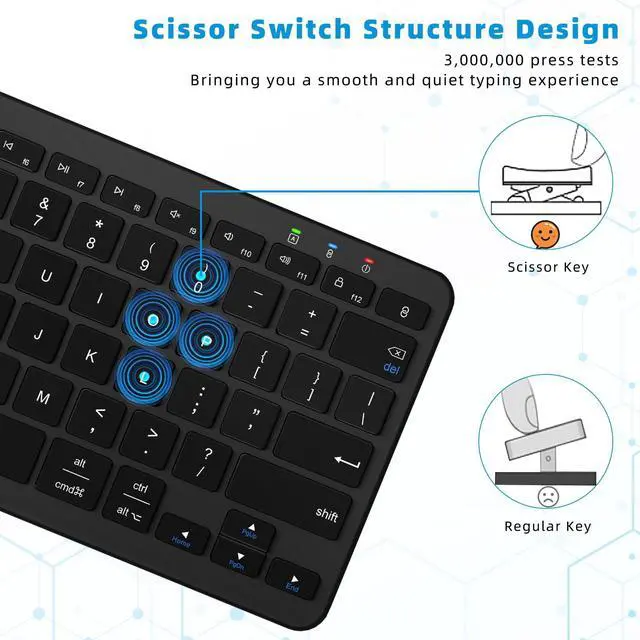
Scissor-Switch Keys | Yes | Yes | Yes | Yes |
Power | Type -C charge | Type -C charge | Type -C charge | Type -C charge |
Connected devices | Up to 1 | Up to 1 | Up to 1 | Up to 1 |
Connectivity | Bluetooth | Bluetooth | Bluetooth | Bluetooth |
Color | Black | Silver White | Silver Black | White |
Rechargeable | Yes | Yes | Yes | Yes |
Is the keyboard compatible with any system or device?
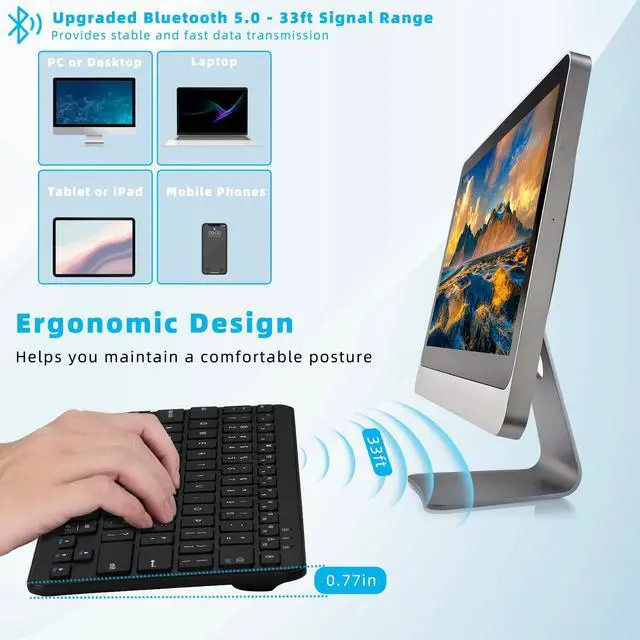
The wireless keyboard is compatible with iOS, Windows and Android system in Bluetooth mode. Note: Not compatible with iMac, Windows 7,Windows XP, Windows Vista system.
How many devices can be connected to the keyboard at the same time and how to connect?
Qulose silent Keyboard can be connected to one devices at the same time. It could automatic recognize the system, you needn't press any specific function keys.
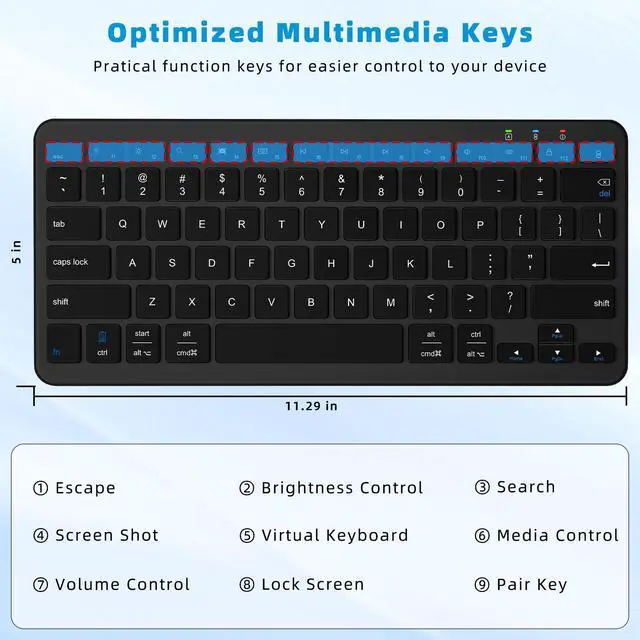
Esc key not work ?
The esc key is not home screen function. It acts like a “Cancel” button on most computers. For example, in input dialogs, you can remove an incorrect entry using the Escape key to clear the input field.
How to use multimedia or F1-F12 function?
The F1-F12 functions need to be activated by pressing Fn + F1-F12 keys. Please note that for Android and iOS system users: The F1-F12 key is not function.
How long does it take for the keyboard to enter sleep mode if not in use?
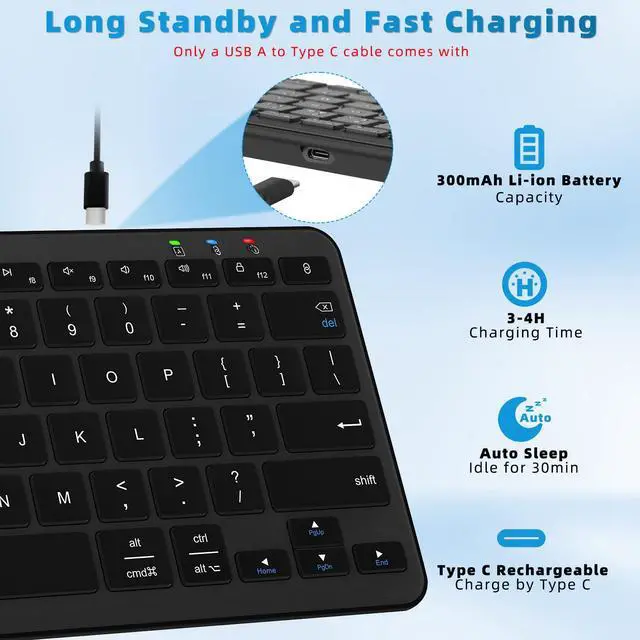
This wireless Bluetooth keyboard will enter sleep mode after remaining idle for 30 minutes. To wake the keyboard, press any key and wait for 3 seconds.


What is Qulose?
We are a professional vendor for large scope of high quality electronic products, including computer accessories, consumer electronics, etc.
We strive to bring our customers the best buying experience by providing top-notch best quality products.
Main Products
iPad Keyboard Case, Universal Bluetooth Keyboard, Surface Keyboard Case, Stylus Pen, etc.
Rechargeable Wireless Keyboard
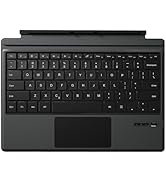
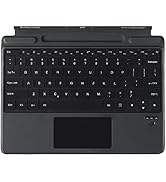
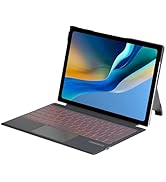
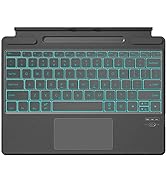
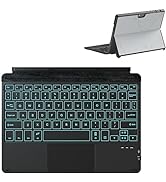
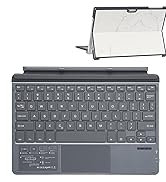
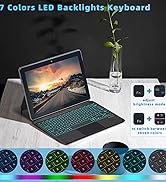
Surface Pro Keyboard

Surface Go Keyboard with Case
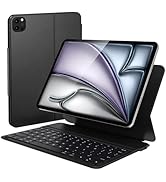
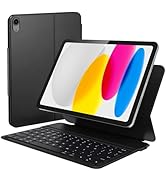
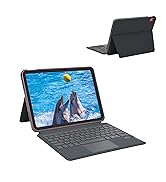
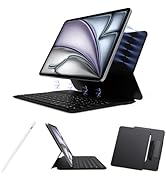
iPad Keyboard Case
Qulose Wireless Bluetooth Keyboard

Note:
1. This Bluetooth Mini Keyboard could automatic recognize the system, you needn't press any specific function keys.
2. The wireless keyboard enabled to support up to 1 devices at the same time.

This mini Bluetooth keyboard not for iMac / Windows 7 / XP / Vista.
How to Pair the Qulose Keyboard

Step 1: On the keyboard, slide the power switch to the ON position.
Step 2: Long press “Bluetooth Pair" Key for 3 seconds to active Bluetooth of keyboard.
Step 3: Turn Bluetooth ON in settings on your device.
Step 4: Select “Qulose Keyboard" and click to connect it.


4 Colors to Choose , find your own color to brighten up the workspace
Black Bluetooth Keyboard | White Silver Keyboard | Black Silver Keyboard | White Bluetooth Keyboard |
|---|---|---|---|
| Customer Reviews | |||
| — | — | — | — |
| Price | |||
| — | — | — | — |
| Compatibility | |||
| iOS, Windows, Android | iOS, Windows, Android | iOS, Windows, Android | iOS, Windows, Android |
| Scissor-Switch Keys | |||
| Yes | Yes | Yes | Yes |
| Power | |||
| Type -C charge | Type -C charge | Type -C charge | Type -C charge |
| Connected devices | |||
| Up to 1 | Up to 1 | Up to 1 | Up to 1 |
| Connectivity | |||
| Bluetooth | Bluetooth | Bluetooth | Bluetooth |
| Color | |||
| Black | Silver White | Silver Black | White |
| Rechargeable | |||
| Yes | Yes | Yes | Yes |
Is the keyboard compatible with any system or device?
The wireless keyboard is compatible with iOS, Windows and Android system in Bluetooth mode. Note: Not compatible with iMac, Windows 7,Windows XP, Windows Vista system.
How many devices can be connected to the keyboard at the same time and how to connect?
Qulose silent Keyboard can be connected to one devices at the same time. It could automatic recognize the system, you needn't press any specific function keys.
Esc key not work ?
The esc key is not home screen function. It acts like a “Cancel” button on most computers. For example, in input dialogs, you can remove an incorrect entry using the Escape key to clear the input field.
How to use multimedia or F1-F12 function?
The F1-F12 functions need to be activated by pressing Fn + F1-F12 keys. Please note that for Android and iOS system users: The F1-F12 key is not function.
How long does it take for the keyboard to enter sleep mode if not in use?
This wireless Bluetooth keyboard will enter sleep mode after remaining idle for 30 minutes. To wake the keyboard, press any key and wait for 3 seconds.
What is Qulose?
We are a professional vendor for large scope of high quality electronic products, including computer accessories, consumer electronics, etc.
We strive to bring our customers the best buying experience by providing top-notch best quality products.
Main Products
iPad Keyboard Case, Universal Bluetooth Keyboard, Surface Keyboard Case, Stylus Pen, etc.
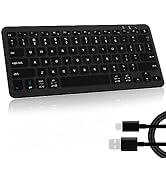
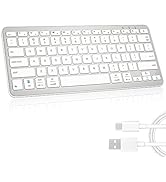
Rechargeable Wireless Keyboard
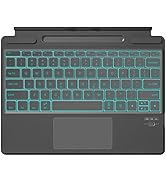
Surface Pro Keyboard
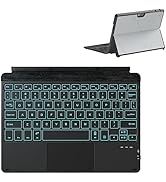
Surface Go Keyboard with Case
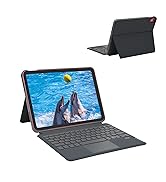
iPad Keyboard Case
