



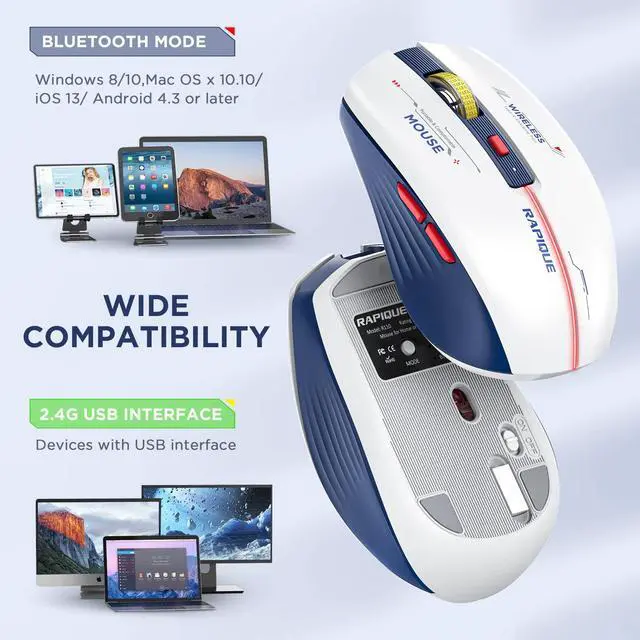


Wide Compatibility
- Bluetooth Support:Windows 8/ window 10/ChromeOS/ Android/ Mac iOS 11 and above systems.
- 2.4G Support:All devices with USB interface.
- Note: Bluetooth not available for Win7/XP
- 1 * Wireless Mouse
- 1 * User Manual
- 1*USB-C charging cable
- 1 * USB Receiver (Stored on the back of the mouse)
RAPIQUE Triple Mode Bluetooth Mouse
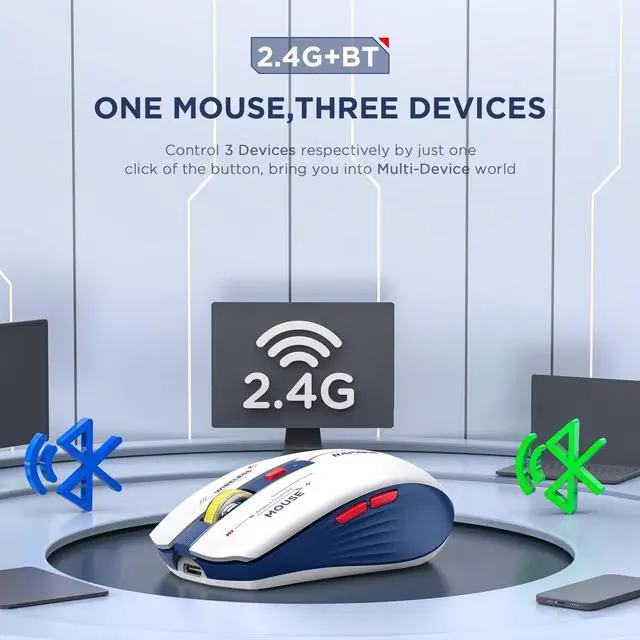
1 USB & 2 Bluetooth Triple Connection Modes
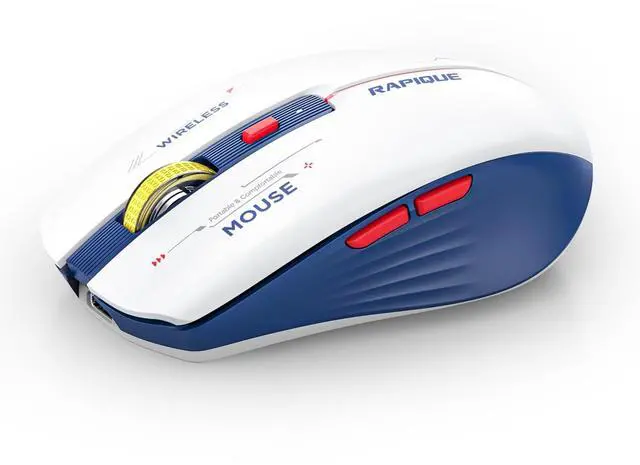
- Ergonomic Shape & Cool Colors Matching - Slim ergonomic design makes you feel comfortable to use without getting tired. Cool Mecha Colors Matching show your uniqueness and make your desk different from others.
- Dual Bluetooth & 2.4GHZ Three Mode - Connects with three devices through dual Bluetooth and a 2.4GHz USB receiver. Simply switch between three devices with just one click.
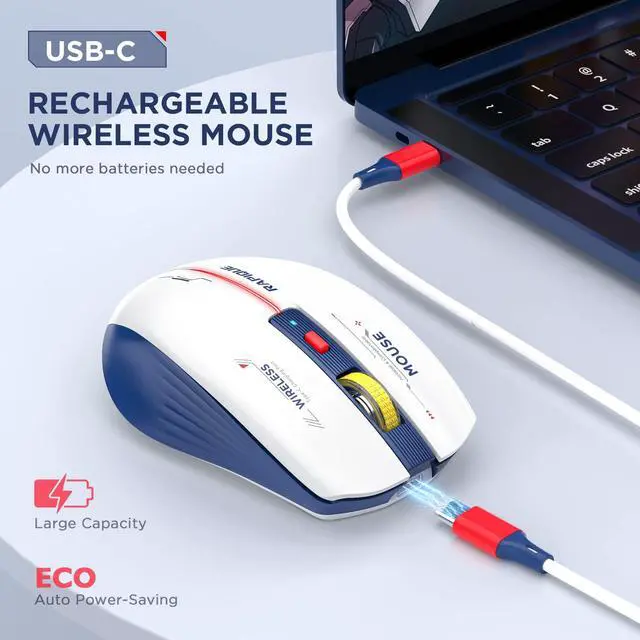
- Support cable charging with Type C ports at both ends.
- You can directly use the computer charger or mobile phone charger to charge the mouse.
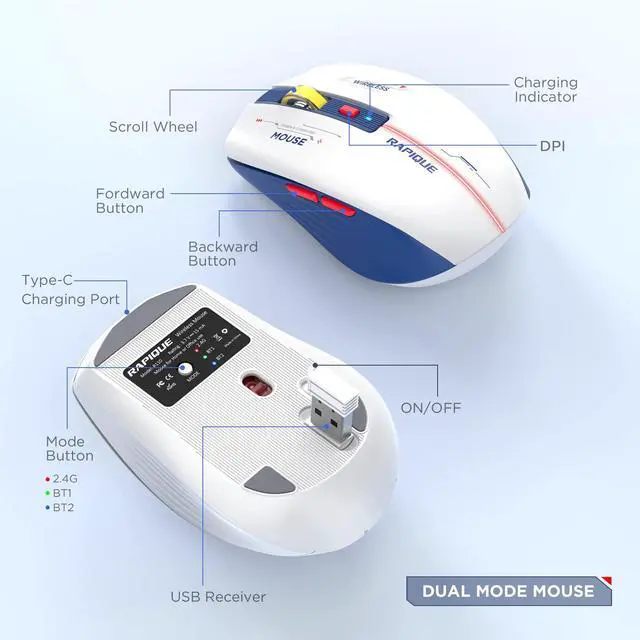
- Short press the mode button on the bottom of the mouse to switch the mouse connection mode.
- Press and hold the mode button for three seconds, the green or blue indicator light will flash rapidly and the mouse's Bluetooth will be reset for easy pairing with new devices.

Comfortable Grip
Super sleek design, the curve of the wireless mouse for a laptop fits the relaxed palm just right. The Unique lines and three-dimensional texture surface is anti-fingerprint and so comfortable to hold in hand.

3 Adjustable DPI and Quiet Click
Just click the DPI button to switch, 800-1200-1600 3-level DPI meets the needs of work and games. Advanced optical tracking technology ensures greater sensitivity for precise tracking on a wide range of surfaces.

Cool Mecha Colors Matching
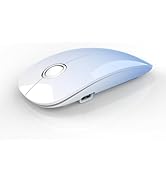
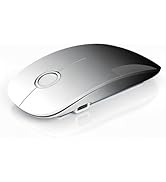
The cool blue and white color scheme and red LED lighting accents make this wireless mouse visually distinctive. It is a good choice among many mice.

How to connect to iPad Pro/iPad Air/ Mini/ iPhone (ios 13/ios 14) via Bluetooth Mouse:
First slide the button at the bottom of the mouse to the bluetooth position. ( bluetooth mode)
(1) open ipad Settings >Accessibility>Touch >AssistiveTouch>Click to open (An auxiliary dot will appear on the screen)
(2) Go back to Settings>Click on the bluetooth>Click to open>BT MOUSE-1/2>connect and Pair.
Note:
- Please recharge for 2~3 hour when the mouse is new before use.
- Please remove the protective film on the footpad before using it.
- The charging indicator light is blue, blue light means charging is normal, and light off means fully charged.
- If the Bluetooth occasionally disconnects when the mouse is in use, it means that the battery of the mouse is low, and charging can solve the issue.


RAPIQUE is a keyboard and mouse brand created in 2017 by a group of young people with dreams whose average age is in their 30s. It is young, fashionable and easy to use. It has a range of computer mice, such as Bluetooth mouse, ergonomic mouse, business mouse, travel mouse and compact mouse. It can be a gift to your friends, a good computer input device in the office, a good device for your kid's online class and can be used when playing games.
Noiseless Click
We truly understand your demands for a quiet mouse, so we have reduced the clicking and scrolling noise up to 90% while you enjoy the same click feel. You will never hear any click or scroll noise whether you are in the office, library, or at home.
Ergonomic Design
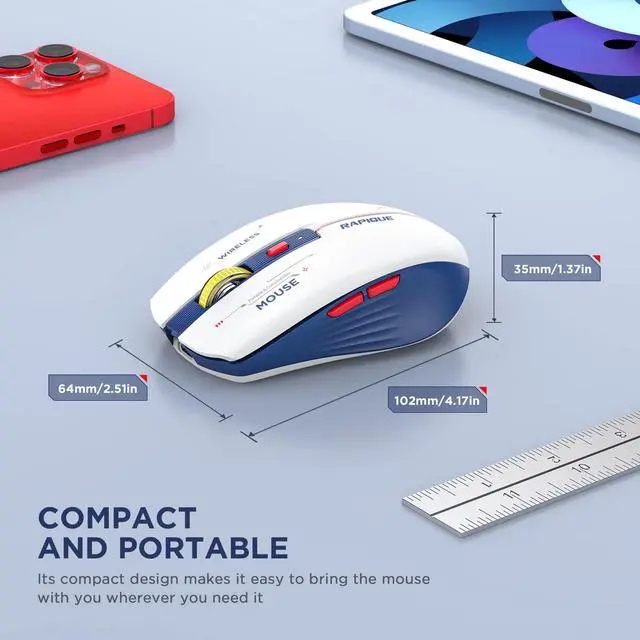
The ergonomic & compact design will fit comfortably in your palm which will keep your hand from getting tired.
Multiple colors and styles to choose
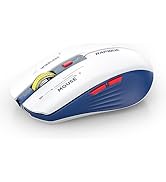
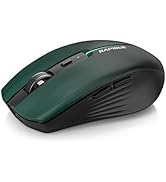
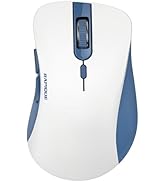
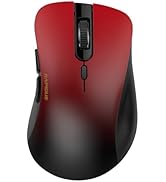
We offer various wireless mice: dual-mode (R306), multi-device (R110, R09), USB-C (R306C), and ultra-light (R102)—in diverse sizes, shapes, and colors for any setup.
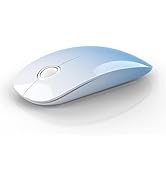
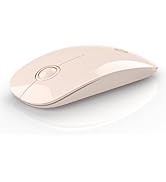
R306 Dual Mode Wireless Mouse
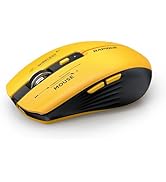
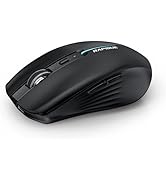
R110 Multi-Device Mouse
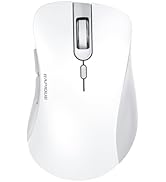
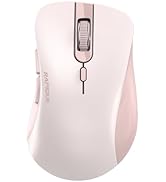
R09 Multi-Device Mouse
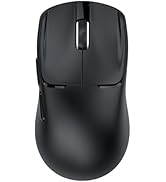
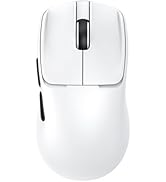
R102 Ultra-Light Wireless Mice
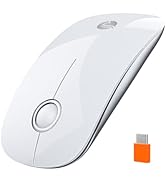
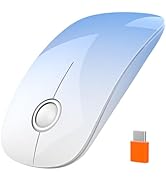
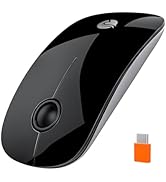
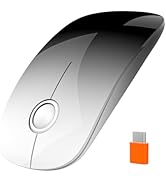
R306C USB C Wireless Mouse
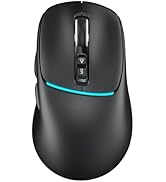
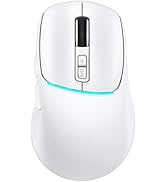
R108 Multi-Device Mouse
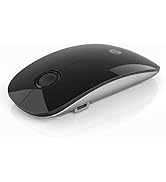
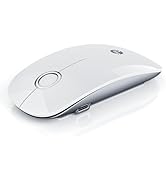
R306 PRO Multi-Device Mouse
RAPIQUE Triple Mode Bluetooth Mouse
Wide Compatibility
- Bluetooth Support:Windows 8/ window 10/ChromeOS/ Android/ Mac iOS 11 and above systems.
- 2.4G Support:All devices with USB interface.
- Note: Bluetooth not available for Win7/XP
- 1 * Wireless Mouse
- 1 * User Manual
- 1*USB-C charging cable
- 1 * USB Receiver (Stored on the back of the mouse)
1 USB & 2 Bluetooth Triple Connection Modes
- Ergonomic Shape & Cool Colors Matching - Slim ergonomic design makes you feel comfortable to use without getting tired. Cool Mecha Colors Matching show your uniqueness and make your desk different from others.
- Dual Bluetooth & 2.4GHZ Three Mode - Connects with three devices through dual Bluetooth and a 2.4GHz USB receiver. Simply switch between three devices with just one click.
- Support cable charging with Type C ports at both ends.
- You can directly use the computer charger or mobile phone charger to charge the mouse.
- Short press the mode button on the bottom of the mouse to switch the mouse connection mode.
- Press and hold the mode button for three seconds, the green or blue indicator light will flash rapidly and the mouse's Bluetooth will be reset for easy pairing with new devices.
Comfortable Grip
Super sleek design, the curve of the wireless mouse for a laptop fits the relaxed palm just right. The Unique lines and three-dimensional texture surface is anti-fingerprint and so comfortable to hold in hand.
3 Adjustable DPI and Quiet Click
Just click the DPI button to switch, 800-1200-1600 3-level DPI meets the needs of work and games. Advanced optical tracking technology ensures greater sensitivity for precise tracking on a wide range of surfaces.
Cool Mecha Colors Matching
The cool blue and white color scheme and red LED lighting accents make this wireless mouse visually distinctive. It is a good choice among many mice.
How to connect to iPad Pro/iPad Air/ Mini/ iPhone (ios 13/ios 14) via Bluetooth Mouse:
First slide the button at the bottom of the mouse to the bluetooth position. ( bluetooth mode)
(1) open ipad Settings >Accessibility>Touch >AssistiveTouch>Click to open (An auxiliary dot will appear on the screen)
(2) Go back to Settings>Click on the bluetooth>Click to open>BT MOUSE-1/2>connect and Pair.
Note:
- Please recharge for 2~3 hour when the mouse is new before use.
- Please remove the protective film on the footpad before using it.
- The charging indicator light is blue, blue light means charging is normal, and light off means fully charged.
- If the Bluetooth occasionally disconnects when the mouse is in use, it means that the battery of the mouse is low, and charging can solve the issue.
RAPIQUE is a keyboard and mouse brand created in 2017 by a group of young people with dreams whose average age is in their 30s. It is young, fashionable and easy to use. It has a range of computer mice, such as Bluetooth mouse, ergonomic mouse, business mouse, travel mouse and compact mouse. It can be a gift to your friends, a good computer input device in the office, a good device for your kid's online class and can be used when playing games.
Noiseless Click
We truly understand your demands for a quiet mouse, so we have reduced the clicking and scrolling noise up to 90% while you enjoy the same click feel. You will never hear any click or scroll noise whether you are in the office, library, or at home.
Ergonomic Design
The ergonomic & compact design will fit comfortably in your palm which will keep your hand from getting tired.
Multiple colors and styles to choose
We offer various wireless mice: dual-mode (R306), multi-device (R110, R09), USB-C (R306C), and ultra-light (R102)—in diverse sizes, shapes, and colors for any setup.
R306 Dual Mode Wireless Mouse
R110 Multi-Device Mouse
R09 Multi-Device Mouse
R102 Ultra-Light Wireless Mice
R306C USB C Wireless Mouse
R108 Multi-Device Mouse
R306 PRO Multi-Device Mouse