


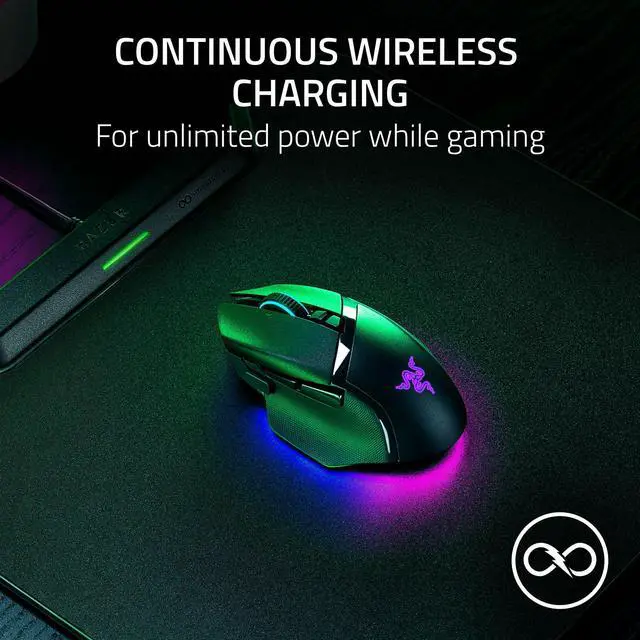






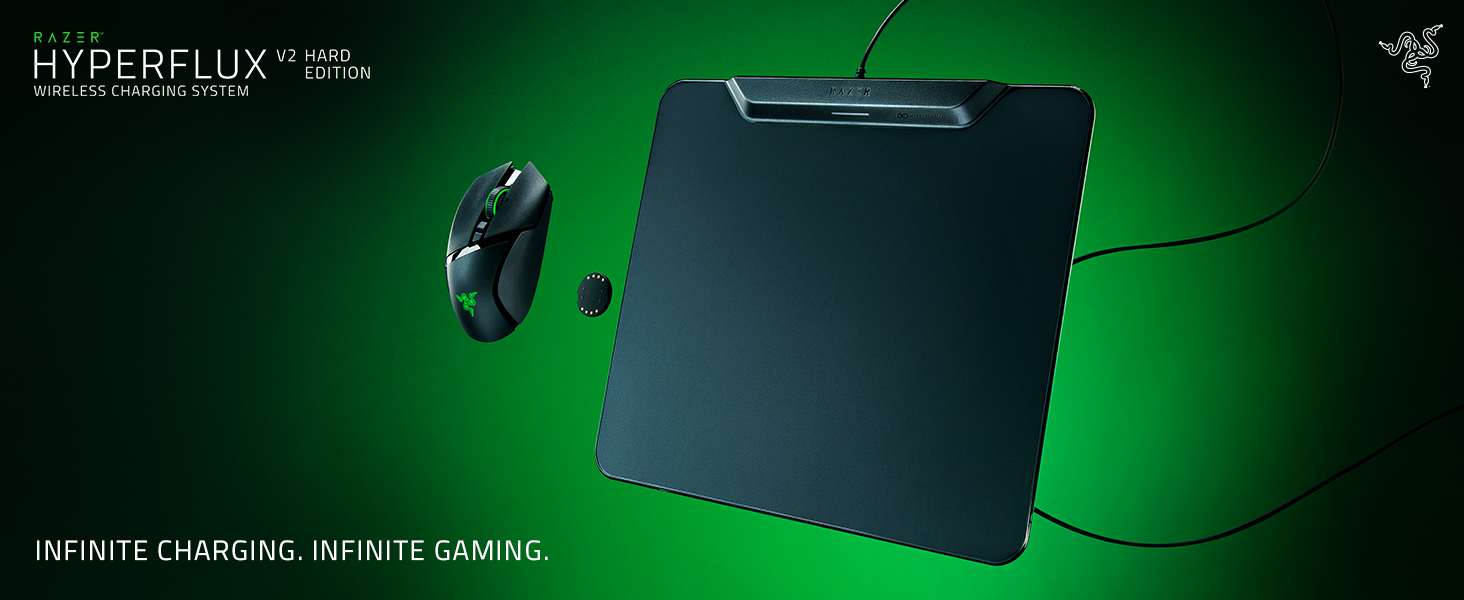
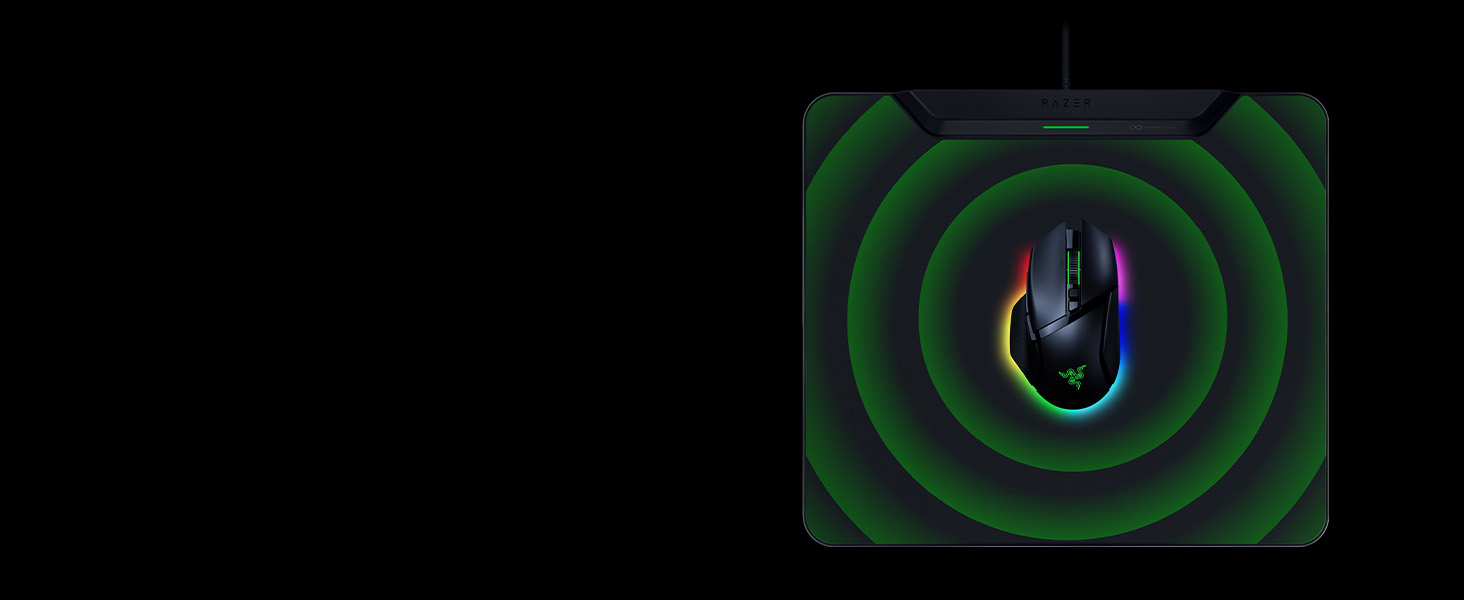
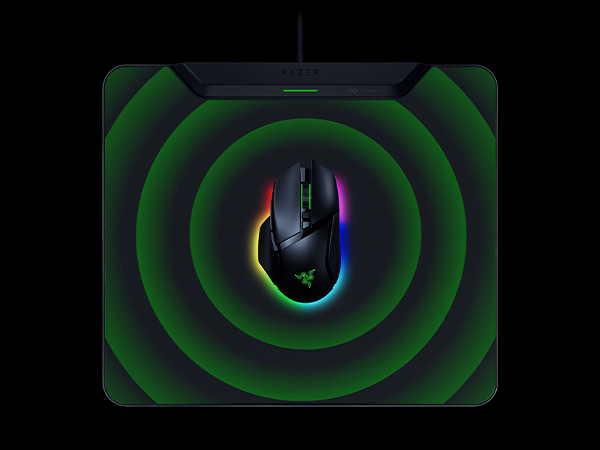
Continuous Wireless Charging
Keep your Razer mouse constantly powered without the need for a charging dock or cable.
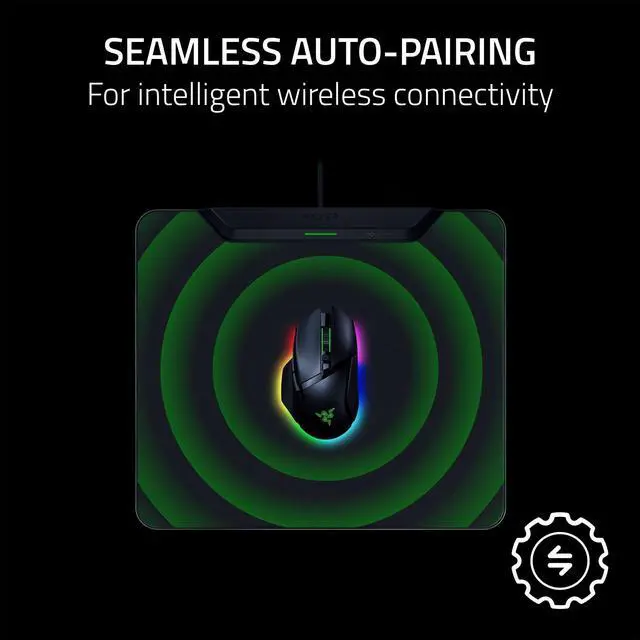
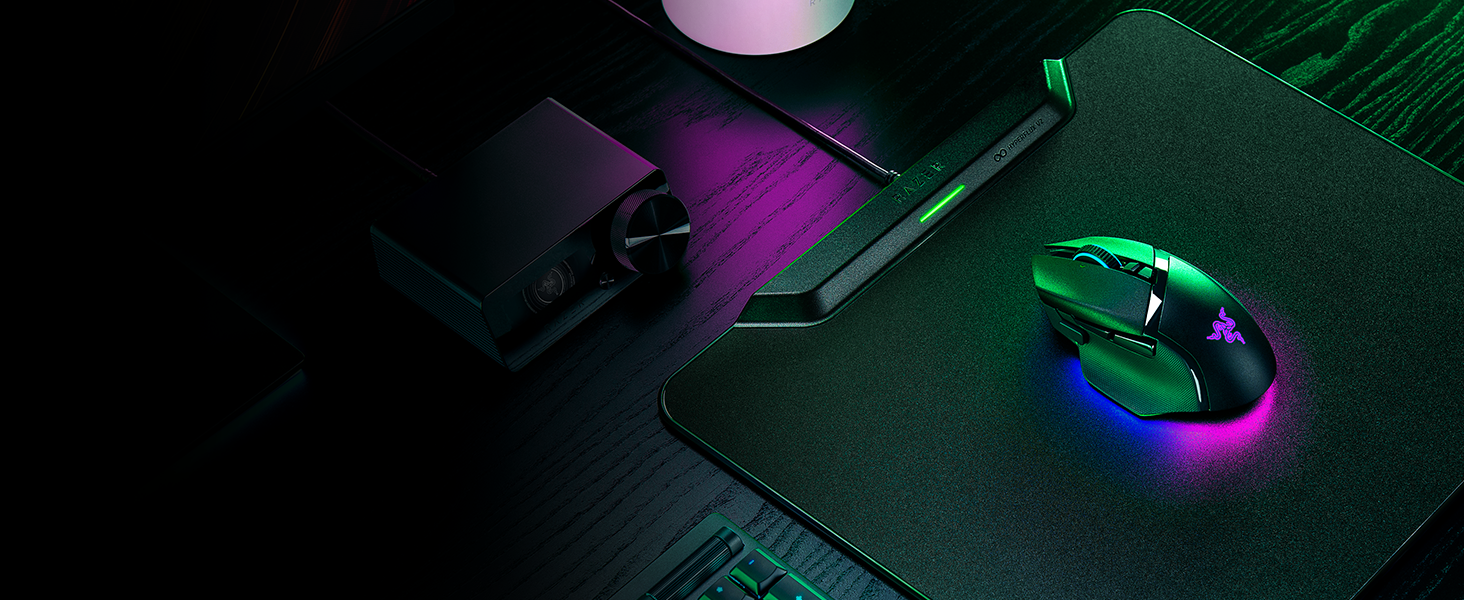
Seamless Auto Pairing
Puck and play. Pair your mouse automatically simply by placing it on the mat.
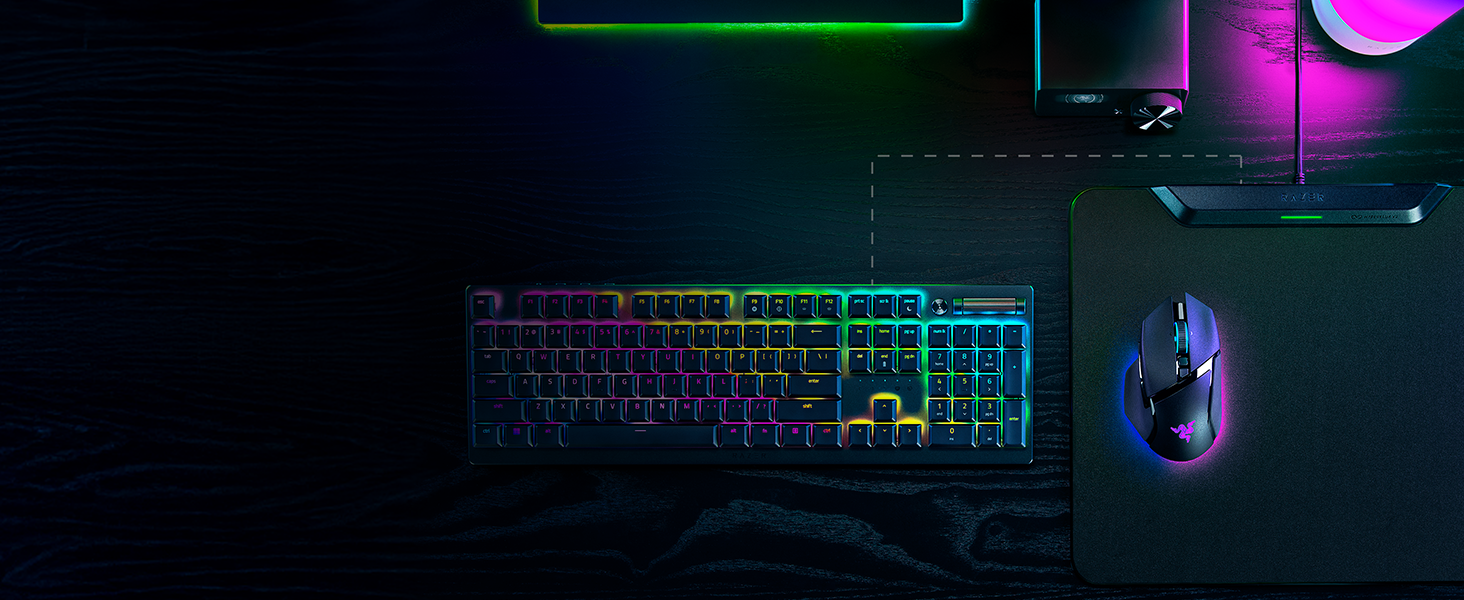
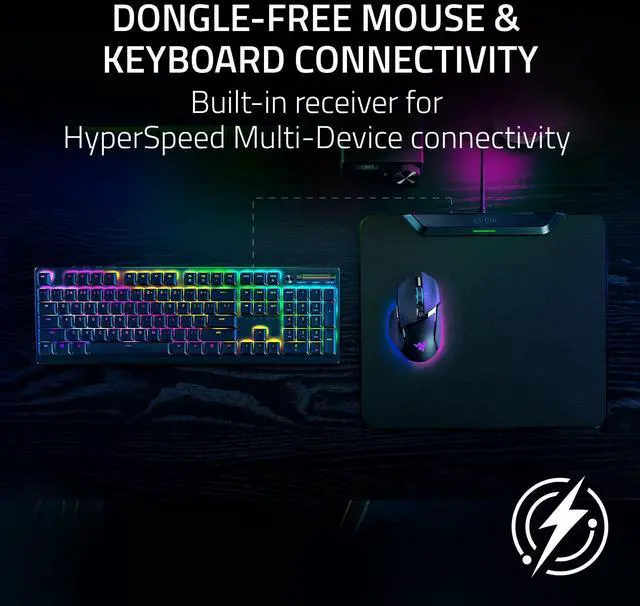
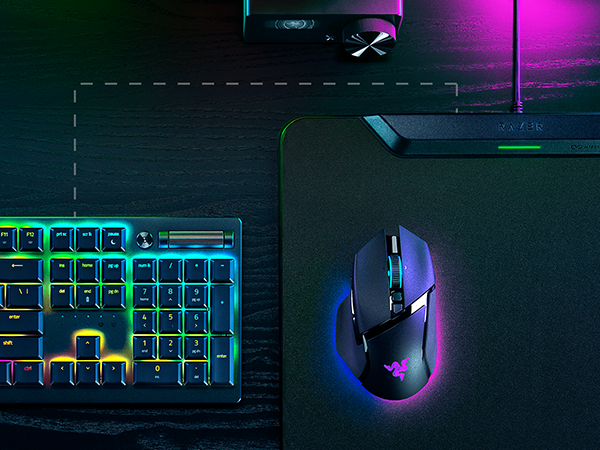
Dongle-Free Mouse & Keyboard Connectivity
The mat not only connects a mouse, but a Razer HyperSpeed keyboard as well.
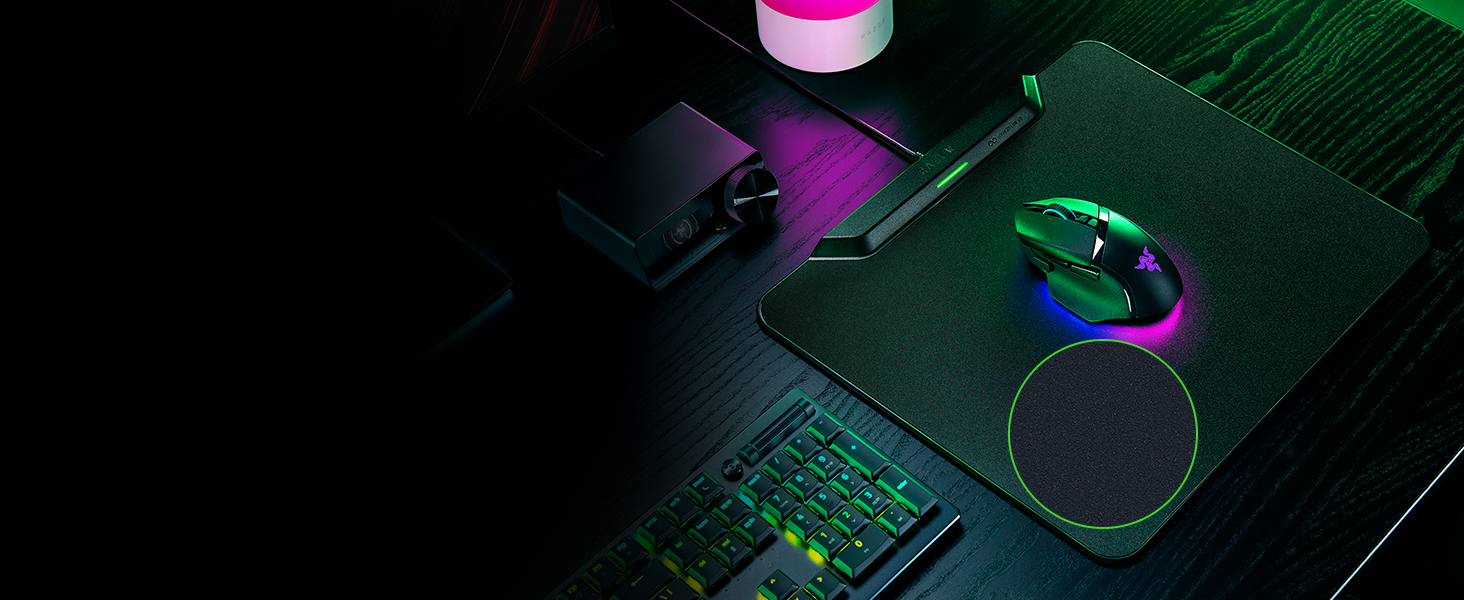
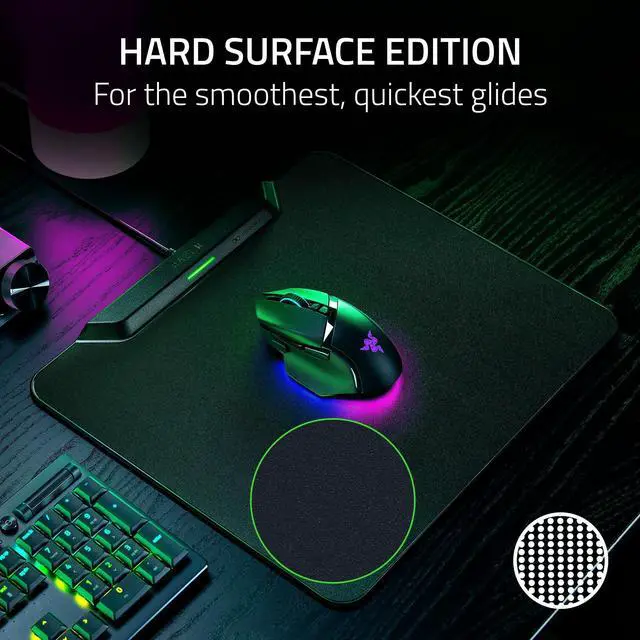
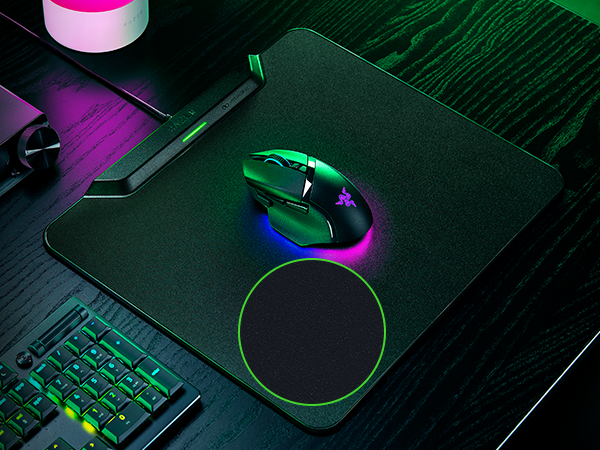
Hard Surface Mat
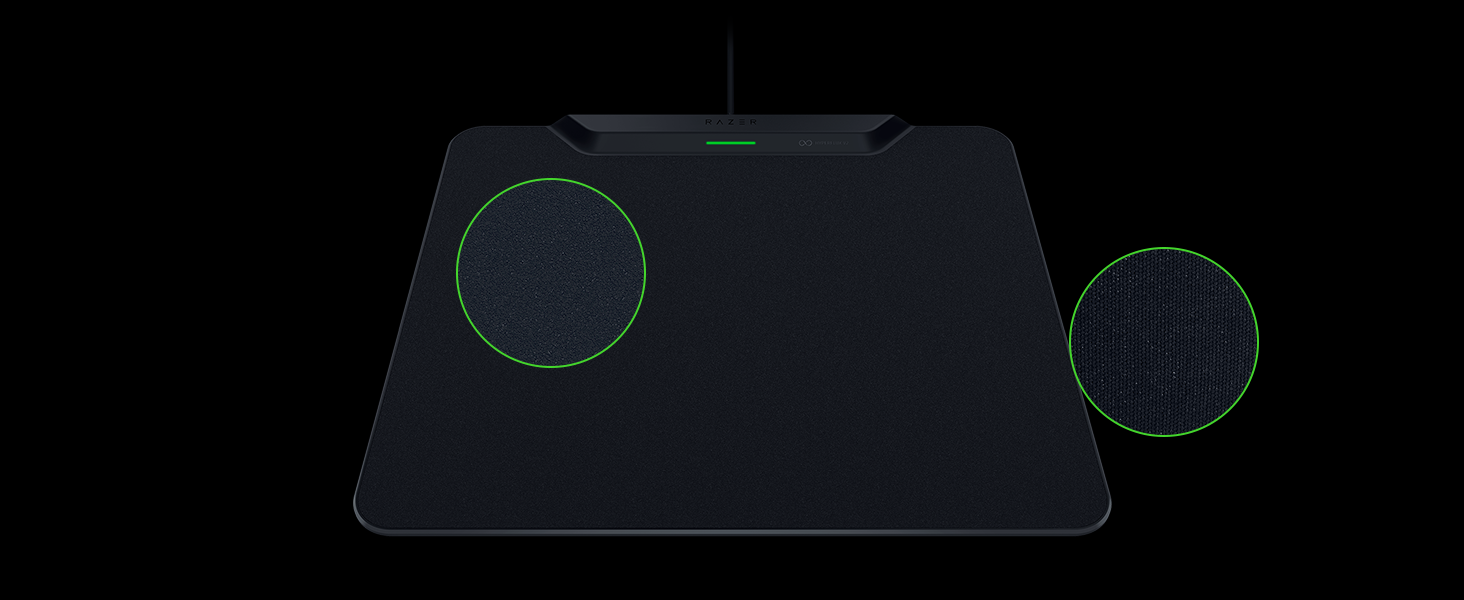
Experience faster, more effortless glides with an ultra-low friction surface.

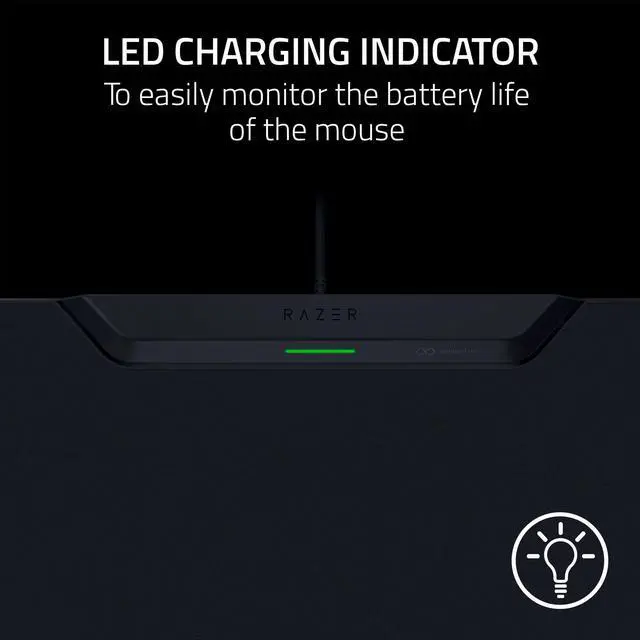
LED Charging Indicator
Monitor mouse battery levels easily and set the mat to stop at your preferred battery level.
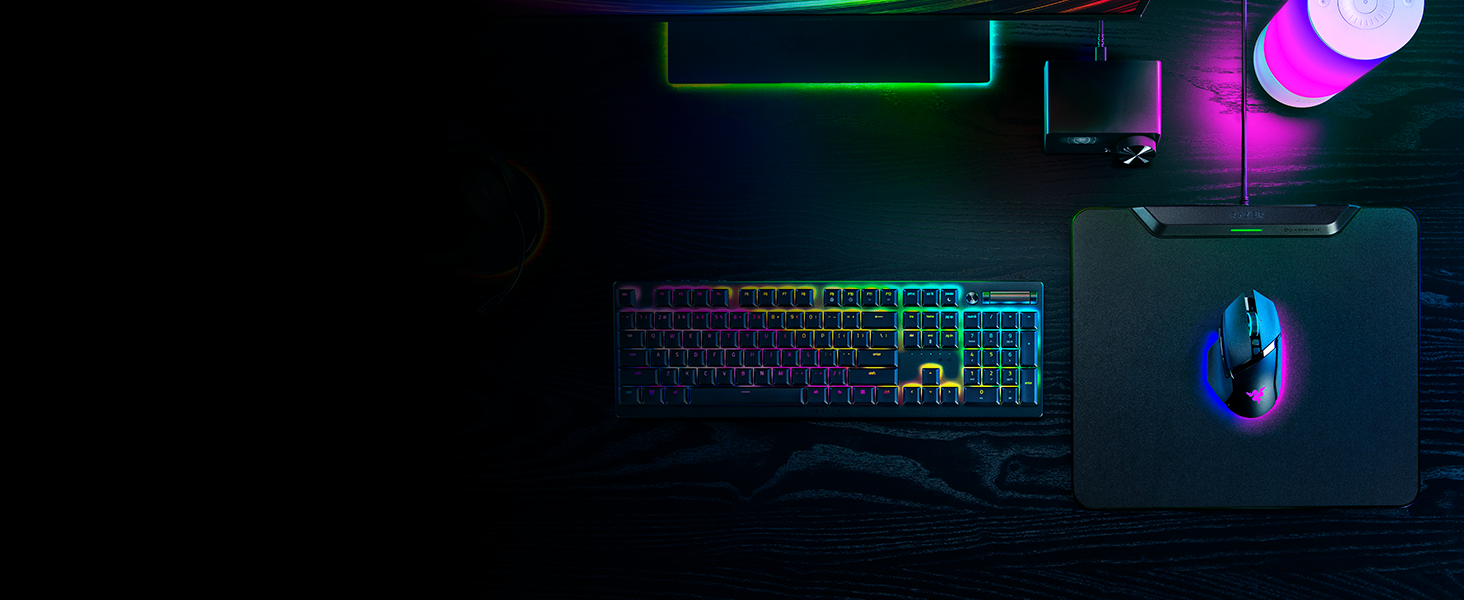
Complete Your Setup
Ensure you have the right Razer gear for your setup. Complete your setup with our recommended compatible Razer mouse and keyboard, alongside our featured headset.
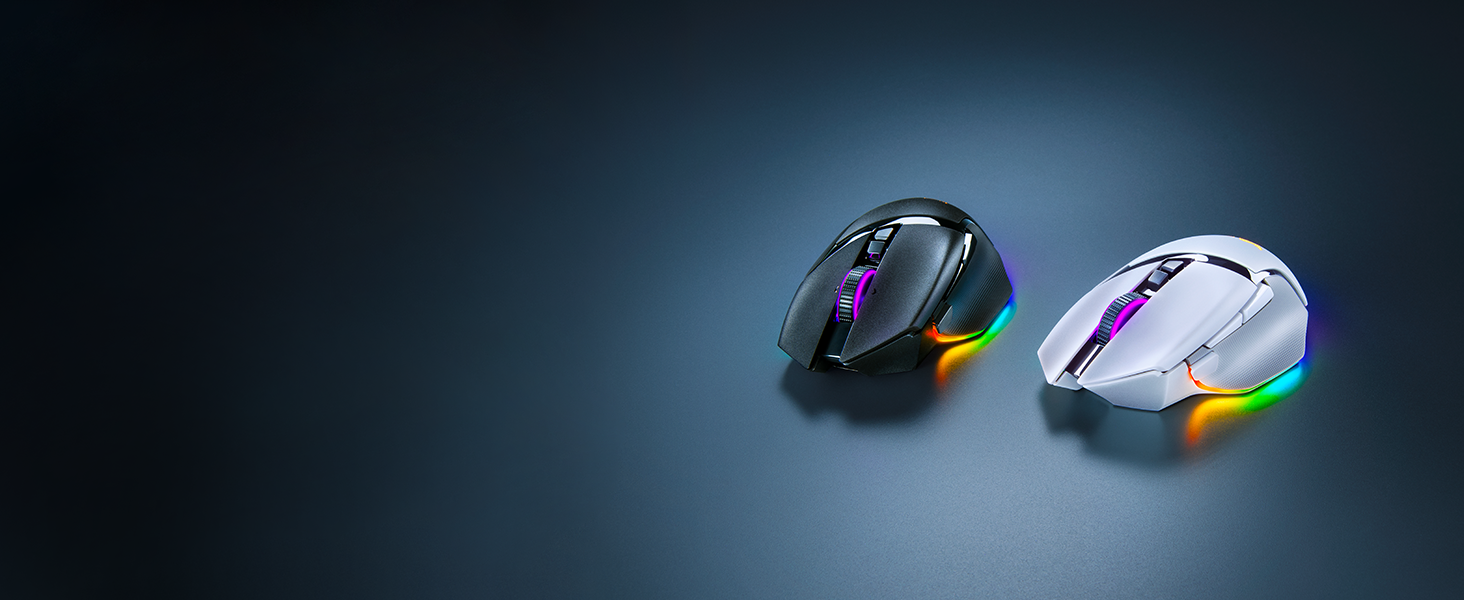
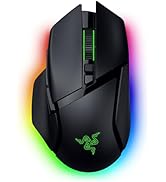
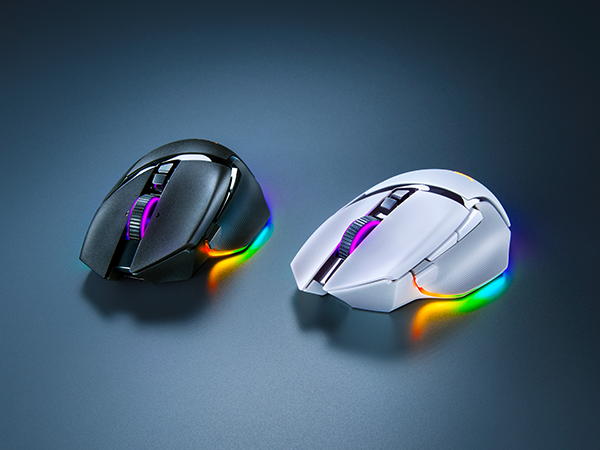
Razer Basilisk V3 Pro 35K
Armed with industry-leading technology, push the known limits of customization, immersion, and performance with our advanced ergonomic gaming mouse.

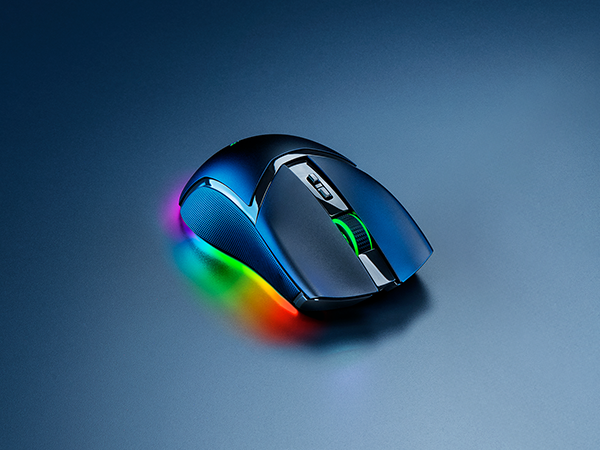
Razer Cobra Pro
Featuring Razer HyperSpeed Wireless and 11 individually programmable lighting zones, color your play with an illuminating level of freedom and immersion.

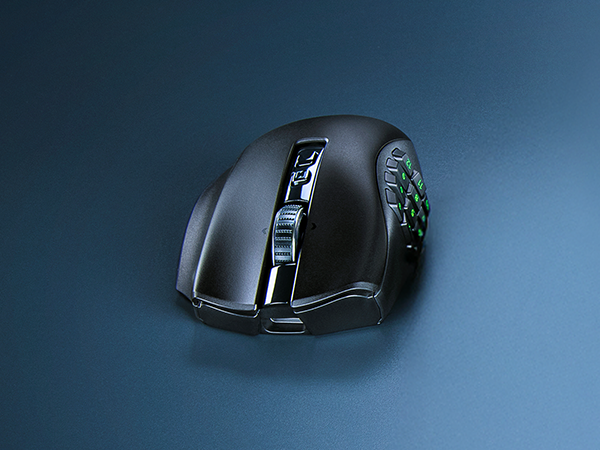
Razer Naga V2 Pro
With 3 swappable side plates, 19+1 programmable buttons, a Razer HyperScroll Pro Wheel, and Razer HyperSpeed Wireless, the Razer Naga V2 Pro packs the power to rise above every genre.
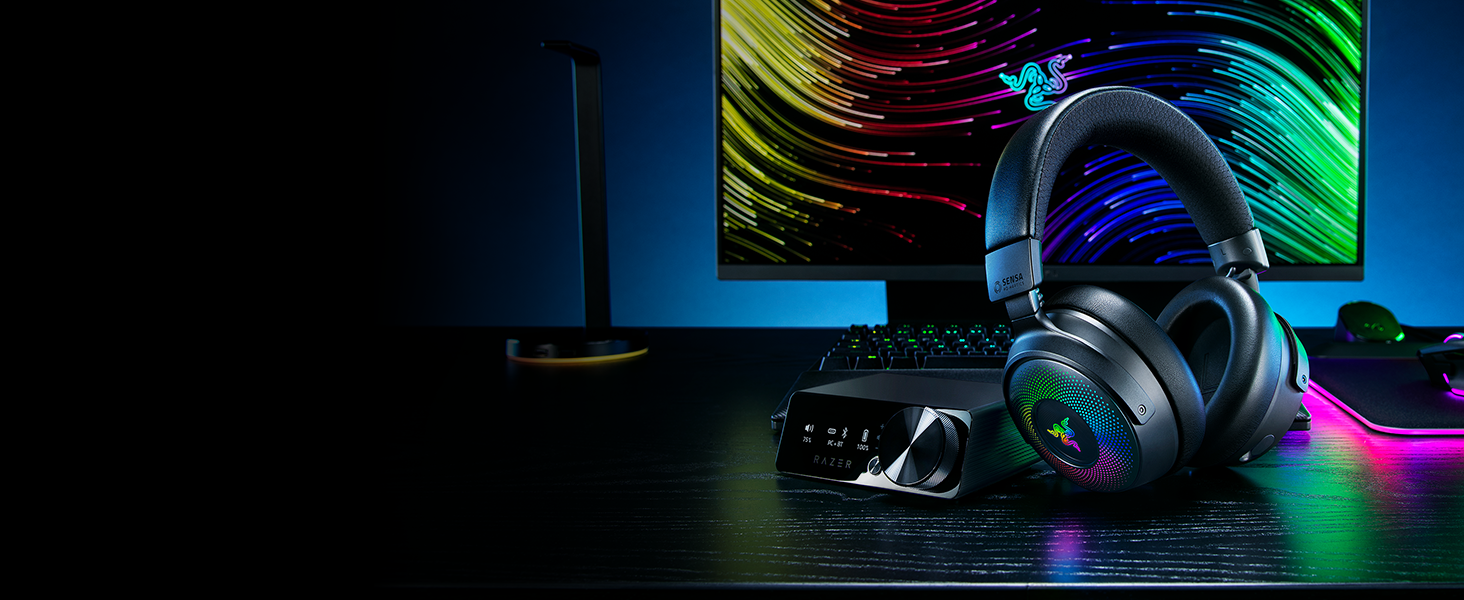
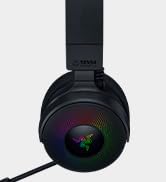
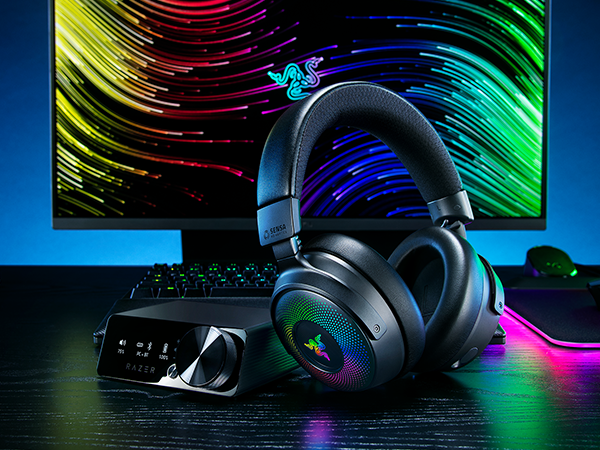
Razer Kraken V4 Pro
Experience immersion of the next generation with a wireless PC gaming headset featuring Razer Sensa HD Haptics and 9-zone earcup lighting powered by Razer Chroma RGB.
Which mice are compatible with the Razer HyperFlux V2?
The Razer Basilisk V3 Pro 35K, Basilisk V3 Pro, Cobra Pro, and Naga V2 Pro.
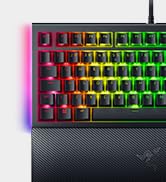
Which keyboards can pair with the Razer HyperFlux V2 for HyperSpeed Multi-Device Support?
Compatible with the Razer BlackWidow V4 Mini HyperSpeed, BlackWidow V3 Pro, DeathStalker V2 Pro, DeathStalker V2 Pro Tenkeyless. Keyboards support for multi-device connectivity. For connectivity only, not wireless charging.
How do I know if my mouse is being charged?
You can keep track using the mat’s built-in LED indicator, which changes color based on the battery life of your mouse (by default: 100% – static green, ~75% – breathing green, ~50% – yellow, ~25% – orange).
Does the Razer HyperFlux V2 mat require a power connection?
Yes, to enable continuous wireless charging and functionality, the Razer HyperFlux V2 mat must be connected directly to the PC using a Type C or Type A connection.
Do I need to update my mouse for the mat to work?
Yes, please ensure that your compatible Razer mouse and the Razer HyperFlux V2 are on the latest firmware via the Synapse dashboard.
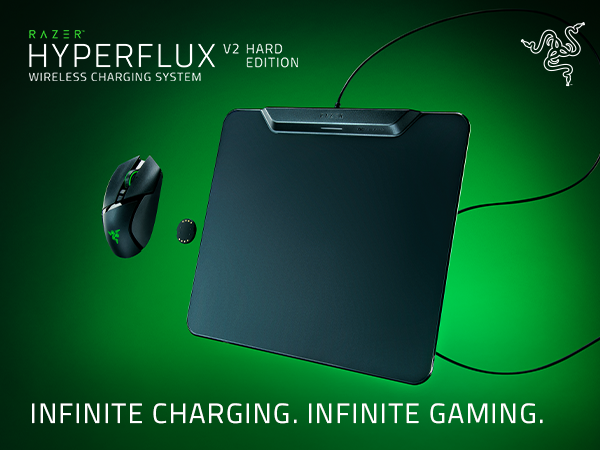
Continuous Wireless Charging
Keep your Razer mouse constantly powered without the need for a charging dock or cable.
Seamless Auto Pairing
Puck and play. Pair your mouse automatically simply by placing it on the mat.
Dongle-Free Mouse & Keyboard Connectivity
The mat not only connects a mouse, but a Razer HyperSpeed keyboard as well.
Hard Surface Mat
Experience faster, more effortless glides with an ultra-low friction surface.
LED Charging Indicator
Monitor mouse battery levels easily and set the mat to stop at your preferred battery level.
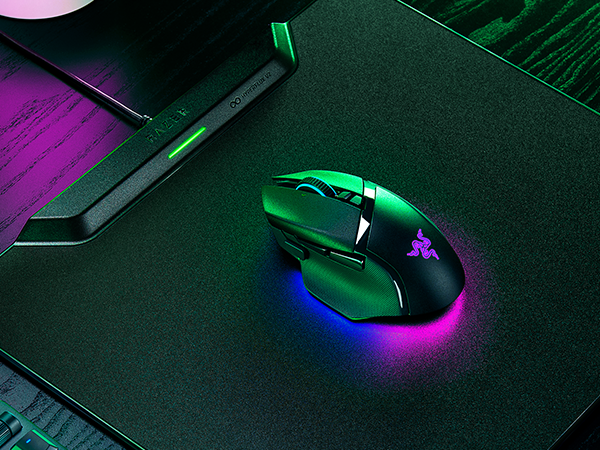
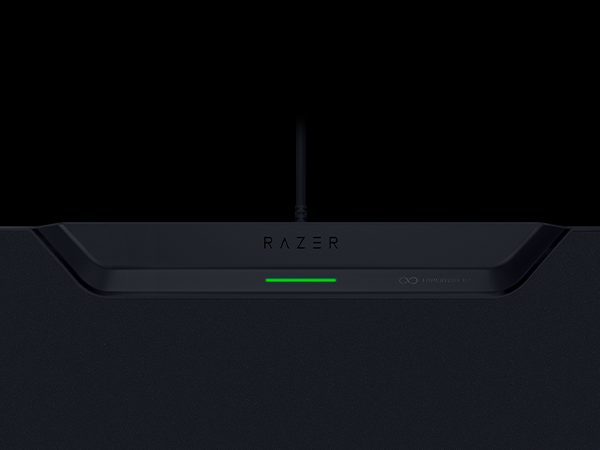
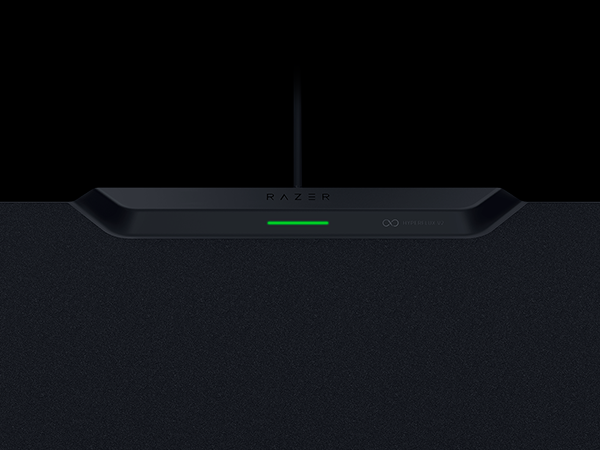
LED Indicator
Easily monitor charging with an LED indicator that changes color based on battery life. Set the mat to charge till your preferred level to preserve your mouse battery’s lifespan.
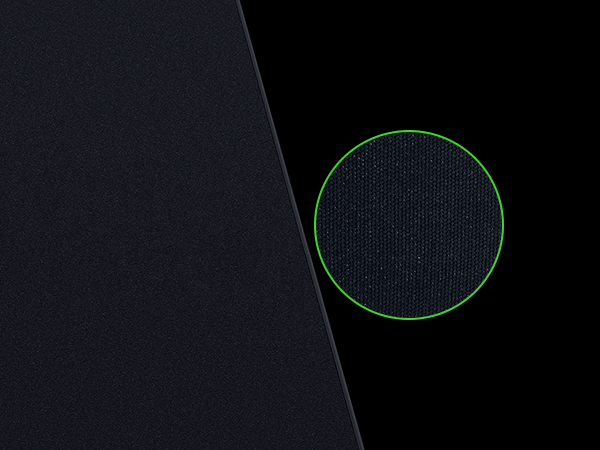
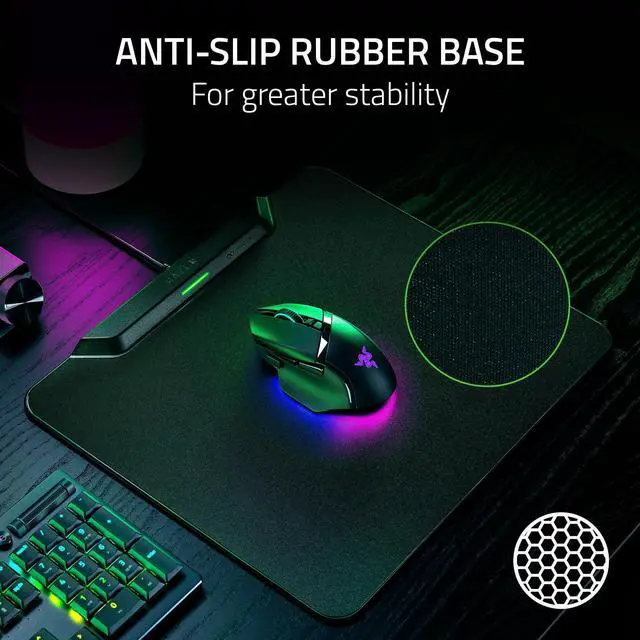
Anti-Slip Rubber Base
Never worry about the mat shifting during intense play. From strong swipes to sudden flicks, a grooved rubber underside keeps the mat anchored to your desk even when the action heats up.
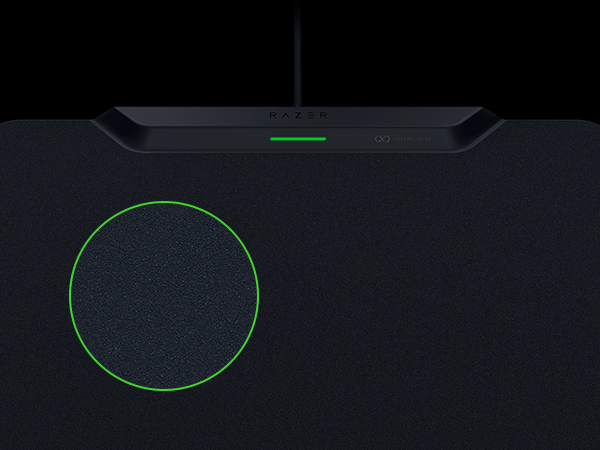
Hard Surface Mat
Go for our ultra-low friction surface. With effortless gliding matching your quick reactions.
Complete Your Setup
Razer Basilisk V3 Pro 35K
Razer Cobra Pro
Razer Naga V2 Pro
Razer Kraken V4 Pro
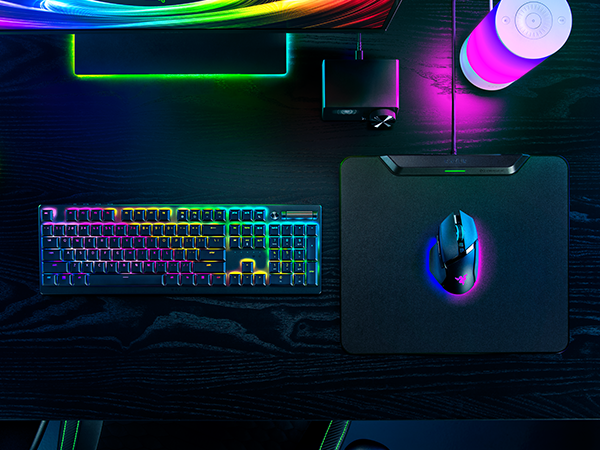
Ensure you have the right Razer gear for your setup. Complete your setup with our recommended compatible Razer mouse and keyboard, alongside our featured headset.
Armed with industry-leading technology, push the known limits of customization, immersion, and performance with our advanced ergonomic gaming mouse.
Featuring Razer HyperSpeed Wireless and 11 individually programmable lighting zones, color your play with an illuminating level of freedom and immersion.
With 3 swappable side plates, 19+1 programmable buttons, a Razer HyperScroll Pro Wheel, and Razer HyperSpeed Wireless, the Razer Naga V2 Pro packs the power to rise above every genre.
Experience immersion of the next generation with a wireless PC gaming headset featuring Razer Sensa HD Haptics and 9-zone earcup lighting powered by Razer Chroma RGB.
Which mice are compatible with the Razer HyperFlux V2?
The Razer Basilisk V3 Pro 35K, Basilisk V3 Pro, Cobra Pro, and Naga V2 Pro.
Which keyboards can pair with the Razer HyperFlux V2 for HyperSpeed Multi-Device Support?
Compatible with the Razer BlackWidow V4 Mini HyperSpeed, BlackWidow V3 Pro, DeathStalker V2 Pro, DeathStalker V2 Pro Tenkeyless. Keyboards support for multi-device connectivity. For connectivity only, not wireless charging.
How do I know if my mouse is being charged?
You can keep track using the mat’s built-in LED indicator, which changes color based on the battery life of your mouse (by default: 100% – static green, ~75% – breathing green, ~50% – yellow, ~25% – orange).
Does the Razer HyperFlux V2 mat require a power connection?
Yes, to enable continuous wireless charging and functionality, the Razer HyperFlux V2 mat must be connected directly to the PC using a Type C or Type A connection.
Do I need to update my mouse for the mat to work?
Yes, please ensure that your compatible Razer mouse and the Razer HyperFlux V2 are on the latest firmware via the Synapse dashboard.
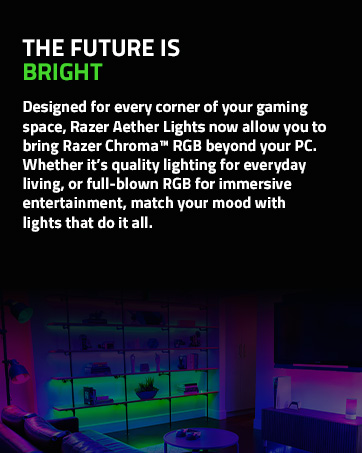
Powered by Razer Chroma
Gamer Room
Sustainability
