• $63.98
  • Free 30-day Returns
  • Sold by Temonick shop

    Shipped by Temonick shop

    Price alert
    Shop it at NeweggBusiness.

    Meet Your Seller

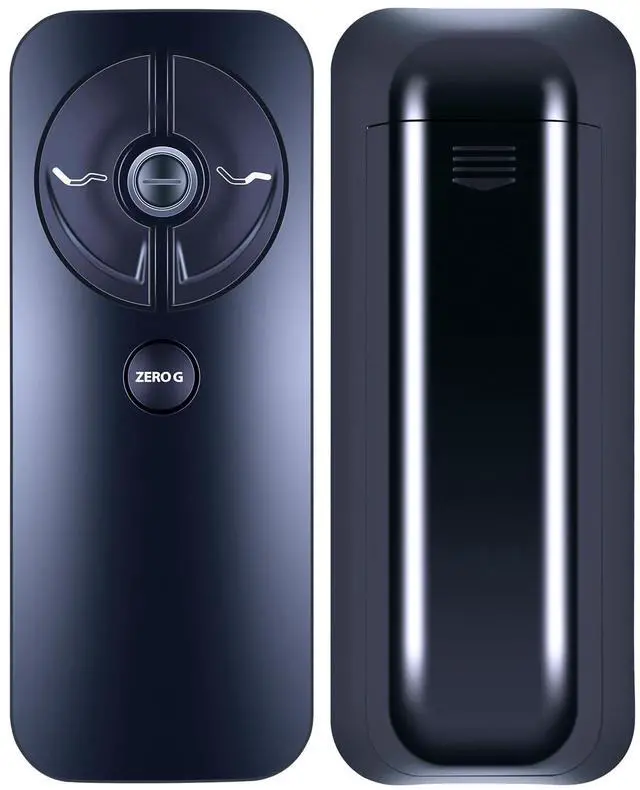
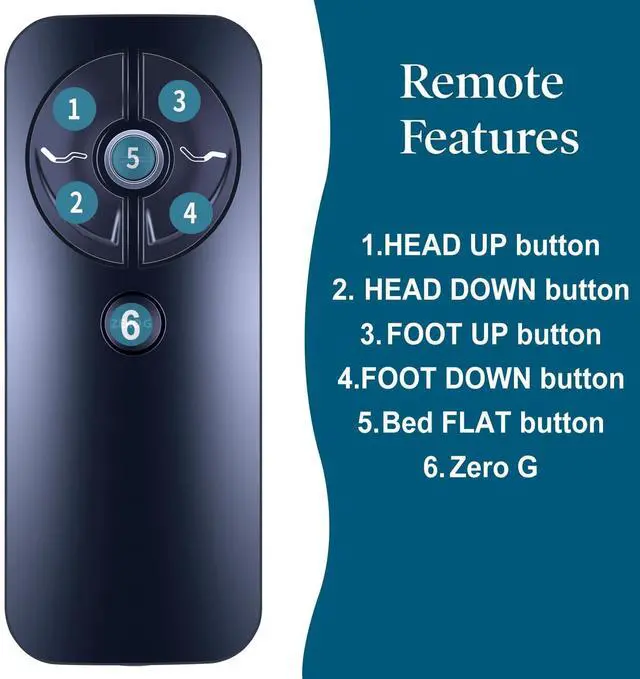
    Replacement Remote Control for Sealy Ease 2.0/3.0/4.0 RF399A RF368B | Compatible with Tempurpedic/Ergo Adjustable Bed Base JLDK.30.03.20 | Easy Pairing

    • Important Tips: If the remote control does not work, please check the following: 1) Ensure the batteries are installed correctly and do not need replacement. 2) Ensure the remote's child lock is not activated (different models have different methods to deactivate it). 3) Disconnect the device from power for one minute, then reconnect it before attempting operation.
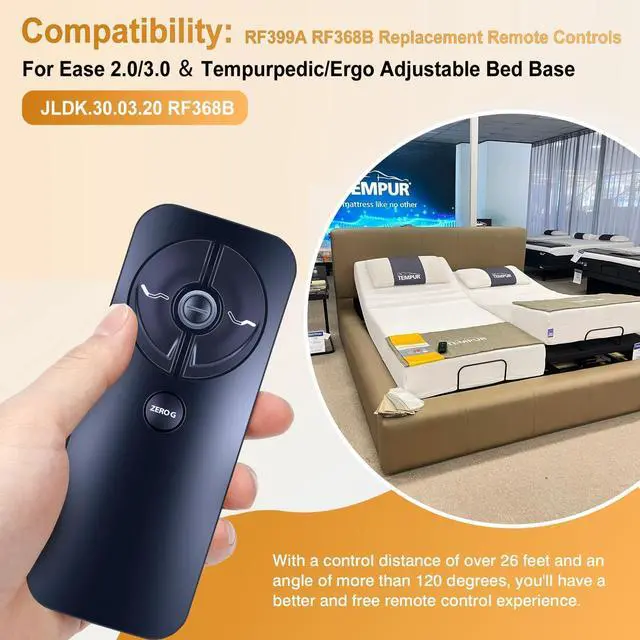
    • CompatiblityNew RF399A RF368B Sealy Ease 2.0/3.0/4.0 Replacement Remote Control Compatible with Tempurpedic/Ergo Adjustable Bed Base JLDK.30.03.20.
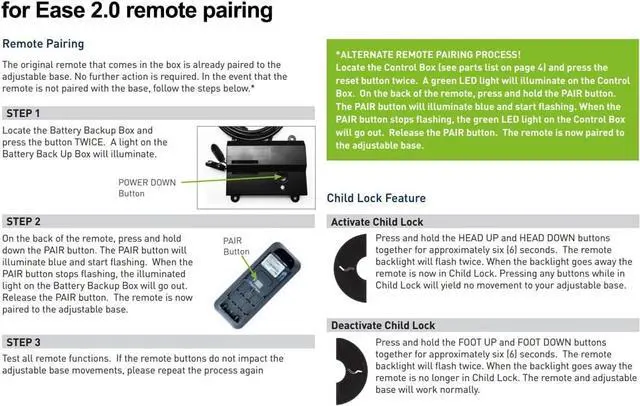
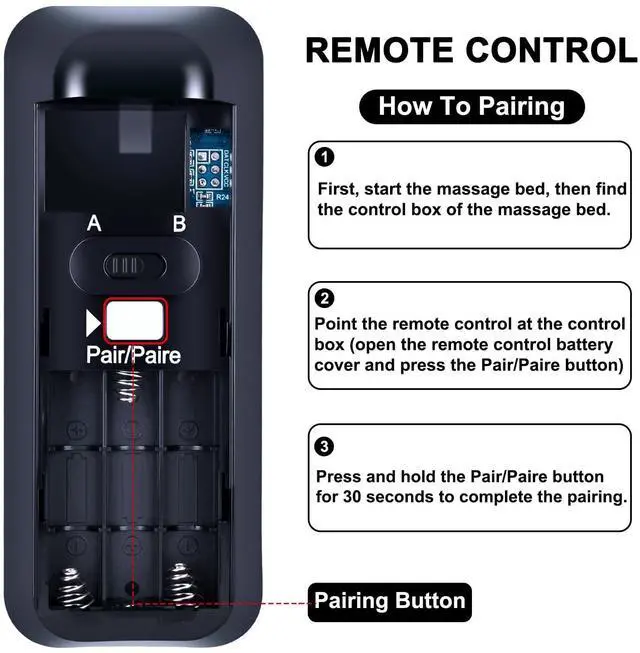
    • How To PairLocate the battery backup box and press the button TWICE. A light on the battery back up box will illuminate. Remove the back cover of the remote, press and hold down the PAlR button. The PAlR button will illuminate blue and start flashing When the PAlR button stops flashing, the illuminated light onthe battery backup box will go out. Release the PAlR button.The remote is now paired to the adjustable base.
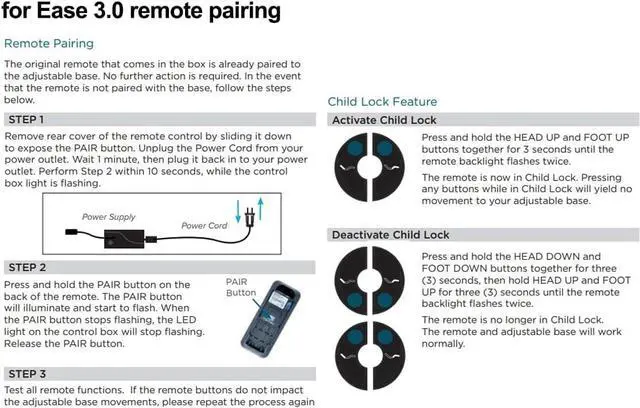
    • Pair MethodsRemove rear cover of the remote control by sliding it down to expose the PAlR button. Unplug the Power Cord from your power outlet. Wait 1 minute, then plug it back. Perform Step 2 within 10 seconds, while the control box light is flashing. Press and hold the PAlR button on the back of the remote. The PAlR button will illuminate and start to flash. When the PAlR button stops flashing, the LED light on the control box will stop flashing. Release the PAlR button.
    +
    +
    Overview
    Specs
    Reviews
    avatar

    Any questions? Our AI mode will help you find out quickly.

    RETROSUN New RF399A RF368B Sealy Ease 2.0/3.0/4.0 Replacement Remote Control Compatible with Tempurpedic/Ergo Adjustable Bed Base JLDK.30.03.20.

    Warranty & Returns

    Warranty, Returns, And Additional Information

    Warranty

    • Please contact the Seller directly for warranty information. Warranty information may also be found on the Manufacturer's website.
    • CONTACT

    Return Policies

    Manufacturer Contact Info

    LOADING...