







Rioddas focus on optical drive production for years. We value product quality & user needs. From parts to finished products, there will be multiple strict inspection procedures to ensure customer get brand new products which performe excellent. Your needs runs through the entire production and sales process. We believe focus & specialty & quality are what make us progress, also what make you satisfied.
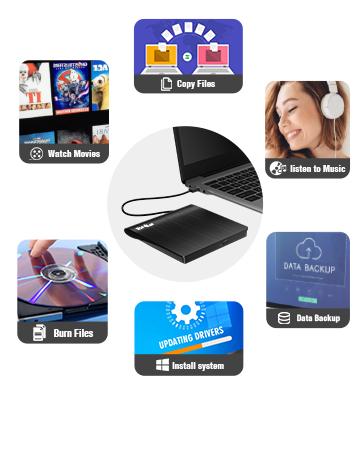
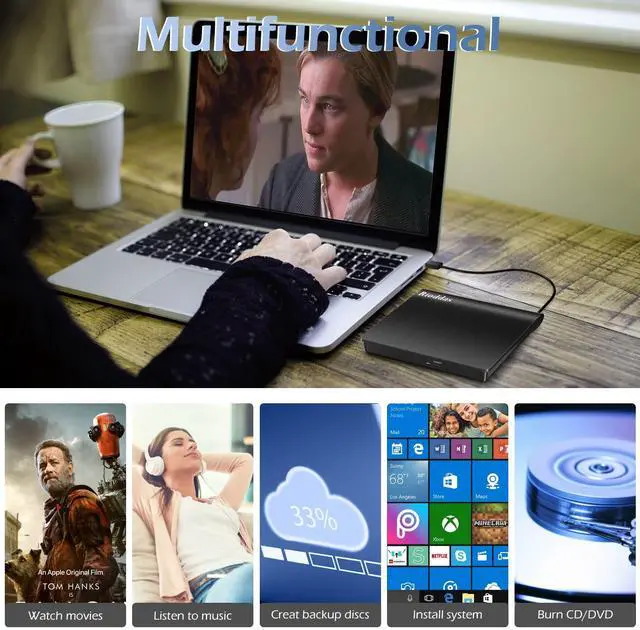
Multiple Functions
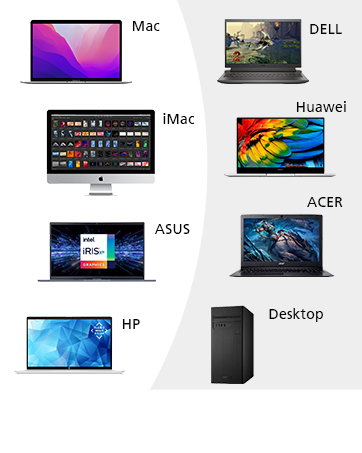
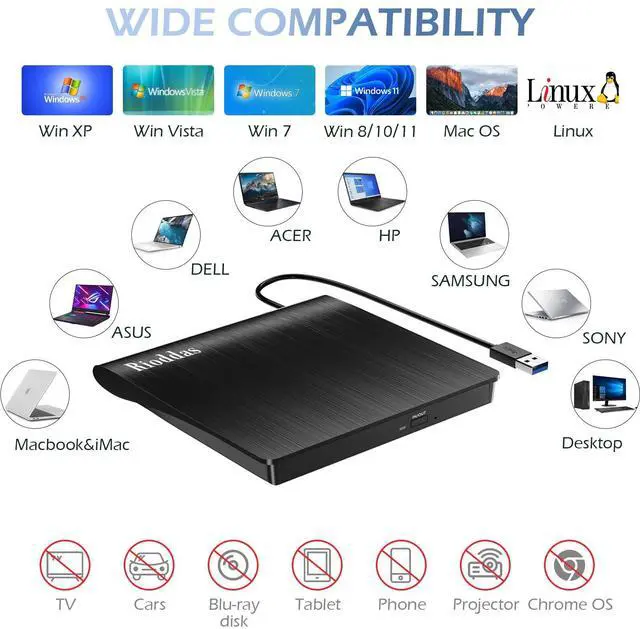
Large Compatibility
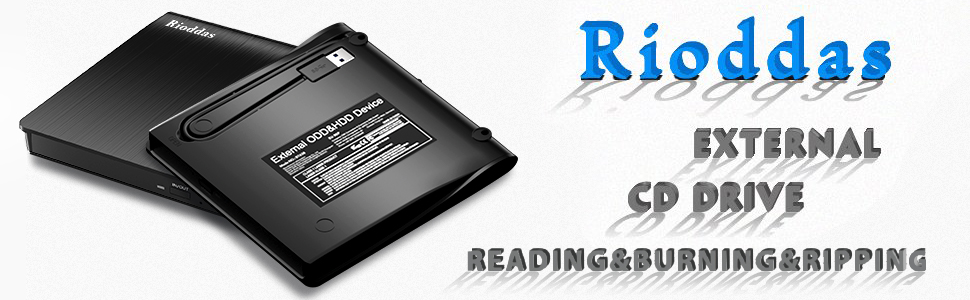
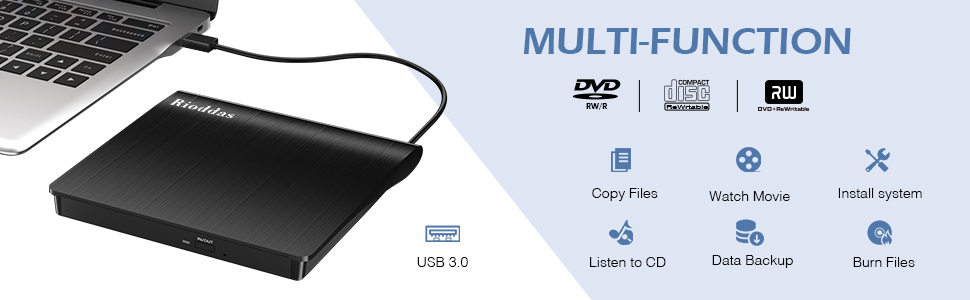
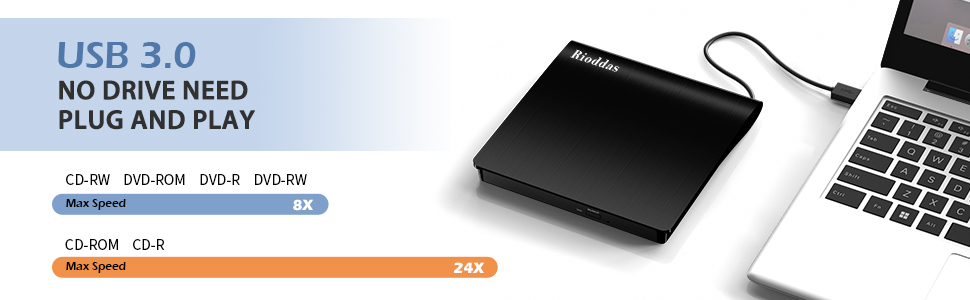
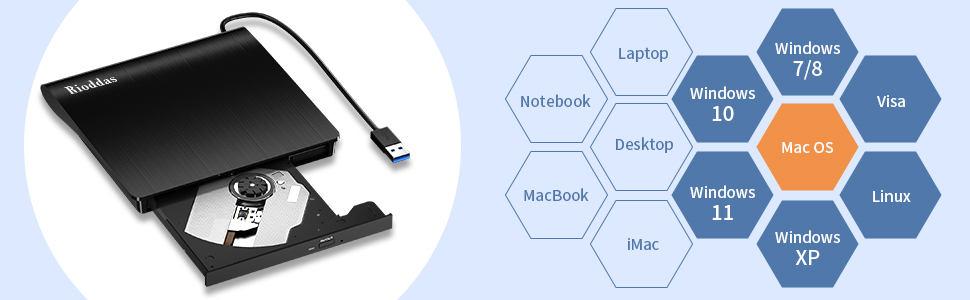
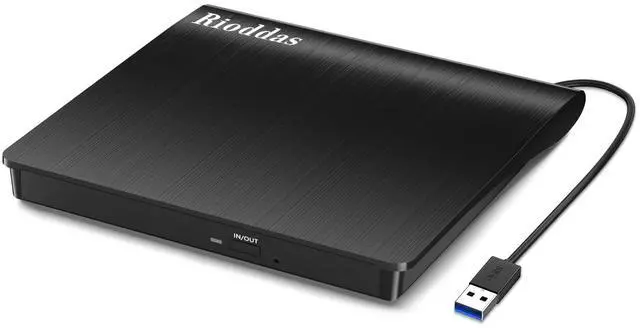
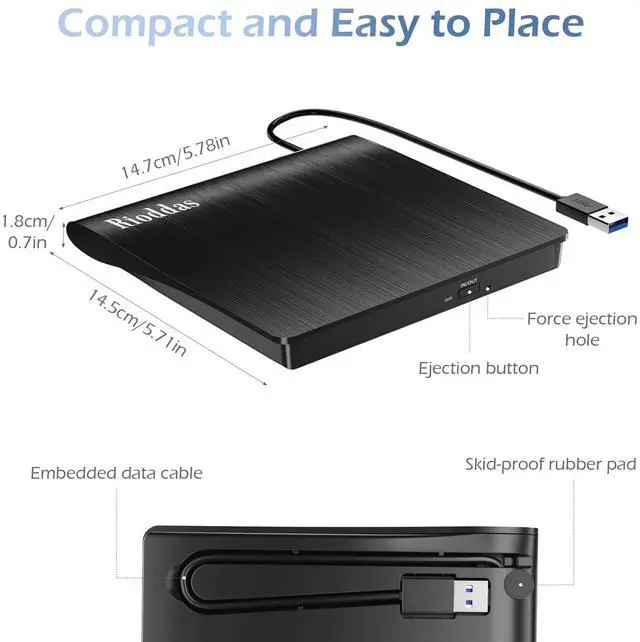
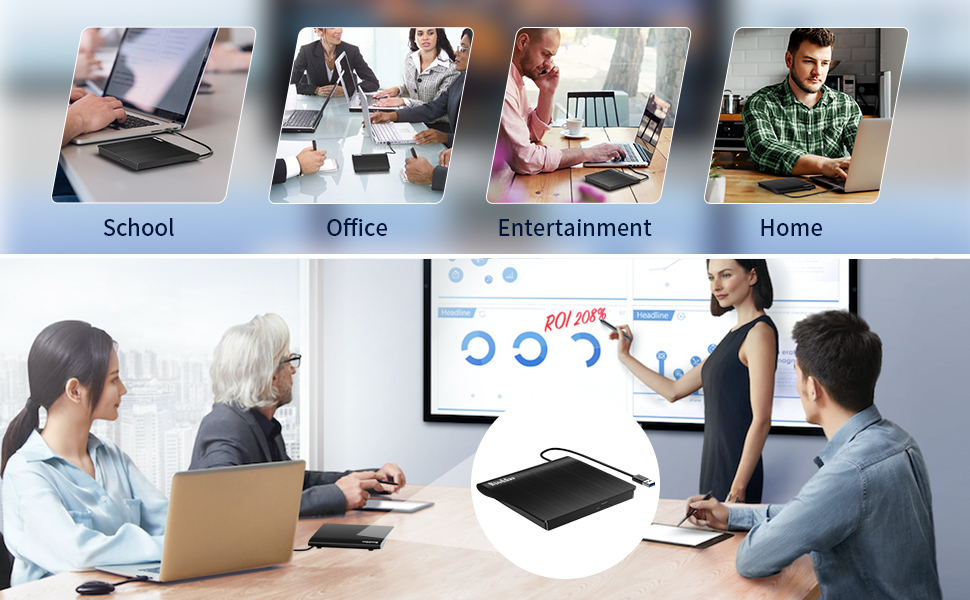
Slim CD/DVD Player Portable
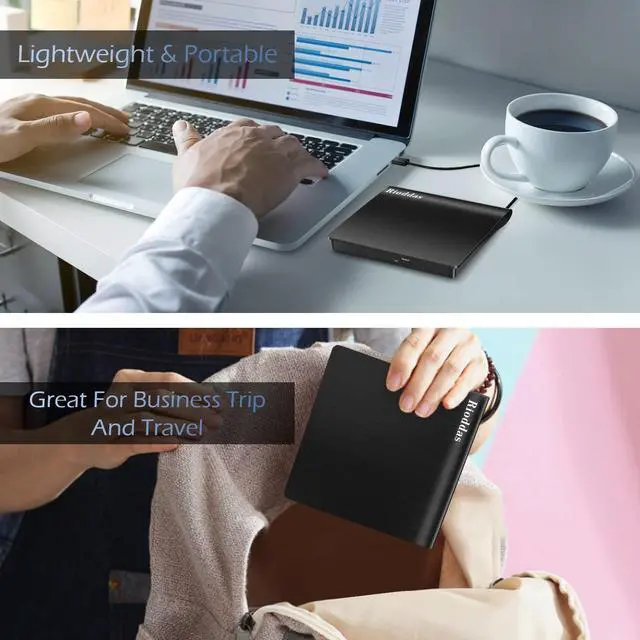
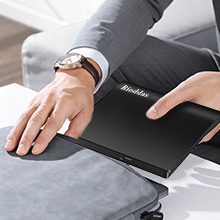
- This dvd player for laptop is lightweight & compact, which is convenient for dailylife use.
- You can take it to office, to home , to school, for a travel, or anywhere you want.
Upgraded CD/DVD Writer
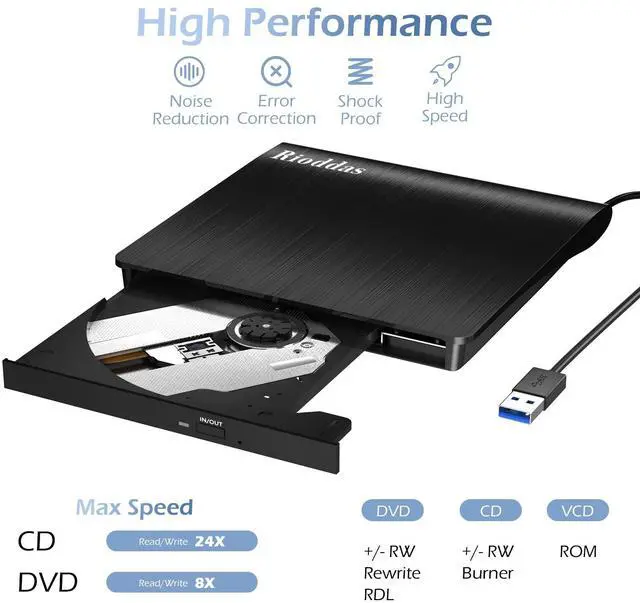
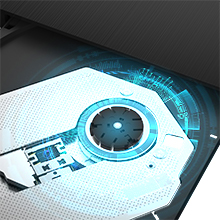
- Upgraded cd burner for mac with faster speed, low impedance and anti-interference ability.
- Rioddas optical drive provides you more comfortable using experience.
CD/DVD Reader Supports M-disc
- USB cd/dvd external drive support reading, writing /burning, ripping /copying of CD±R/RW, CD-ROM, DVD±R/RW, DVD-RAM, VCD, and SVCD disc.
- It also supports M-disc.

Devices Not Comptible
- This usb disk drive cannot be connected directly to a car, but you can created disks with it and then play the disk created on your car cd player.
- This cd player for laptop cannot be used directly with a projector, but you can connect your computer to the projector, then external DVD player connected to your computer.
Troubleshooting - Product doesn't work with computer?
1. Region Code Not Correctly Set
- The disc can only be played when the region code of this cd/dvd player matches the cd's. Remember you can only reset the region code 5 times.
- How to change region code : Windows :This PC– dvd drive- Properties – Hardware Tab – Properties button – Choose Region (US is 1) -Apply. Mac:Menu-System Preference-Language & Region - Region - Select Country - Apply
2. Computer Software Missing
- If you find the drive not working it may just because your computer has no media player software. Some Media software may just support specific file format, so make sure you are using the right media software.
- You can try Media player: like VLC media player, Kmplayer. Burning software: like BurnAware Free, Nero. Or you can download any one of burning software utilities available on the Internet.
- You need to convert your digital file to one that compatible with your blank cd/dvds, otherwise it won't work even you burn the files onto disc with the help of our cd/dvd burner.
3. Power Supply Failure
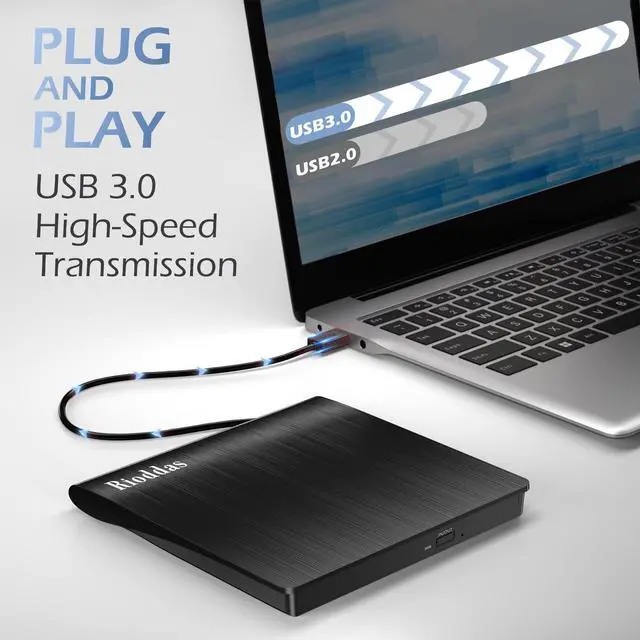
- This usb drive for laptop needs enough power supply to work, a power failure may cause a recognizing failure or reading failure.
- Please directly connect it to the USB port of the computer. If needed keep your computer charging. For desktop please connect the dvd drive ot the usb port on the back of your computer host. The use of non-powered hubs can keep the drive from getting enough power to function.
4. Wrong steps performed
- 1. Mac OS computers do not display the device icon before placing a disc into disc tray. Connect drive to Mac - open drive door - place a disk - wait for recognizing and reading process - disk show up - drive show up.
- 2. For Mac OS, use the mac command to eject disc. If eject button/computer command not working, stick emergency hole to force eject a disc.

- Request a return ?
- Want a replacement?
- Need support with item set-up?
- Confront with other problems?
- Just let us know, we are always here for you!
Slim CD/DVD Player Portable
- This dvd player for laptop is lightweight & compact, which is convenient for dailylife use.
- You can take it to office, to home , to school, for a travel, or anywhere you want.
Upgraded CD/DVD Writer
- Upgraded cd burner for mac with faster speed, low impedance and anti-interference ability.
- Rioddas optical drive provides you more comfortable using experience.
CD/DVD Reader Supports M-disc
- USB cd/dvd external drive support reading, writing /burning, ripping /copying of CD±R/RW, CD-ROM, DVD±R/RW, DVD-RAM, VCD, and SVCD disc.
- It also supports M-disc.
Devices Not Comptible
- This usb disk drive cannot be connected directly to a car, but you can created disks with it and then play the disk created on your car cd player.
- This cd player for laptop cannot be used directly with a projector, but you can connect your computer to the projector, then external DVD player connected to your computer.
Troubleshooting - Product doesn't work with computer?
1. Region Code Not Correctly Set
- The disc can only be played when the region code of this cd/dvd player matches the cd's. Remember you can only reset the region code 5 times.
- How to change region code : Windows :This PC– dvd drive- Properties – Hardware Tab – Properties button – Choose Region (US is 1) -Apply. Mac:Menu-System Preference-Language & Region - Region - Select Country - Apply
2. Computer Software Missing
- If you find the drive not working it may just because your computer has no media player software. Some Media software may just support specific file format, so make sure you are using the right media software.
- You can try Media player: like VLC media player, Kmplayer. Burning software: like BurnAware Free, Nero. Or you can download any one of burning software utilities available on the Internet.
- You need to convert your digital file to one that compatible with your blank cd/dvds, otherwise it won't work even you burn the files onto disc with the help of our cd/dvd burner.
3. Power Supply Failure
- This usb drive for laptop needs enough power supply to work, a power failure may cause a recognizing failure or reading failure.
- Please directly connect it to the USB port of the computer. If needed keep your computer charging. For desktop please connect the dvd drive ot the usb port on the back of your computer host. The use of non-powered hubs can keep the drive from getting enough power to function.
4. Wrong steps performed
- 1. Mac OS computers do not display the device icon before placing a disc into disc tray. Connect drive to Mac - open drive door - place a disk - wait for recognizing and reading process - disk show up - drive show up.
- 2. For Mac OS, use the mac command to eject disc. If eject button/computer command not working, stick emergency hole to force eject a disc.
- Request a return ?
- Want a replacement?
- Need support with item set-up?
- Confront with other problems?
- Just let us know, we are always here for you!
Rioddas focus on optical drive production for years. We value product quality & user needs. From parts to finished products, there will be multiple strict inspection procedures to ensure customer get brand new products which performe excellent. Your needs runs through the entire production and sales process. We believe focus & specialty & quality are what make us progress, also what make you satisfied.
Multiple Functions
Large Compatibility