


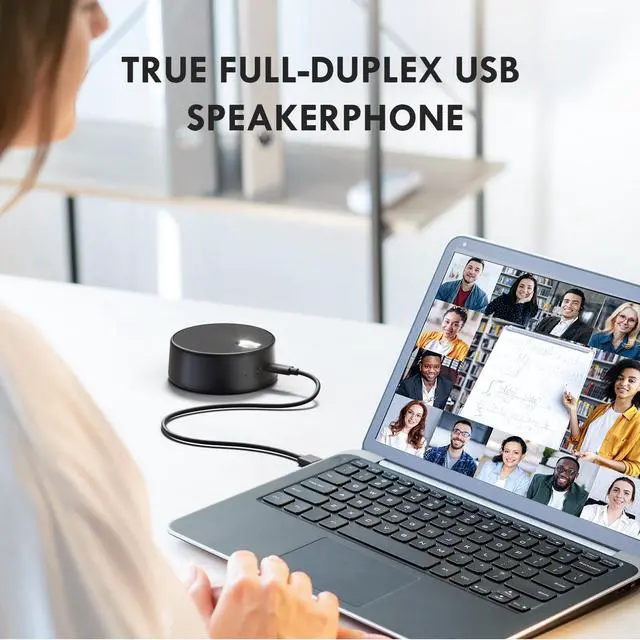
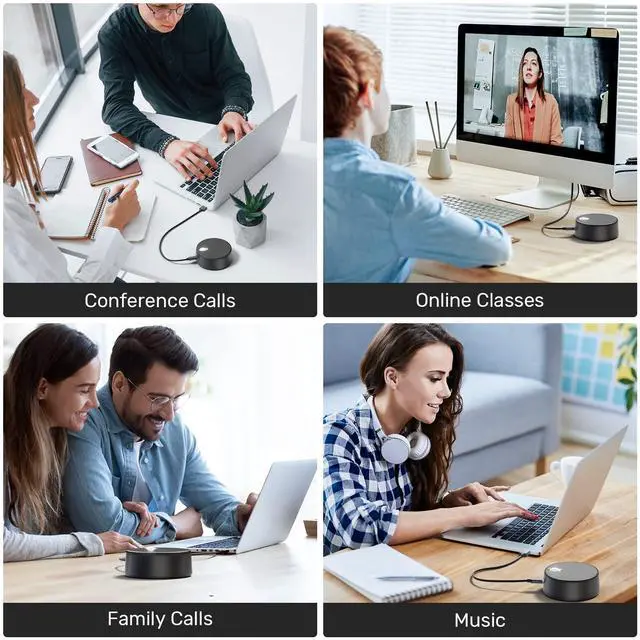
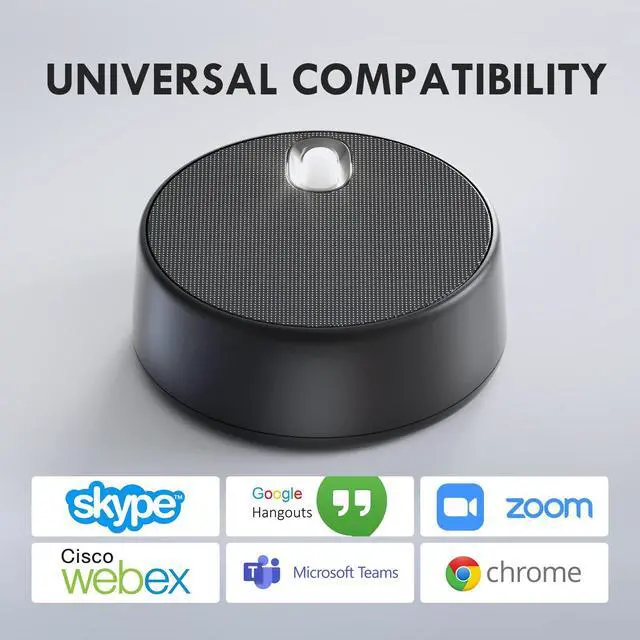


USB Computer Speakers with Microphone, PC Laptop Speaker with Mic, 2 Sound Modes, Hand Free Enhanced Voice Pick up, Compatible with Zoom
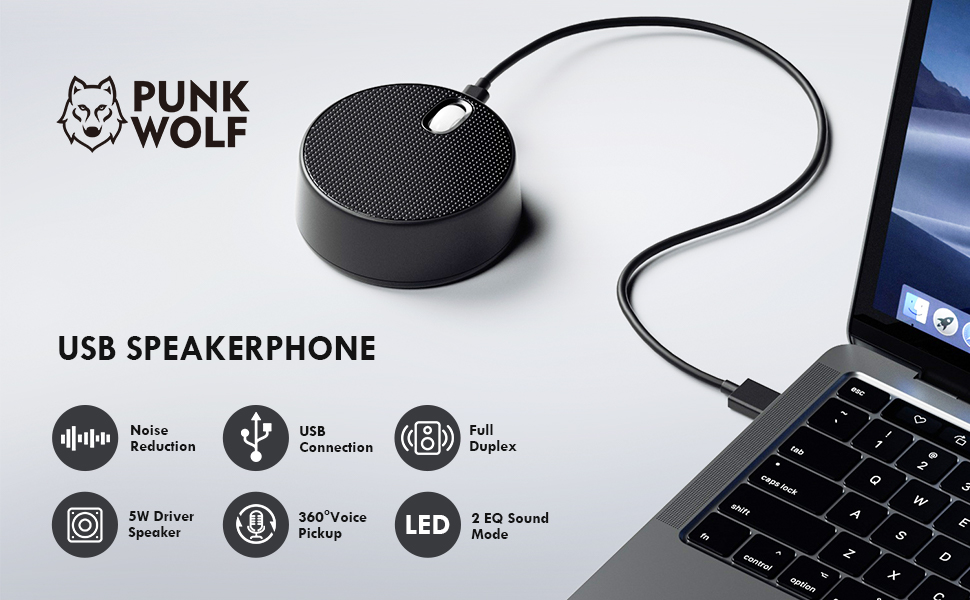
Newest upgraded USB Computer Speaker with Microphone:
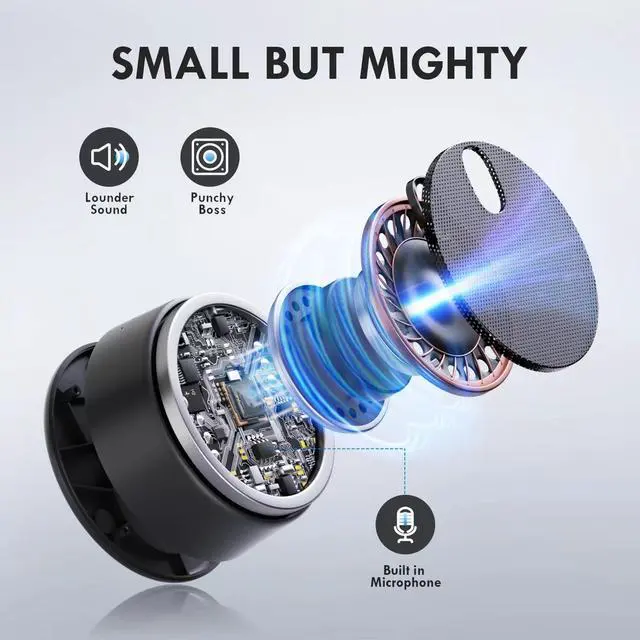
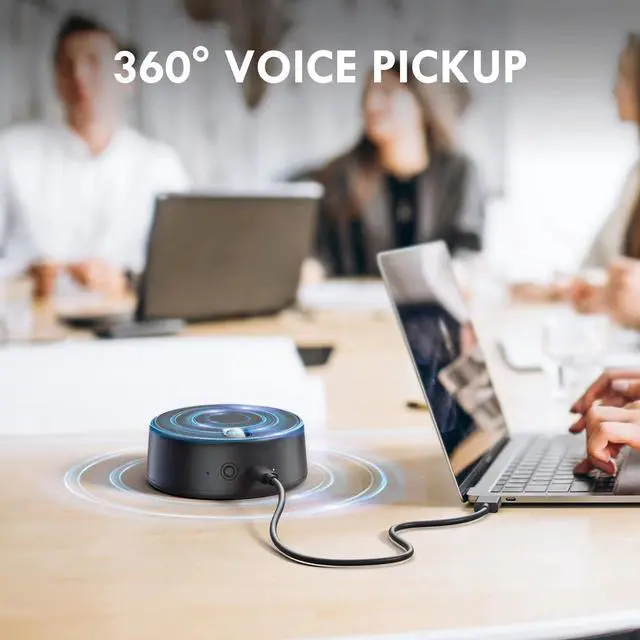
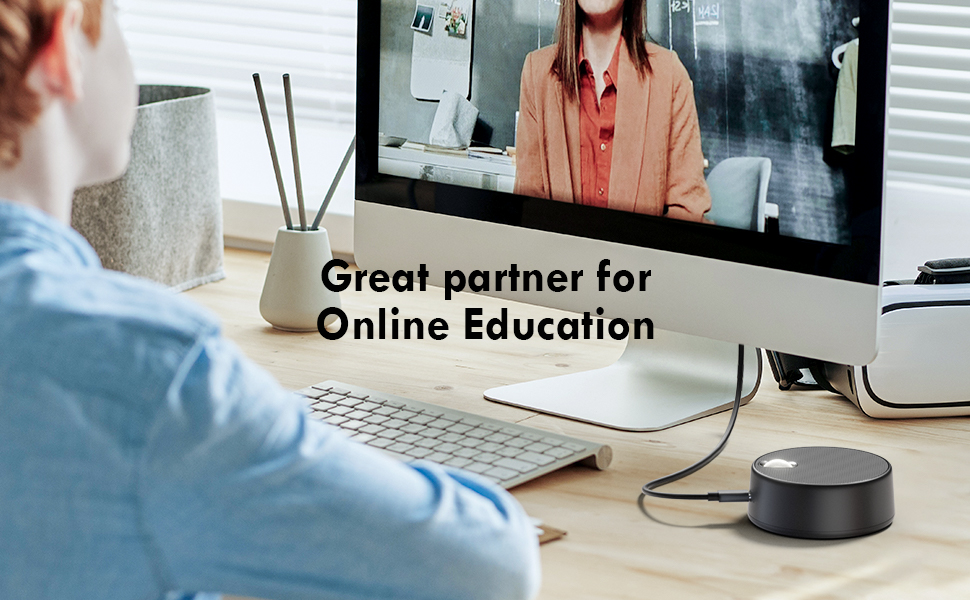
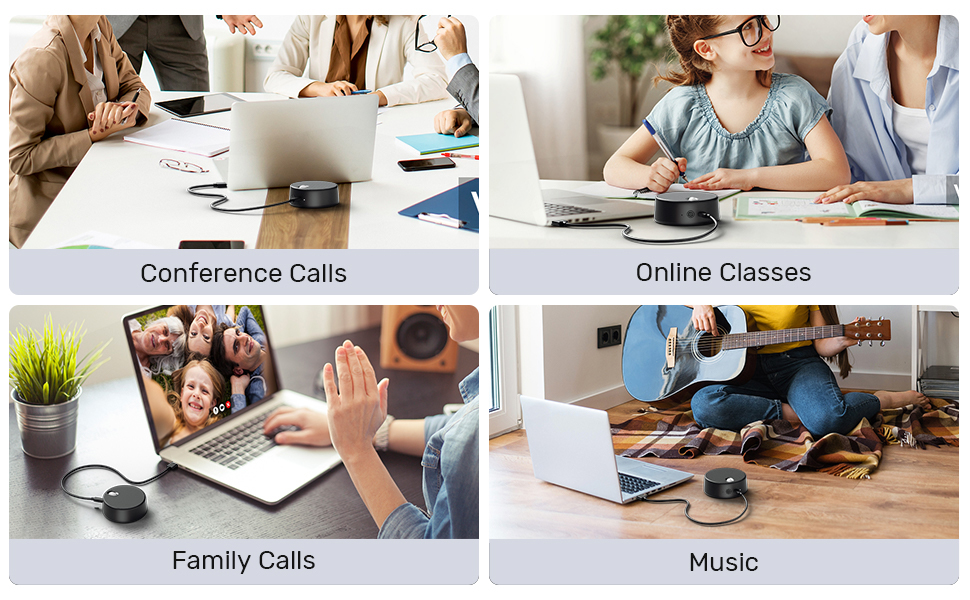
1. Built in Microphone for hand free Call, Meeting or Online Class;
2. 3W driver for enough Loud for a loud sound effect;
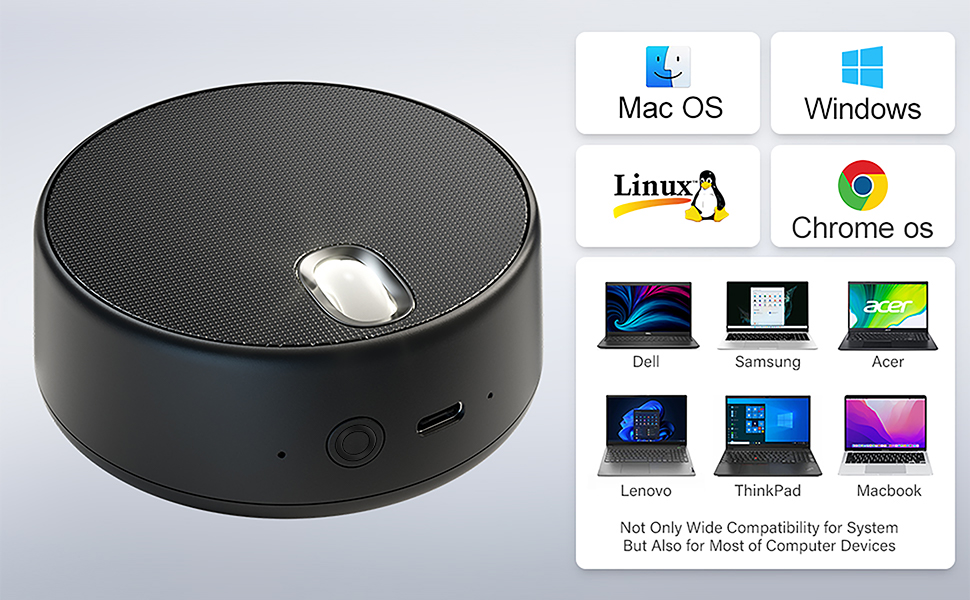
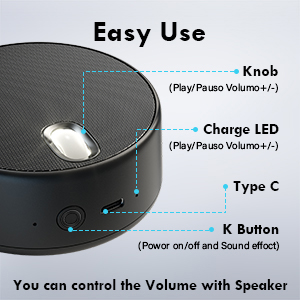
Turn on/off : Long press the multi-functional button for 2s
EQ Selection: Press the multi-functional button when the speaker is turned on
Volume Control: Simply roll the scroll wheel forwards and backwards
Play / Pause Music: Simply press the scroll wheel
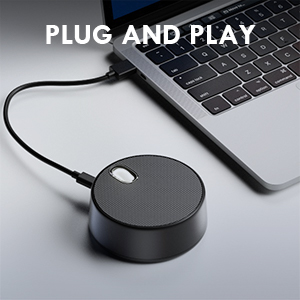
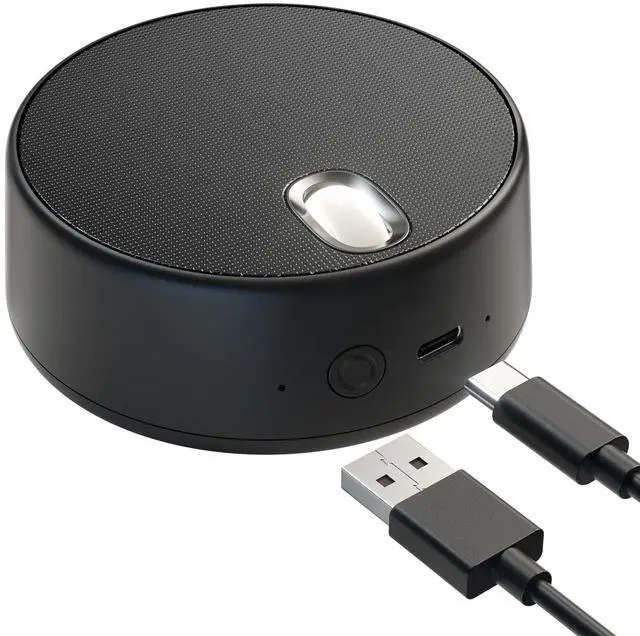
The USB Speaker is equipped with 1.2M Detachable Cable, the cable is long enough to connect with you laptop, or the USB Port of Computer, beyond that, the Detachable Cable is convient for us to detach, and organize it to pocket to carrie out.
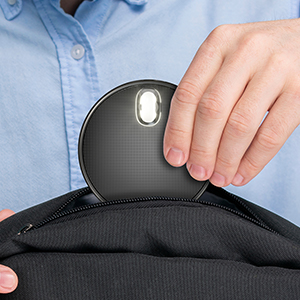
The USB Computer is with Portable Size: 4.13*4.06*1.89Inch, you can take it to anywhere, like Business Trip or Travel.
Computer audio operation steps
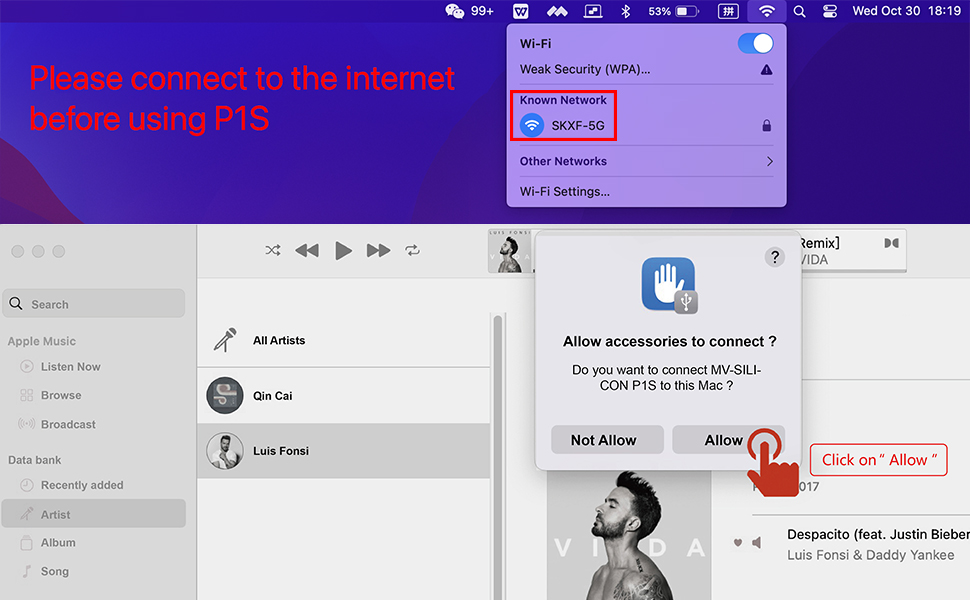
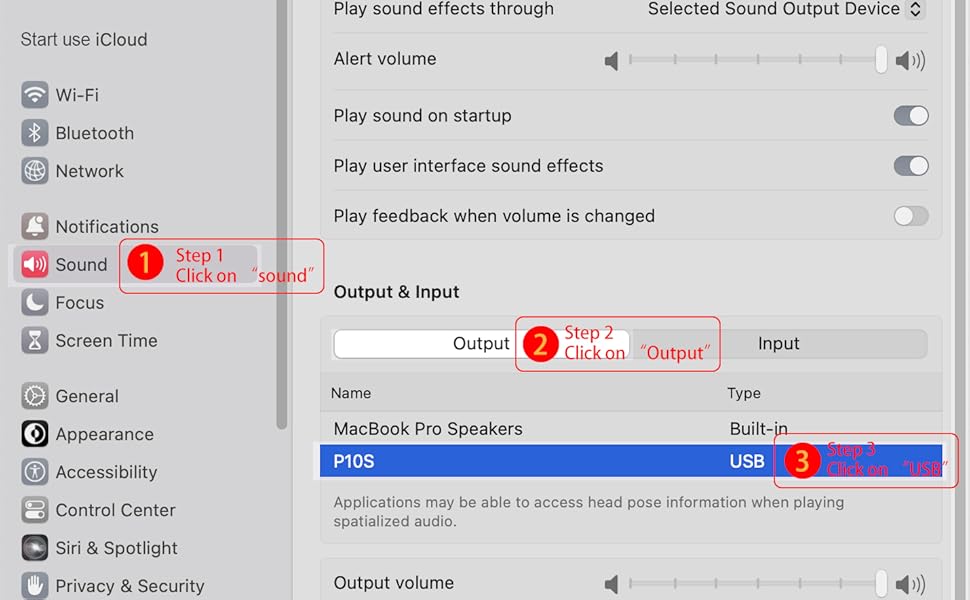
Set it to Work on Windows
1 - Plug it into computer USB port;
2 - Click “sound”icon in the taskbar;
3 - expand ”Output” ;
4 - Choose “USB”as the sound output device.
USB Computer Speakers with Microphone, PC Laptop Speaker with Mic, 2 Sound Modes, Hand Free Enhanced Voice Pick up, Compatible with Zoom
Newest upgraded USB Computer Speaker with Microphone:
1. Built in Microphone for hand free Call, Meeting or Online Class;
2. 3W driver for enough Loud for a loud sound effect;
Turn on/off : Long press the multi-functional button for 2s
EQ Selection: Press the multi-functional button when the speaker is turned on
Volume Control: Simply roll the scroll wheel forwards and backwards
Play / Pause Music: Simply press the scroll wheel
The USB Speaker is equipped with 1.2M Detachable Cable, the cable is long enough to connect with you laptop, or the USB Port of Computer, beyond that, the Detachable Cable is convient for us to detach, and organize it to pocket to carrie out.
The USB Computer is with Portable Size: 4.13*4.06*1.89Inch, you can take it to anywhere, like Business Trip or Travel.
Computer audio operation steps
Set it to Work on Windows
1 - Plug it into computer USB port;
2 - Click “sound”icon in the taskbar;
3 - expand ”Output” ;
4 - Choose “USB”as the sound output device.