


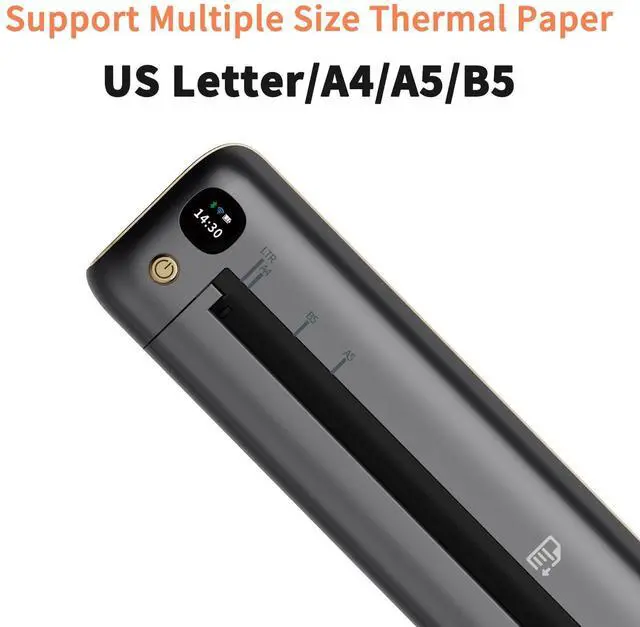
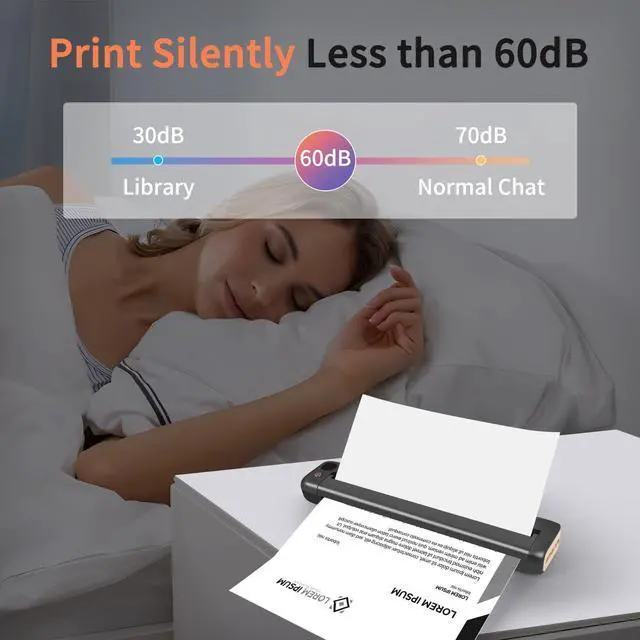



Rongta Thermal Printers
Rongta was founded in 2010, is specialized in printing equipment, ideal is provide more innovative and valuable products for customer.
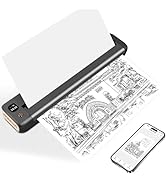
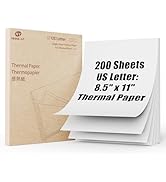
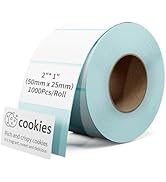
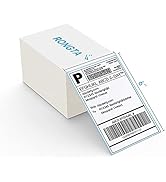
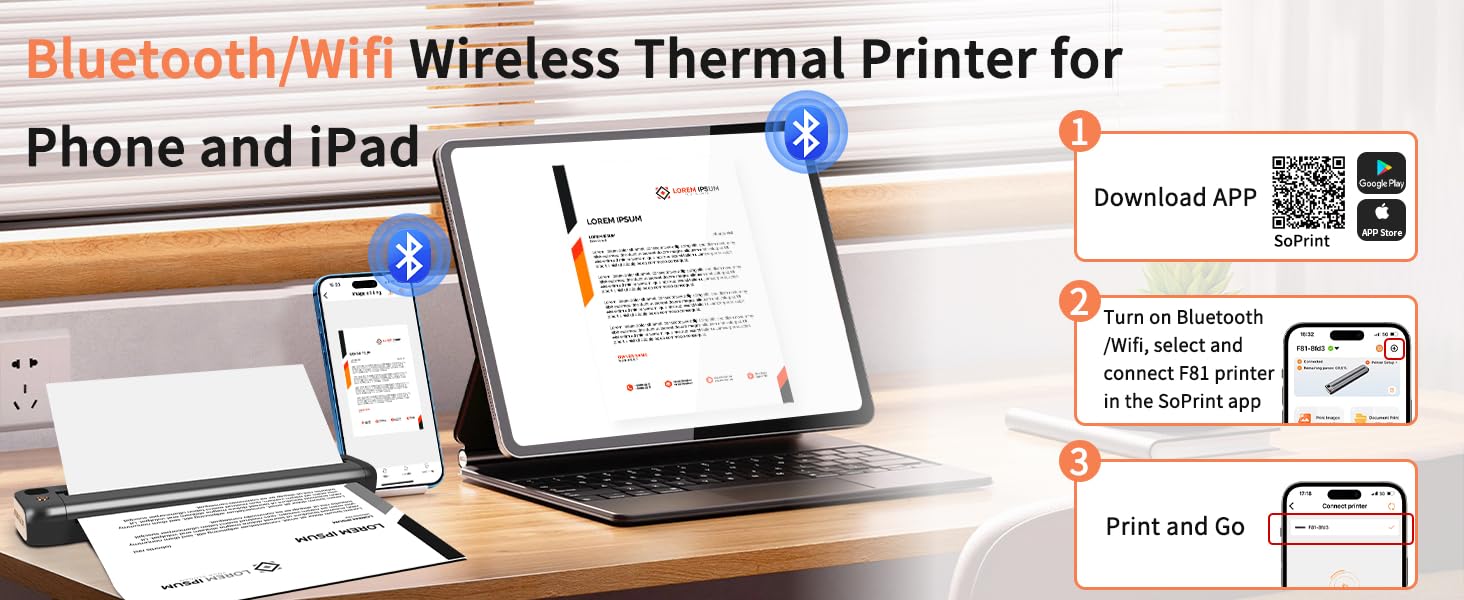
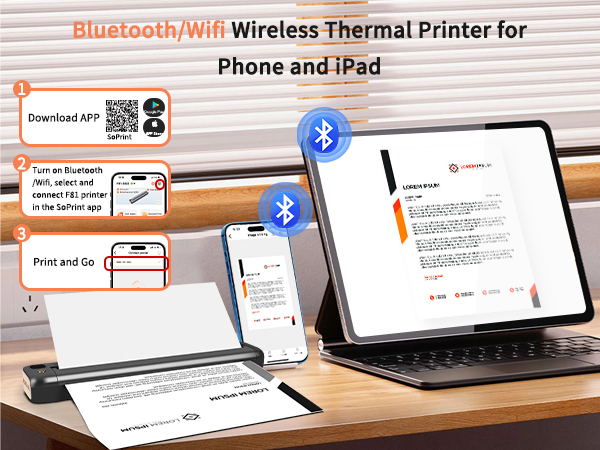
How do I download the APP?
You can searching “SoPrint” in APP Store or Google Play to download the APP.
The printer does not run paper?
Restart the machine and print again (may be caused by program loss), or check whether the print head and the roller are adhesive.
Print blurry?
Wipe the print head, or choose high concentration printing when APP printing, or the machine may be low power.
Can I print during charging?
It can be printed normally during charging.
Why is the red light still on when the paper roll is loaded?
Put in the paper roll to pull out a piece to reach the roller position and then close. If the roller position is still not good, please clean the paper sensor.
Work with Rongta Thermal Printers
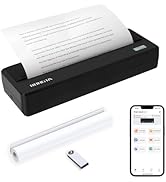
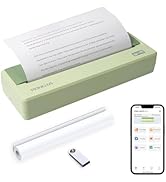
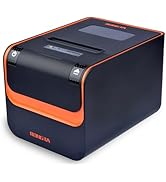
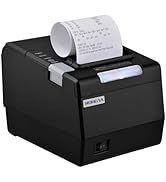
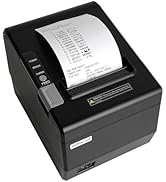
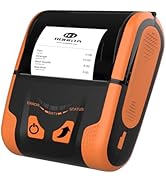
 F81 Portable Printer |  PN81 Portable Printer | 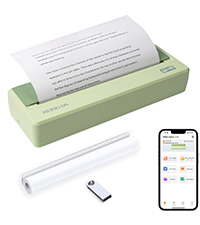 PN81 Portable Printer | 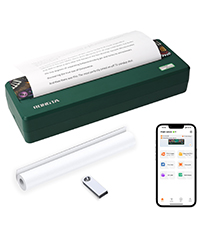 PN81 Portable Printer | 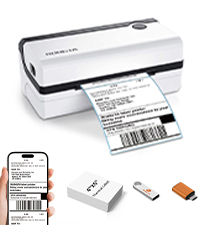 RP420 Label Printer | 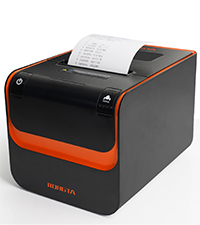 RP332 Receipt Printer | 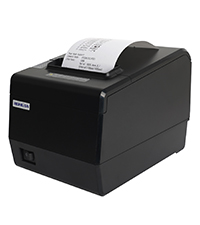 RP850P Receipt Printer | |
|---|---|---|---|---|---|---|---|
Customer Reviews | — | — | — | — | — | — | — |
Price | — | — | — | — | — | — | — |
Connection | Wifi/Bluetooth/USB | Bluetooth/USB | Bluetooth/USB | Bluetooth/USB | Bluetooth/USB | USB/Serial/Ethernet | USB/Serial/Ethernet |
Pack | 1 Priner+20 Sheets Paper | 1 Priner+1 Paper Roll | 1 Priner+1 Paper Roll | 1 Priner+1 Paper Roll | 1 Printer | 1 Printer | 1 Printer |
Color | Gray | Gray | Green | Dark Green | White | Black | Black |
Size | 10.55"D x 2.28"W x 1.18"H | 10.9"D x 3.8"W x 2.13"H | 10.9"D x 3.8"W x 2.13"H | 10.9"D x 3.8"W x 2.13"H | 8.66"D x 4.29"W x 3.62"H | 7.79"D x 5.67"W x 5.66"H | 7.87"D x 5.7"W x 5.59"H |
Style | Portable Printer | Portable Printer | Portable Printer | Portable Printer | Thermal Label Printer | Thermal Receipt Printer | Thermal Receipt Printer |
Compatible with | Phone/Windows/Mac | Phone/Windows/Mac | Phone/Windows/Mac | Phone/Windows/Mac | Phone/Windows/Mac | Windows/Mac | Windows/Mac |
High Quality | ? | ? | ? | ? | ? | ? | ? |
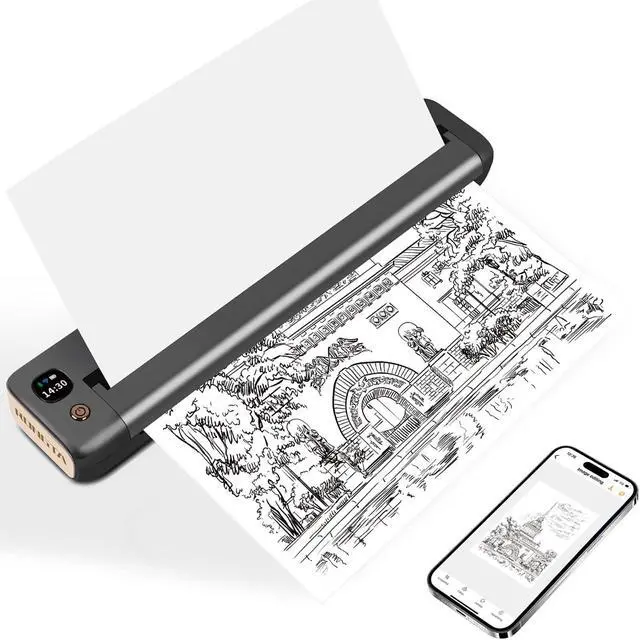
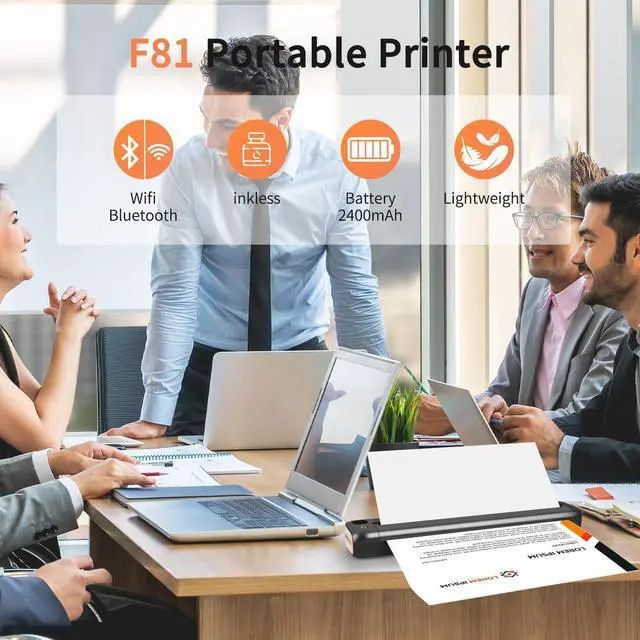
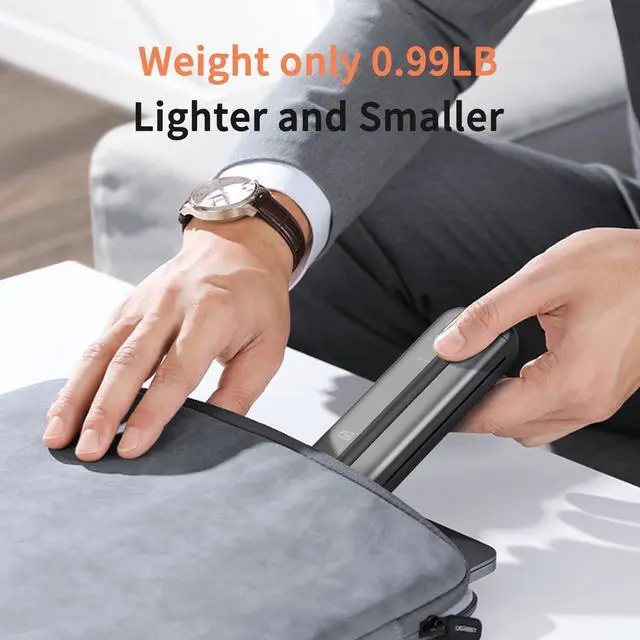
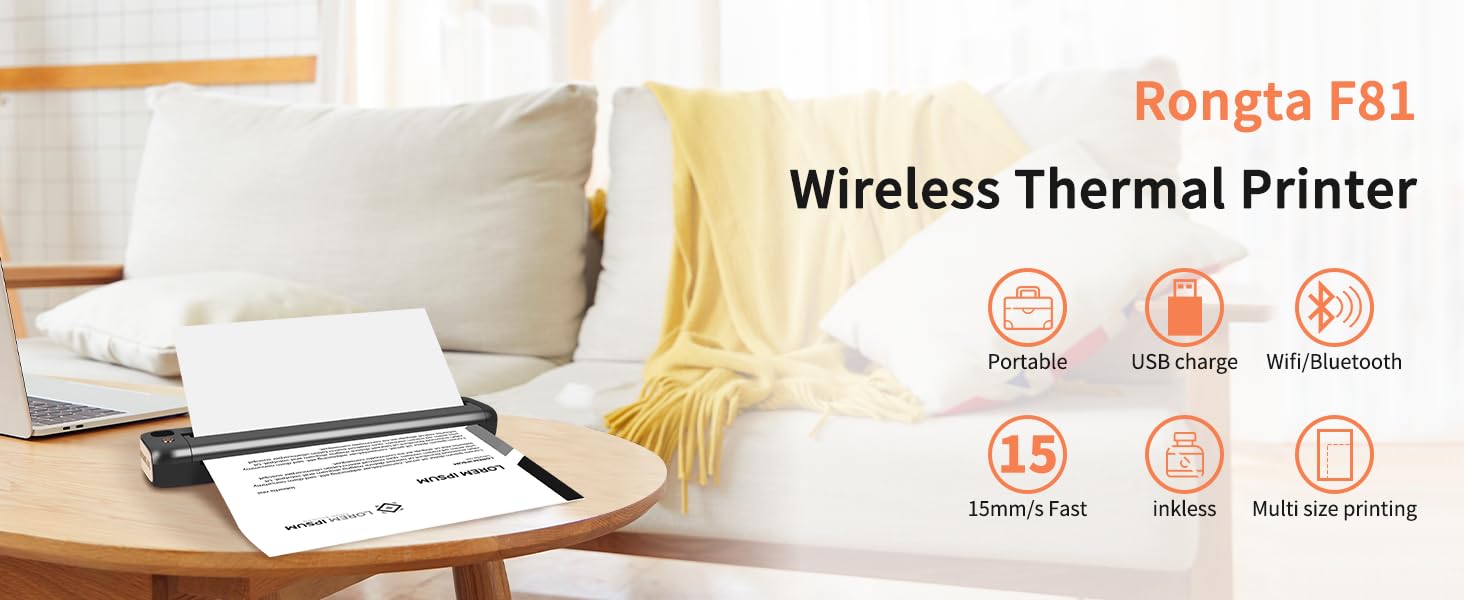
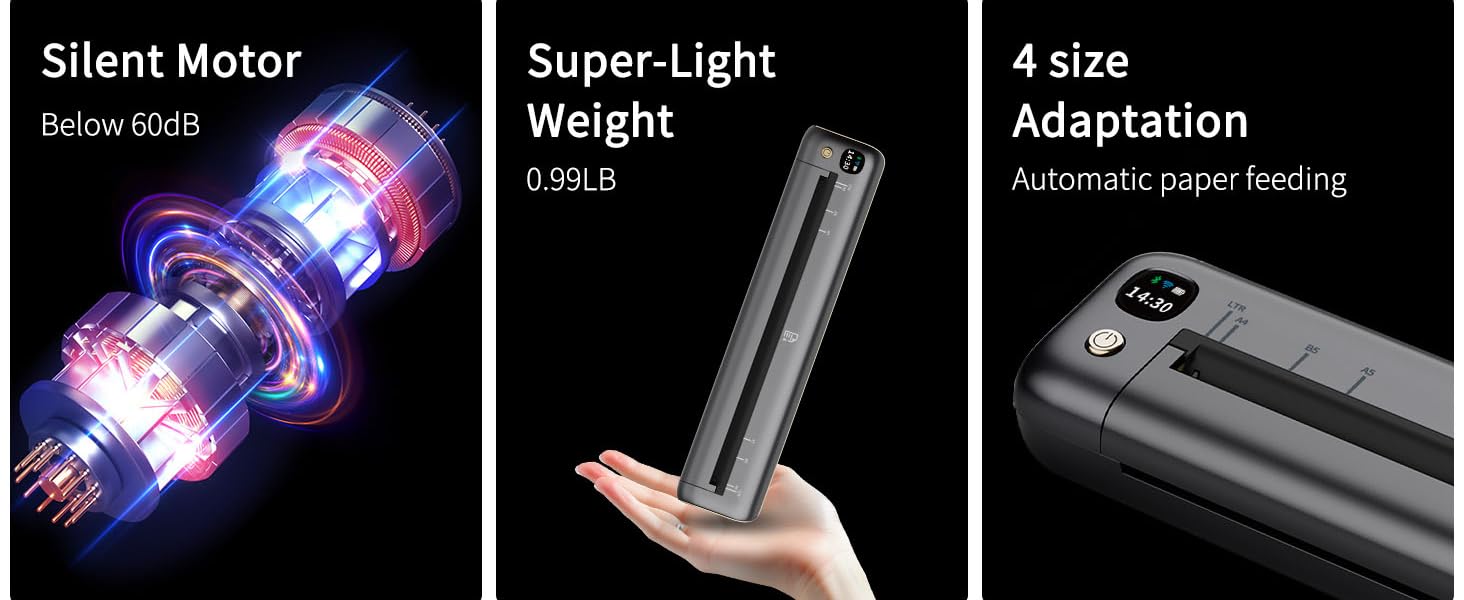
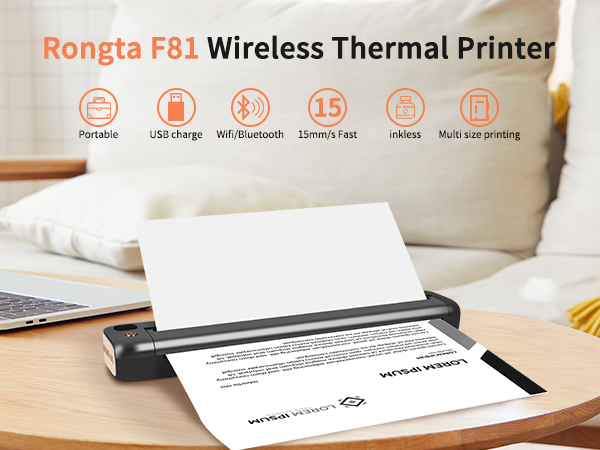
F81 Printer Overview
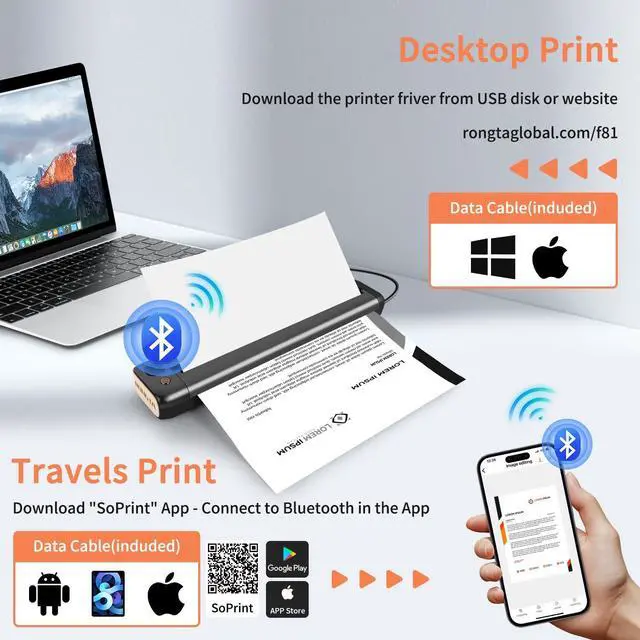
F81 APP Download & Start
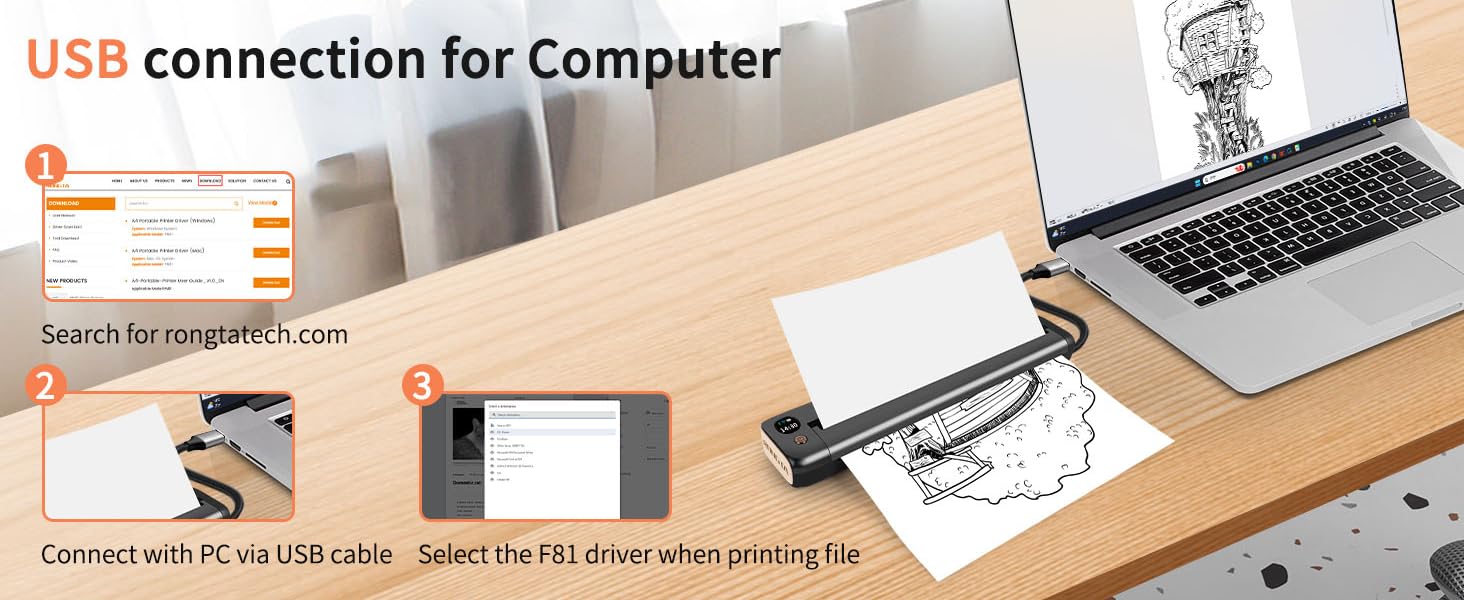
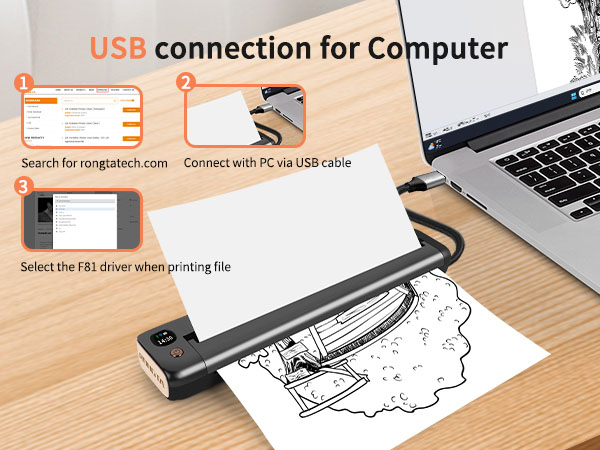
F81 Mac OS USB Connection
F81 Windows USB Connection
How do I download the APP?
You can searching “SoPrint” in APP Store or Google Play to download the APP.
The printer does not run paper?
Restart the machine and print again (may be caused by program loss), or check whether the print head and the roller are adhesive.
Print blurry?
Wipe the print head, or choose high concentration printing when APP printing, or the machine may be low power.
Can I print during charging?
It can be printed normally during charging.
Why is the red light still on when the paper roll is loaded?
Put in the paper roll to pull out a piece to reach the roller position and then close. If the roller position is still not good, please clean the paper sensor.
Work with Rongta Thermal Printers
F81 Portable Printer | PN81 Portable Printer | PN81 Portable Printer | PN81 Portable Printer | RP420 Label Printer | RP332 Receipt Printer | RP850P Receipt Printer |
|---|---|---|---|---|---|---|
| Customer Reviews | ||||||
| — | — | — | — | — | — | — |
| Price | ||||||
| — | — | — | — | — | — | — |
| Connection | ||||||
| Wifi/Bluetooth/USB | Bluetooth/USB | Bluetooth/USB | Bluetooth/USB | Bluetooth/USB | USB/Serial/Ethernet | USB/Serial/Ethernet |
| Pack | ||||||
| 1 Priner+20 Sheets Paper | 1 Priner+1 Paper Roll | 1 Priner+1 Paper Roll | 1 Priner+1 Paper Roll | 1 Printer | 1 Printer | 1 Printer |
| Color | ||||||
| Gray | Gray | Green | Dark Green | White | Black | Black |
| Size | ||||||
| 10.55"D x 2.28"W x 1.18"H | 10.9"D x 3.8"W x 2.13"H | 10.9"D x 3.8"W x 2.13"H | 10.9"D x 3.8"W x 2.13"H | 8.66"D x 4.29"W x 3.62"H | 7.79"D x 5.67"W x 5.66"H | 7.87"D x 5.7"W x 5.59"H |
| Style | ||||||
| Portable Printer | Portable Printer | Portable Printer | Portable Printer | Thermal Label Printer | Thermal Receipt Printer | Thermal Receipt Printer |
| Compatible with | ||||||
| Phone/Windows/Mac | Phone/Windows/Mac | Phone/Windows/Mac | Phone/Windows/Mac | Phone/Windows/Mac | Windows/Mac | Windows/Mac |
| High Quality | ||||||
| ? | ? | ? | ? | ? | ? | ? |
Rongta Thermal Printers
Rongta was founded in 2010, is specialized in printing equipment, ideal is provide more innovative and valuable products for customer.
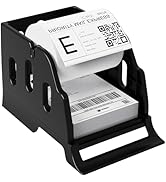
Label Printer& Thermal Labels
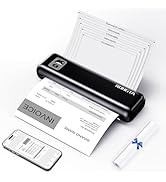
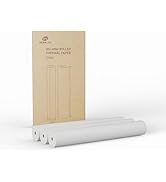
Portable Printer&Thermal Paper
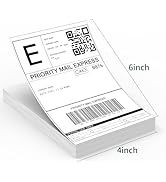
Thermal Labels
Tatto Printer&Mini Printer
Portable Thermal Printer
80mm Thermal Receipt Printer