



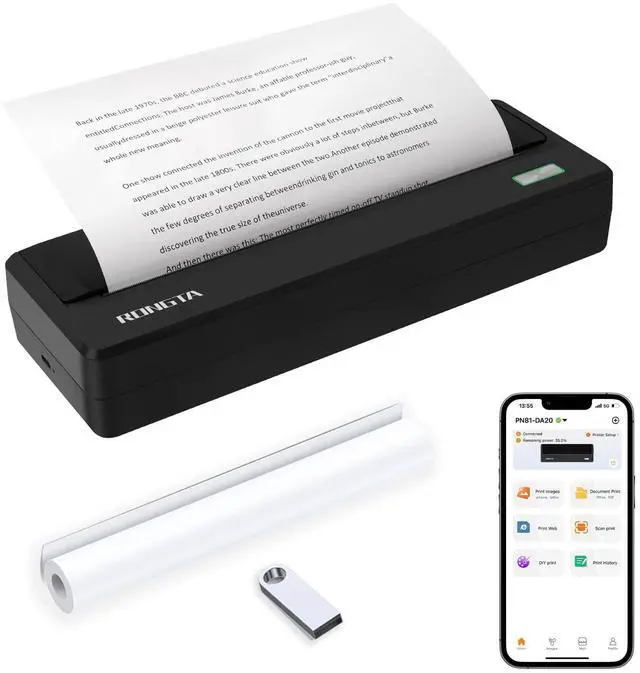
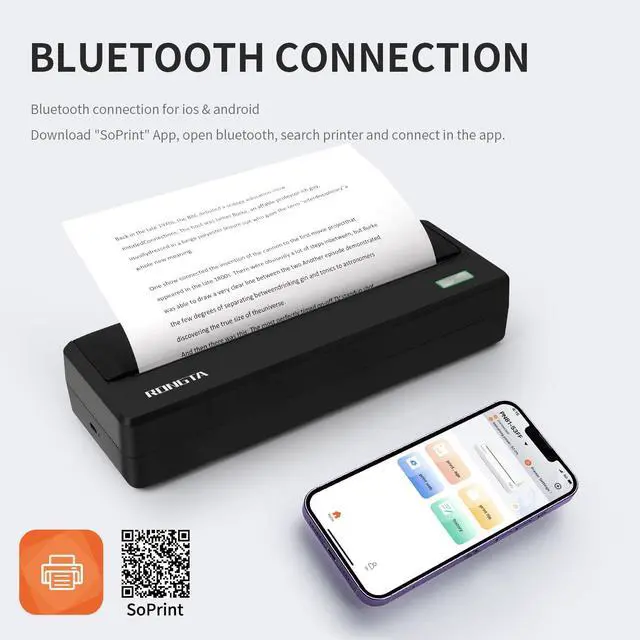
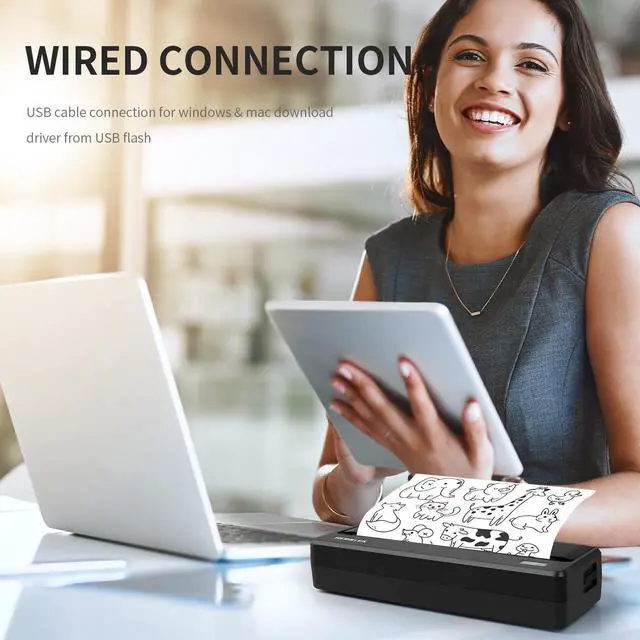
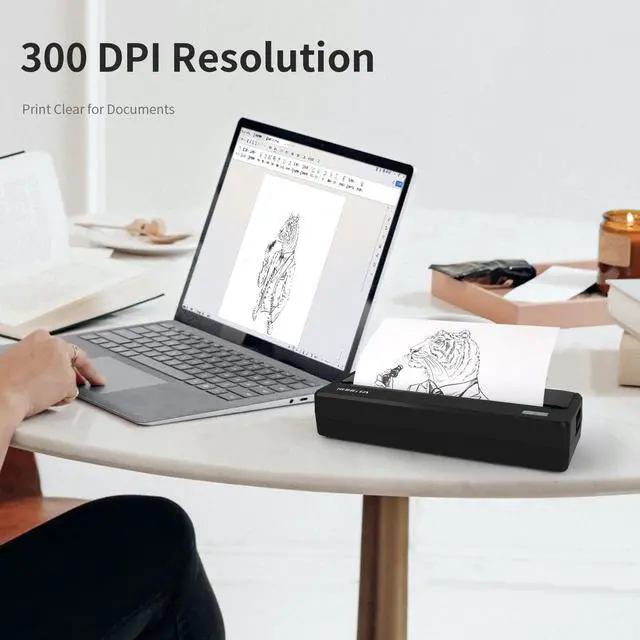


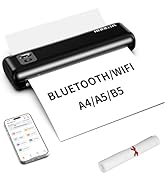
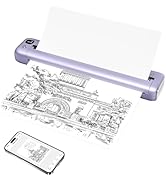
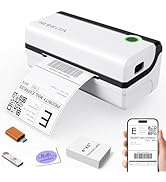
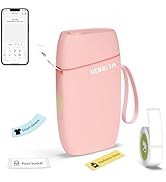
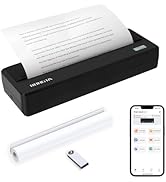
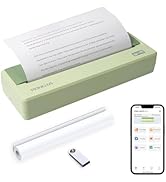
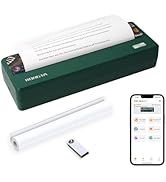

Note: Please click the "+" on the top right corner of the App homepage to search and connect to the printer. You can set print density and paper size, crop, zoom in or out, etc in the SoPrint app.


Can I charge it when it is off?
Yes! Plug in the Type-C by USB charging cable, and the machine will wake up and charge automatically.
How do I download the APP?
You can find the QR code in the package box, scanning QR code to download “SoPrint” APP. Or searching “SoPrint” in APP Store or Google Play to download the APP.
What about the offset of the printed content?
Turn on the machine and recenter the roll.
The printer does not run paper?
Restart the machine and print again (may be caused by program loss), or check whether the print head and the roller are adhesive.
Why is the red light still on when the paper roll is loaded?
Put in the paper roll to pull out a piece to reach the roller position and then close. If the roller position is still not good, please clean the paper sensor.
Work with Rongta Thermal Printers
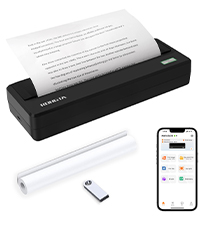 PN81 Portable Printer | 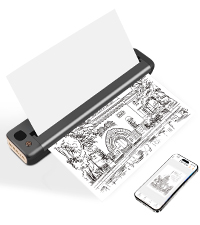 F81 Portable Printer | 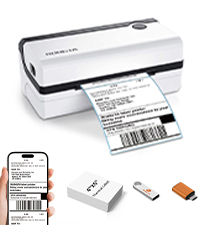 RP420 Label Printer | 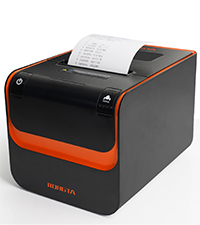 RP332 Receipt Printer | 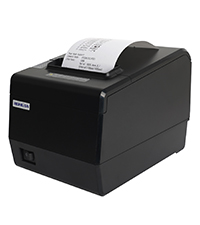 RP850P Receipt Printer | |
|---|---|---|---|---|---|
Customer Reviews | — | — | — | — | — |
Price | — | — | — | — | — |
Connection | Bluetooth/USB | Wifi/Bluetooth/USB | Bluetooth/USB | USB/Serial/Ethernet | USB/Serial/Ethernet |
Pack | 1 Priner+1 Paper Roll | 1 Priner+20 Sheets Paper | 1 Printer | 1 Printer | 1 Printer |
Color | Gray | Gray | White | Black | Black |
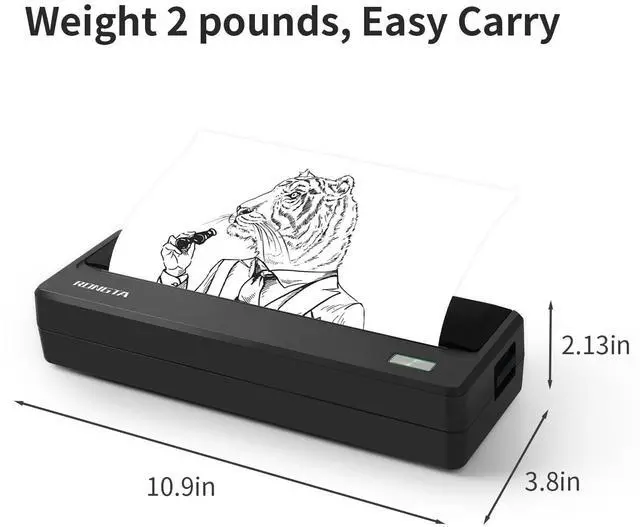
Size | 10.9"D x 3.8"W x 2.13"H | 10.55"D x 2.28"W x 1.18"H | 8.66"D x 4.29"W x 3.62"H | 7.79"D x 5.67"W x 5.66"H | 7.87"D x 5.7"W x 5.59"H |
Style | Portable Printer | Portable Printer | Thermal Label Printer | Thermal Receipt Printer | Thermal Receipt Printer |
Compatible with | Phone/Windows/Mac | Phone/Windows/Mac | Phone/Windows/Mac | Windows/Mac | Windows/Mac |
High Quality | ? | ? | ? | ? | ? |

Note: Please click the "+" on the top right corner of the App homepage to search and connect to the printer. You can set print density and paper size, crop, zoom in or out, etc in the SoPrint app.


Can I charge it when it is off?
Yes! Plug in the Type-C by USB charging cable, and the machine will wake up and charge automatically.
How do I download the APP?
You can find the QR code in the package box, scanning QR code to download “SoPrint” APP. Or searching “SoPrint” in APP Store or Google Play to download the APP.
What about the offset of the printed content?
Turn on the machine and recenter the roll.
The printer does not run paper?
Restart the machine and print again (may be caused by program loss), or check whether the print head and the roller are adhesive.
Why is the red light still on when the paper roll is loaded?
Put in the paper roll to pull out a piece to reach the roller position and then close. If the roller position is still not good, please clean the paper sensor.
| Connection | Bluetooth + USB type-c |
|---|---|
| Resolution | 300dpi |
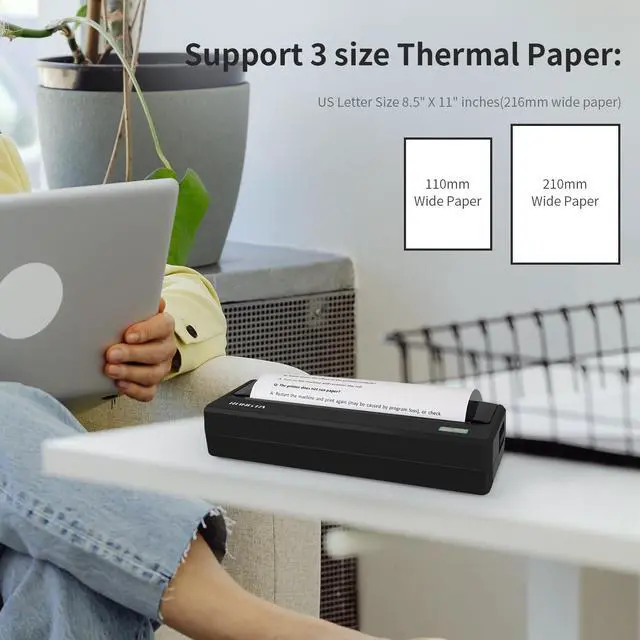
| Paper width | 110/210/216mm |
| Paper diameter | 30mm (Max) |
| Command | ESC/POS |
| Driver | XP/Win7/Win8/Win10/Win11/MacOS/OPOS |
| SDK | Android/IOS/Windows |
| Product size | 277*96.5*54.3mm |
| Product weight | 946g |
Work with Rongta Thermal Printers
PN81 Portable Printer | F81 Portable Printer | RP420 Label Printer | RP332 Receipt Printer | RP850P Receipt Printer |
|---|---|---|---|---|
| Customer Reviews | ||||
| — | — | — | — | — |
| Price | ||||
| — | — | — | — | — |
| Connection | ||||
| Bluetooth/USB | Wifi/Bluetooth/USB | Bluetooth/USB | USB/Serial/Ethernet | USB/Serial/Ethernet |
| Pack | ||||
| 1 Priner+1 Paper Roll | 1 Priner+20 Sheets Paper | 1 Printer | 1 Printer | 1 Printer |
| Color | ||||
| Gray | Gray | White | Black | Black |
| Size | ||||
| 10.9"D x 3.8"W x 2.13"H | 10.55"D x 2.28"W x 1.18"H | 8.66"D x 4.29"W x 3.62"H | 7.79"D x 5.67"W x 5.66"H | 7.87"D x 5.7"W x 5.59"H |
| Style | ||||
| Portable Printer | Portable Printer | Thermal Label Printer | Thermal Receipt Printer | Thermal Receipt Printer |
| Compatible with | ||||
| Phone/Windows/Mac | Phone/Windows/Mac | Phone/Windows/Mac | Windows/Mac | Windows/Mac |
| High Quality | ||||
| ? | ? | ? | ? | ? |
Rongta Thermal Printers
Rongta was founded in 2010, is specialized in printing equipment, ideal is provide more innovative and valuable products for customer.
Portable Thermal Printer
Portable Printer
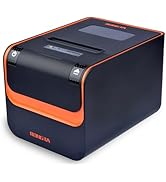
Rongta Thermal Receipt Printer