




Rongta Store
portable printers wireless for travel and home use
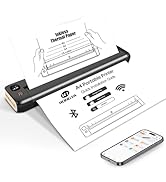
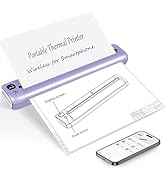




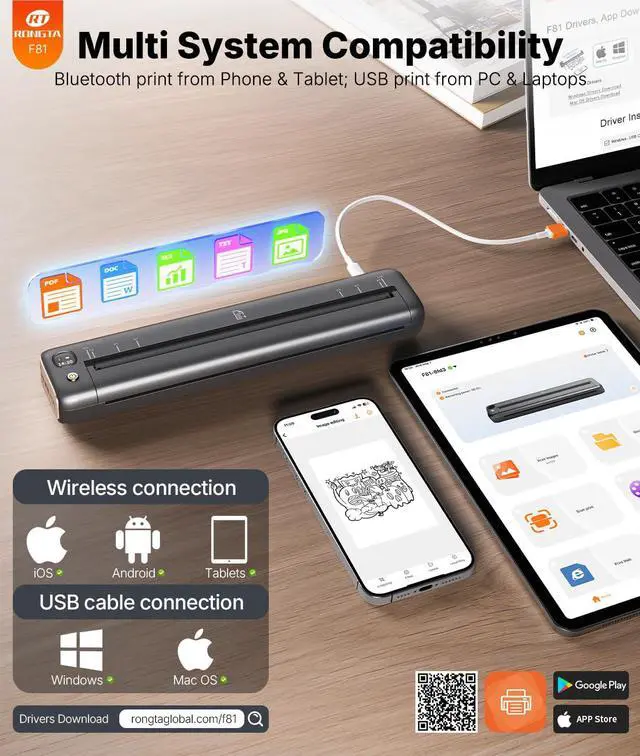
How to connect my laptop/PC to F81 printer?--use USB cable


Does the portable printer can work with regular paper?
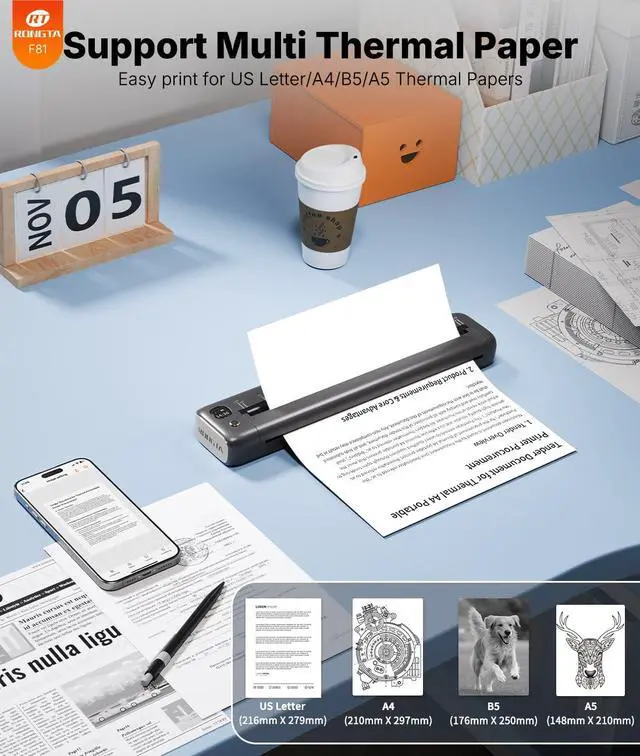
Only Supports Thermal Paper!! It doesn't compatible with other regular standard paper.
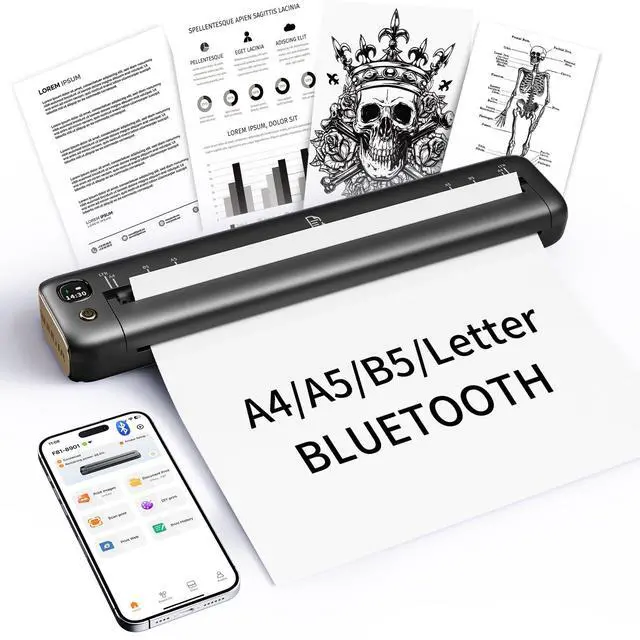
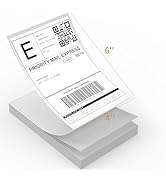
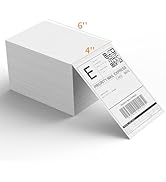
It supports rolls, flat and continuous thermal paper, including (US Letter, A4, 4.33'', 3.14'', and 2.08'' sizes).
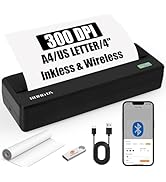
Portable Printer Wireless Needn't Ink or Toner
How to print from your computer?
Step 1: Download and install the driver from U disk or the rongtatech.com/f82 website
Step 2: Turn on F82, use the USB cable to connect the F82 printer to your computer.
Step 3: Select and open your document, and choose F82 in the printer list.
How to connect your cell phone or Tablet with print?
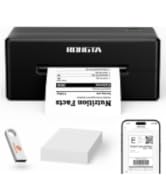
1.Please download the App “soprint” ;
2.Turn on your Phone or tablet Bluetooth and the Printer
3. Go on the App and click the “printer” icon to search and click
The printer can’t via Bluetooth on the Phone/tablet directly , have to connect on the App
What should I do if the printing content is not clear?
1. Make sure the printer has power.
2. The print head may be dirty and needs be cleaned.
Do I need to register an account in the app to use it?
No, registration is not required. You can use the app without creating an account.
Printer for Home Life & Work
 Portable Printer F81 |  Portable Printer F81 |  Portable Printer F82 |  Inkless Portable Printer |  Shipping Label Printer |  Shipping Label Printe |  2 Inch Label Maker | |
|---|---|---|---|---|---|---|---|
Customer Reviews | — | — | — | — | — | — | — |
Price | — | — | — | — | — | — | — |
Wireless | ? | ? | ? | ? | ? | ? | ? |
Connection | WIFI/Bluetooth/USB | WIFI/Bluetooth/USB | Bluetooth/USB | Bluetooth/USB | Bluetooth/USB | Bluetooth/USB | Bluetooth |
Compatible | IOS/Android/Windows/Mac | IOS/Android/Windows/Mac | IOS/Android/Windows/Mac | IOS/Android/Windows/Mac | IOS/Android/Windows/Mac | IOS/Android/Windows/Mac | Andorid/IOS |
DPI | 203DPI | 203DPI | 300DPI | 300DPI | 203DPI | 203DPI | 203DPI |
Papper Size | A4/A5/B5/US Letter | A4/A5/B5/US Letter | A4/A5/B5/US Letter | A4/A5/B5/US Letter | 2*1.5"/2*2"/2*3"/4*6" | 2*1.5"/2*2"/2*3"/4*6" | 2“ Wide Max |
Paper Style | Single Sheet | Single Sheet | Rolle Paper | Rolle Paper | Rolle Paper/Single Sheet | Rolle Paper/Single Sheet | Rolle Paper |
Rongta Portable Printer F81 with Thremal Paper


How to connect my laptop/PC to F81 printer?--use USB cable
F81 Printer Driver Download & Installation--macOS
From Website ( rongtaglobal.com/f81 )
60-Second macOS Driver Setup Guide
• Set up your Windows drivers in just 60 seconds
• Quickly resolve issues with step-by-step visual guides
Bluetooth pairing code(if need): 0000 or 000000 (activation code)
Printer Driver Download & Installation--Windows
From Website ( rongtaglobal.com/f81 )
60-Second macOS Driver Setup Guide
• Set up your Mac drivers in just 60 seconds
• Quickly resolve issues with step-by-step visual guides
Bluetooth pairing code(if need): 0000 or 000000 (activation code)


Does the portable printer can work with regular paper?
Only Supports Thermal Paper!! It doesn't compatible with other regular standard paper.
It supports rolls, flat and continuous thermal paper, including (US Letter, A4, 4.33'', 3.14'', and 2.08'' sizes).
Portable Printer Wireless Needn't Ink or Toner
How to print from your computer?
Step 1: Download and install the driver from U disk or the rongtatech.com/f82 website
Step 2: Turn on F82, use the USB cable to connect the F82 printer to your computer.
Step 3: Select and open your document, and choose F82 in the printer list.
How to connect your cell phone or Tablet with print?
1.Please download the App “soprint” ;
2.Turn on your Phone or tablet Bluetooth and the Printer
3. Go on the App and click the “printer” icon to search and click
The printer can’t via Bluetooth on the Phone/tablet directly , have to connect on the App
What should I do if the printing content is not clear?
1. Make sure the printer has power.
2. The print head may be dirty and needs be cleaned.
Do I need to register an account in the app to use it?
No, registration is not required. You can use the app without creating an account.
Printer for Home Life & Work
Portable Printer F81 | Portable Printer F81 | Portable Printer F82 | Inkless Portable Printer | Shipping Label Printer | Shipping Label Printe | 2 Inch Label Maker |
|---|---|---|---|---|---|---|
| Customer Reviews | ||||||
| — | — | — | — | — | — | — |
| Price | ||||||
| — | — | — | — | — | — | — |
| Wireless | ||||||
| ? | ? | ? | ? | ? | ? | ? |
| Connection | ||||||
| WIFI/Bluetooth/USB | WIFI/Bluetooth/USB | Bluetooth/USB | Bluetooth/USB | Bluetooth/USB | Bluetooth/USB | Bluetooth |
| Compatible | ||||||
| IOS/Android/Windows/Mac | IOS/Android/Windows/Mac | IOS/Android/Windows/Mac | IOS/Android/Windows/Mac | IOS/Android/Windows/Mac | IOS/Android/Windows/Mac | Andorid/IOS |
| DPI | ||||||
| 203DPI | 203DPI | 300DPI | 300DPI | 203DPI | 203DPI | 203DPI |
| Papper Size | ||||||
| A4/A5/B5/US Letter | A4/A5/B5/US Letter | A4/A5/B5/US Letter | A4/A5/B5/US Letter | 2*1.5"/2*2"/2*3"/4*6" | 2*1.5"/2*2"/2*3"/4*6" | 2“ Wide Max |
| Paper Style | ||||||
| Single Sheet | Single Sheet | Rolle Paper | Rolle Paper | Rolle Paper/Single Sheet | Rolle Paper/Single Sheet | Rolle Paper |
Rongta Store
portable printers wireless for travel and home use
Portable Proter-for travel
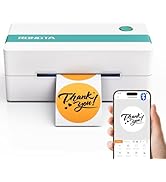
Shipping Labels & Printer


Reciept Proter-for Home/Shop
Rongta Thermal Printers
Rongta was founded in 2010, is specialized in
printing equipment, ideal is provide more
innovative andvaluable products for customer.