






ROSONWAY, beginning as a manufacturer of computer peripherals, with multiple patent designs and years of expert manufacturing experience, we rapidly established ourselves in the USB expansion area as an innovator, providing solid and reliable products for our customers around the world.
ROSONWAY is committed to premium products, professional after-sales service, combined with technology and innovation, to bring expanding more possibilities.


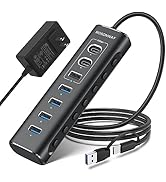
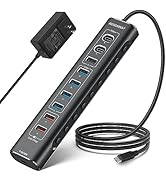
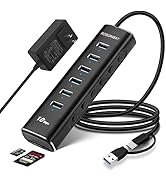
Hybrid USB Hub
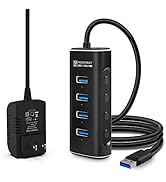
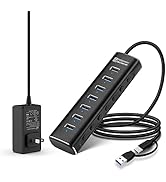
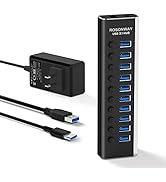
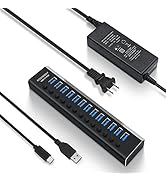
10Gbps USB Hub
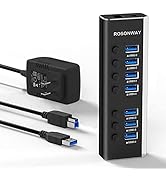
Aluminum Powered USB 3.0 Hub
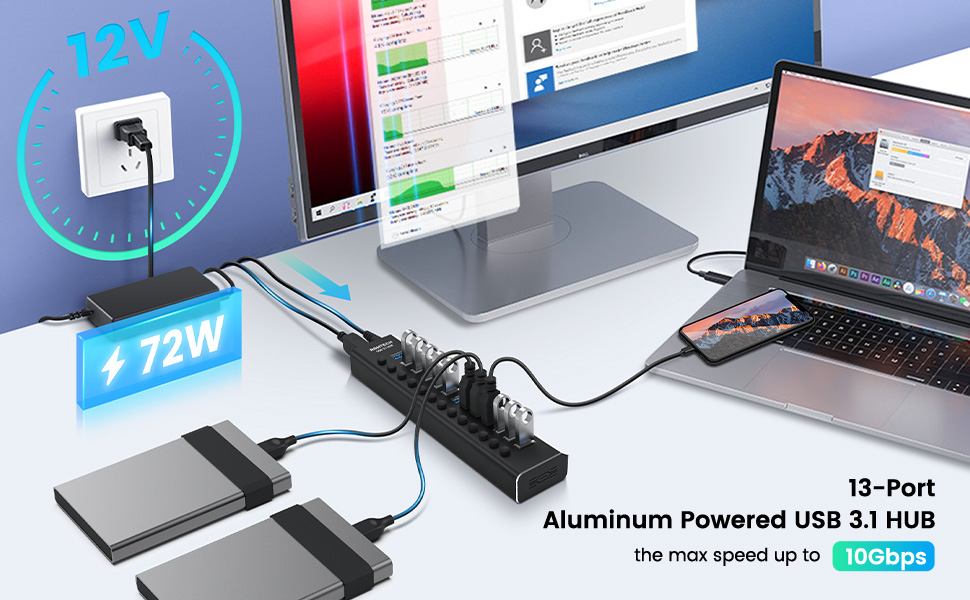
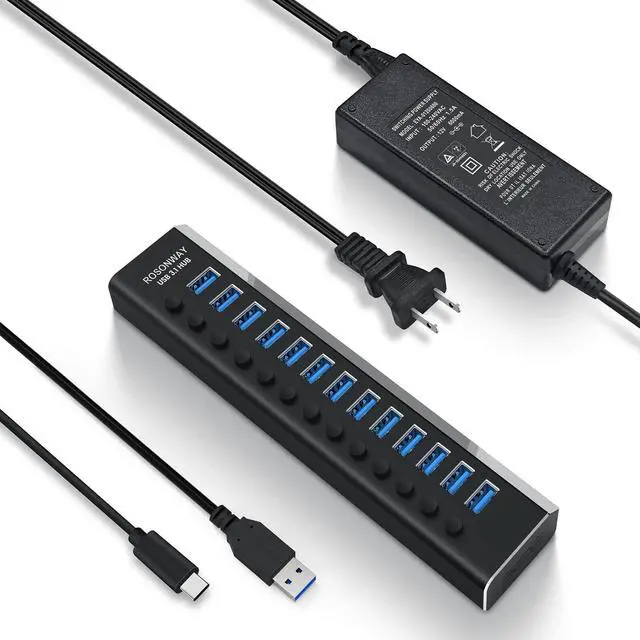
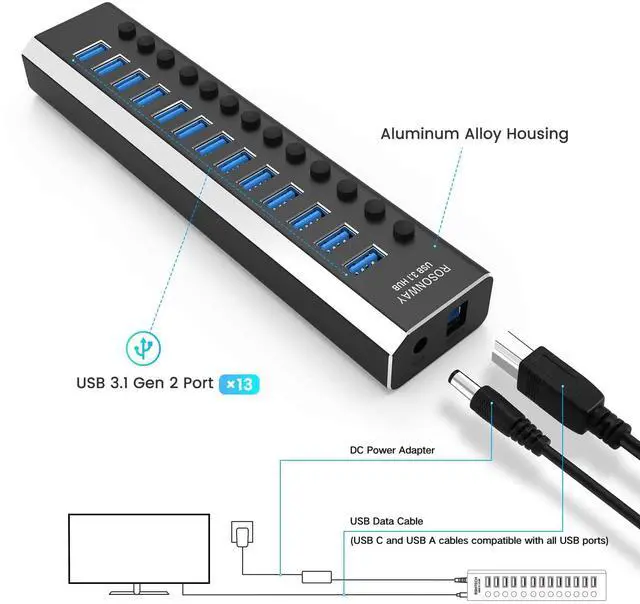
ROSONWAY Pro Version-13 Port Powered USB 3.1 Gen 2 (USB 3.2 Gen 2) Hub
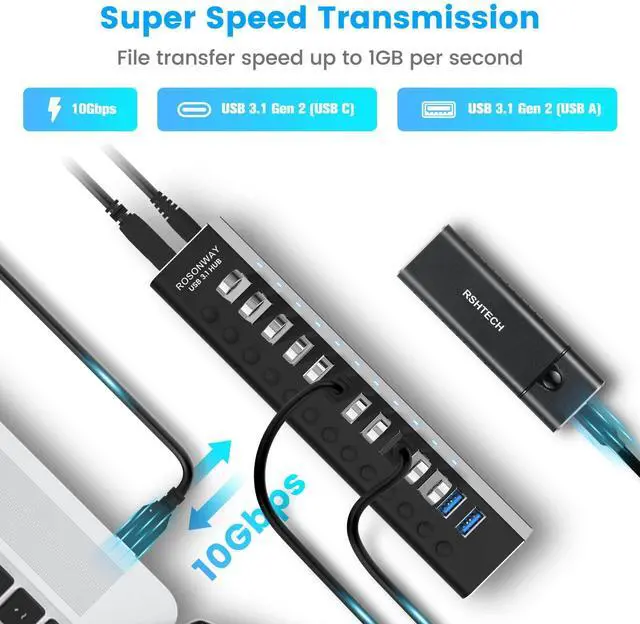
- The max speed up to 10Gbps,And backward compatible with USB 3.0 and USB 2.0.
- Included 2 cables (USB A and USB C) compatible with all USB-A/USB-C devices, also support transfer speeds up to 10Gbps.
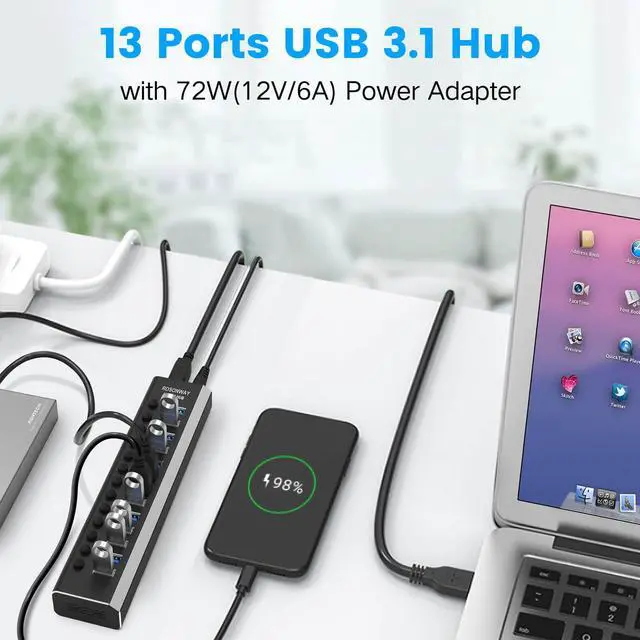
- 13-Port USB Expansion for Data Transfer and Charging
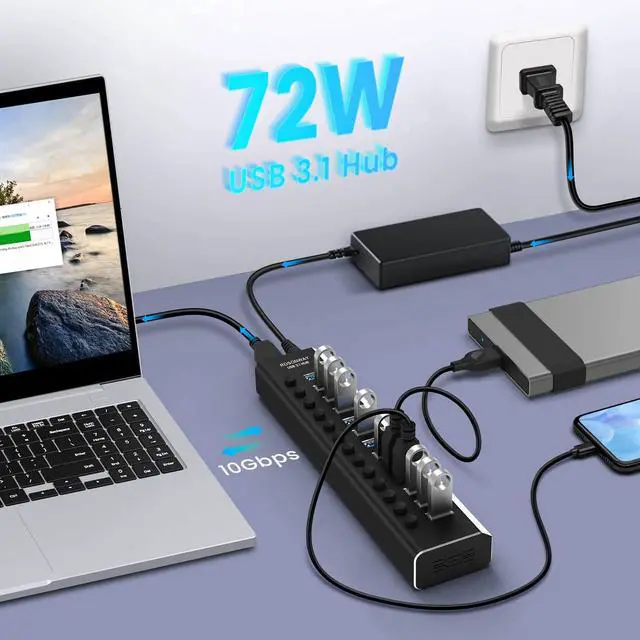
- UL Certificated 72W (12V/6A) Power Adapter
- Aluminum Housing, Designed Sturdy
- Individual On/Off Switches and LED Light
- Plug and Play, No Driver Required
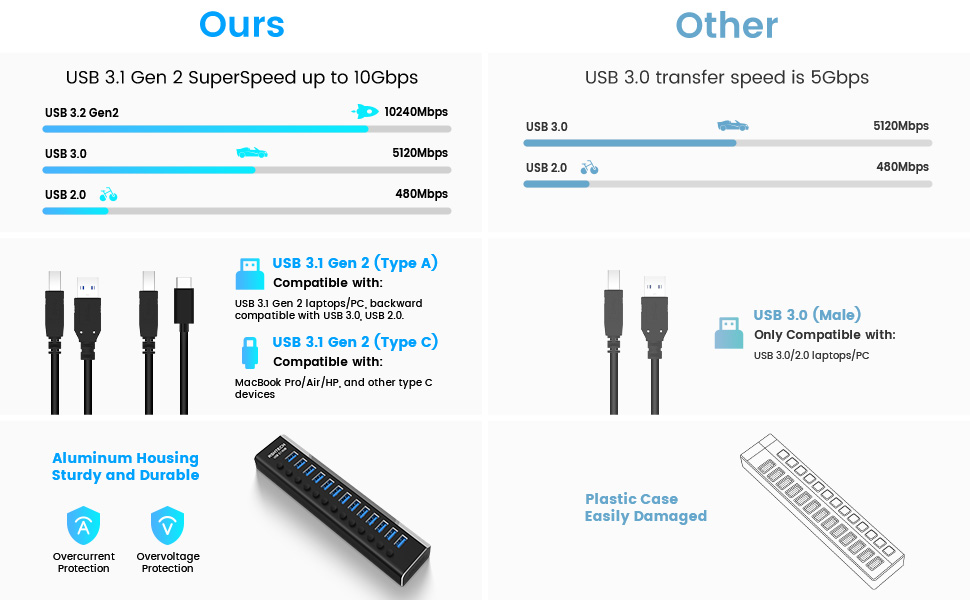
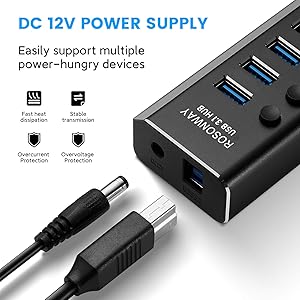
Multiple Protection, Stable Output
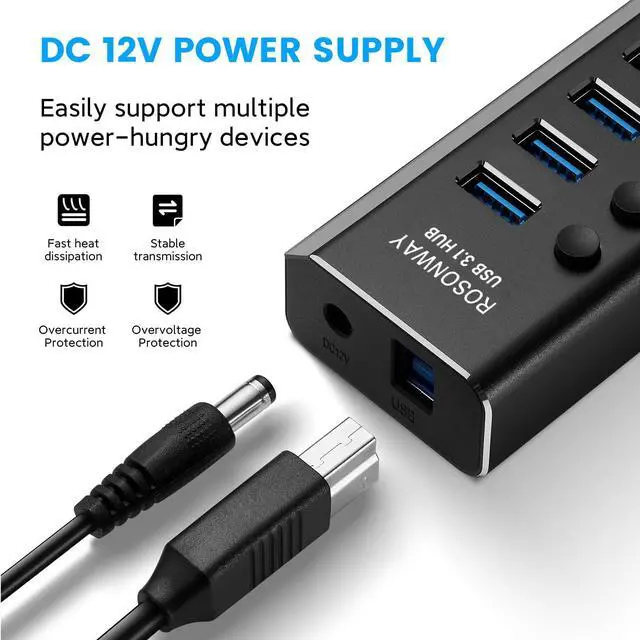
- Powered USB Hub with 72W UL Certified Power Adapter, 12V power input interface, it can provide strong and stable power for external equipment, can operate multiple USB devices simultaneously for flexible use.
- Powered USB C Hub uses advanced chips, Built-in surge protector, with overvoltage and overcurrent protection, keeps your devices and data safe.
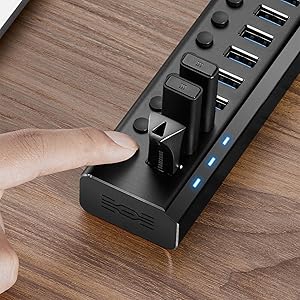
Individual On/Off Switches
- ROSONWAY Powered USB 3.1/3.2 Hub with 13 individual on/off switches to control each USB port.
- USB C Hub Splitter saves the trouble of unplugging devices whenever you don’t need it. Turn on/off the port at your need.
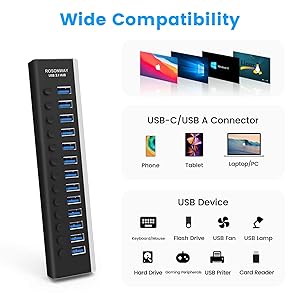
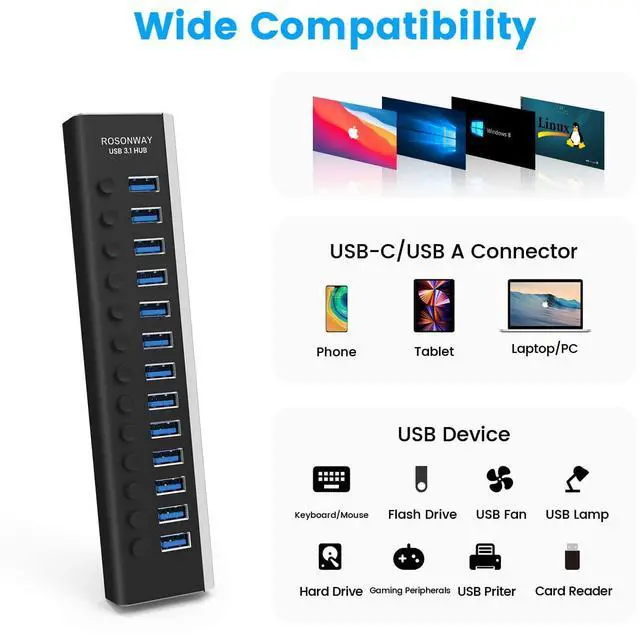
Wide Compatibility
- Operating Systems: Windows 7/8/10/11, Mac OS 9/10 (and above), Linux
- Applicable models: M1 Mac mini, MacBook Ai/Pro, iMac, XPS, Surface Pro, Huawei Matebook, Dell Series, and other PCs and laptops
- USB Device: keyboard, mice, USB fan, hard drives, game accessories, printer, camera, flash drives, card readers and more
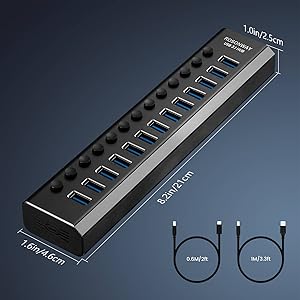
Specifications
- Material: Aluminum+ABS
- Hub Dimension: 8.2*1.6*1.0 inch
- Input: 100-240V 50/60Hz
- Output: DC 12V 6A
- Certification: UL Listed Power Supply
- Detachable USB A to B Cable: 3.3ft/1m
- Detachable USB C to B Cable: 2ft/0.6m
Note:
The USB Hub actual speed depends on the speed of your USB device, USB Port type, your computer performance, etc, Some PCs only come with USB 3.0 whose max speed is 5Gbp.
Package contents:
- 1*ROSONWAY 13-Port USB 3.1 Gen 2 Hub (RSH-A13)
- 1*72W(12V/6A) power adapter
- 1*3.3ft long USB A to B detachable cable
- 1*2ft long USB C to B detachable cable
- 1*user manual
Does the product not work? Troubleshooting can be done in the following steps
- 1. When using the product, you must connect the power adapter, check whether the power adapter is firmly connected to the hub and the power outlet.
- 2. Check if both ends of the cable are fully inserted (computer end and hub end), try to replace another USB-C/USB-A cable for testing.
- 3. Each port has its own switch, make sure the switch of the corresponding port is in the “ON” position, and check if the indicator light is on.
- 4. Try to connect the basic device (e.g. USB flash disk/mouse) separately.
- 5. Check the system recognition status?
- Check the USB controller status in your computer's device manager.
- For Mac system, you can check the USB device tree through “System Information”.
- Try to update the motherboard/USB controller driver.
- 6. Test the product on other computers.
- 7. Finding after-sales help.
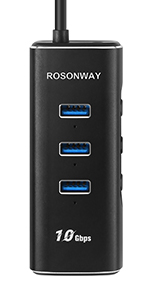 USB C Hub(RSH-A104D) | 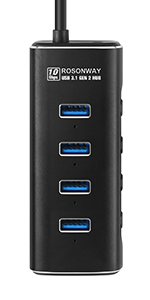 USB 3.1 Hub(RSH-A104) | 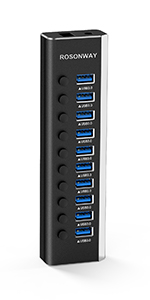 USB 3.0 Hub(RSH-A10) | 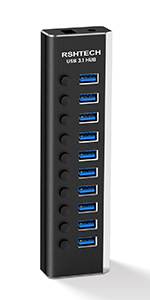 USB 3.1 Hub(RSH-A10S) | 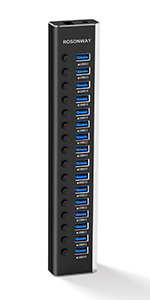 USB 3.0 Hub(RSH-A16) | |
|---|---|---|---|---|---|
| Customer Reviews | — | — | — | — | — |
| Price | — no data | — | — | — | — |
| Number of Ports | 5 | 4 | 10 | 10 | 16 |
| Transfer Speed | 10Gbps | 10Gbps | 5Gbps | 10Gbps | 5Gbps |
| SD/TF Card Reader | ? | no data | no data | no data | no data |
| LED Indicator | ? | ? | ? | ? | ? |
| Power Adapter Included | / | 5V/2A | 12V/3A | 12V/3A | 12V/8.3A |
| Material | Aluminum+ABS | Aluminum+ABS | Aluminum+ABS | Aluminum+ABS | Aluminum+ABS |
| USB Connection Cable Type | USB-C | USB-A | USB-A to USB B | USB-A to USB B+USB-C to USB B | USB-A to USB B |
ROSONWAY Pro Version-13 Port Powered USB 3.1 Gen 2 (USB 3.2 Gen 2) Hub
- The max speed up to 10Gbps,And backward compatible with USB 3.0 and USB 2.0.
- Included 2 cables (USB A and USB C) compatible with all USB-A/USB-C devices, also support transfer speeds up to 10Gbps.
- 13-Port USB Expansion for Data Transfer and Charging
- UL Certificated 72W (12V/6A) Power Adapter
- Aluminum Housing, Designed Sturdy
- Individual On/Off Switches and LED Light
- Plug and Play, No Driver Required
Multiple Protection, Stable Output
- Powered USB Hub with 72W UL Certified Power Adapter, 12V power input interface, it can provide strong and stable power for external equipment, can operate multiple USB devices simultaneously for flexible use.
- Powered USB C Hub uses advanced chips, Built-in surge protector, with overvoltage and overcurrent protection, keeps your devices and data safe.
Individual On/Off Switches
- ROSONWAY Powered USB 3.1/3.2 Hub with 13 individual on/off switches to control each USB port.
- USB C Hub Splitter saves the trouble of unplugging devices whenever you don’t need it. Turn on/off the port at your need.
Wide Compatibility
- Operating Systems: Windows 7/8/10/11, Mac OS 9/10 (and above), Linux
- Applicable models: M1 Mac mini, MacBook Ai/Pro, iMac, XPS, Surface Pro, Huawei Matebook, Dell Series, and other PCs and laptops
- USB Device: keyboard, mice, USB fan, hard drives, game accessories, printer, camera, flash drives, card readers and more
Specifications
- Material: Aluminum+ABS
- Hub Dimension: 8.2*1.6*1.0 inch
- Input: 100-240V 50/60Hz
- Output: DC 12V 6A
- Certification: UL Listed Power Supply
- Detachable USB A to B Cable: 3.3ft/1m
- Detachable USB C to B Cable: 2ft/0.6m
Note:
The USB Hub actual speed depends on the speed of your USB device, USB Port type, your computer performance, etc, Some PCs only come with USB 3.0 whose max speed is 5Gbp.
Package contents:
- 1*ROSONWAY 13-Port USB 3.1 Gen 2 Hub (RSH-A13)
- 1*72W(12V/6A) power adapter
- 1*3.3ft long USB A to B detachable cable
- 1*2ft long USB C to B detachable cable
- 1*user manual
Does the product not work? Troubleshooting can be done in the following steps
- 1. When using the product, you must connect the power adapter, check whether the power adapter is firmly connected to the hub and the power outlet.
- 2. Check if both ends of the cable are fully inserted (computer end and hub end), try to replace another USB-C/USB-A cable for testing.
- 3. Each port has its own switch, make sure the switch of the corresponding port is in the “ON” position, and check if the indicator light is on.
- 4. Try to connect the basic device (e.g. USB flash disk/mouse) separately.
- 5. Check the system recognition status?
- Check the USB controller status in your computer's device manager.
- For Mac system, you can check the USB device tree through “System Information”.
- Try to update the motherboard/USB controller driver.
- 6. Test the product on other computers.
- 7. Finding after-sales help.
USB C Hub(RSH-A104D) | USB 3.1 Hub(RSH-A104) | USB 3.0 Hub(RSH-A10) | USB 3.1 Hub(RSH-A10S) | USB 3.0 Hub(RSH-A16) | |
|---|---|---|---|---|---|
| Customer Reviews | — | — | — | — | — |
| Price | — no data | — | — | — | — |
| Number of Ports | 5 | 4 | 10 | 10 | 16 |
| Transfer Speed | 10Gbps | 10Gbps | 5Gbps | 10Gbps | 5Gbps |
| SD/TF Card Reader | ? | no data | no data | no data | no data |
| LED Indicator | ? | ? | ? | ? | ? |
| Power Adapter Included | / | 5V/2A | 12V/3A | 12V/3A | 12V/8.3A |
| Material | Aluminum+ABS | Aluminum+ABS | Aluminum+ABS | Aluminum+ABS | Aluminum+ABS |
| USB Connection Cable Type | USB-C | USB-A | USB-A to USB B | USB-A to USB B+USB-C to USB B | USB-A to USB B |
ROSONWAY, beginning as a manufacturer of computer peripherals, with multiple patent designs and years of expert manufacturing experience, we rapidly established ourselves in the USB expansion area as an innovator, providing solid and reliable products for our customers around the world.
ROSONWAY is committed to premium products, professional after-sales service, combined with technology and innovation, to bring expanding more possibilities.
Hybrid USB Hub
10Gbps USB Hub
Aluminum Powered USB 3.0 Hub