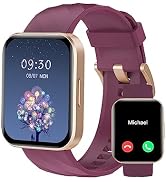
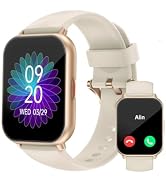
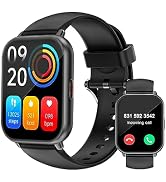
here!
here!
I’m your shopping assistant for PC builds, upgrades, and everything tech.
Got questions? Ask away!
Start a conversation
here!
I’m your shopping assistant for PC builds, upgrades, and everything tech.
Got questions? Ask away!
Start a conversation



Any questions? Ask CelesteSM will help you find out quickly.
How to turn on the watch and set time/date?
1. Please long press the watch's button to turn it on. If not work, charge it, then it will turn on automatically.
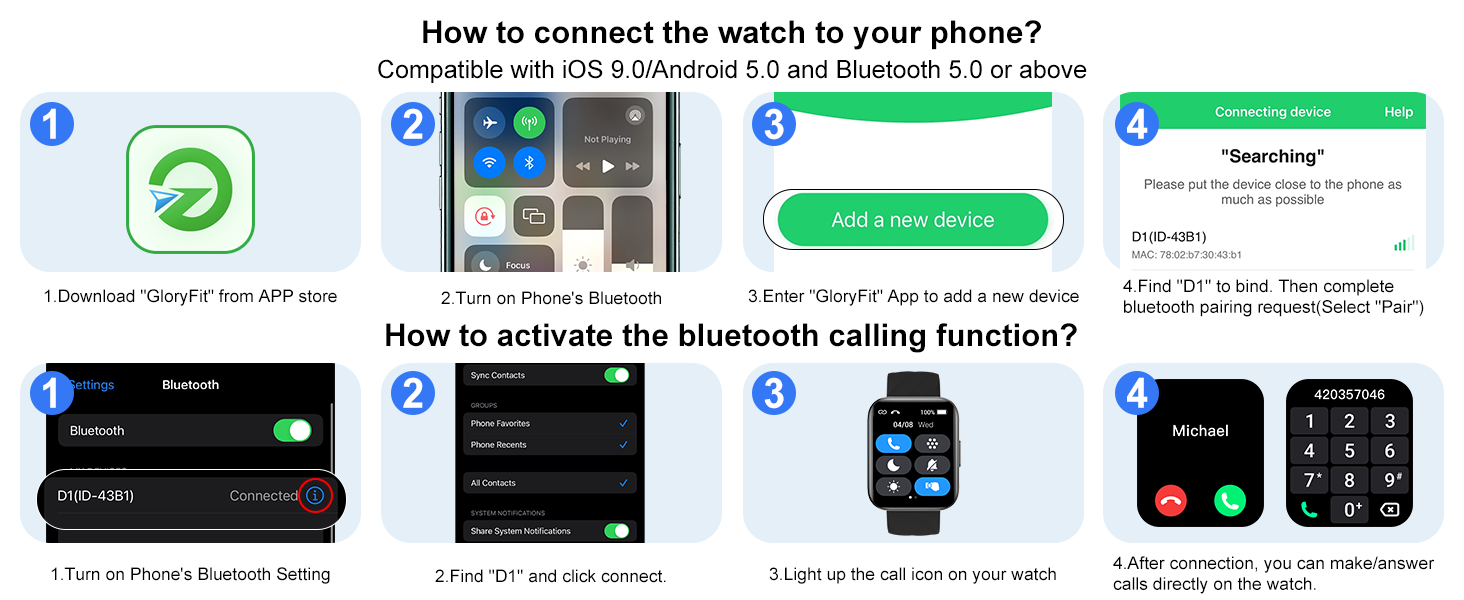
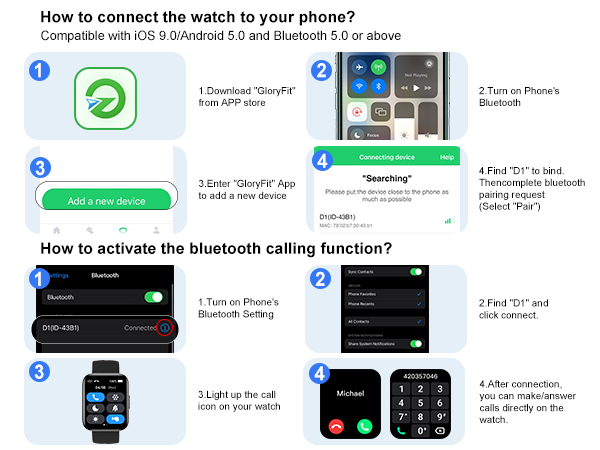
2. Connect the watch and your phone via APP. After synced, the time and date of the watch will remain consistent with your phone.
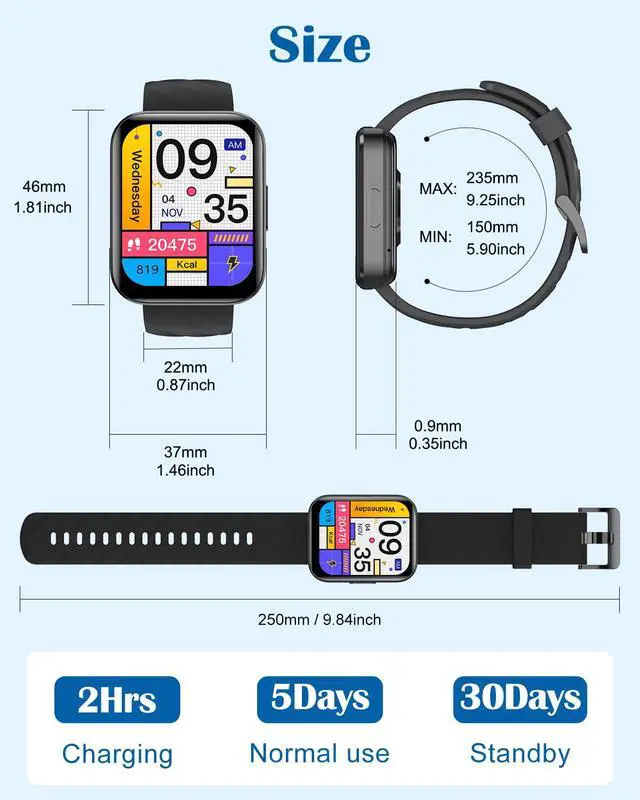
What is the size of the watch?
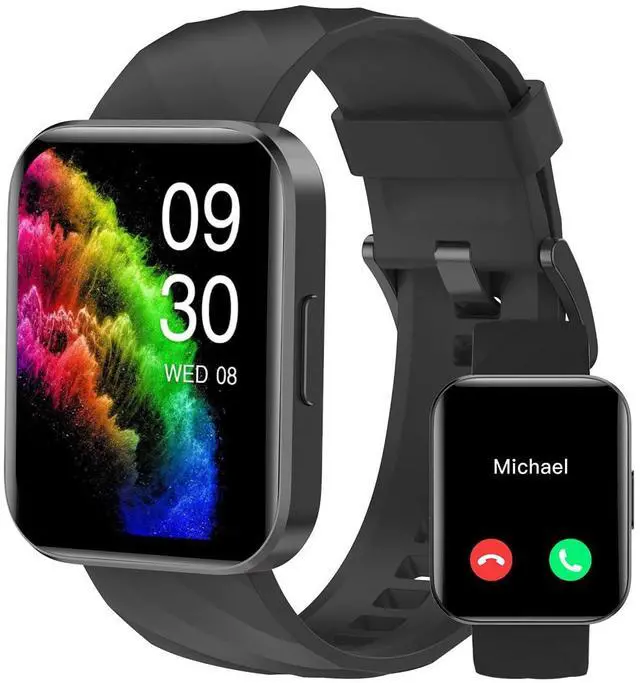
1.The face of this watch is 1.85 inch.
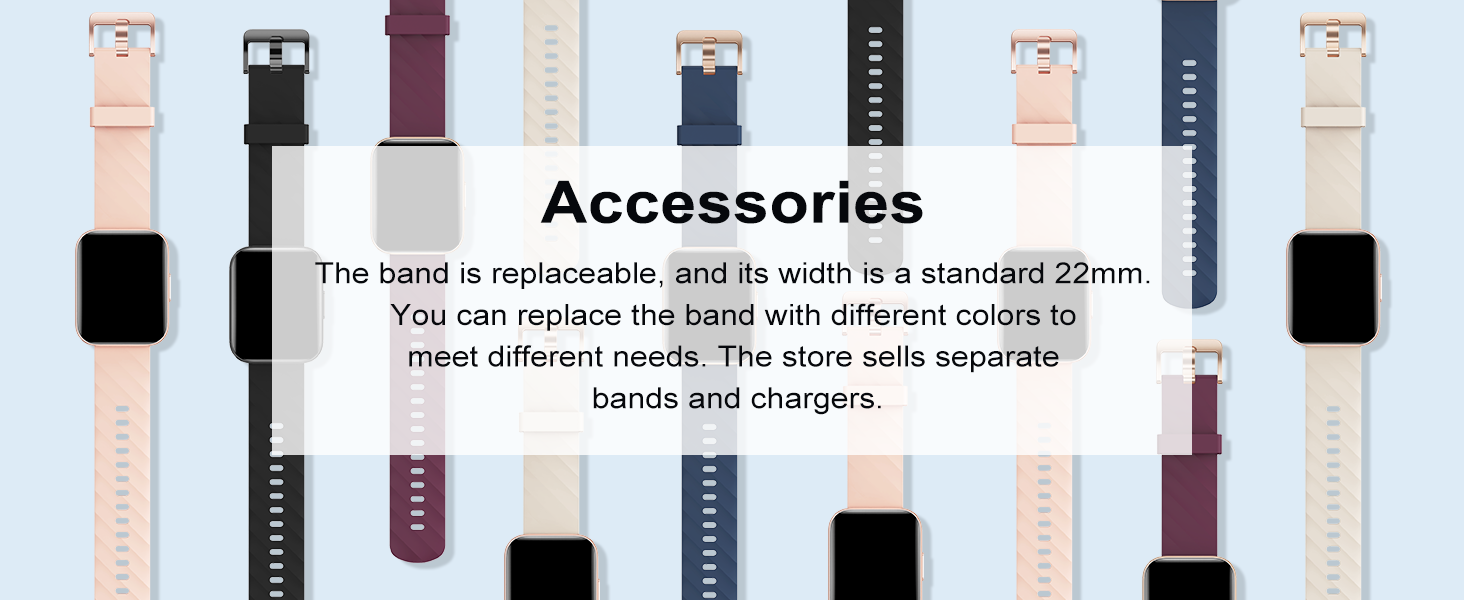
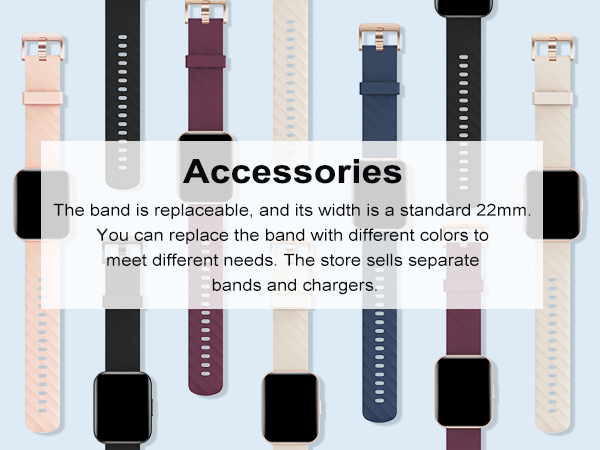
2.The wide of this strap is 0.87 inch(22mm).
3.The watch straps fit for 5.9(min) - 9.25inch(max) wrist.
4.The size of watch body: 1.85inch*1.46inch, it may not be suitable for small wrists.
How to improve the accuracy of the watch's data tracking?
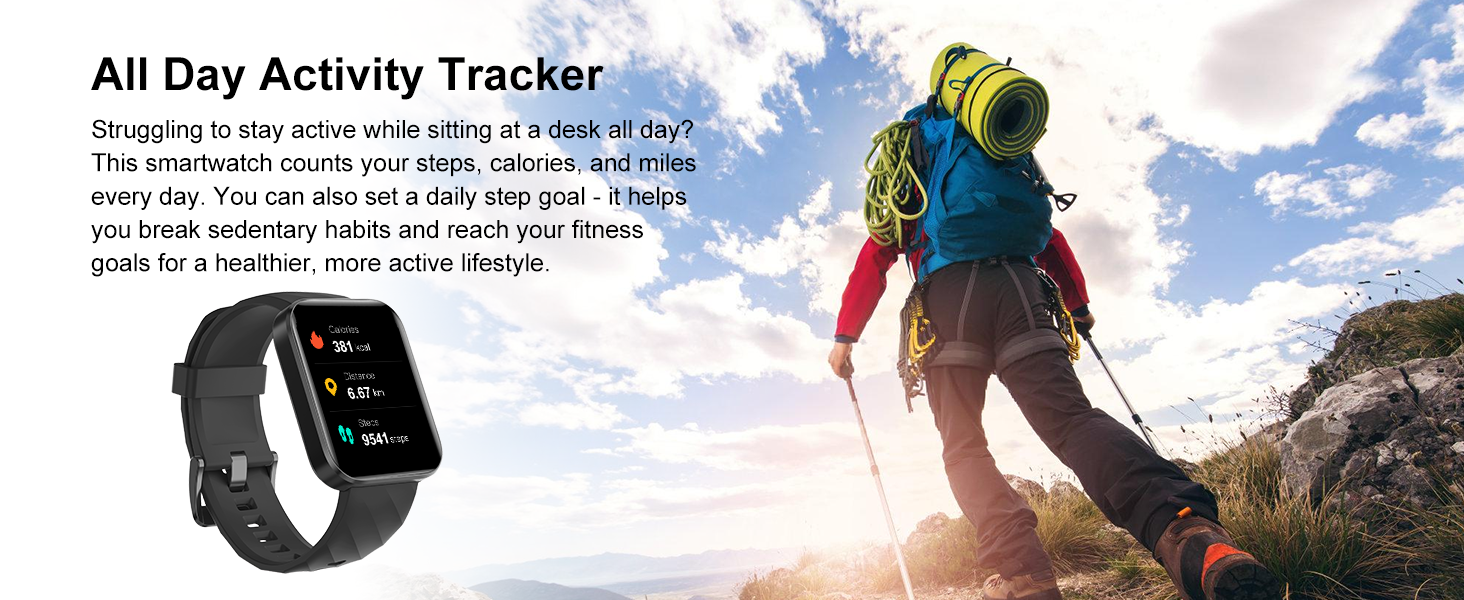
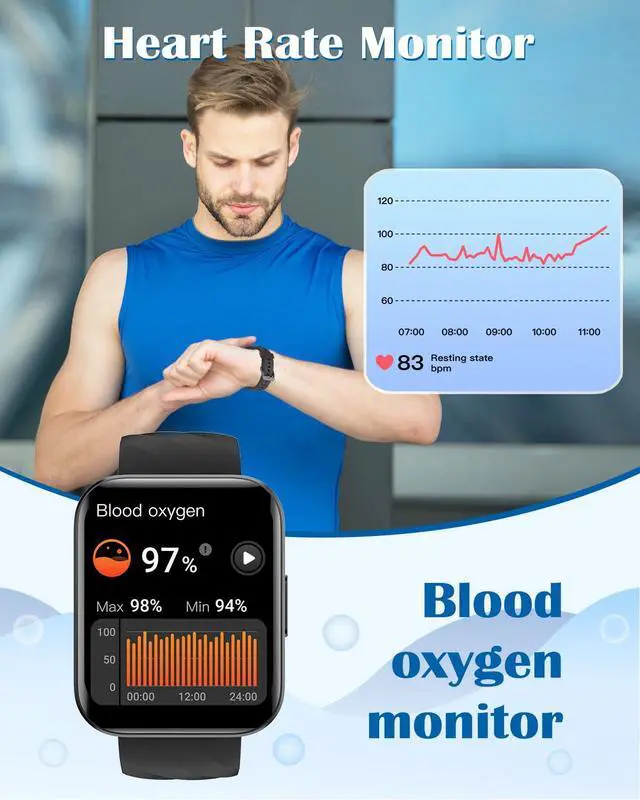
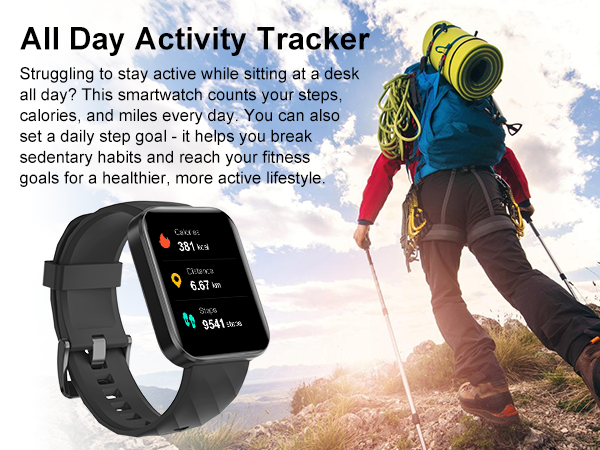
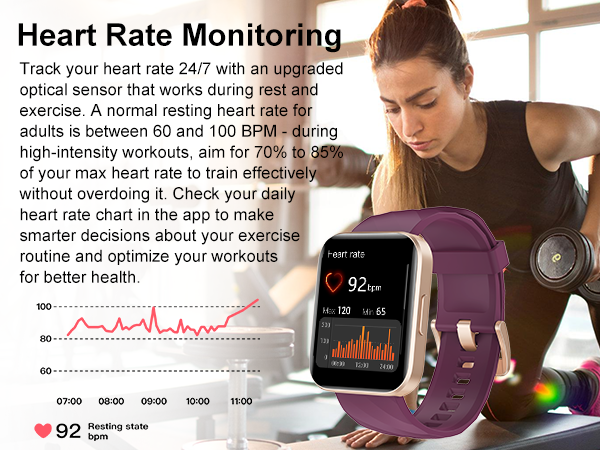
1. Please enter your personal info (age,height,weight) correctly in GloryFit app.(Go to GloryFit app -> Profile)
2. Wear the watch correctly according to the user's manual.
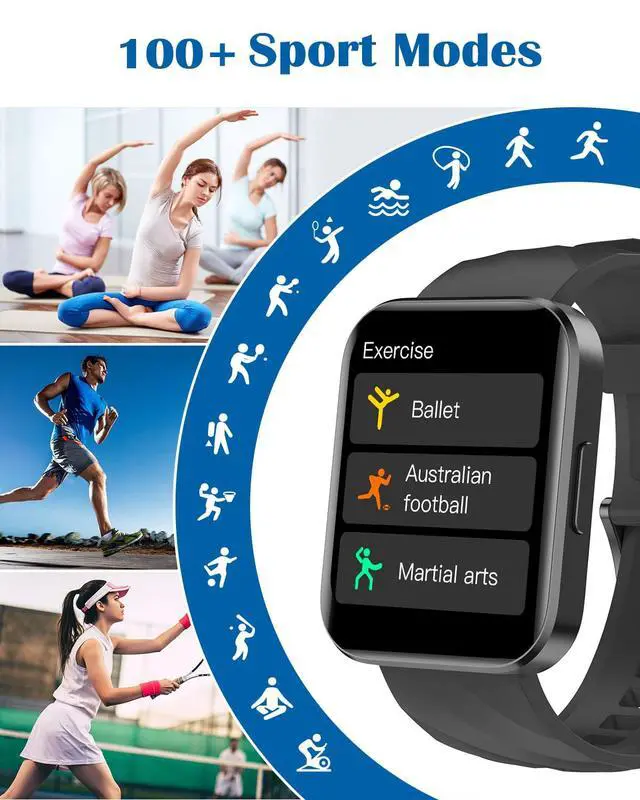
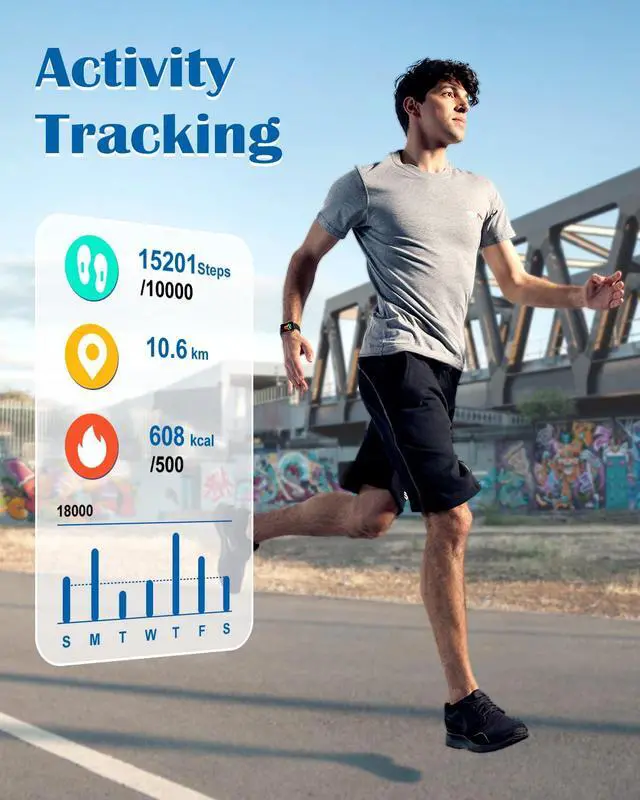
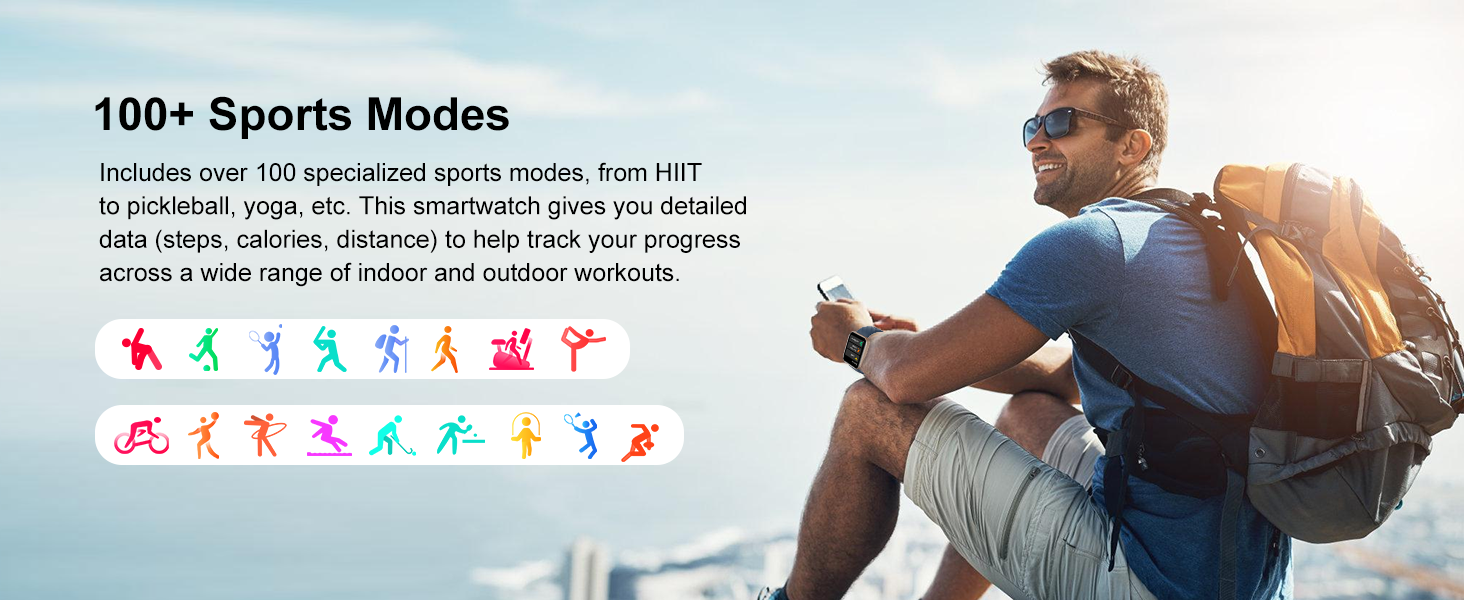
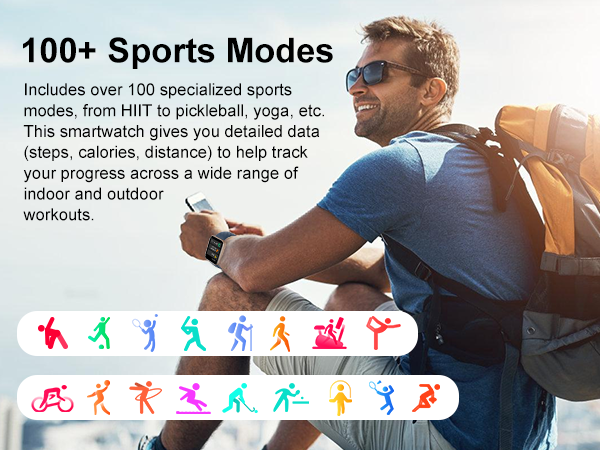
3. Please enter the correct sport modes for accurate calories and distance.
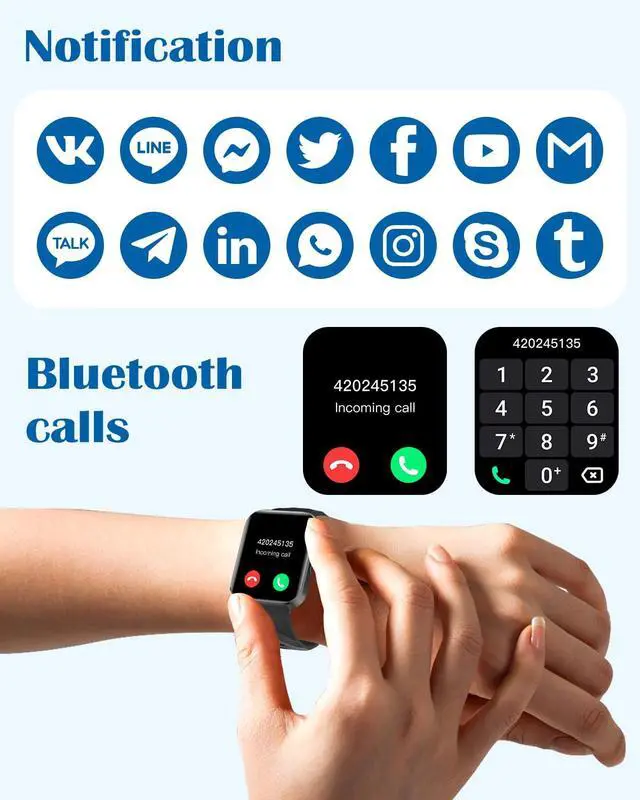
How to turn on the message notifications?
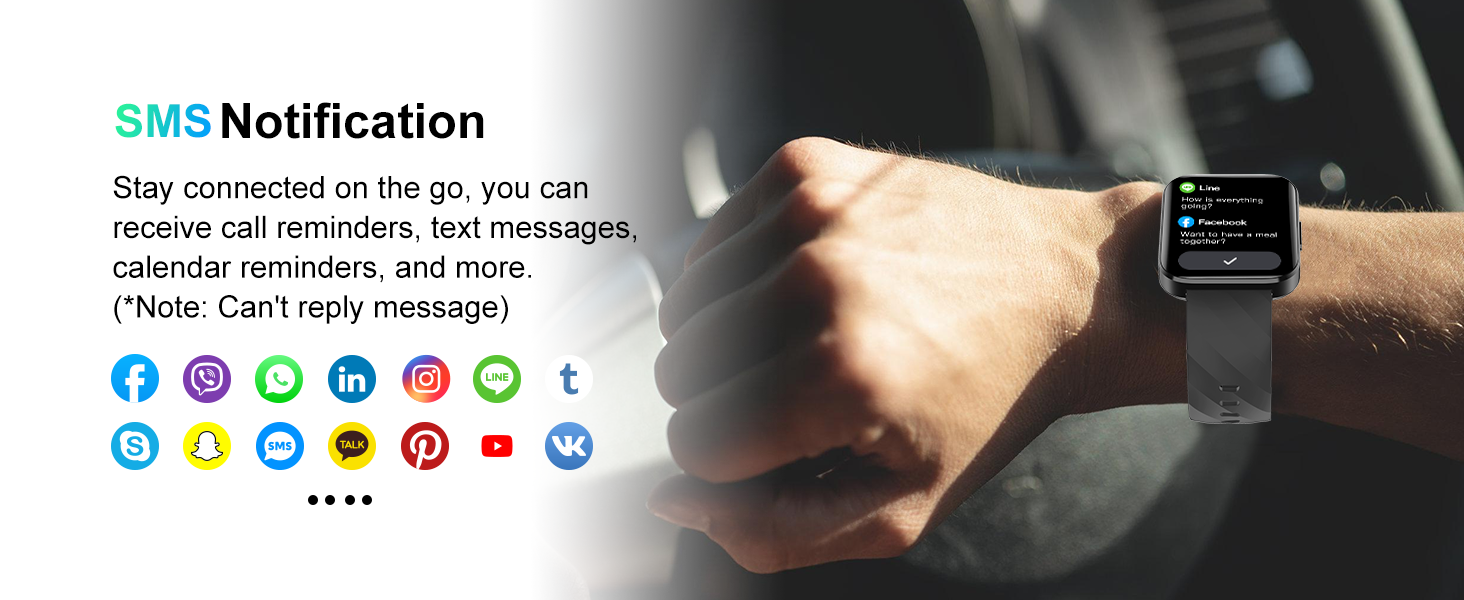
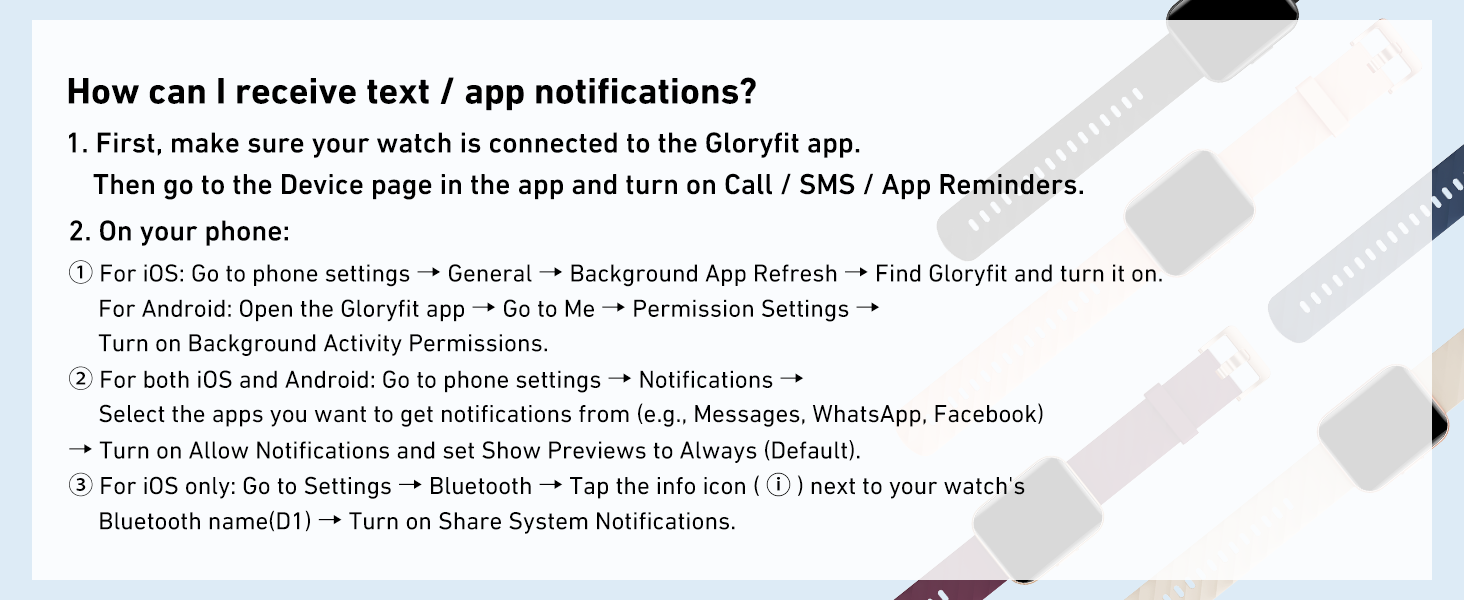
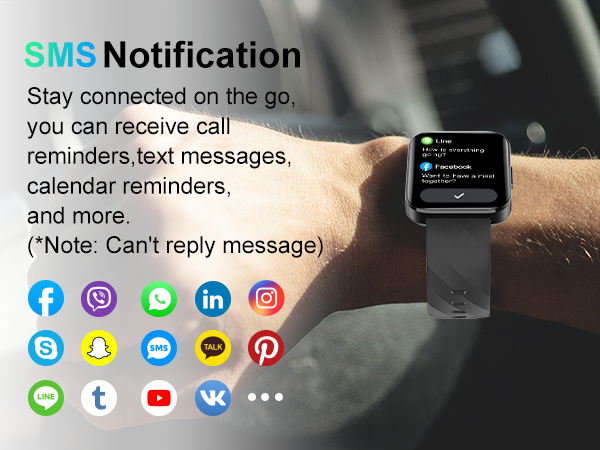
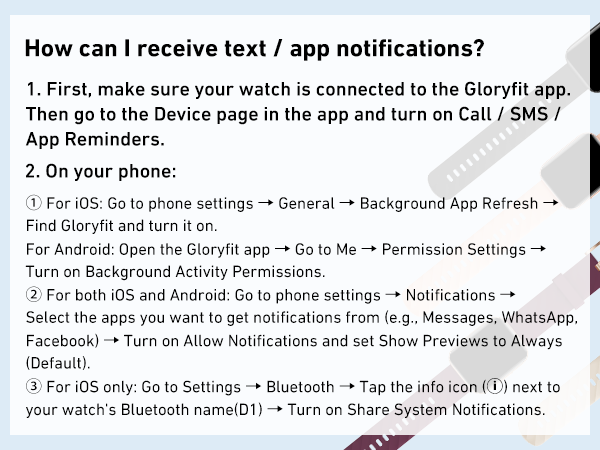
1. Open the GloryFit APP, go to the "Device"-"SMS reminder", then turn it on.
2. In the phone's settings, allow the Gloryfit APP to run in the background, and confirm the incoming message can be displayed in the phone's notification bar.
How to keep the watch connected to the phone/app?
1. After connected, please allow the app to run in background, so it will not stop working when you switching apps or locking the screen.
2. Please make sure the watch is within 33ft (bluetooth working distance) far away from your phone.
How to turn on the watch and set time/date?
1. Please long press the watch's button to turn it on. If not work, charge it, then it will turn on automatically.
2. Connect the watch and your phone via APP. After synced, the time and date of the watch will remain consistent with your phone.
What is the size of the watch?
1.The face of this watch is 1.85 inch.
2.The wide of this strap is 0.87 inch(22mm).
3.The watch straps fit for 5.9(min) - 9.25inch(max) wrist.
4.The size of watch body: 1.85inch*1.46inch, it may not be suitable for small wrists.
How to improve the accuracy of the watch's data tracking?
1. Please enter your personal info (age,height,weight) correctly in GloryFit app.(Go to GloryFit app -> Profile)
2. Wear the watch correctly according to the user's manual.
3. Please enter the correct sport modes for accurate calories and distance.
How to turn on the message notifications?
1. Open the GloryFit APP, go to the "Device"-"SMS reminder", then turn it on.
2. In the phone's settings, allow the Gloryfit APP to run in the background, and confirm the incoming message can be displayed in the phone's notification bar.
How to keep the watch connected to the phone/app?
1. After connected, please allow the app to run in background, so it will not stop working when you switching apps or locking the screen.
2. Please make sure the watch is within 33ft (bluetooth working distance) far away from your phone.