here!
here!
I’m your shopping assistant for PC builds, upgrades, and everything tech.
Got questions? Ask away!
Start a conversation
here!
I’m your shopping assistant for PC builds, upgrades, and everything tech.
Got questions? Ask away!
Start a conversation
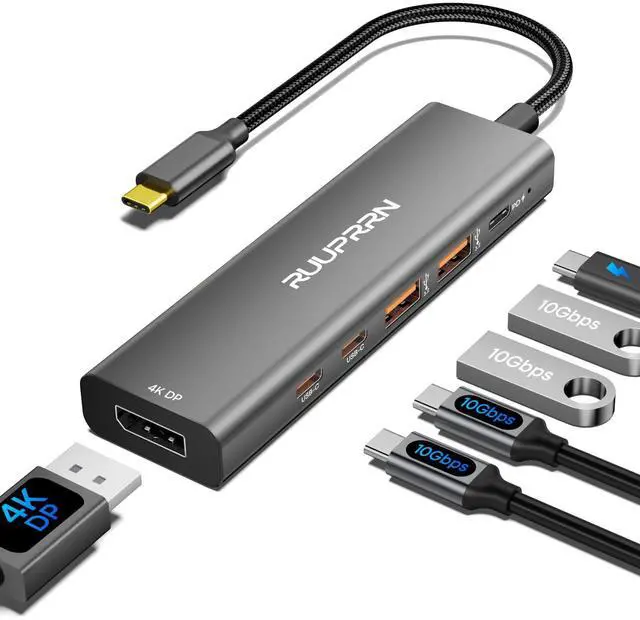
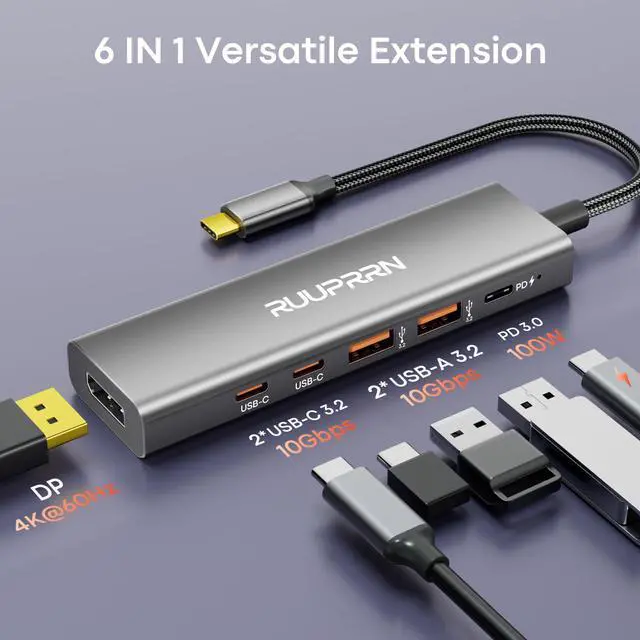
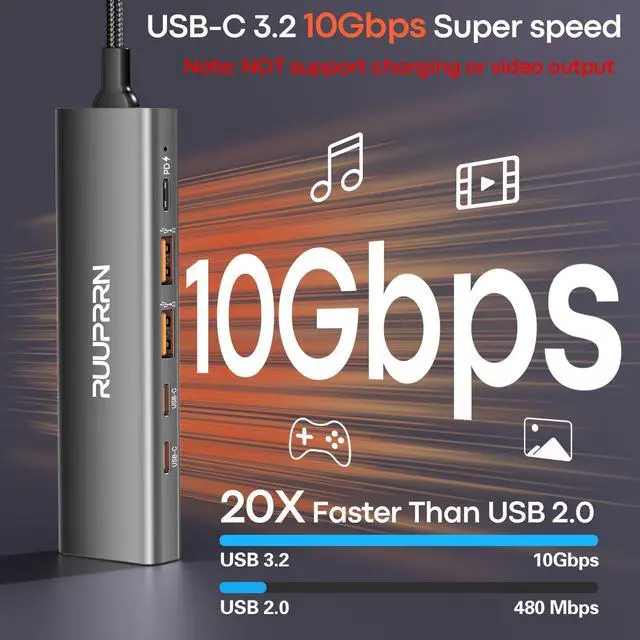
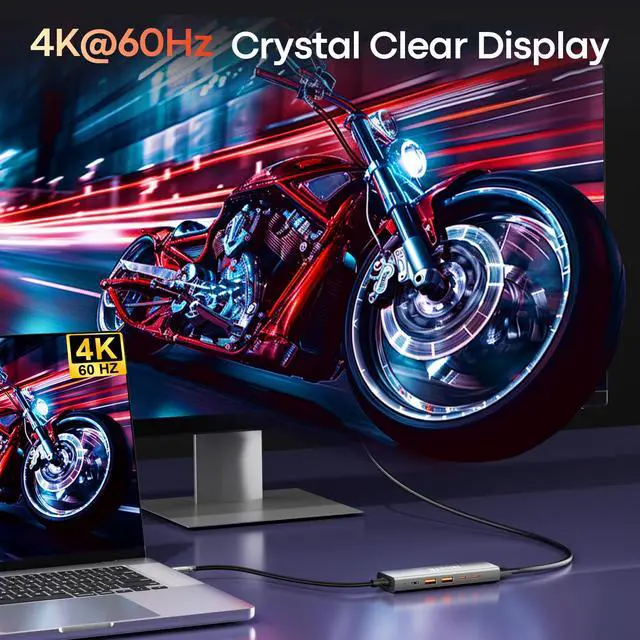
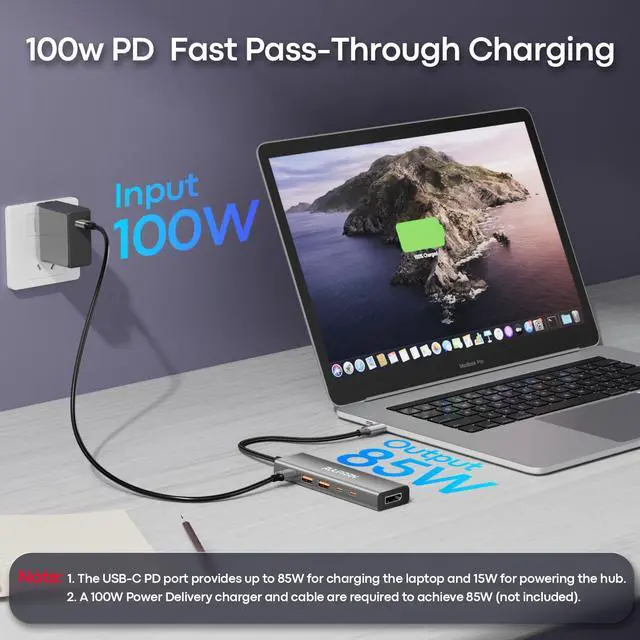
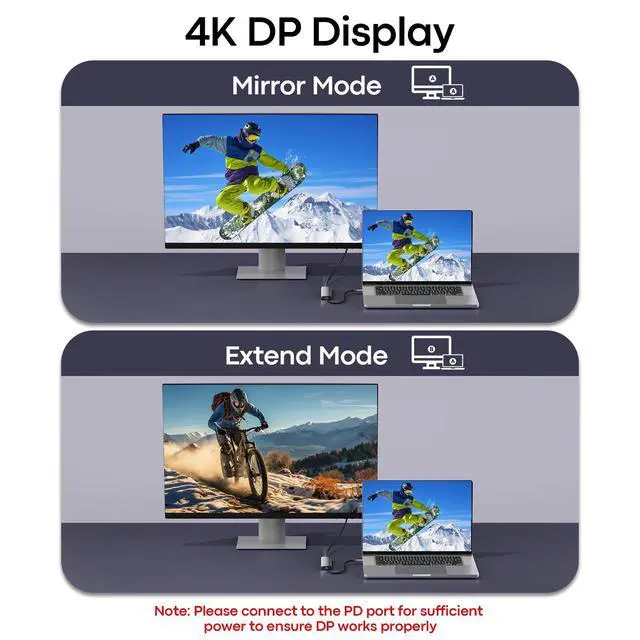
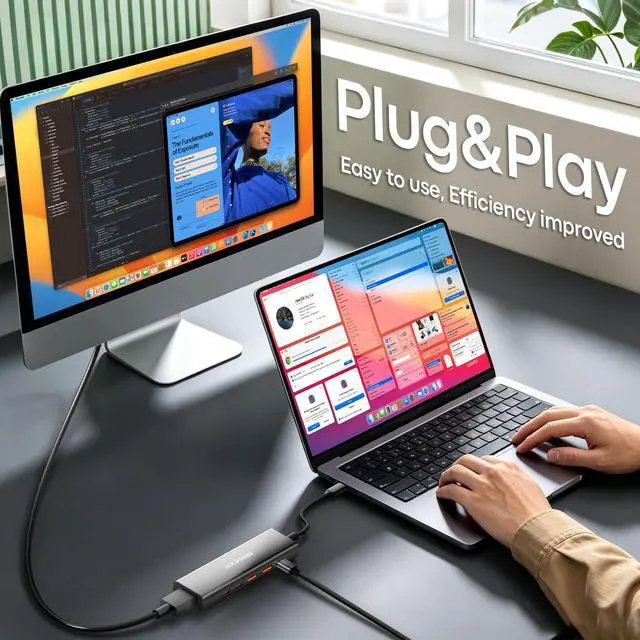



Any questions? Ask CelesteSM will help you find out quickly.
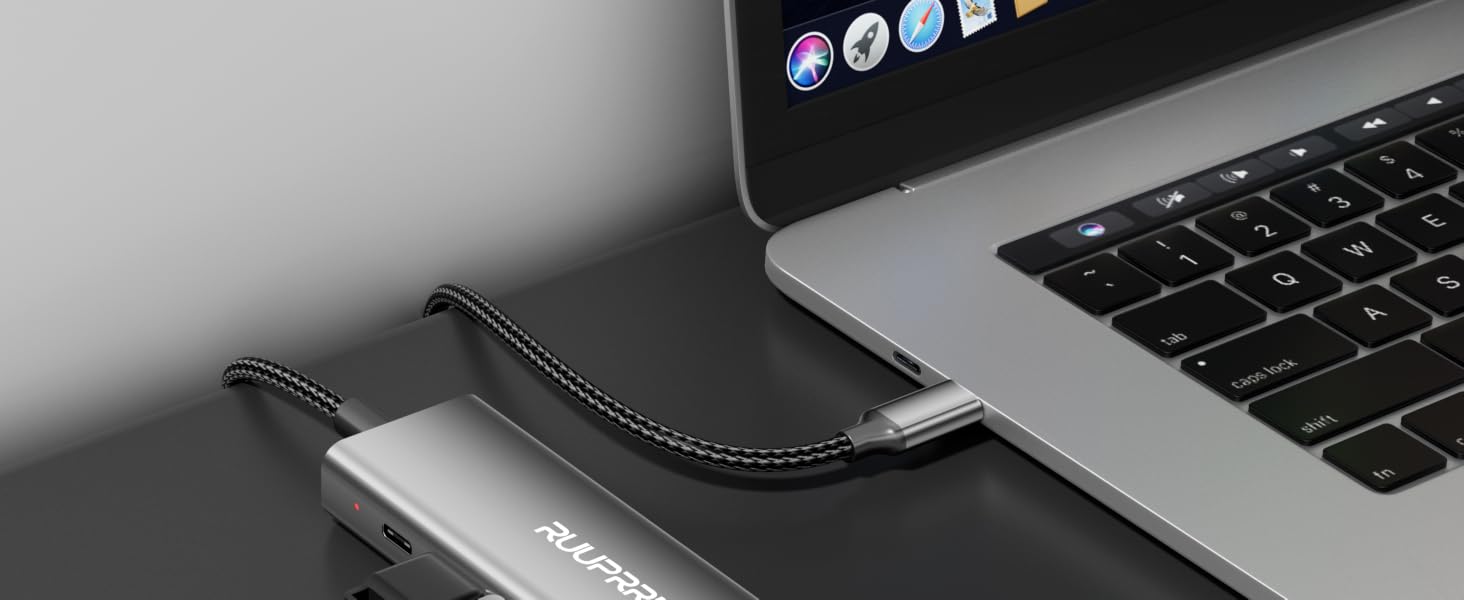
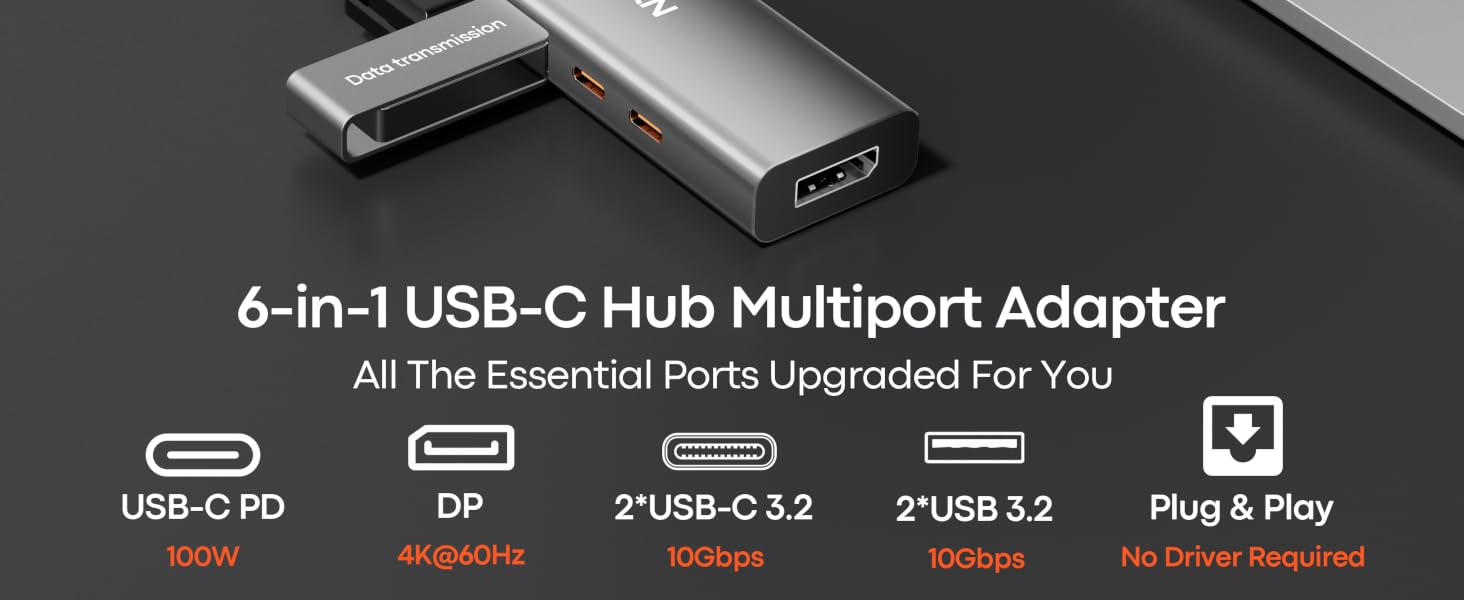
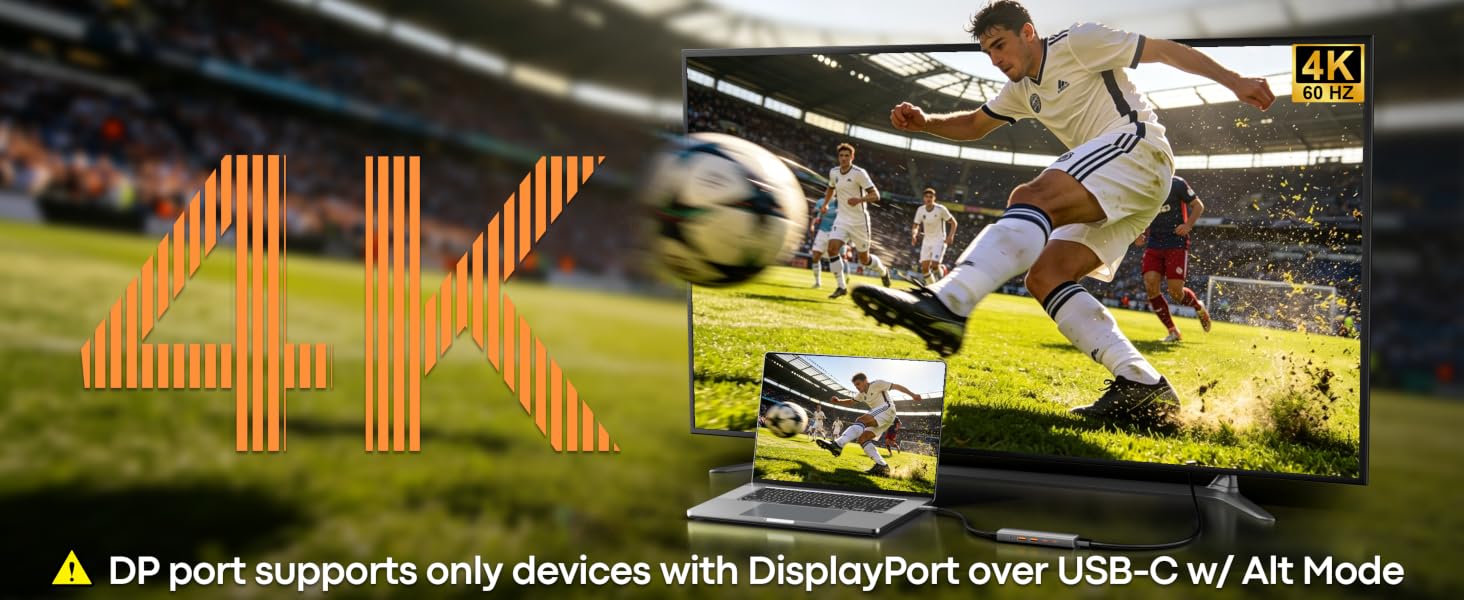
Will this USB-C hub work for video output on any laptop or phone?
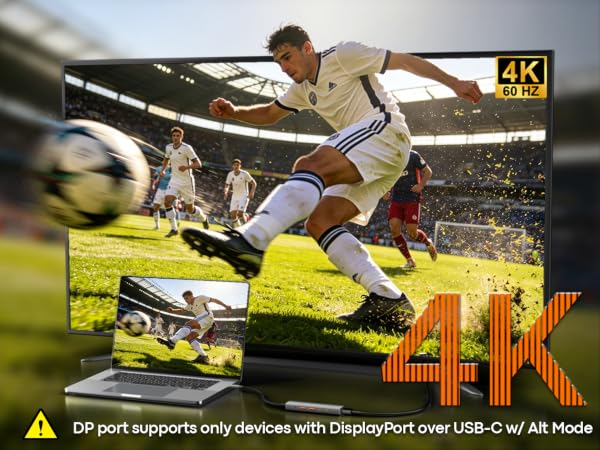
Not all USB-C ports carry video signals. The 4K@60Hz video output requires a host device with a full-featured USB-C port that supports DisplayPort Alt Mode, USB4, or Thunderbolt 3/4.
I’m not seeing full 10Gbps speeds on the data ports. What could be the issue?
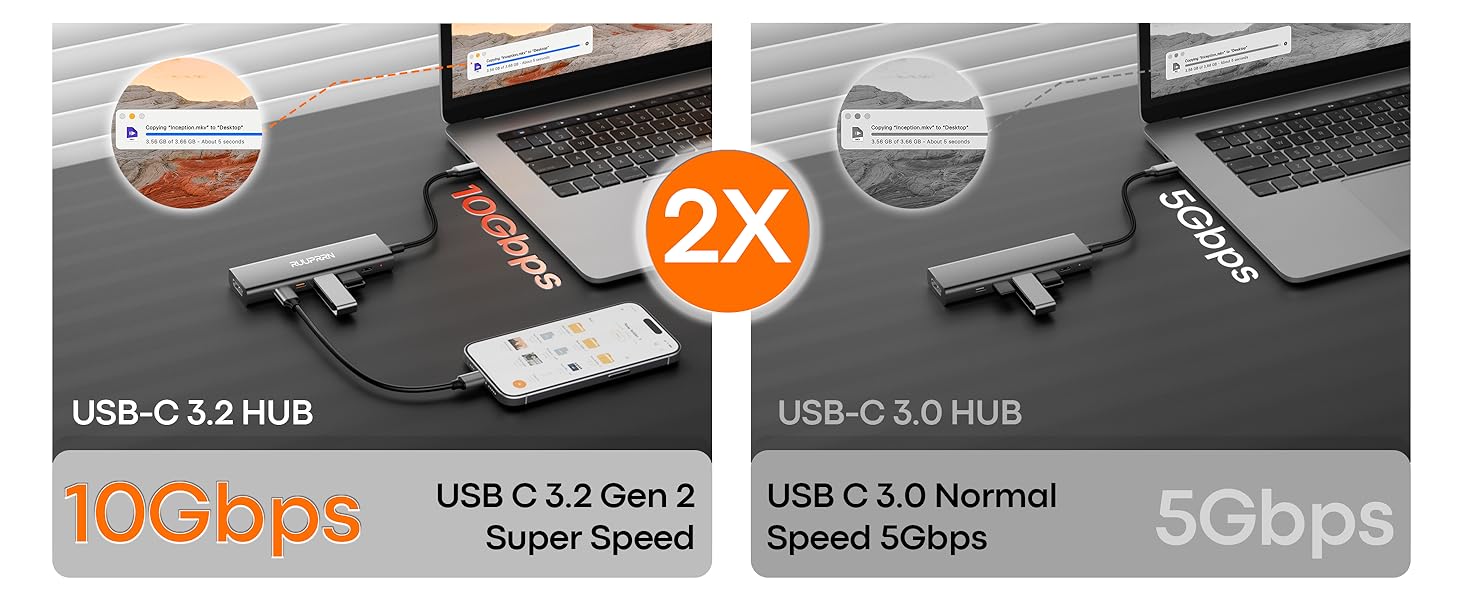
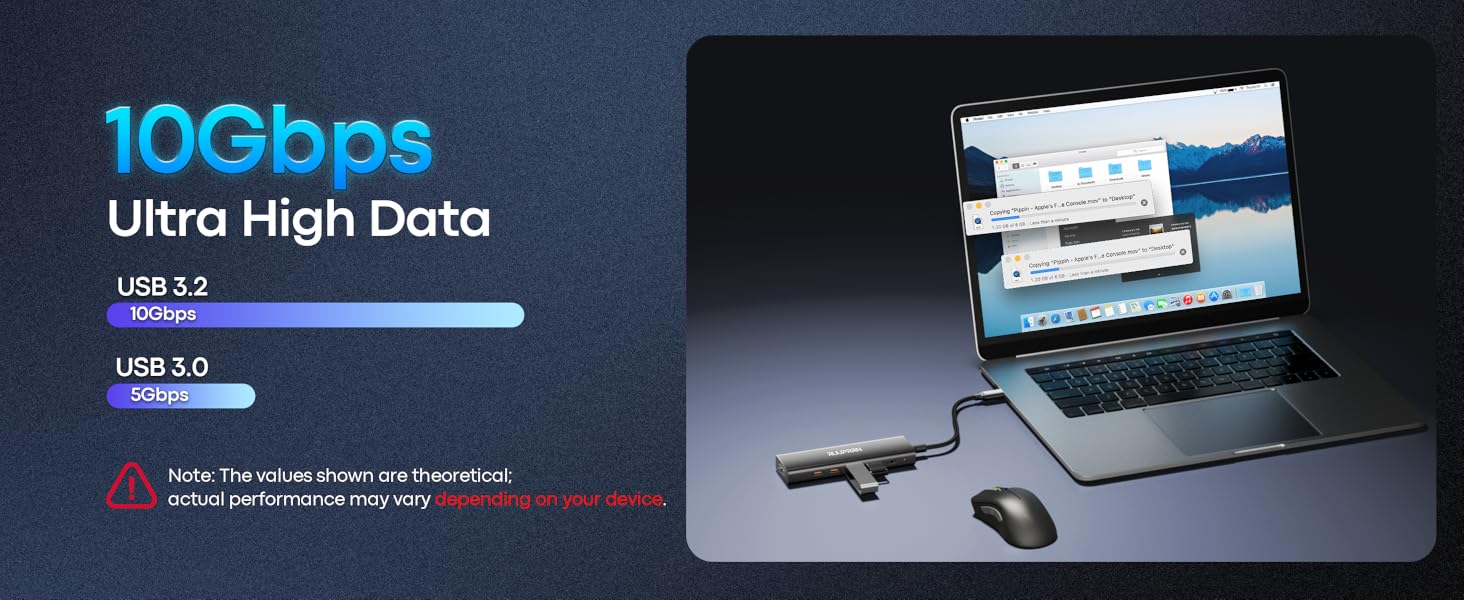
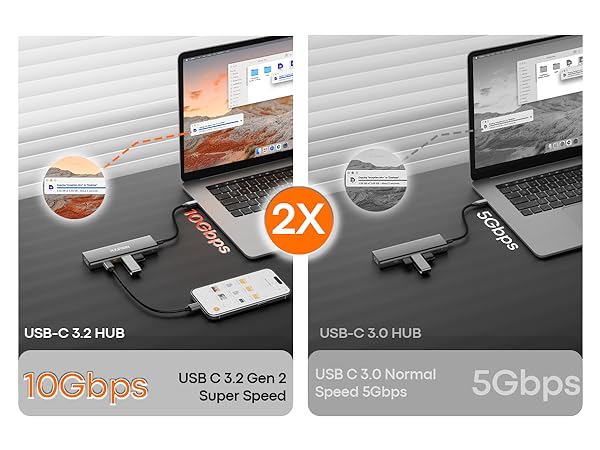
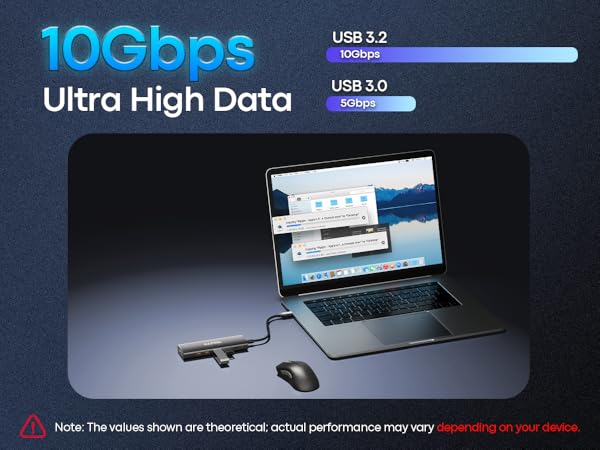
For full 10Gbps, all parts must support it: 1) Host port: Laptop USB-C must be 10Gbps (USB 3.1/3.2 Gen 2+). 2) Cable & device: Must be 10Gbps-rated. 3) Power: Connect laptop to the hub’s PD port for stable 10Gbps.
I’m only getting 4K@30Hz instead of 60Hz. How do I fix this?
1) Your laptop’s USB-C port must support 4K@60Hz via DP Alt Mode. 2) Your monitor and the video cable (HDMI or DisplayPort, depending on your adapter version) must also support 4K@60Hz.
Why isn’t my laptop charging through the PD port?
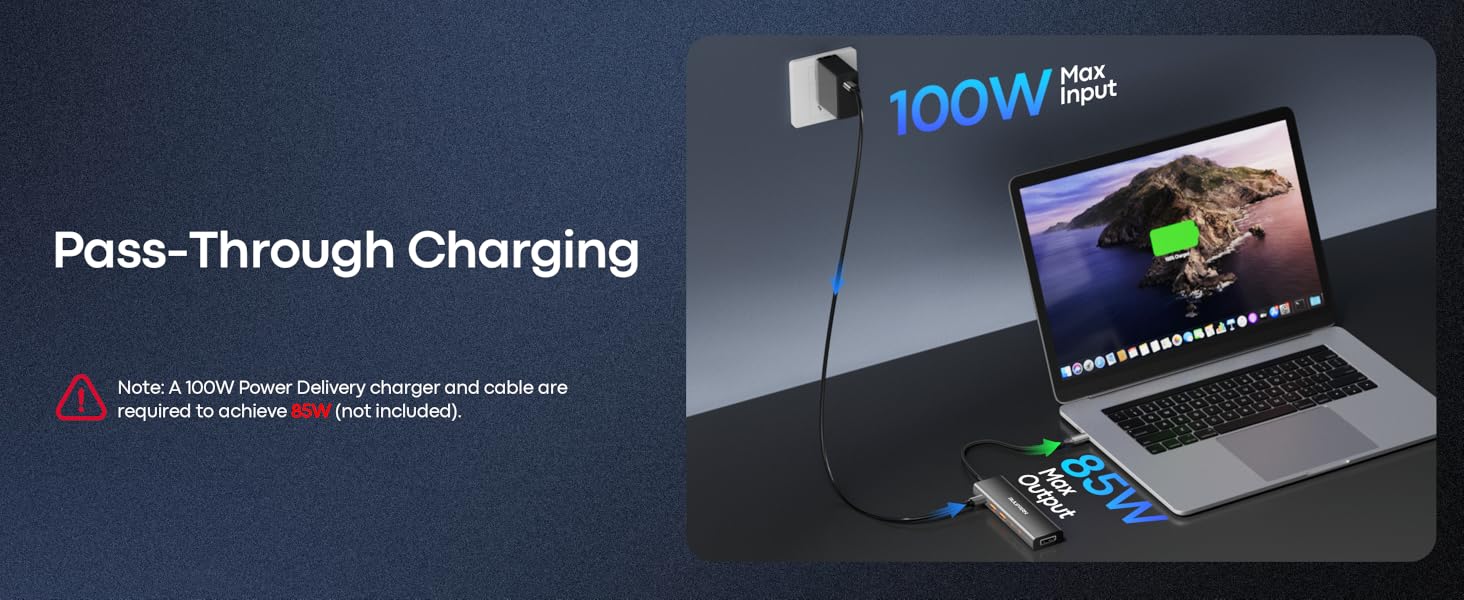
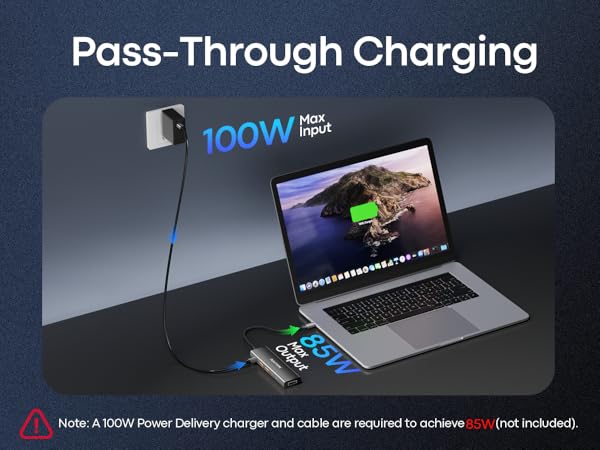
1) Connect the power adapter to the hub before connecting your laptop 2) Confirm your laptop USB-C port supports PD charging 3) Use a 65W or higher power adapter for best performance 4) Reconnect the hub if charging does not start immediately
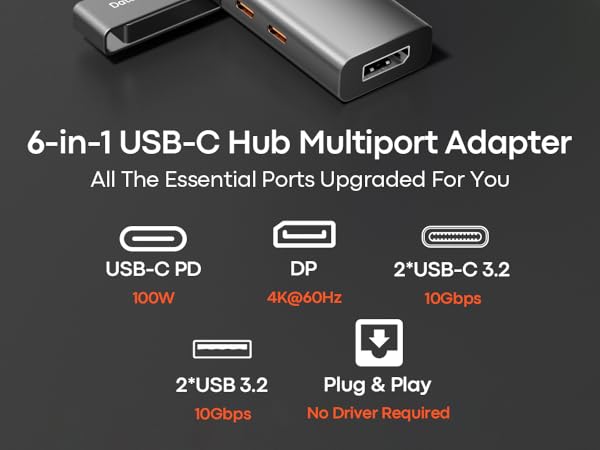


Will this USB-C hub work for video output on any laptop or phone?
Not all USB-C ports carry video signals. The 4K@60Hz video output requires a host device with a full-featured USB-C port that supports DisplayPort Alt Mode, USB4, or Thunderbolt 3/4.
I’m not seeing full 10Gbps speeds on the data ports. What could be the issue?
For full 10Gbps, all parts must support it: 1) Host port: Laptop USB-C must be 10Gbps (USB 3.1/3.2 Gen 2+). 2) Cable & device: Must be 10Gbps-rated. 3) Power: Connect laptop to the hub’s PD port for stable 10Gbps.
I’m only getting 4K@30Hz instead of 60Hz. How do I fix this?
1) Your laptop’s USB-C port must support 4K@60Hz via DP Alt Mode. 2) Your monitor and the video cable (HDMI or DisplayPort, depending on your adapter version) must also support 4K@60Hz.
Why isn’t my laptop charging through the PD port?
1) Connect the power adapter to the hub before connecting your laptop 2) Confirm your laptop USB-C port supports PD charging 3) Use a 65W or higher power adapter for best performance 4) Reconnect the hub if charging does not start immediately