


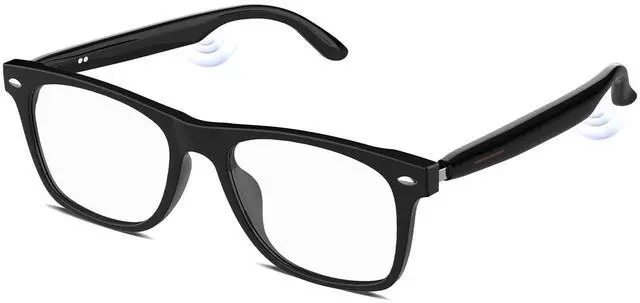
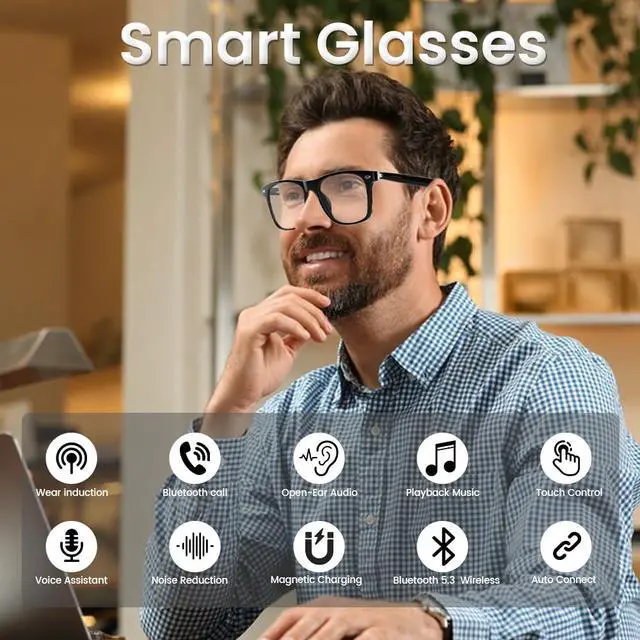
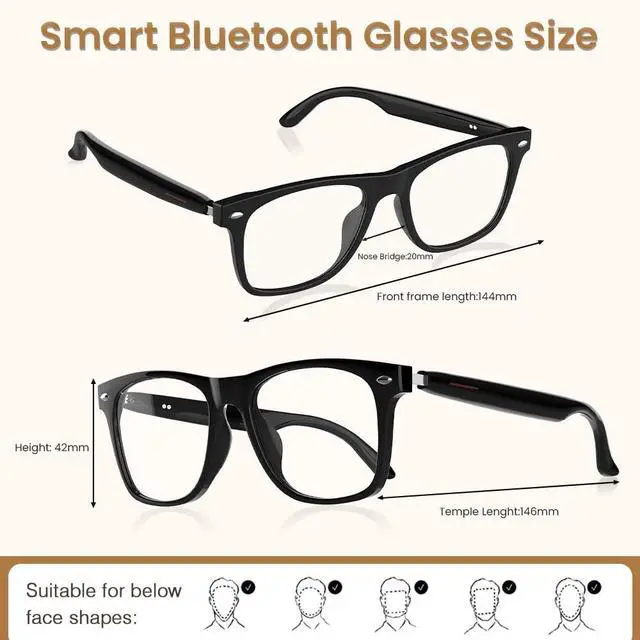
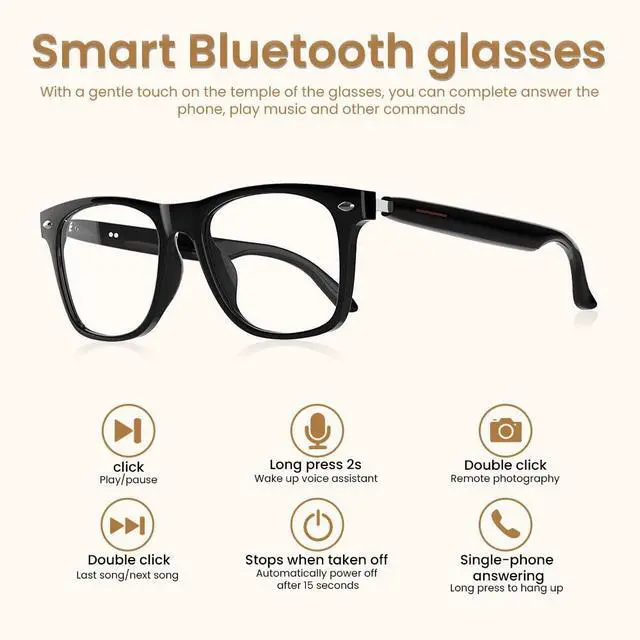


Smart Bluetooth Audio Sunglasses: 100% UV400 Protection


How to Charge (Magnetic)
Attach charger to side ports. Steady orange = charging; green (1 min, then off) = fully charged.
(Tip: Auto-shuts off while charging. Full charge max 2 hours)
Fast charging supported?
For optimal smart glasses performance, use a 5V/1A adapter (Charging Input Voltage: DC 5V ±0.25V). Fast chargers and multi-port chargers are not recommended, as they can supply excess voltage and harm the cable or battery.
Power On/Off
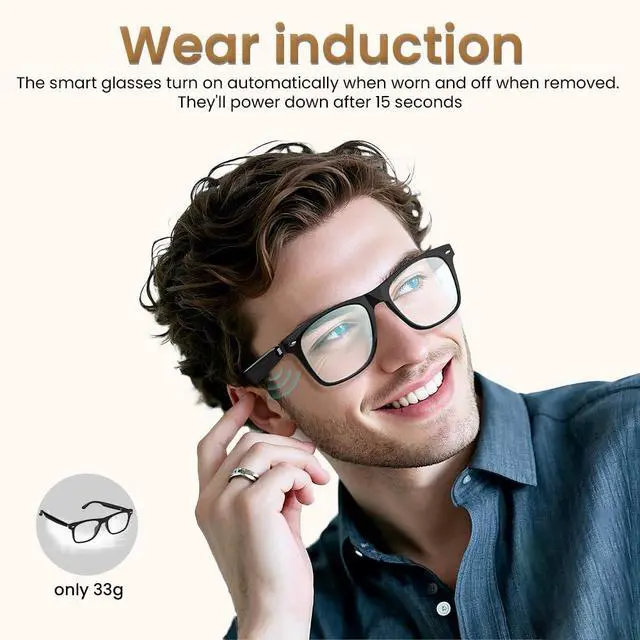
Slip on the glasses – they auto-on via sensor! Turn off by taking them off (shuts down in 15s) or holding left/right touch button 8s while wearing (force off).
(Heads up: No auto-on? Check charging steps and fully charge first.)
Bluetooth Pairing
Turn on the smart glasses and your phone’s Bluetooth – the glasses will flash orange and green! Search for "E13V" in your Bluetooth list and tap to connect.
(Quick Tip: Android users – icons may vary, but look for "E13V" to pair easily)
Usage Tips & Questions? We’re Here to Help Anytime
1.First use? Charge both sides fully
2.Each side has a battery – auto-shuts off below 3.1V (battery protection)
3.Pauses when removed, shuts down fully after 15s
Have questions? Reach out – we reply in 24 hours


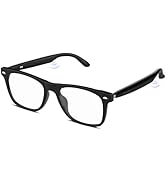
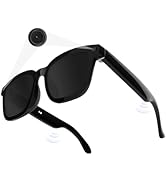
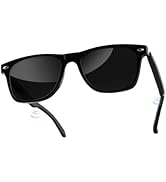
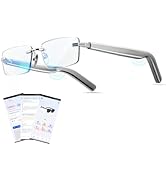
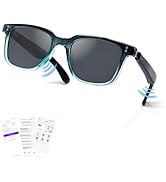
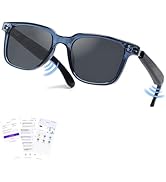
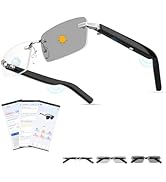
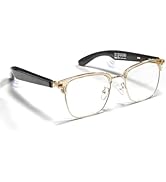
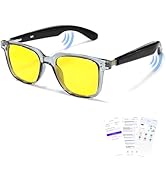
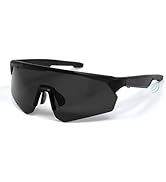
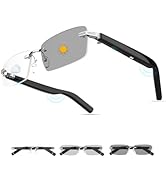
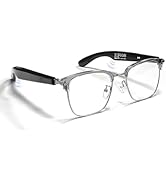
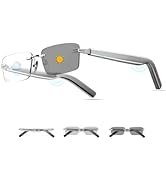

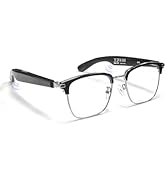
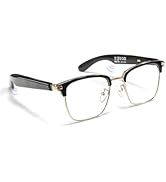
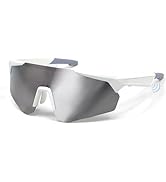
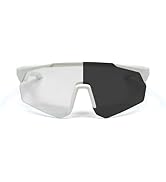



Smart Bluetooth Audio Sunglasses: 100% UV400 Protection


How to Charge (Magnetic)
Attach charger to side ports. Steady orange = charging; green (1 min, then off) = fully charged.
(Tip: Auto-shuts off while charging. Full charge max 2 hours)
Fast charging supported?
For optimal smart glasses performance, use a 5V/1A adapter (Charging Input Voltage: DC 5V ±0.25V). Fast chargers and multi-port chargers are not recommended, as they can supply excess voltage and harm the cable or battery.
Power On/Off
Slip on the glasses – they auto-on via sensor! Turn off by taking them off (shuts down in 15s) or holding left/right touch button 8s while wearing (force off).
(Heads up: No auto-on? Check charging steps and fully charge first.)
Bluetooth Pairing
Turn on the smart glasses and your phone’s Bluetooth – the glasses will flash orange and green! Search for "E13V" in your Bluetooth list and tap to connect.
(Quick Tip: Android users – icons may vary, but look for "E13V" to pair easily)
Usage Tips & Questions? We’re Here to Help Anytime
1.First use? Charge both sides fully
2.Each side has a battery – auto-shuts off below 3.1V (battery protection)
3.Pauses when removed, shuts down fully after 15s
Have questions? Reach out – we reply in 24 hours
Jacuate
We craft smart glasses & Bluetooth headphones that mix innovation with everyday simplicity
Camera Glasses
AI Smart Glasses for Men
Smart Glasses
gaming earbuds
Bluetooth Glasses
Clip-on Earbuds
Open Ear Headphones
Smart Glasses for Men&Women
Open Ear Earbuds
wired earbuds