



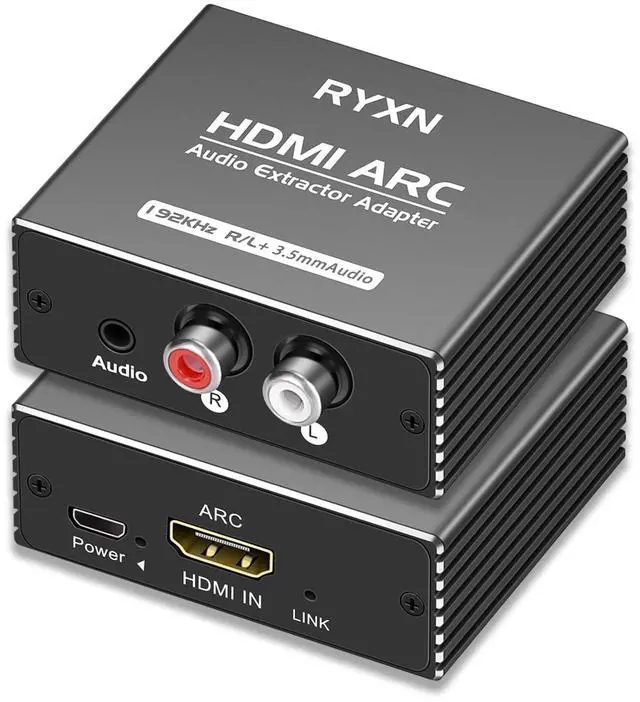
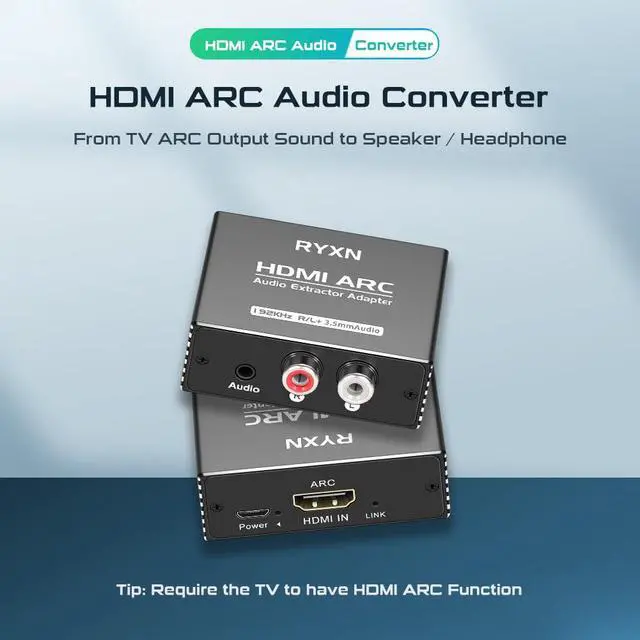
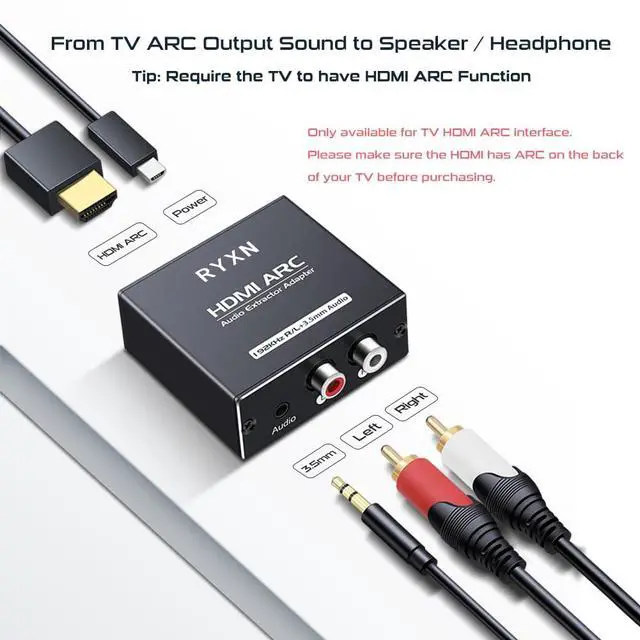
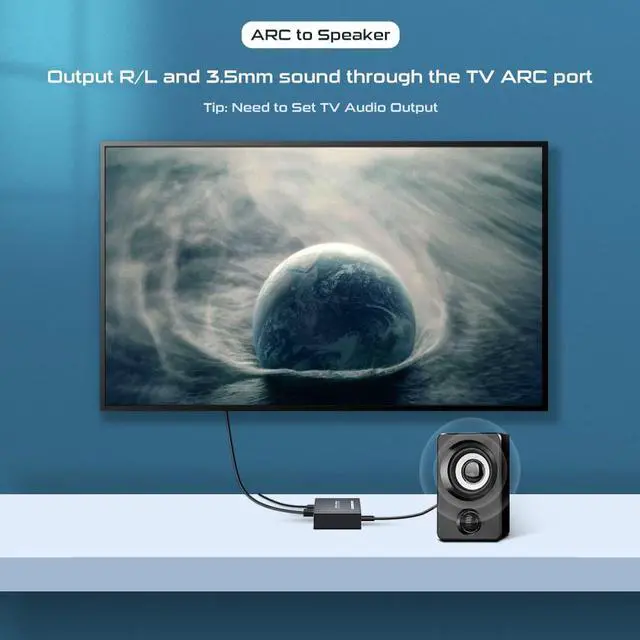



Use Q&A
Q: Why is there no sound from the speakers?
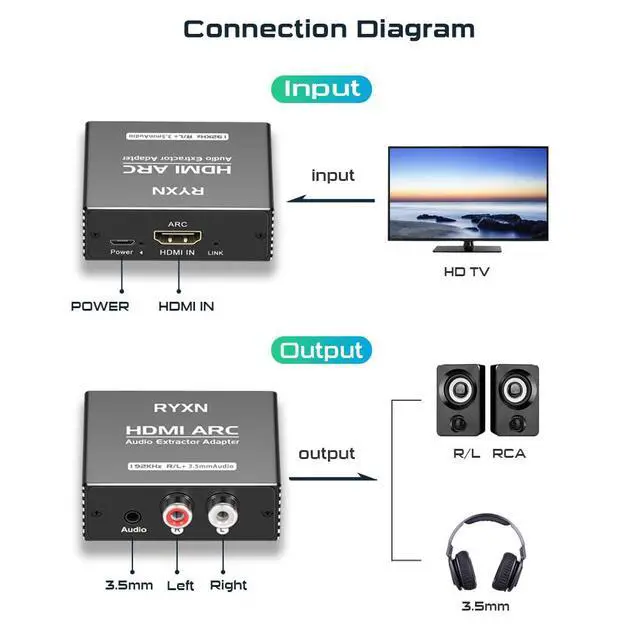
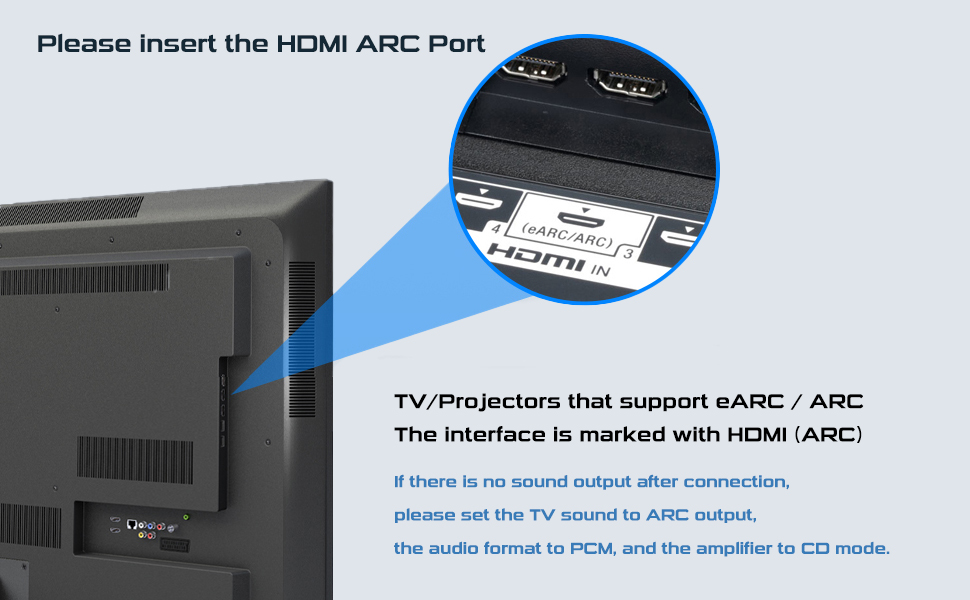
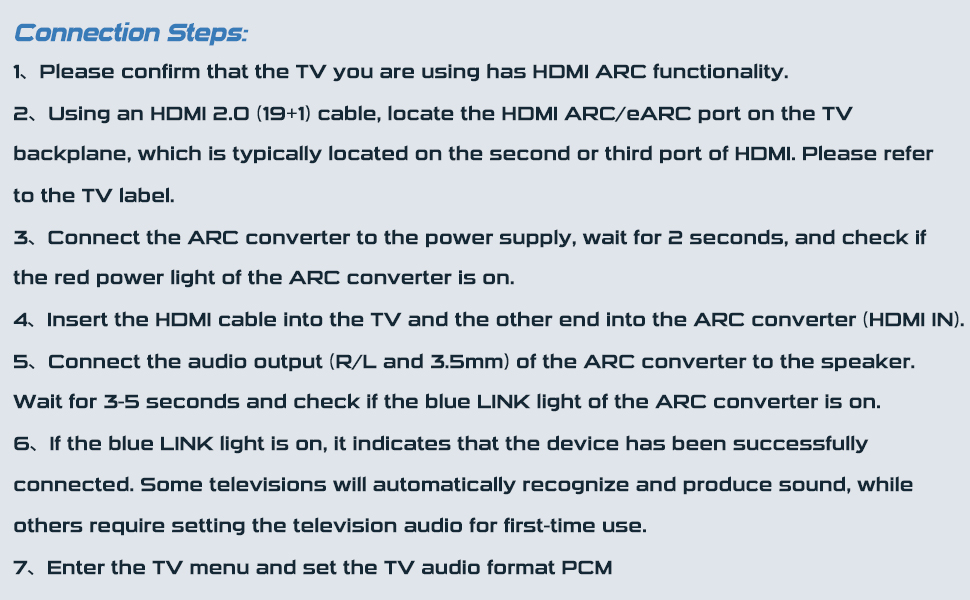
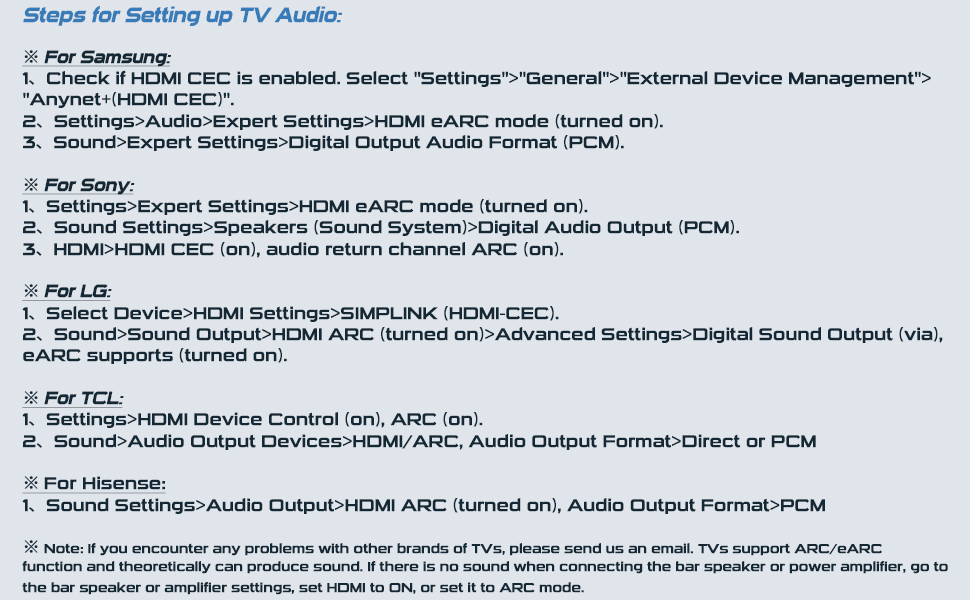
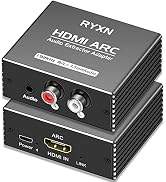
A: 1. Check whether the ARC port of the TV is inserted correctly. 2. Select ARC/eARC for audio output and PCM for audio format. 3. Check whether the POWER indicator and LINK indicator are on.
Q: Why is there no sound after using it for a while?
A: Because ARC converter power is not turned off synchronously every time the TV is on standby or turned off, some TV programs will not actively retrieve ARC signals when the TV is turned on again. So every time you encounter this problem, re-plug the ARC power supply to solve it.
Q: What devices are HDMI ARC converters suitable for?
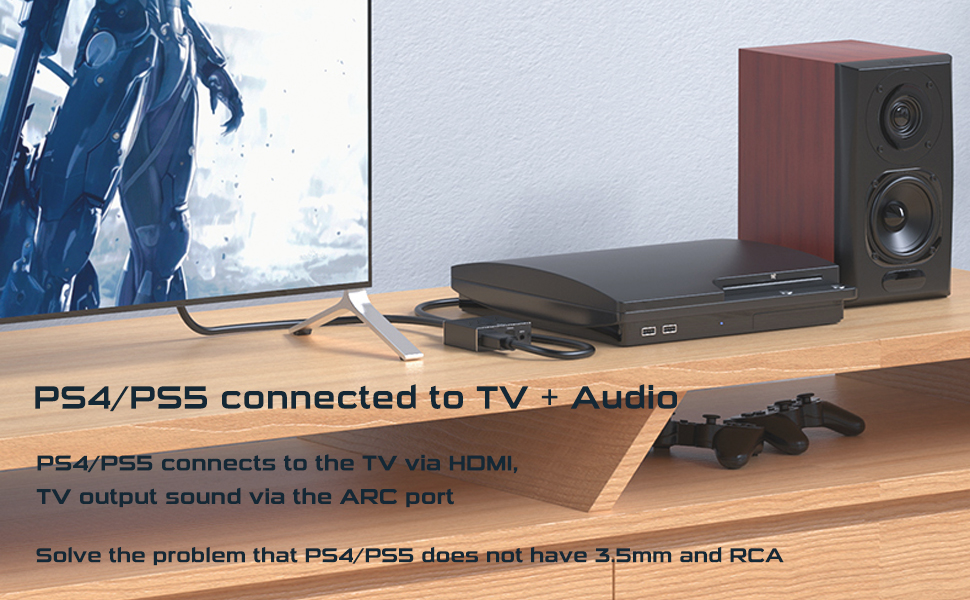
A :HDMI access to ARC enabled TVS and projectors. Audio outputs include speakers, bar speakers, and power amplifiers (ARCs).
Q: Can't the TV remote control the volume?
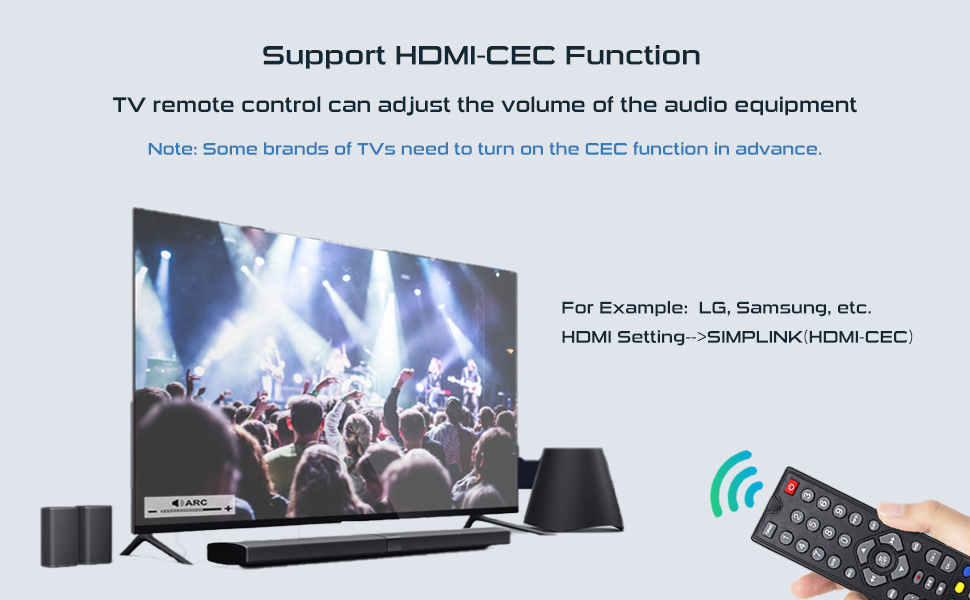
A: You have not turned on the CEC function on your TV. Generally speaking, the TV is turned off by default and needs to be turned on in advance. Go to Settings > HDMI Settings > HDMI-CEC.
Q: My TV does not have an ARC port, can I use it?
A: Please note that if the TV does not support ARC, it will not work properly.
Q: What are the specifications for HDMI cables?
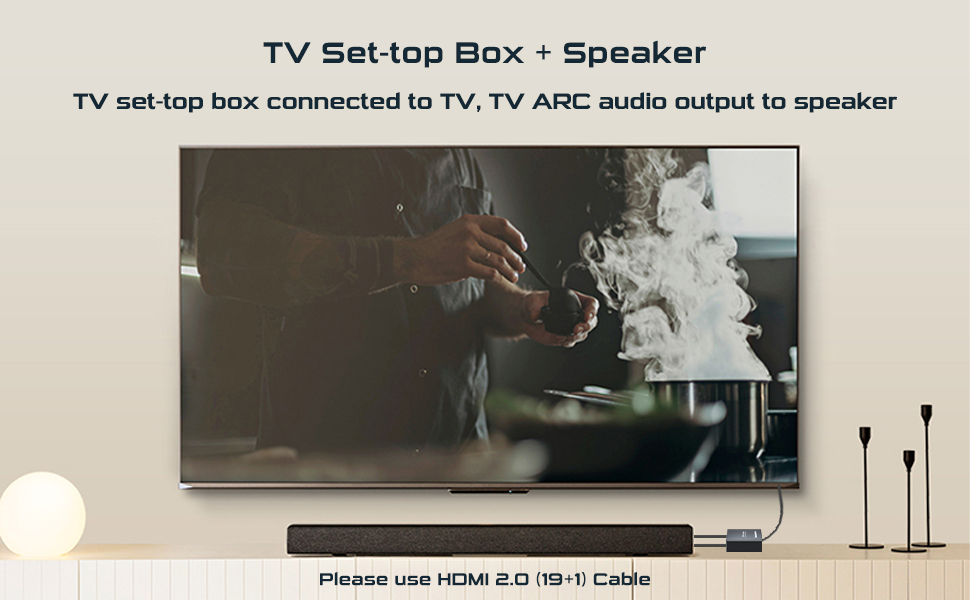
A: Please use the HDMI 2.0(19+1) cable, because some brands of HDMI 1.4 cable omit the ARC core, resulting in no sound output.
Q: The power adapter is separate, can I use the power cord separately?
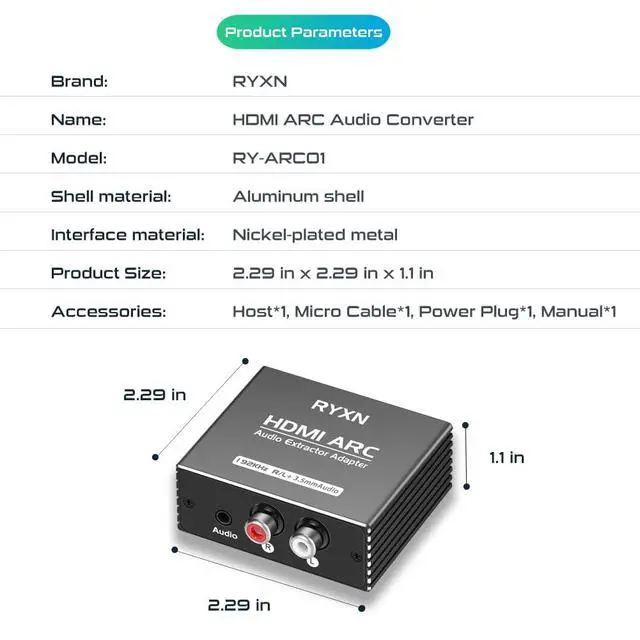
A: Sure. Split power supply is more flexible in daily use, and the power cord can be used separately. Other brands of 5V/1A plugs are also supported. Use variable environment to reduce failure rate.



Use Q&A
Q: Why is there no sound from the speakers?
A: 1. Check whether the ARC port of the TV is inserted correctly. 2. Select ARC/eARC for audio output and PCM for audio format. 3. Check whether the POWER indicator and LINK indicator are on.
Q: Why is there no sound after using it for a while?
A: Because ARC converter power is not turned off synchronously every time the TV is on standby or turned off, some TV programs will not actively retrieve ARC signals when the TV is turned on again. So every time you encounter this problem, re-plug the ARC power supply to solve it.
Q: What devices are HDMI ARC converters suitable for?
A :HDMI access to ARC enabled TVS and projectors. Audio outputs include speakers, bar speakers, and power amplifiers (ARCs).
Q: Can't the TV remote control the volume?
A: You have not turned on the CEC function on your TV. Generally speaking, the TV is turned off by default and needs to be turned on in advance. Go to Settings > HDMI Settings > HDMI-CEC.
Q: My TV does not have an ARC port, can I use it?
A: Please note that if the TV does not support ARC, it will not work properly.
Q: What are the specifications for HDMI cables?
A: Please use the HDMI 2.0(19+1) cable, because some brands of HDMI 1.4 cable omit the ARC core, resulting in no sound output.
Q: The power adapter is separate, can I use the power cord separately?
A: Sure. Split power supply is more flexible in daily use, and the power cord can be used separately. Other brands of 5V/1A plugs are also supported. Use variable environment to reduce failure rate.
8K HDMI SPLITTER SWITCH
HDMI SPLITTER
AUDIO CONVERTER
KVM SWITCH
HDMI extension & RJ45 Switch
