



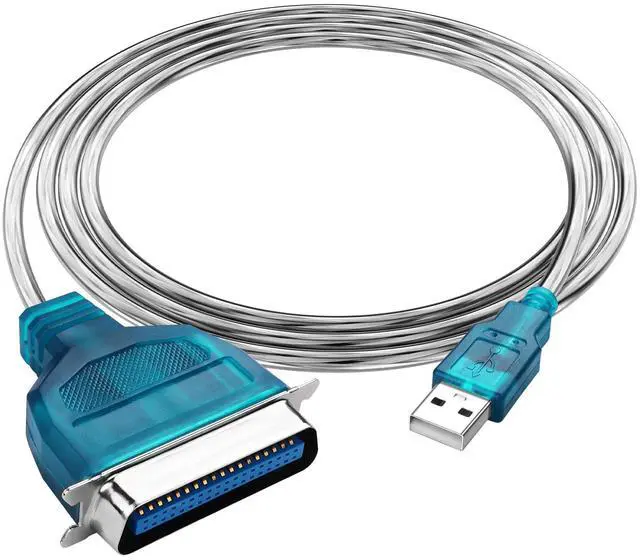


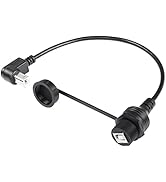
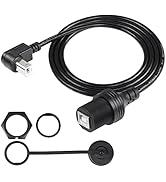
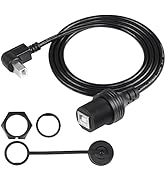
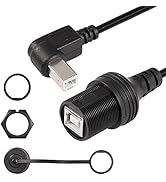
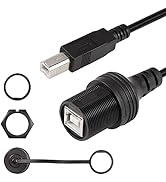
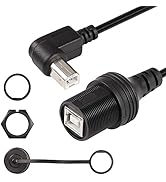
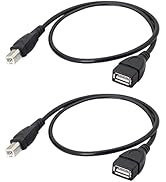
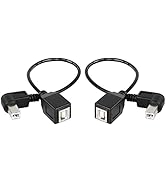
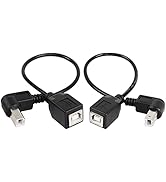
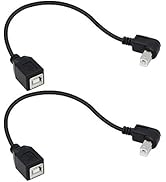
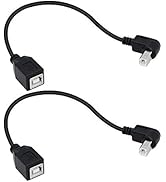
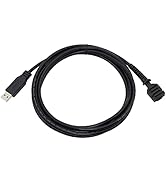
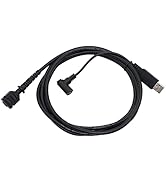
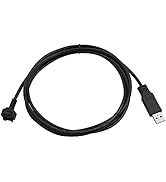
SinLoon Type-B Printer Cable
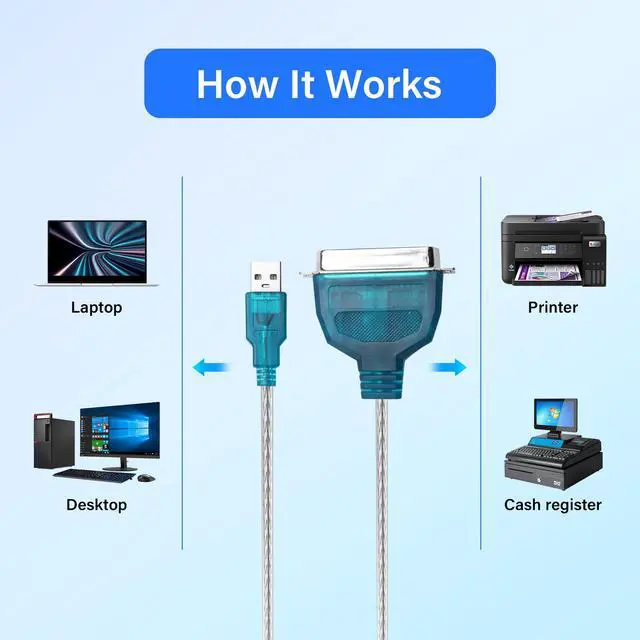
for Printer, Scanner, Mobile HDD Car Truck Boat Motorcycle Dashboard,Sync Printing and Data Transferring
Do I need to install a driver to use this cable
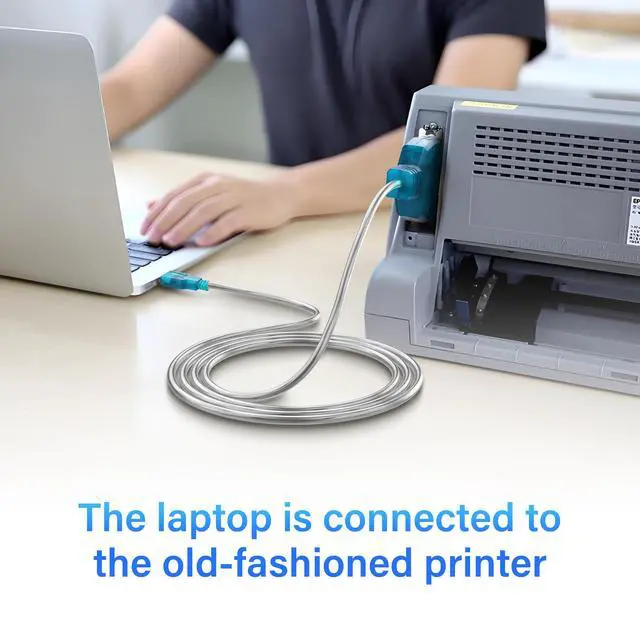
The cable itself does not require a driver, but to use it with a printer, you need to install a printer driver on your computer
Why does the product not work when connected to the printer and what should be done
You need to set up the printer port on your computer: 1. Start Menu> Settings> Find "Printers and Scanners" 2. Then click on the Printers >Printer Properties >Find "Port"and click 3. Select the USB virtual printer port (UBS001, USB002..) and confirm
What systems is this cable compatible with?
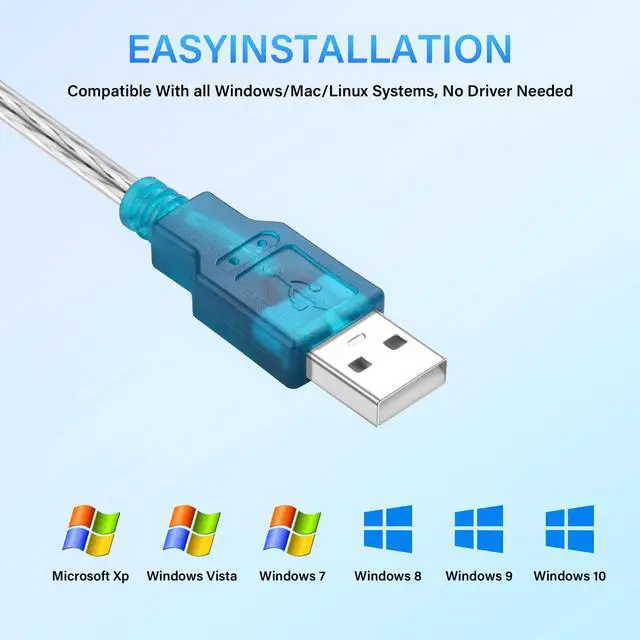
Its compatibility includes Win11/10/8/7/Vista/XP/2000/ME/98SE, Mac OS and Linux systems
Can it be used if the device is an LPT port?
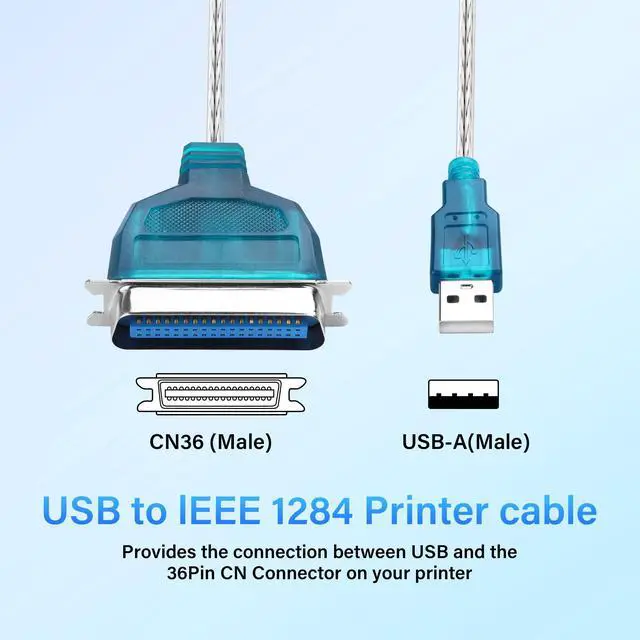
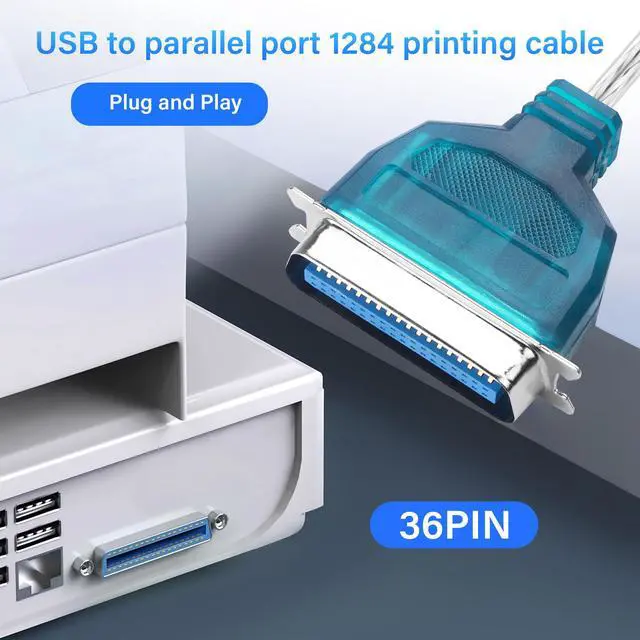
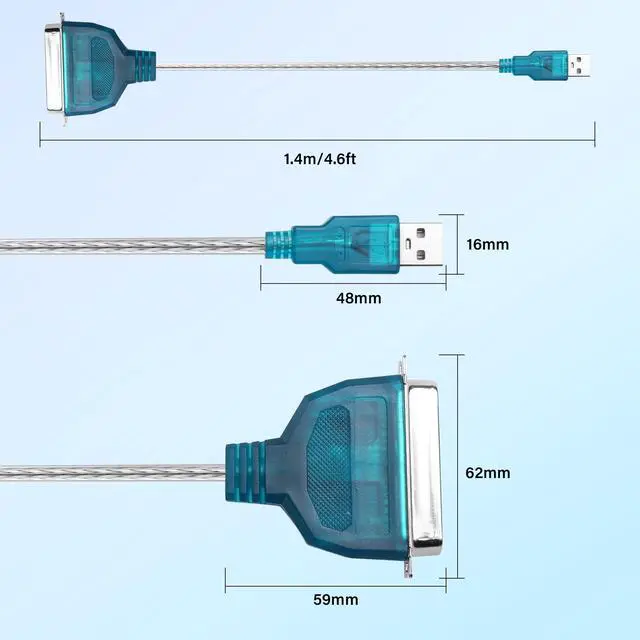
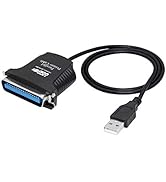
No, this parallel port cable can only be used with the IEEE1284 CN36 (Not DB25) jack
Do I need to install a driver to use this cable
The cable itself does not require a driver, but to use it with a printer, you need to install a printer driver on your computer
Why does the product not work when connected to the printer and what should be done
You need to set up the printer port on your computer: 1. Start Menu> Settings> Find "Printers and Scanners" 2. Then click on the Printers >Printer Properties >Find "Port"and click 3. Select the USB virtual printer port (UBS001, USB002..) and confirm
What systems is this cable compatible with?
Its compatibility includes Win11/10/8/7/Vista/XP/2000/ME/98SE, Mac OS and Linux systems
Can it be used if the device is an LPT port?
No, this parallel port cable can only be used with the IEEE1284 CN36 (Not DB25) jack
SinLoon Type-B Printer Cable
for Printer, Scanner, Mobile HDD Car Truck Boat Motorcycle Dashboard,Sync Printing and Data Transferring
Waterproof USB-B Printer Cable
Waterproof USB-B Printer Cable
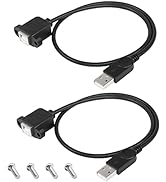
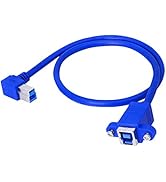
USB 2.0 Type-B Printer Cable
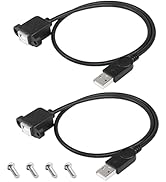
USB 2.0 Type-B Printer Cable
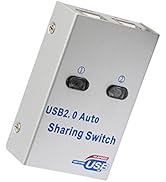
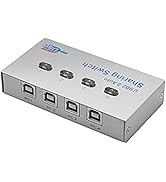
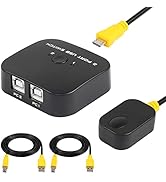
USB Printer Sharing Switch
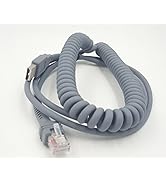
VX805/VX820 USB Cable
